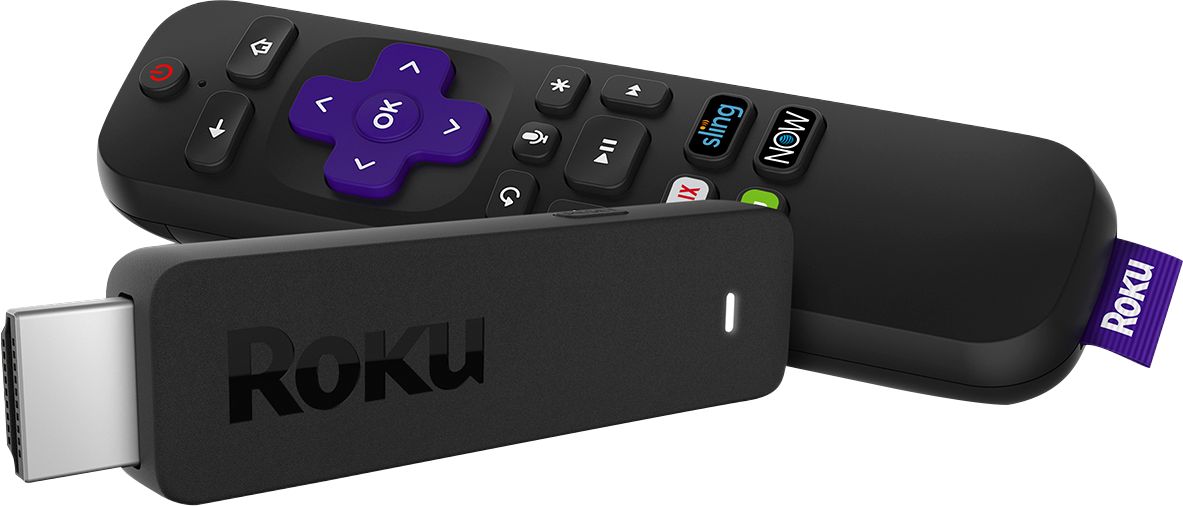
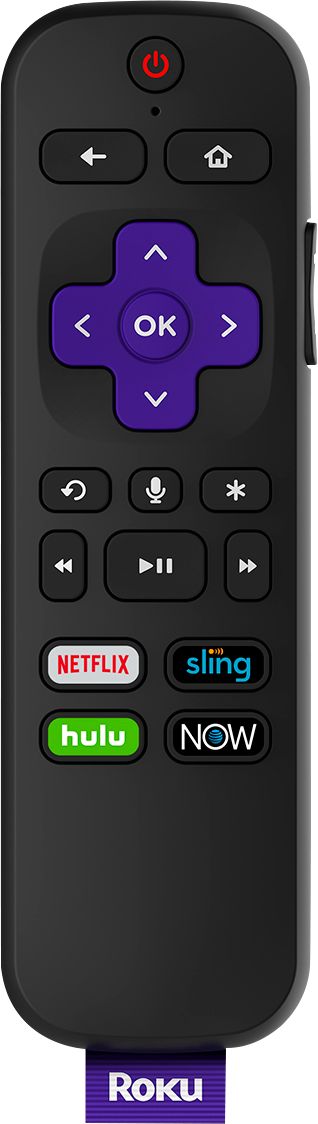
A:Answer Hi! Doing a search of The Roku Channel store it does not appear that there is currently an Official Wyze Camera channel available on Roku. However Roku does support screen mirroring on compatible Roku devices for when you want to display content from your phone or tablet on a nearby TV. This feature allows you to replicate (or “mirror”) the screen of your compatible Android or Windows device wirelessly onto your TV screen. In other words, whatever you see and do on your mobile device appears on your TV. To use screen mirroring, you must first set up and enable the feature on your Android or Windows device and then request a connection to your Roku device. Once you confirm the request and the connection is established, you can see your mobile screen on your TV and control it from your phone or tablet. You can also screen mirror from an iPhone, iPad, or Mac,using AirPlay 2 which was first introduced on select 4K Roku devices with Roku OS 9.4. With Roku OS 10 Apple AirPlay 2 and HomeKit are now available on even more Roku devices.Users can simply press the Screen Mirroring button in Control Center on their iPhone and iPad, or the AirPlay icon in the Menu bar of their Mac to share presentations, websites, and more right on the big screen.For additional information on screen mirroring with your Roku device take a look at the link here :https://support.roku.com/article/208754928