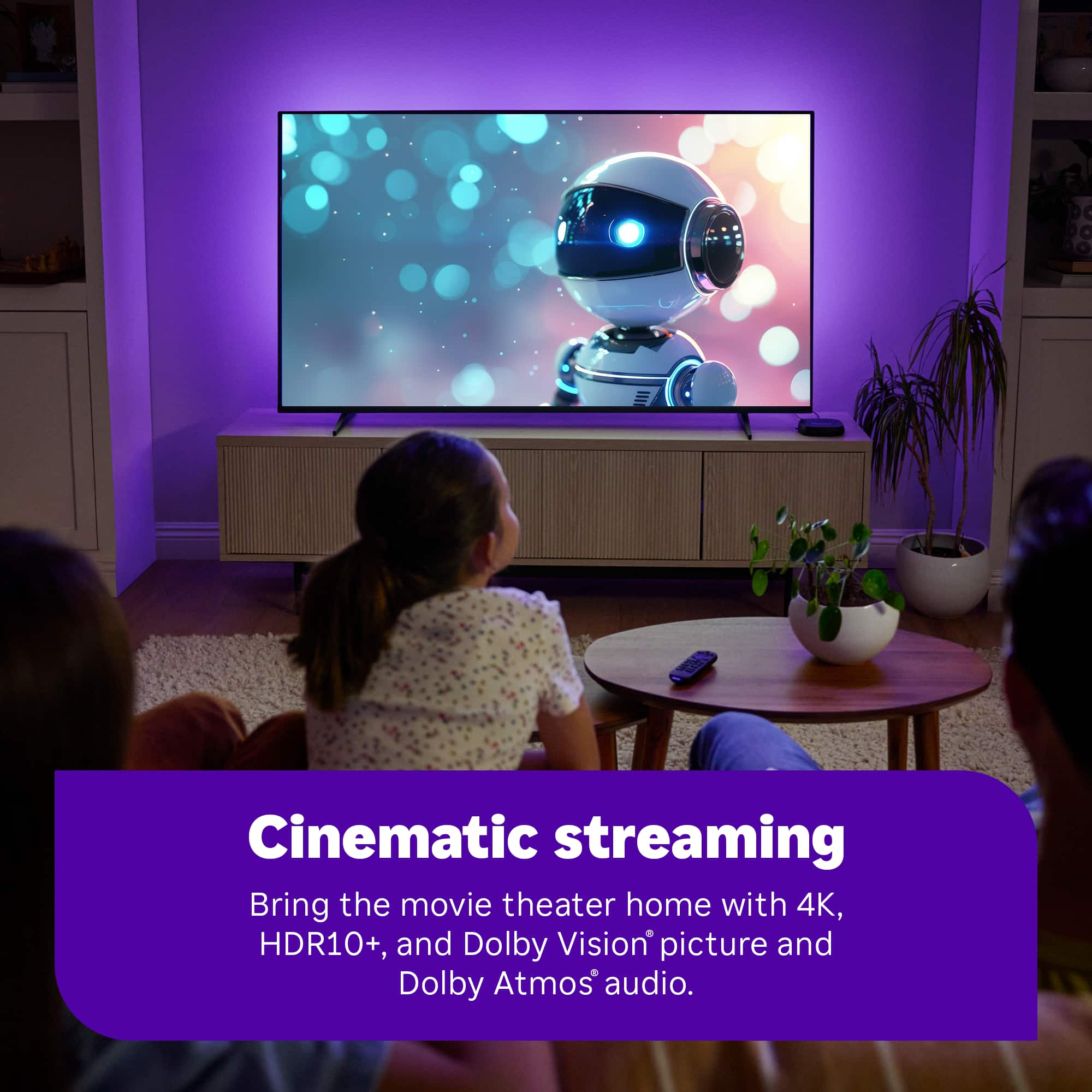
A:AnswerYes, you can. But you won't see many of the benefits of the new device (Dolby Atmos, Dolby Vison) because your TV might not support it. But if it does, you will notice it.
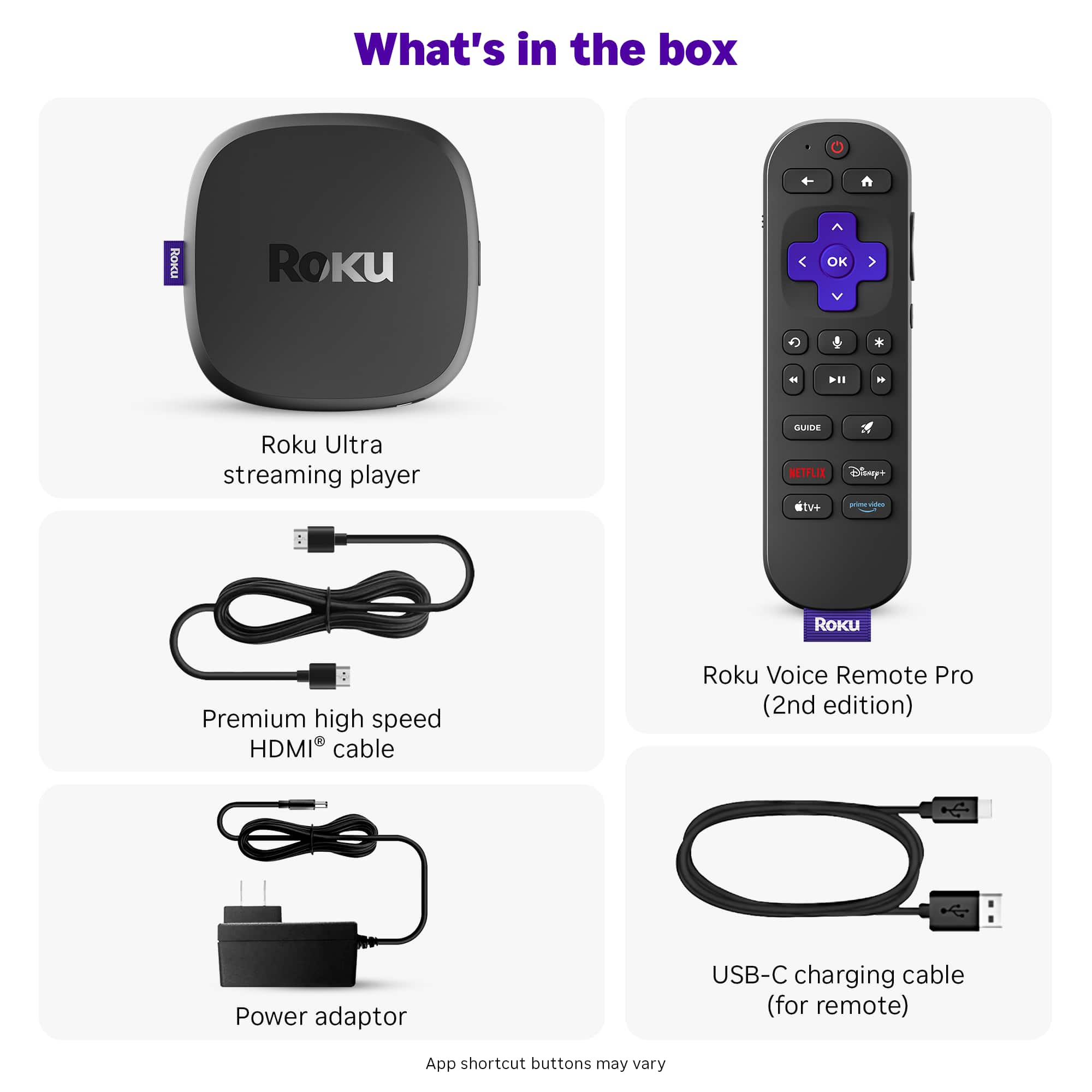
A:AnswerThat's a great question! The Roku Ultra 2024 was not designed (doesn't have the ports in the front or back) for a fiber optic input/output connection. So there's no way to use a fiber optic cable to connect the Roku Ultra 2024 directly to your HDTV or surround sound receiver. You will need to use the included HDMI cable to connect the Roku Ultra 2024 to your HDTV or to your surround sound receiver. You can connect the Roku Ultra 2024 to your home network using a Cat5/Cat6 ethernet cable. One end of the cable will plug into the Roku, the other end will plug into your router. You can also connect the Roku Ultra 2024 to your home network via Wifi. I hope this helps.
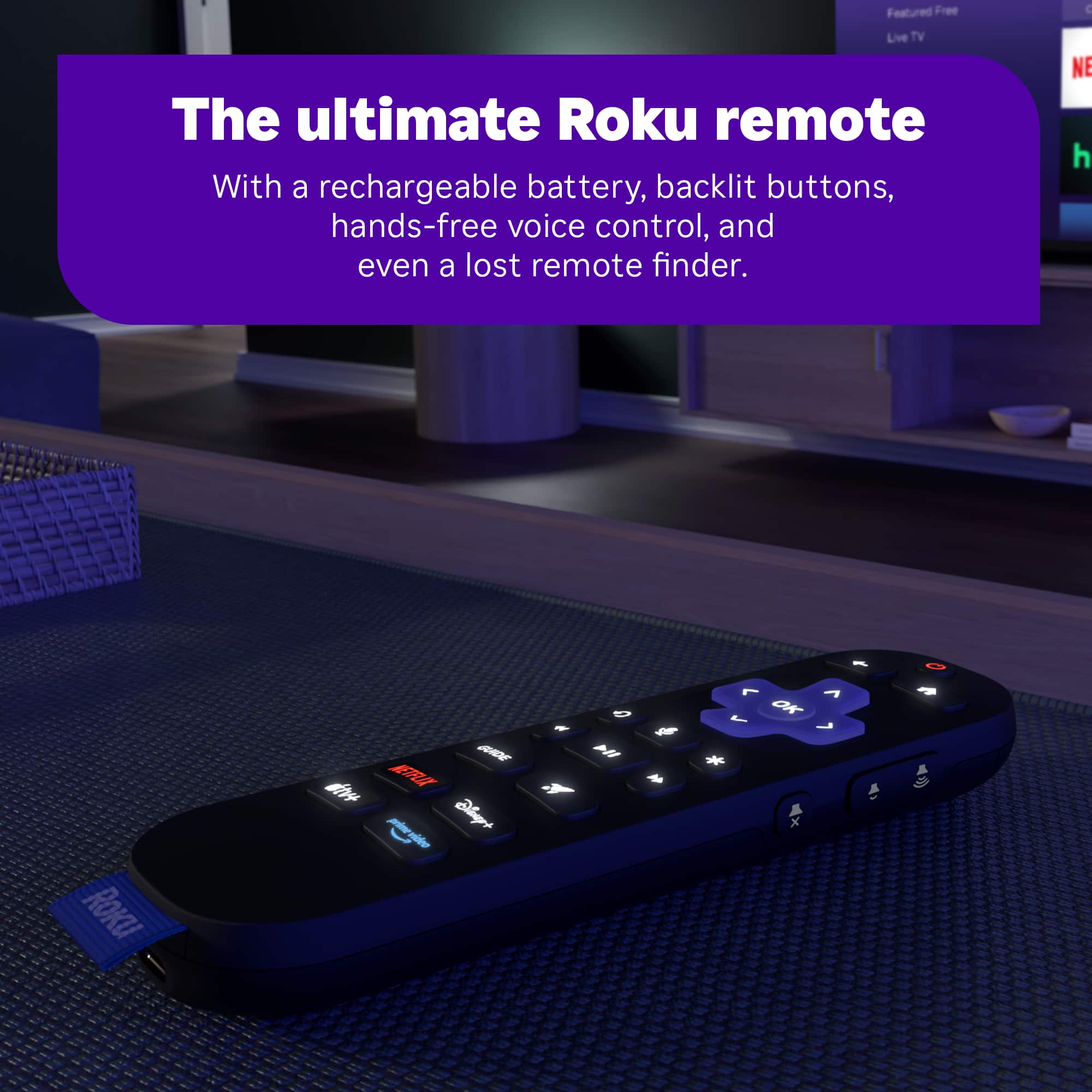
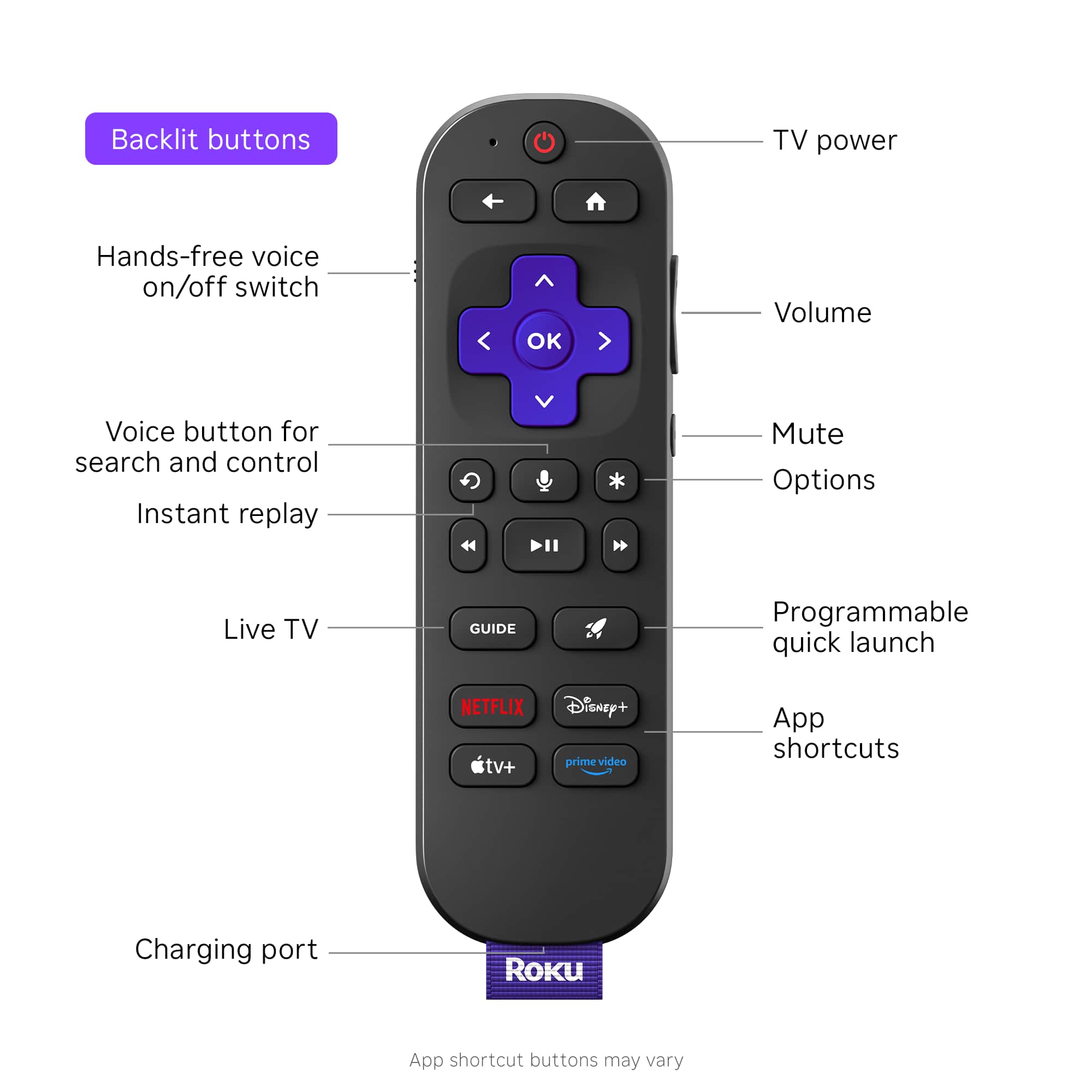
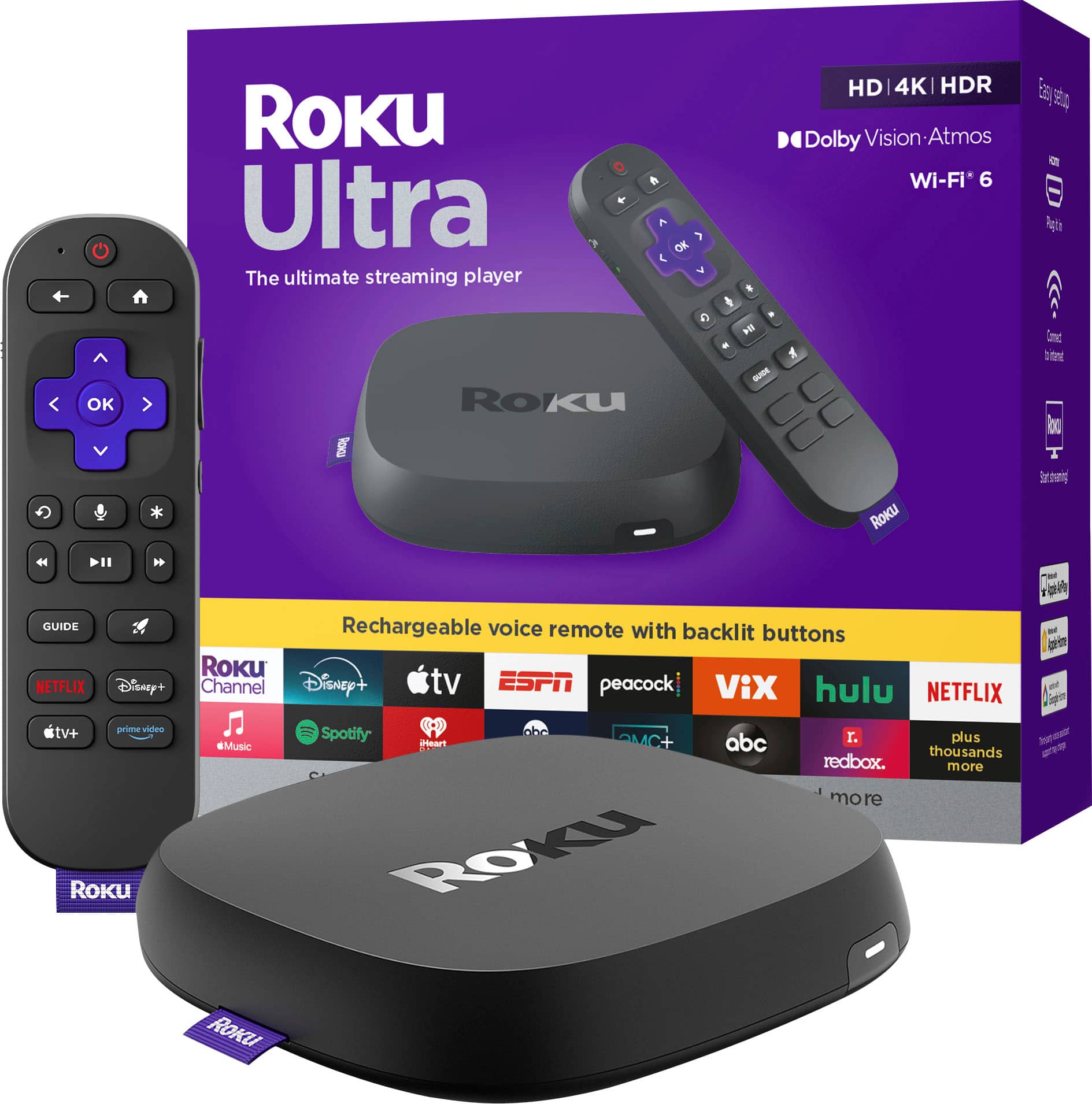
A:AnswerHello LEWW, The Roku Ultra is our best and fastest device coming with several upgrades, This device has an ethernet port, a USB port, a find my remote button, Dolby Vision Atmos, the Roku Voice Remote Pro ( voice activated, USB-C rechargeable, backlit buttons, programmable quick launch button).
A:AnswerHello Jimbo, Roku devices are always updating and don't just go bad, This definitely has more ram than your 5 year old express. I may suggest factory resetting your express to get it running a little faster since it has played 5 years worth of content.
A:AnswerIn your setting you can set it up to not timeout when leaving it paused, some apps will kick you out after a certain amount of time being paused. As for opening your favorite apps on start up, that’s unfortunately not an option and we only offer setting a perfected input such as HDMI 1 to start on power on.
A:AnswerHello Btal! Roku offers free subscription trials for certain channels and services through the Roku Channel. You can sign up for these trials through the Roku app, Roku TV, or Roku.com. You can also view and activate offers and free trials in your Roku account.
A:AnswerHello RLR29! Yes, Roku gives you access to the Bodi app.If you are ever curious what Roku has to offer here is a link to our Channel store. https://channelstore.roku.com/search
A:AnswerHello Jake, there is no audio output other than the HDMI port, if you have a newer stereo that connects to the tv through HDMi then you can do it like that.