A:AnswerHello Samgd, Yes Roku has YouTube TV and is compatible with Google fiber. Roku devices are the most optimized products on the market for streaming devices and should fix your problem.
A:Answer• It uses an HDMI connection, not sure if your older TV has one. Reply from Grok:
The Roku device + remote will turn your older non-smart TV into a “smart” one for streaming (Netflix, YouTube, etc.).
• You’ll likely still need your old TV remote (or the TV’s physical buttons) to turn the TV on/off, adjust volume, or switch inputs.
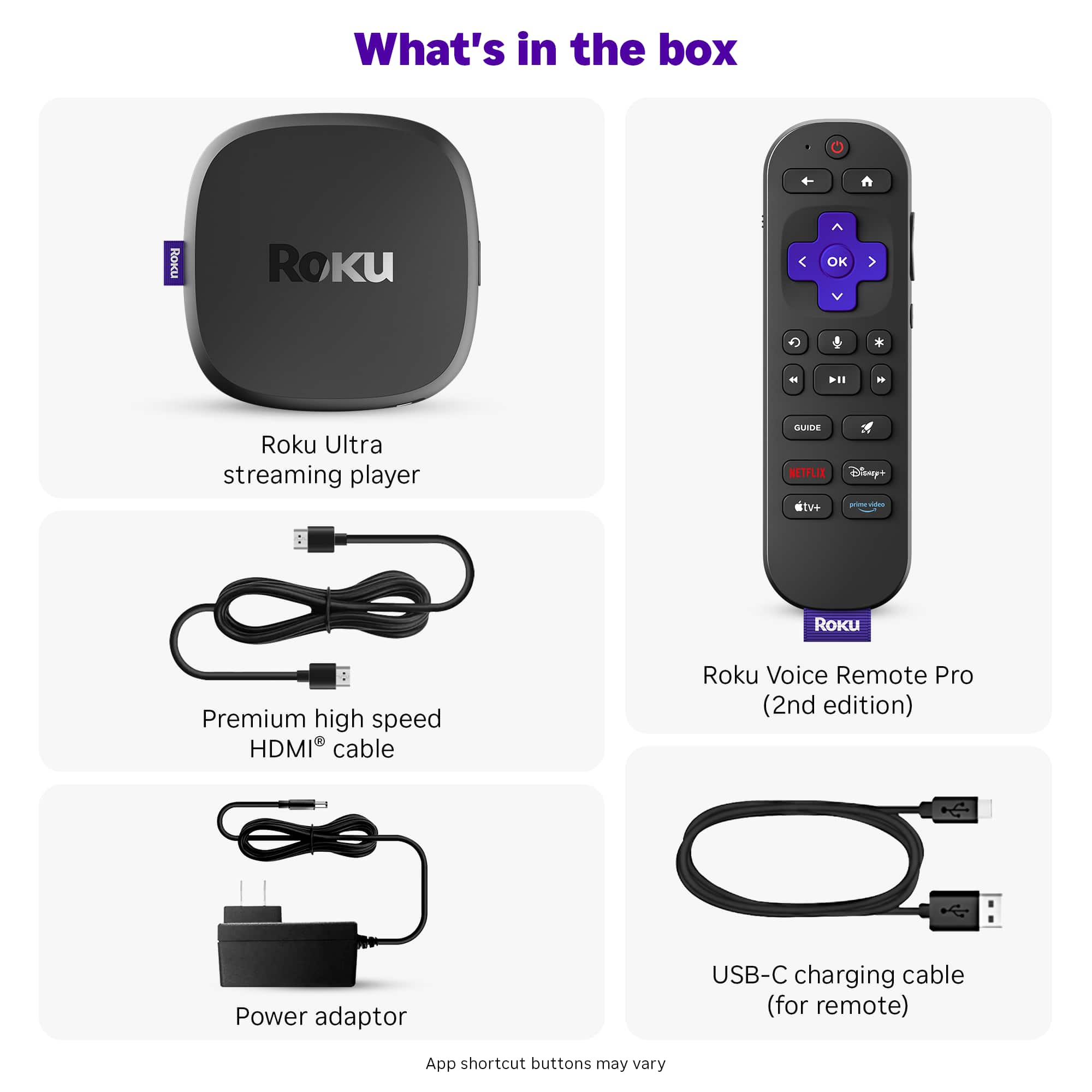
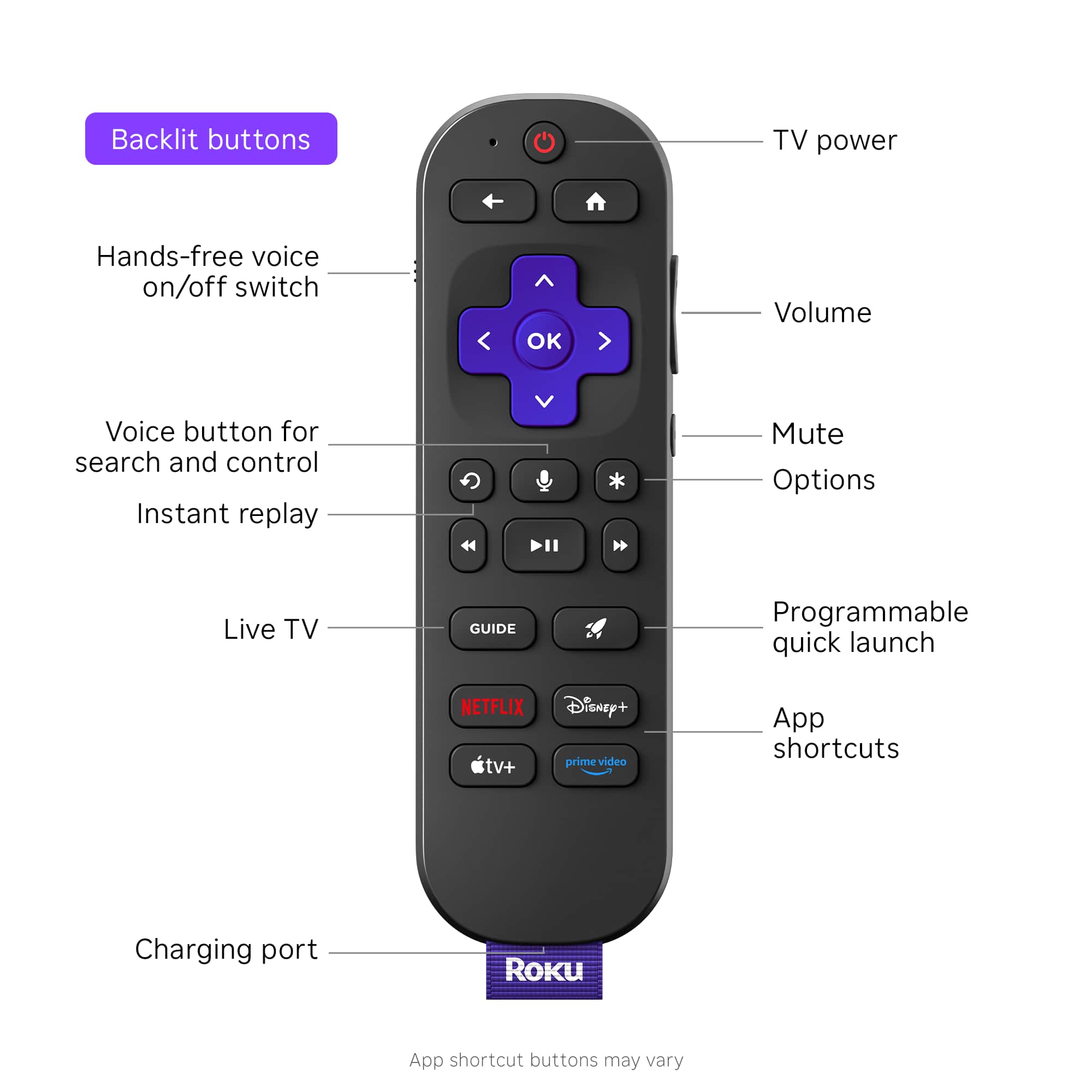
• Some newer Roku voice remotes (like the Voice Remote Pro) have IR TV controls that can be set up during initial Roku setup to try controlling power/volume on many common TV brands — even older ones — if the codes match. But success varies a lot with very old TVs (pre-2010s models often don’t work well or at all for this).
• Roku remotes are not compatible with non-Roku brands in the sense of full TV replacement; they’re for controlling the Roku hardware.
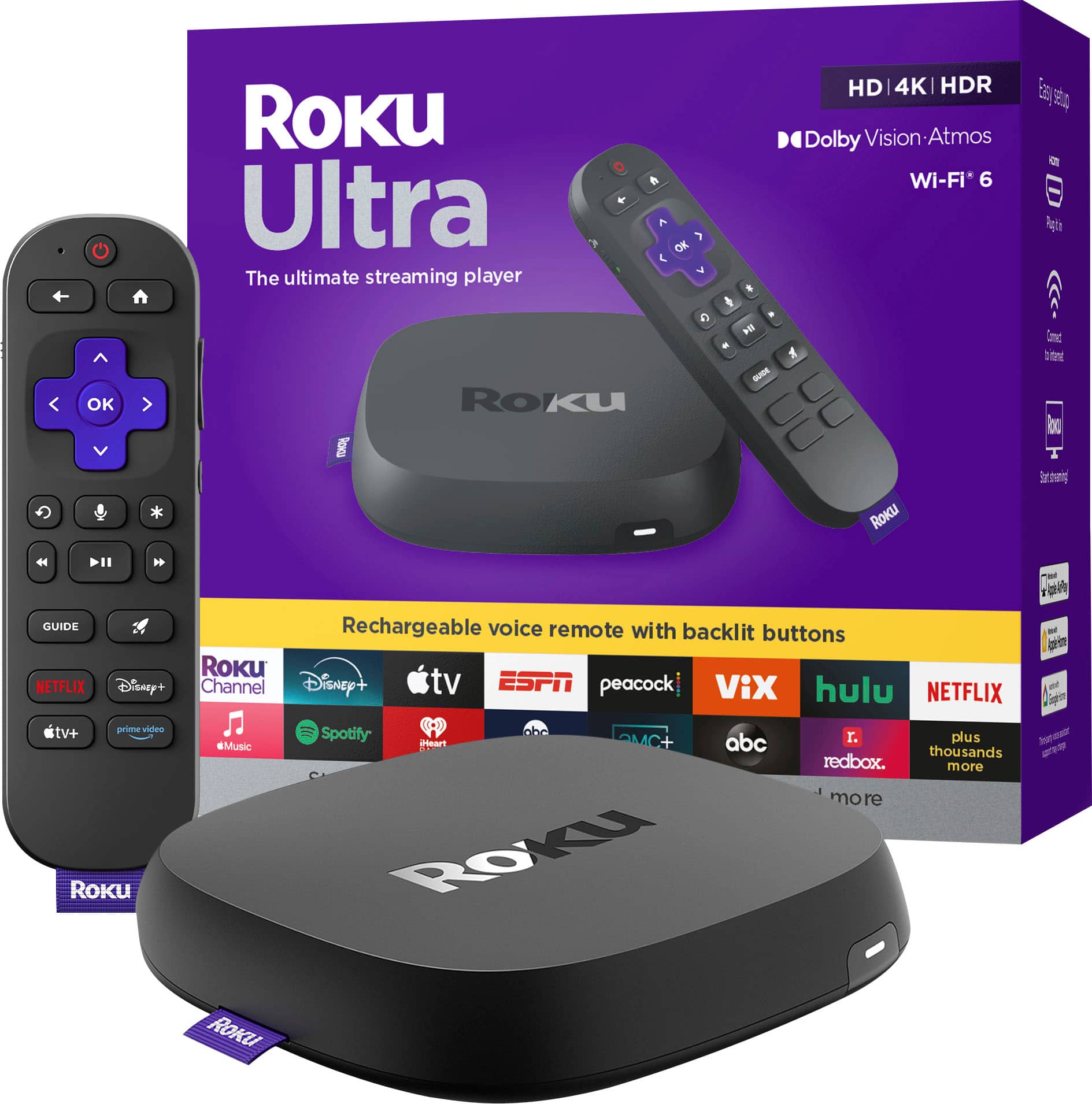
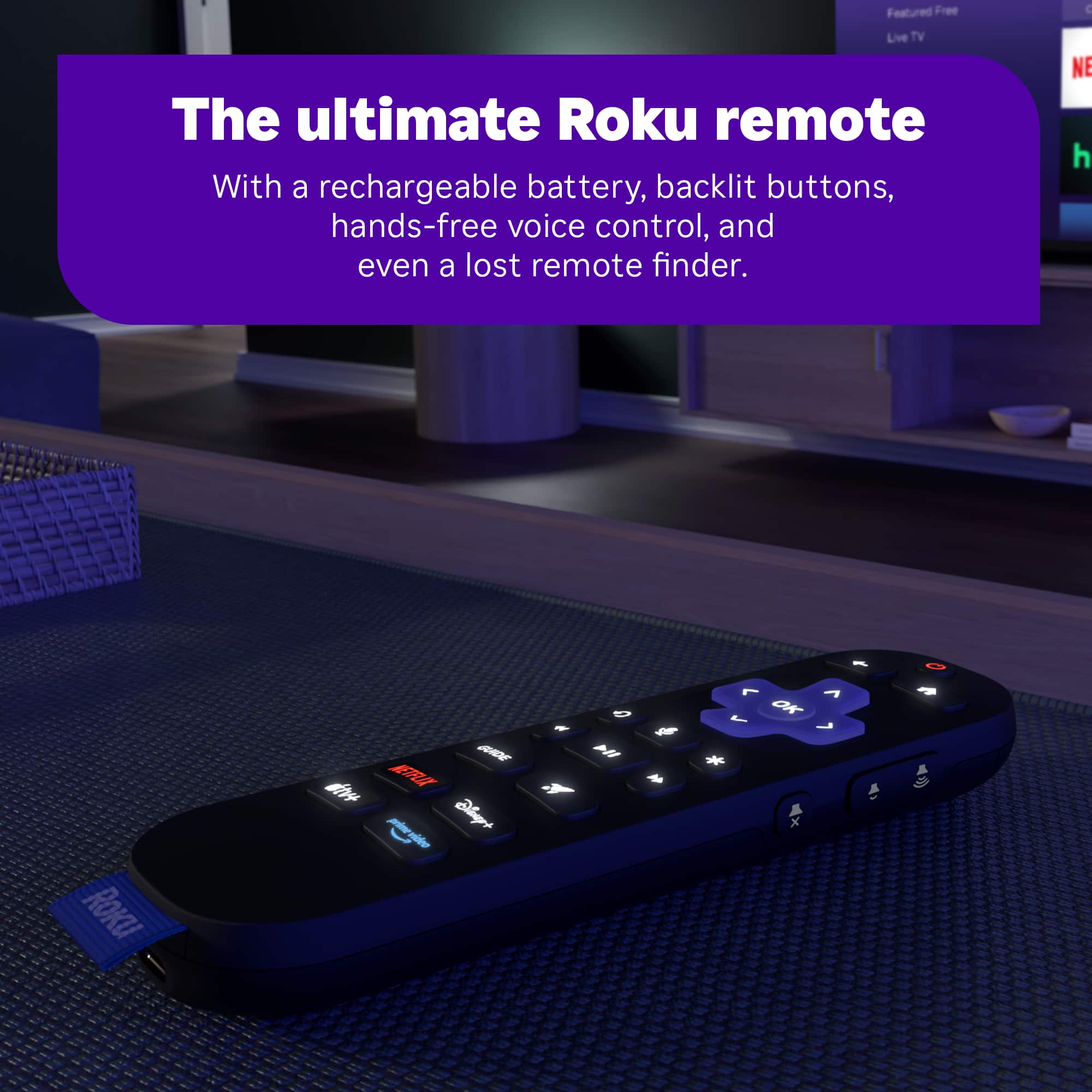
A:AnswerHello, Roku and The Roku Ultra have many factors that differentiate it from FireStick. Roku has the most apps out of any smart platform, The most free content with the Roku Channel offering 500+ Free live TV channels as well as some on demand content, compatibility with Apple, Android, and windows for casting or screen mirroring, The Roku Ultra features a back lit remote with a find my feature that makes the remote sound off to help you find it, hands free voice to control your TV via voice, a USB port to allow for watching any content you have saved, Dolby Vision Atmos, and much more!
A:AnswerHello Tom, Roku devices work with any TV with an HDMI port. If your TV doesn’t have an HDMI port you can use a Composite AV to HDMI adapter but if you do this the remote won’t power the TV or change the volume.