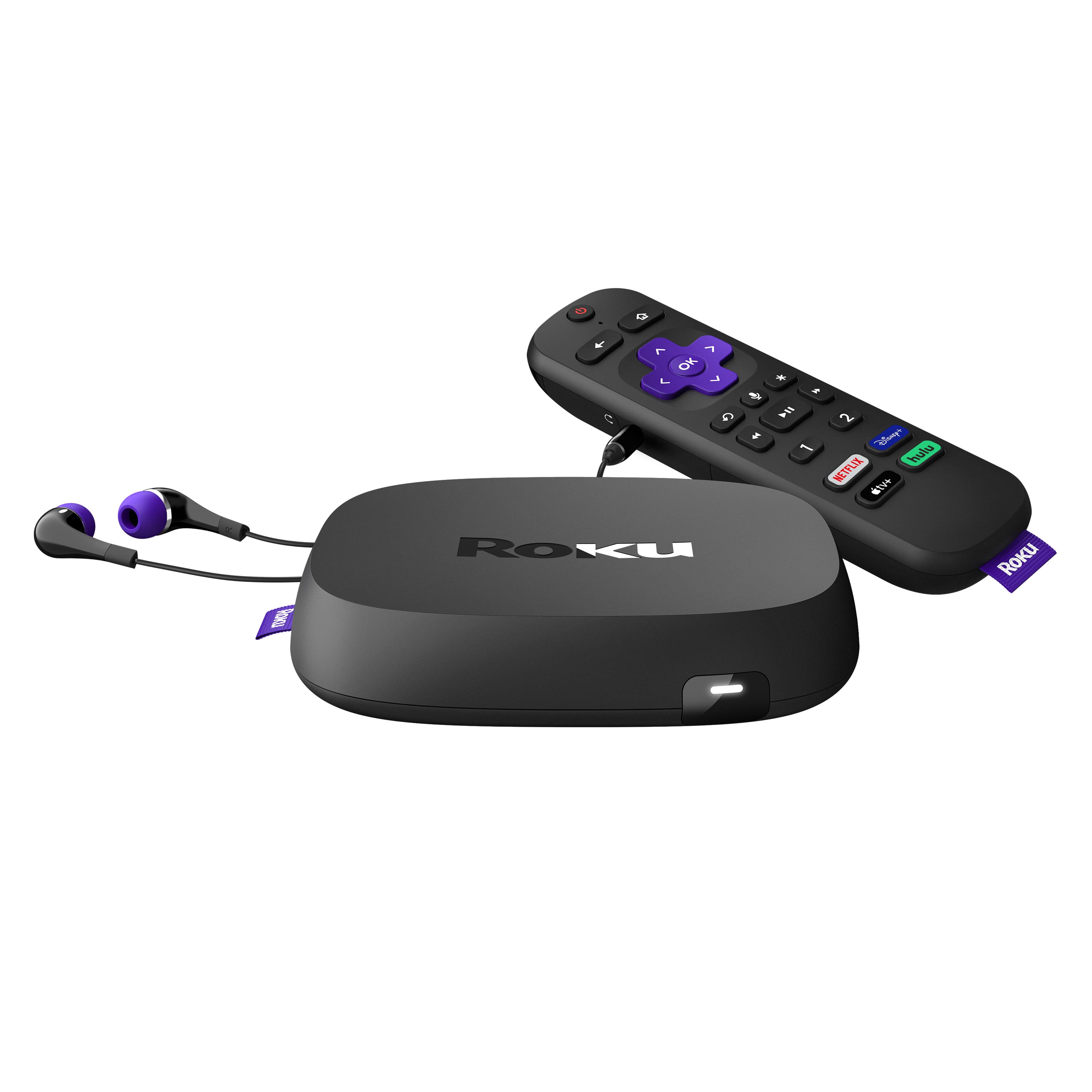
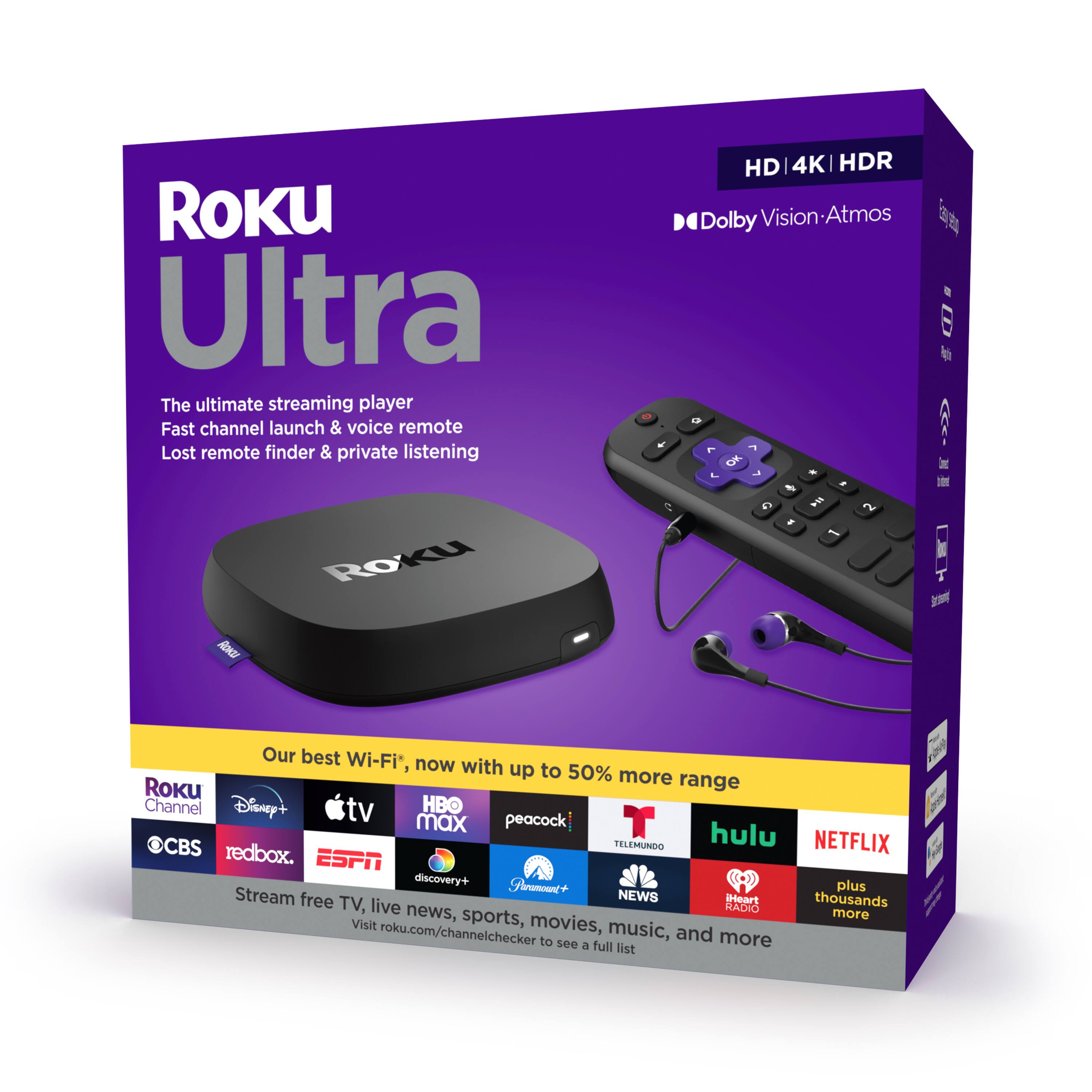
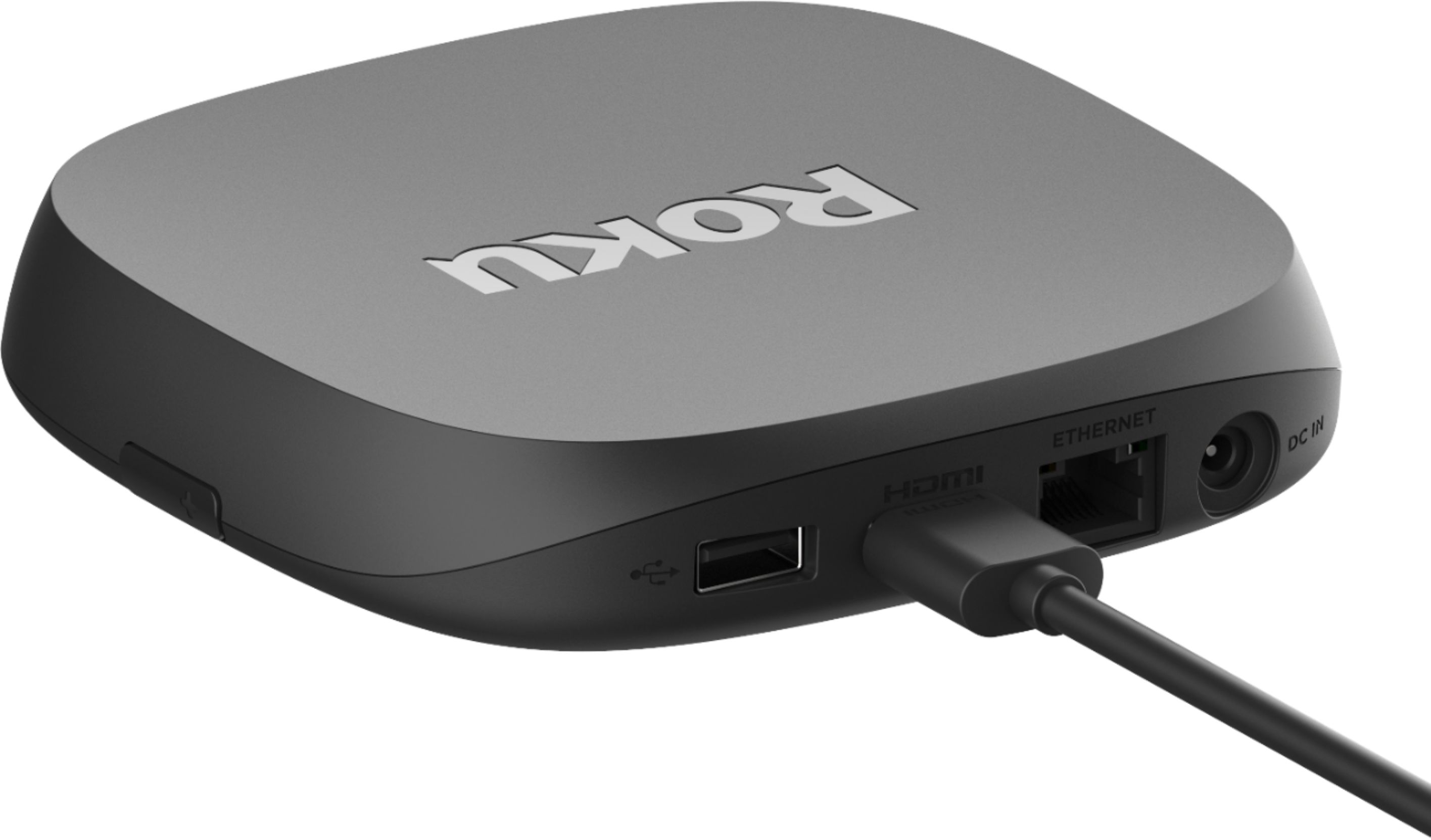
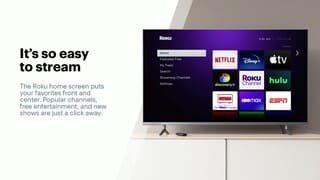
A:AnswerI believe the Roku unit is only designed to be connected to your TV. Connect the Roku to the router with ethernet cable then connect Roku to tv. Then create an account and sign in. Best to read the directions that came with the unit.
A:AnswerTry doing a Soft Reset, by unplugging power for 20 seconds and plugging it back in. This usually fixes and sound and video issues with Roku devices.
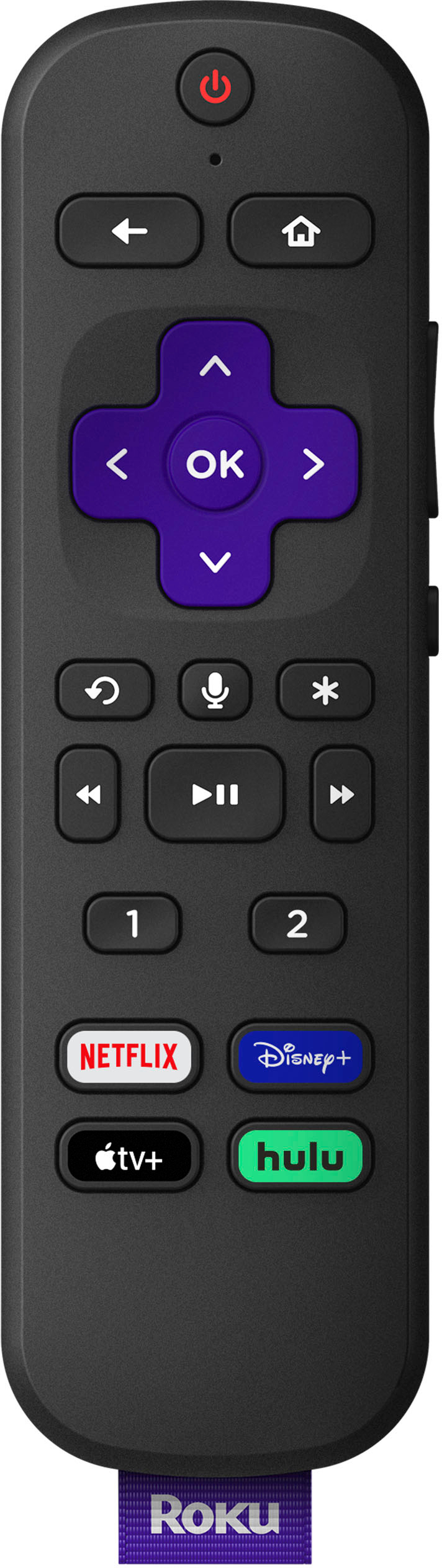
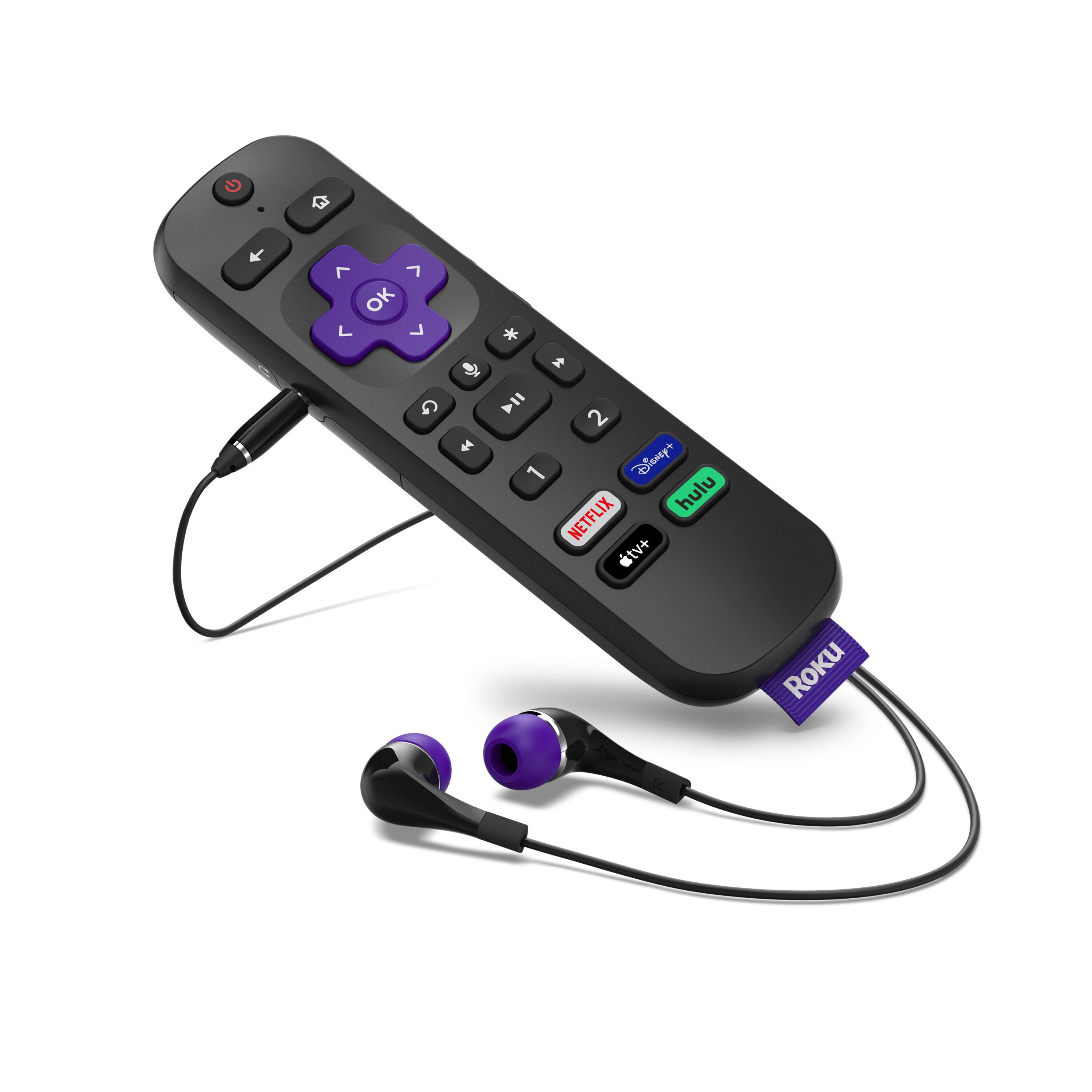
A:AnswerWhat I can tell you is that my LG Magic Remote controls my Roku Ultra, but why would you want to? We hate that Magic Remote. Since we had to buy the Roku anyway to get the streaming platforms that LG does not support, we're happy to use its remote instead.
A:AnswerShort answer: Yes.
Comcast/xfinity streaming app is only available on the Roku devices.
Setting up the app is easy.
The app is still in beta phase and can be temperamental at times. Audio is out of sync at times and occasionally freezes even with excellent Wi-Fi.
A:AnswerYou get access to whatever’s on your network. Ex: If you have Spectrum and they offer those channels, you’ll have access. If you use Netflix or Hulu you’ll have access to whatever is on those networks. Hope that helps.
A:AnswerI'm not sure if you're asking if you need a Roku streaming device per TV or if it's a compatibility question. If you have multiple TVs you will need a streaming device for each, unless you don't mind unplugging it and connecting it to whichever TV you want to use at that time. I've done that in the past when one device dropped working (after several years) and I waited to buy a replacement. Using one for multiple devices is not so bad.