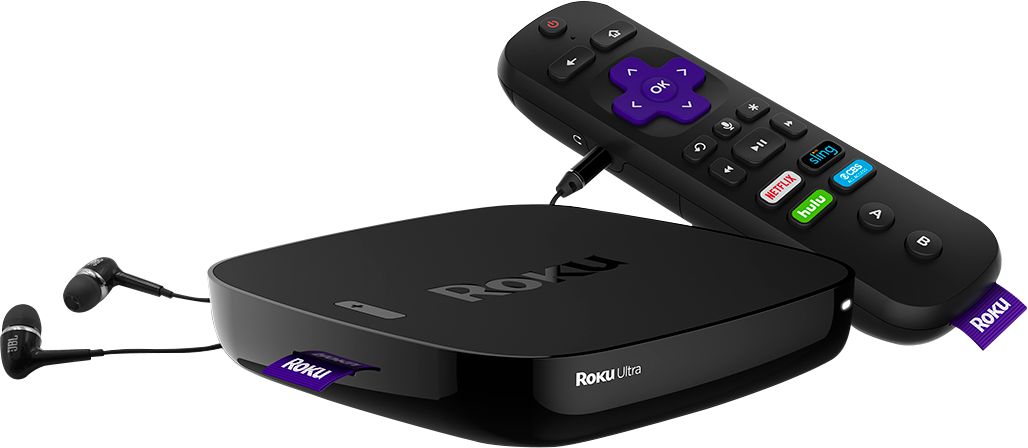
A:AnswerI bought the box for 89.00 and NOT the stick and have absolutely zero lagging and no interruptions. Don’t forget though if your internet is bad then no matter what you do your connection will be bad.
A:AnswerI have spectrum cable and through the free downloadable app I get those channels, provided your talking about CBS, ABC, fox, NBC, etc. I also get a vast number of the other channels that I usually watch through calls on my tv.
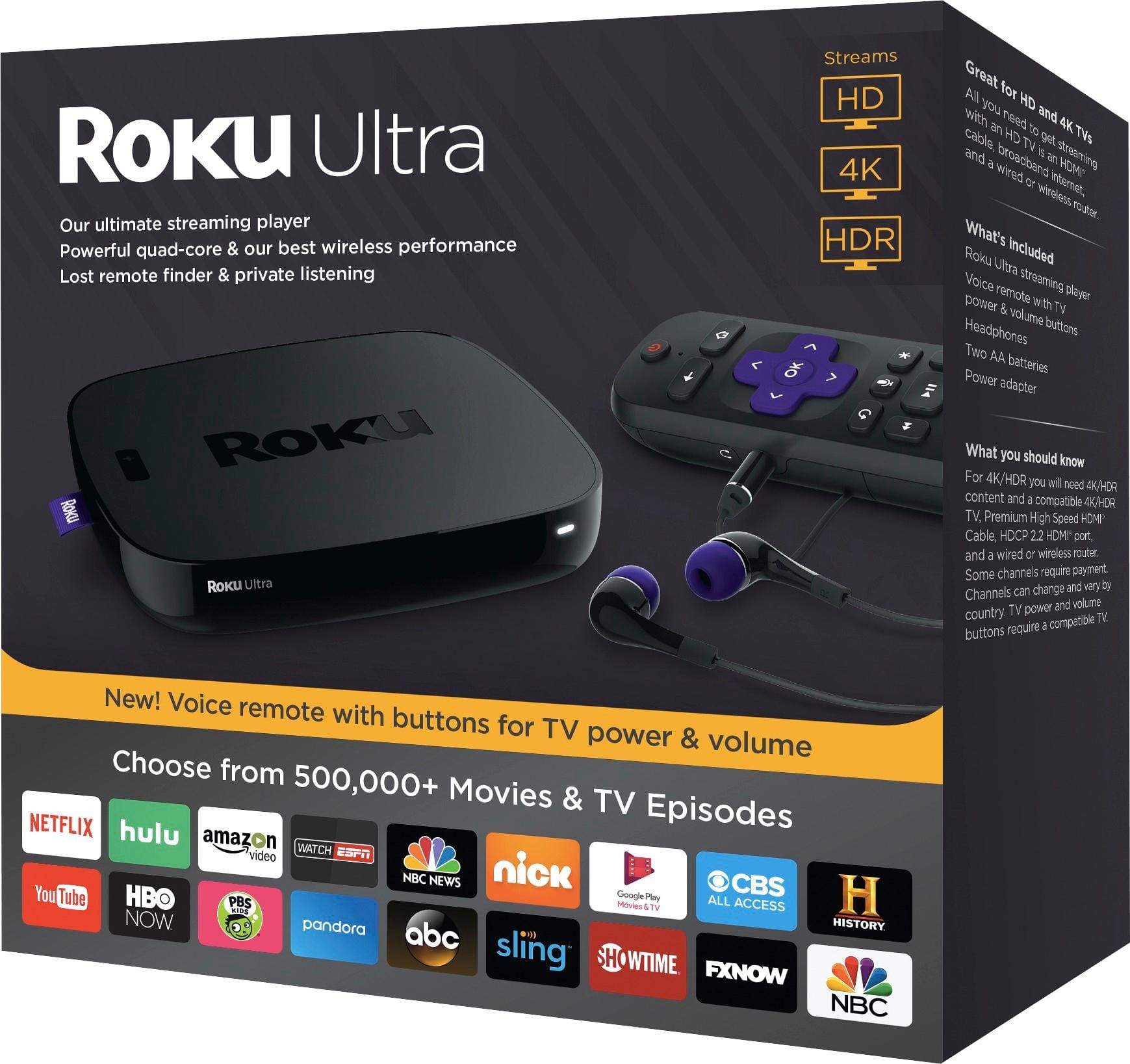
A:AnswerNot sure I understand exactly what you are asking, but if you're asking about adding "channels/apps" that are not included and already installed when you buy the device, then the answer is yes you can "install" other channel/apps for streaming thru the Roku website, or from the device itself with the "add channel" function. You can search from many different channel/apps that are available. Many, many popular ones are available and alot that you may or may not have heard of before.
A:AnswerThe apps you purchase are tied to the account you set up. If you have 2 TV's with a Roku on each, with the same account logged into each TV, then you should get the apps you purchase on both TV's
A:AnswerNeed a seperate Roku for each TV. Get rid of cable and just have internet. Roku works without wi-fi but it will limit your channels.
You'll need to make seperate accounts for each TV so that someone on another device doesn't change your TV whilst you're watching it.