A:AnswerHello there,
We’re glad to receive your inquiry. Let’s get you the details you need.
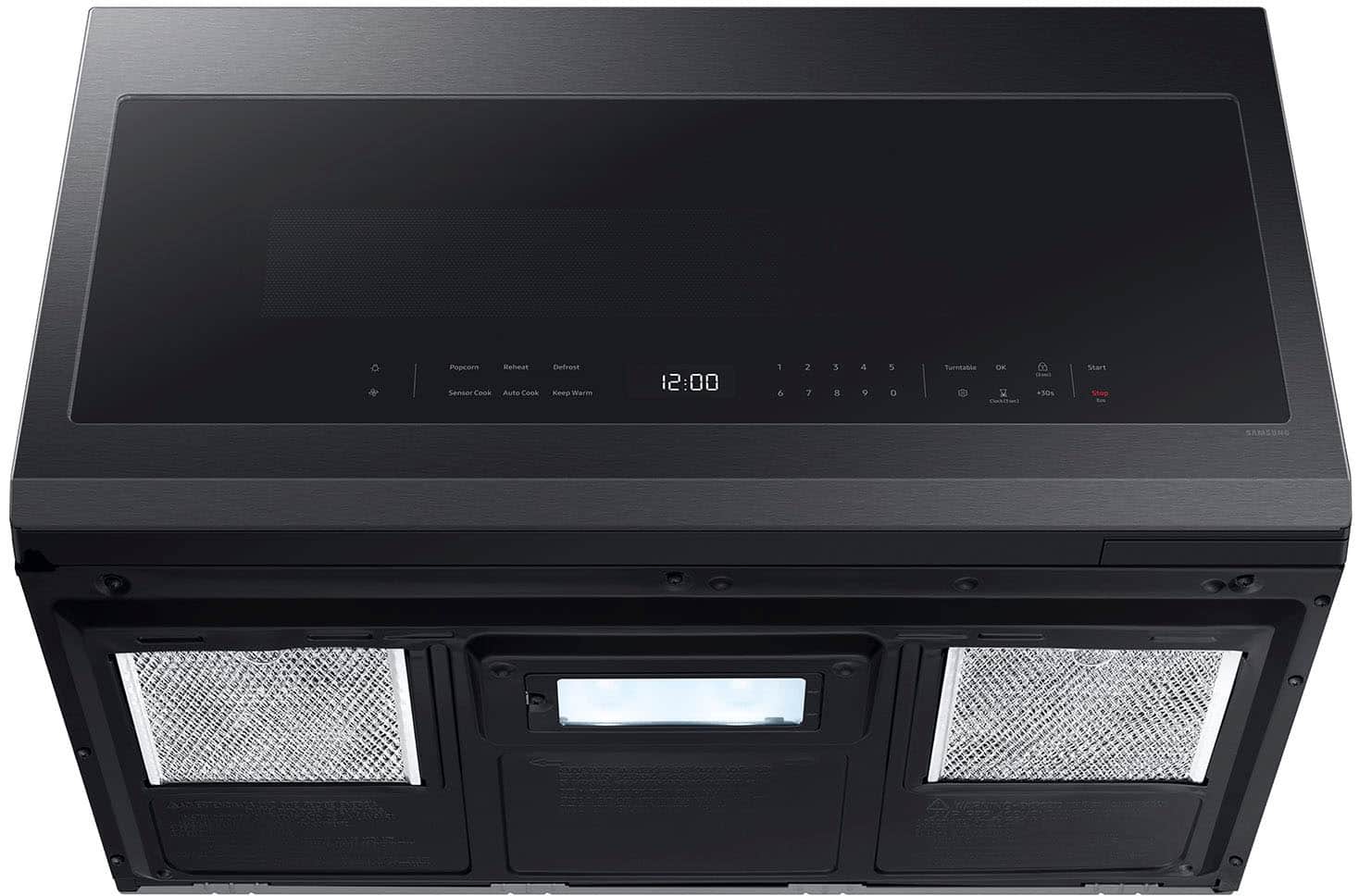
To set and operate your microwave’s power at 50% power, you must manually enter the cooking time and then adjust the power level using the number pad. For reference, turn to page 19 of the user manual under “Power levels”:
https://downloadcenter.samsung.com/content/UM/202502/20250214160226972/O_01._IB_FULL_ME7500D_GOOD_ME21DG6300SR_AA_AC_EN.pdf
Have a great day.
-John
A:AnswerHello Rachel,
Yes, the turntable on this microwave model can be turned off. On page 14 of the user manual, a dedicated "Turntable (On/Off)" option is indicated in the system settings, which can be accessed and controlled from the control panel.
Have a great day.
-John
A:AnswerGreetings,
We know how important it is to have a reliable appliance at home. Let us help you with your microwave.
Here is a link for troubleshooting steps for the issue of your microwave; kindly click the embedded words.
Lights comes on after closing the door.
https://www.samsung.com/us/support/troubleshoot/TSG10007188/?msockid=08e6a45904c26b1f3477b061055f6aec
If you have further questions or inquiries, these are the platforms that you can reach in the future:
1. Facebook Messenger: http://m.me/samsungsupport
2. Twitter: https://twitter.com/messages/compose?recipient_id=18768513
3. Samsung Community: https://us.commuity.samsung.com/t5/Samsung-Community/ct-p/us
Please provide us with this reference number (1151258013) to help our team pull up your information when you message us.
Thank you.
-Ricardo
A:AnswerThe microwave door fits fine above my range. My kitchen cupboard handles stick out from the cupboard and it doesn’t interfere with the microwave door. I suppose if someone had deeper cabinets and the microwave sat deeper in towards them, the door would probably have some clearance issues along the hinge side when open. My cabinets are a little over 13” deep from the wall (including the cupboard door). The microwave sits around 16 3/4” out from the wall.
A:AnswerHi MatthewL,
No, this microwave model does not require a trim kit for its installation in the cabinets.
For more details regarding the installation, please refer to the manual link below.
Installation manual
https://downloadcenter.samsung.com/content/EM/202403/20240318130943669/DE68-04108A-08_IM_ME18H704SFB_AA_EN_240305.pdf
Have a wonderful day.
-Kimberly
A:AnswerBest Buy does offer the removal of old appliances for a fee. Best Buy charges $59.99 for microwave haul-away when delivered with a new replacement product by Best Buy or Geek Squad, or for a standalone service fee of $199.99 for removal without a new purchase.
A:AnswerA 15-amp or 20-amp dedicated circuit breaker is required for a Samsung over-the-range microwave, with a 20-amp breaker being recommended for optimal performance. The microwave requires a dedicated, 120-volt, properly grounded branch circuit, and the installation instructions specify a 15 to 20 amp rated outlet.
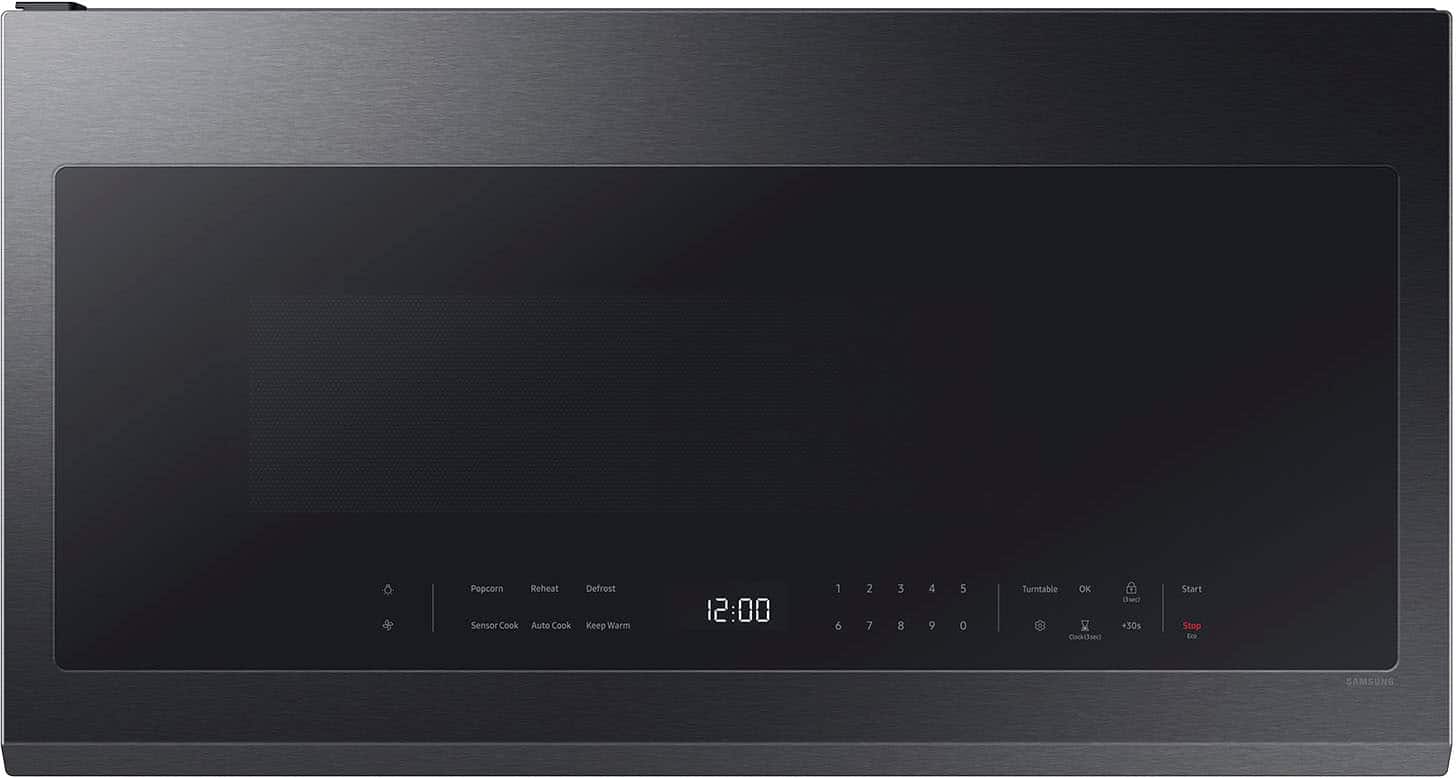
A:AnswerI don’t think so. According to google, samsung 2.1 cu ft over the range microwave with sensor cooking and wi-fi connectivity is not considered a convection microwave.
A:AnswerGood day,
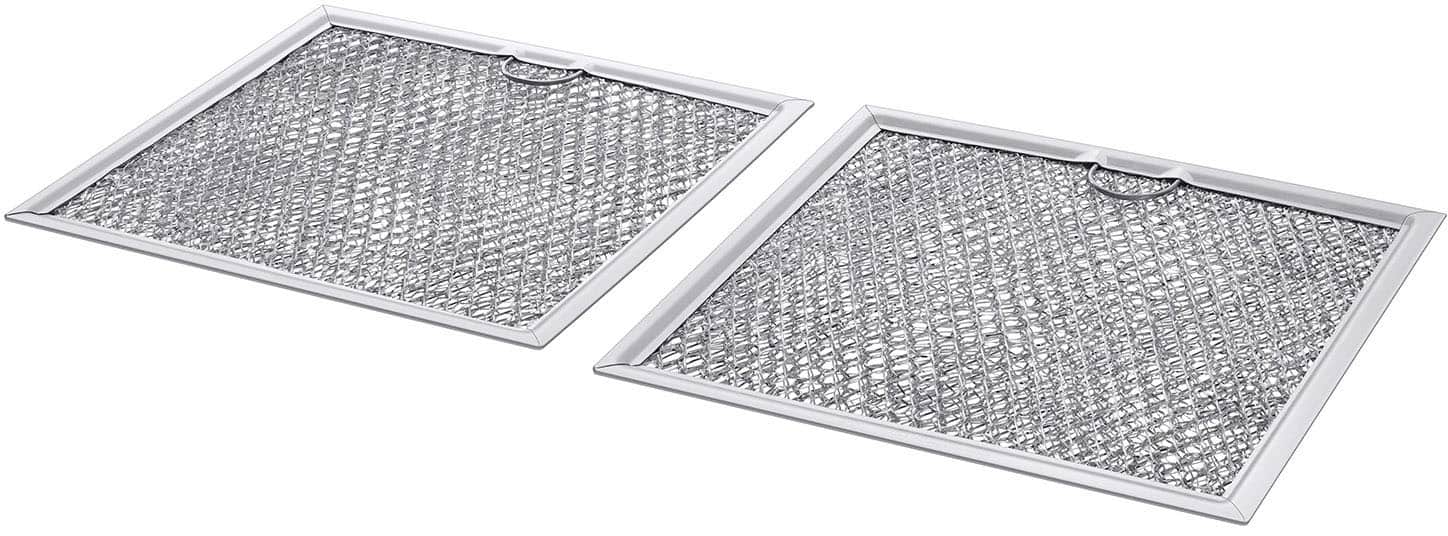
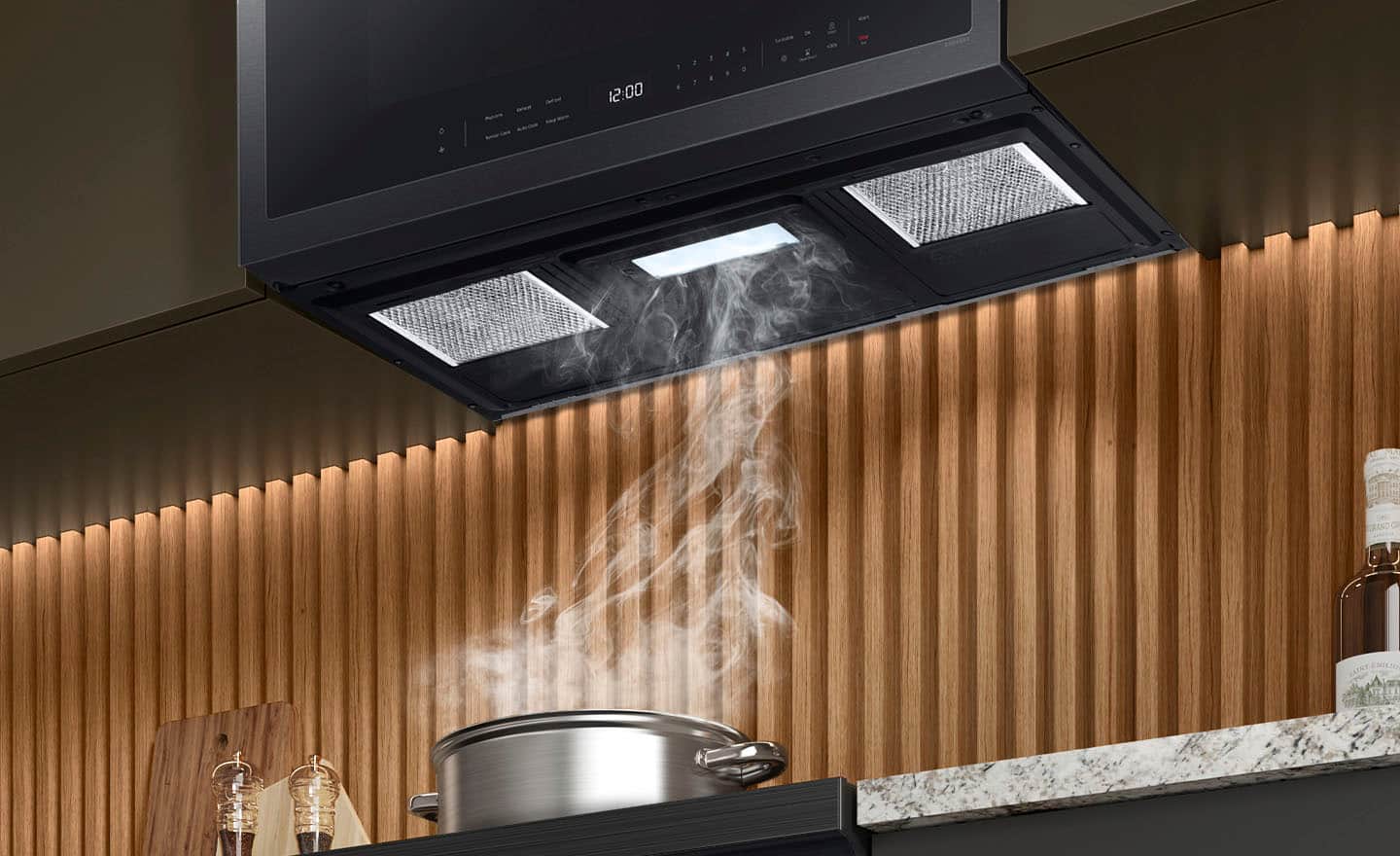
Yes, this microwave model has a cooktop light. It does not need a ventilation kit since it has a built-in vent.
For more details about the ventilation type, please see page 11 of the installation manual link below.
Manual
https://downloadcenter.samsung.com/content/EM/202403/20240318130943669/DE68-04108A-08_IM_ME18H704SFB_AA_EN_240305.pdf
If you have further questions or inquiries, these are the platforms on which you can reach us:
1. Facebook Messenger: http://m.me/samsungsupport
2. Twitter: https://twitter.com/messages/compose?recipient_id=18768513
3. Samsung Community: https://us.commuity.samsung.com/t5/Samsung-Community/ct-p/us
4. Samsung Customer Care: 1-800-7267864 (1800-SAMSUNG)
Please provide us with this reference number (1148535890) to help our team pull up your information when you message us.
Thank you.
-Kimberly
A:AnswerIt doesn't for general purposes. But, if you want to get fancy or have long cooking processes, it's actually kind of nice.
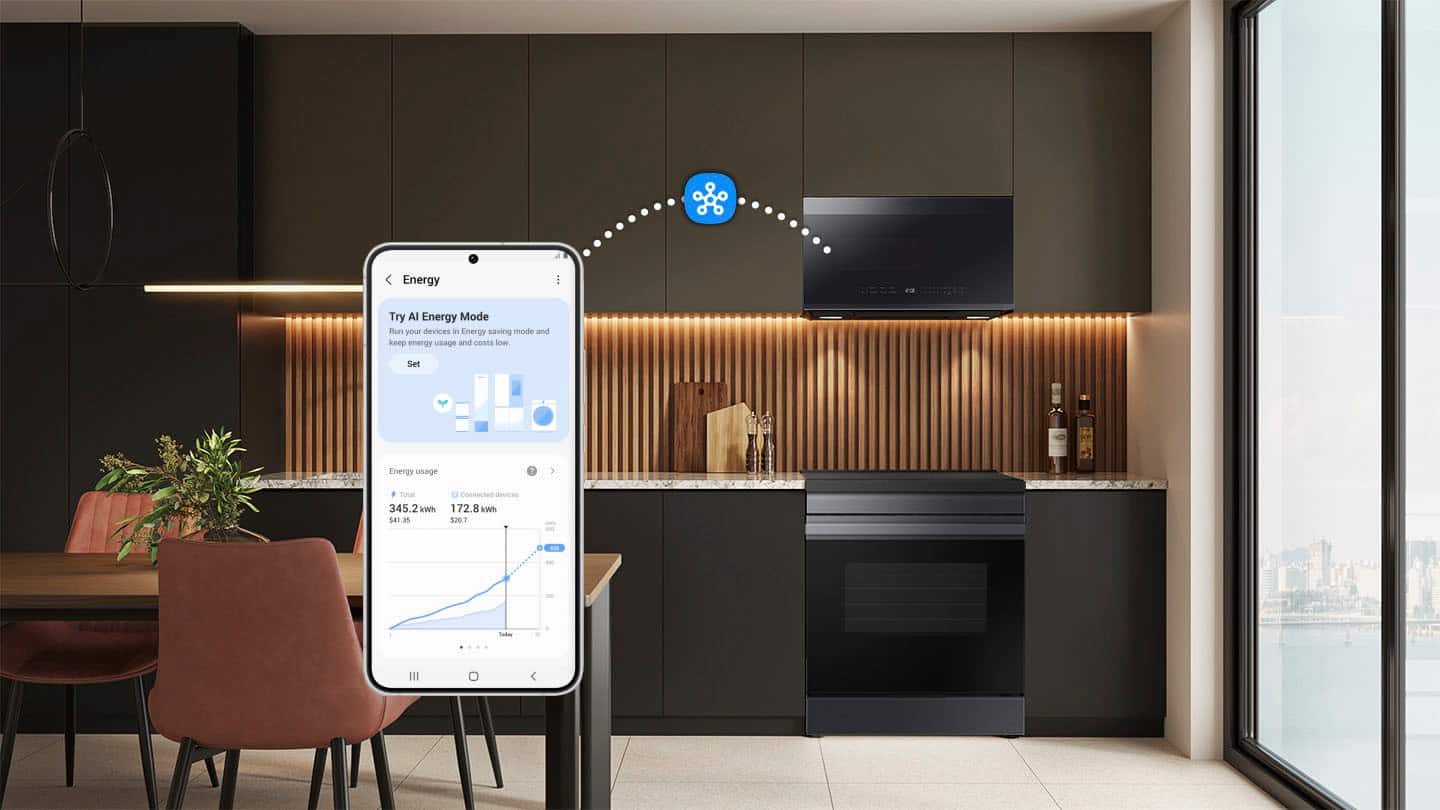
In the app (after connected, which also automatically registers your appliance for warranty purposes) you can delay the start of the process if you are trying to coincide with something else - like those 5 minute steamer vegetables to go with a steak your grilling. You can also get notifications through the app of when to flip something you are defrosting or when your food is done. That's kind of nice if you have something that has a long timer - you can do something else, or run outside and not miss when the food is ready.
A:AnswerWe installed the new microwave ourselves. We already had an above the range microwave prior to this one, so we just googled how to install it to make sure we had what we needed, turned off the power while we did it, unscrewed the old microwave, took it out and then installed the new one. There is a metal bracket that sits on the back wall for the microwave to hook onto. That did need to be switched out for ours because the hooks lined up a little different place than our old one. The new microwave should come with a template to mark where the holes need to be screwed on the cabinet to install the new microwave. I would suggest having 2 people do it because it was a little heavy for one person to do on their own. I also recommend having something like a rectangle shaped laundry basket or a solid box to place (upside down) on the stovetop so nothing gets dropped on the stove to break it. It also provides something to set the microwave on if you need to set it down instead of having to move it away from your install location.
A:AnswerNo, a Samsung over-the-range (OTR) microwave with sensor cooking and Wi-Fi is not a built-in microwave; it is designed for mounting over a stove or cooktop, combining a microwave with a range hood for ventilation. To install it properly, it must be secured to both the wall and the cabinet above it, with proper clearance for ventilation, and is not meant to be placed inside a closed cabinet or on a countertop without proper ventilation.
A:AnswerThis is standard sizing. I took my old LG out and replaced directly without any changes except for where the cabinet mount screws (from the top) are located
A:AnswerHi there,
The unit comes with a three-pronged electrical plug.
Please see page 3 of the installation manual for the electrical requirements of the unit.
Installation Manual
https://downloadcenter.samsung.com/content/EM/202403/20240318130943669/DE68-04108A-08_IM_ME18H704SFB_AA_EN_240305.pdf
Have a great day.
^Charles