A:AnswerAny speakers would plug directly into the computer (into the regular 1/8" headphone jack) and have no interaction whatsoever with the monitor. The monitor and speakers are totally 100% independent of each other.
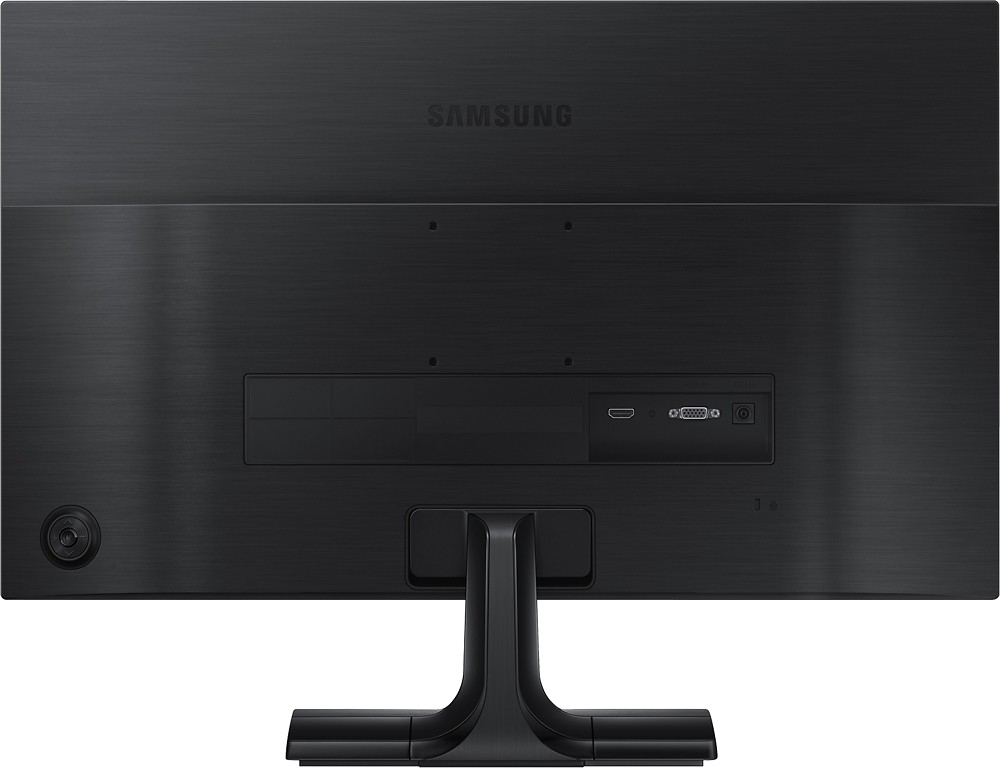
A:AnswerHit the button on the back and then arrow down for power off. Or if your machine is off first then just hold the middle button down for 5 seconds or so. Blue light stays on but doesn't blink.
A:AnswerI think I found the boxes you mentioned. Are they black and say Preset Modes, Brightness/Contrast, Menu and Exit? If so those are for selecting settings. Just press the bottom of the 4 buttons on the edge of the monitor which is the EXIT button.