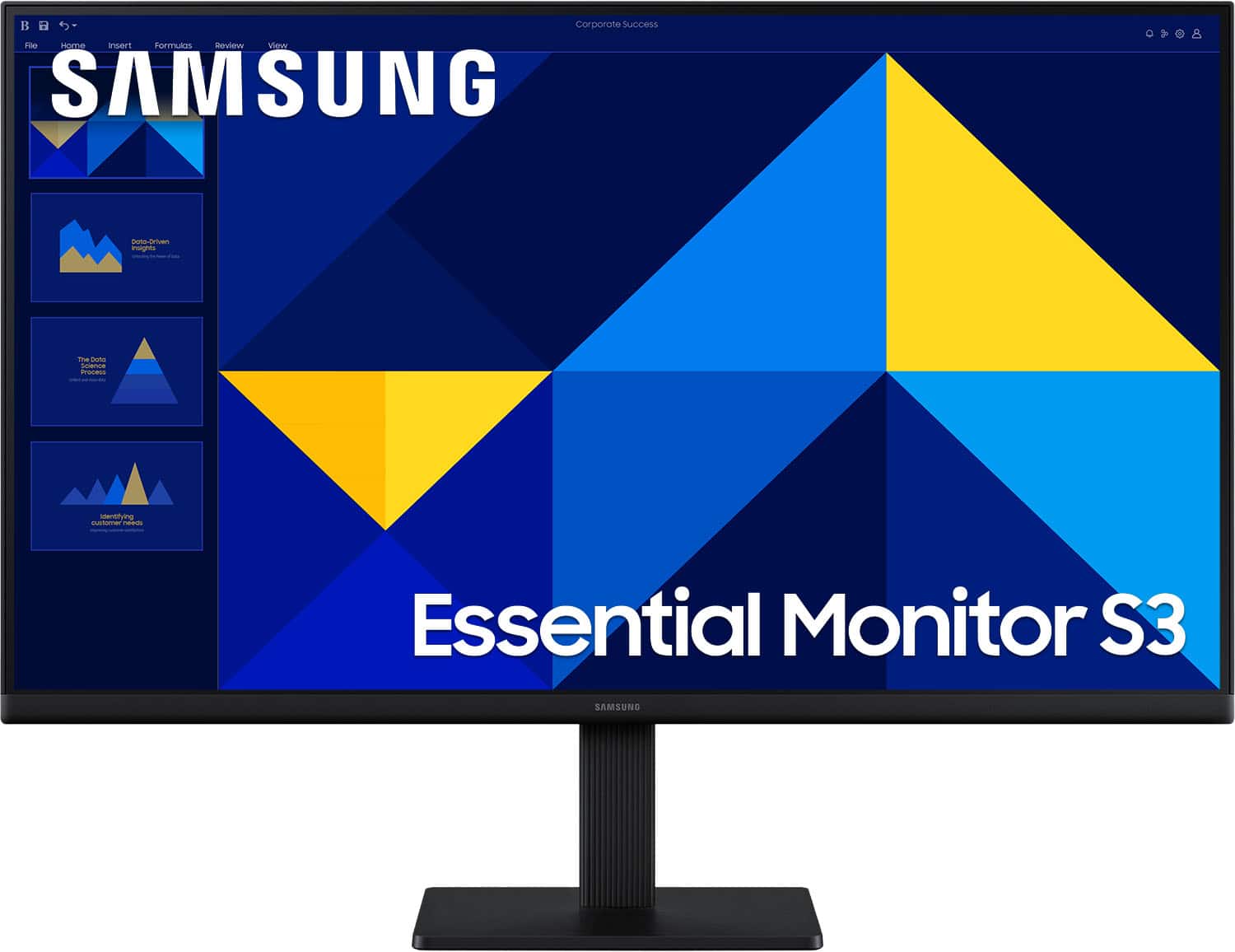
Skip to contentGo to Product Search
Main Content

Questions & Answers

$117.66
Save $2.33
The comparable value is $119.99
Page Showing 1-20 of 54 questions
  • QuestionDoes this Samsung monitor have speakers?

    • Answer No, this monitor does not have integrated speakers.
    This question and answer was generated by AI based on customer and product data.

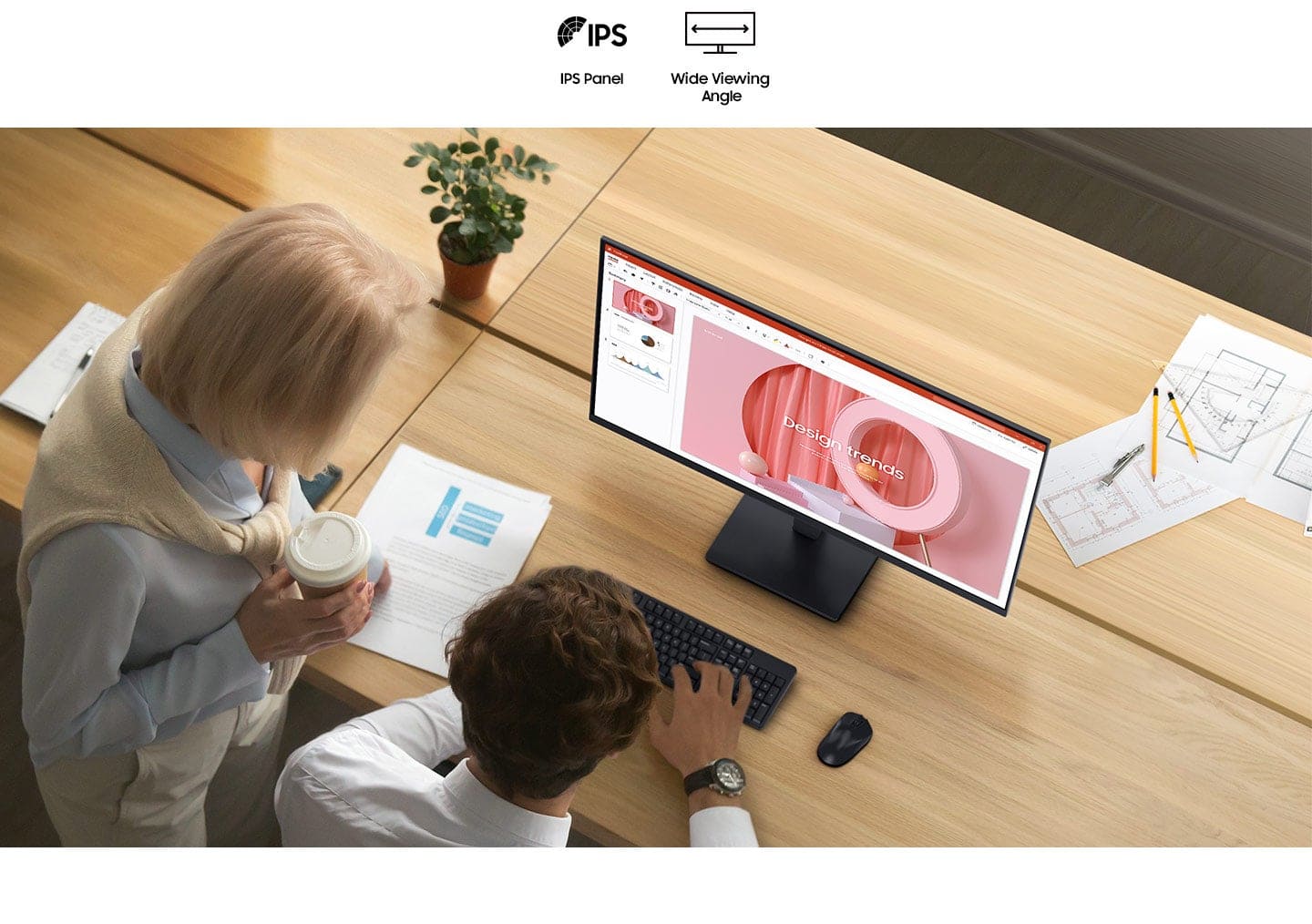
  • QuestionWhat type of panel does this Samsung monitor use?

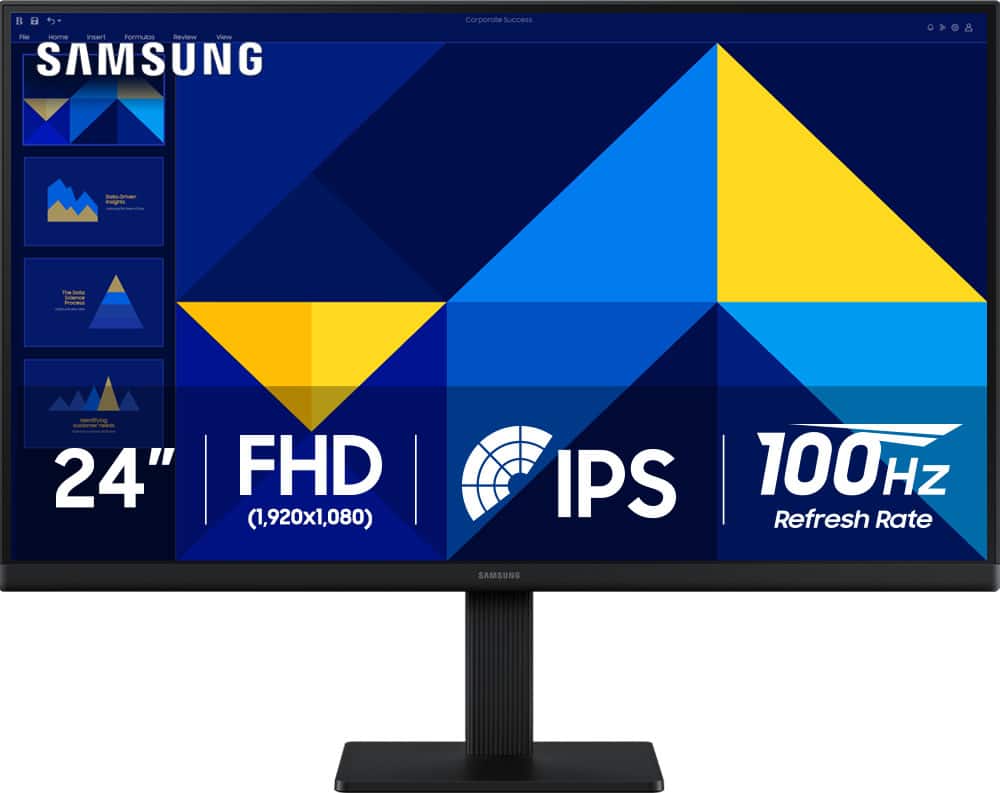
    • Answer This Samsung monitor features an IPS panel for vibrant and consistent colors.
    This question and answer was generated by AI based on customer and product data.

  • QuestionWhat is the maximum resolution supported by this Samsung monitor?

    • Answer The maximum resolution supported by this monitor is 1920 x 1080.
    This question and answer was generated by AI based on customer and product data.

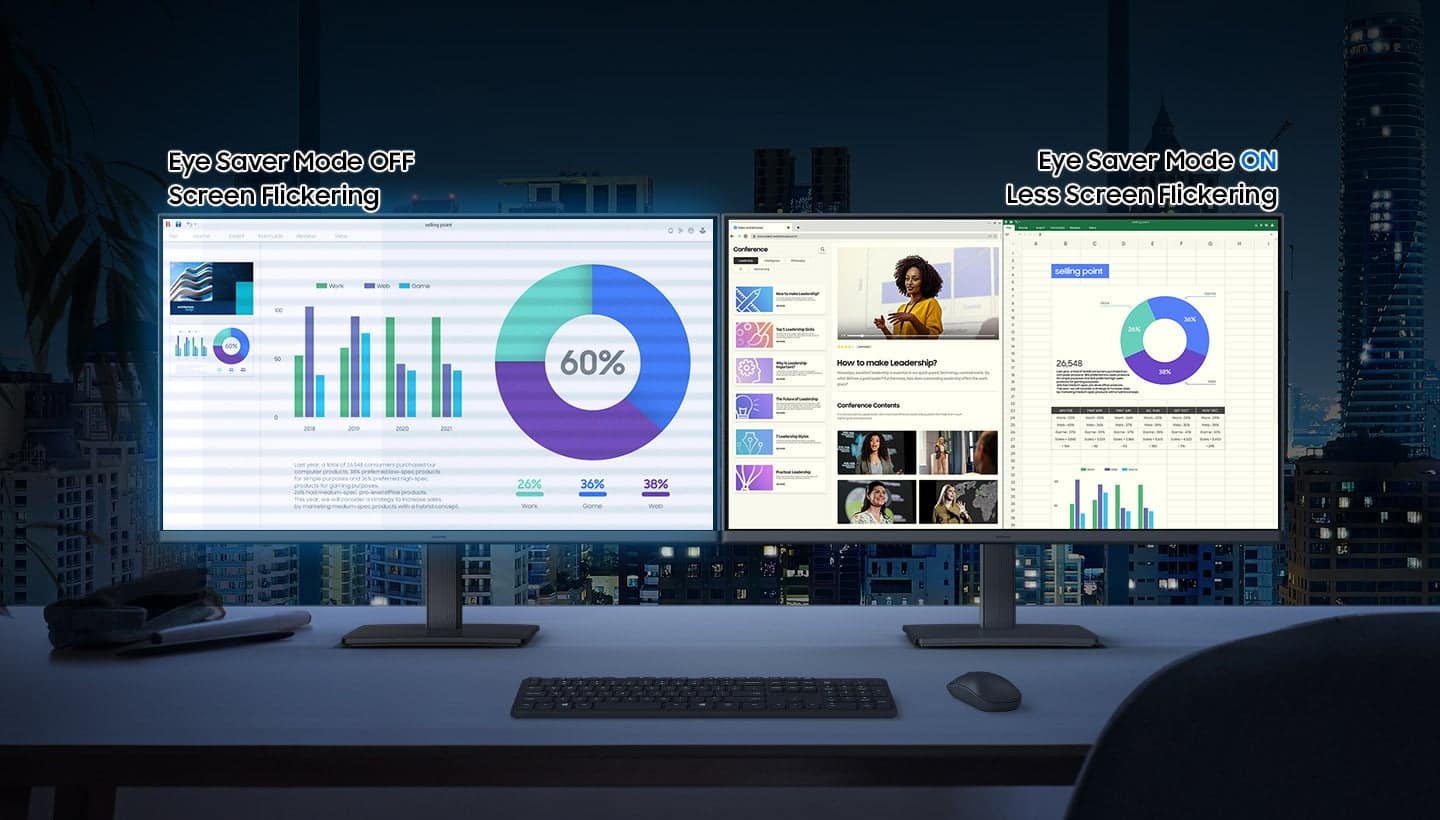
  • QuestionHow does the Eye Saver Mode on this Samsung monitor work?

    • Answer The Eye Saver Mode reduces blue light and screen flicker to protect your vision and enhance comfort, especially during extended use.
    This question and answer was generated by AI based on customer and product data.

  • QuestionDoes this Samsung monitor have a built-in camera?

    • Answer No, this monitor does not have a built-in webcam.
    This question and answer was generated by AI based on customer and product data.
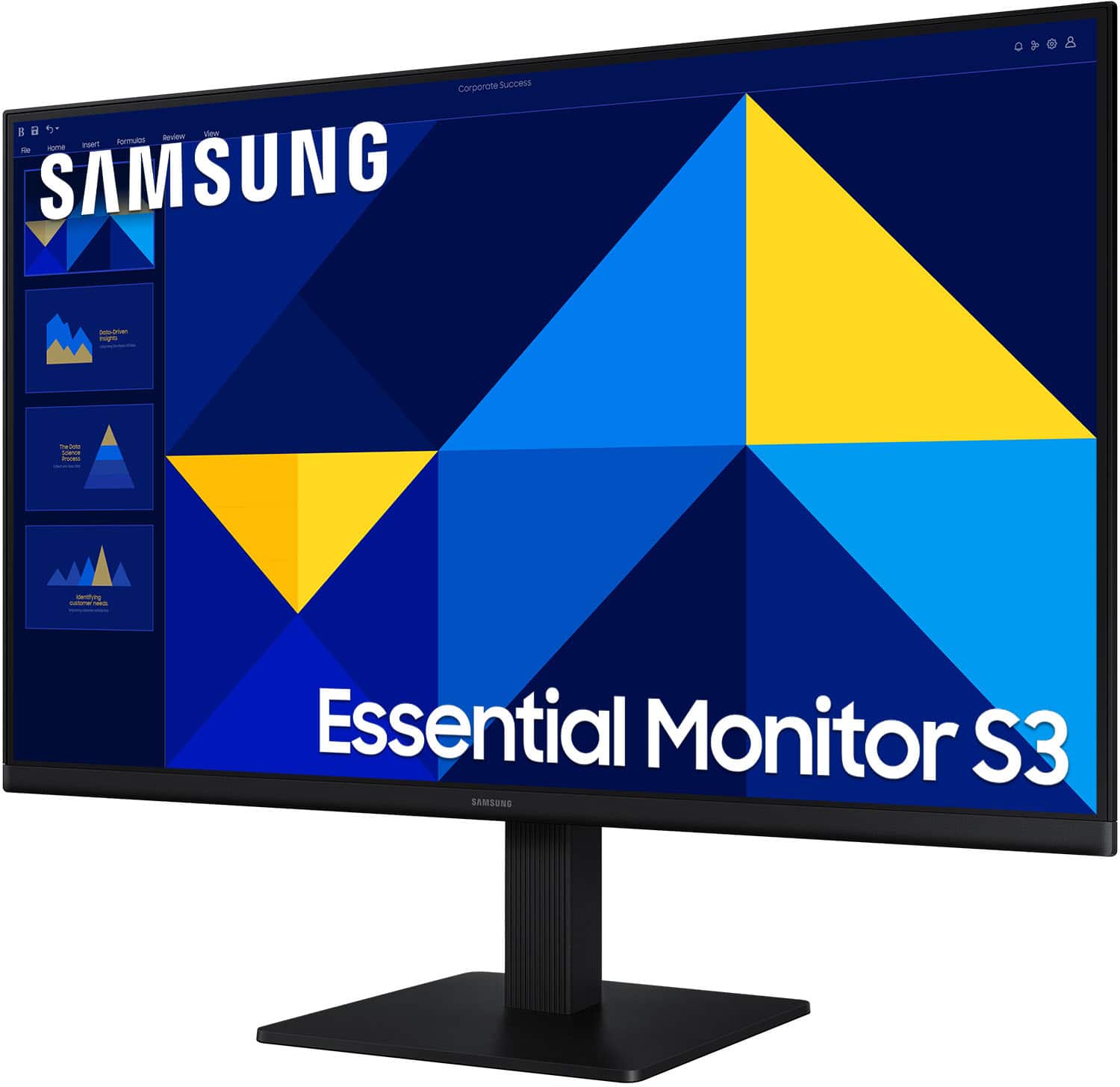
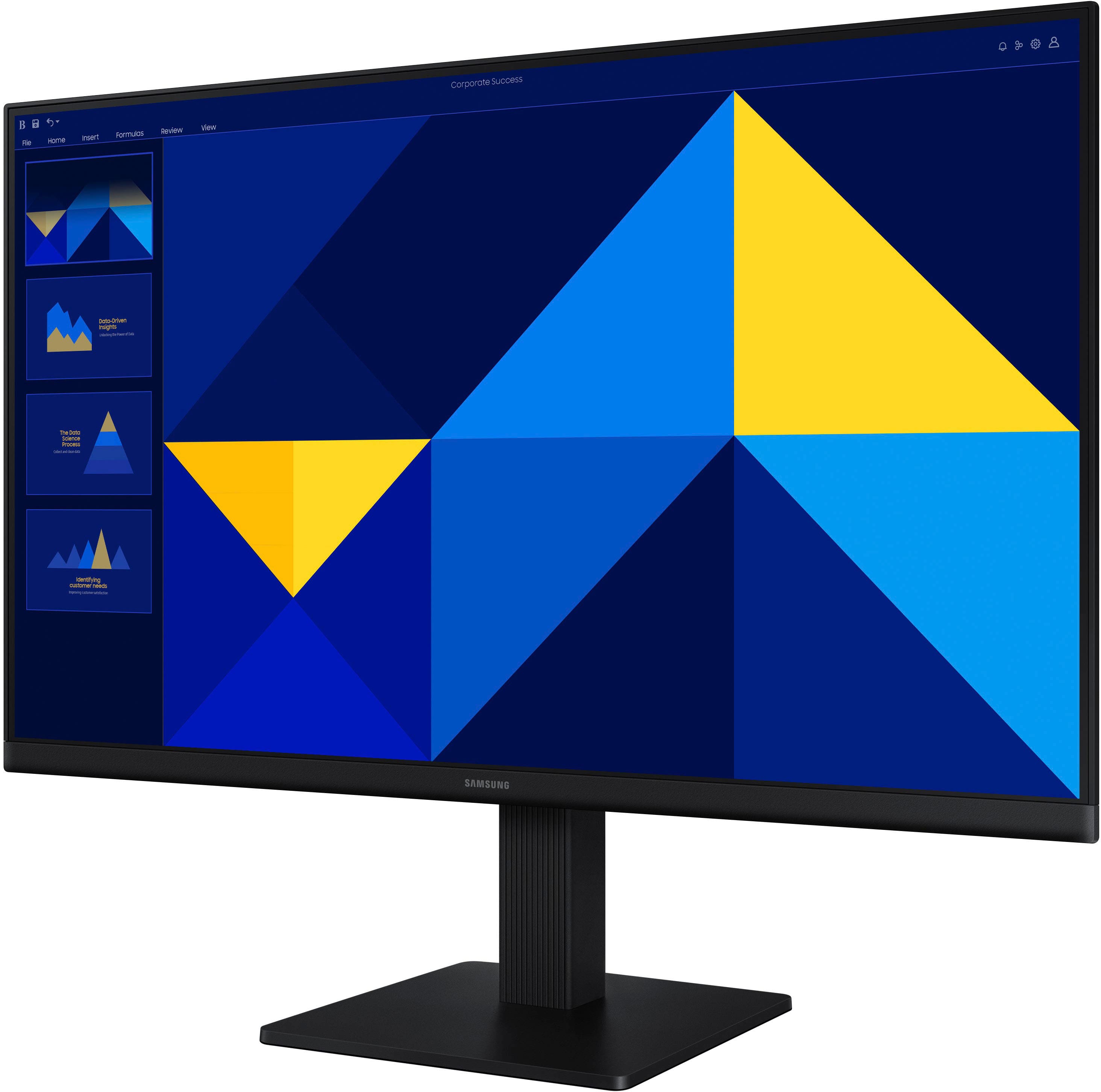
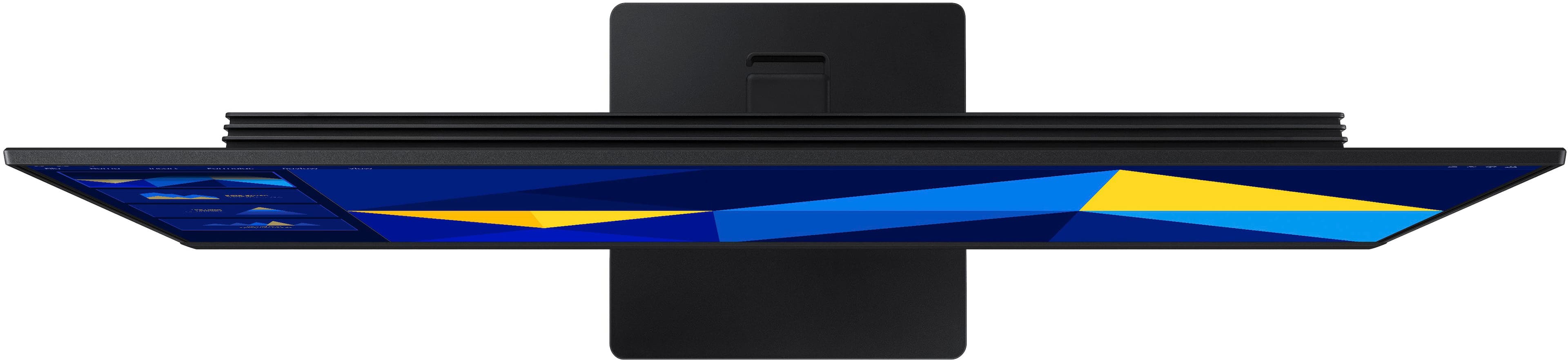
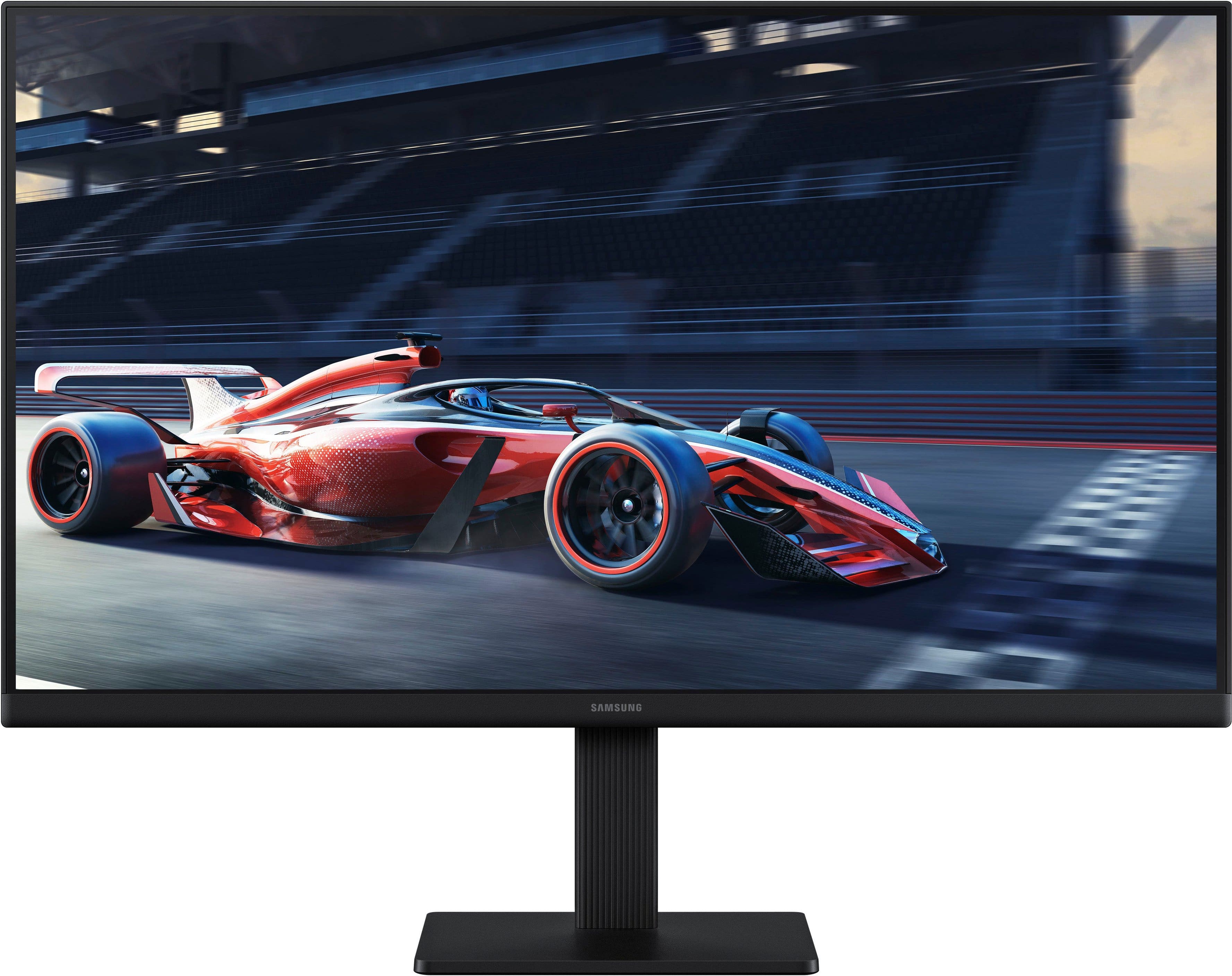
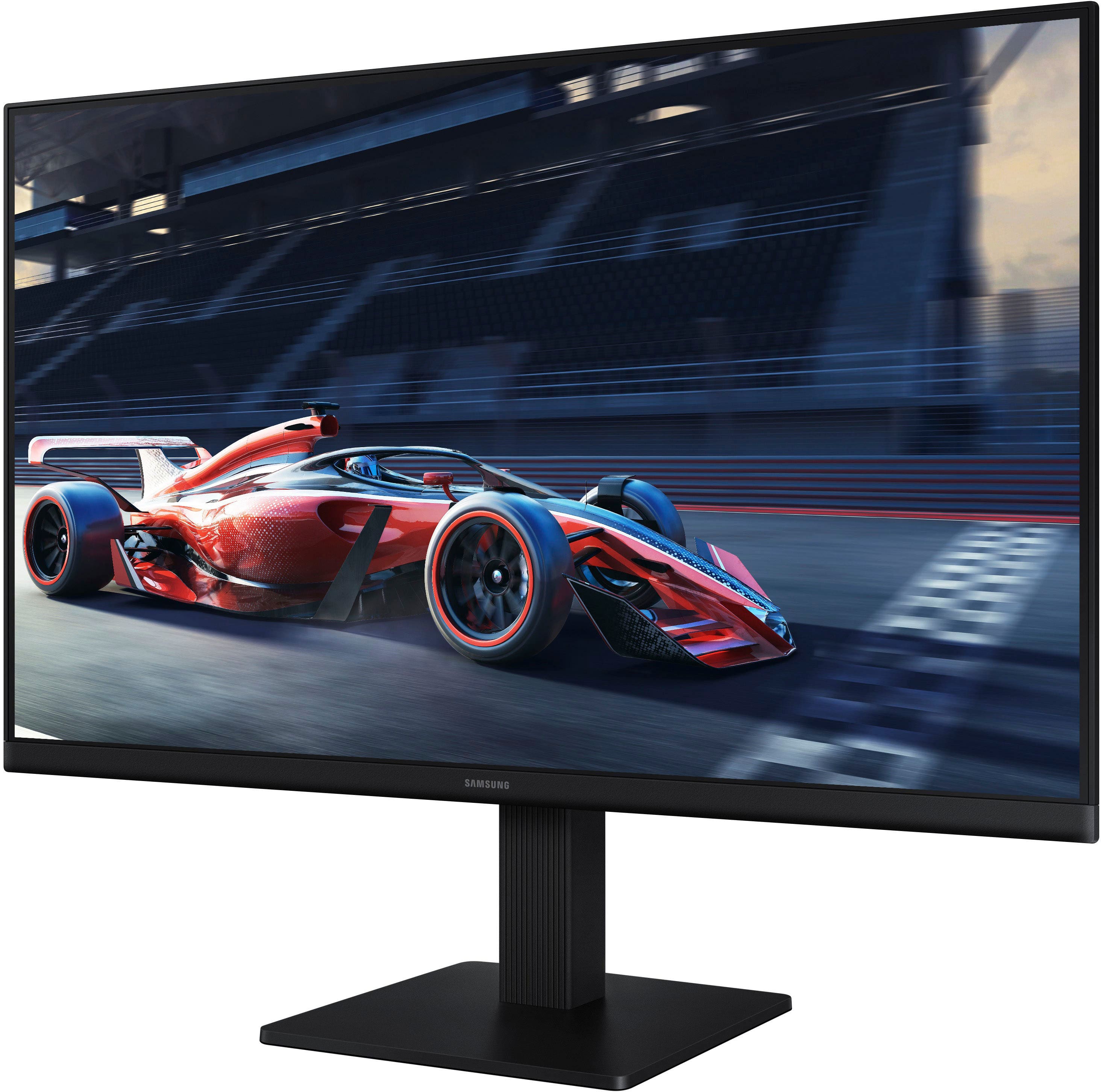
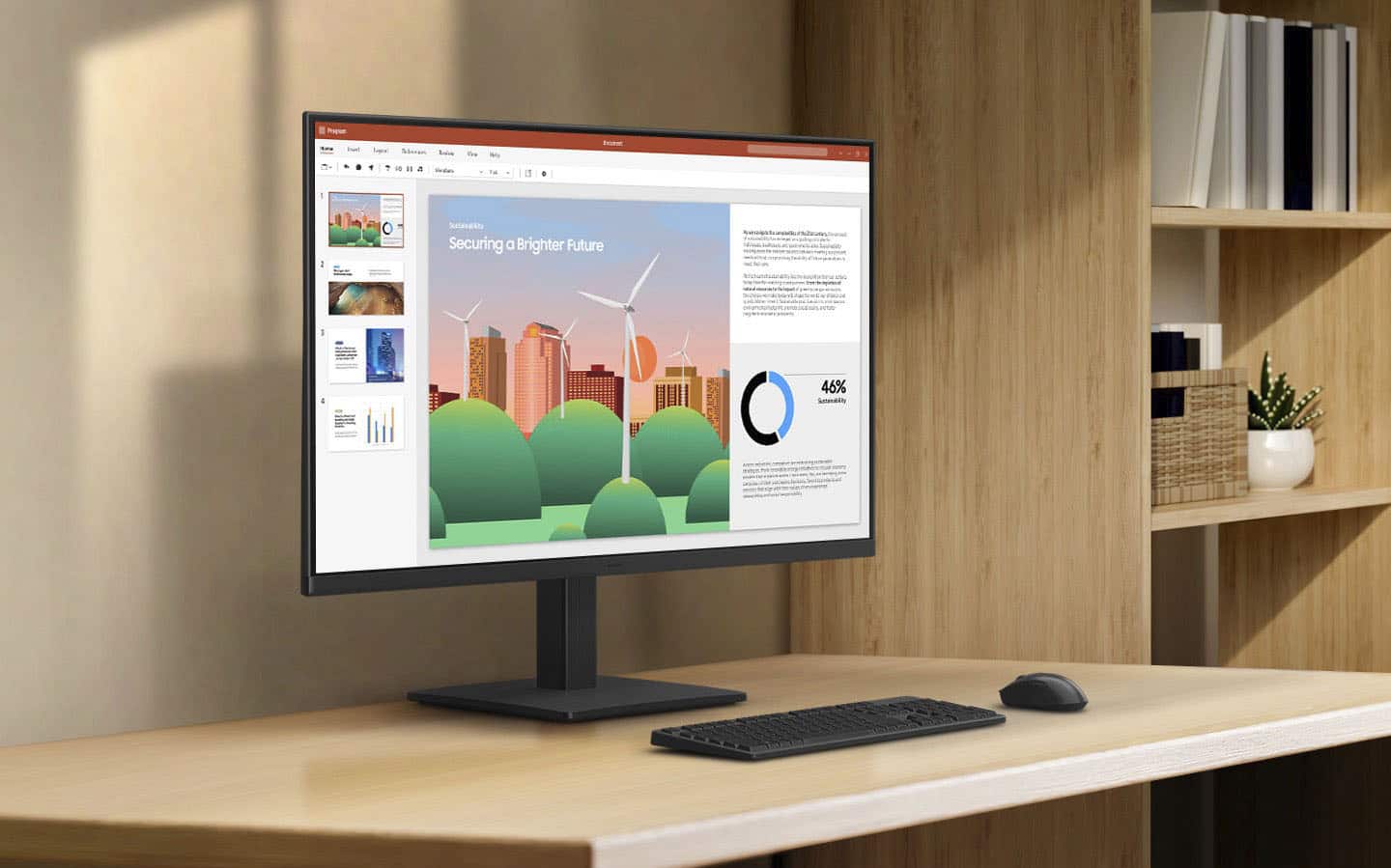
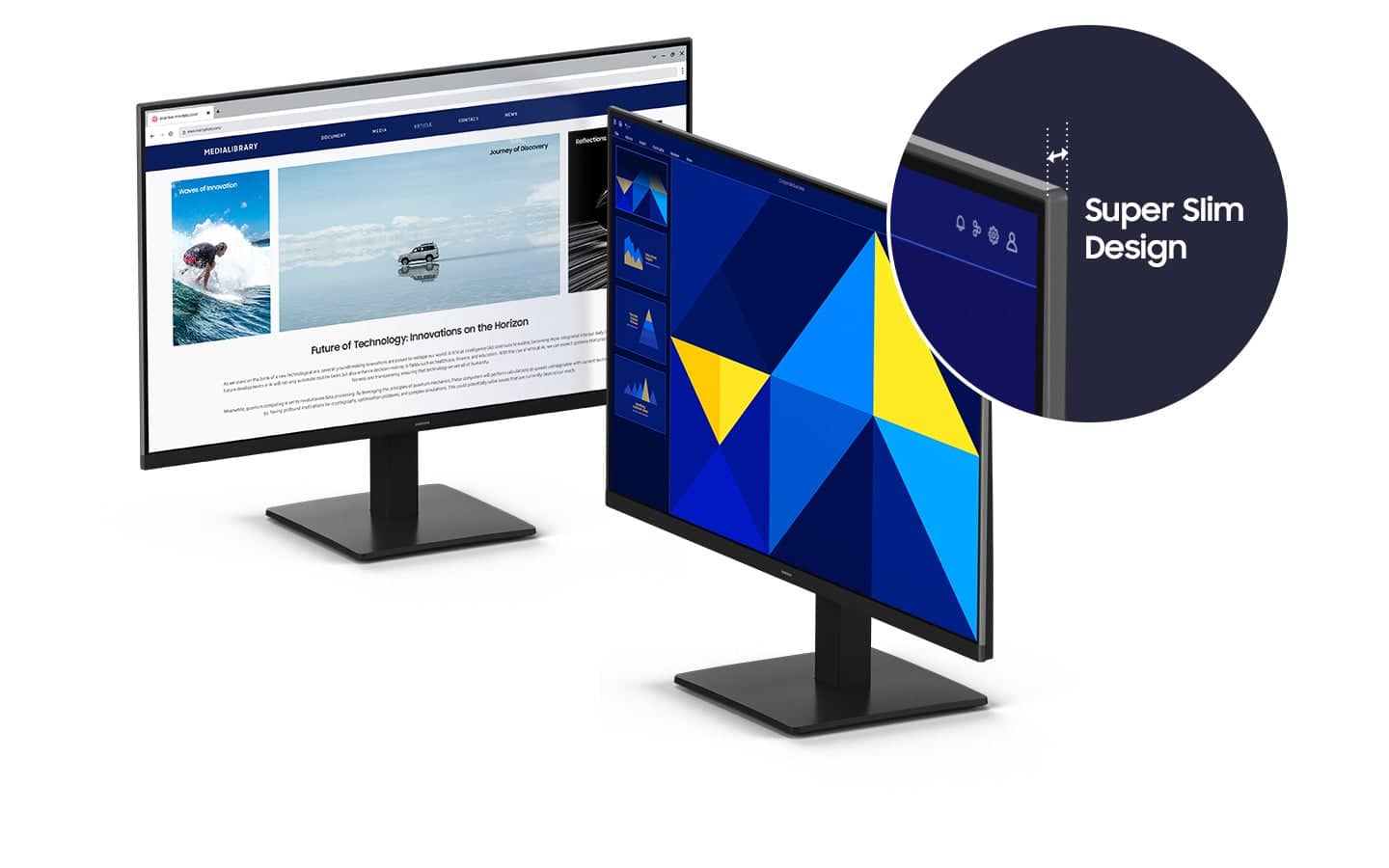
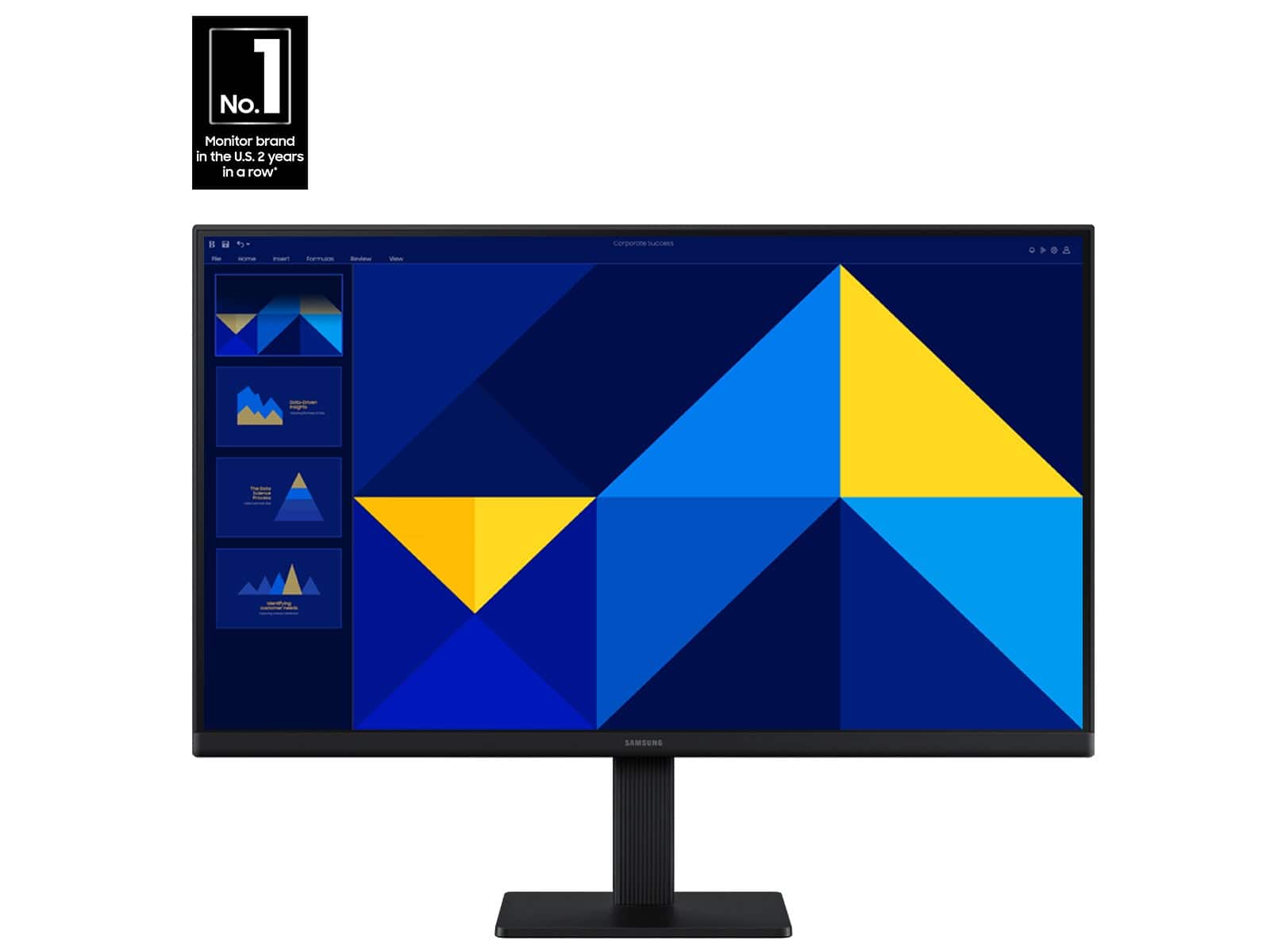
  • QuestionWhat is the benefit of the super-slim design of this Samsung monitor?

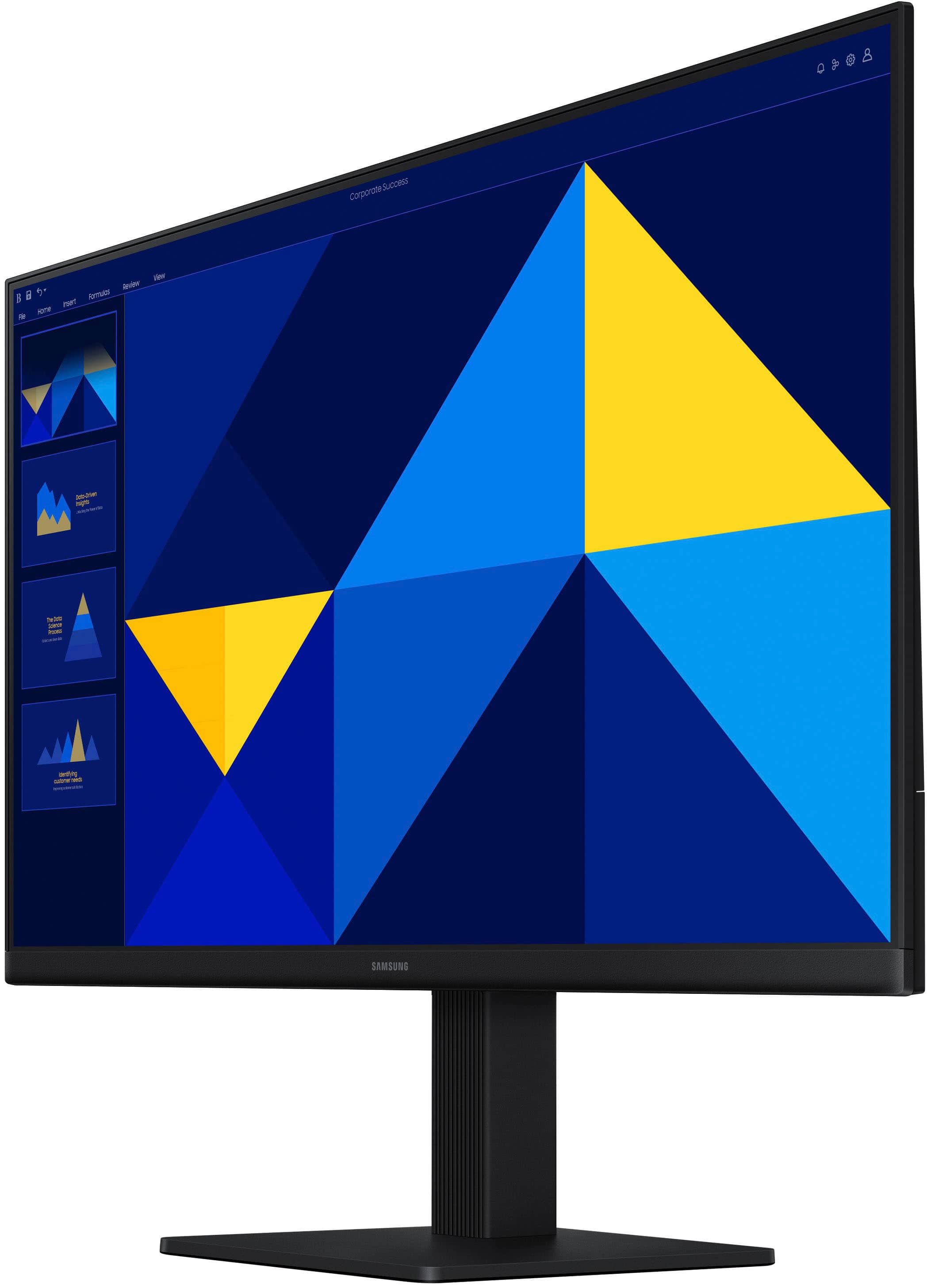
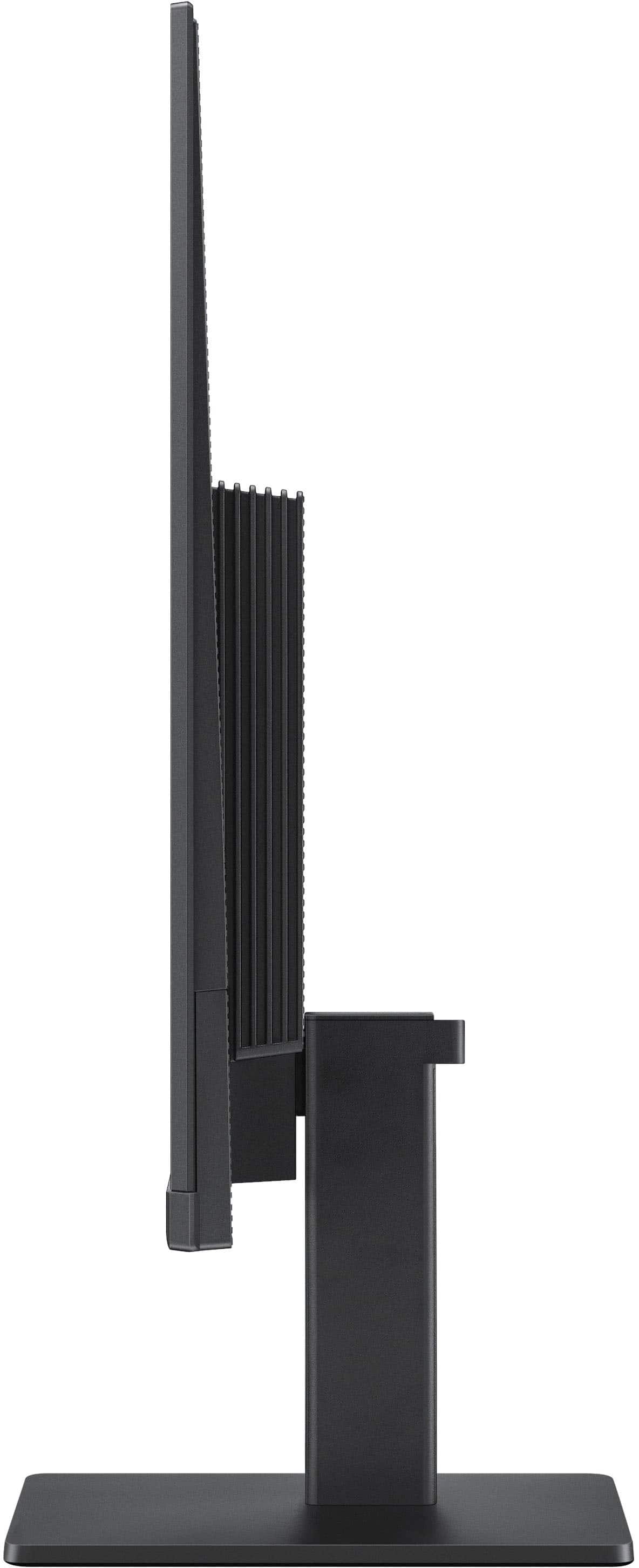
    • Answer The super-slim design with ultra-thin border bezels gives this monitor a sleek and modern appearance, making it a stylish addition to any setup.
    This question and answer was generated by AI based on customer and product data.

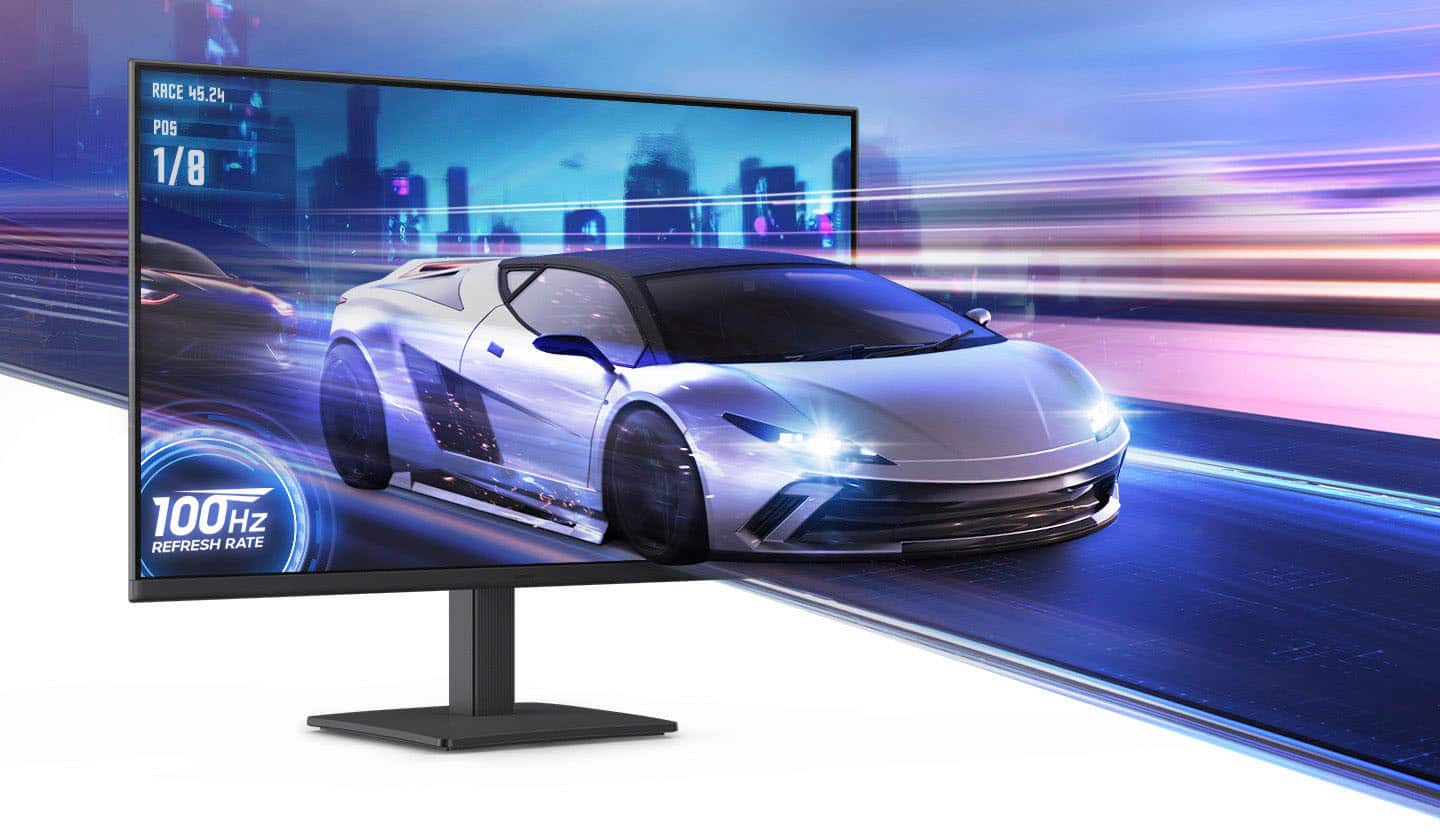
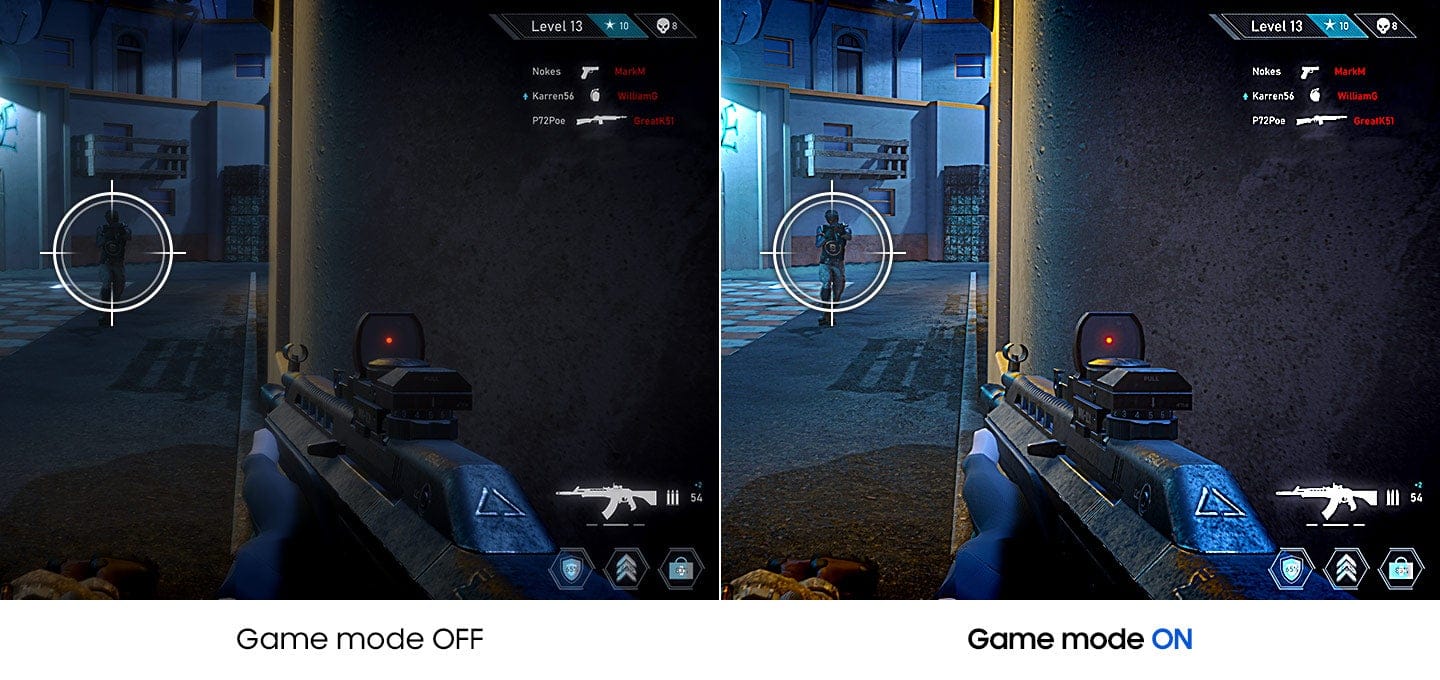
  • QuestionWhy is this Samsung monitor good for gaming?

    • Answer This Samsung monitor is a good choice for gaming because it has a 100Hz refresh rate that reduces lag and motion blur, and a Game Mode that optimizes color and image contrast for a better gaming experience.
    This question and answer was generated by AI based on customer and product data.

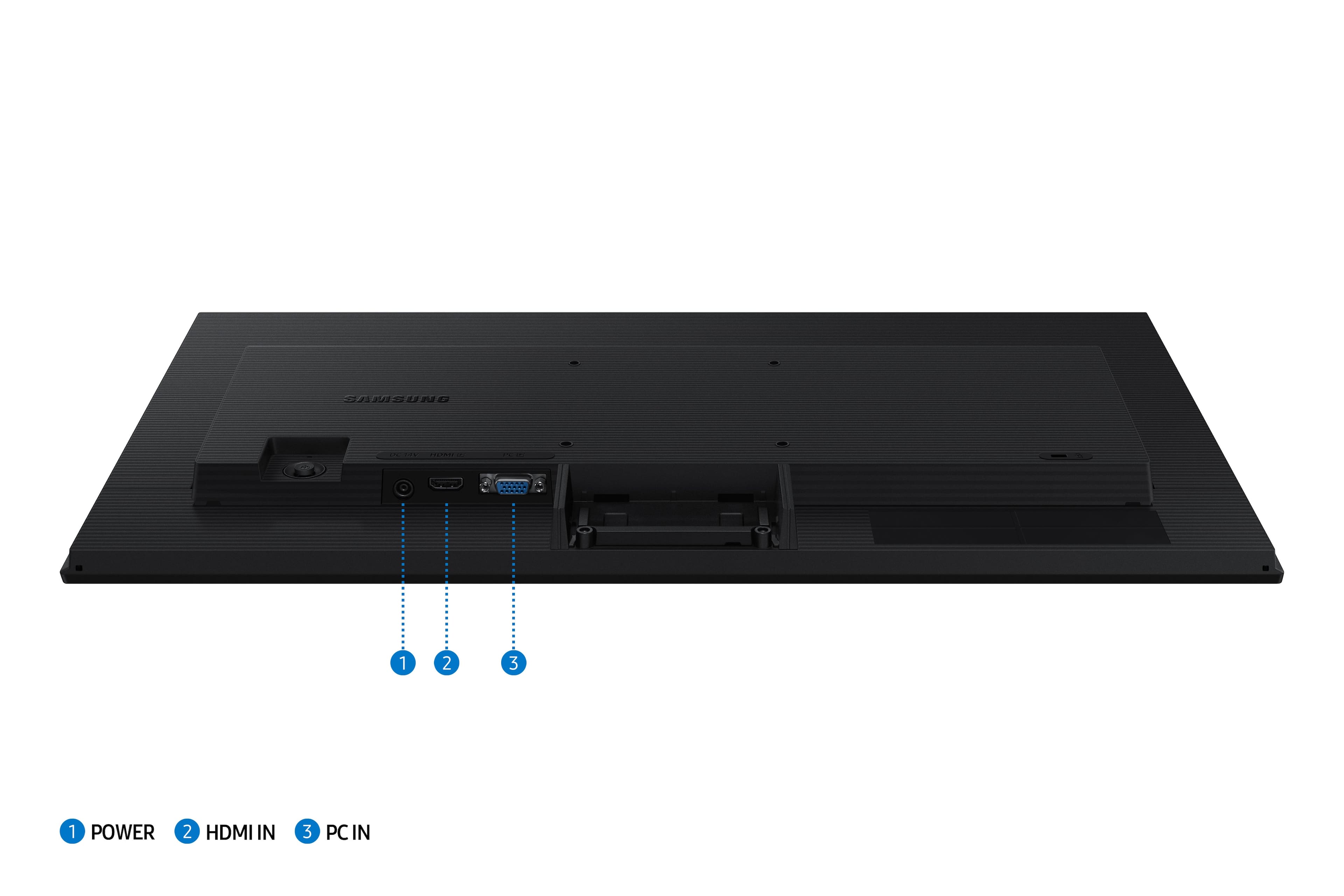
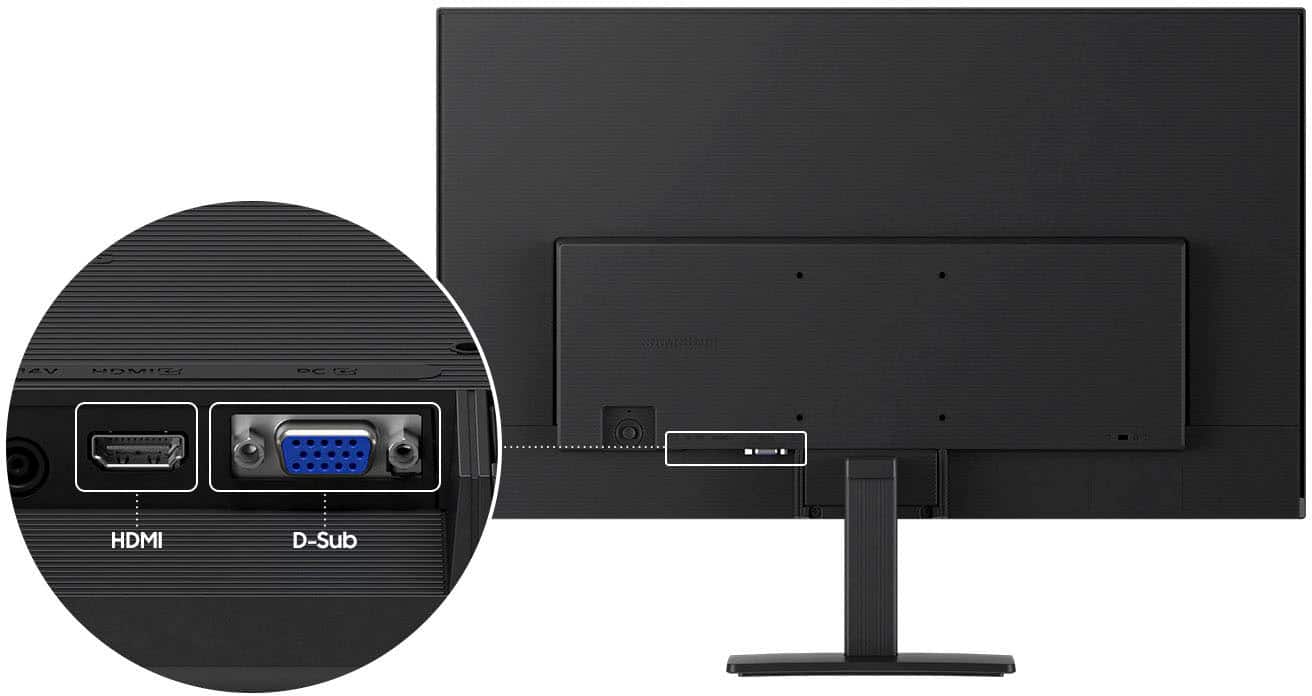
  • QuestionHow can I connect devices to this monitor?

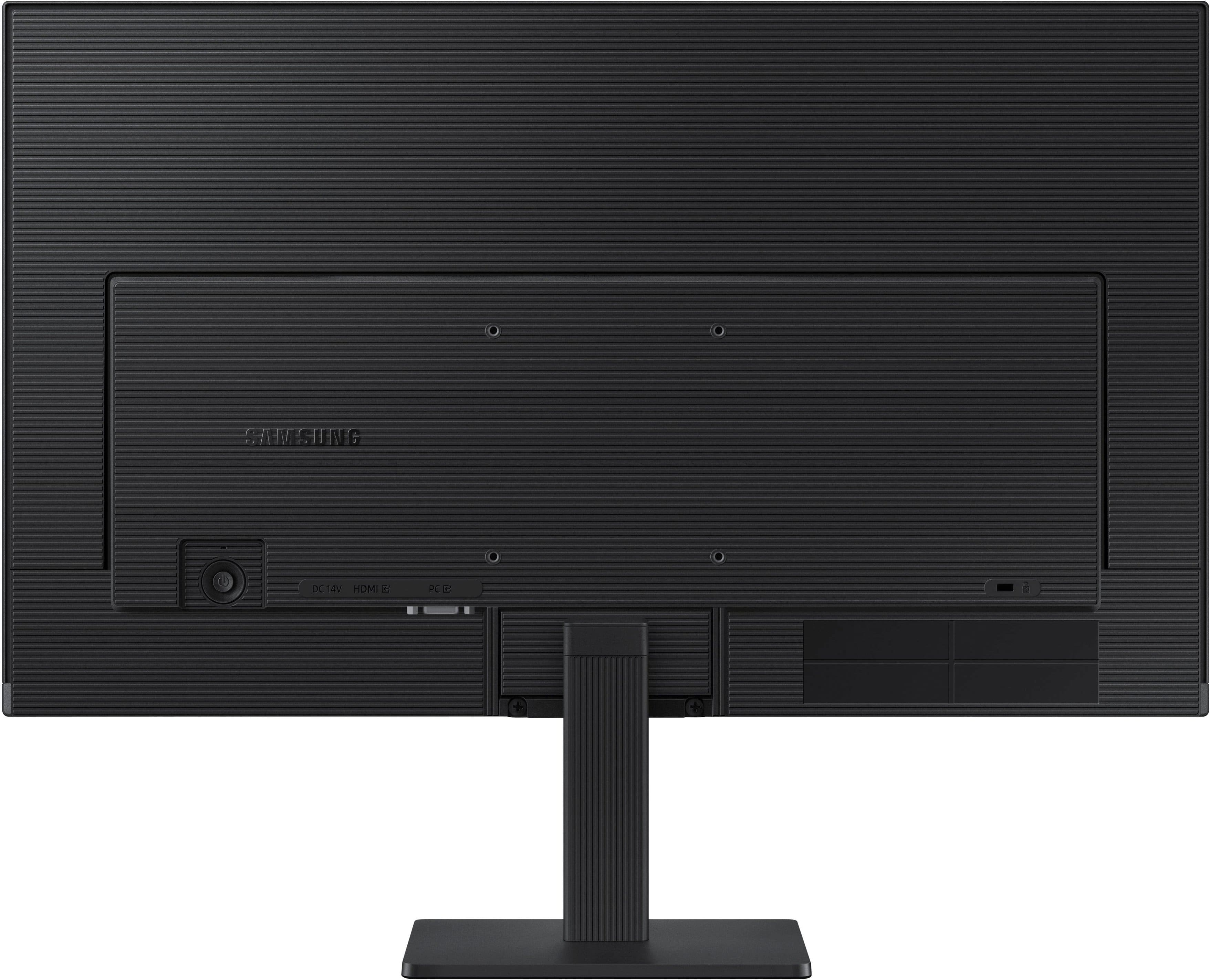
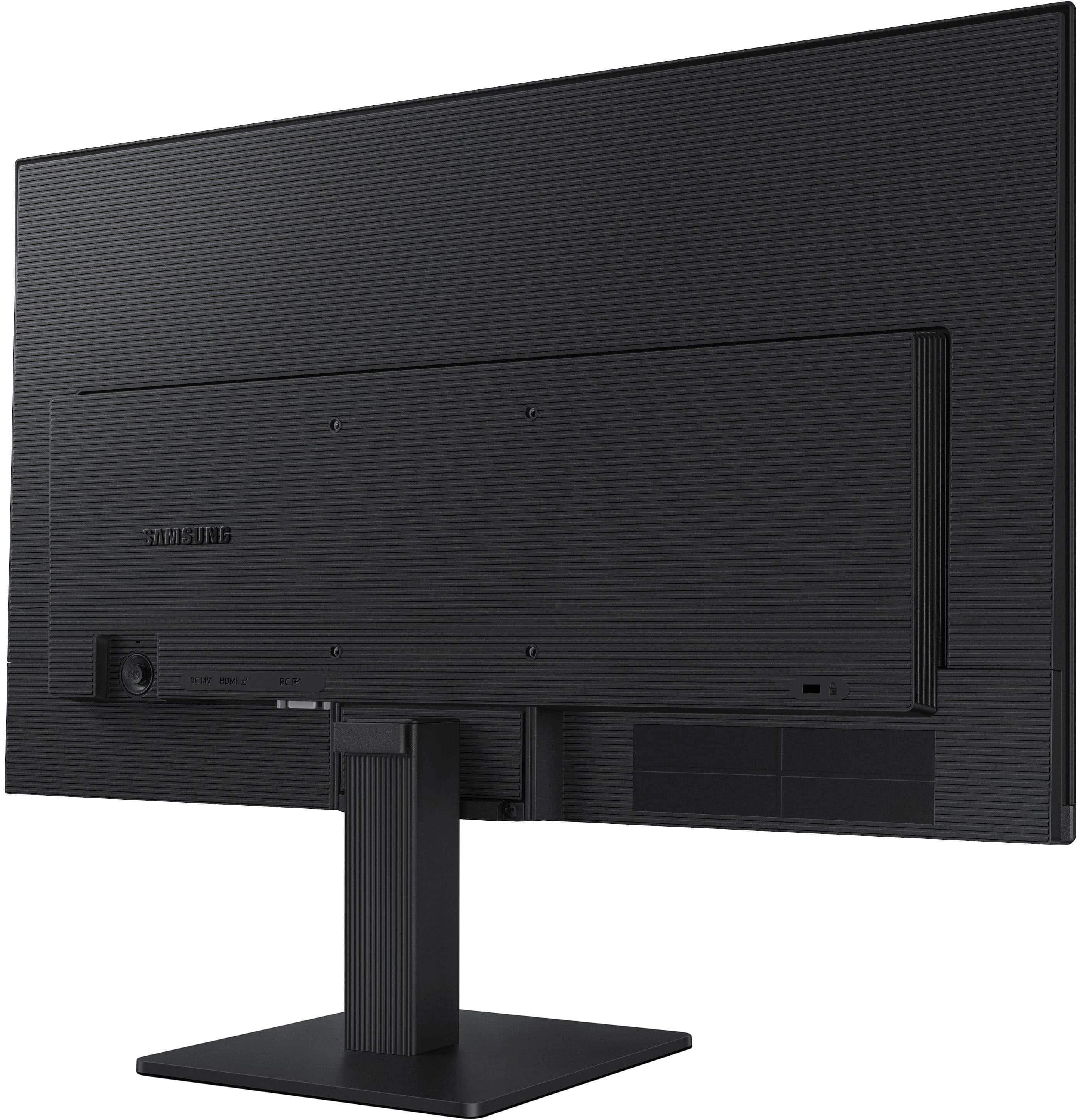
    • Answer This monitor offers multiple connectivity options, allowing you to plug devices directly into it for enhanced convenience.
    This question and answer was generated by AI based on customer and product data.
  • QuestionWhat is the response time of this Samsung monitor?

    • Answer This monitor has a response time of 5 milliseconds.
    This question and answer was generated by AI based on customer and product data.

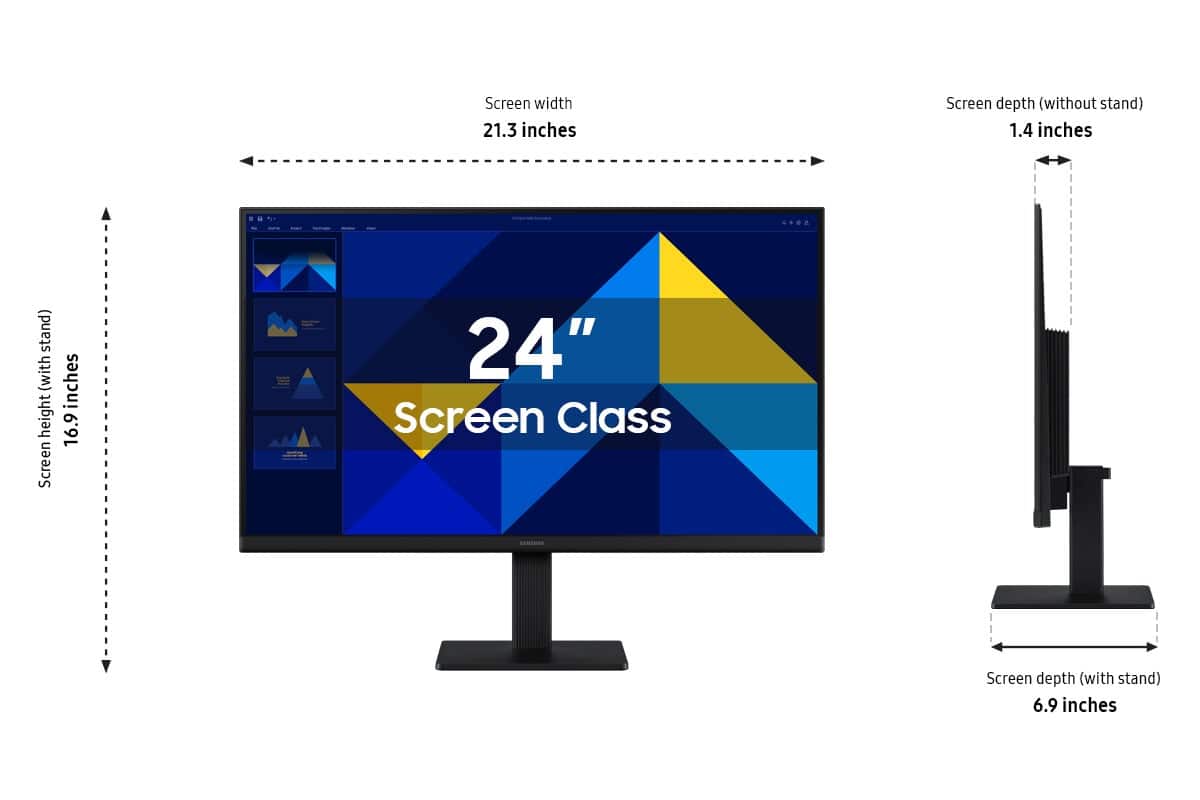
  • Questioncan the height of the monitor be adjusted

    Asked by AmandaS.

    • Answer Yes

      Answered by LouisR

  • QuestionIs this power cord 2 or 3 prong?

    Asked by Matt.

    • Answer Matt: The Samsung S30GD monitor uses a 2‑prong power cord. - Samsung Monitors

      Answered by Samsung

  • QuestionDoes this monitor have a VESA connection in the rear?

    Asked by Mitch.

    • Answer No

      Answered by DungHoang

  • QuestionDoes the tv have Toku built in?

    Asked by Audi.

    • Answer Audi: No, the Samsung S30GD does not have Roku built in. To use it with Roku, you will need to plug a standalone Roku Streaming Device into the monitor's HDMI port. - Samsung Monitors

      Answered by Samsung

  • QuestionWhat type of printer is compatible

    Asked by Anonymous.

    • Answer The Samsung S30GD Monitor features an HDMI 1.4 port and a D-Sub (VGA) port. Because this monitor does not have a USB hub, printers must be connected directly to your computer rather than the monitor itself. Virtually any modern printer is compatible with the computer system you are using the S30GD monitor with, provided it supports one of the following connection methods: Wireless Printers (Wi-Fi/Bluetooth) - Recommended for ease of use. USB Printers: Connected directly to your PC/laptop - Samsung Monitors

      Answered by Samsung

  • QuestionCAN THIS MONITOR BE WALL MOUNTED

    Asked by Anonymous.

    • Answer Yes, the S30GD monitor can be wall mounted. It is equipped with a 100 x 100mm VESA mounting pattern on the back, allowing it to be attached to a wall, swivel arm, or multi-monitor stand. - Samsung Monitors

      Answered by Samsung

  • QuestionCan this monitor be used with a Dell All-in-One?

    Asked by DD.

    • Answer DD: Yes, the Samsung S30GD monitor can be used with a Dell All‑in‑One, as long as the Dell model has a compatible video‑output port. - Samsung Monitors

      Answered by Samsung

  • QuestionCan I use this monitor for my security cameras

    Asked by Bucko.

    • Answer Bucko: Yes, you can use the Samsung S30GD monitor with most security camera systems, as long as the camera system or DVR/NVR provides a compatible video output. - Samsung Monitors

      Answered by Samsung

  • QuestionHow to connect to a USB C input on my laptop?

    Asked by Bobbo.

    • Answer Bobbo: Yes, you can connect your laptop’s USB‑C port to the Samsung S30GD monitor, but because the S30GD does not have a USB‑C input, you must use an adapter or a USB‑C docking solution. - Samsung Monitors

      Answered by Samsung

  • QuestionIs a monitor size 24 inch too small?

    Asked by Hi.

    • Answer no its perfect for my home office

      Answered by AsiaB

  • Questiondowa this come with hdmi cable?

    Asked by Anonymous.

    • Answer Yes, the S30GD monitor includes an HDMI cable. - Samsung Monitors

      Answered by Samsung