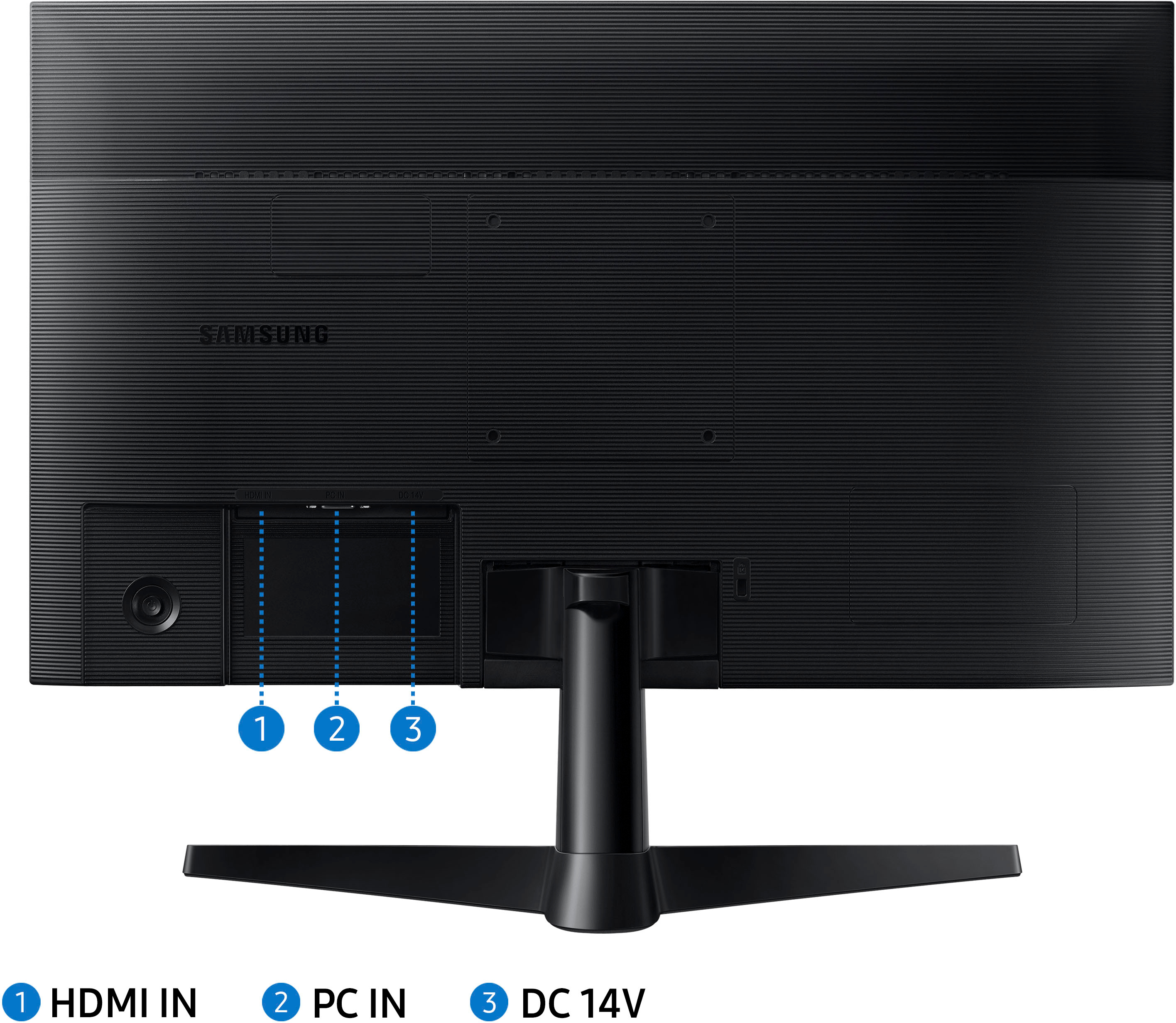
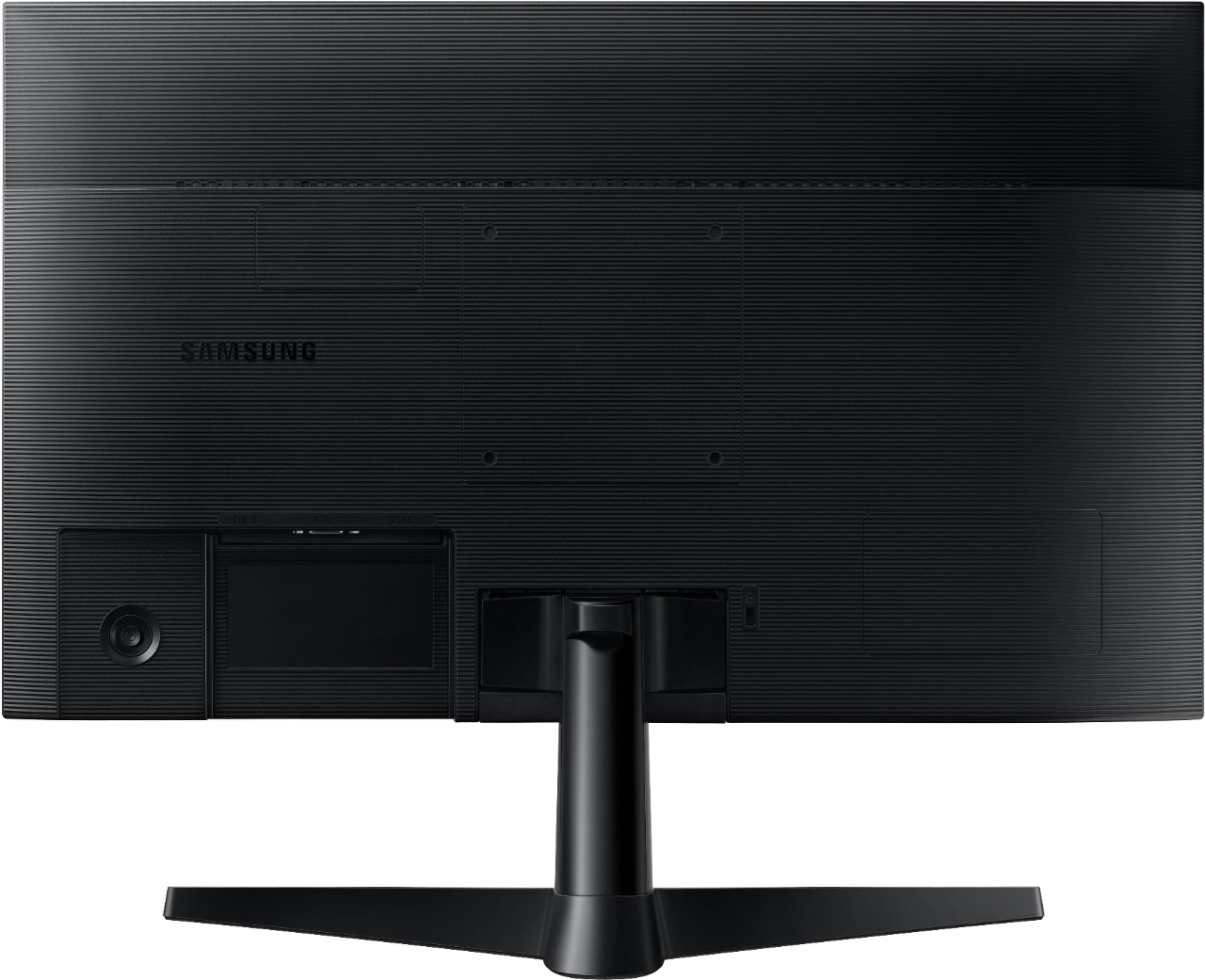
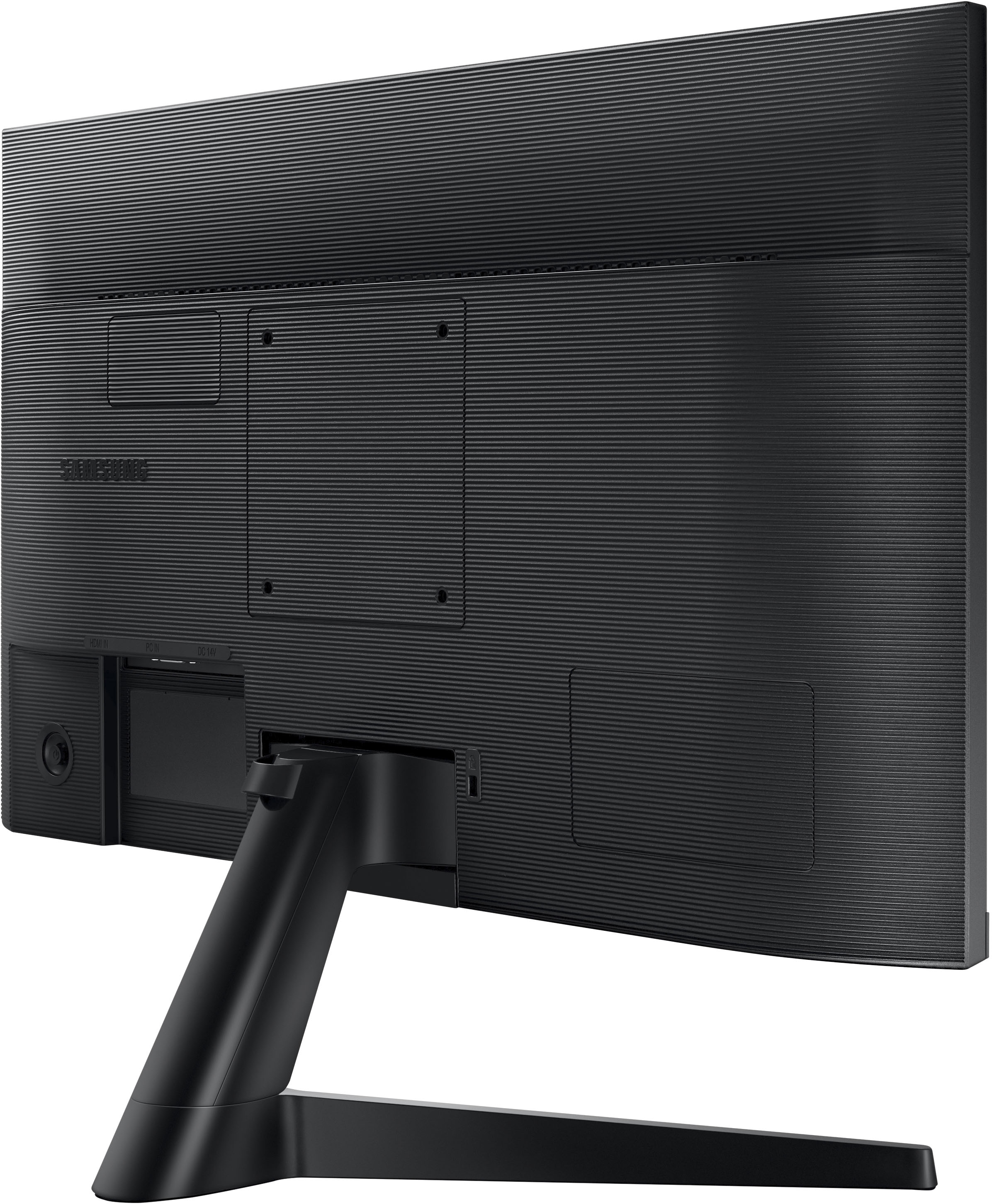
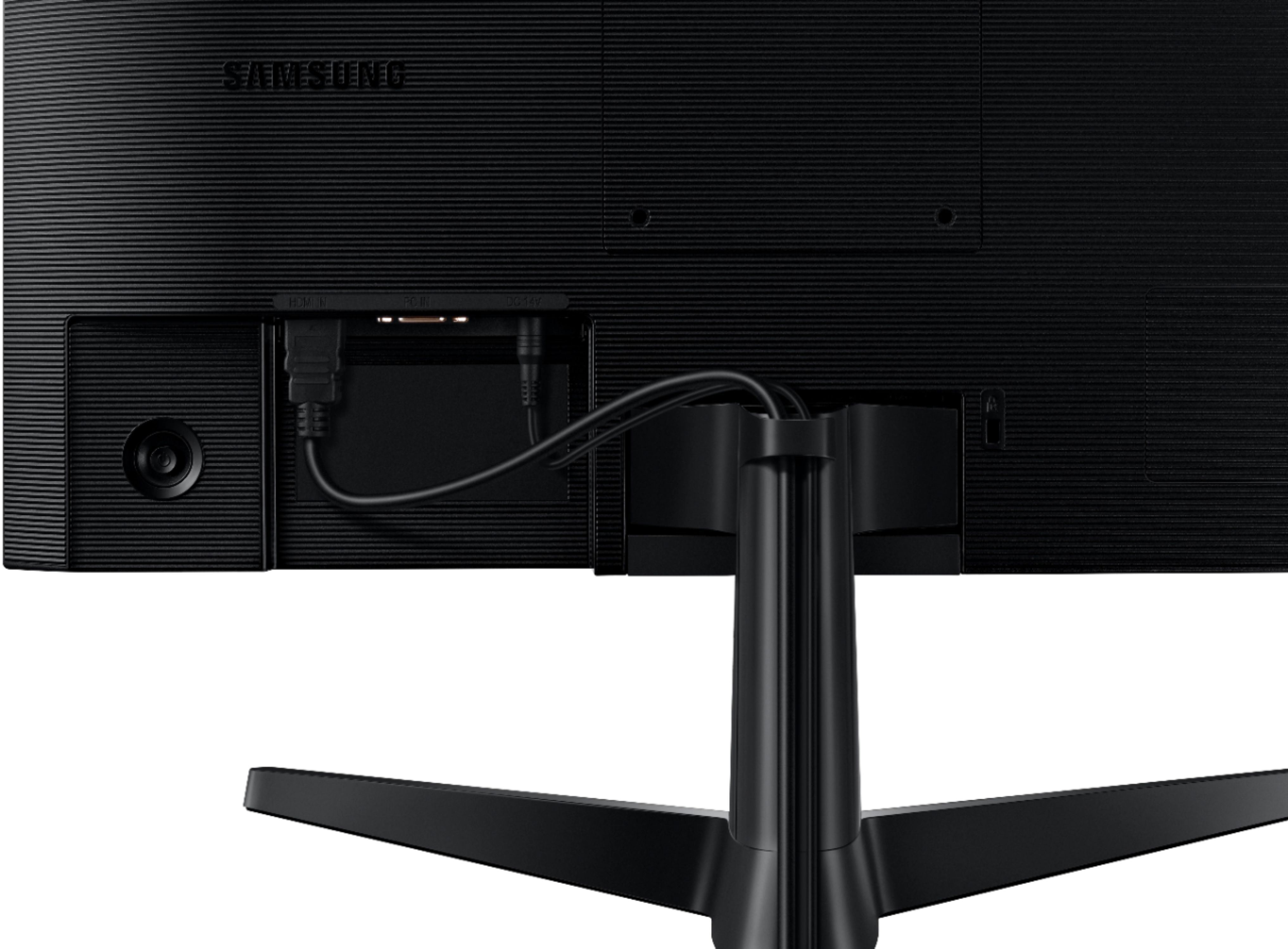
A:AnswerIt has multiple inputs, but you will pick Source on the menu screen to select which input to use. It doesn't use them together so you cannot 'split' the screen between inputs.
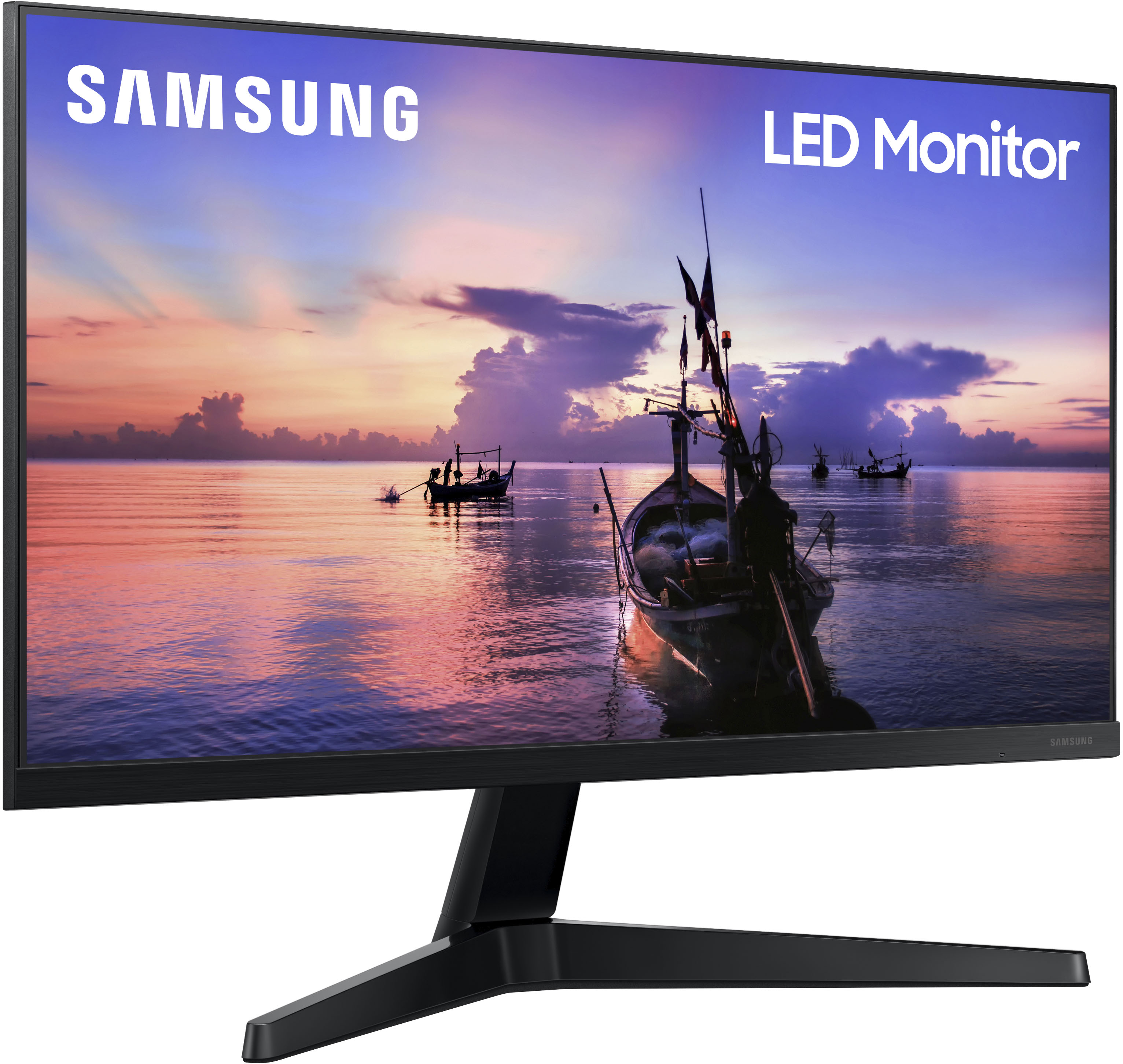
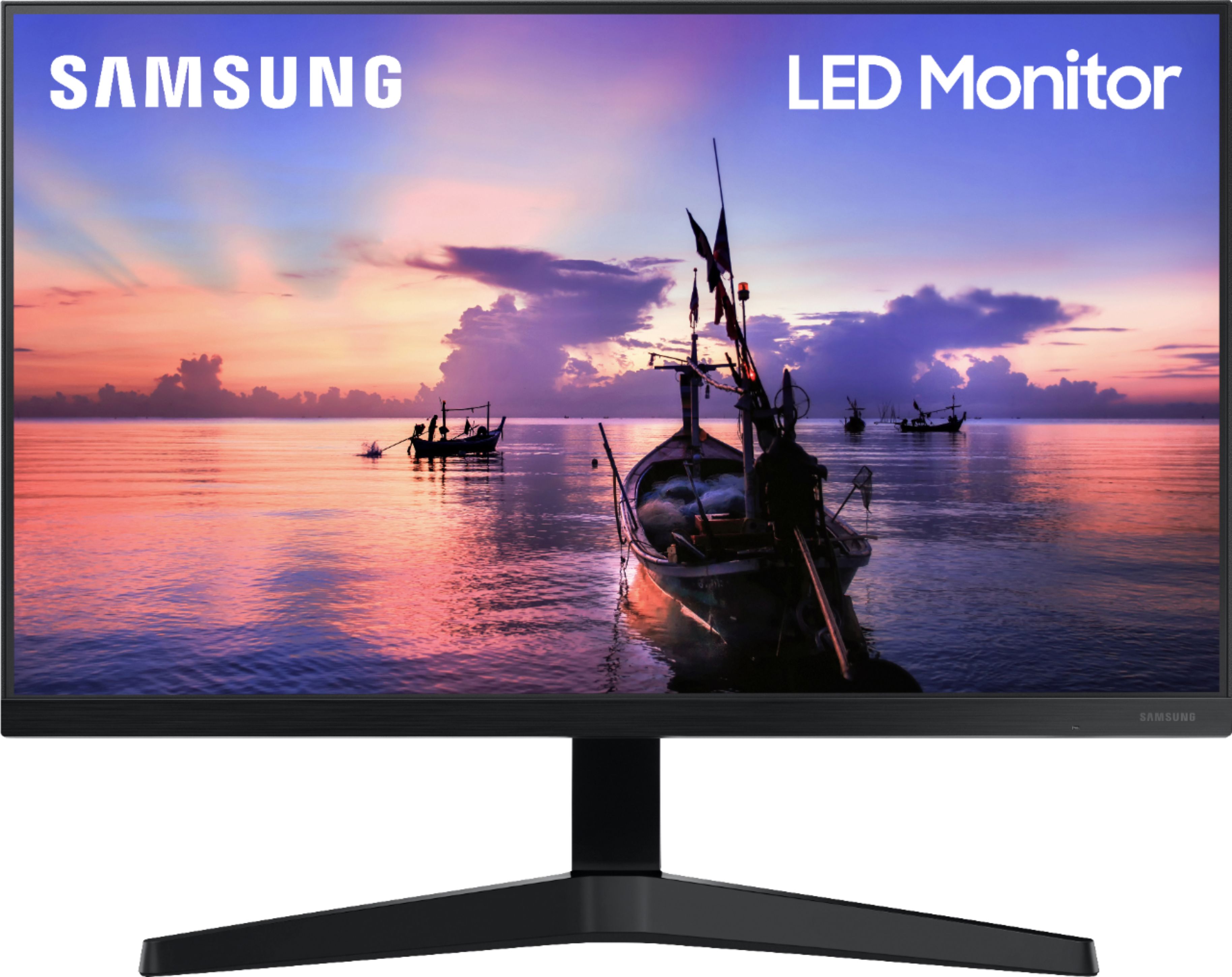
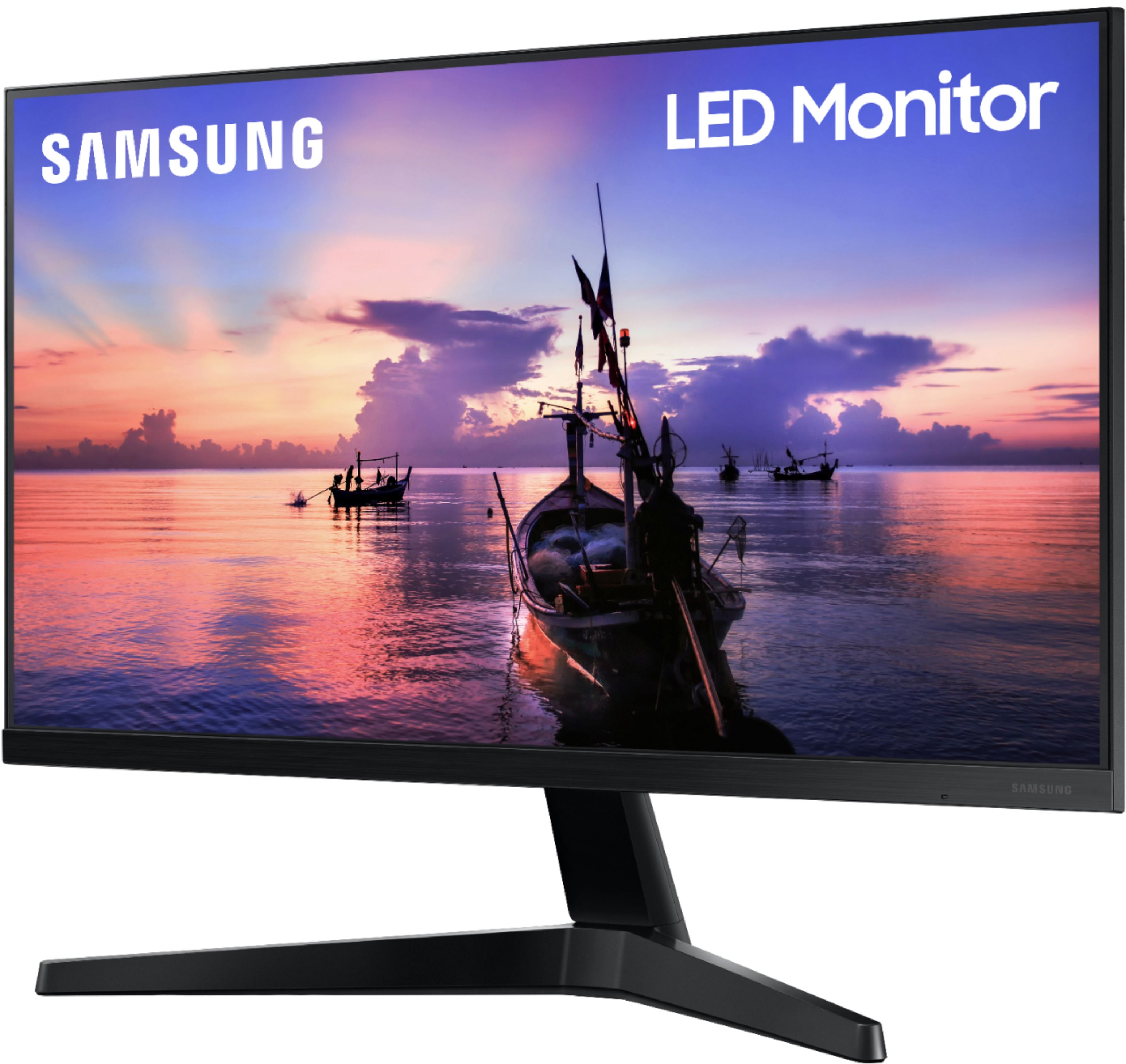
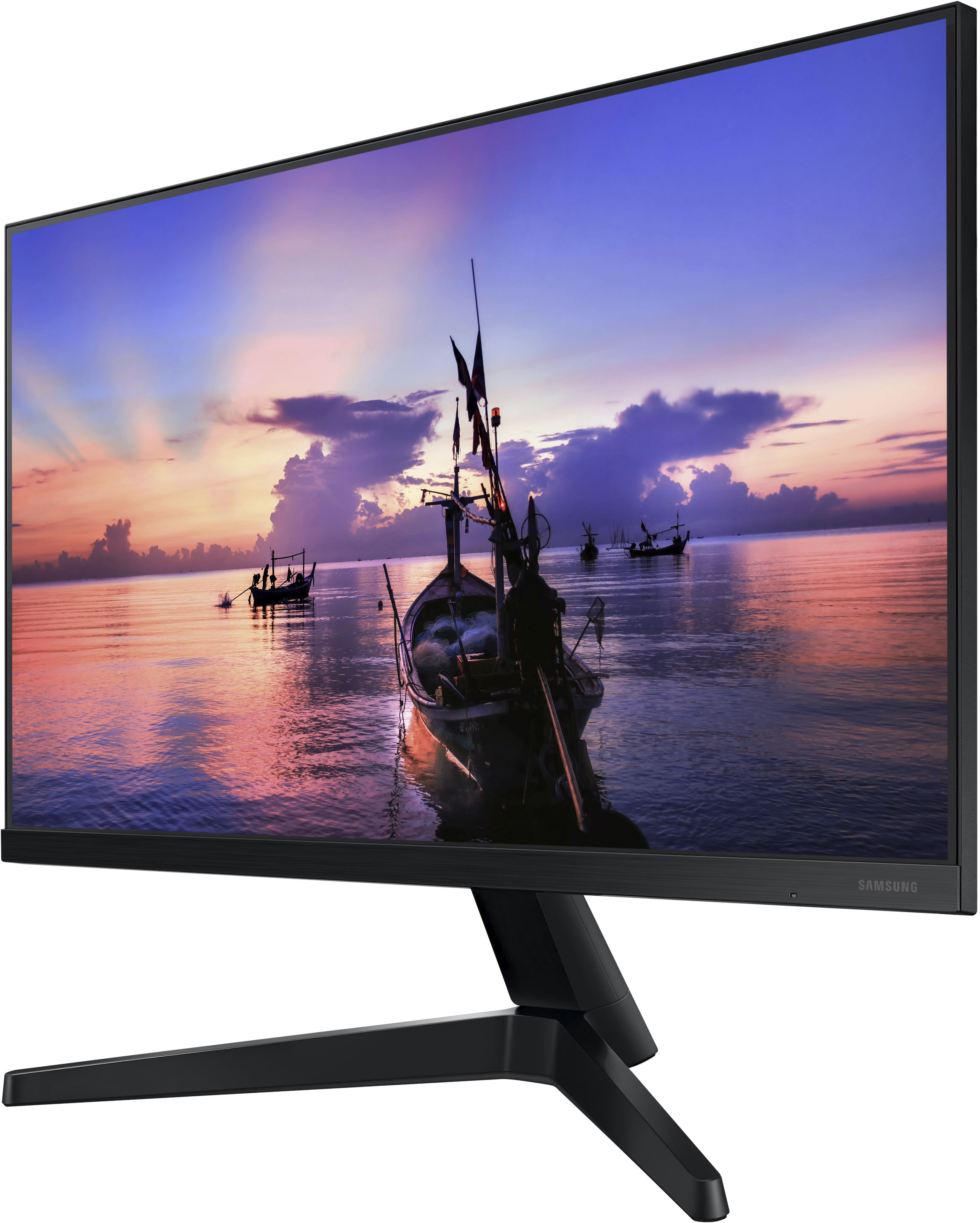
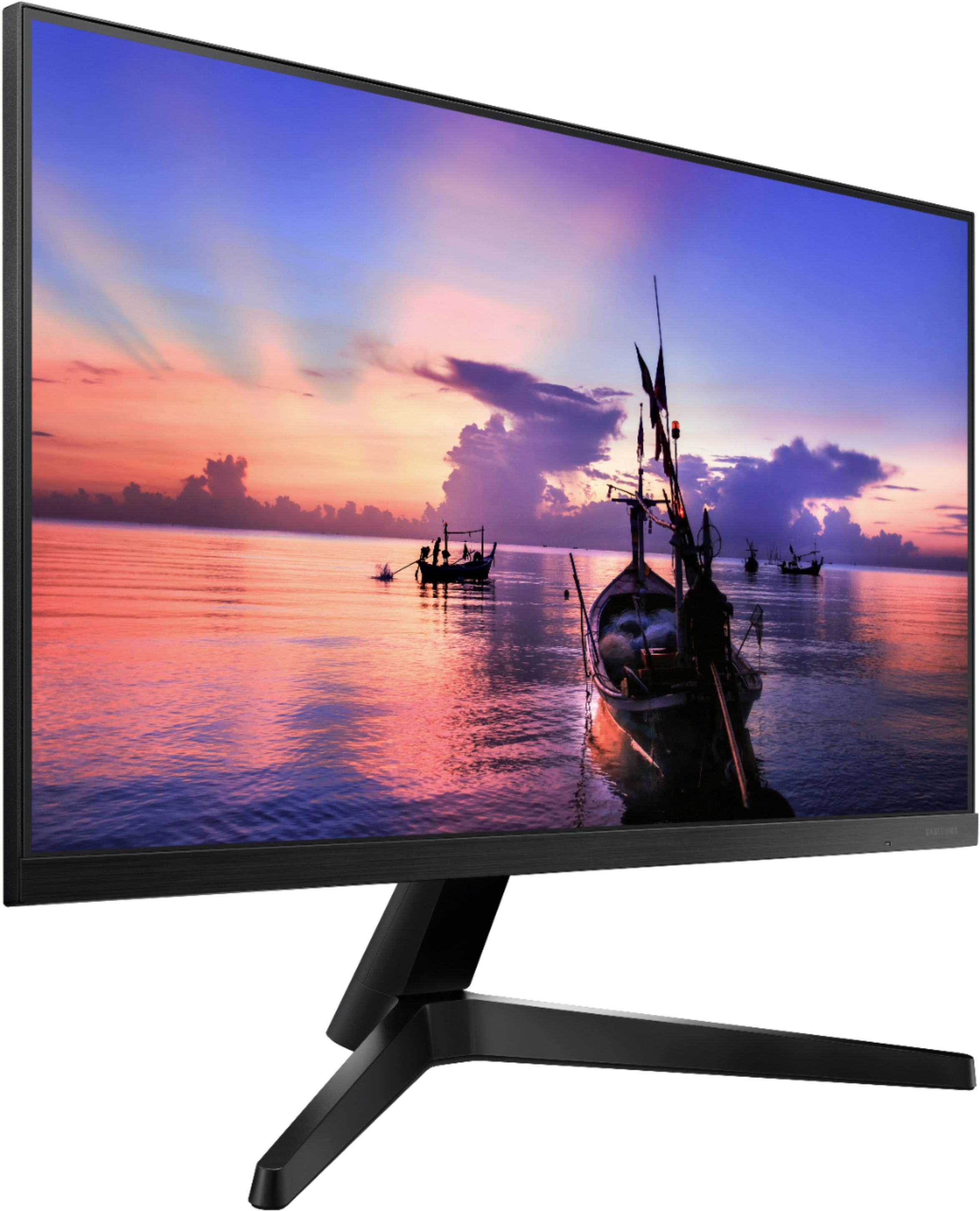
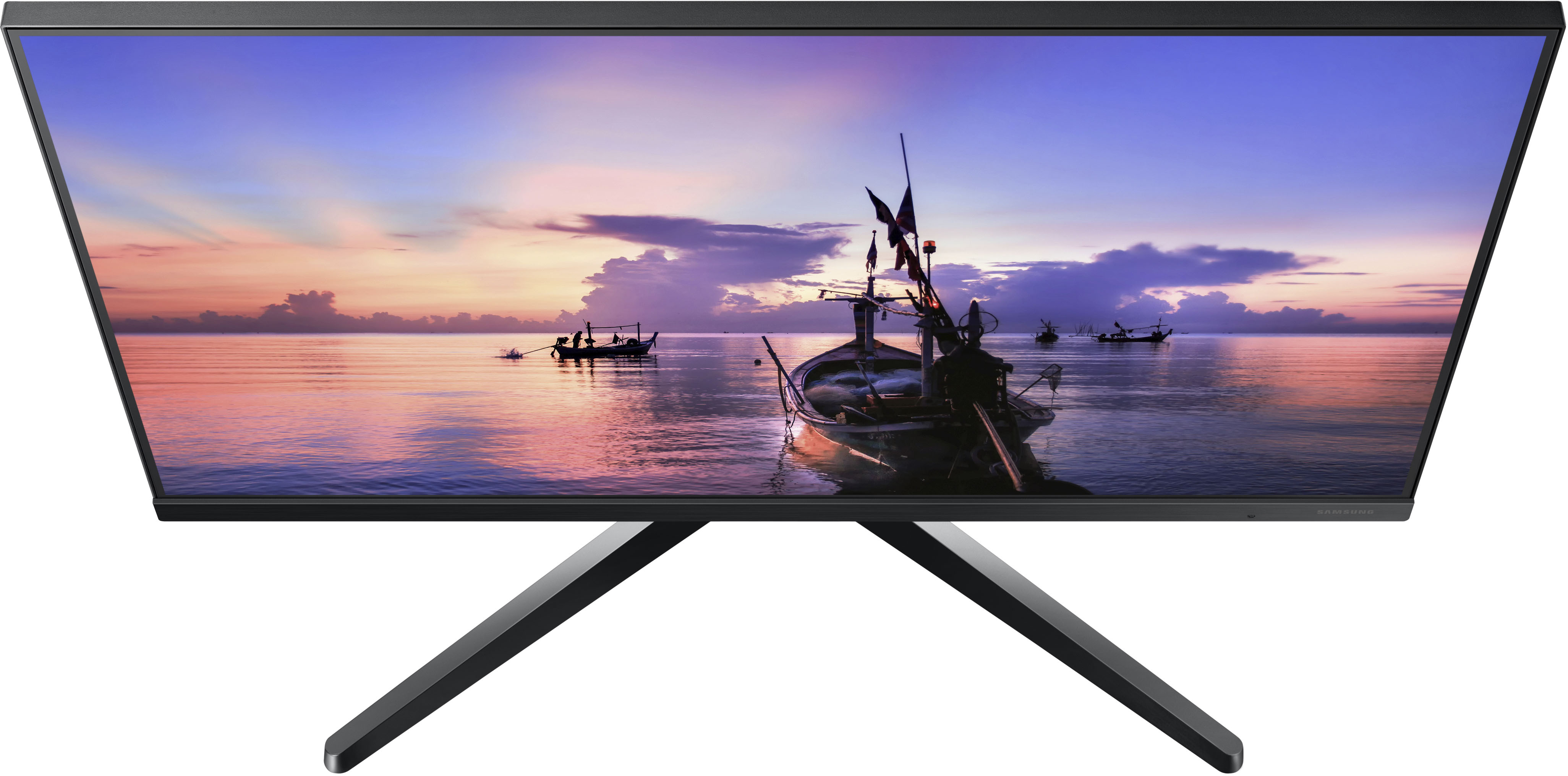
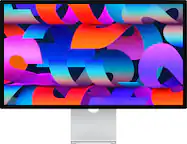
A:AnswerThis is a flat-screen Monitor and as such has no storage and is not a PC. It is used as a 2nd screen to the laptop to have bigger display on your desk.
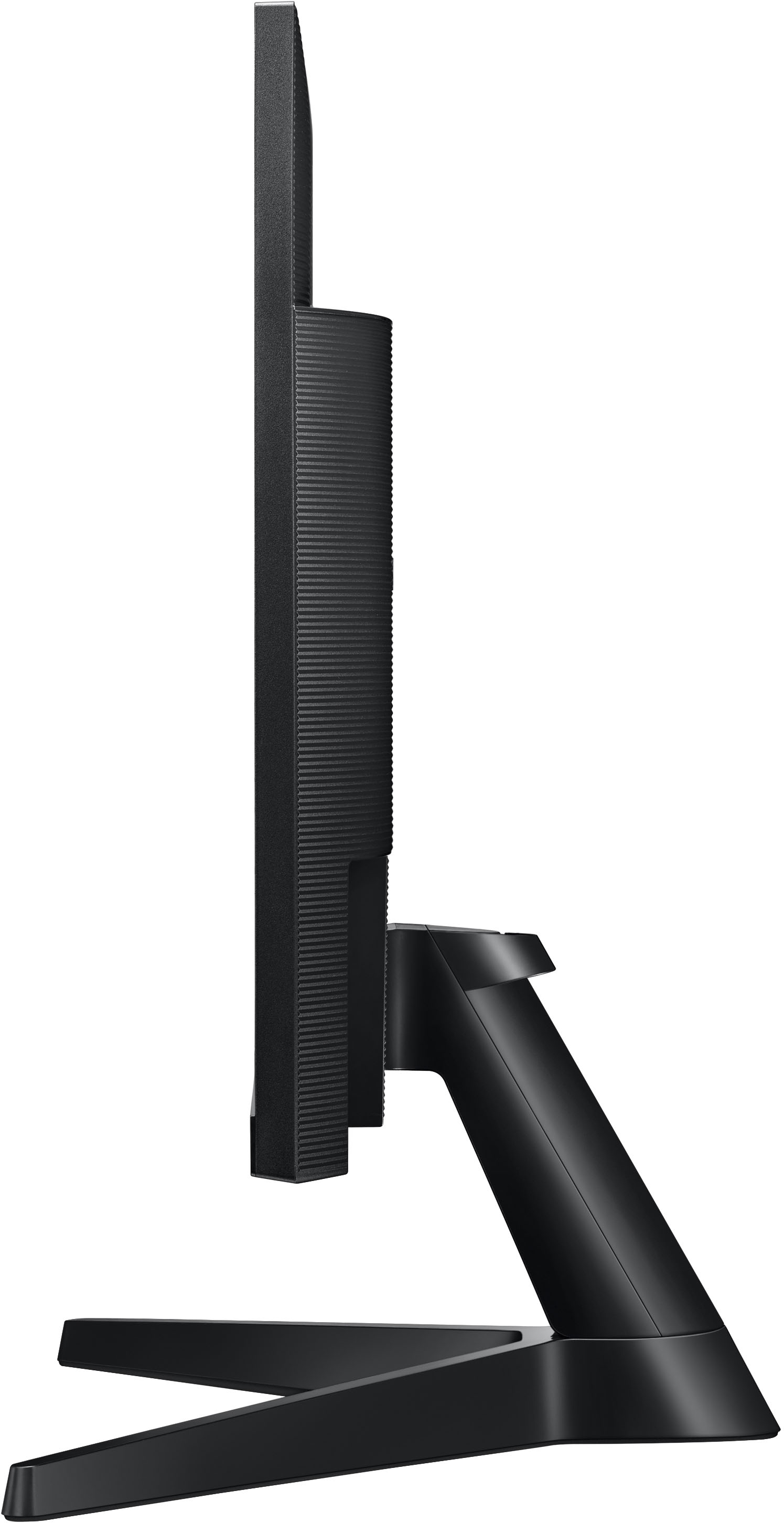
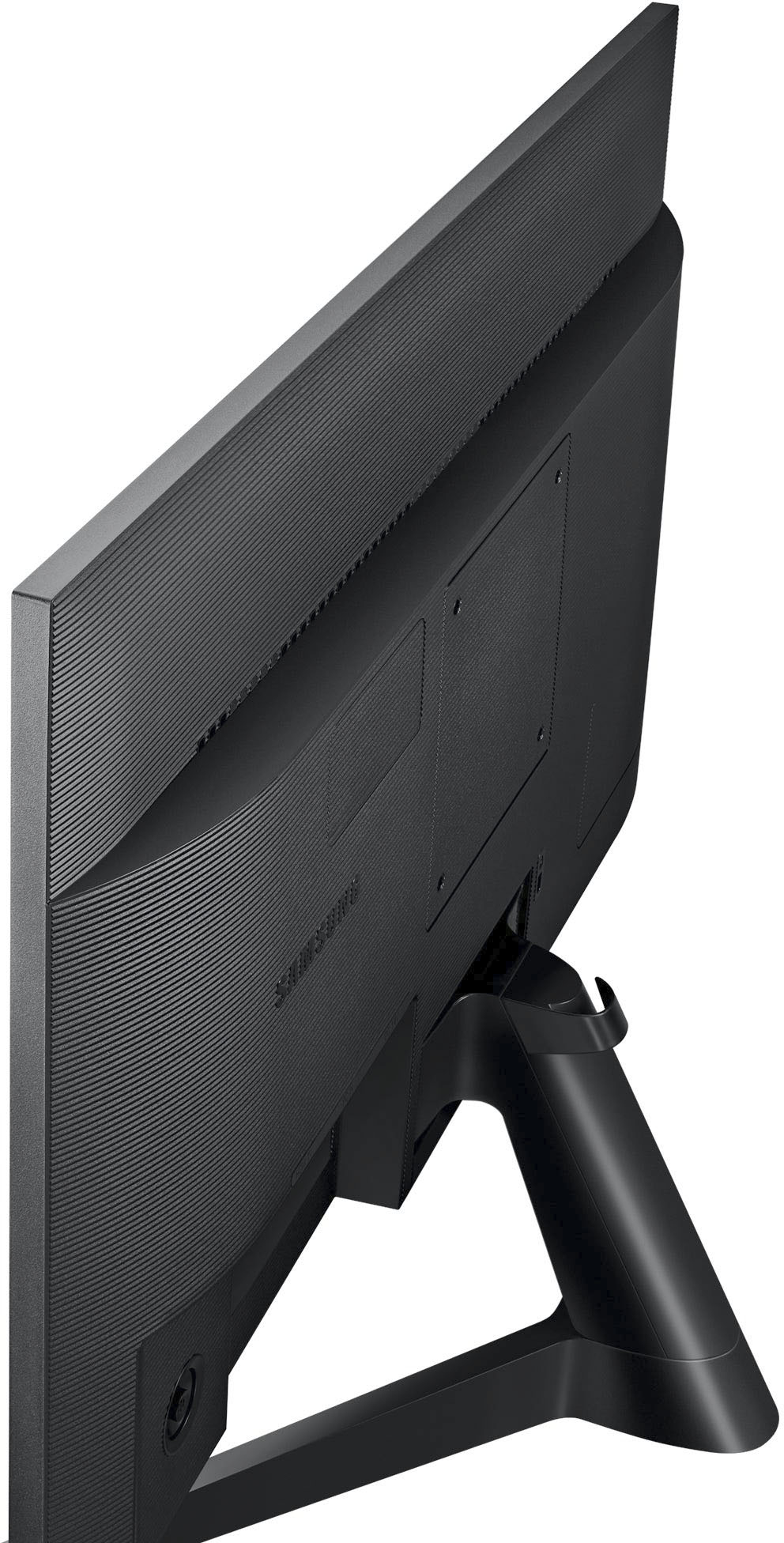
A:AnswerWhen screws are needed to attach a base, Samsung usually already has the screws already screwed into either the monitor or the base. You should just have to remove them and then screw them back in with the base. It makes it harder to lose them.
A:AnswerThank you for your question! This monitor can be used in a dual screen setup, but there could be limitations on the Macbook itself. It is recommended that you contact the manufacturer of your Macbook for the best wiring and settings needed for a dual screen setup.
A:AnswerThanks for reaching out regarding the mirroring support of the 27” T350. This monitor does not support wireless mirroring technology or the ability to connect wirelessly to a laptop computer.