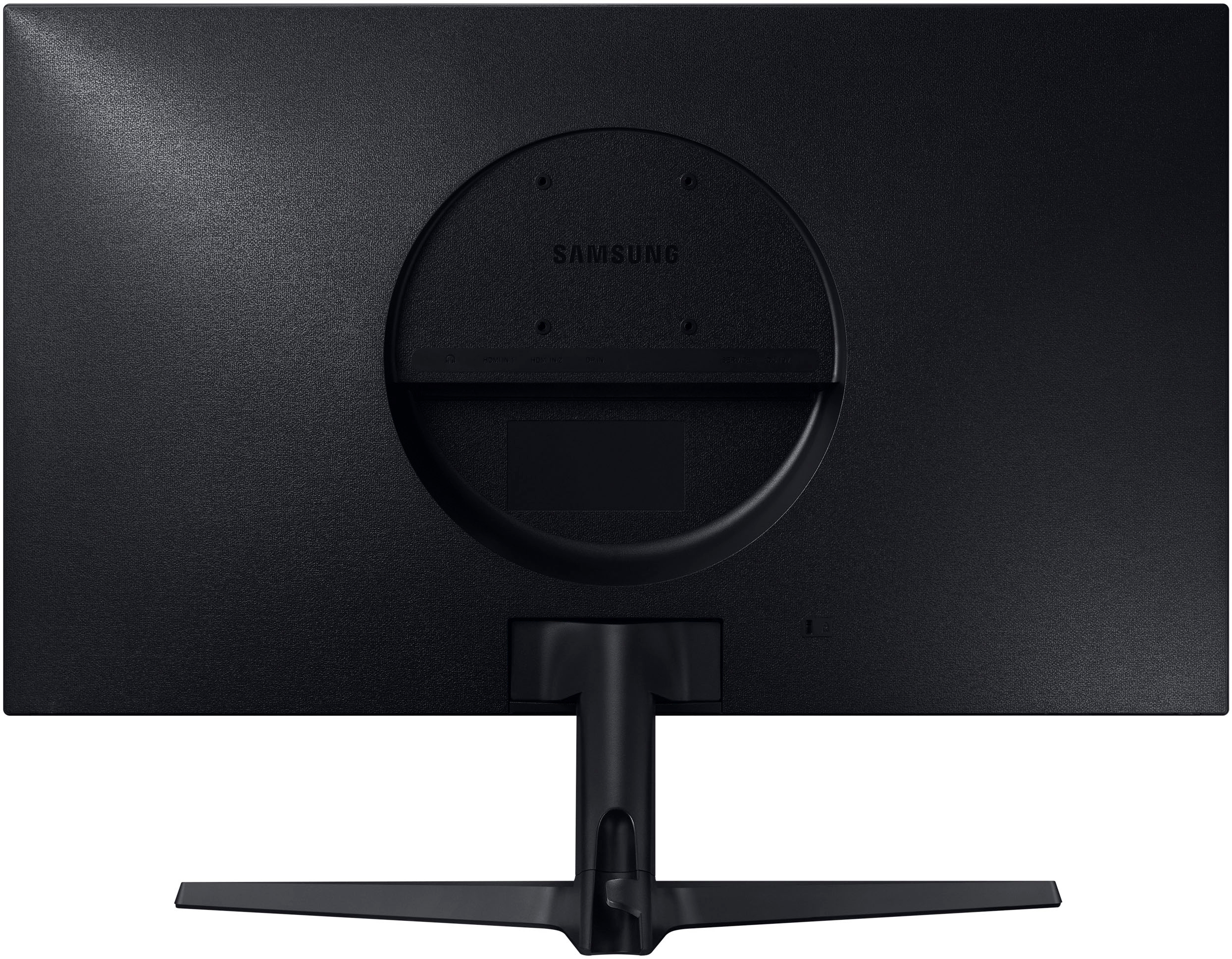
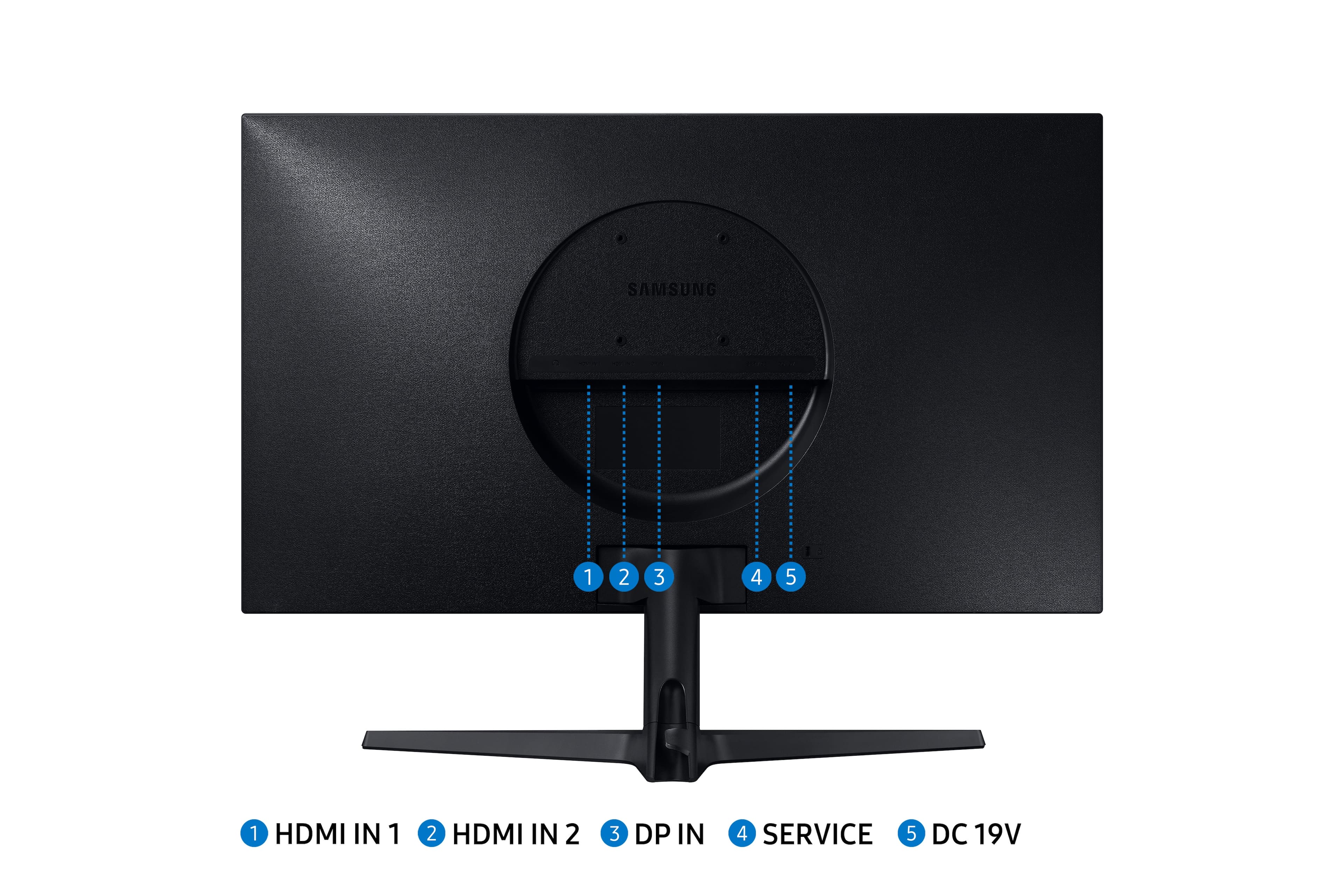
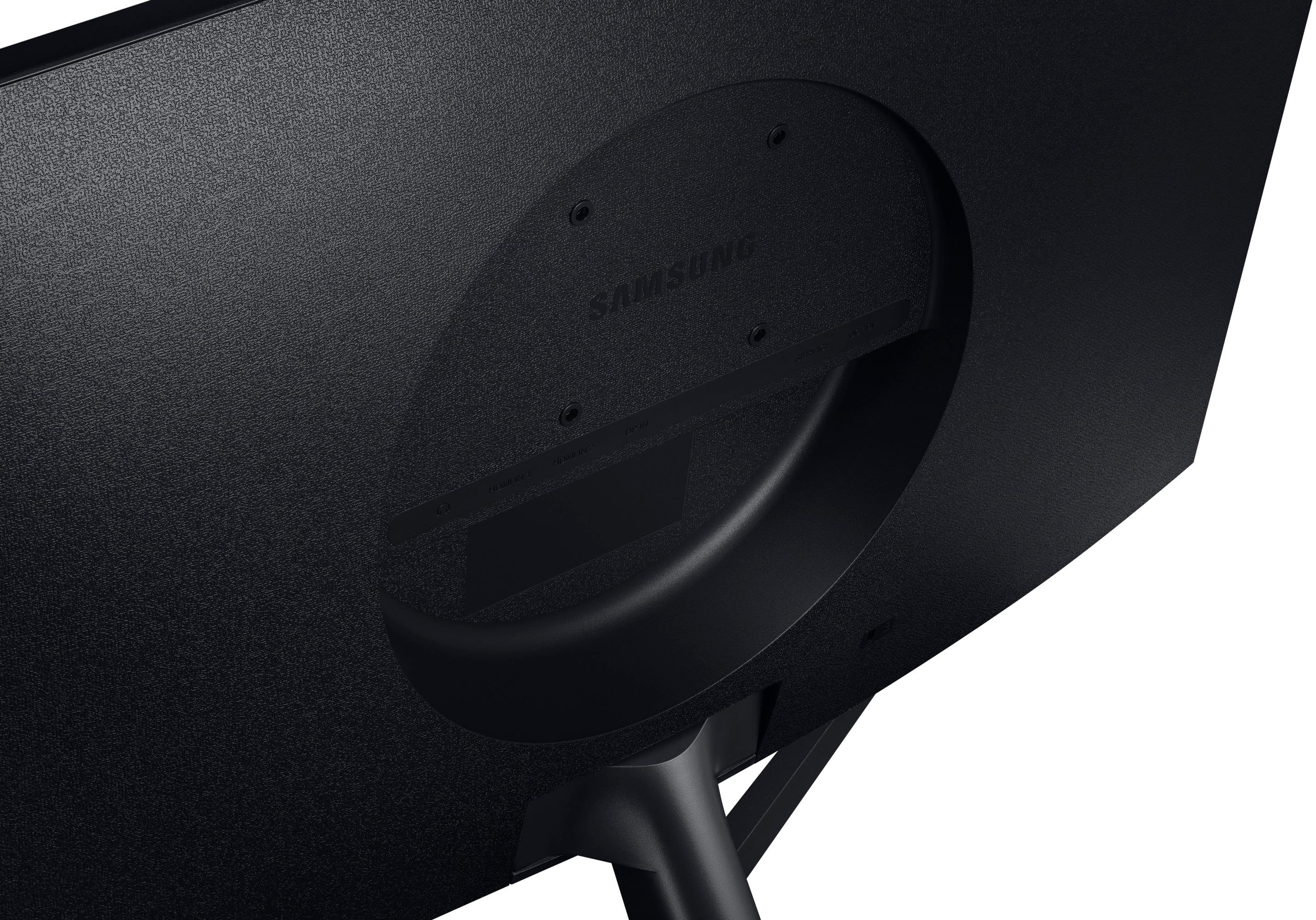
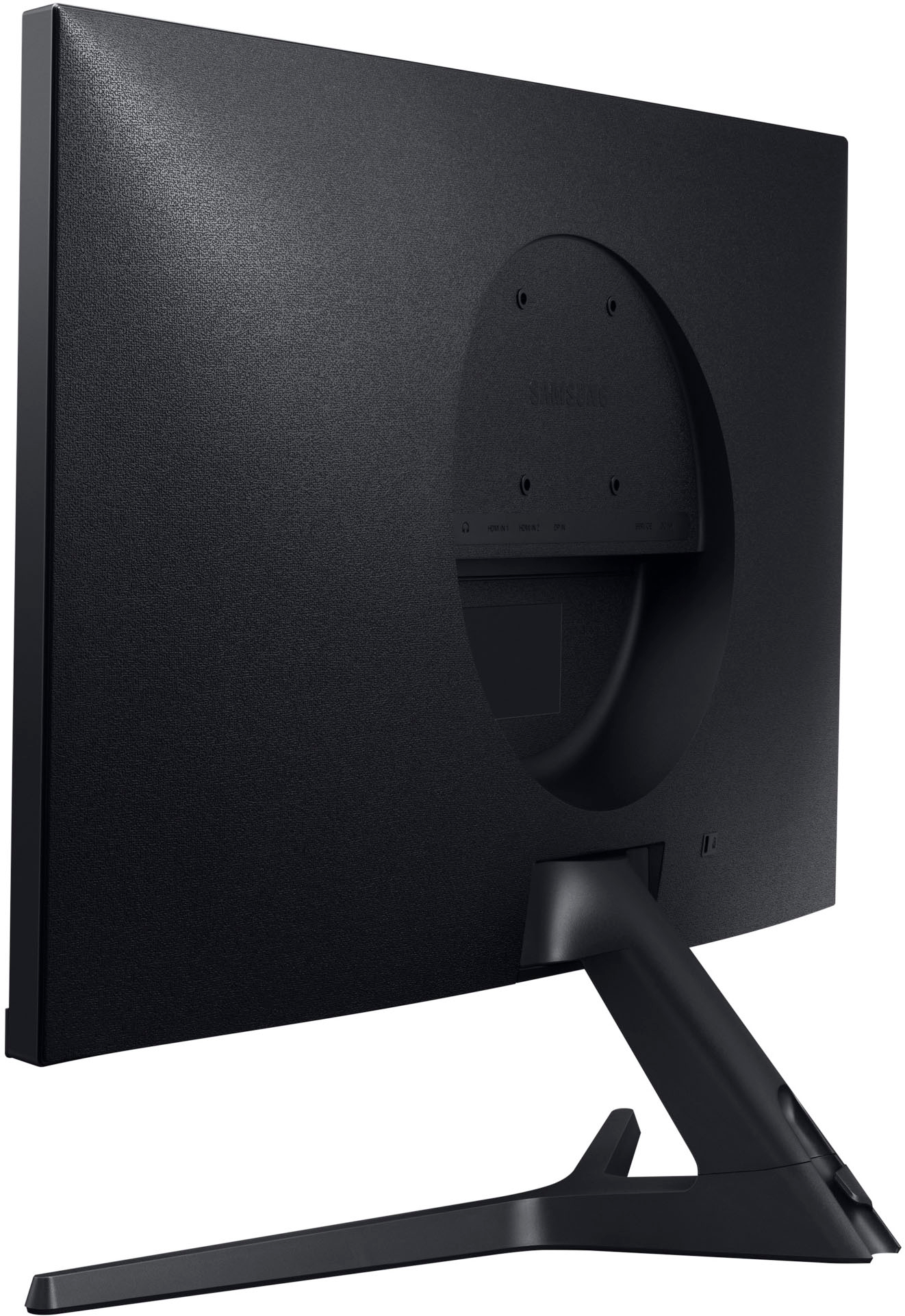
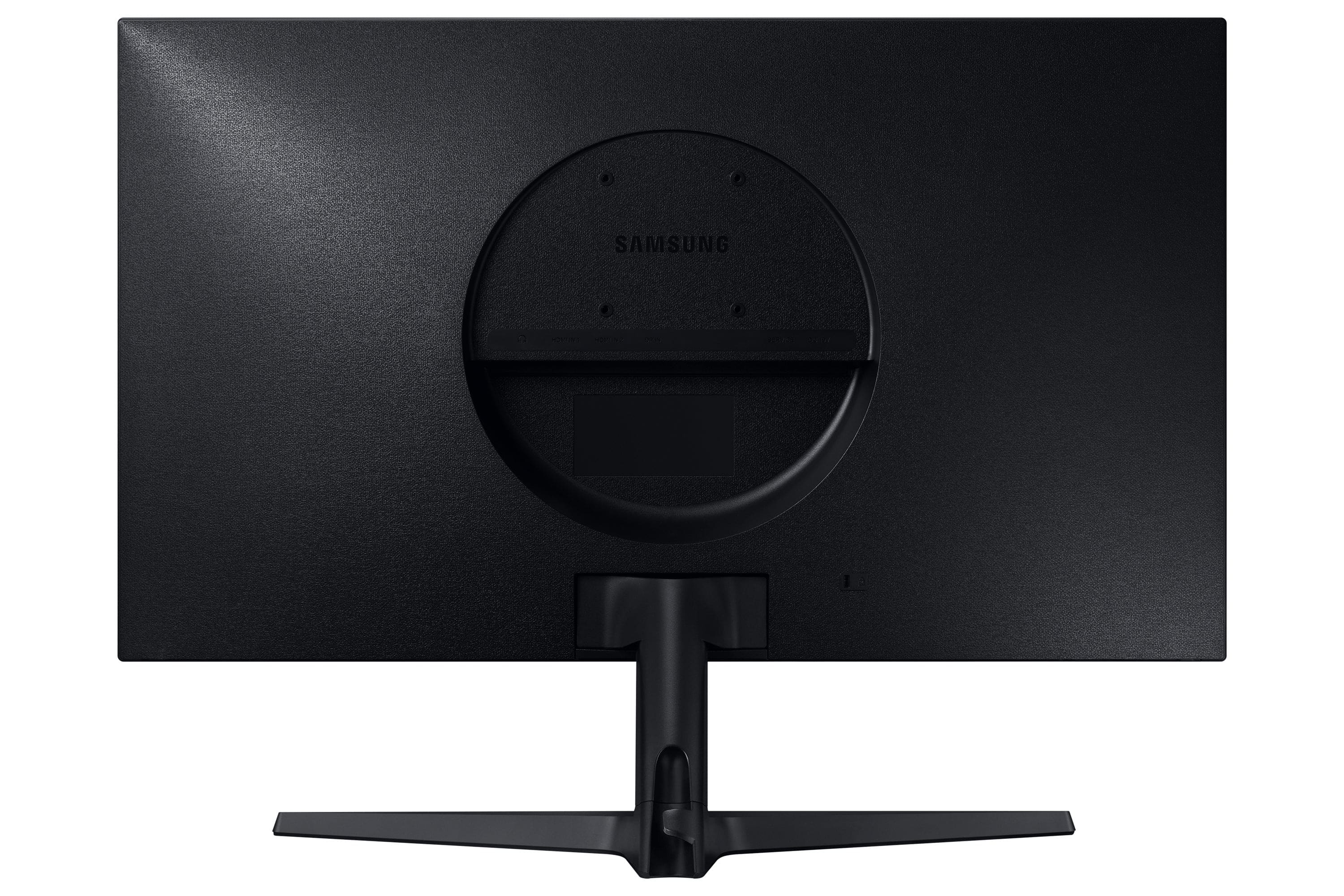
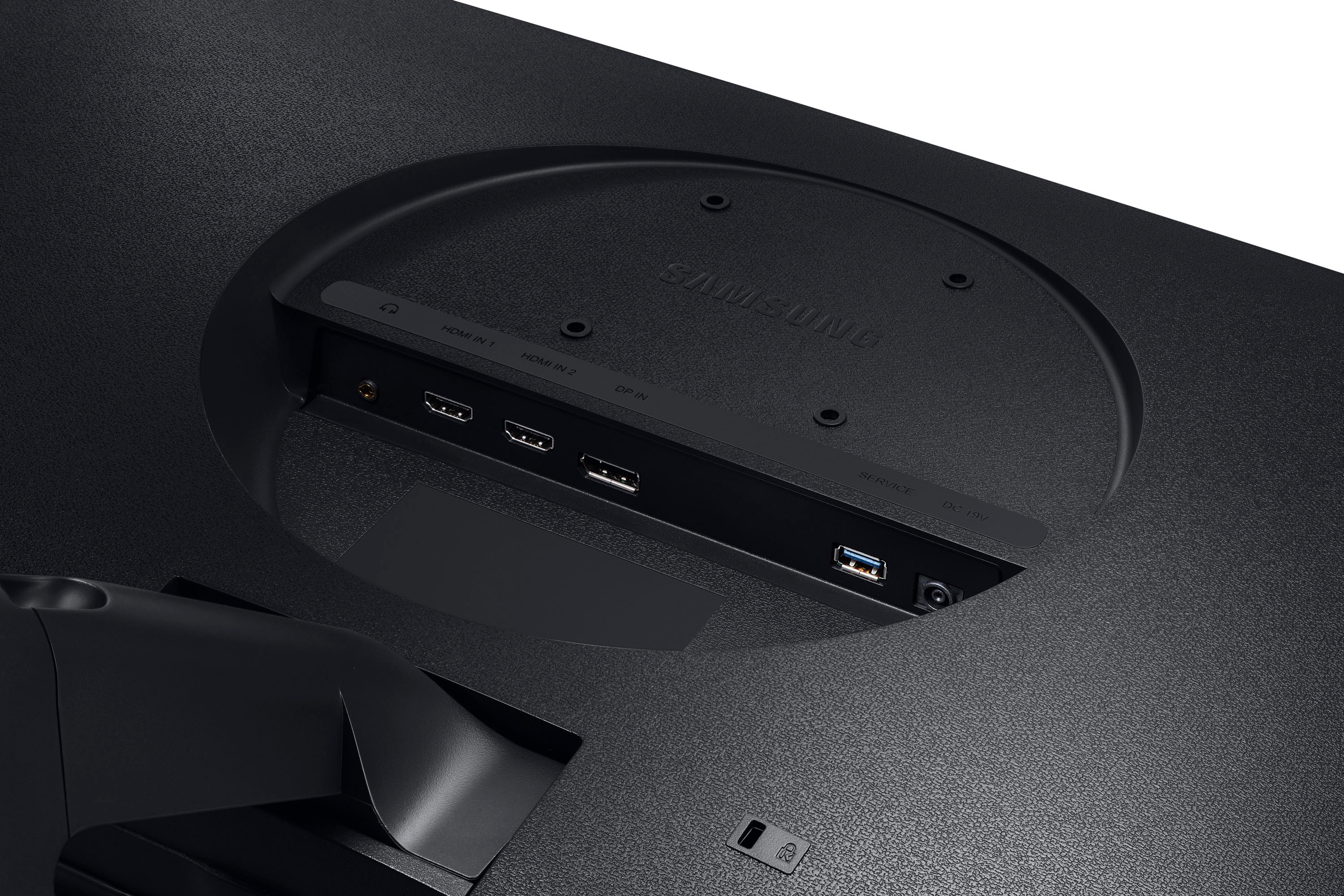
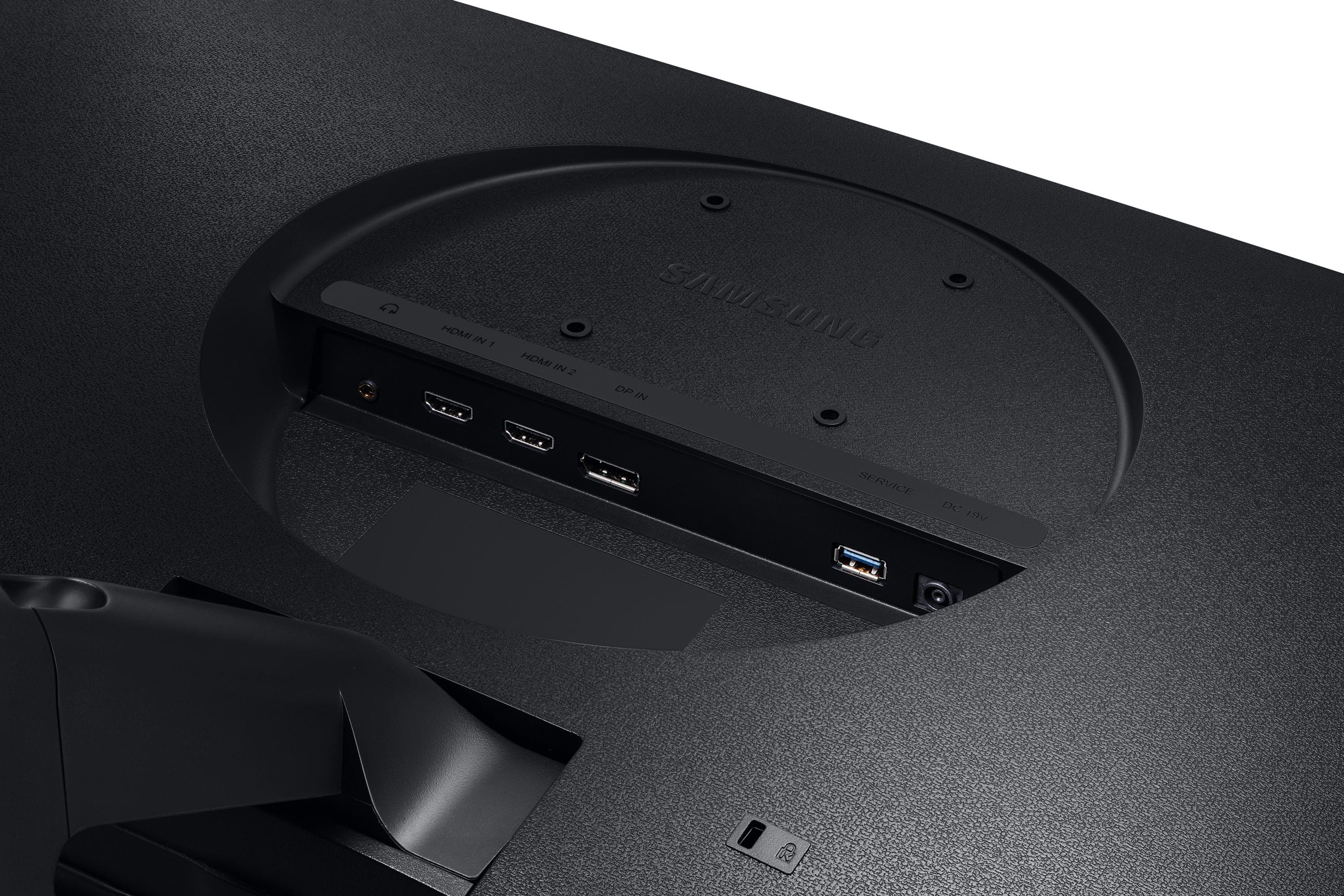
A:AnswerNot sure about an ipad but I was able to connect it to a Macbook Pro. You'll need a dongle however that will allow you to connect a HDMI or DisplayPort cable. Also, you'll need to ensure that the dongle is capable of providing a 60Hz refresh rate for 4k quality. Some dongles are capped at 30Hz only.
A:AnswerReading reviews for that laptop it looks like they used an HDMI 1.4 port instead of HDMI 2.0 so it won't drive 4K properly. I saw someone on Amazon say they were able to get 4K 60hz using a USB-C to HDMI cable, and the Samsung site seems to confirm this as it mentions 4K output for the USB-C but not HDMI.
A:AnswerI have a laptop with Intel® Iris® Xe Graphics
Will this work with Intel Evo Platform Powered by 11th Gen Intel® Core™ i5-1135G7 Processor
16GB DDR4-2933 RAM
A:AnswerHDCP is the copy protection that is built in to UHD systems. Every piece needs to be compliant... the display, the hardware, and the cable. Make sure your computer and cable are HDCP compliant.