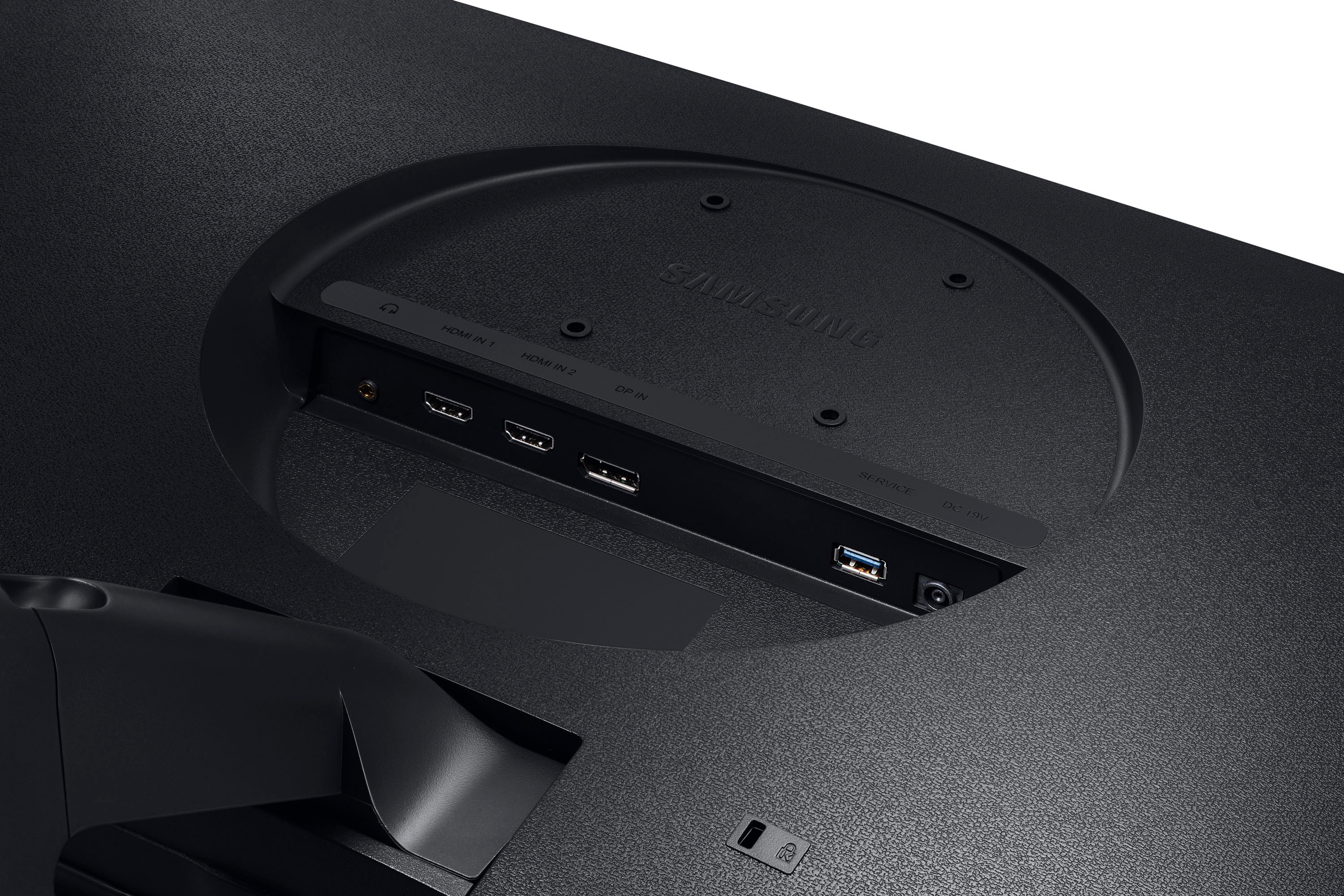
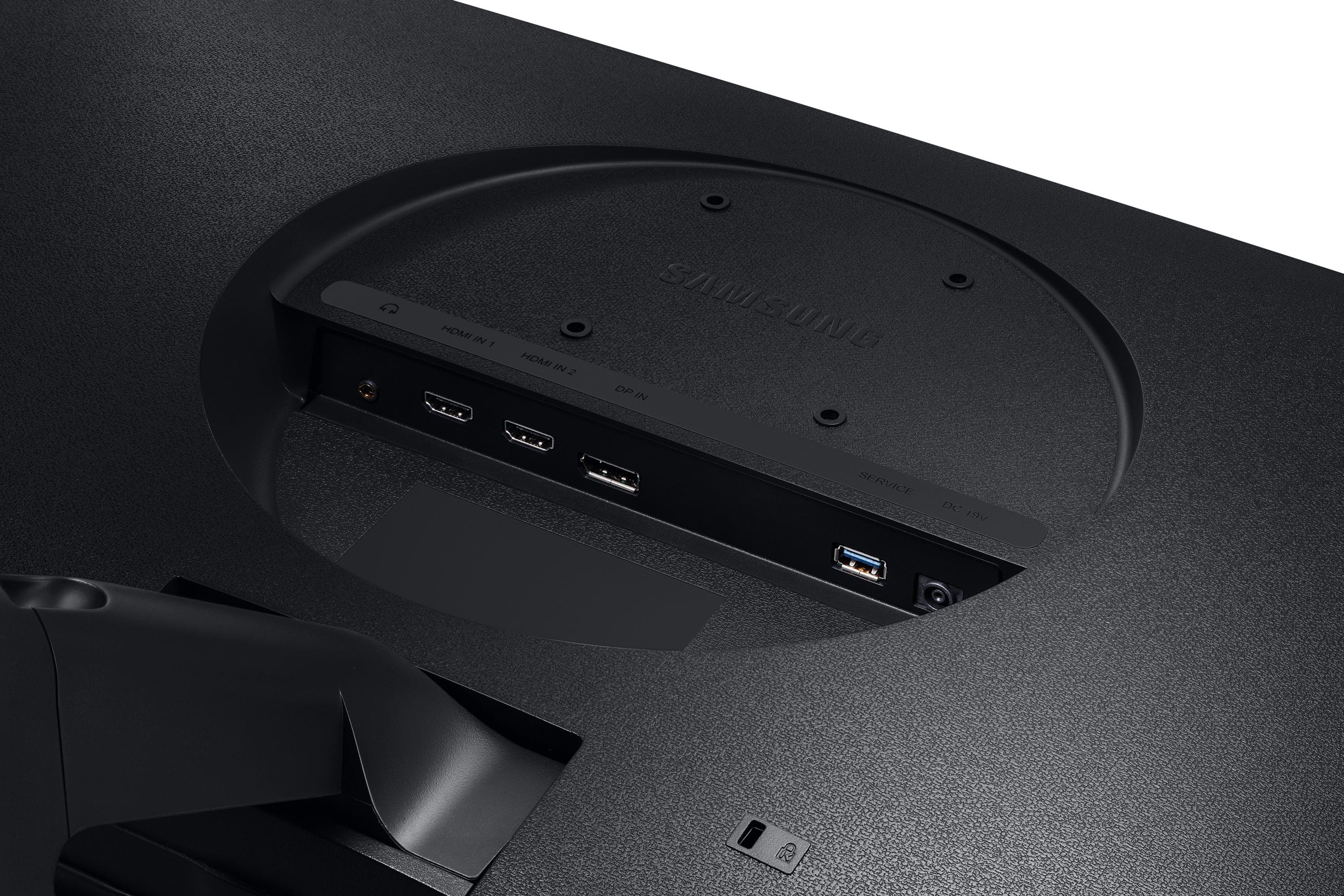
A:AnswerYes, whatever monitor you have hooked up to your computer's main HDMI output should show your computer's BIOS. It'll be in a much lower resolution but it'll definitely show.
A:AnswerThank you for your question! This monitor features an HDMI cord, version 2.0. This cable should give you no problem obtaining 4k at 60hz. We also recommend checking for any PC/Console limitations, making sure your device is up to date, and adjusting your display settings to ensure you are obtaining the full performance that your monitor can offer.
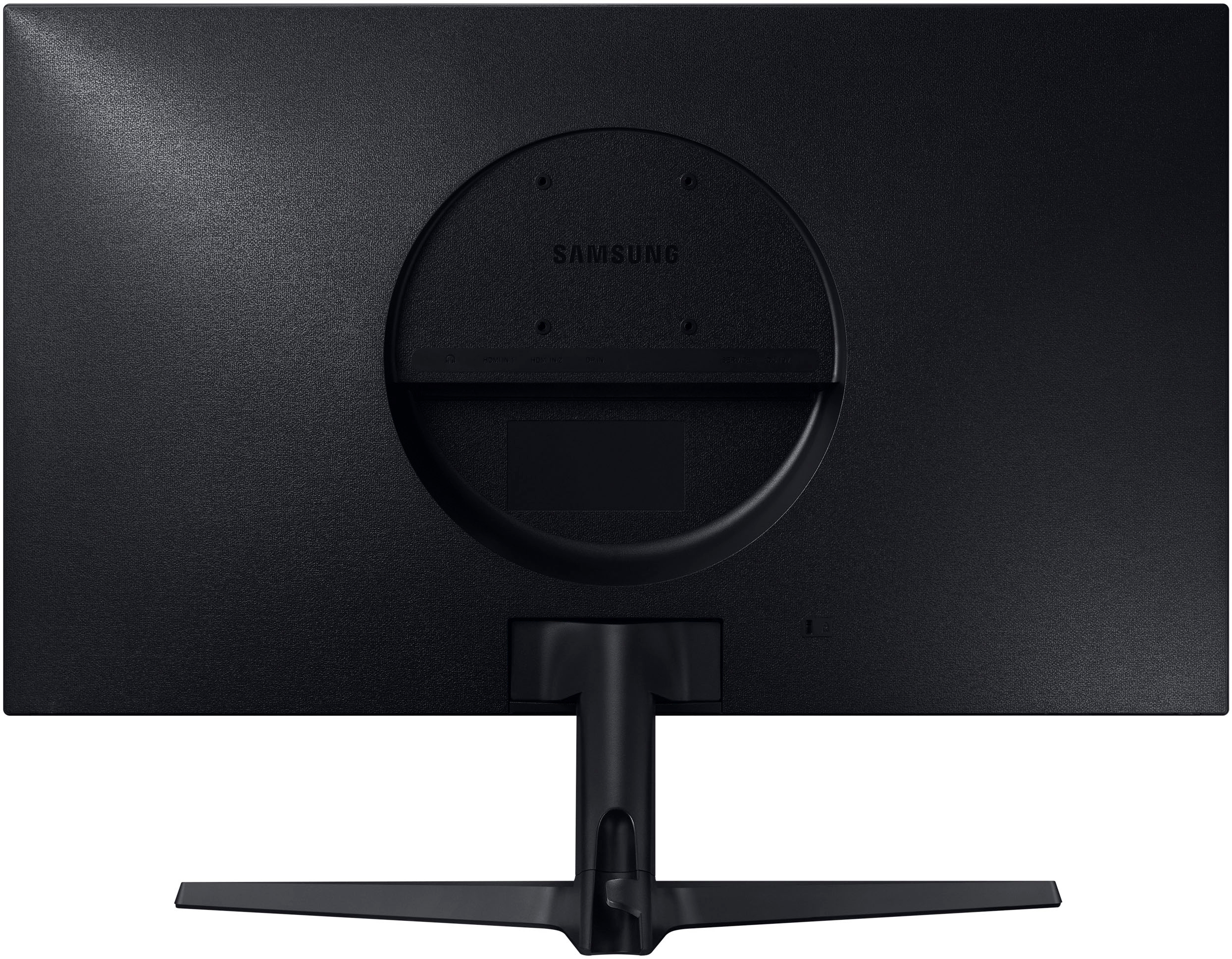
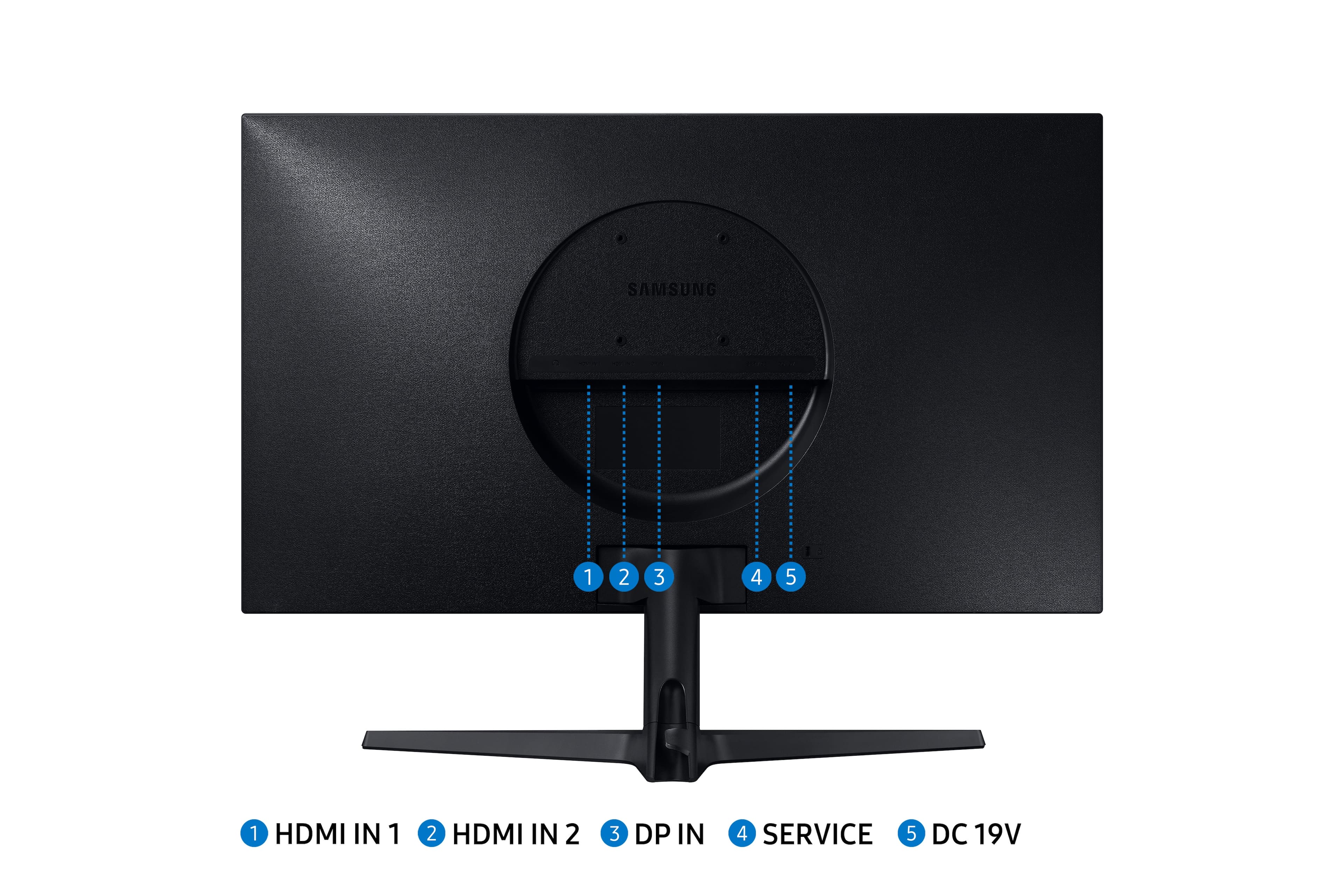
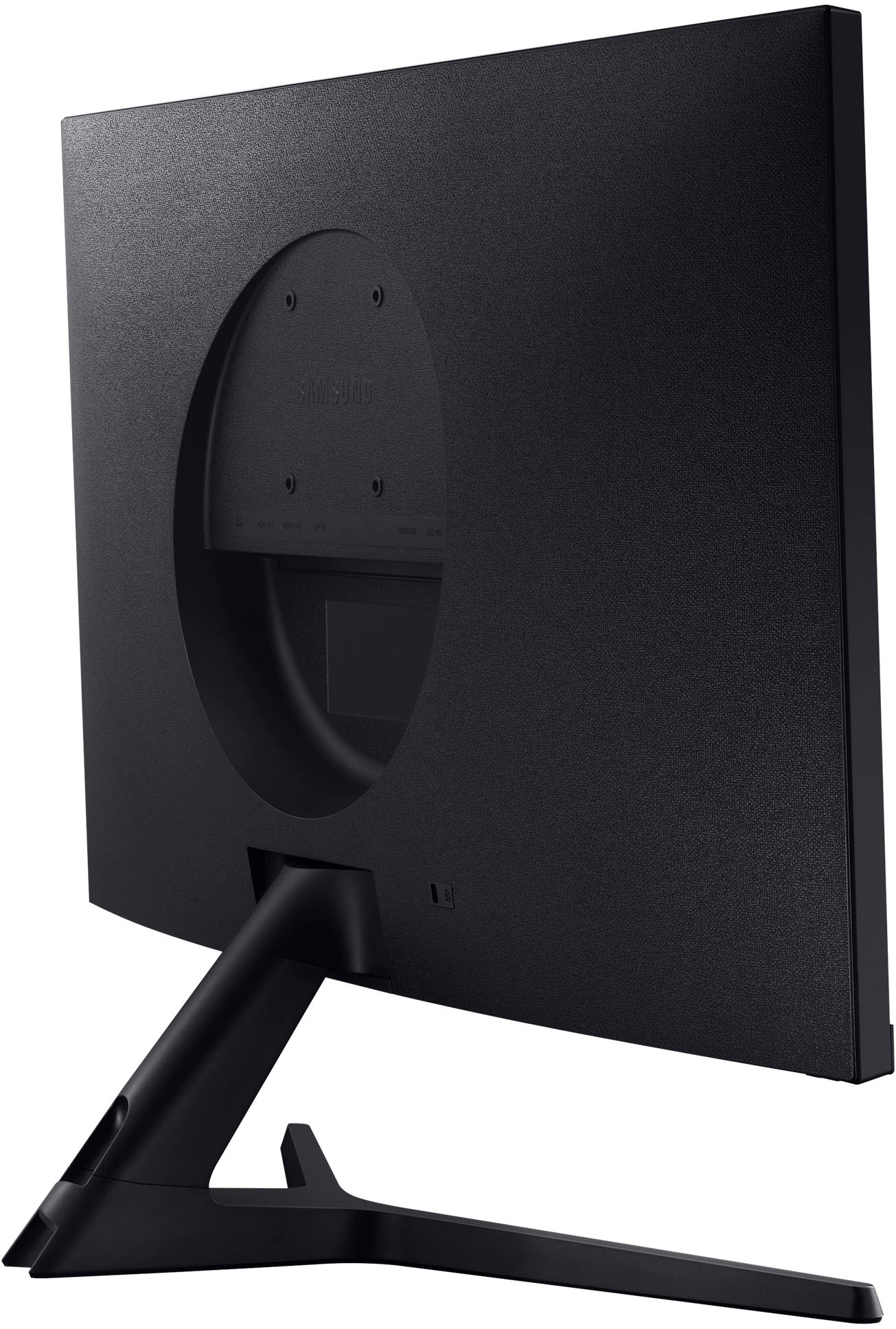
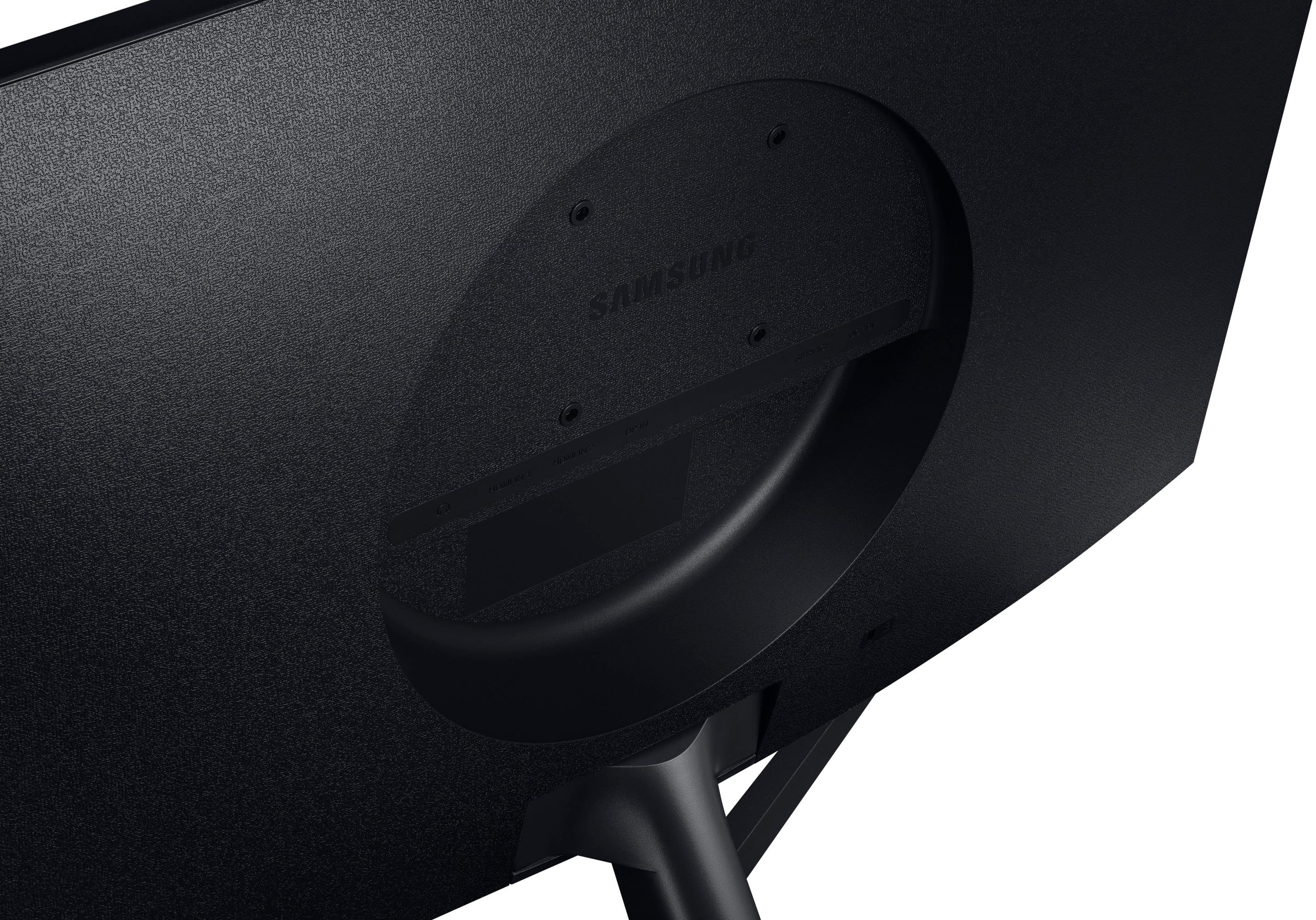
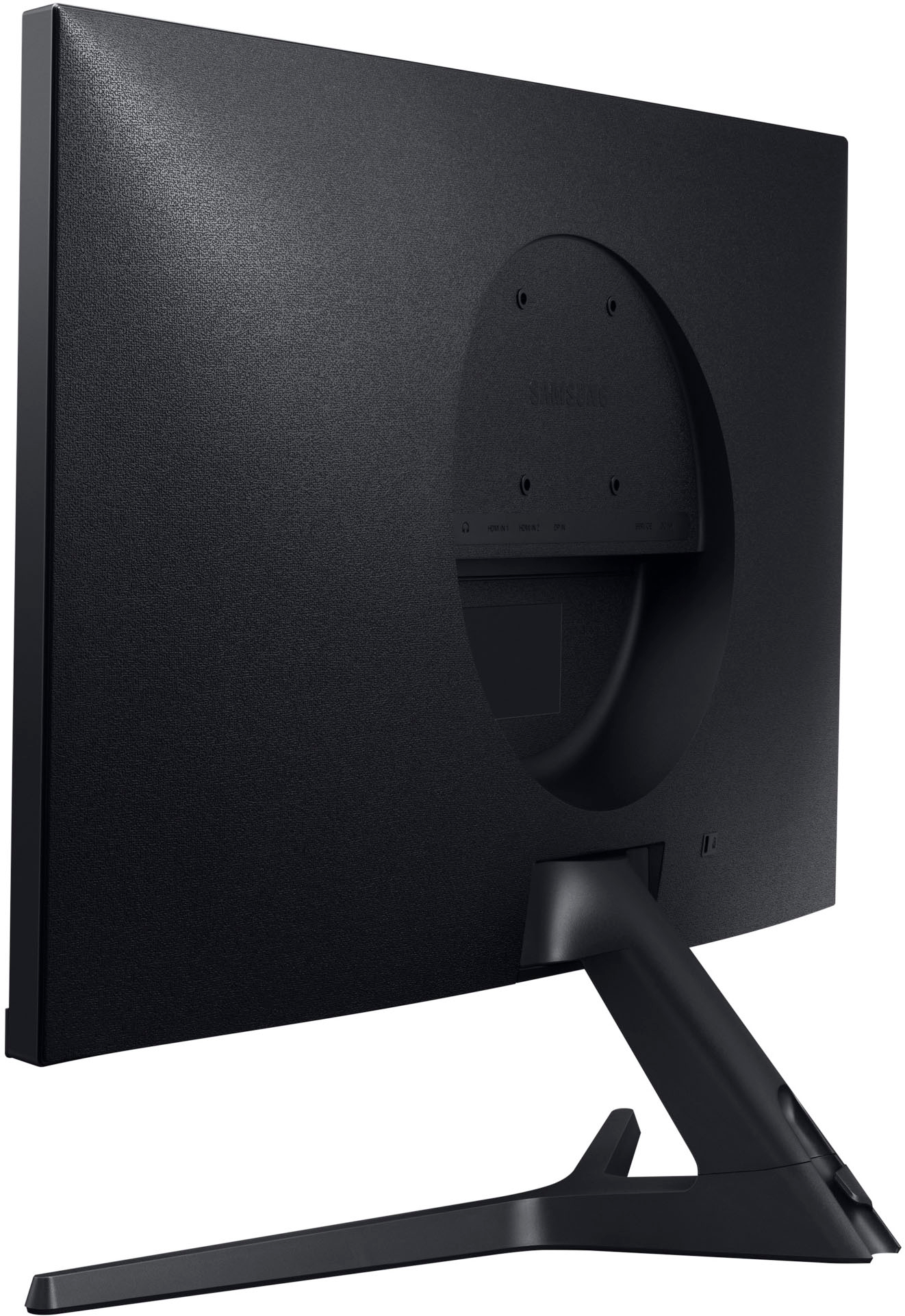
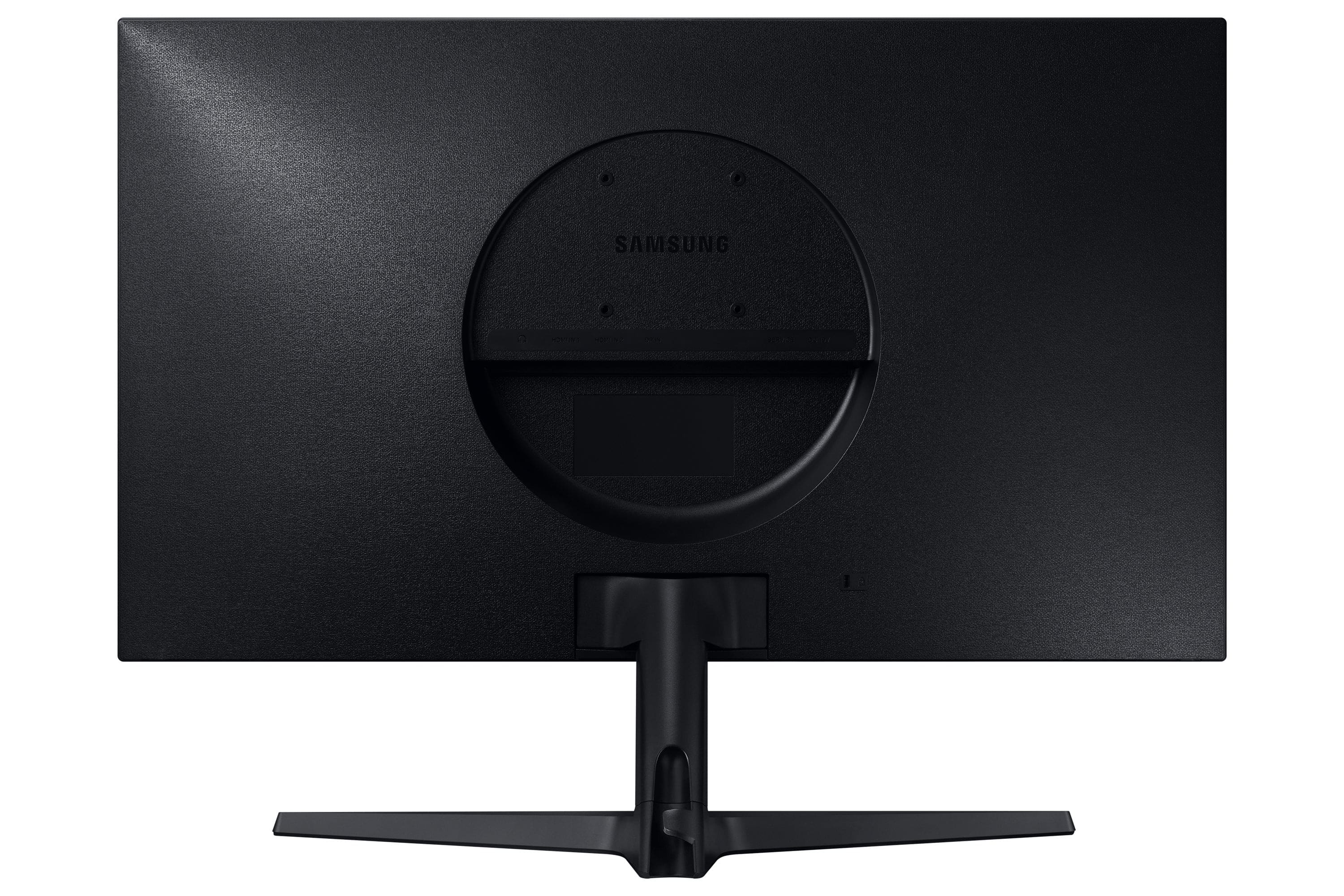
A:AnswerThank you for your question! We cannot speak directly to the features or quality of third party solutions, but if the stand or mount is compatible with a 75 x 75mm VESA pattern and can support a weight of 11.02 lbs or higher, you should not experience any issues using it with your new Samsung monitor.
A:AnswerThank you for your question!
Please contact Samsung Customer Support so that we can better understand your question and assist you at 1-800-SAMSUNG, available 8AM - 12AM EST (Mon-Fri) / 9AM - 11PM EST (Sat-Sun)
A:AnswerHi Kelly - This monitor does not support a feature we offer in many of our gaming monitors called “Virtual Aim Point”. This article shows some examples of Virtual Aim Point which is also found on some of our TVs. https://www.samsung.com/ae/support/tv-audio-video/how-to-use-a-virtual-aim-point-in-game-bar/ . If you are looking for a new 4K monitor in the 27”-28” range, I would recommend looking at these monitors since they are also 4K and support virtual aim point. LS28BG702ENXGO, LS27CM701UNXZA, and LS27CM801UNXZA
A:AnswerThat's what I'm using it with. I had to purchase a mini-displayport to displayport cable to utilize the full 4k resolution. The previous mDP to HDMI adapter I was using was pretty much limited to FHD (1080). For what it's worth, I'm connecting through a dock and not the port on the surface, so all good there.
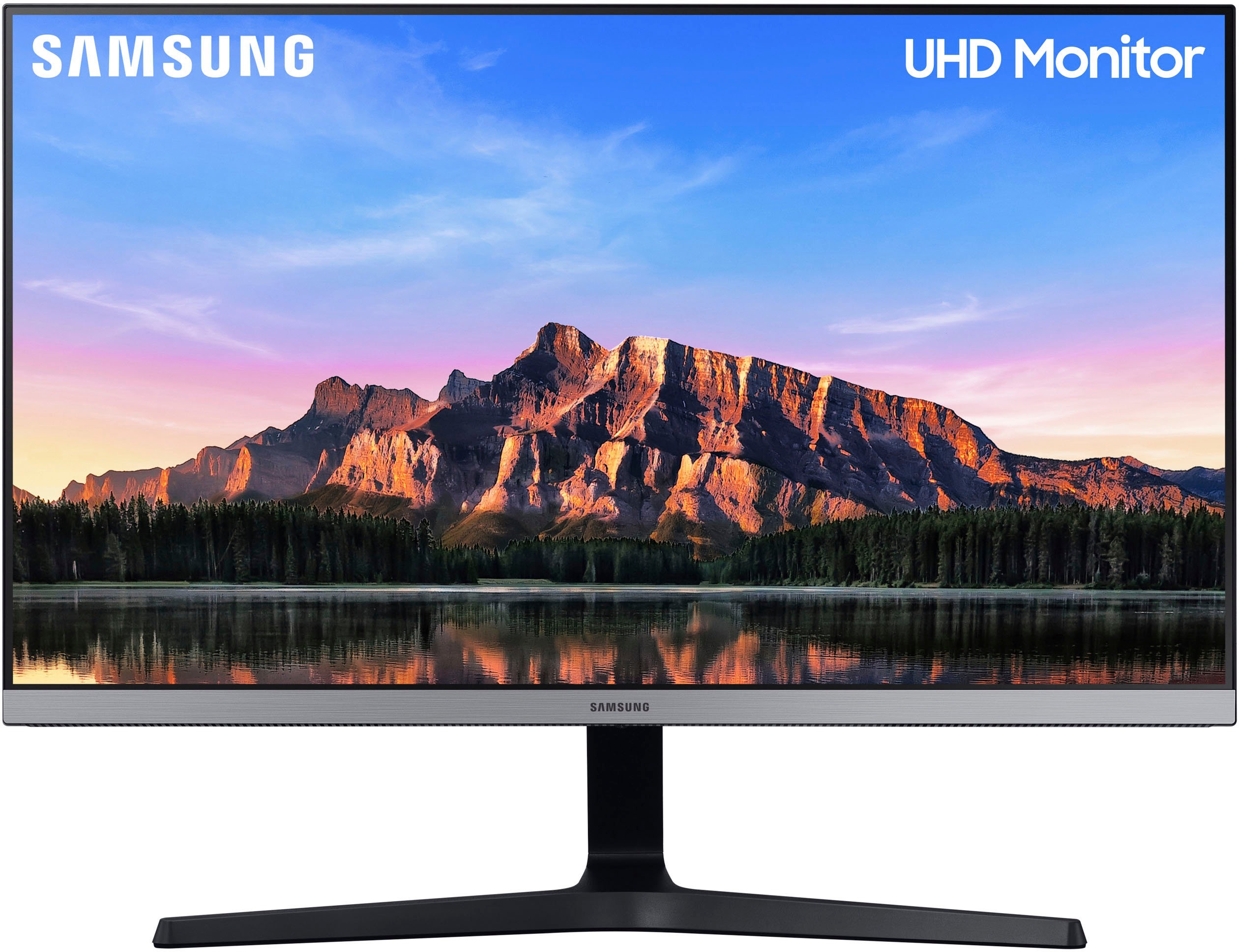
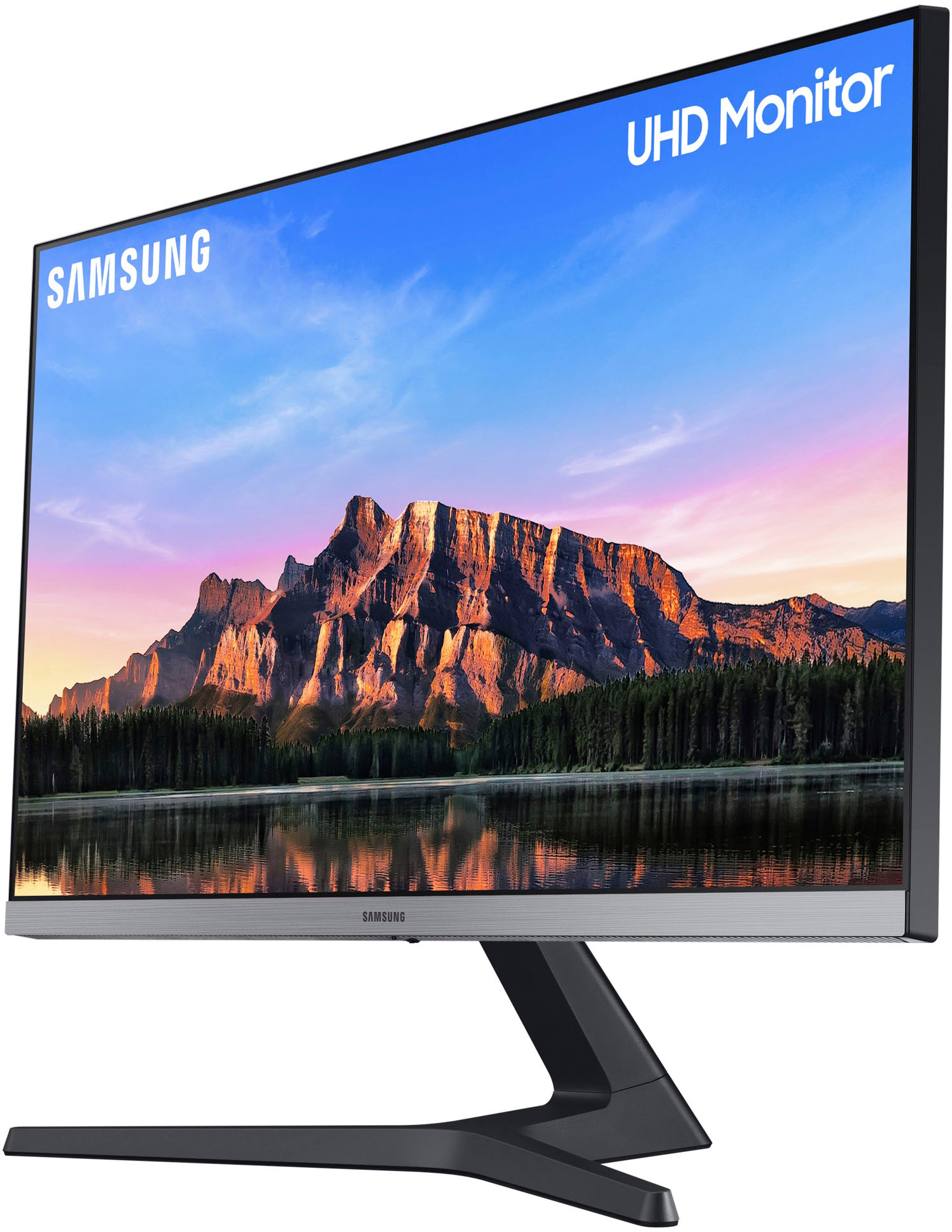
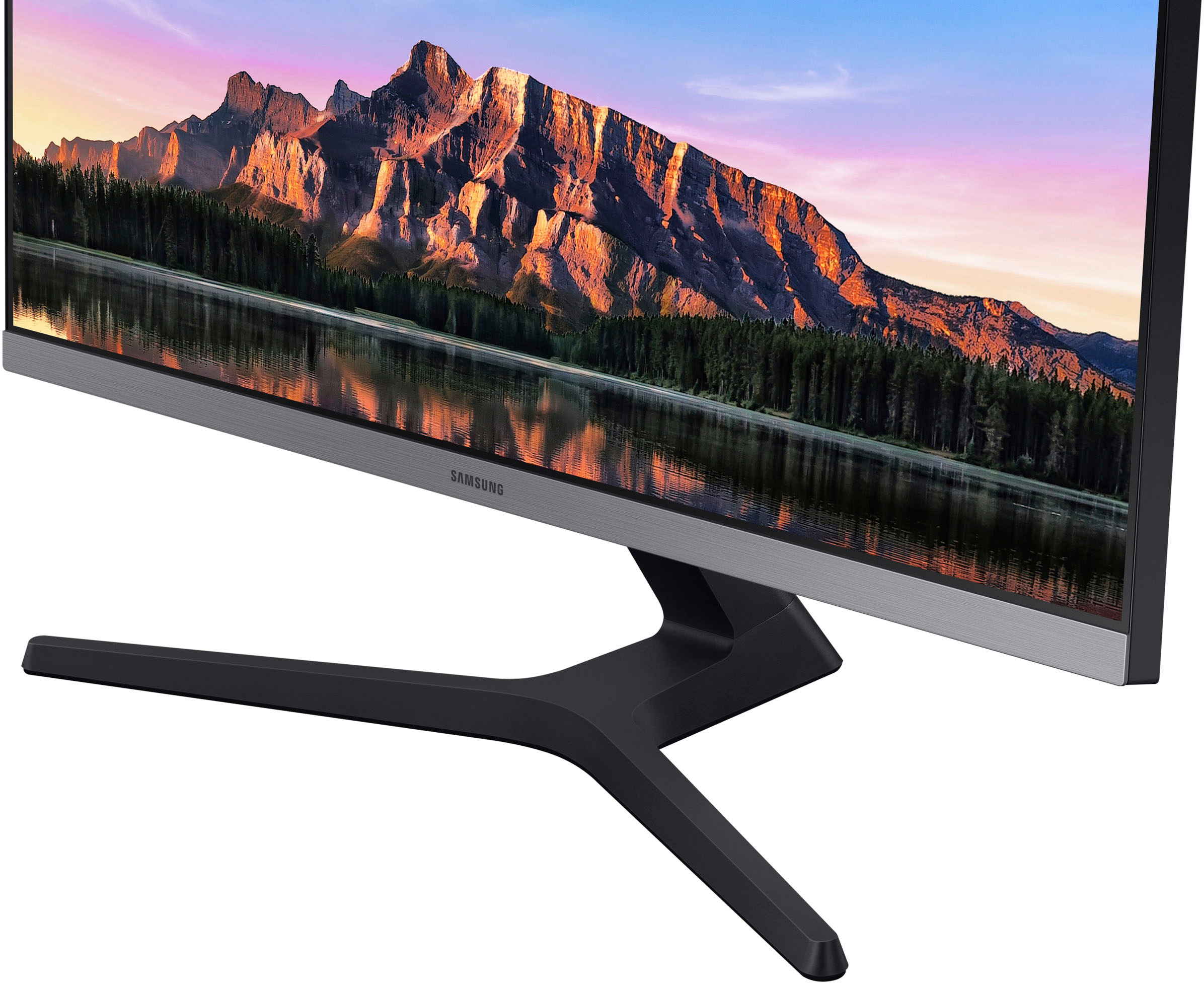
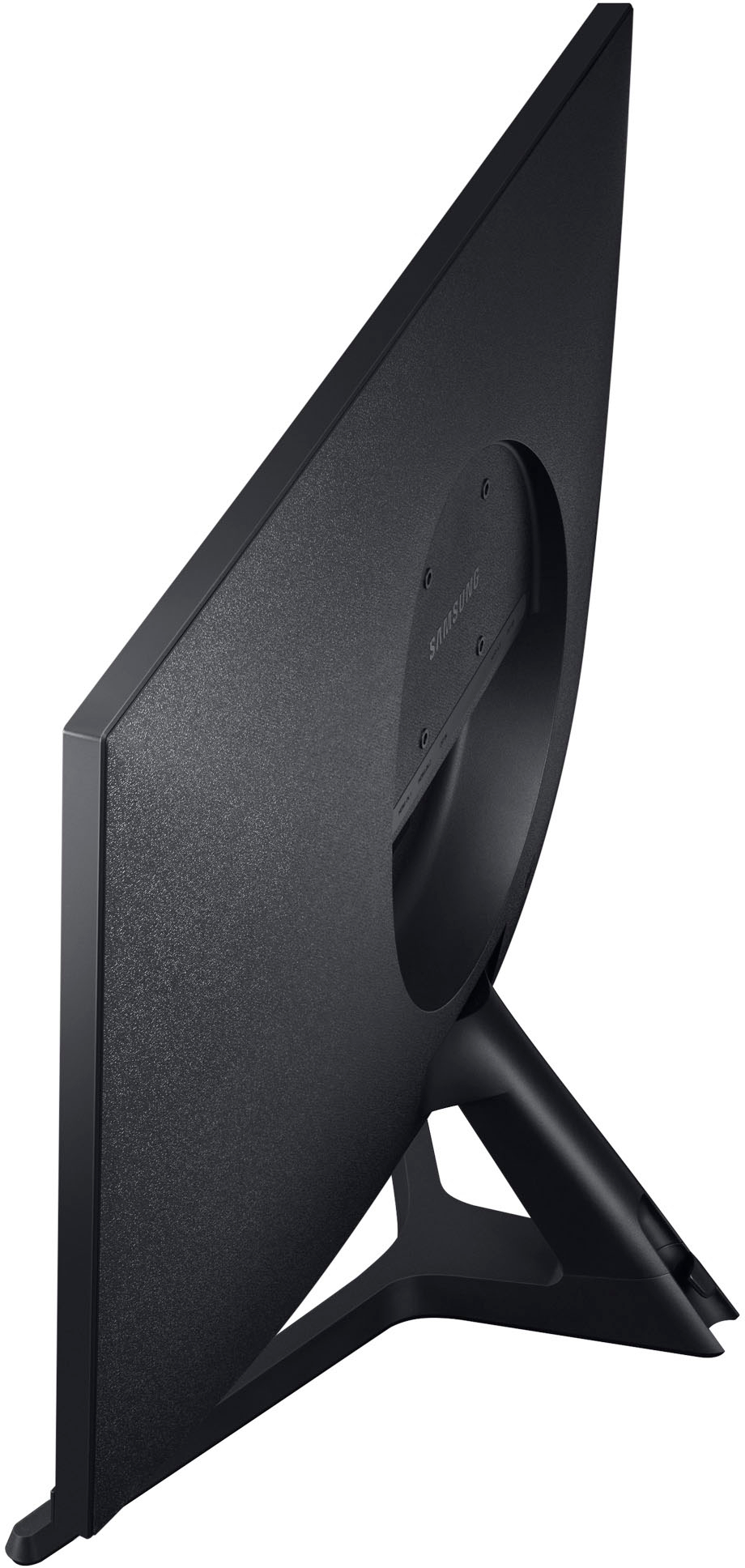
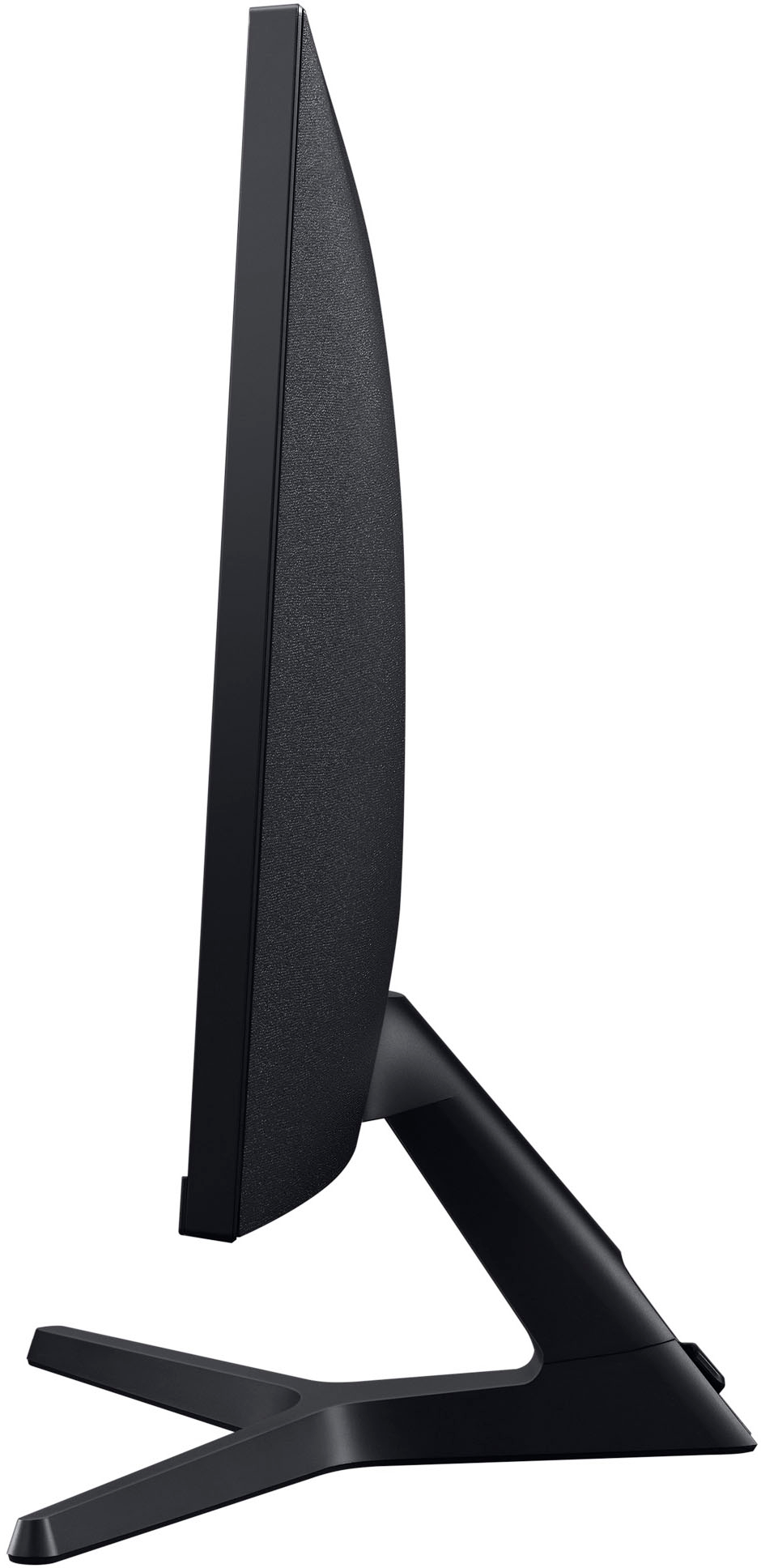
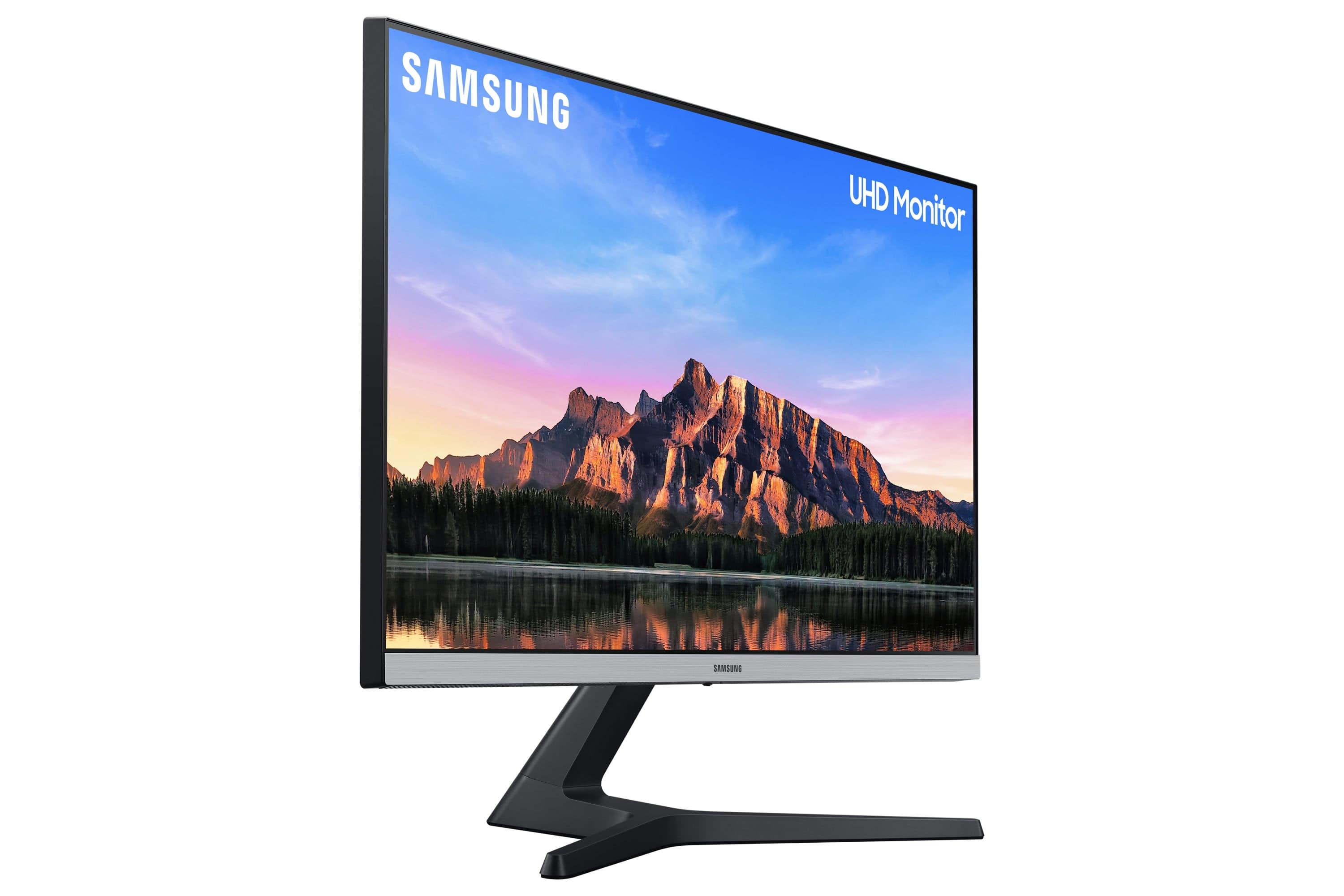
A:AnswerThank you for your question! Standing on it's own, this ViewFinity monitor does not have the ability to vertically pivot, but it does have the tilt feature for you to view the monitor at the perfect angle. The VESA follows a 75.0 x 75.0 pattern for wall mounting.
A:AnswerThank you for your question! This monitor is not bluetooth enabled for soundbar and isn't USB soundbar ready. However, the device is capable of connecting directly to any device via display port (version 1.2) or HDMI (version 2.0). An adaptor can also be used to connect via the inputs required by the device you choose to sync your monitor to.
A:AnswerThank you for your question! The 28” UR55 ViewFinity monitor does not feature built in support for Samsung’s calibration software – Smart Calibration. If you are looking for a monitor supporting Smart Calibration through the SmartThings app, check out the 27” Viewfinity S9.