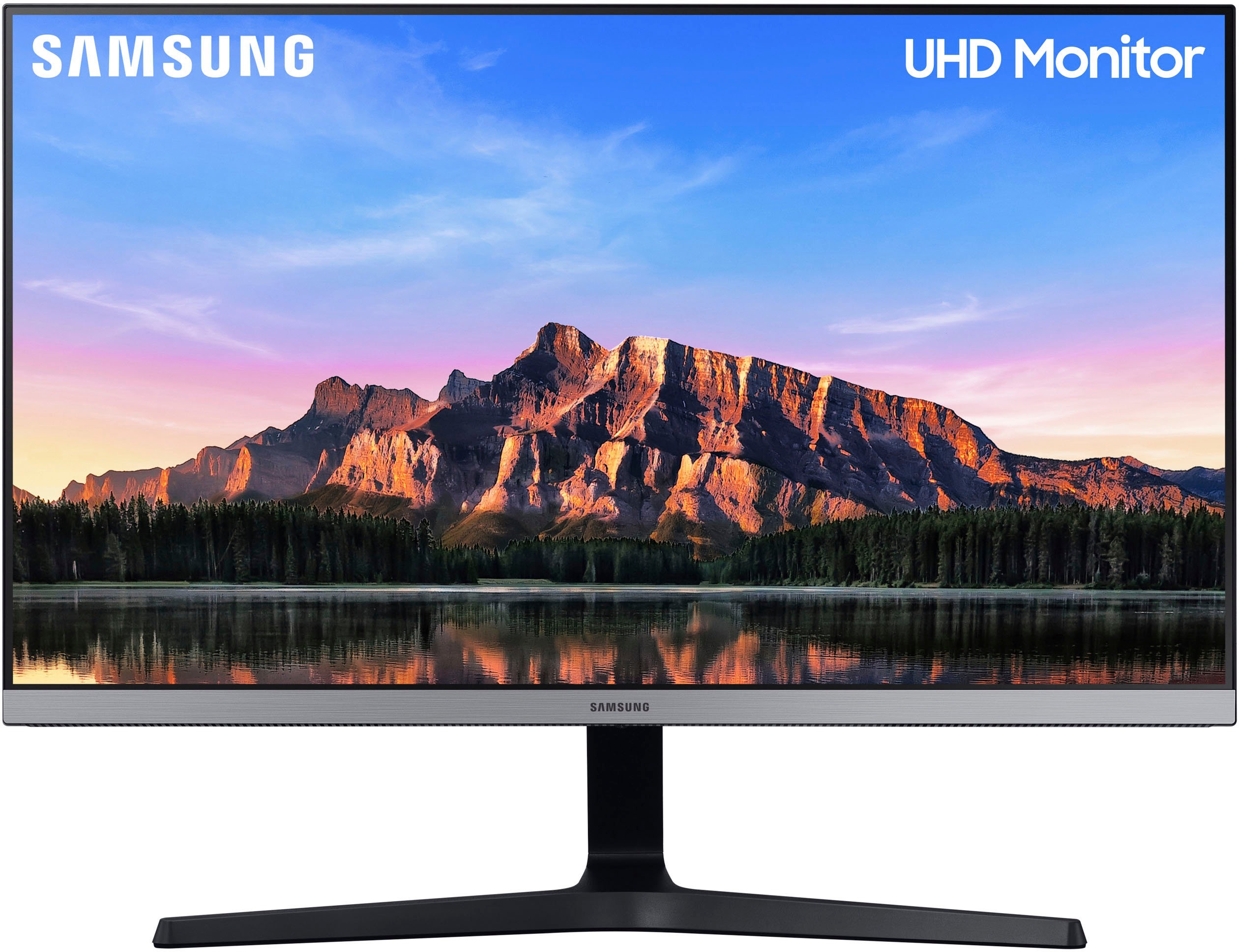
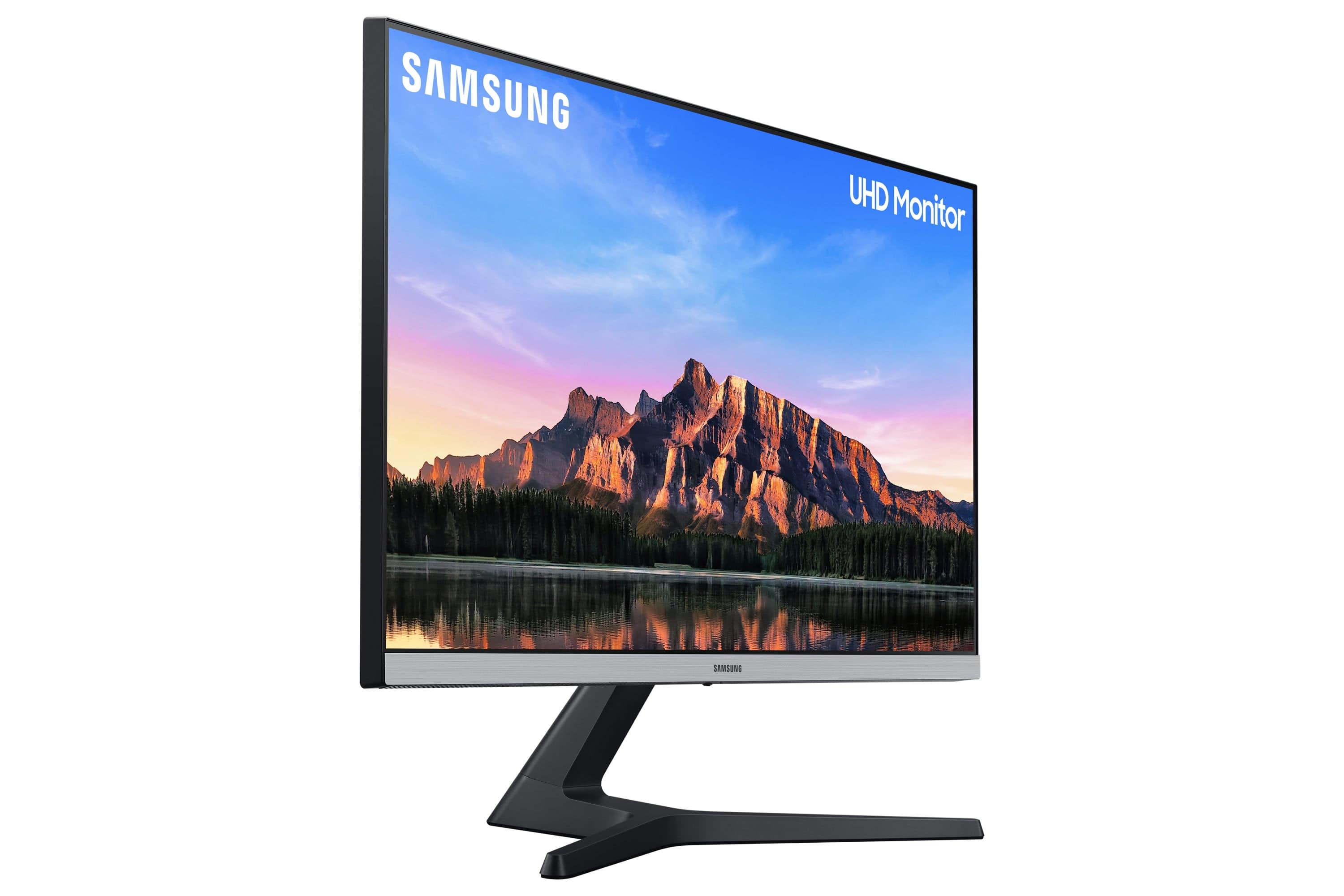
A:AnswerNo. A warranty is not a return policy or extended return period. You want to exchange your year-old 23” 1080p Acer monitor for a new 28” 4k Samsung monitor? For free? It is not possible, these two items are a different price so they’re not even equivalents. On top of that, your return period is probably over, so there’s no reason that Best Buy would allow you to return or exchange your acer monitor to begin with. If you’re still within the return period (which I doubt since you said you bought it a year ago), then you can return your acer monitor and buy the Samsung monitor with the money from the return but you’ll have to cover the difference.
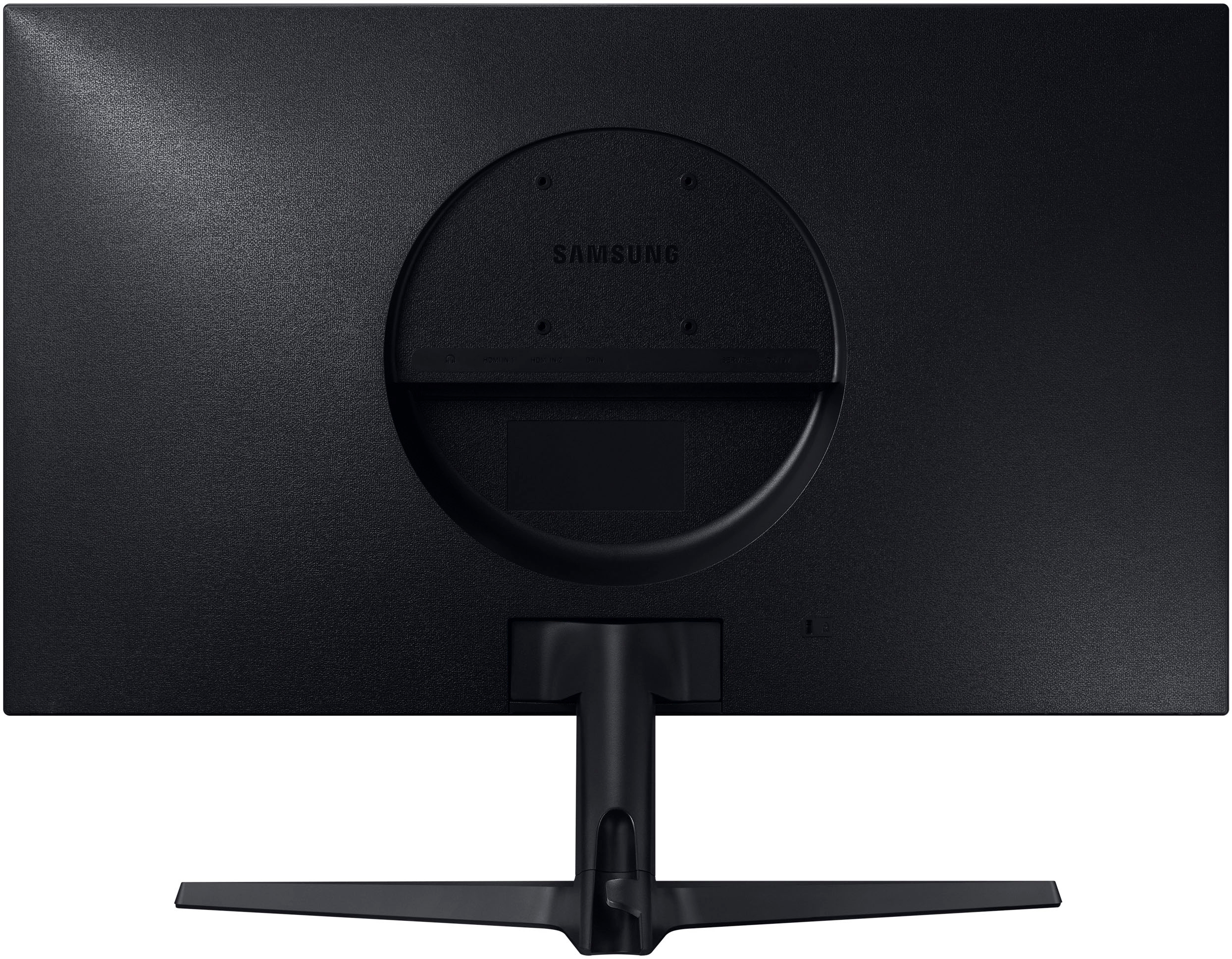
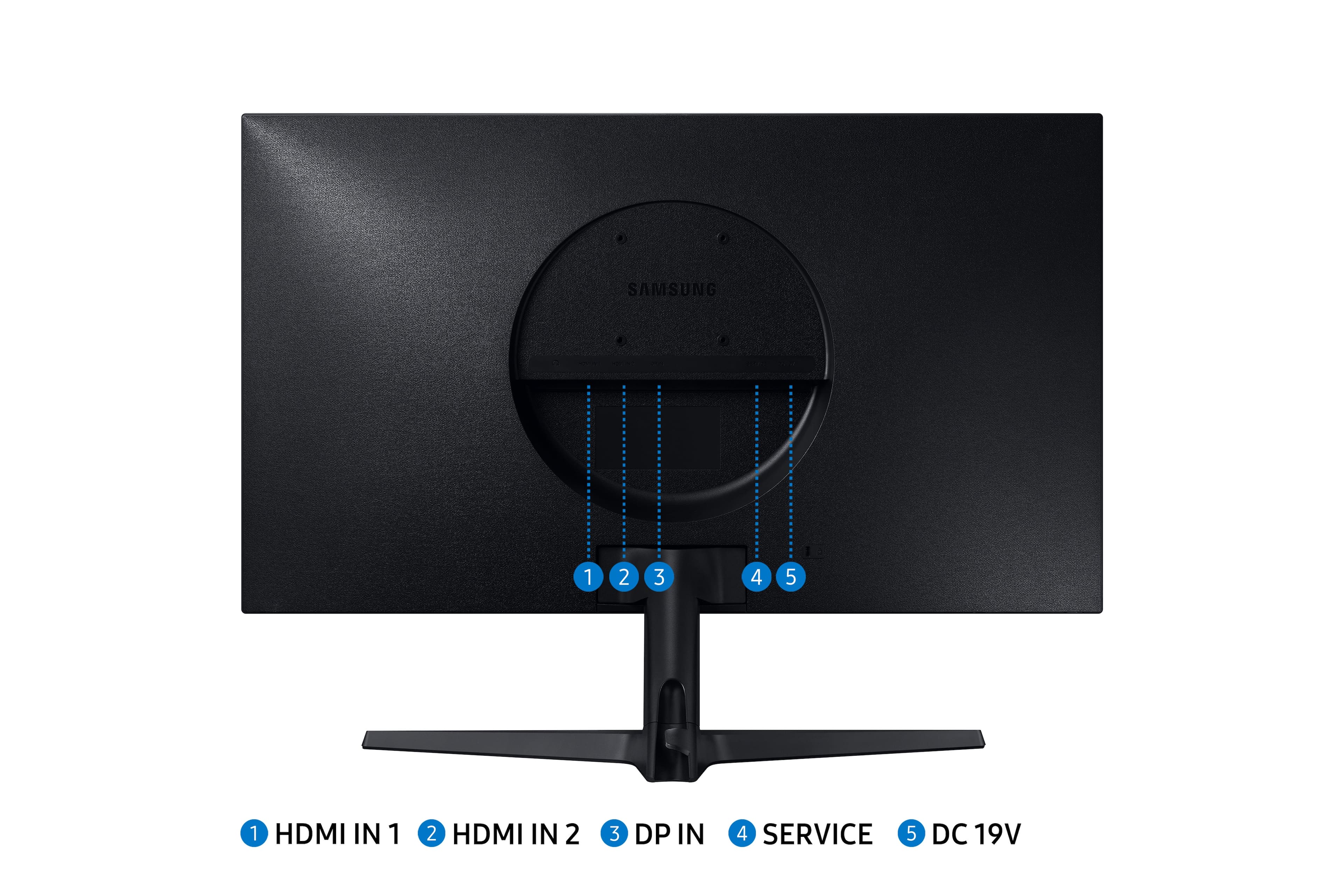
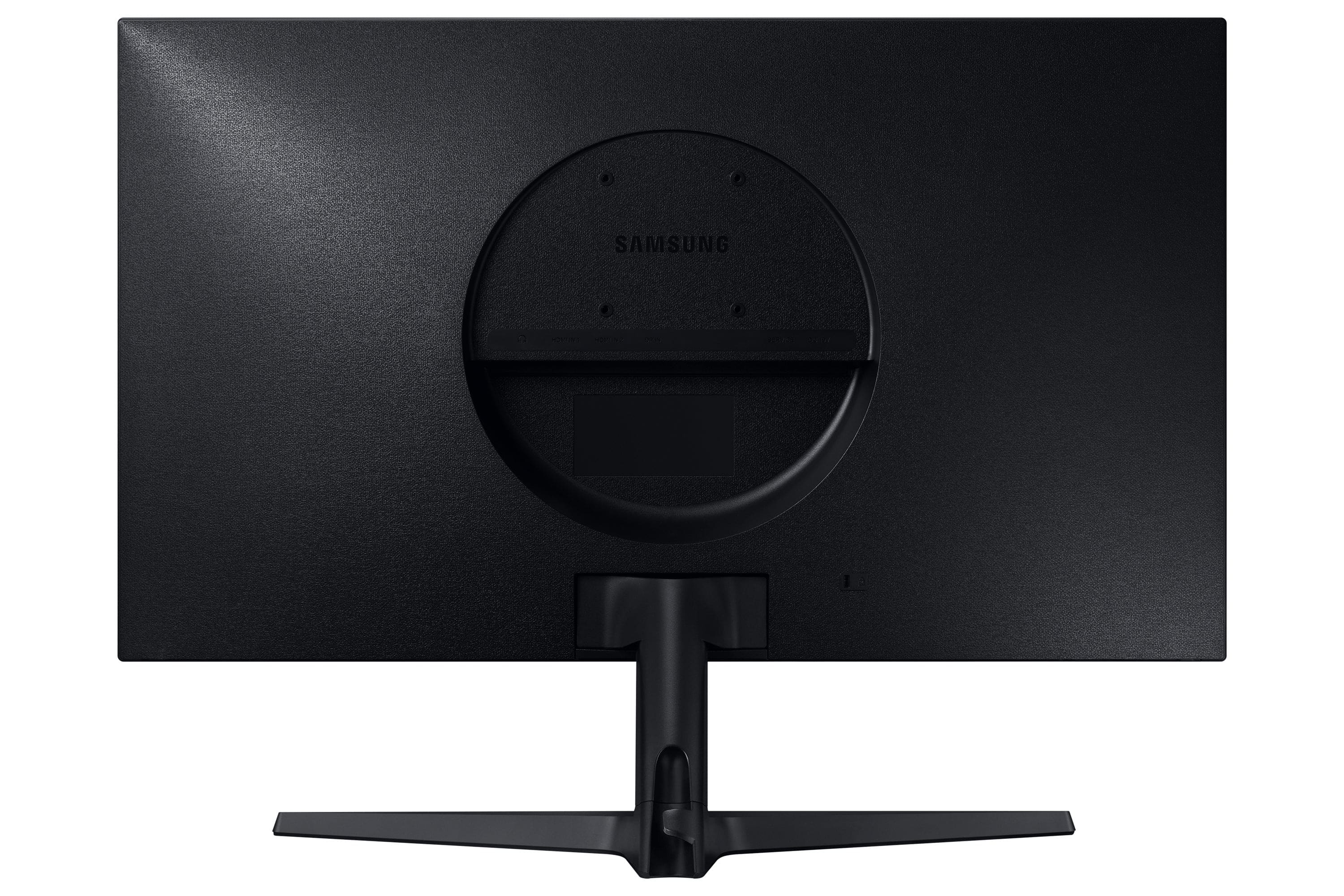
A:AnswerI have this monitor connected to an MSI laptop via HDMI and it functions as a second monitor (extended desktop in Windows 10).
If you laptop has more than one output port (HDMI and / or DisplayPort) you should be able to have 2 external monitors, this one and your Dell monitor hooked up and use as extended desktop.
Hope this helps!
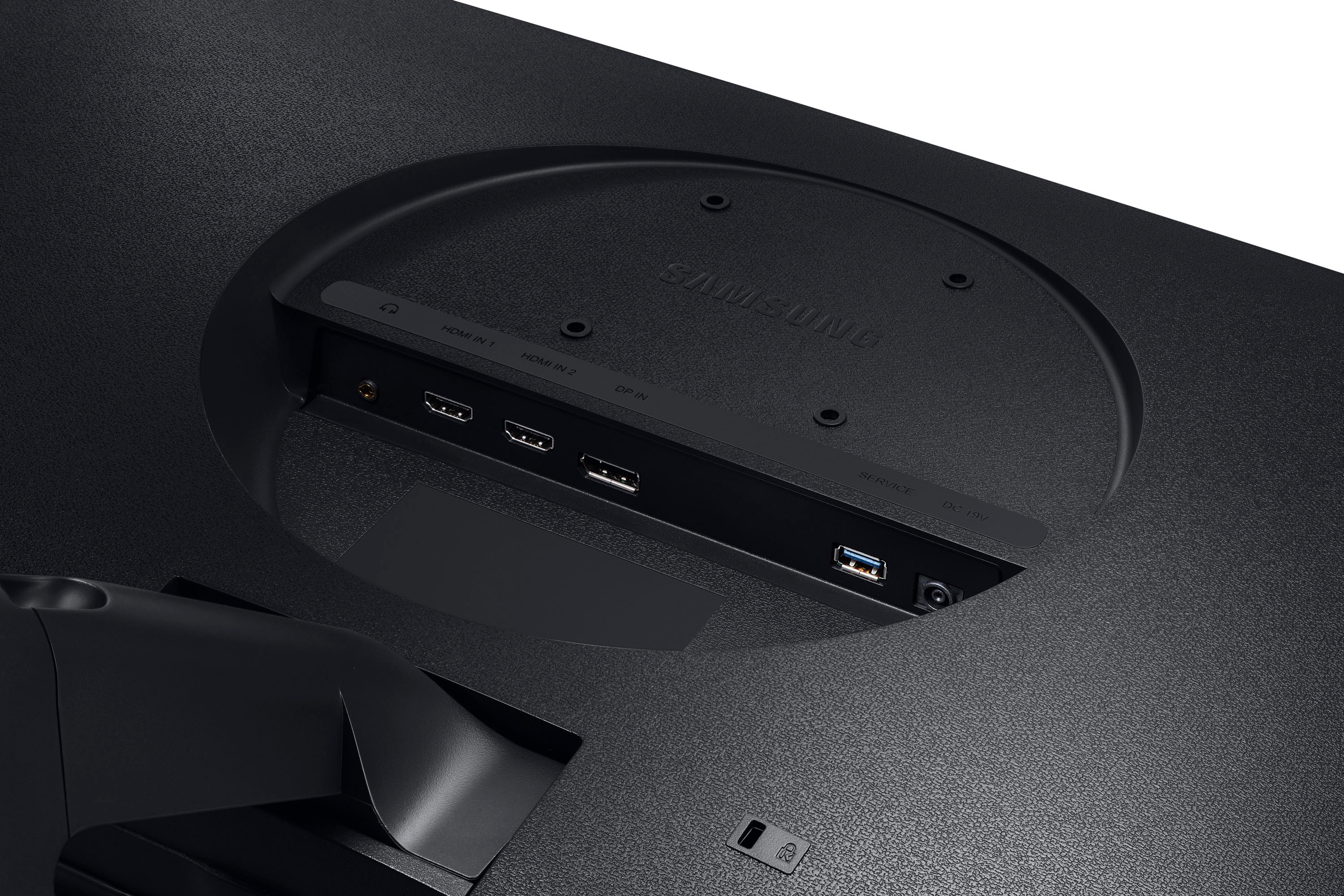
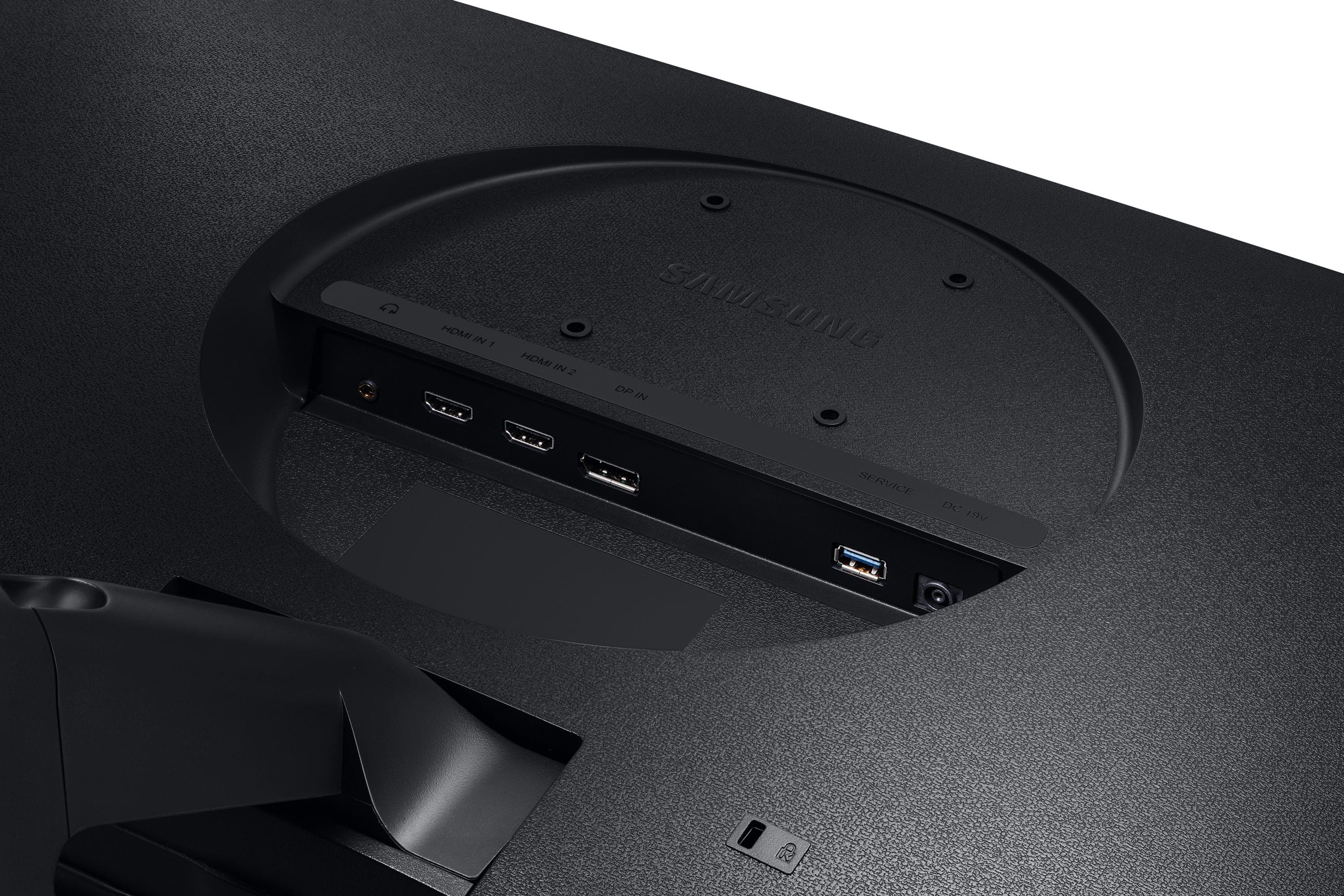
A:AnswerIt will work but only at lower resolutions. Your video card must be 4K capable to display 4K on this monitor.Also your video card will have to have an hdmi out as well.
A:AnswerWorks great with my older MacBook Pros. I do still have the glitch flash problem when the desktop is displaying on my 15". Tried to fix but I can live with it. Doesn't cause any problems with what I am doing.
A:AnswerNot sure based on the info you have/not given. Could be potentially be your internet connection and or service, etc.. Hope that helps in some way!? We probably have a similar Mac Mini. I do not have this issue with my Mini 2020 M1 16 GB Ram (Ram perhaps?).
A:AnswerDid ya try going into the settings mode and adjusting the audio output level for the audio phone jack? I did it on my personal Samsung monitor because I had the exact same issue.
A:AnswerI think so. If you your Laptop has HDMI output on it. I think in many cases Laptops have Video out/Monitor place in the sides somewhere. If not HDMI there may be an adaptor available. I had the opposite problem with a new Computer and an older Monitor where I had to adapt HDMI to the screw and prong connection.