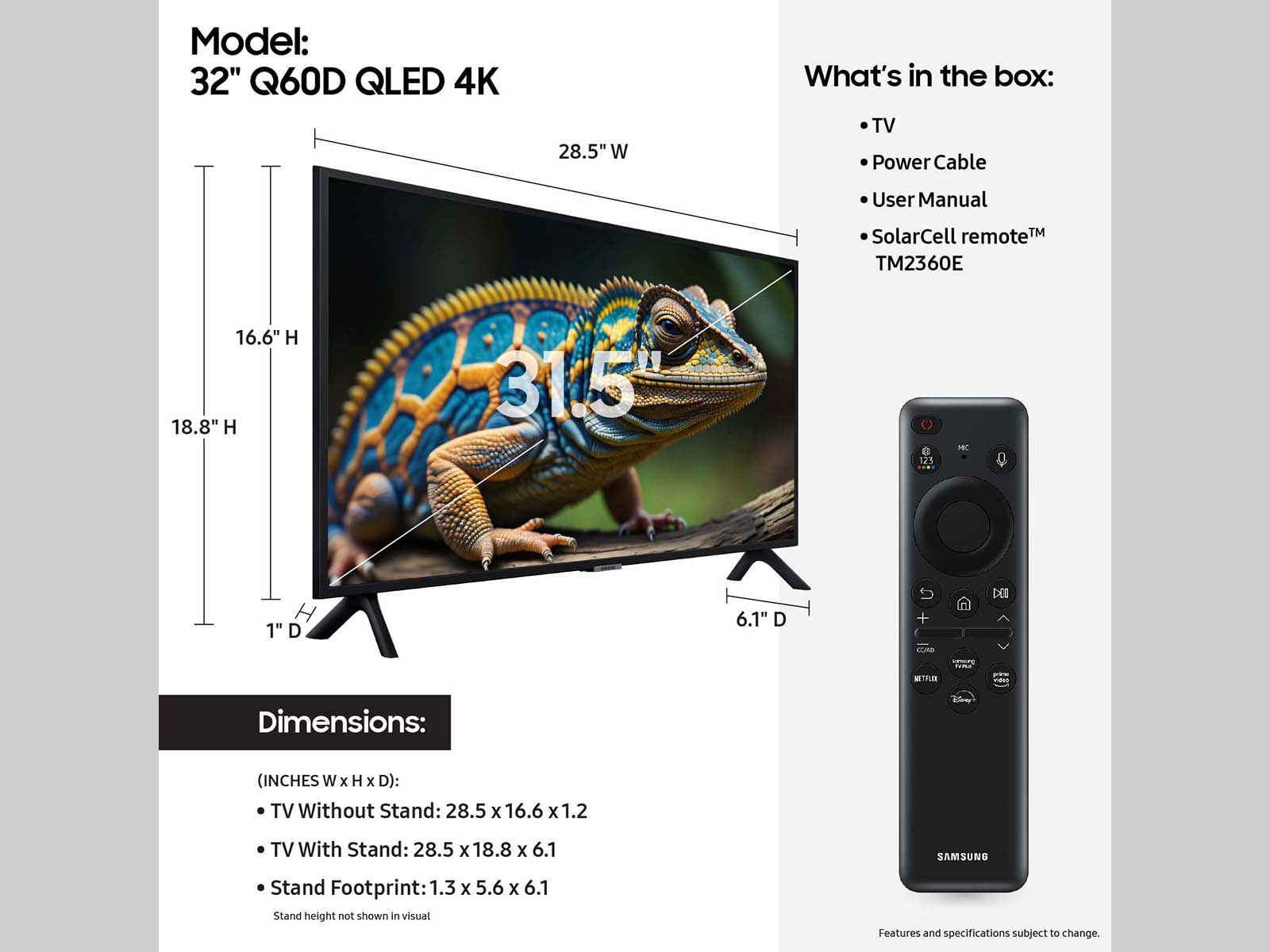
A:AnswerYou can find these measurements on this model’s product page – just click Show Full Specs and scroll down to Dimensions: https://www.bestbuy.com/site/samsung-32-class-q60d-series-qled-4k-smart-tizen-tv-2024/6576335.p?skuId=6576335
~ Samsung Specialist
A:AnswerTiff19 - You can set the Sleep Timer to turn off after a set period (30 / 60 / 120 / 180 mins). Additionally, you can enable Auto Power Off to have the TV turn itself off if there has been no activity for a set period. This is one of your TV’s energy efficiency functions.
~ Samsung Specialist
A:AnswerPlease give us the opportunity to better assist with this by reaching Samsung Support at: 1-800-SAMSUNG, 8AM - 12AM EST, 7 days a week, or Chat with us on Samsung.com: https://www.samsung.com/us/support/contact/
~ Samsung Specialist
A:AnswerHi Donna - Please give us the opportunity to better assist with this by reaching Samsung Support at: 1-800-SAMSUNG, 8AM - 12AM EST, 7 days a week, or Chat with us on Samsung.com: https://www.samsung.com/us/support/contact/
~ Samsung Specialist
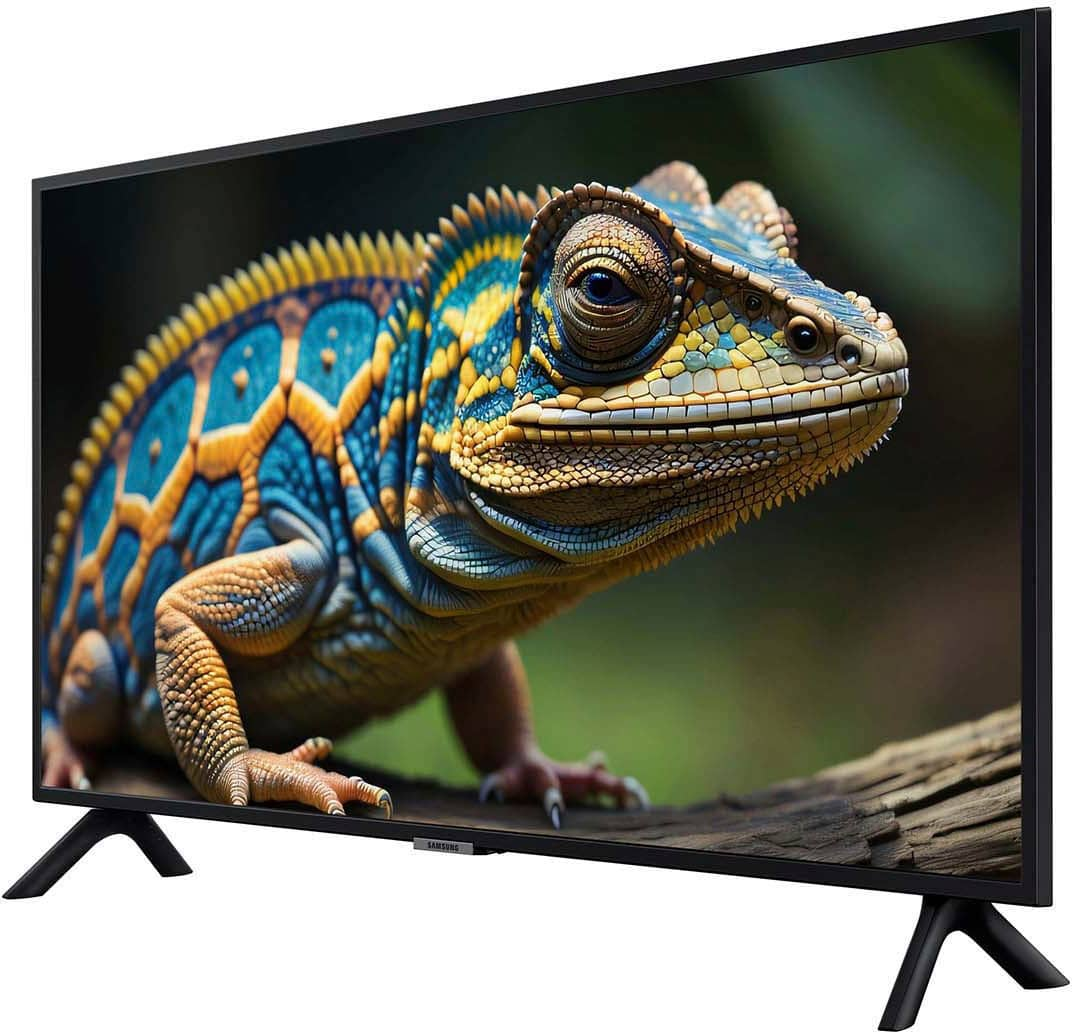
A:AnswerMimi - You can find these measurements on this model’s product page – just click Specifications and scroll down to Dimensions: https://www.bestbuy.com/site/samsung-32-class-q60d-series-qled-4k-smart-tizen-tv-2024/6576335.p?skuId=6576335
~ Samsung Specialist