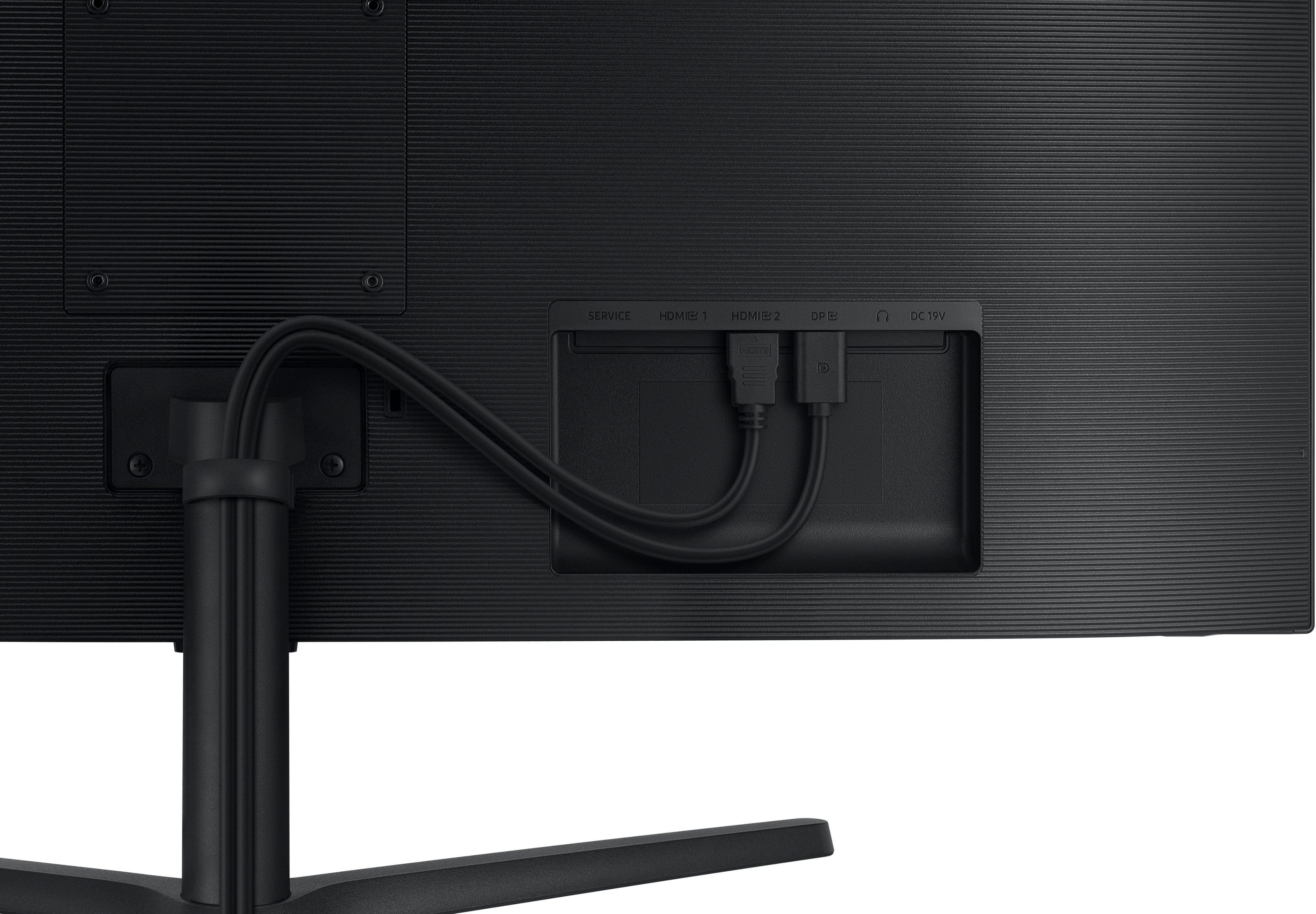
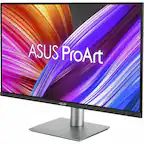
A:AnswerUnfortunately not, however I would suggest buying speakers from either Logitech or Samsung rather than using built-in monitor speakers for better sound quality.
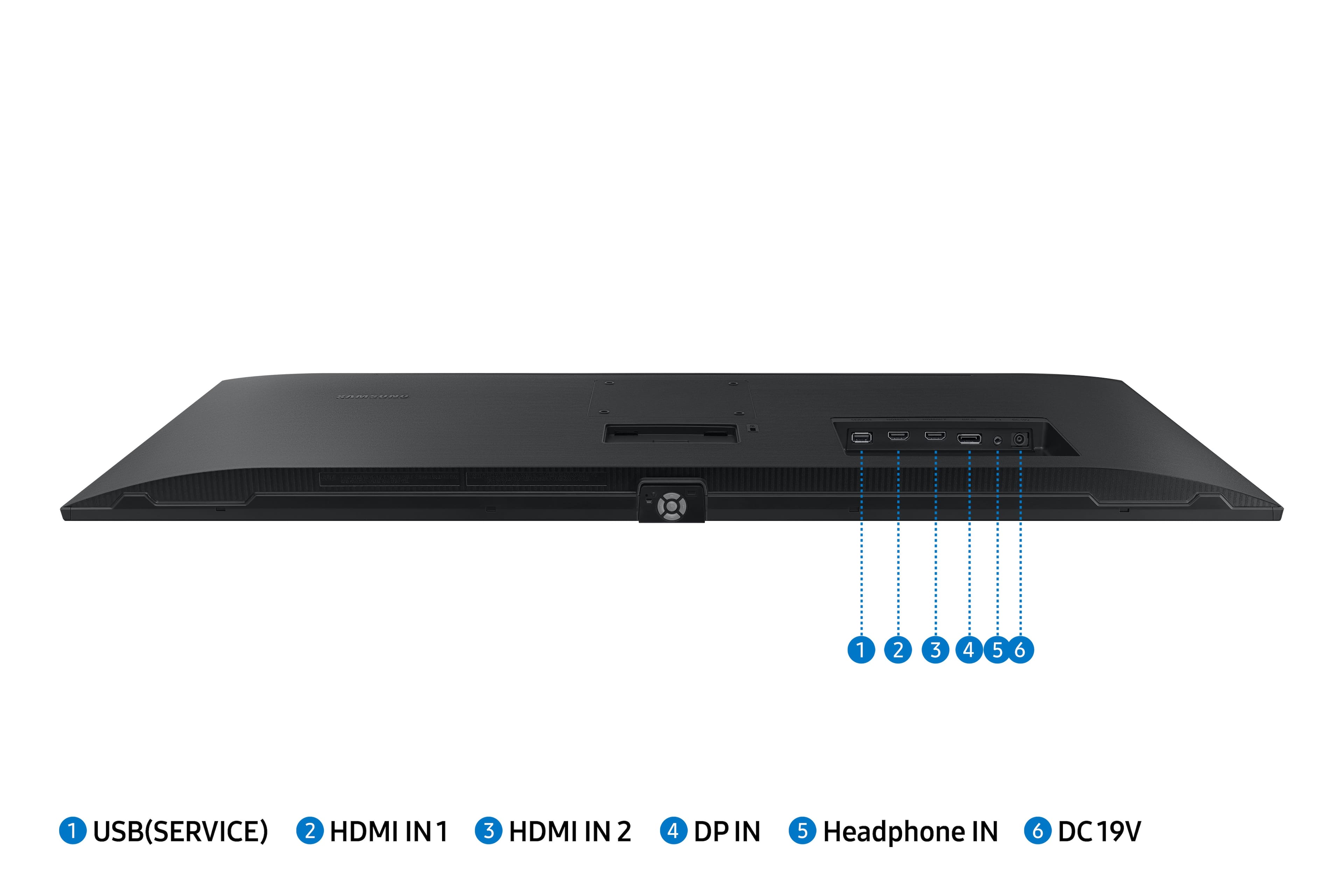
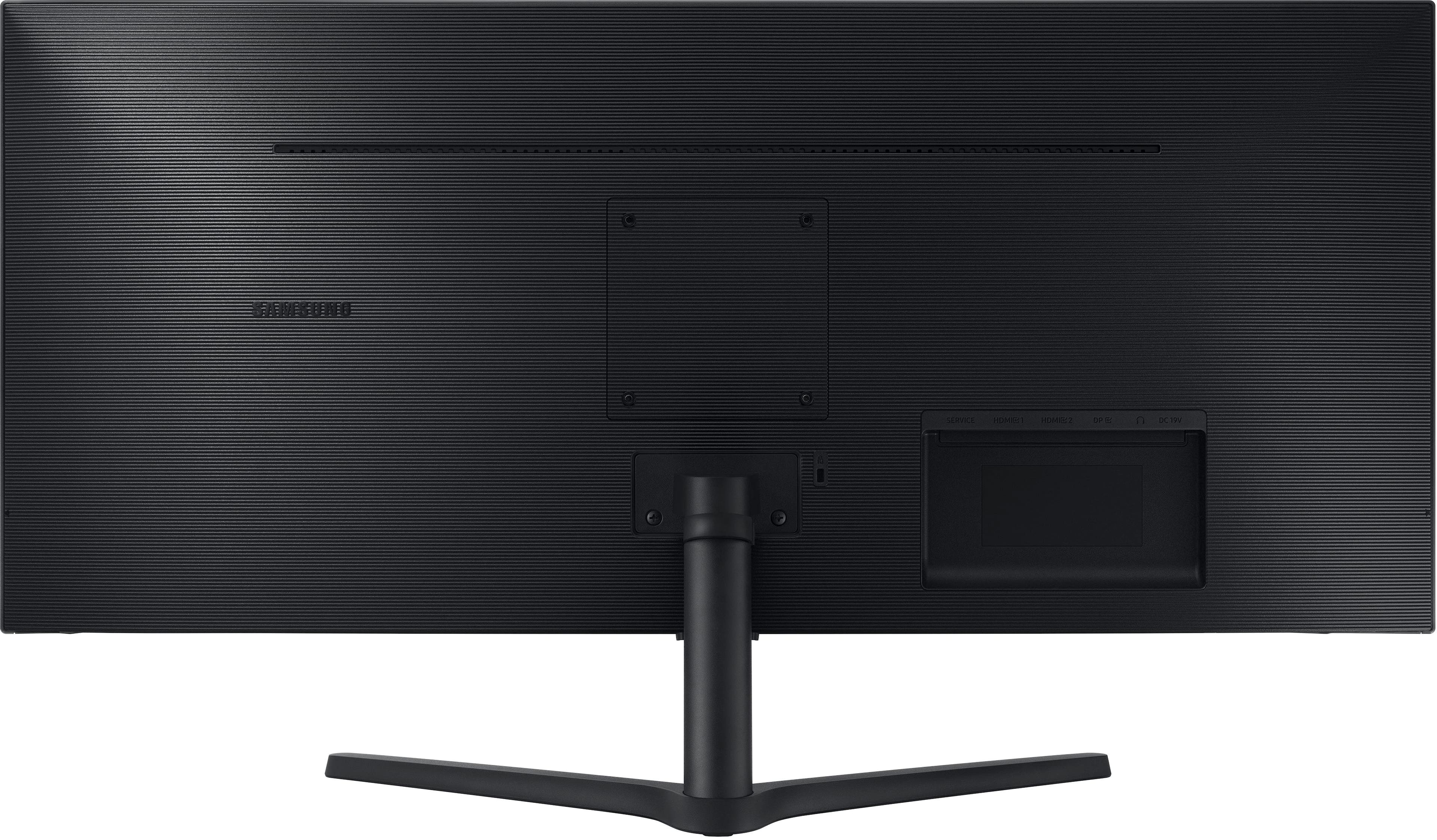
A:AnswerYes, you have to purchase a separate hub that would plug onto the USB-C port on your MacBook, then use the available HDMI port (on the hub) to connect to the monitor.
A:AnswerThank you for your question! This model has HDMI. If a user's MacBook Pro also has one, it will work with no issues. If it doesn't work, then it will need to be repaired.