A:AnswerThere actually isn't much, if there is it's very little and hard to notice. I use the monitor for gaming on PC and PS4 and they perform just like my TV.
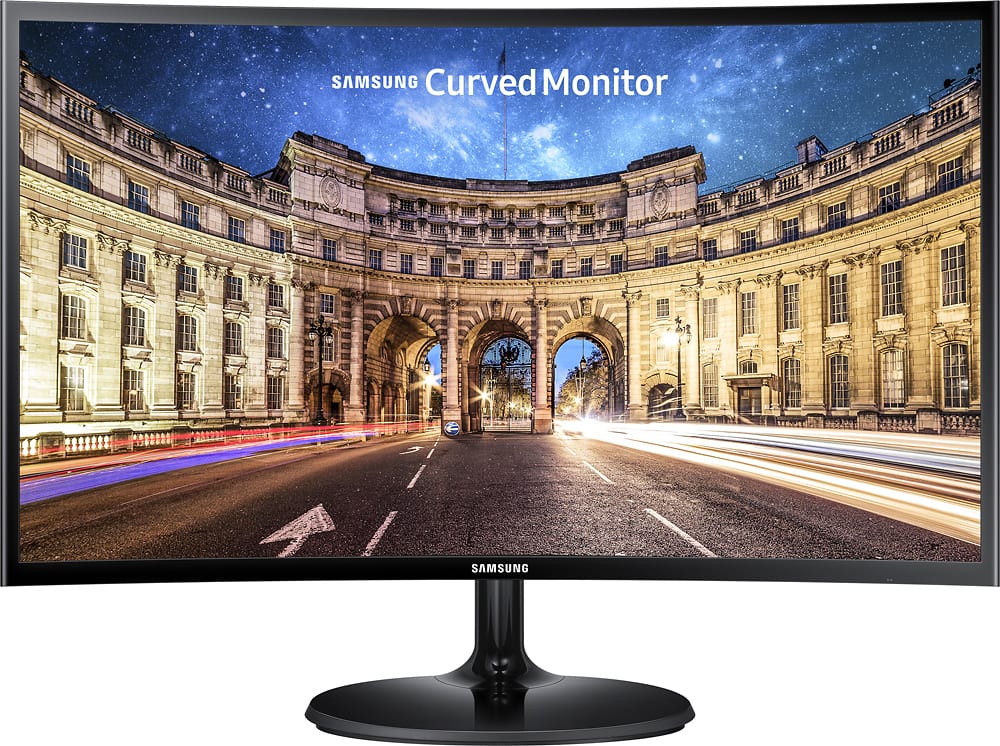
A:AnswerThis monitor is fantastic for gaming. It is HDMI only. I set it to widescreen mode and it uses the whole screen. The curved design creates a bit more depth. I'm impressed.
A:AnswerThe first answer is half wrong. Yes, it will support 1080p, the resolution of the monitor is listed in the specifications. It is NOT however, a 4k monitor, as the other person had mentioned, because the specifications of the monitor are 1920x1080 which is not 4k. 4k is 3840x2160.
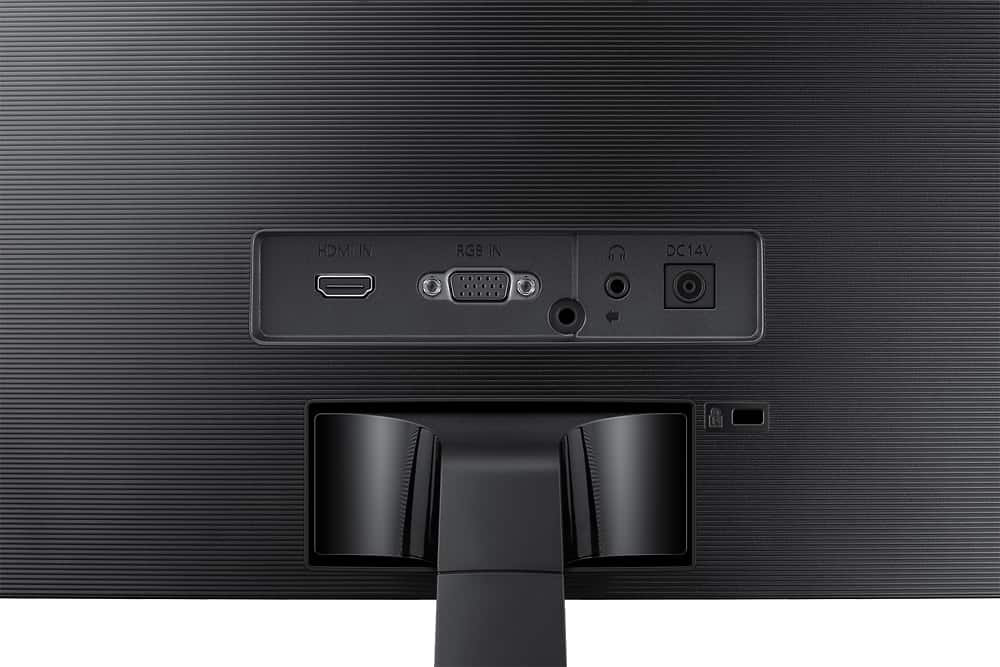
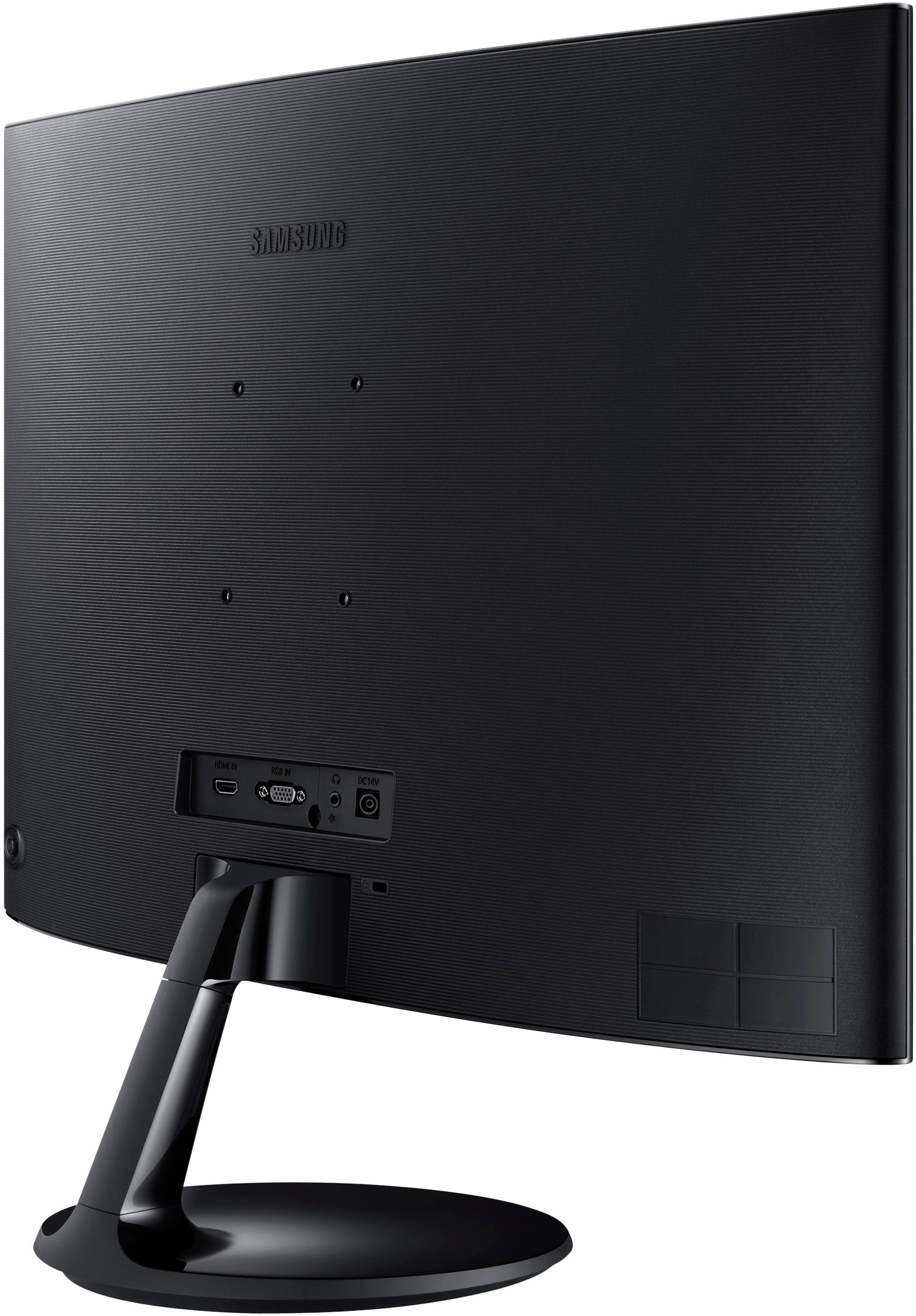
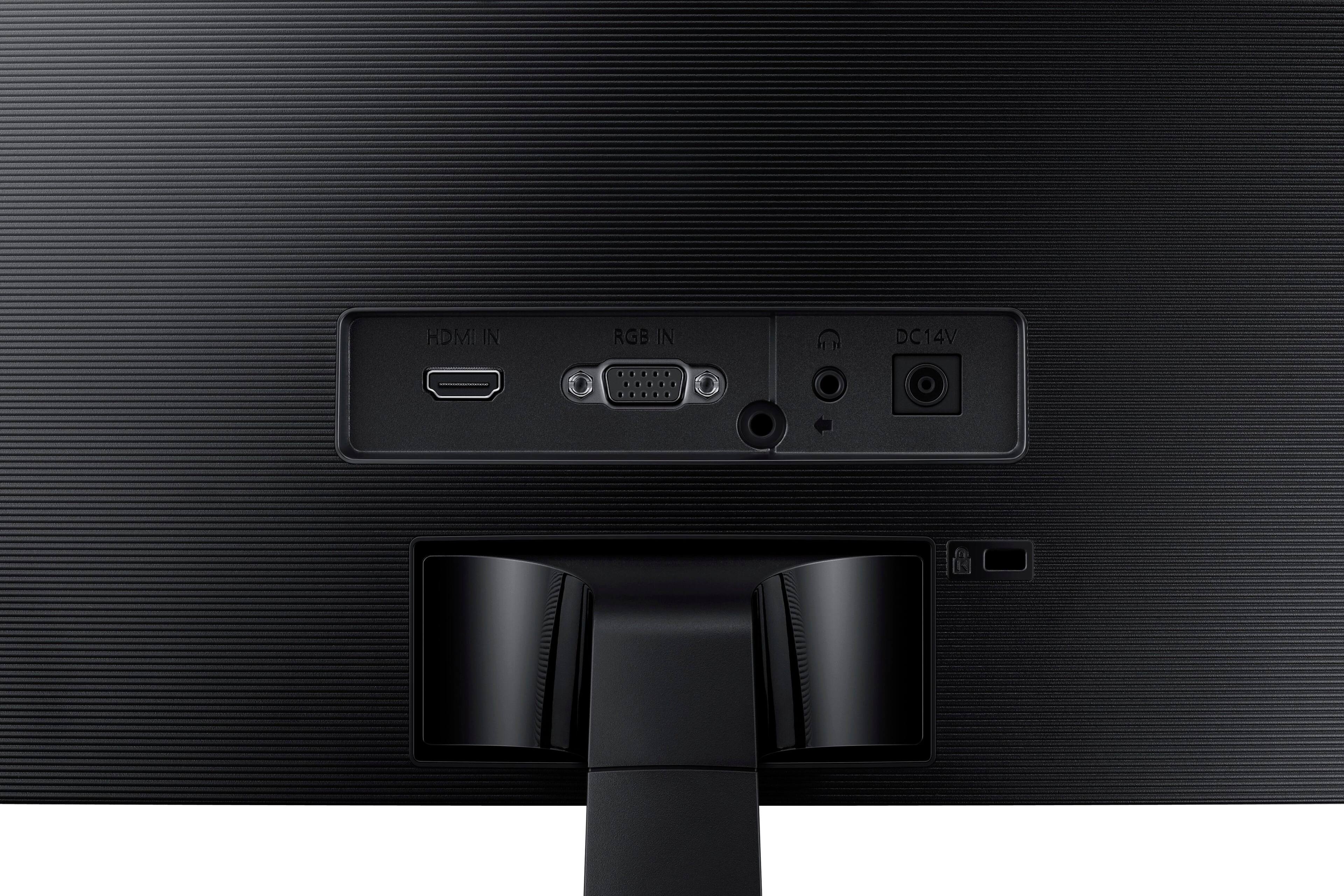
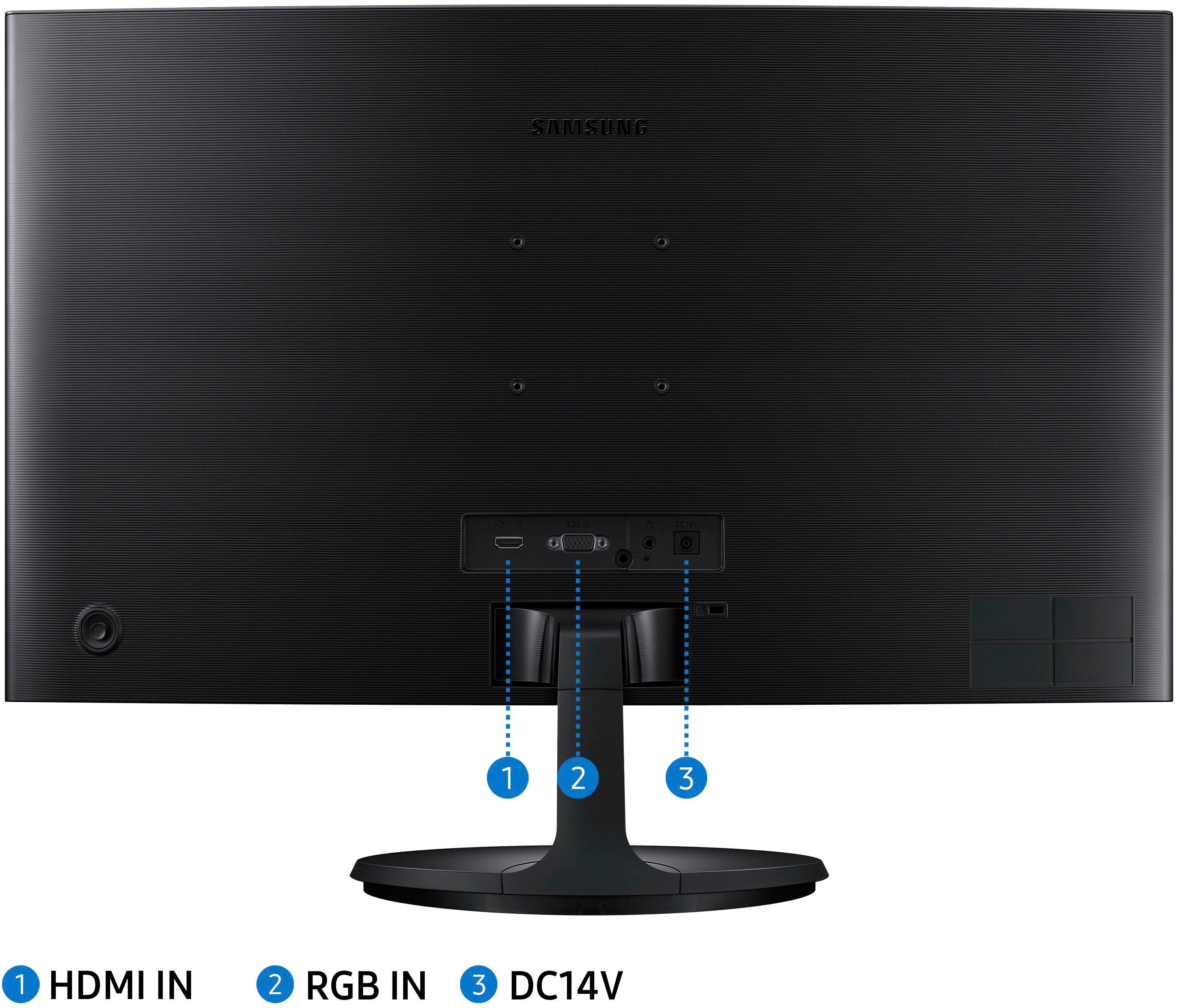
A:AnswerThere is a 3.5 mm headphone jack receptacle on the back of the monitor, next to the power and HDMI/VGA ports. I have used it and mine works fine. If you are considering a Bluetooth adapter, it would connect to your computer, not the monitor.
A:AnswerIf you want the full resolution than any video card with an HDMI output (or "DisplayPort" which you can get an adapter) will take advantage of these monitors. However, they still accept VGA and I've seen them setup with the old blue cable at my office with some of the older computers.
A:AnswerWorks like any other monitor plugged to other monitors. No setting changes other than just plugging it in. Currently doing this with a flat screen