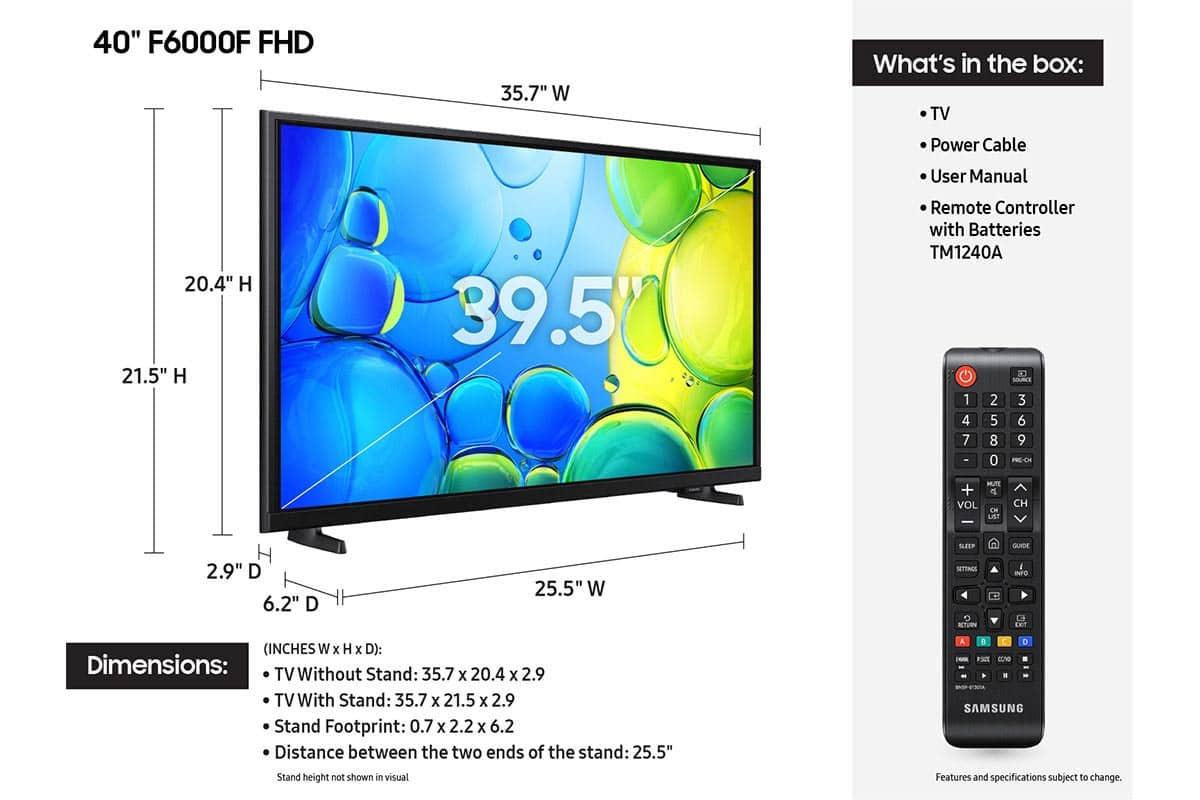
A:AnswerHi,
If you do not sign into your Samsung account, the TV will operate in basic mode, allowing use of external devices (HDMI, antenna), but without access to streaming apps or Smart Hub services.
~Samsung Advisor
A:AnswerHi Kay,
You can connect the F6000F to a cable box, Dish Network, or an external antenna as well as connect it to Wi-Fi for streaming.
~Samsung Advisor
A:AnswerHi William,
To help you get the most from your TV, you can download the full e-Manual and more by visiting Samsung’s website then navigating to: Support > Manual & Software > TVs & Home Theater. From there, you can search for and select your F6000F TV model to view or download the available guides.
The e-Manual and Remote Control Guide are also conveniently built into your TV: Settings > Support > Tips and User Guides.
~Samsung Advisor

A:AnswerHi K,
To better understand your question, please call us at 1-800-SAMSUNG, available from 8AM – 9PM EST Mon – Fri, 8AM – 6PM Sat – Sun.
~Samsung Advisor

A:AnswerHi,
The TV has a Sleep Timer but does not have a wake-up timer. You could, however, create a routine on the SmartThings app on your phone, which will then wake up your TV every day on the days you choose.
I hope this helps!
~Samsung Advisor