A:AnswerDo not have mine hooked up. But the answer lies in the auto dimming feature which needs turned off. Read the reviews oin this tv and you will see similar complaints and resolutions to your question. Hope this helps.
A:AnswerI have HD channels and that makes it full screen because I also hate the black border around the picture. So if u purchase the HD channels with your cable company it will give you the full screen. I went to the non HD channels and it had a small black border so to answer your question it still has small border. I’m sure u have already tried to play with the screen size.
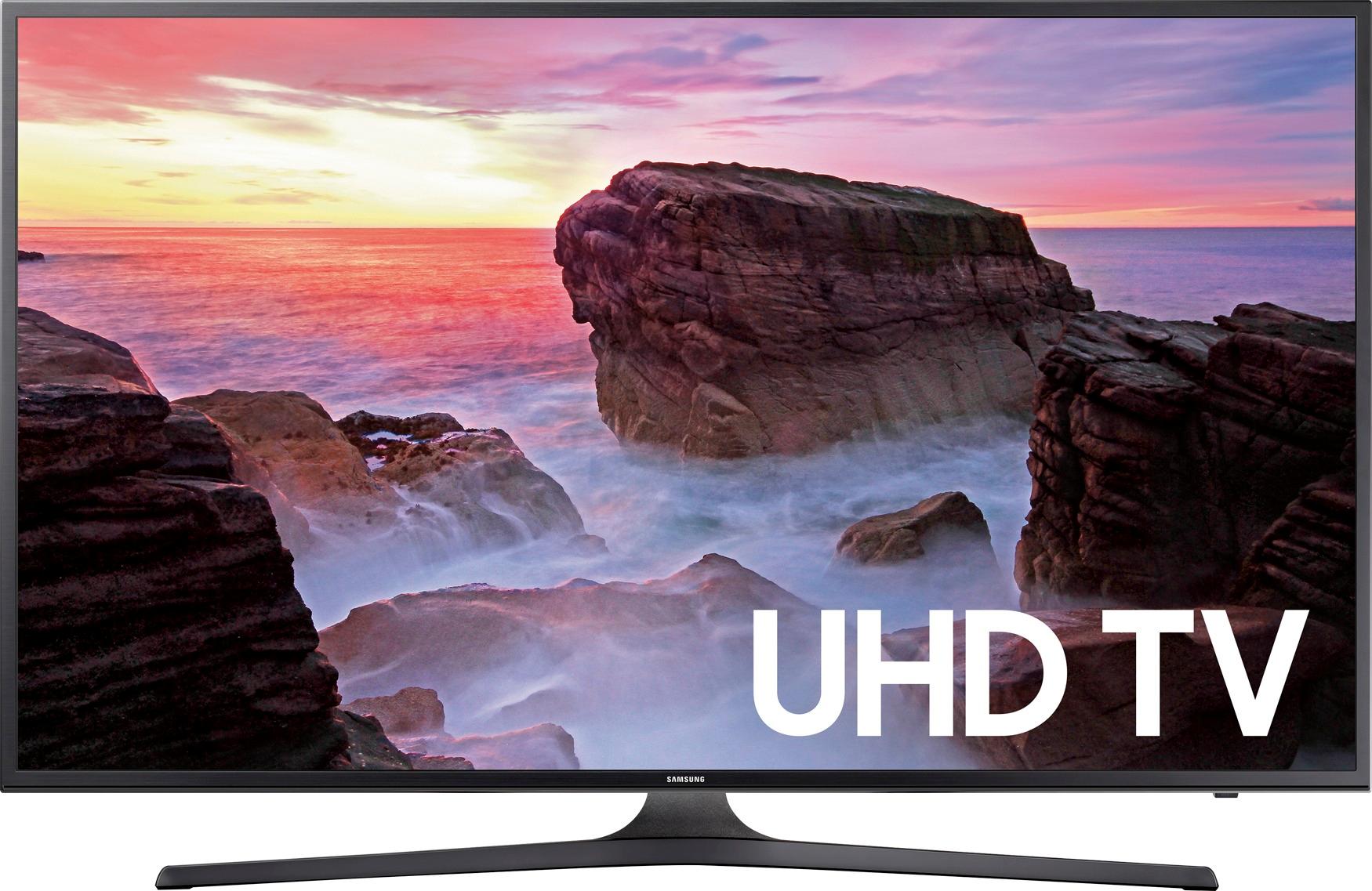
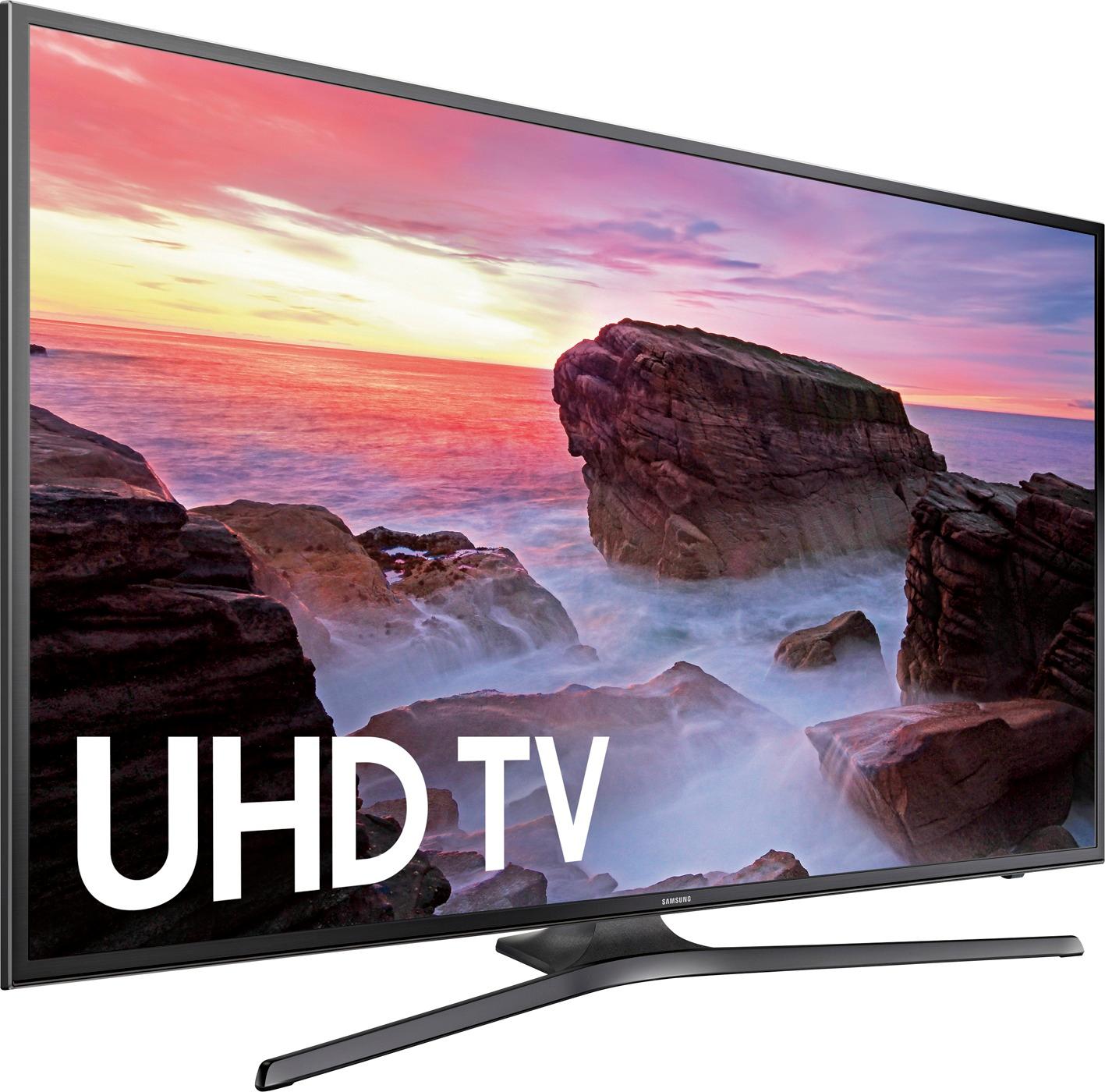
A:AnswerThe TV measures about 38 1/2" wide. Normally, I would suggest you not exceed the width of the supporting surface. However, the size of the screen is well worth the 1" overlap beyond the end of the console. I suggest buying the 43" screen.
Corbu73
A:AnswerI don’t think you can punch in those channels because the remote is very simple. It has up/ down buttons for channels and volume. Not much more after that.
A:AnswerI actually got the OPPOSITE problem: it expanded on my TV to fill the screen, but on my PC the picture got smaller and I got the image surrounded by black, as you mentioned.