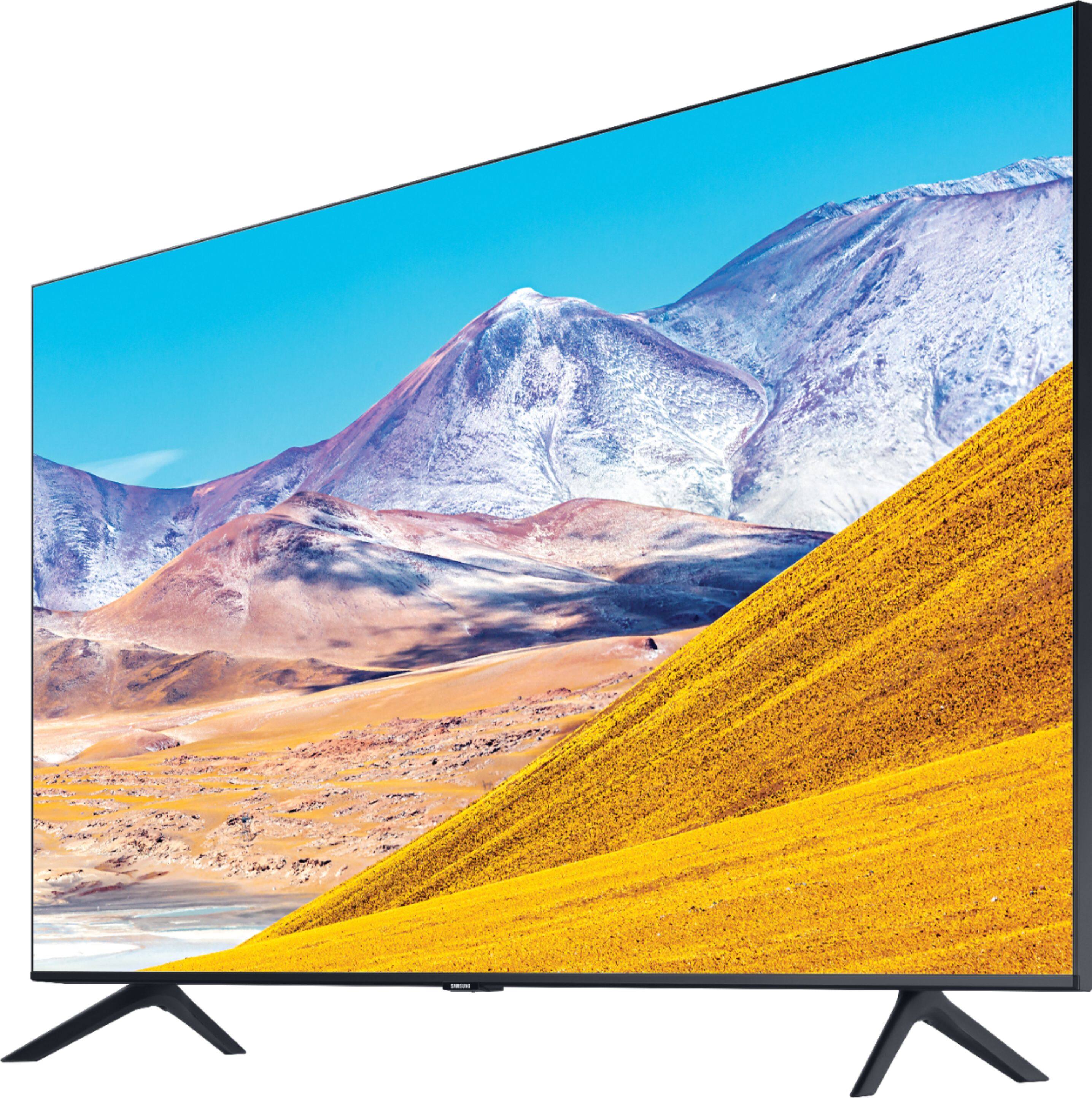
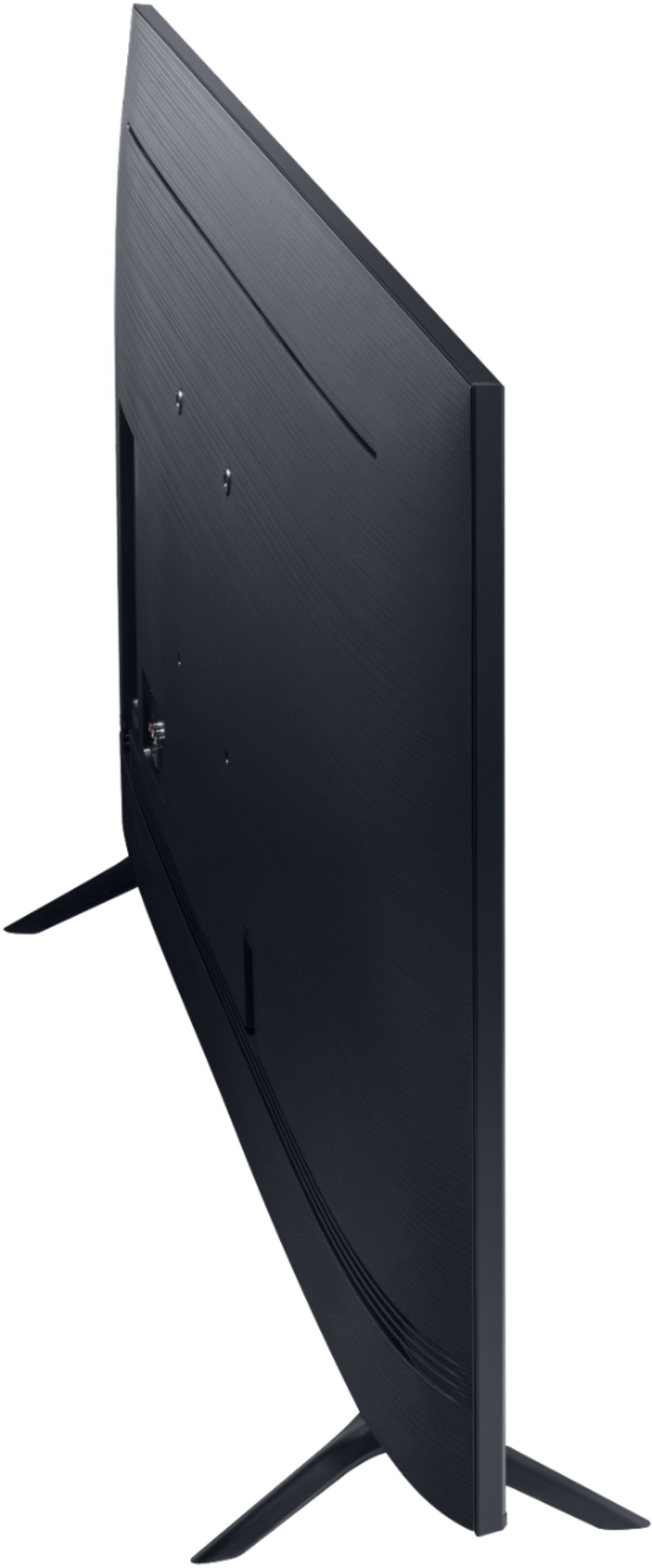
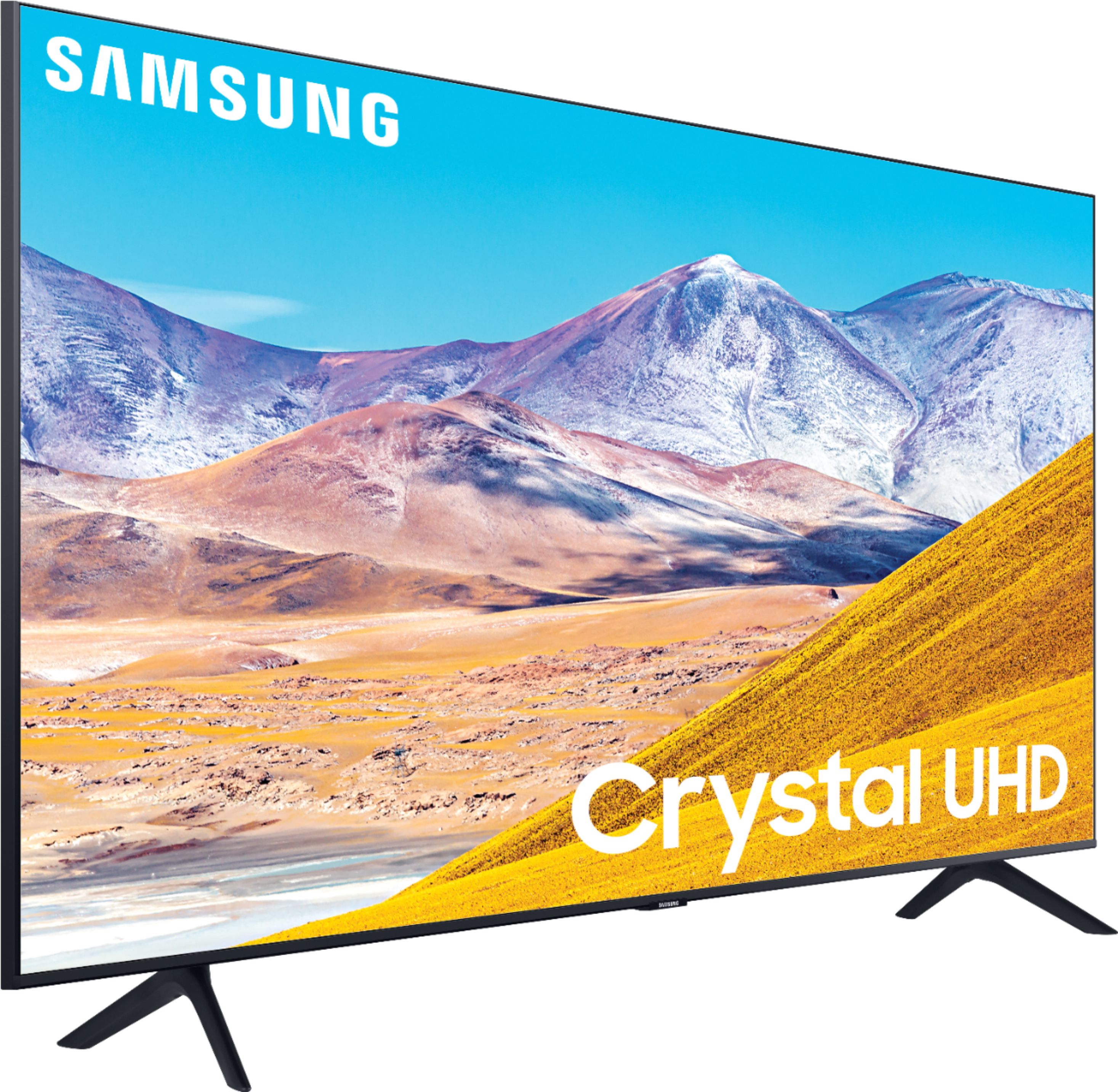
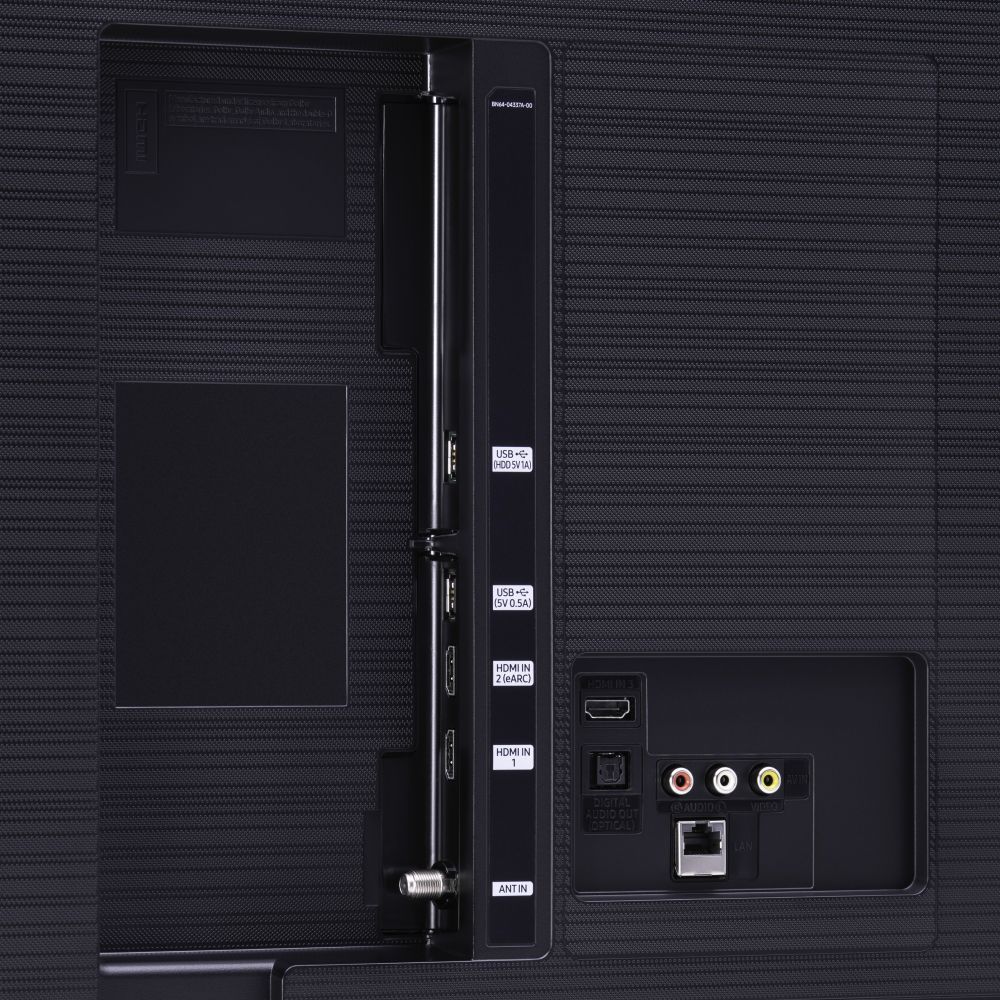
A:AnswerTable Top stands are available that use the VESA holes in the back of the tv. The holes are about 9 inches apart. Mine cost $25 and included all the hardware and spacers needed to install. You don't need 31 or 38 inches.
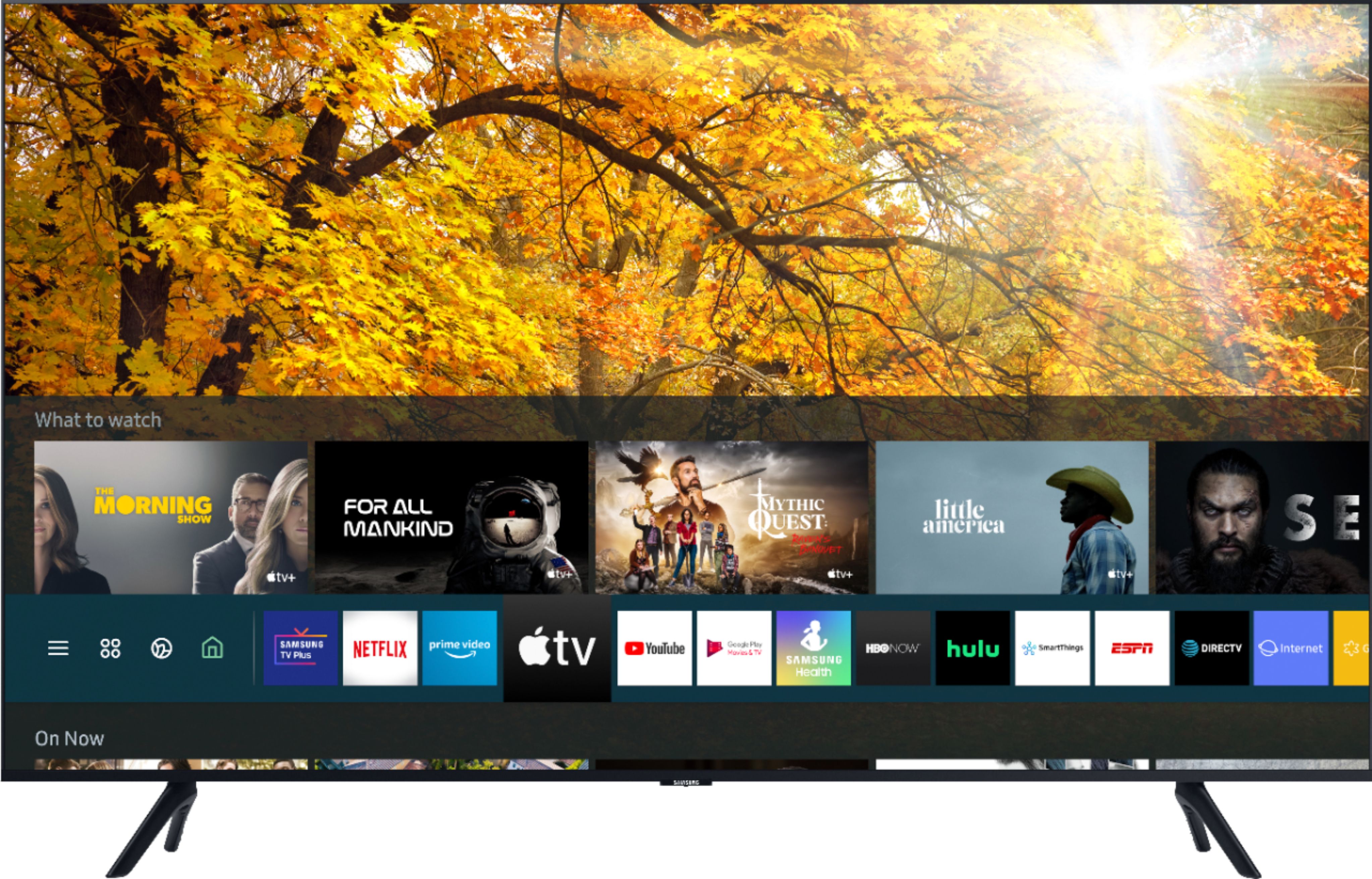
A:AnswerSamsung TVs have a built-in Smart platform powered by Tizen, which allows you to download Apps such as Apple TV+, Disney+, Google Play Movies & TV, HBO GO, Hulu, Netflix, Prime Video, SHOWTIME, Sling TV, YouTube and many more. ^Gina
A:AnswerHey Kris - This is how you would connect a Bluetooth devices to the 43TU8000 Settings - Sound - Sound Output - Bluetooth Speaker List. They must be paired using the TV's Bluetooth function. ^Jason
A:AnswerHi Ken, you can utilize a universal center stand on the 43TU8000. Check out one at Best Buy: https://www.bestbuy.com/site/sanus-premium-swivel-tv-base-for-most-32-60-tvs-black/5463304.p?skuId=5463304 ^Gina
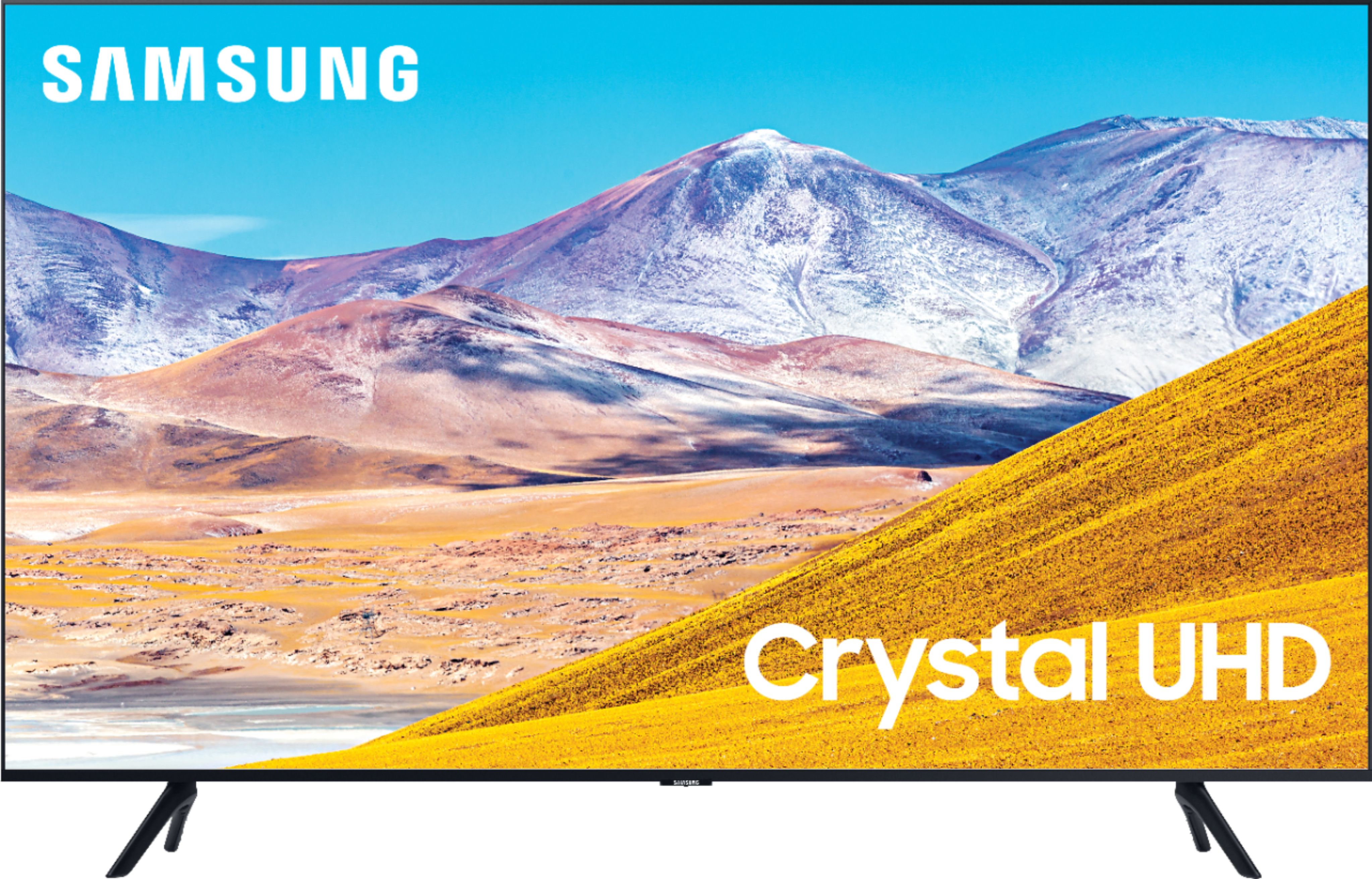
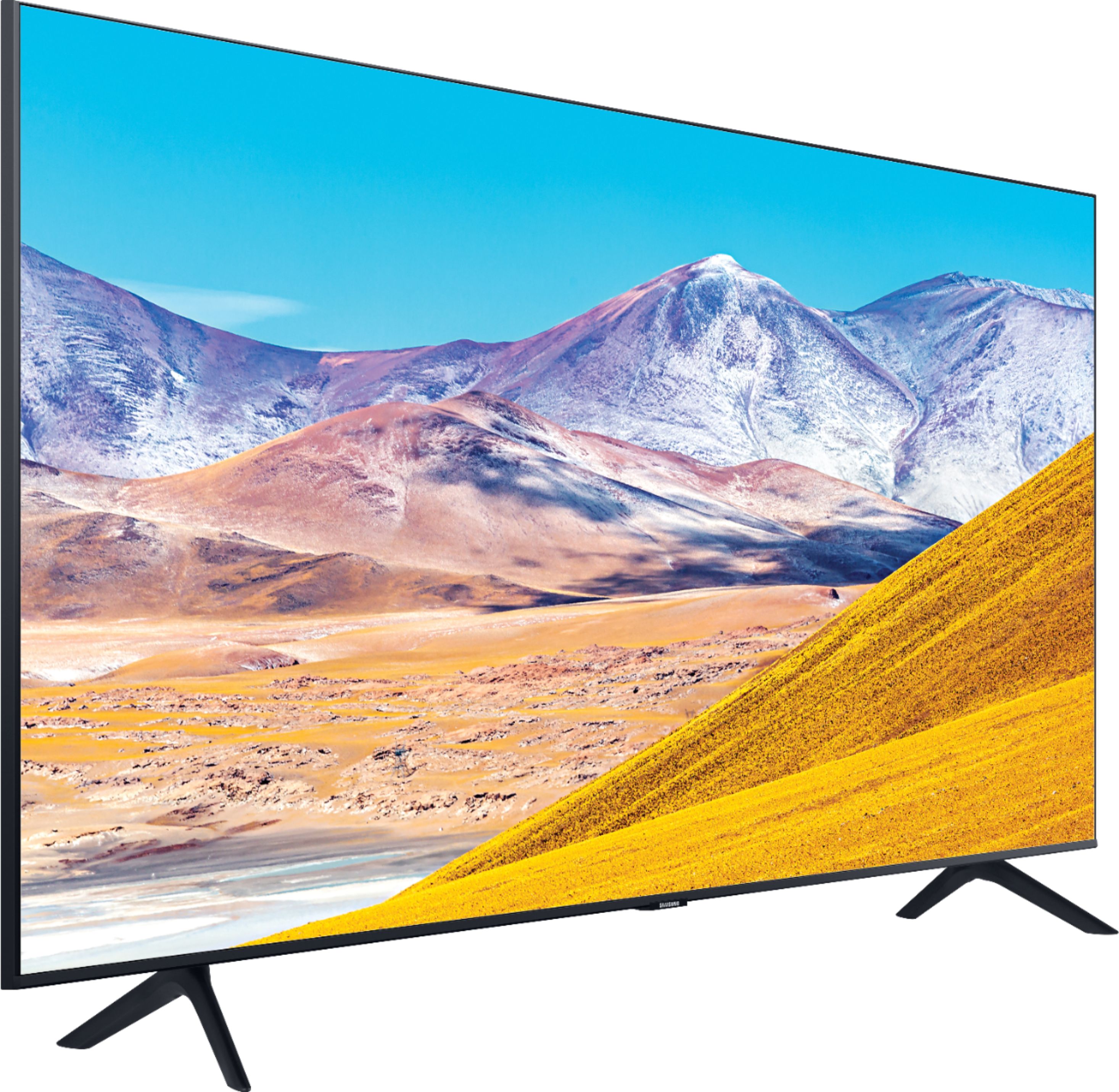
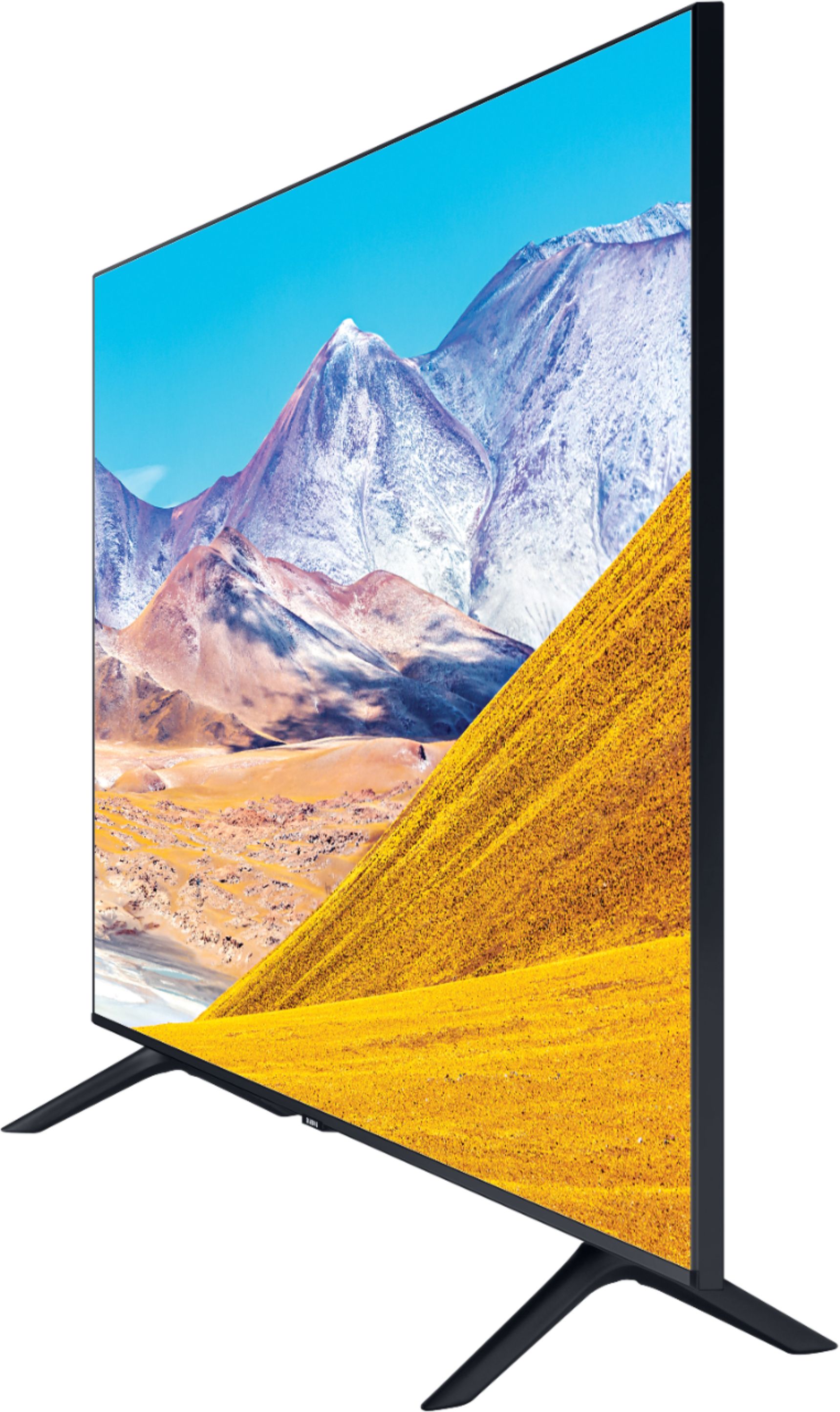
A:AnswerIts outside dimensions are;
Product Height With Stand 24.7 inches
Product Width 37.9 inches
Product Depth With Stand 7.6 inches
Product Height Without Stand 22 inches
Product Depth Without Stand 2.4 inches
A:AnswerHi there, the TU8000 comes with a OneRemote (Smart remote). The sleek and slim OneRemote automatically detects and controls all compatible connected devices and allows you to access your favorite streaming platforms easier with hot keys. ^Gina
A:AnswerThe remote does not have any numbers. It has the following controls:
* Power button
* Button with "123" that brings up an on-screen display for entering a channel number
* Microphone button for voice search
* Button for starting "ambient mode" (acts like a picture frame)
* Four-way navigation and select buttons for on-screen controls
* Back button
* Home button
* Play/pause button
* Volume up/down/mute
* Channel up/down
* Netflix
* Amazon Prime Video
* Samsung TV Plus
A:AnswerHi:
Go to apps inside the TV, looks for Spectrum App, download it, when opens type your email account and password and you will enjoy all the channels from your TV provider, you will need a good internet WIFI connection too, I also in my own TV connected a regular TV antenna in case the TV cable goes down and watch about 60 free local channels, good luck.
A:AnswerIf used in an average sized room, this TV has very good sound. I don’t use a sound bar and have been very happy with the quality and range of the TV’s speakers.
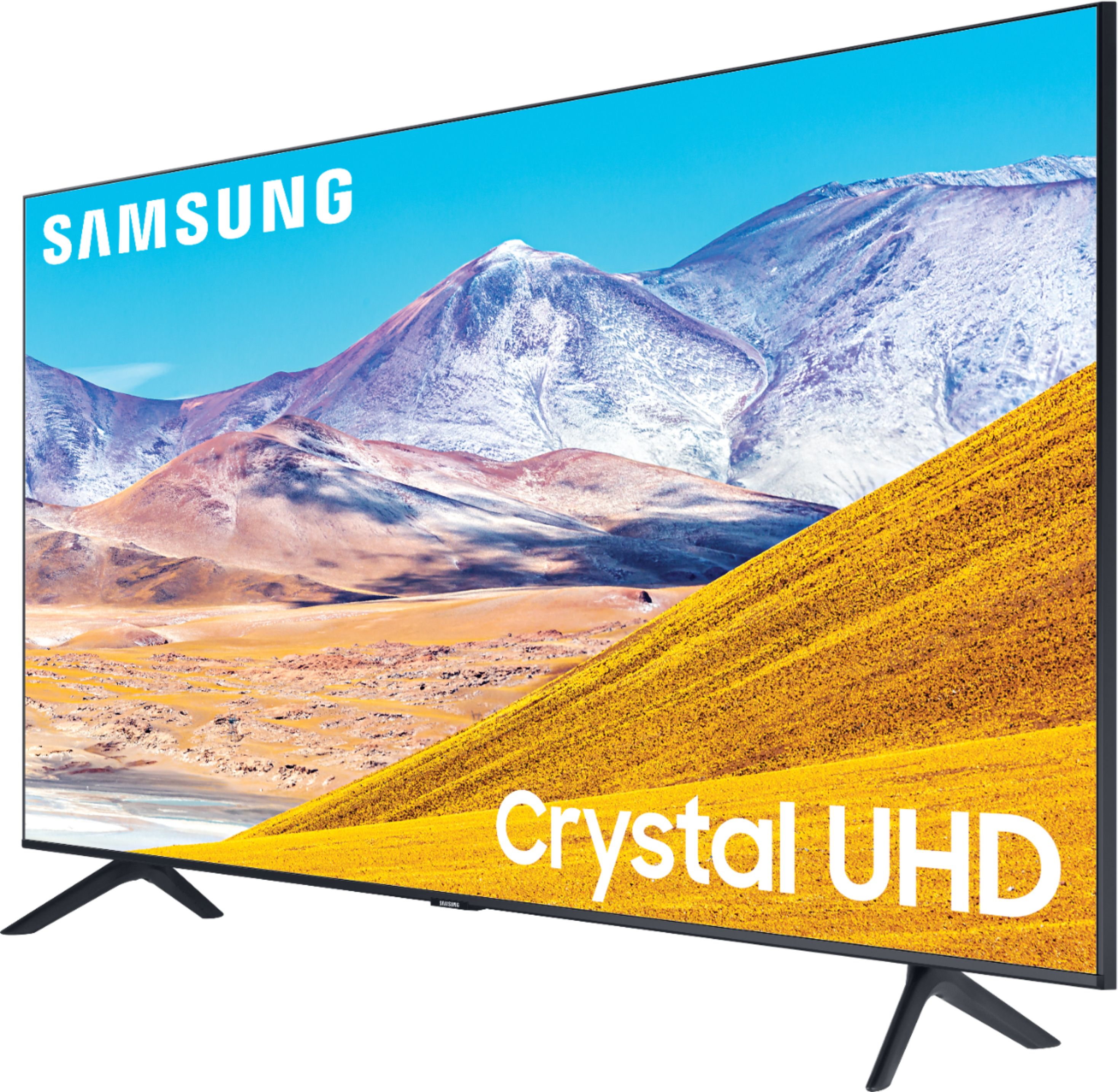
A:AnswerKanga, this has a Crystal UHD Processor which brings stunning clarity to everything you already watch. Movies and shows from your cable box, video streaming apps, blu-ray/ DVD player, and video games are all displayed in 4K resolution. It also powerfully upscales 4K to ensure that your customers always get lifelike 4K resolution no matter the source. ^Gina
A:AnswerHi missvan - The buttons on your remote have multiple functions. The +/- (Volume) button adjusts the volume when rocked up/down. It will mute the sound when pressed in . When pressed in and held for 1 second or more, the Accessibility Shortcuts menu appears. ^Val
A:AnswerCaffey56, we would not recommend using this TV outside since there is no IP rating for outdoor use; Samsung TVs are for use in operating temperatures of 50°F to 104°F (10°C to 40°C), with operating humidity of 10% to 80%, non-condensing. ^Gina
A:AnswerHi there, the TU8000 comes with our One Remote.You may use an old Samsung remote with number keys if desired; if you were interested in purchasing a remote that will work with your TU8000, please visit https://www.bestbuy.com/site/searchpage.jsp?st=samsung+remote&_dyncharset=UTF-8&_dynSessConf=&id=pcat17071&type=page&sc=Global&cp=1&nrp=&sp=&qp=&list=n&af=true&iht=y&usc=All+Categories&ks=960&keys=keys ^Gina