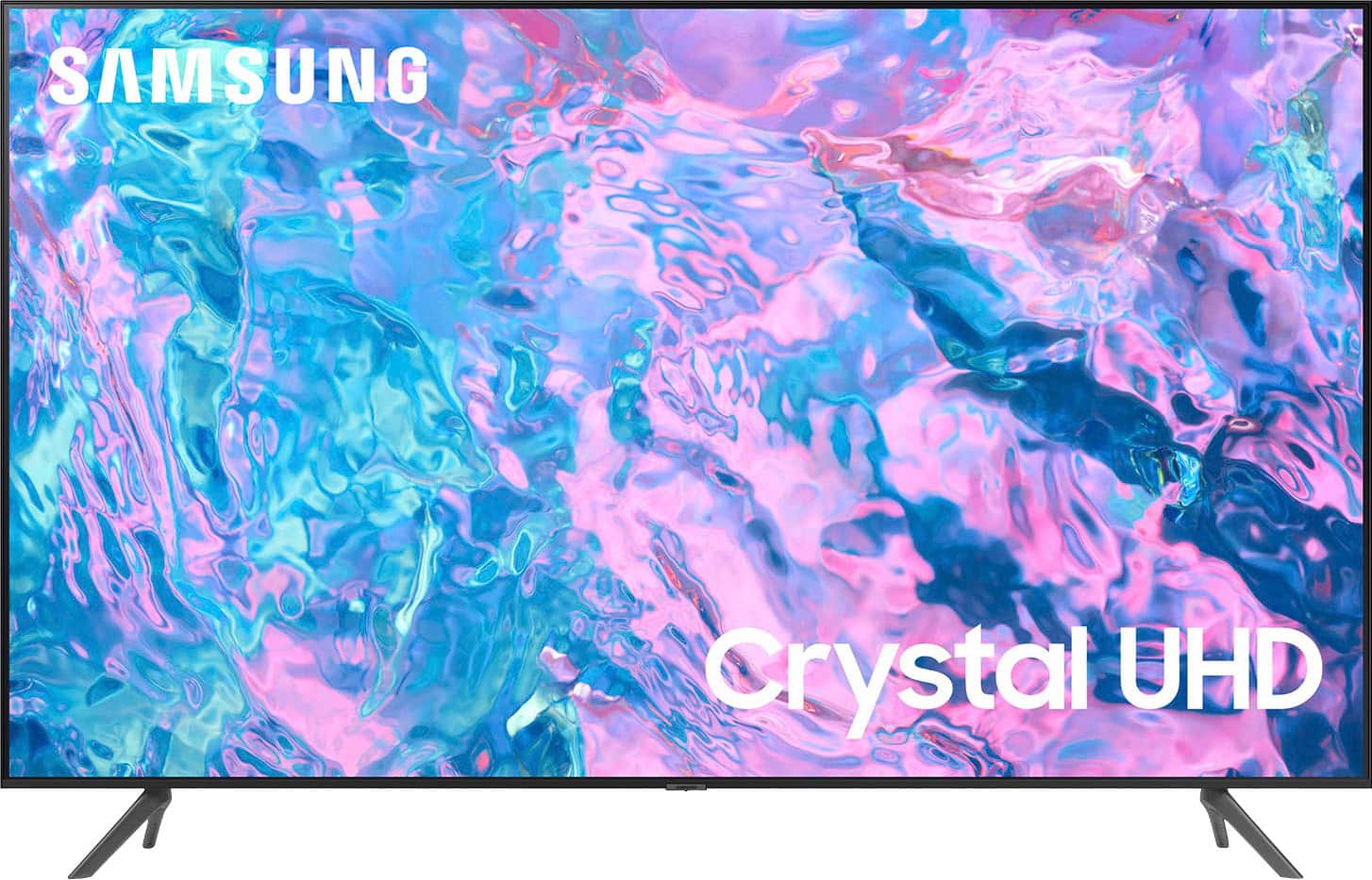
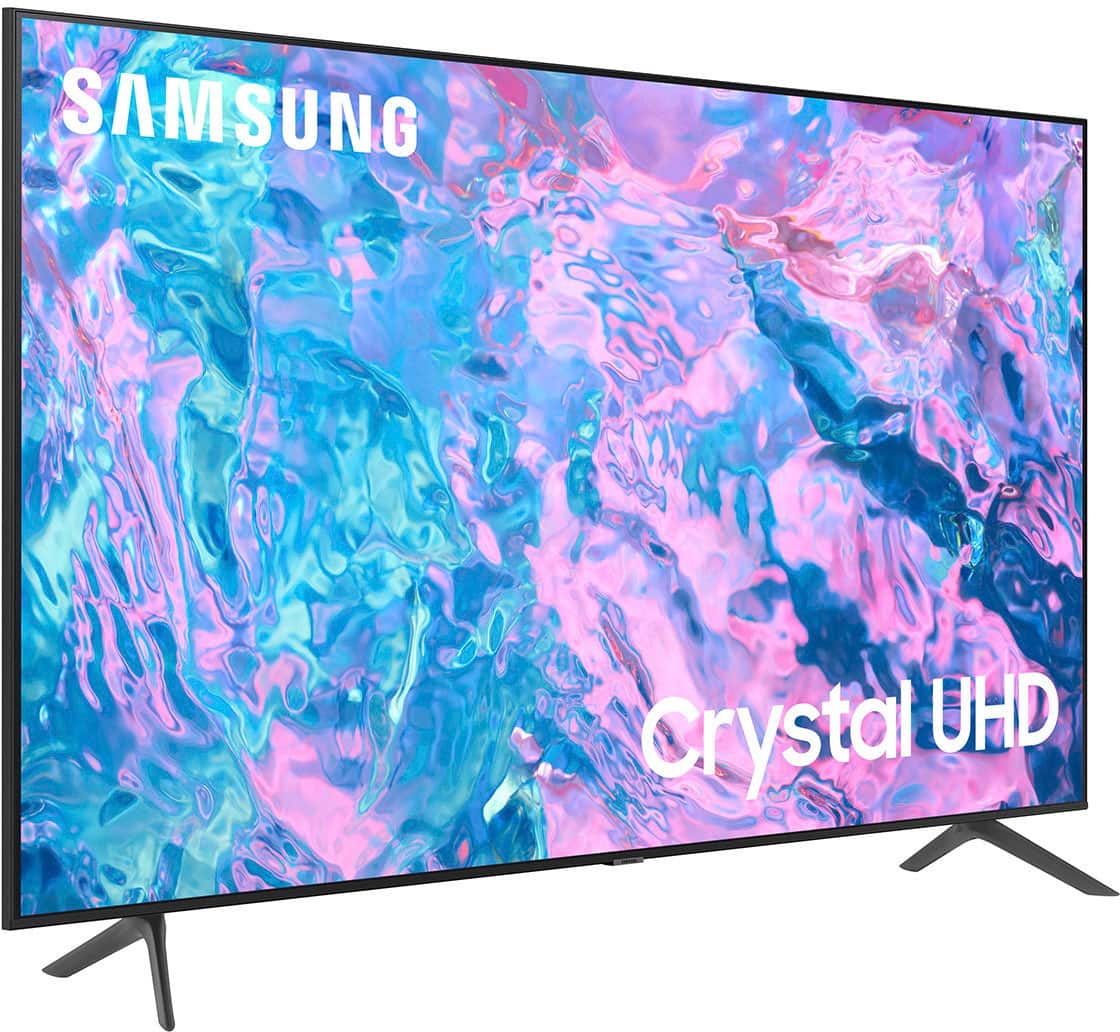
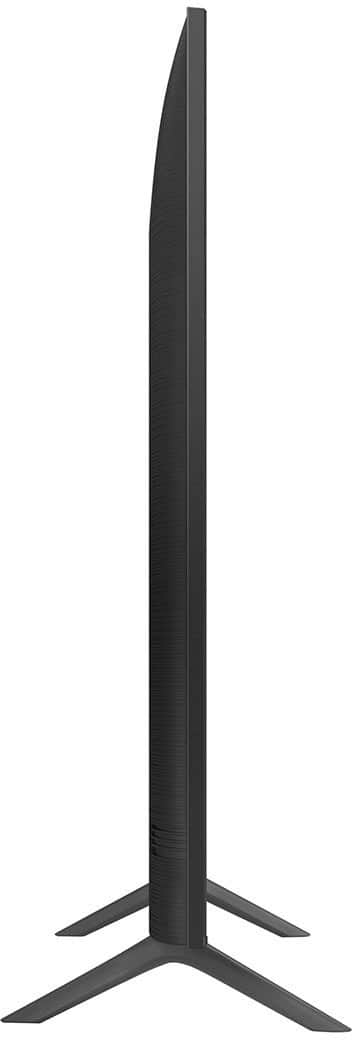
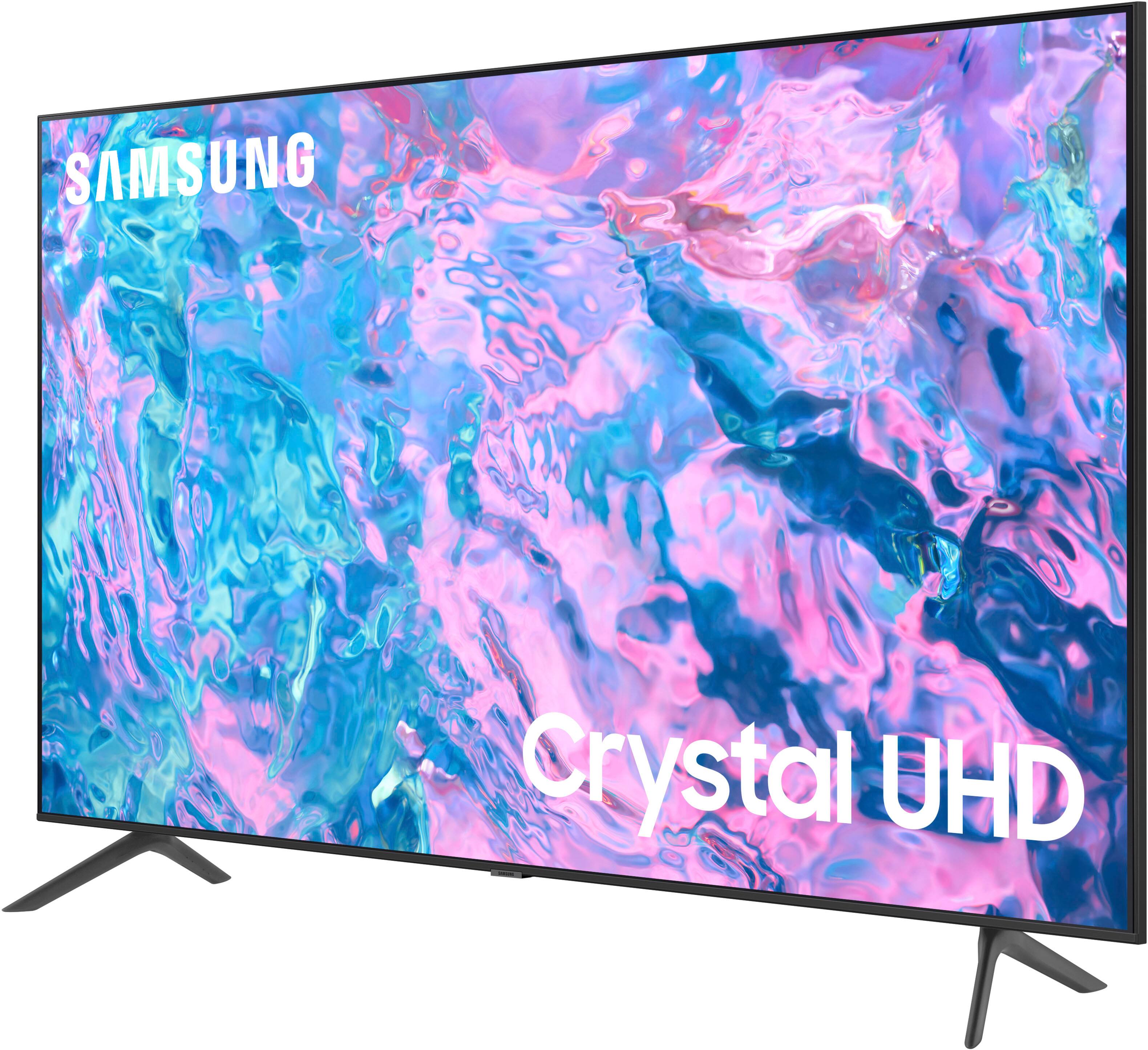
A:AnswerYou can find these measurements on this model’s product page – just click Show Full Specs and scroll down to Dimension: https://www.bestbuy.com/site/samsung-43-class-cu7000-crystal-uhd-4k-smart-tizen-tv/6537422.p?skuId=6537422
~ Samsung Specialist
A:AnswerThe CU7000F TV comes with a 1-year Parts & Labor Manufacturer’s Warranty when purchased brand-new from an authorized dealer.
~ Samsung Specialist
A:AnswerMSwilder - You can choose what your TV does when you turn it on by going to Menu > Settings > All Settings > General & Privacy > Start Screen Option.
~ Samsung Specialist
A:AnswerYou can find these measurements on this model’s product page – just click Show Full Specs and scroll down to Dimension: https://www.bestbuy.com/site/samsung-43-class-cu7000-crystal-uhd-4k-smart-tizen-tv/6537422.p?skuId=6537422
~ Samsung Specialist
A:AnswerDani - The CU7000 does not have built-in Alexa, but it does work with Alexa-enabled devices. You can ask your Alexa device to turn on your TV, change channels, control the volume, and more.
~ Samsung Specialist
A:AnswerYou can find this information on this model’s product page – just click Show Full Specs and scroll down to Dimension: https://www.bestbuy.com/site/samsung-43-class-cu7000-crystal-uhd-4k-smart-tizen-tv/6537422.p?skuId=6537422
~ Samsung Specialist
A:AnswerMare - You can connect an external streaming device; you can also take advantage of the built-in App Store which allows you to choose and download from hundreds of available apps - no external device needed.
~ Samsung Specialist
A:AnswerYou can connect an external streaming device; you can also take advantage of the built-in App Store which allows you to choose and download from hundreds of available apps - no external device needed. ~ Samsung Specialist