A:AnswerYes. They installed my television. If you look at the product page, you will find information on various types of installations and costs. I chose to have a stand which I ordered when I ordered the tv. I chose to do a video discussion with Best Buy for information and to make my purchase. They ensured I got everything I would need.
A:AnswerHi jsxian,
The DU7200 TV supports many file types; I recommend referring to the user manual on pages 169 and 176 for the full list.
https://downloadcenter.samsung.com/content/UM/202405/20240516044304001/BN81-25561A-204_EUG_ROPATSCD_NA_ENG-US_240412.0.pdf
~Samsung Advisor
A:AnswerHi Ken,
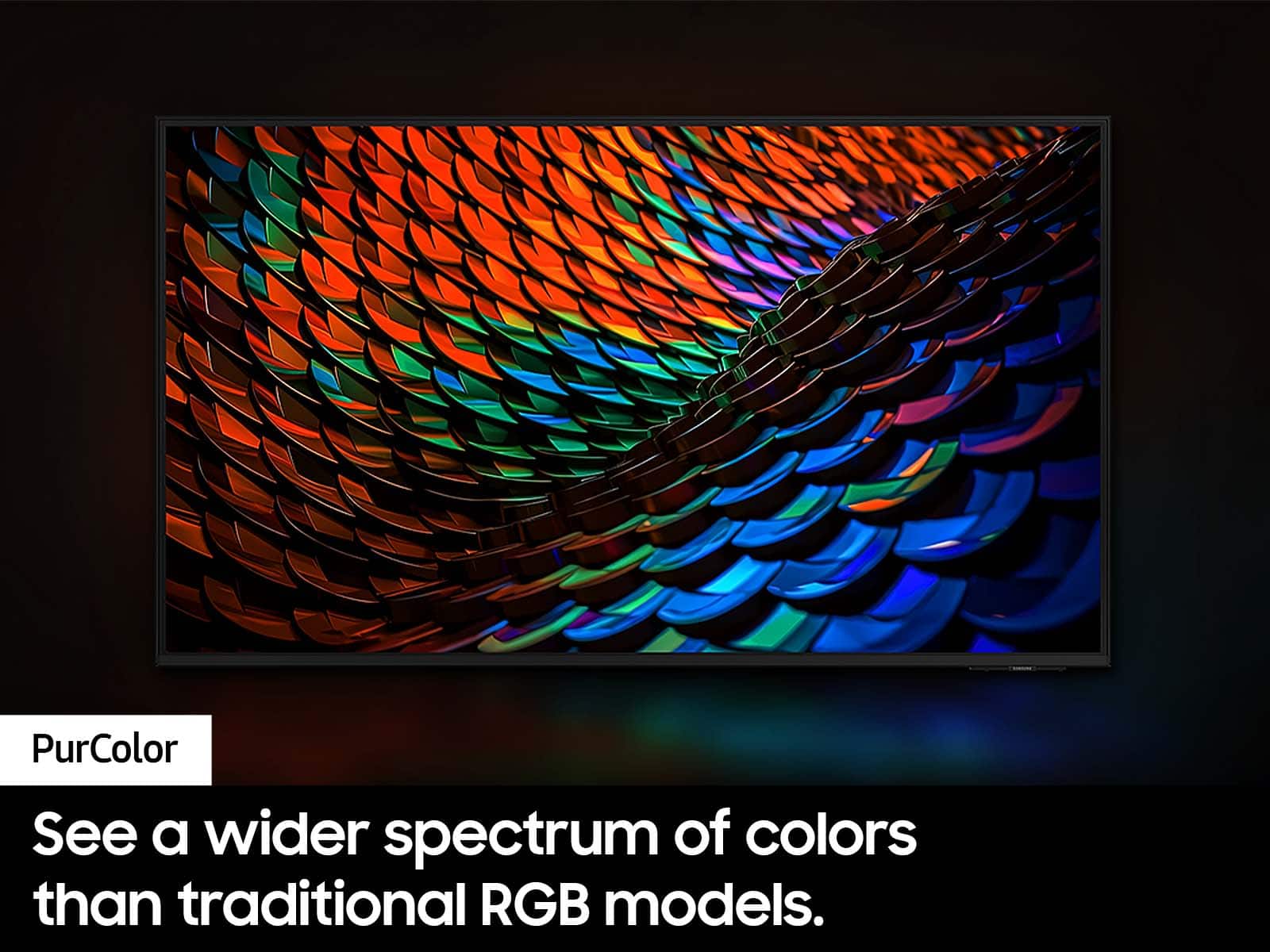
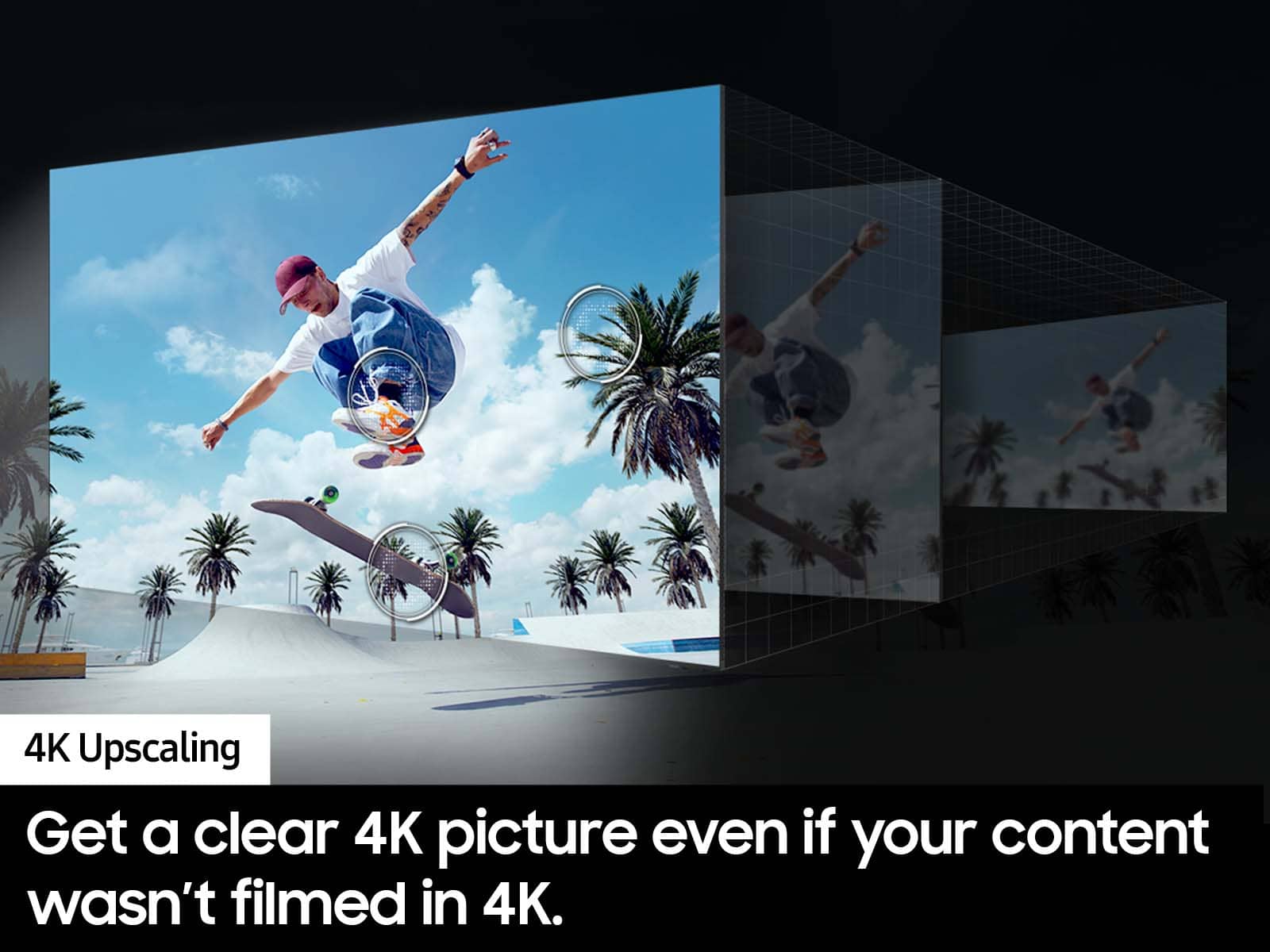
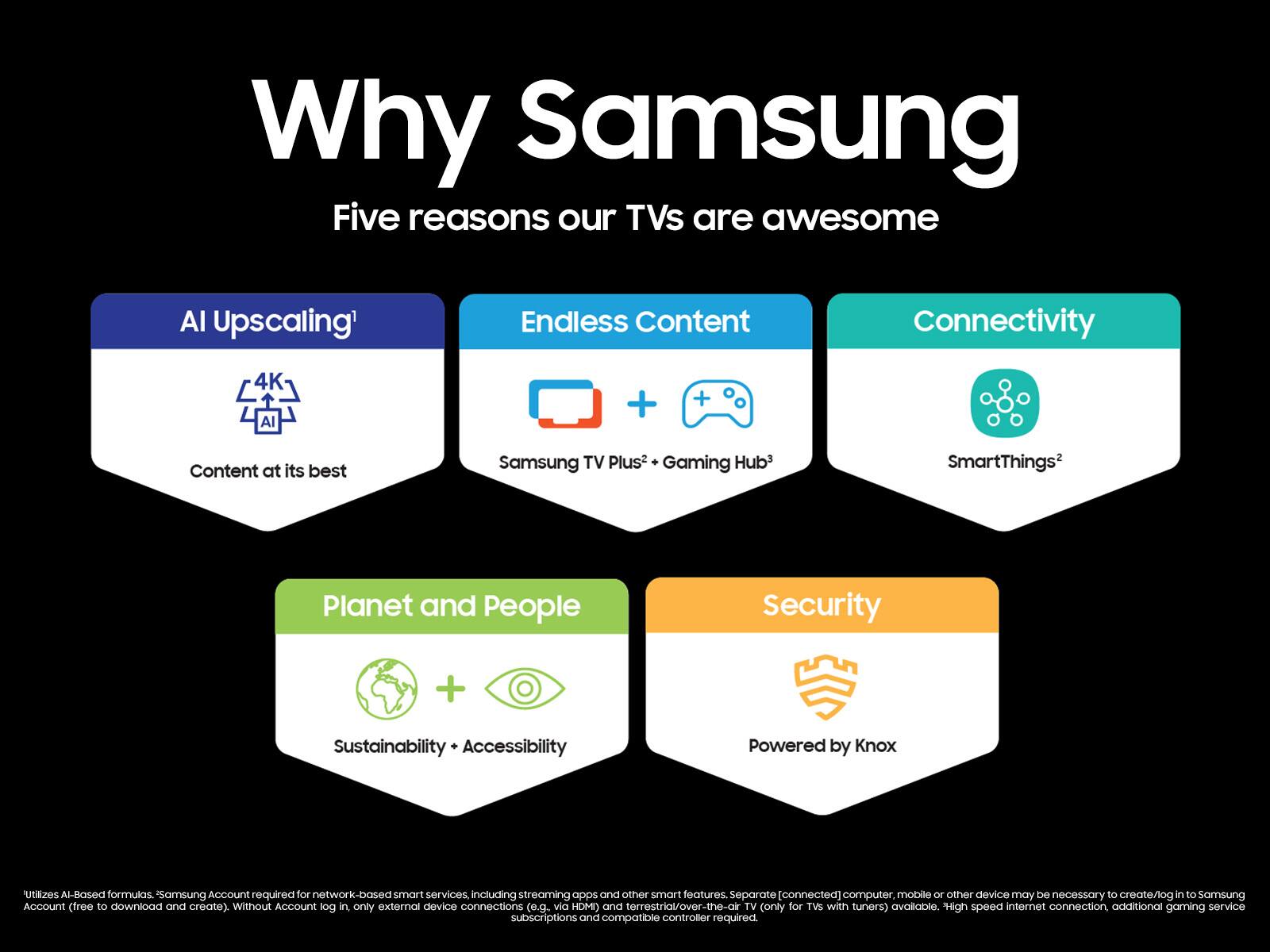
The DU7200 features Crystal Displays for brilliant colors and exceptionally crisp, vivid images. Their Crystal 4K Processor further brings impressive clarity to all your content while upscaling everything you watch to stunning 4K definition, no matter the source.
When stepping up the new DU8000, you will gain a ton of added features that we are very excited about, such as Multi-View-allowing you to view several types of content at the same time, Voice-Enabled remote control, Tap View, Supreme UHD Dimming and more!
~Samsung Advisor
A:AnswerHi Chet,
The DU7200 Series TV is an LED TV. Our term for it is Crystal, as it is a 4K LED TV with the ability to transform everything you watch into 4K.
~Samsung Advisor

A:AnswerHi Winnie22,
Yes, the DU7200F TV is backed with a limited 1-year Manufacturer’s Warranty when purchased brand-new from an authorized dealer.
~Samsung Advisor
A:AnswerHi Westech21,
Yes, you can connect to a Windows computer via WiDi (Wireless Display) or use your Android phone to screen mirror.
~Samsung Advisor

A:AnswerHi ERSGT,
To best assist you, please reach out to us at 1-800-SAMSUNG, 8 AM – 12 AM EST, 7 days a week, or Chat with us on Samsung.com: https://www.samsung.com/us/support/contact/
~ Samsung Advisor

A:AnswerHi GK,
You can download the DIRECTTV app via the app store available on the DU7200 TV. You can also connect your cable box via HDMI cable.
~Samsung Advisor