A:Answer Hello CluelessAboutTech,
Adaptive Sound+ is another name for our SpaceFit Sound technology. There are two ways you can enable this when your soundbar is connected to your TV, follow the steps below.
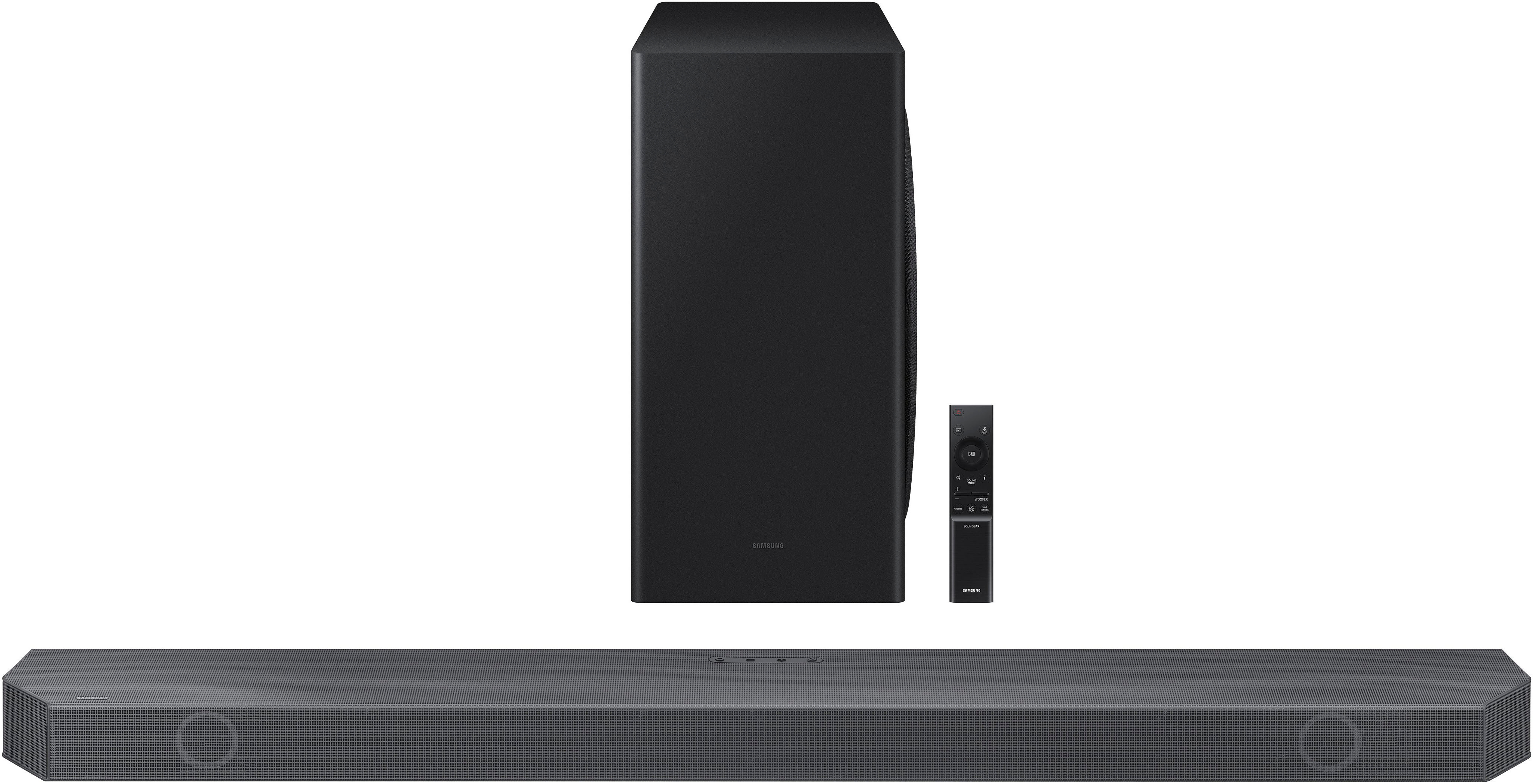
On the provided Soundbar remote press the SOUND CONTROL button (which looks like a gear) until you see Spacefit Sound scroll across the LED display screen. Press the UP button on your remote to turn this feature on.
If you go through your TV, then follow these steps below.
Home > Menu > Settings > All Settings > General > Intelligent Mode Settings > Adaptive Sound+)
• The sound mode on your Soundbar will automatically change to Adaptive Sound+ if you enable the Adaptive Sound+ mode on your TV.
You can also change this setting using the SmartThings app from your smart device. Connect your Soundbar to Wi-Fi using the SmartThings app, and then you will have full control over your soundbar and TV from your smart device.
~Samsung Solutions