A:AnswerHi Scott - So that we can better troubleshoot towards a solution, please reach out to Samsung Support at:
― Phone: 1-800-SAMSUNG / Available 8AM - 12AM EST, 7 days a week
― LiveChat or Email: https://www.samsung.com/us/support/#contact_us_for_support
We look forward to hearing from you. ^Gina
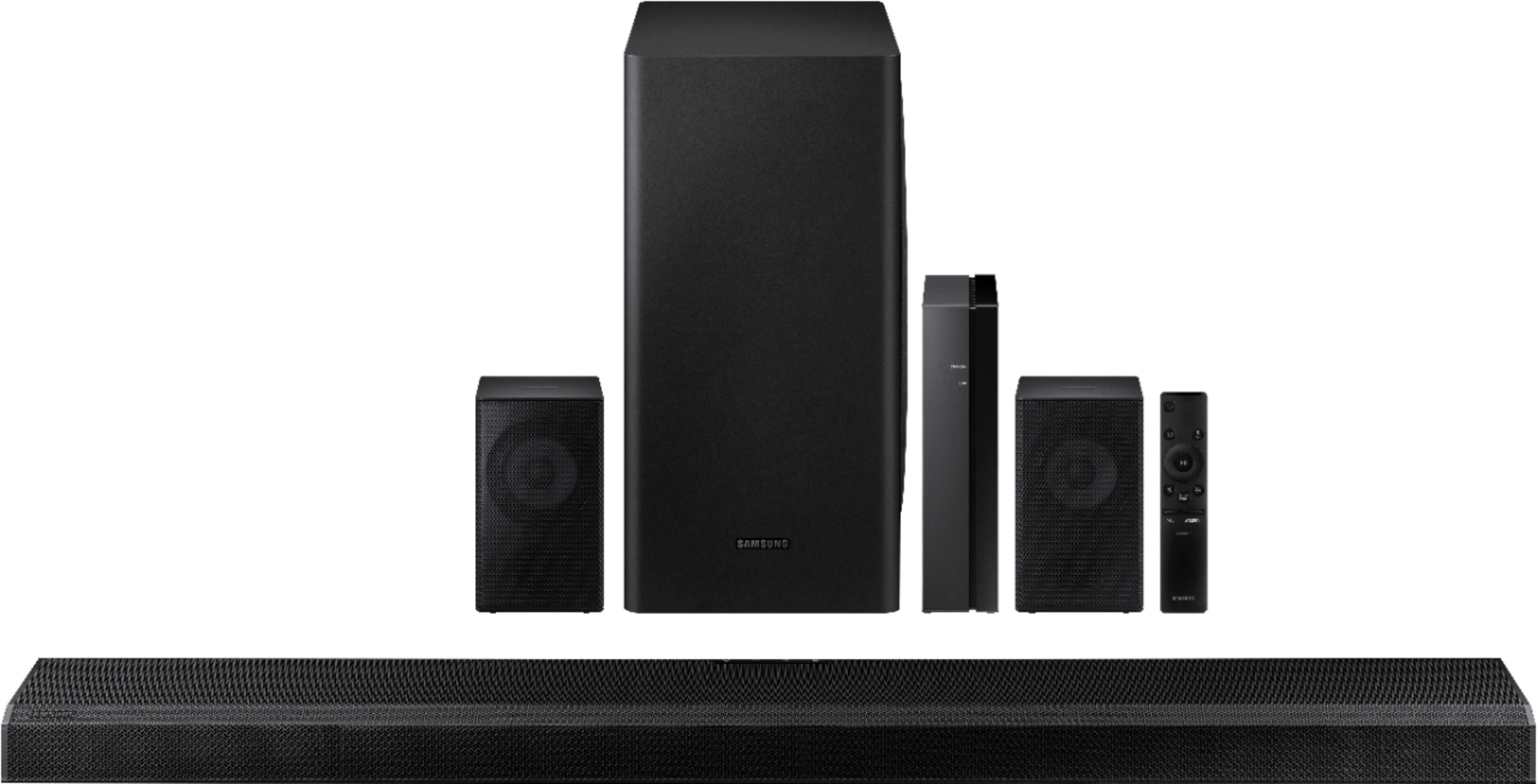
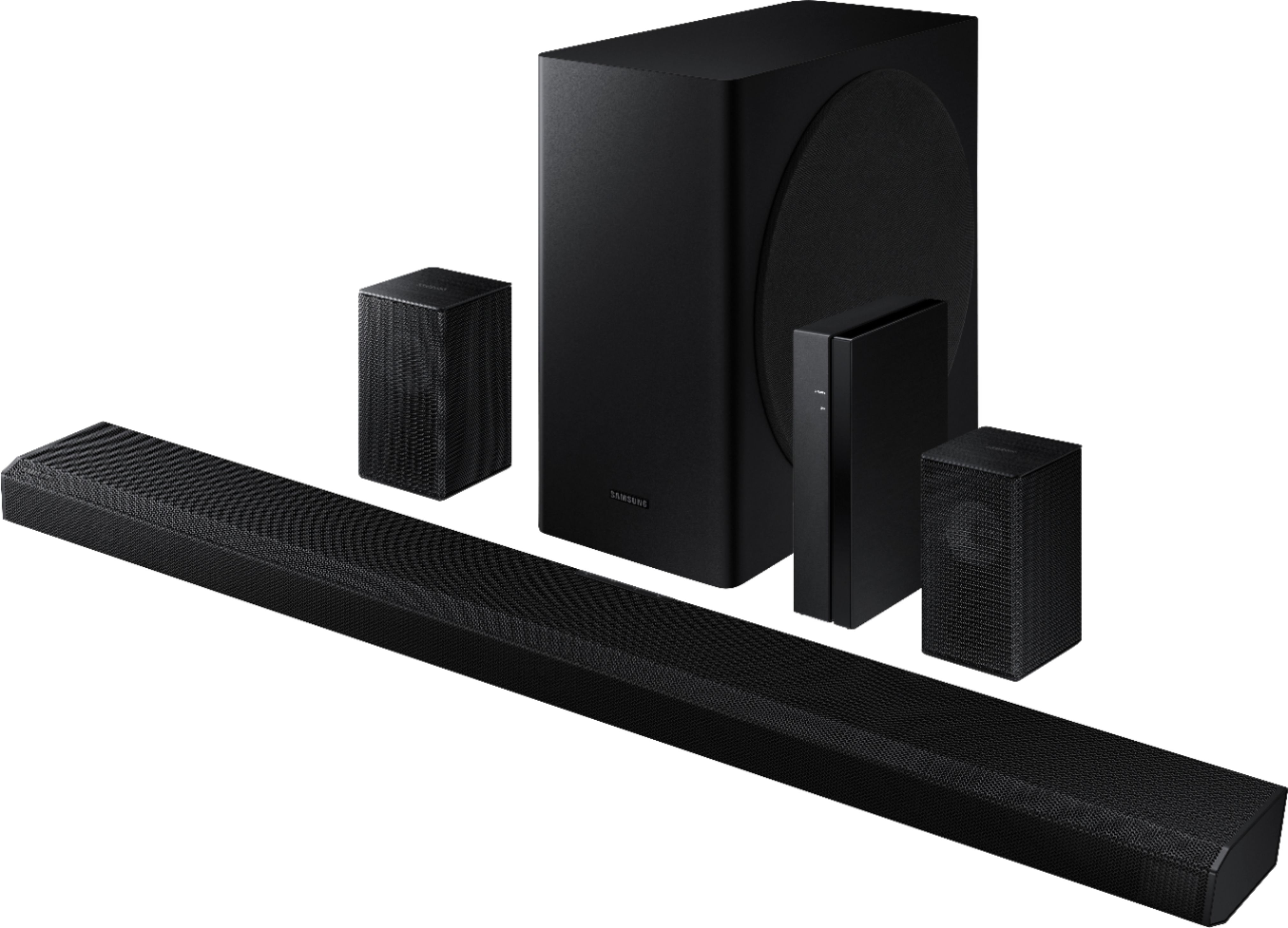
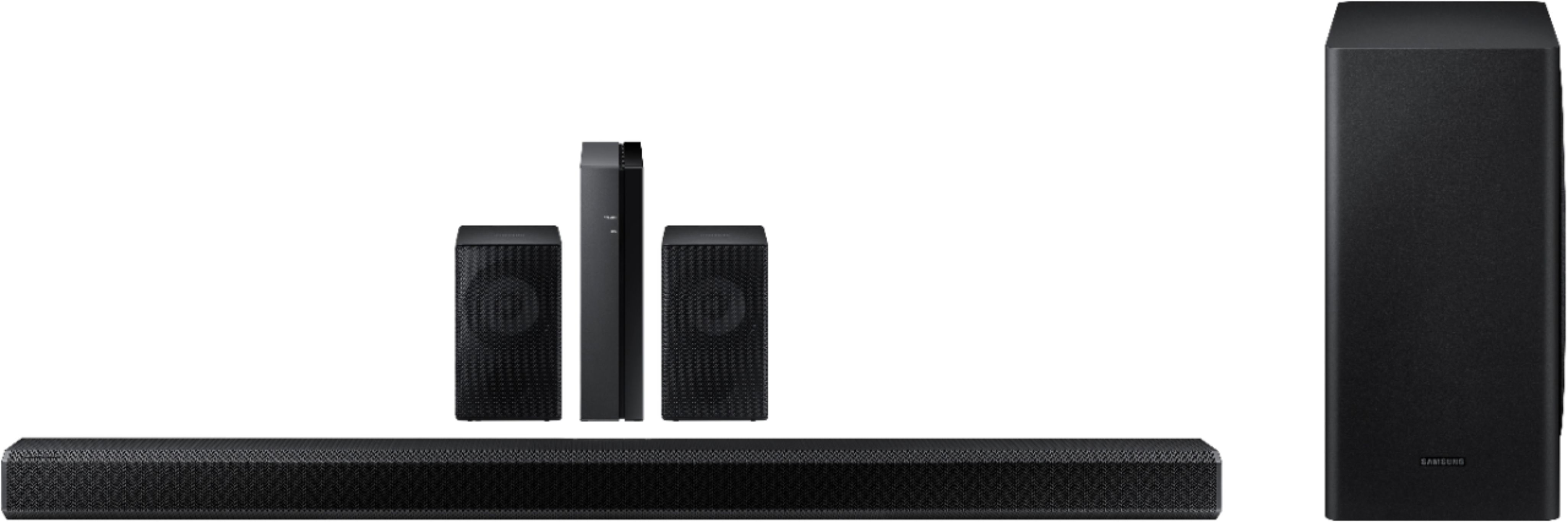
A:AnswerHi Nicole! The HW-Q850T features an HDMI and Optical cable input, as well as Wi-Fi and Bluetooth connectivity. If your TV features an HDMI and/or Optical port or is Bluetooth/Wi-Fi enabled, the Q850T Soundbar will be compatible. ^Gina
A:AnswerHi there! You can manually optimize your audio experience by pressing the SOUND CONTROL button (looks like a gear) to access the setting items such as TREBLE, BASS, SYNC, CENTER LEVEL, SIDE LEVEL, FRONT TOP LEVEL, REAR LEVEL, REAR TOP LEVEL, and VIRTUAL ON/OFF. The selected item can be adjusted individually, using the Up/Down buttons. For more information regarding sound setting adjustments, please refer to the User Manual that is included with the HW-Q850T Soundbar. ^Gina
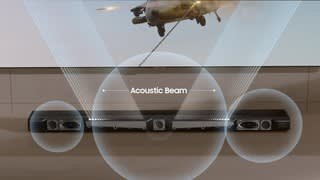
A:AnswerSamsung Acoustic Beam technology delivers a panoramic audio experience with directional sound that makes it feel like you are part of the scene.
A:AnswerHi Joe240! With our HW-Q850T Soundbar, you are provided with multiple wired and wireless connectivity options such as Bluetooth, Wi-Fi, HDMI, and Optical. While the rear speakers included with your soundbar utilize a wired connection to the receiver module, other products do not necessarily require a wired connection to provide you with a more seamless, wireless solution. ^Gina
A:AnswerWhat i found out was that the HDMI that comes with the soundbar isnt capable of transferring the Hi-Def audio properly so it causes problems like this. What I recommend is buying a Hi-Def 8k HDMI so that the transfer is up to par with the product! Good luck!
A:AnswerYes, I connected the rear speakers from my old Samsung surround sound system and they worked. But I disconnected them because it didn't make a difference in the amount or depth of sound I was getting out of this system. It wasn't worth the effort to hook up more speakers.
A:AnswerHi EDWIN! So that we can better assist you with your rear speakers on your HW-Q850T Soundbar, please contact Samsung Support at 1-800-SAMSUNG, available 8AM - 12AM EST, 7 days a week. For more contact options, click here: https://www.samsung.com/us/support/contact/
We look forward to hearing from you. ^Gina
A:AnswerIt was really tricky for me to get them to work as well. Make sure the speaker wires are not pushed too far in the connection on the speakers. Second I had to use the app to get them to work at first. Third, the setting on the sounds bar needs to be set to the correct output.
A:AnswerHi there! The HW-850T soundbar and wireless rear speakers are not compatible with the Sony - Core Series Dual 5" 3-Way Floorstanding Speaker. ^Patty
A:AnswerHi LA1970: The HW-Q850T may not reflect sound off of the cathedral/vaulted ceiling in your home, it will still fill the area above and provide a depth to the movie that wouldn't be there without the Atmos speakers. ^Patty
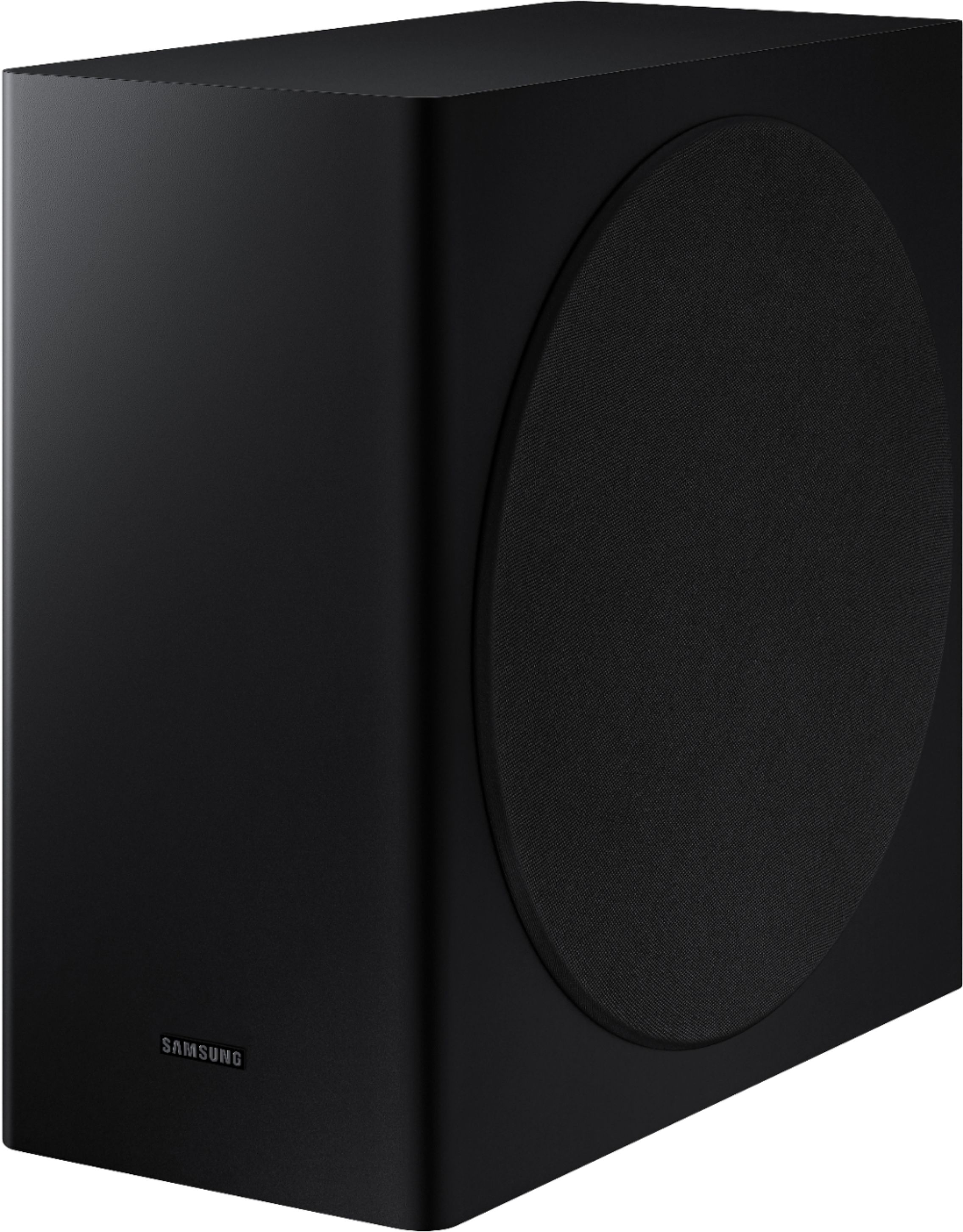
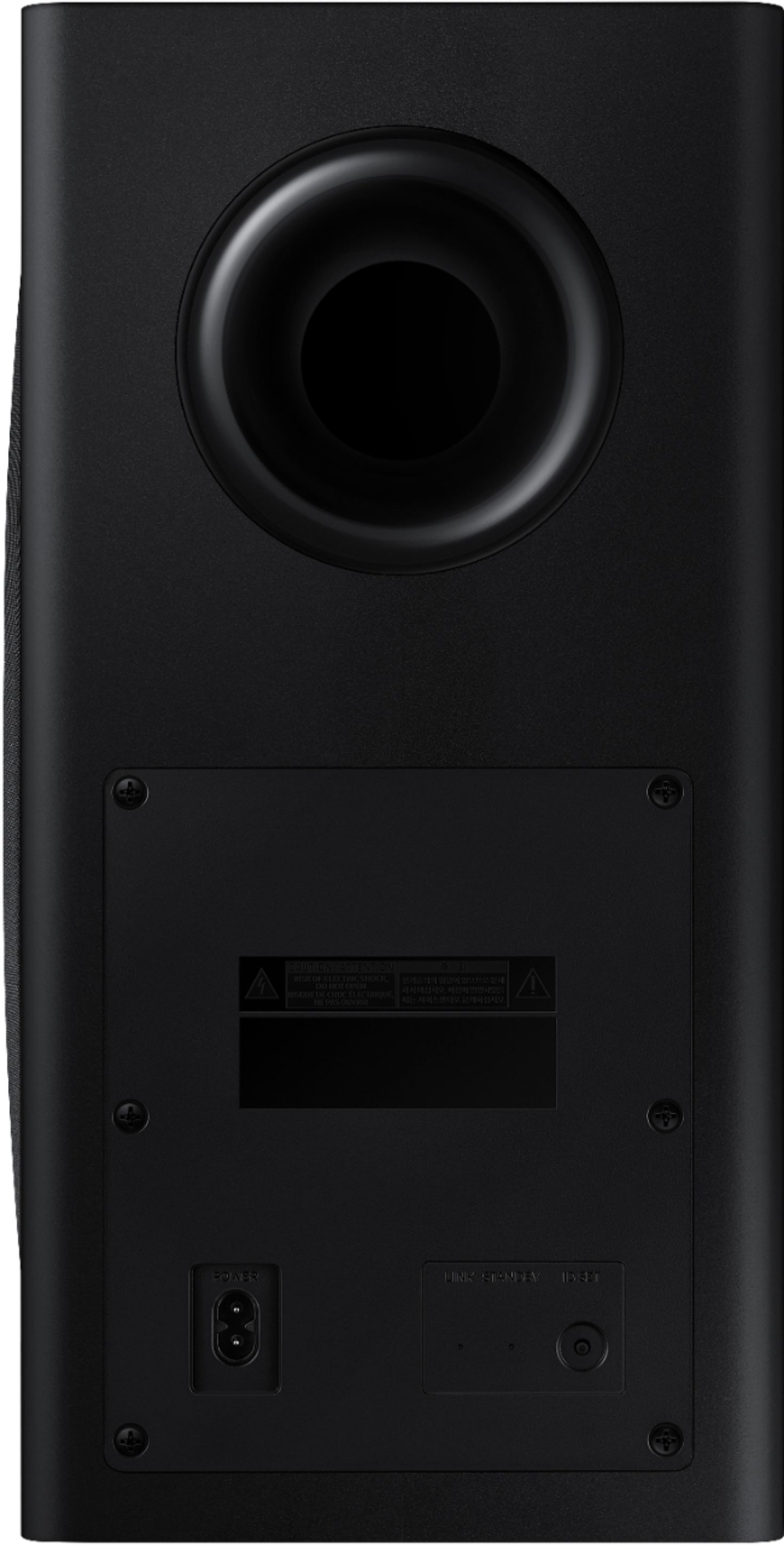
A:AnswerHi there! The Q850T does not have a test option. Because the subwoofer is designed to pick up and amplify low frequency sounds, you won’t always hear it. To test if the subwoofer is working properly, we recommend you play a Blu-ray or UHD DVD movie with plenty of explosions, and place your hand on the subwoofer. You should feel vibrations as the unit receives and transmits the incoming audio from the content. Another good test is to play music content with deep bass via Bluetooth connection, as it is not dependent on “effects” decoding.
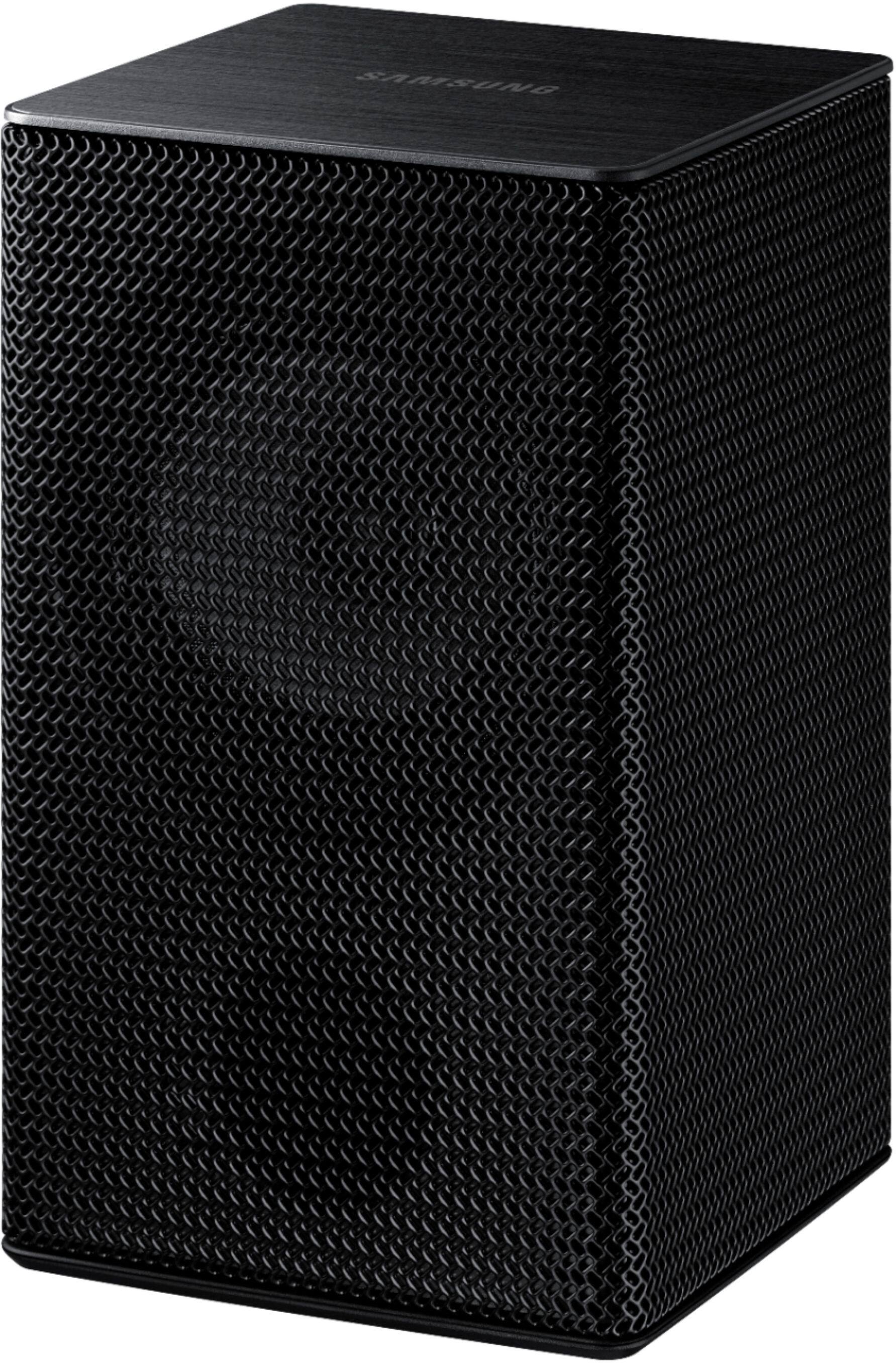
By design, the surround speakers are supposed to simulate sounds happening behind the viewer. Therefore, most of the time the surround channels are only used for ambient sounds, which are naturally lower in volume.
However, there are a few settings you can change to adjust the surround effect to your preference:
1) Make sure that the source (e.g. TV output) is sending surround channels to the Soundbar. If the source is not capable of surround, then set the Surround mode to OFF on the Soundbar by pressing the Surround button on the remote.
2) If the source has surround channels, select the desired Sound Mode from the Soundbar remote.
3) Turn off Dynamic Range Control. This is done by pressing and holing the Sound Mode button while the Soundbar is in standby mode. Depending on your soundbar model, you may or may not have DRC.
4) Increase the volume level of the surround speakers using the Sound Control button on the Soundbar remote control. Press the Sound Control button on the soundbar remote (looks like a gear), then select REAR LEVEL and use the Up/Down buttons to adjust the volume within a -6 to +6 range. I hope these tips help. ^Patty
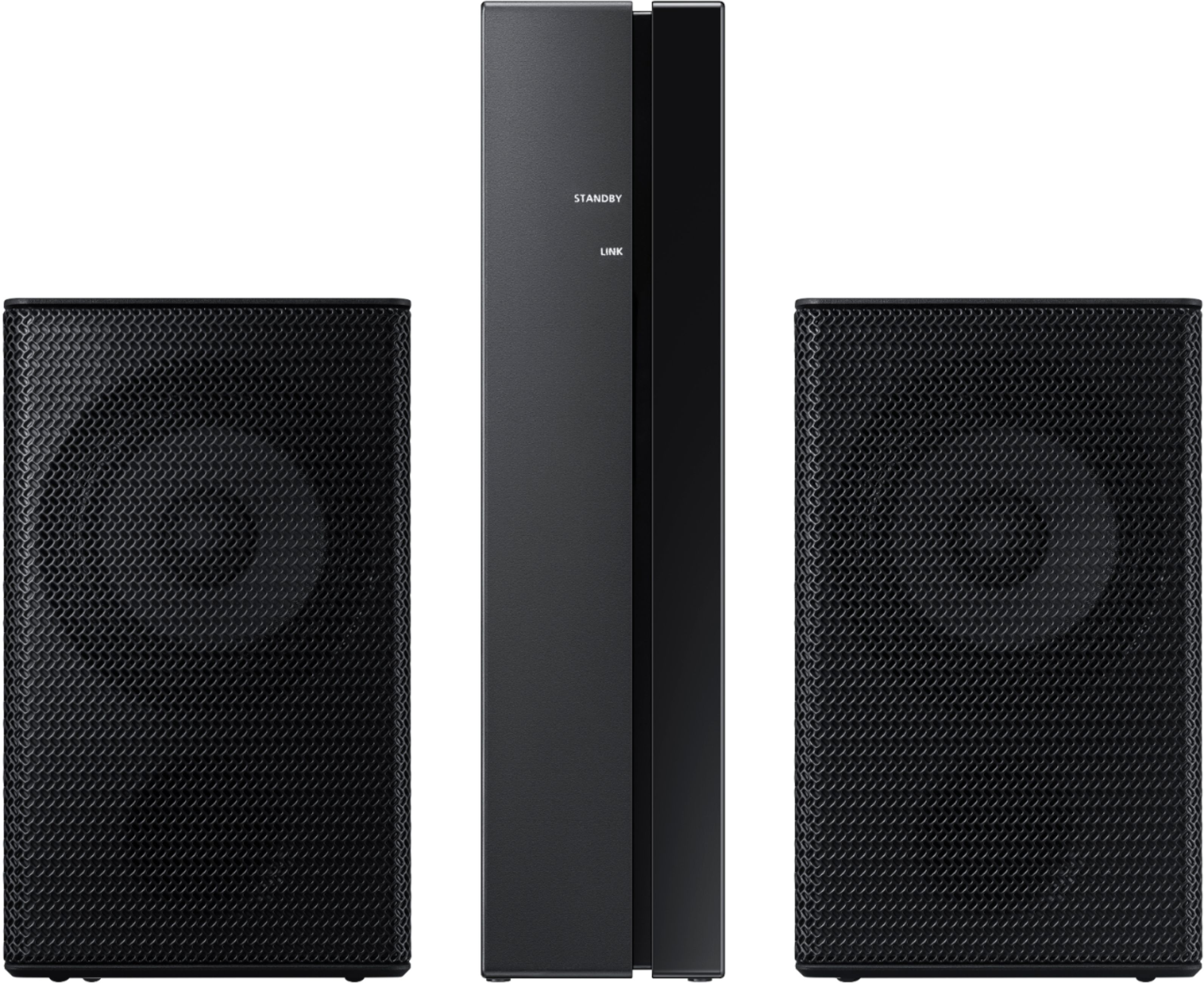
A:AnswerHi DV! BestBuy.com has a large selection of speaker stands. Here is a link for speaker stands that will work with the SWA-9000 wireless rear kit that comes with the HW-Q850T soundbar:
https://www.bestbuy.com/site/searchpage.jsp?_dyncharset=UTF-8&id=pcat17071&iht=y&keys=keys&ks=960&list=n&qp=category_facet%3DSpeaker%20Stands~abcat0106002&sc=Global&st=speaker%20stands%20&type=page&usc=All%20Categories ^Patty
A:AnswerHi Lars: So that we can walk you through the connection setup, please reach out to Samsung Audio Support at: • Phone: 1-800-SAMSUNG / Available 8 AM - 9 PM EST, Mon - Fri • LiveChat or Email: https://www.samsung.com/us/support/#contact_us_for_support We look forward to hearing from you. ^Patty
A:AnswerHi linkinmarkw, Yes, by using Dolby Digital+ on your TV, it will pass Dolby Atmos. The rear speakers wires are 12 feet in length. Samsung does not offer longer lengths. ^Patty