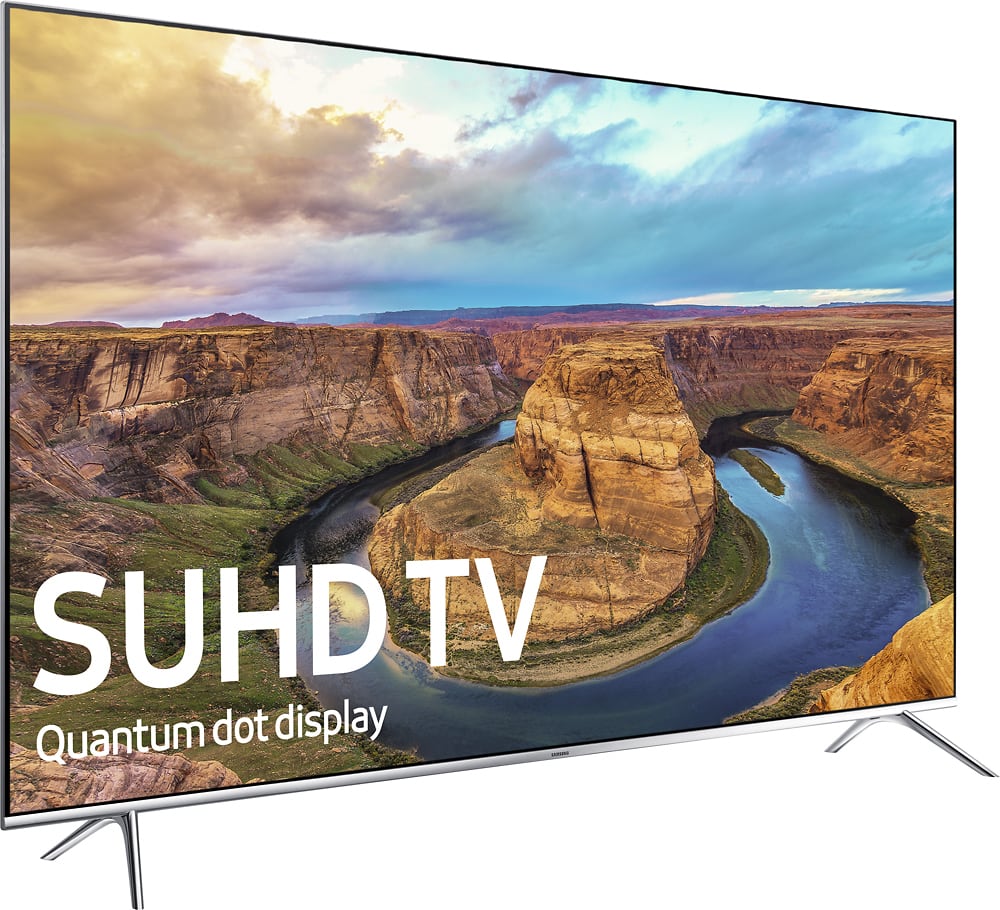
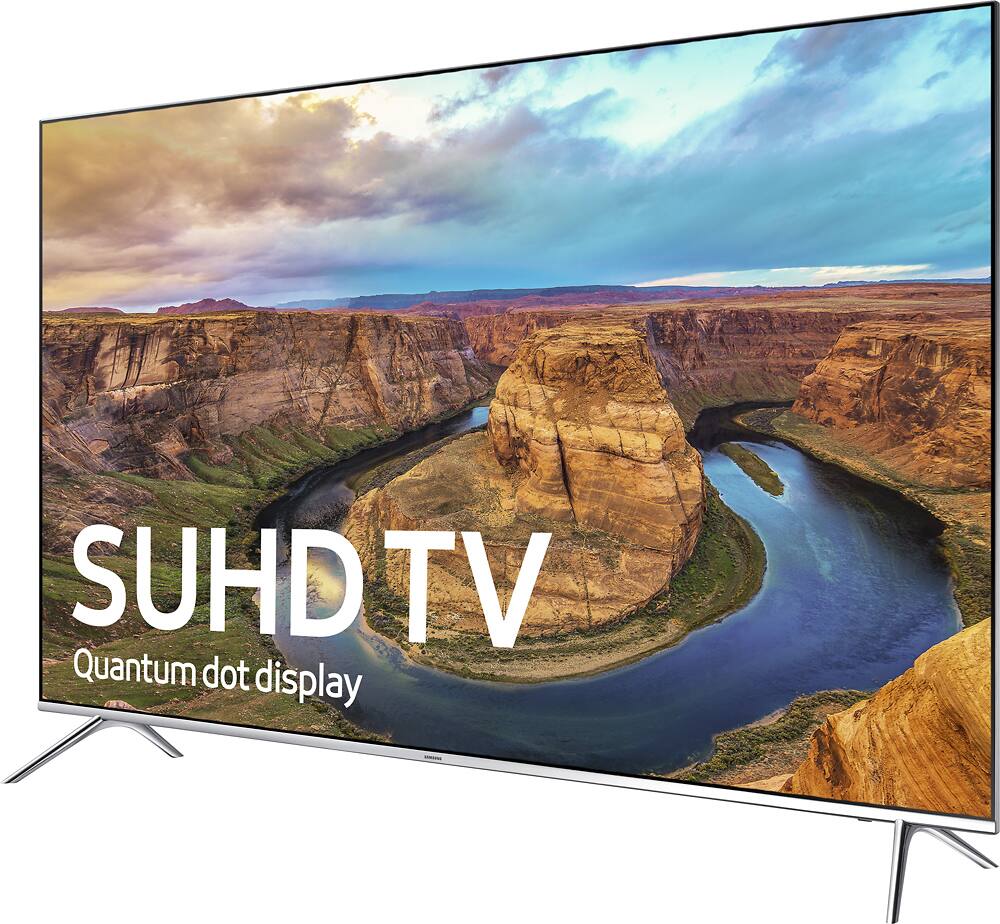
A:AnswerYes, this TV supports HDR10.
Although there is something you should and that there is currently a format war going on with which HDR format will become the 4K standard. There are currently two formats, HDR10 which is an open format, can be installed via firmware update and is a lot cheaper for companies to not only install but use. Then there is Dolby Vision HDR which needs to be physically installed the TV, requires specific parts and chips from Dolby and has to meet a higher HDR standard. Samsung and Sony are going HDR10, and LG and Vizio are going Dolby Vision and from what LG told me is that after April their TVs will also support HDR10.
Netflix is currently working on bring HDR10 streaming and Vudu already has 4K Dolby Vision HDR which can only be seen from the Roku 4 and Vizio models that support Dolby Vision.
The only issue I have is... If and when a format is selected, one will lose and I don't want to be with the losing side. So if HDR10 loses the format, then our Samsung TVs will be outdated and not be able to play Dolby Vision HDR.
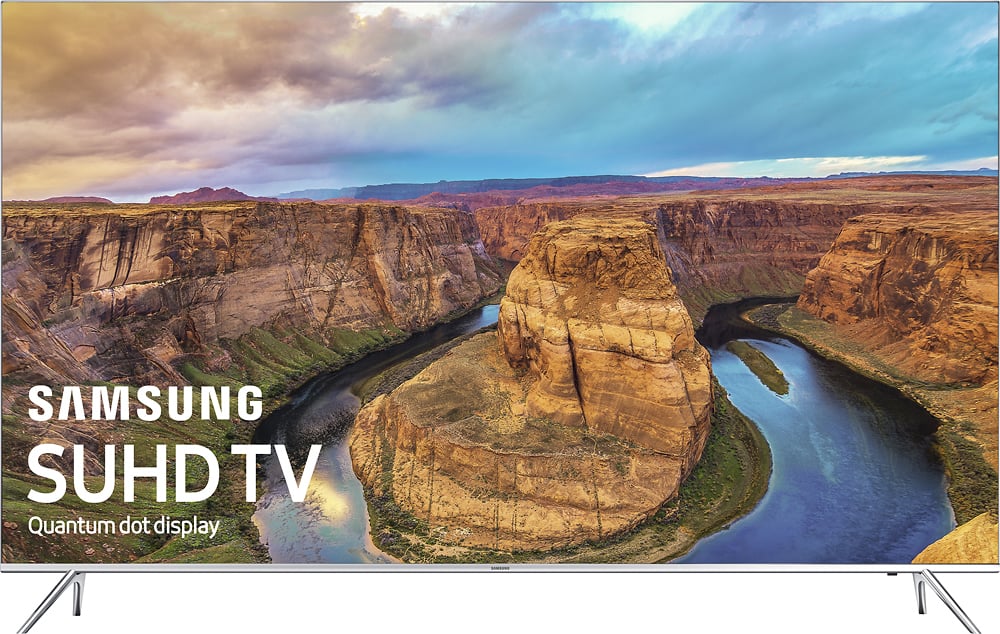
A:AnswerThis is caused by your cable companies choice of broadcast resolution. If they are still broadcasting in 720p the picture will be fuzzy or have a blur to It. The reason is simple; the source content is using a 1280x720 pixel grid, when that information is upscaled to 4k or 3890x2160 pixels there is no additional information for the scaler to work with so it creates the needed information. Just like if you were out if mustard for your sandwich, you would scrape the mustard jar and spread it the best you can. You will have a slight taste of mustard but not a full taste.
Try watching a OTA broadcast, or a DVD/Blu-ray. It will look the way you had expected it to look.
A:AnswerThe term "Clear Motion Rate" is just a manufacturer's description for interpolation trickery. The true native refresh rate for the KS8000 is 120hz.
A:AnswerI have only owned this TV for a little over 24 hours, but I have not noticed any backlight issues. The picture quality is definitely lacking out of the box, so adjusting basic and advanced settings relative to the room the TV is in is necessary if you want exceptional picture quality.
A:AnswerThe legs are flared with 40" clearance just under the screen and measure tip to tip on the table at 44". My last Samsung UHD 55, I tipped over with just a slight
elbow while reaching around the screen. So I installed a top strap on this unit. My table cabinet is only 48" wide, so I also drilled two holes under each leg(4) for
a black zip tie to go into my cabinet and zip up there, holding each leg individually. This set is very light and very fragile. It takes two ppl to remove safely from it's box b/c you can damage it by squeezing the screen too hard. There are instructions on the outside of the box on how to remove. I had a friend hold the set while I installed cables and straps...a two man job.
A:AnswerI've done my reasearch on both models and imho the only difference is the 9000 has a center stand and the 8000 has those silver legs . Also 9000 bezel is black and 8000 is silver.
A:AnswerGo to Blue Jeans Cables web site and/or Amazon for the longer cables. Blue Jeans will fabricate cables of any length or terminations. They are the absolute best!
A:AnswerGo to: Settings>System>EcoSolution
The Eco Sensor when "on" will dim the picture depending on brightness in the room. The lower you can stand the brightness and backlight the longer the tv will last according to my tv tech with 40 years experience.
A:AnswerI used the same wall mount that I used for my Samsung that I bought in 2011 with no problems. There are screws/adaptors included with TV, but I just used the hardware that I used with old TV
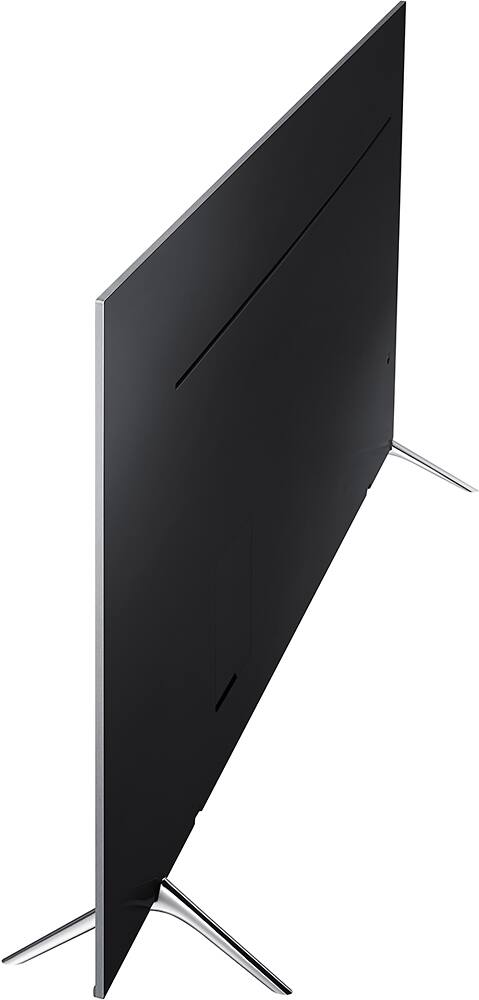
A:AnswerI don't believe you would even be able to swap the feet due to the asymmetrical depressions needed to hold the TV. Even if you were able to, this would create an unstable base for the TV and the last thing you would want is for the TV to fall forward or backward. I would strongly recommend against doing this.
A:AnswerWhen you hit extras on your remote, it will pull it up on your screen because that can do extra stuff like connect to Twitter or give a breakdown of stats in a sports event