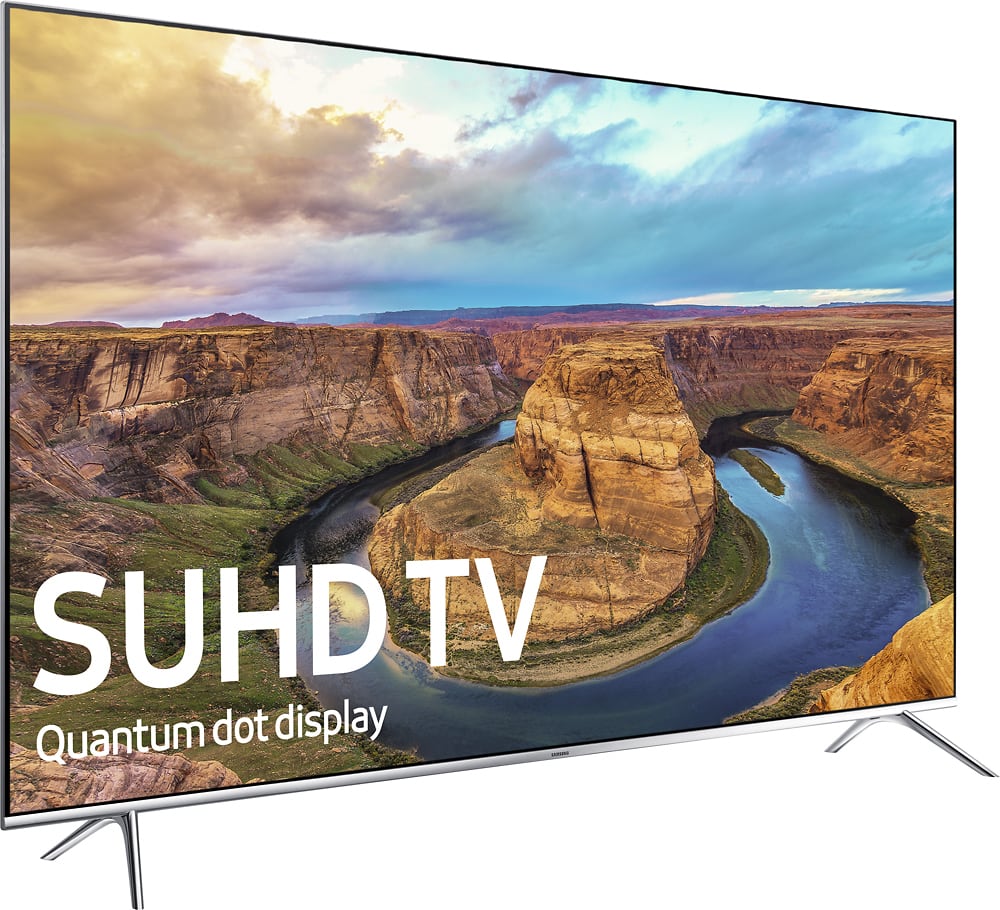
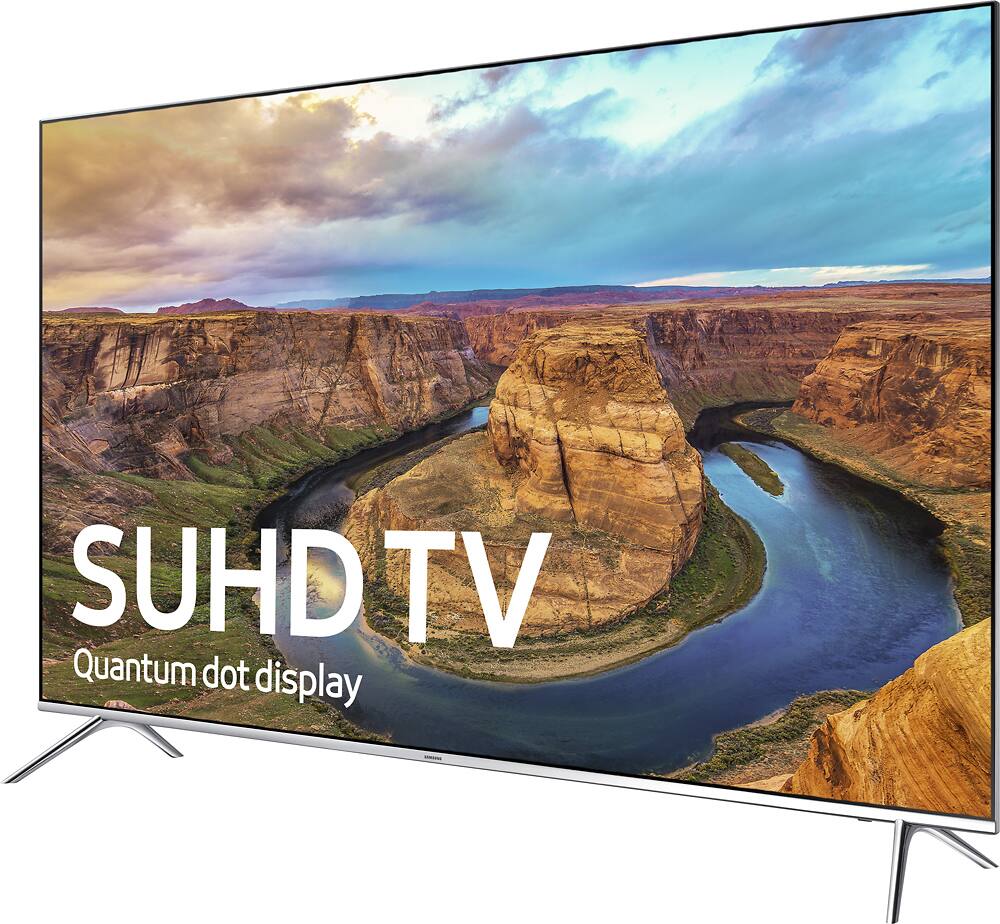
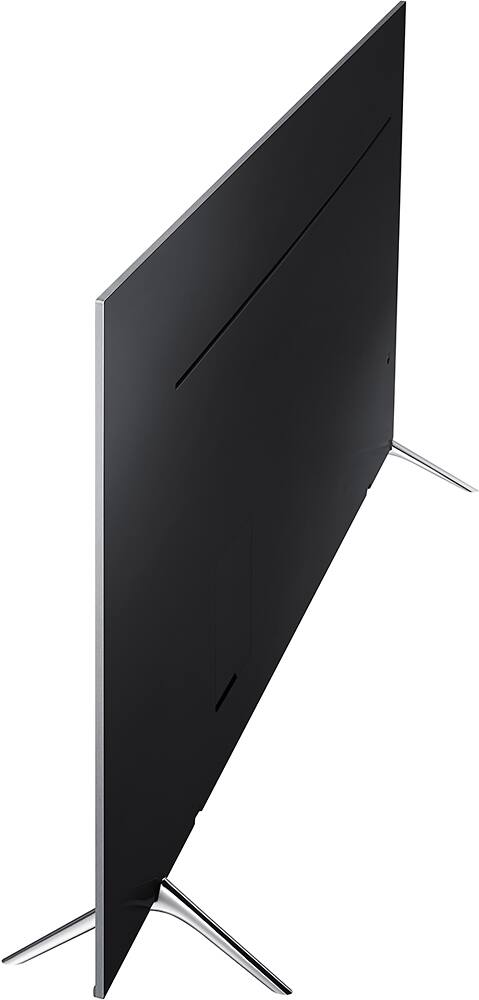
A:AnswerI have an Xbox one S and a PS4 PRO
And let me tell you this IS THE TV FOR YOU. WHY you ask? I had to do tons of research because I needed a new 4k display. I have one but not HDR ready. Well I did some investigating and found out that a LOT of 4k TVs have HDR which makes the best picture BUT get this....when you activate HDR it disables game mode or latency mode for gaming! Can you believe that?! A thousand + dollars and you would possibly have an insane amount of input lag...absolutely dreadful if you play anyour online games at all. Well this tv got a firmware update that not only allows HDR but it can be ON while gaming with low latency mode! And for the price?! Unbelievable
A:AnswerThe Samsung Soundbar will respond to the TV volume adjustment. Therefore, if your cable remote will control the sound on the TV, the Samsung Soundbar should follow.
A:AnswerSome review websites have given this TV very good ratings for lower resolution content playback. Check CNET reviews or Rtings.com for a review. Comcast is going to look fuzzy in some cases, as well as DirecTV or Dish Network. They use a 1080i/720 resolution. While some of their boxes will upscale this to 1080p it will lose resolution dcuring the upscale, hence the blurriness.
A:AnswerYes. There is a single connector that connects to a box that has 4HDMI ports, and digital optical out, and two usb ports. You'll go from the optical out to your receiver for audio. You can chose to connect HDMI devices to the Samsung box or continue as you are using your receiver to control the HDMI source.
A:AnswerYes they will. I have the exact same scenario. My wife likes and uses the X1 voice Xfinity remote and I like and use the Samsung remote. Samsung remote does not function the voice commands for xfinity processes like "show me sports" but you can voice activate tv commands with it like settings etc... they both will operate guide, channel, and volume.
A:AnswerIt probably won't. The buffering issues are more likely related to your network, the connection between your router/modem and your device.
The other culprit could be your internet speed, if it's too slow this can cause buffering.
I'd check that your internet speed (the one you get from your internet provider company) is at least 5 Megabytes. That would be enough to watch Netflix comfortably if no other device is also streaming video from Internet.
If you have that speed or more then the problem is between your router/modem (the one your internet provider company installed for you to get access to Internet) and your device (a TV or smarthphone, etc).
If your device connects through wi-fi make sure is not far from your router/modem. Without more information is hard to say what could be causing the buffering issues but I hope it gives you a clue on what to check.
In any case the TV by itself won't cause the buffering problem unless you get a lemon which you more probably won't get.
A:AnswerAA is made by AUO , and FA is made by Samsung
They should be made consistently the same across the series, so same contrast, brightness, effectiveness, and such.
Only difference should be uniformity between samsung manufacturing plant and AUO
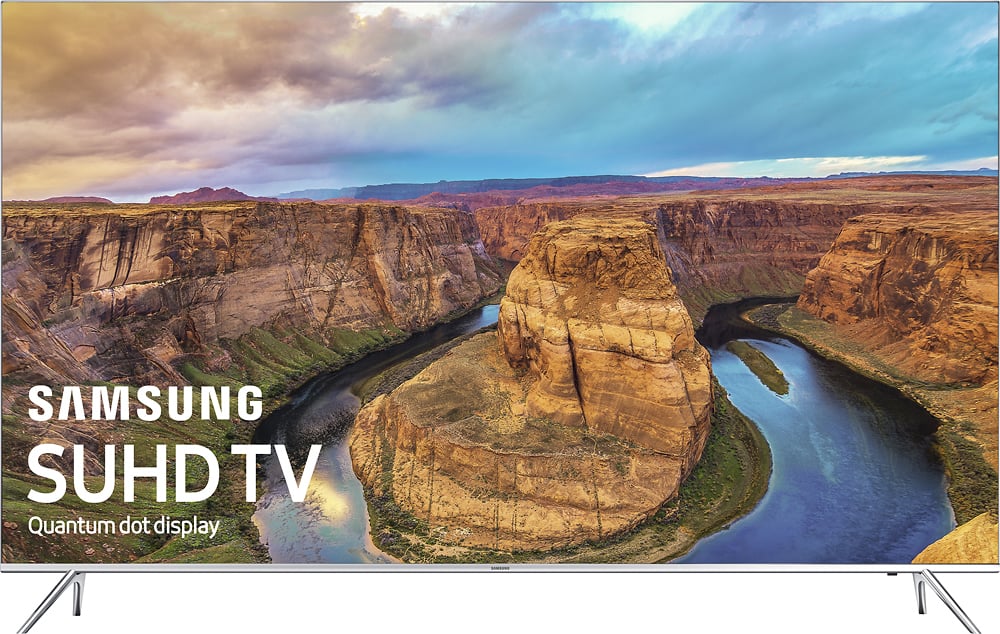
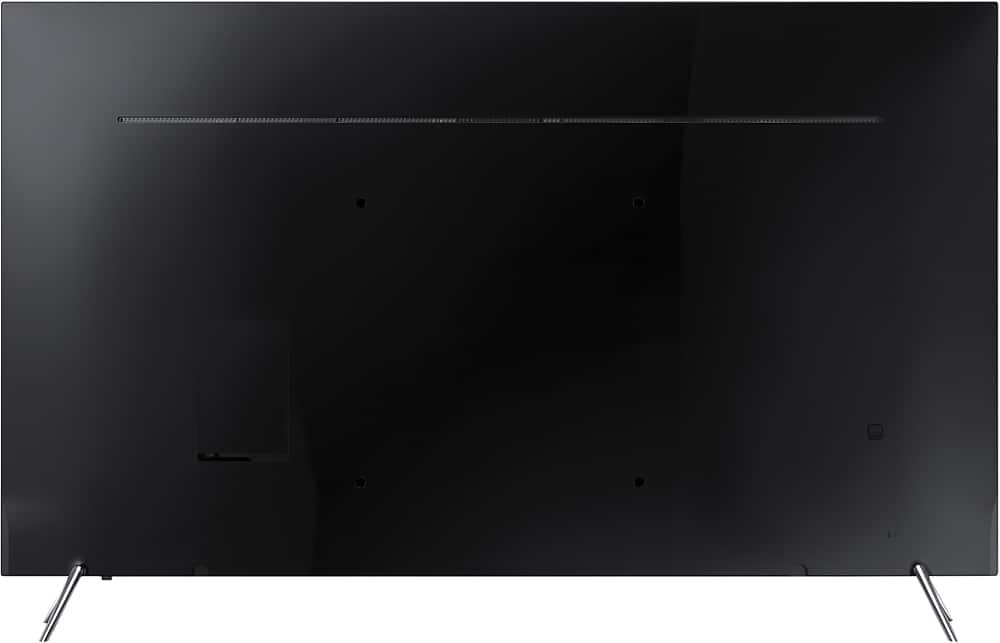
A:AnswerThis tv has a VESA standard of 400mmX400MM for wall mounts. If your mount matches that, then yes it will work. You'll probably need to use spacers tho. I had to use them. Also use m8X45mm to 50mm bolts.
A:AnswerYes there is an RF input. (look under the full specs in link below)
http://www.samsung.com/us/televisions-home-theater/tvs/4k-suhd-tvs/55-class-ks800d-8-series-4k-suhd-tv-2016-model-un55ks800dfxza/
A:AnswerYes it has Bluetooth and the sound is good but I found there to be an unacceptable audio delay when watching video. My stereo only has RCA inputs and this TV only has Optical output so I got an Insignia digital to analog converter which works great and there is no delay. You have to set the TV output from bitstream to PCM for the converter to work.