A:AnswerYes, you will be able to mirror your Iphone to the 55TU8000 for full screen viewing. To do so, have both devices connected to WIFI and do the following: Go to the Settings Menu > select General > select Apple AirPlay Settings> Ensure that AirPlay is set to On>From Your iPhone Notification Panel, select Screen Mirroring and tap on your TV name. Enter any code that might be shown on screen ^Celina
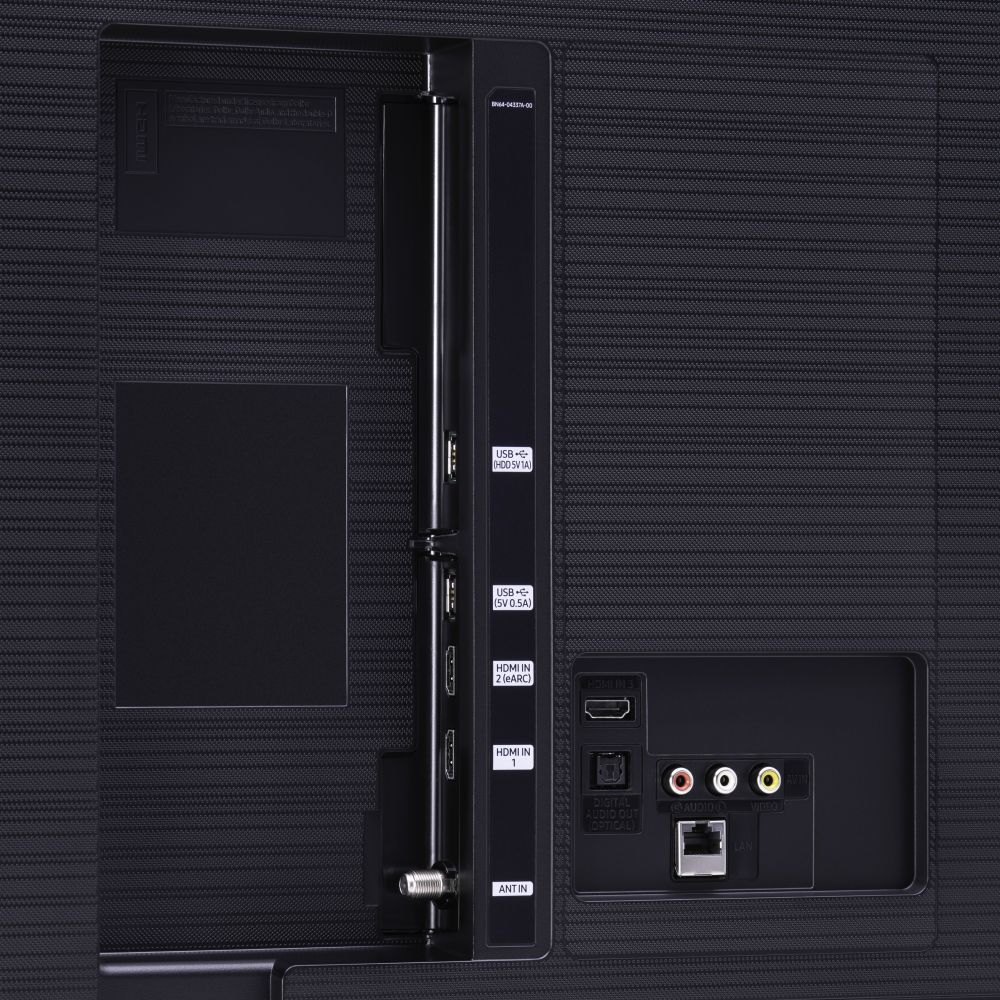
A:AnswerThe ONLY audio output is a TOSLINK optical connector. The audio level over the optical connection is fixed. You'll have to control sound level from the receiver.
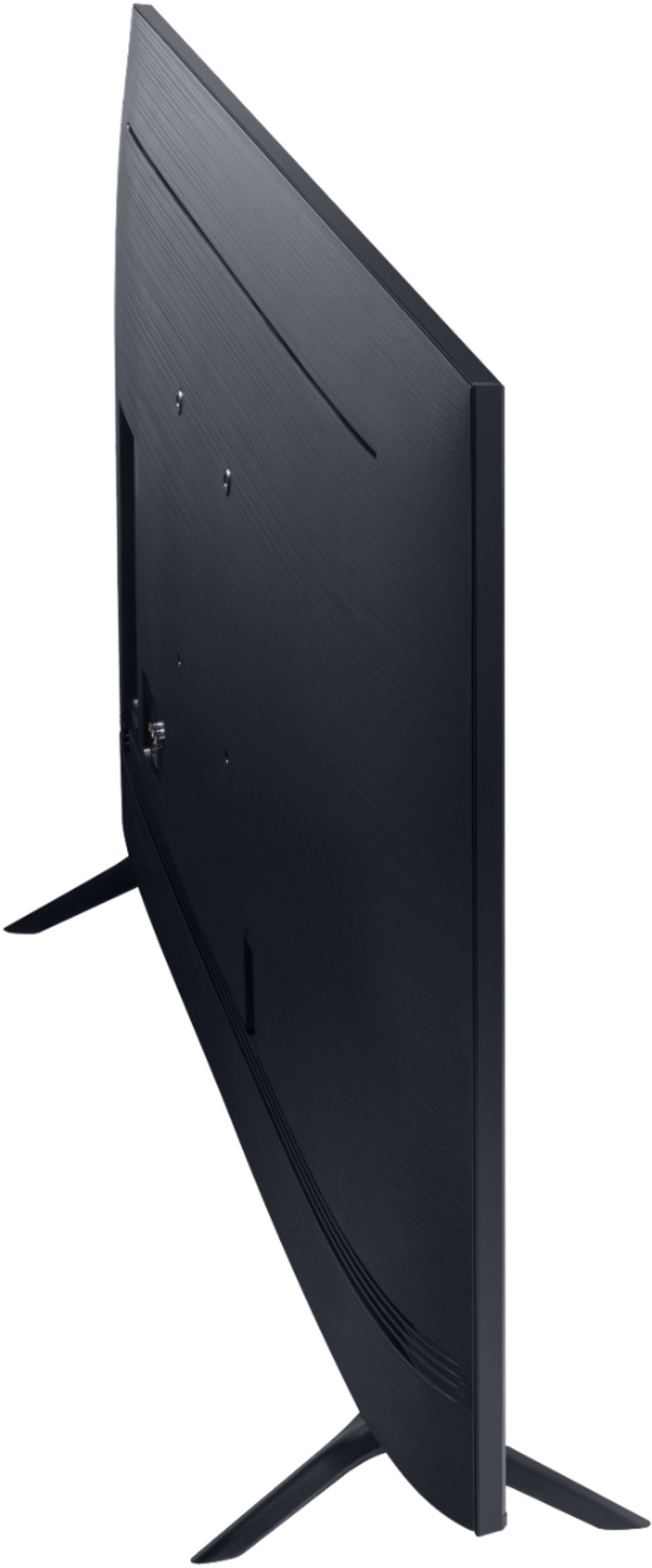
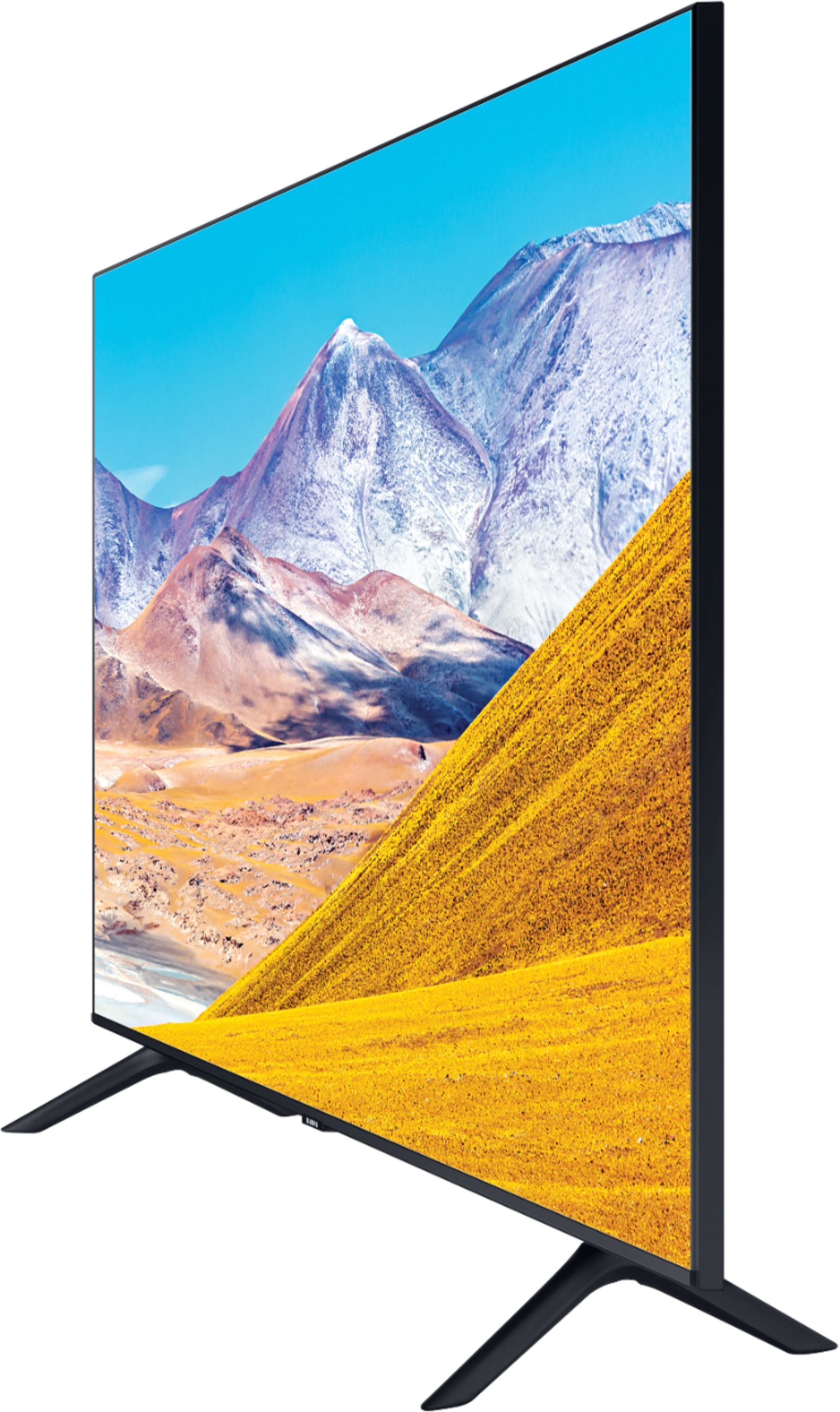
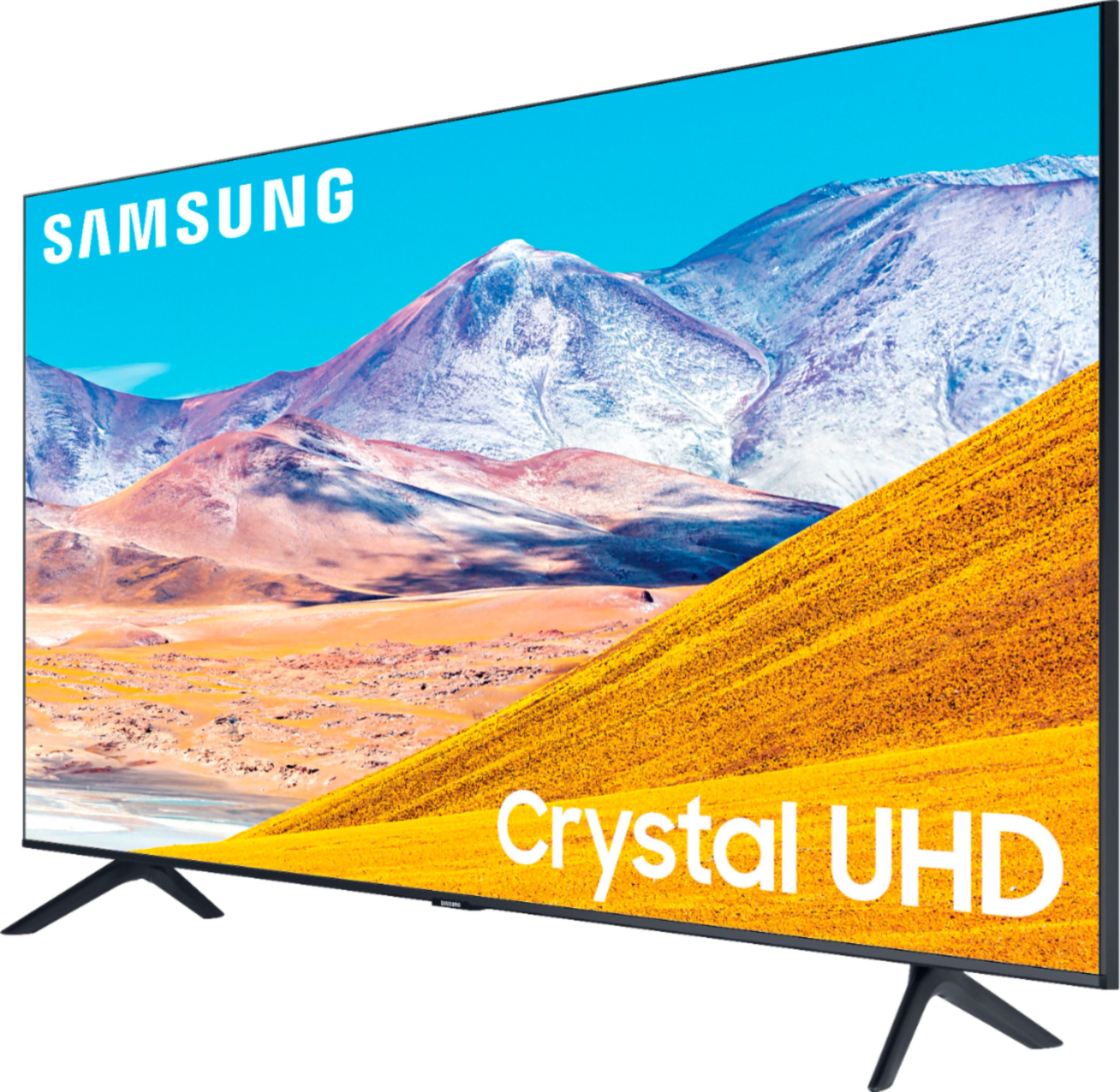
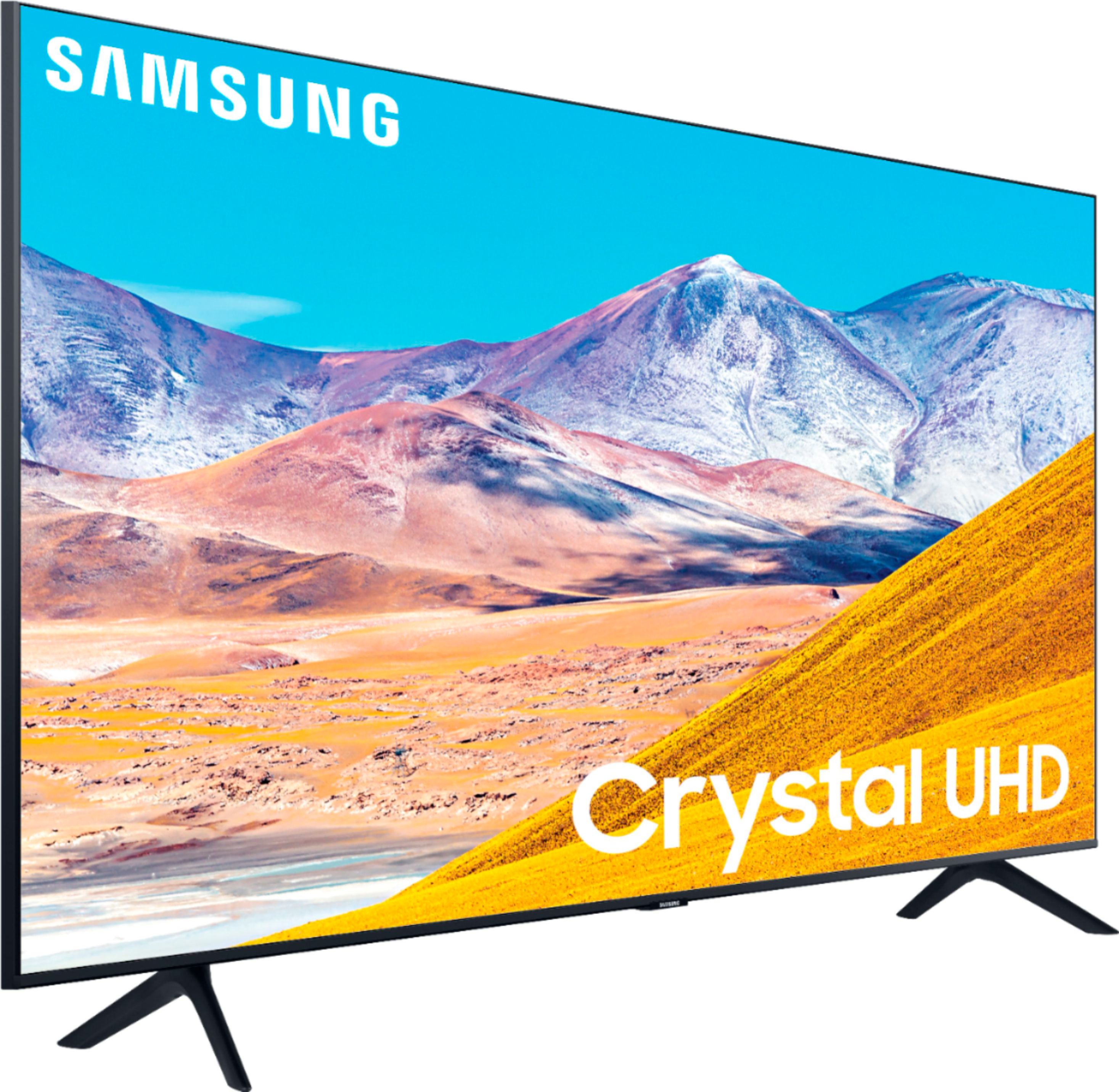
A:AnswerHi Bart! The width of the stand on the 55TU8000 comes to 40.6" at the widest part which should allow you to place on the existing furniture. The TV also features a VESA mounting pattern of 200mm x 200mm for compatibility with universal mounting solutions. ^Tim
A:AnswerHi Sammi! I'm sorry to see you are having issues with your Samsung remote controlling your DirecTV services. There are some functions such as DVR services that the Samsung remote will not be compatible with. For additional assistance, please reach out to Samsung Support via any of these options:
Phone: 1-800-SAMSUNG
Available 8 AM - 12 AM EST 7 days a week
LiveChat or Text: https://www.samsung.com/us/support/contact/
Facebook Messenger: https://www.facebook.com/samsungsupport
Twitter: https://twitter.com/SamsungSupport
The Samsung TV Community is also a great resource for getting help from Samsung moderators and customers: https://us.community.samsung.com/ ^Gina
A:AnswerHi LuLusMom! The round button in the center of your OneRemote will control fast forward and rewind; press the left side of the circular pad to rewind, and the right side of the pad to fast forward. Hope this helps! ^Gina
A:AnswerHi Adam, Yes, the TU8000 has Apple Airplay 2. It will allows screen mirroring, video and music casting with compatible Apple devices† directly to the TV, without Apple TV box. ^Celina
A:AnswerHi LuLusMom, If that is too dark for you, try changing the picture settings to dynamic or natural. I usually change the AutoMotion plus settings to custom for Football, as it looks best to me, but to each their own. Part of the beauty of having a TV this advanced is you can dial it in just the way you like it. ^Scott
A:AnswerHi Yerbshaw, There are many audio out ports, whether it be through HDMI, Digital Optical, or even USB, but there is no headphone jack. If you have Bluetooth headphones you can connect that way however. ^Scott
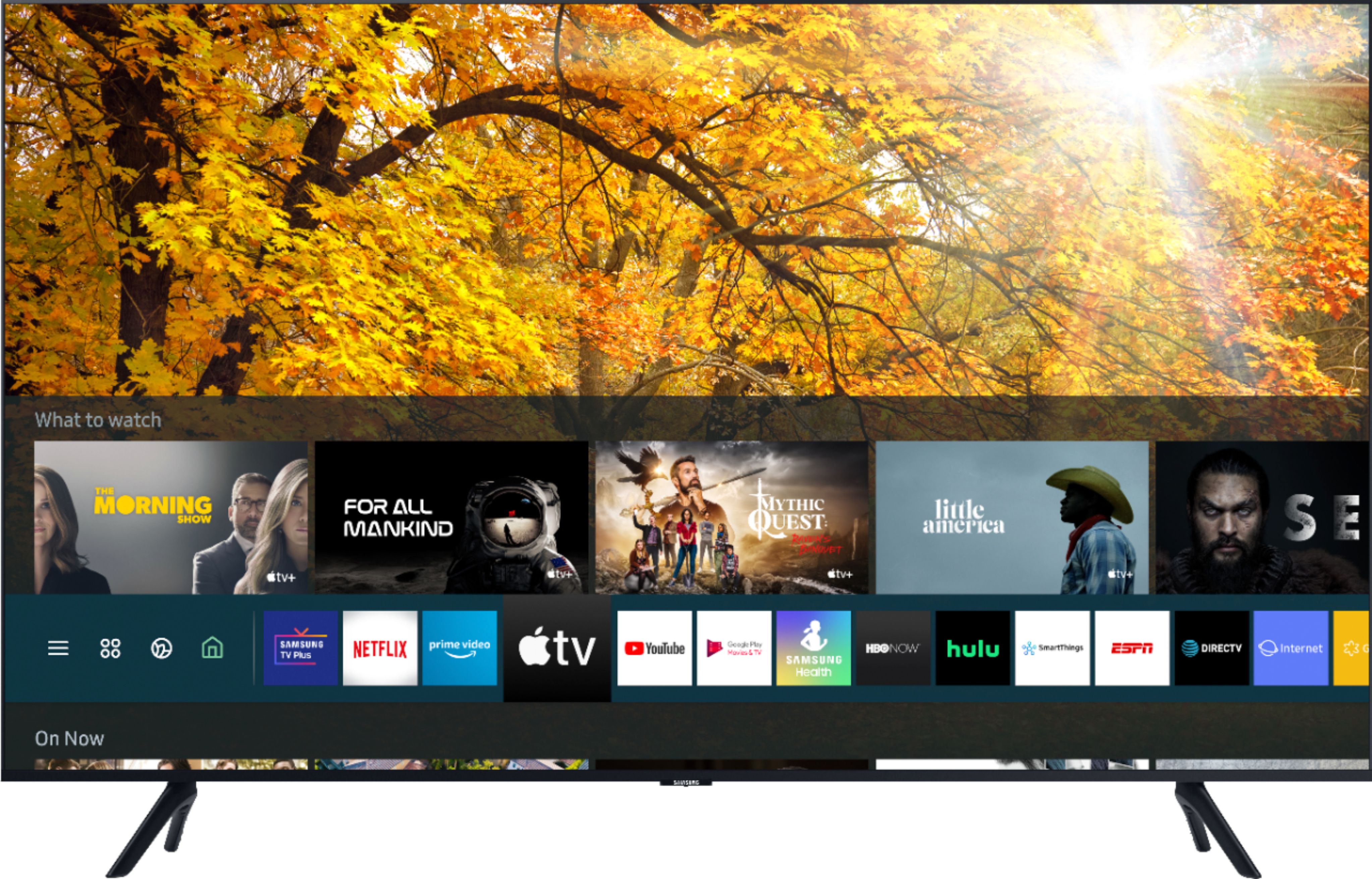
A:AnswerHey LuLusMom - Samsung TVs use the smart platform Tizen. There would be no need to use a sperate streaming device . All you need to do is enter your user info into the apps that you use on the 55TU8000 and start steaming . ^Jason
A:AnswerHi LuLusMom! Additional applications and streaming content can be accessed by pressing the home button on the 55TU8000 remote. From the TV's Home screen, navigate to and select APPS, and then select the Search icon in the top-right corner. Next, enter the app you want to download and select it. You will see detailed information about the app. From here, select Install. You can browse the internet by pressing home on the remote and navigating to the Internet application. ^Tim
A:AnswerHi there! Nano is a type of a color filter technology, whereas LED is the lighting technology that LED TVs utilize. Our TU7000 and TU8000 utilize light-emitting diodes (LEDs) to backlight the display. Starting at our Q60T, Samsung utilizes QLED Technology, which is our Quantum Dot technology with 100% Color Volume. Over one billion shades of pure accurate color. With detail at any level of luminance, Quantum Dots are durable and scalable to deliver the same amazing picture across various models. ^Gina