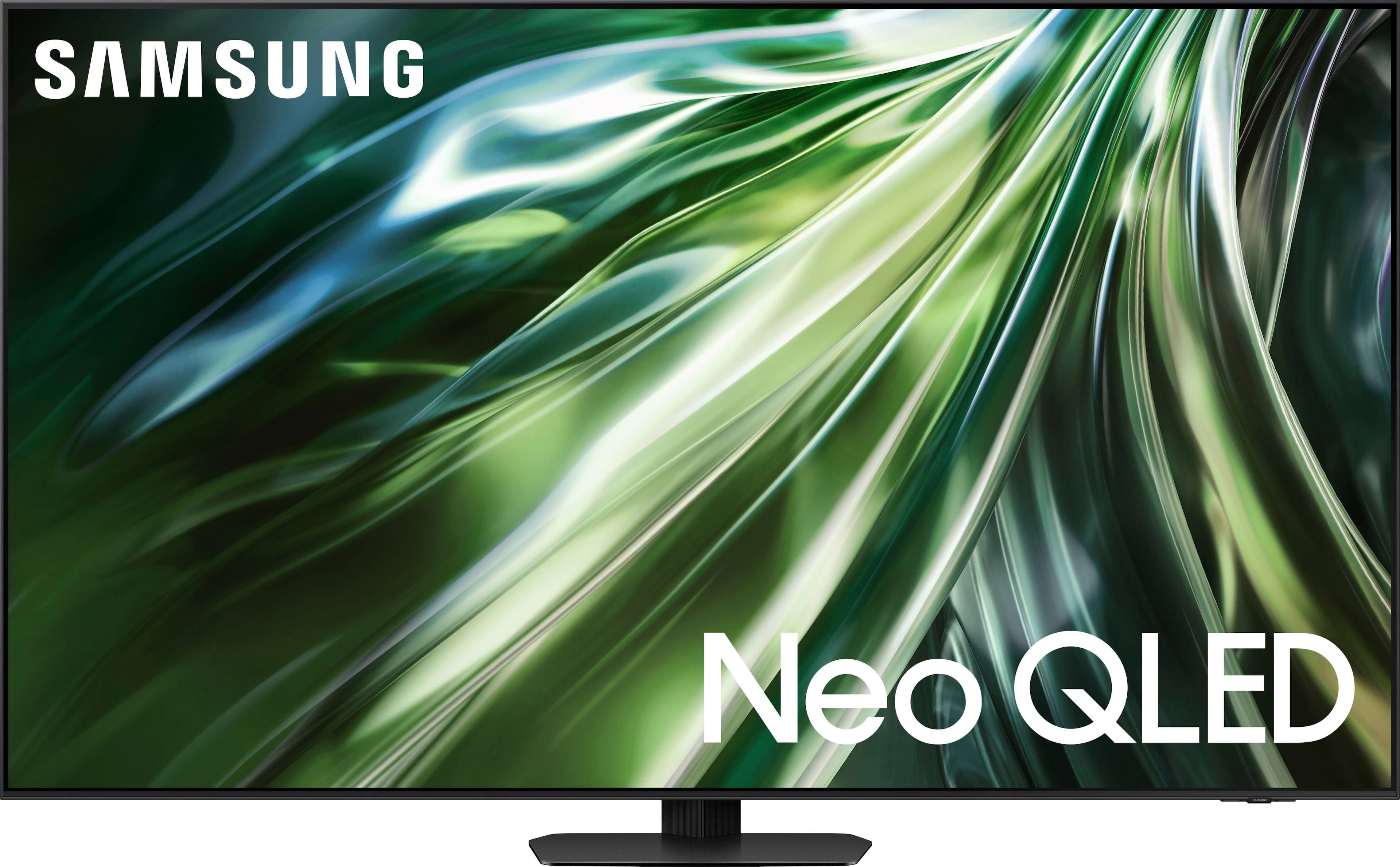
A:AnswerThe QN90D has a built-in ATSC 1.0/ClearQAM tuner; when stepping up to our Neo QLED 8K Series, you’ll gain a built-in ATSC 3.0 tuner for receiving digital broadcasts.
~ Samsung Specialist
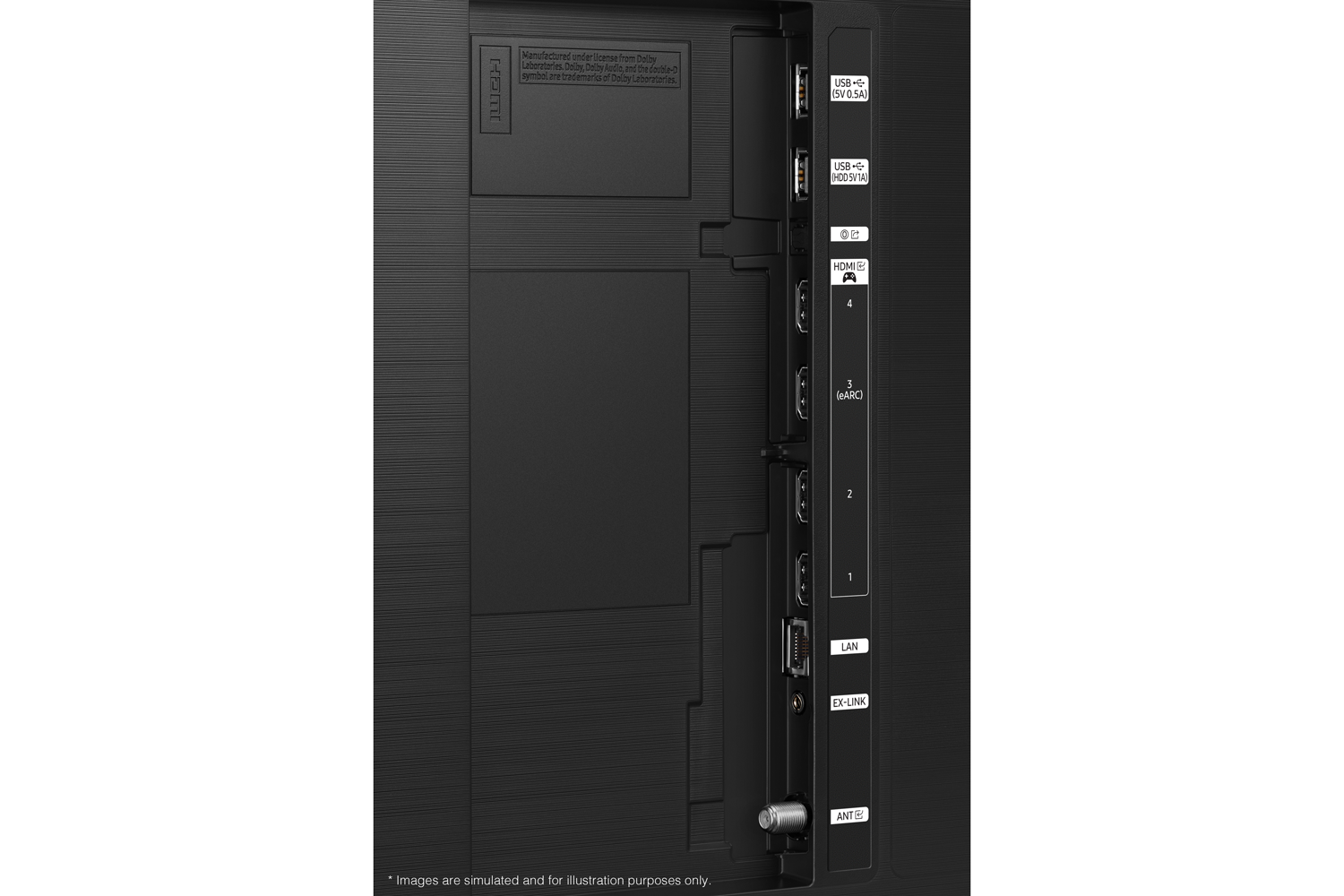
A:AnswerR - This model is equipped with 4 HDMI ports, all of which support Auto Low Latency Mode (ALLM), Dynamic Metadata (HDR10+), Variable Refresh Rate (VRR), and 4K@120Hz (up to 144Hz for PCs). HDMI port 3 further offers Enhanced Audio Return Channel (eARC).
~ Samsung Specialist
A:AnswerYou can download the QN90D TV's User Manual, e-Manual, Remote Control Leaflet, and Quick Setup Guide on Samsung's website under Support (top right corner) > Manuals & Software > TVs & Home Theater. From there, you can search for and select the QN90D TV to download the guides you would like. It's also embedded into your TV under Settings > Support. ~ Samsung Specialist
A:AnswerThanks reasonable answer. Would’ve been helpful to have a link to the Samsung specific spot where the manuals located is as there’s a lot of navigation associated with that.
A:AnswerHi LAC07 - We recommend directly contacting or visiting your local Best Buy store for assistance in finding a compatible swivel stand.
~ Samsung Specialist

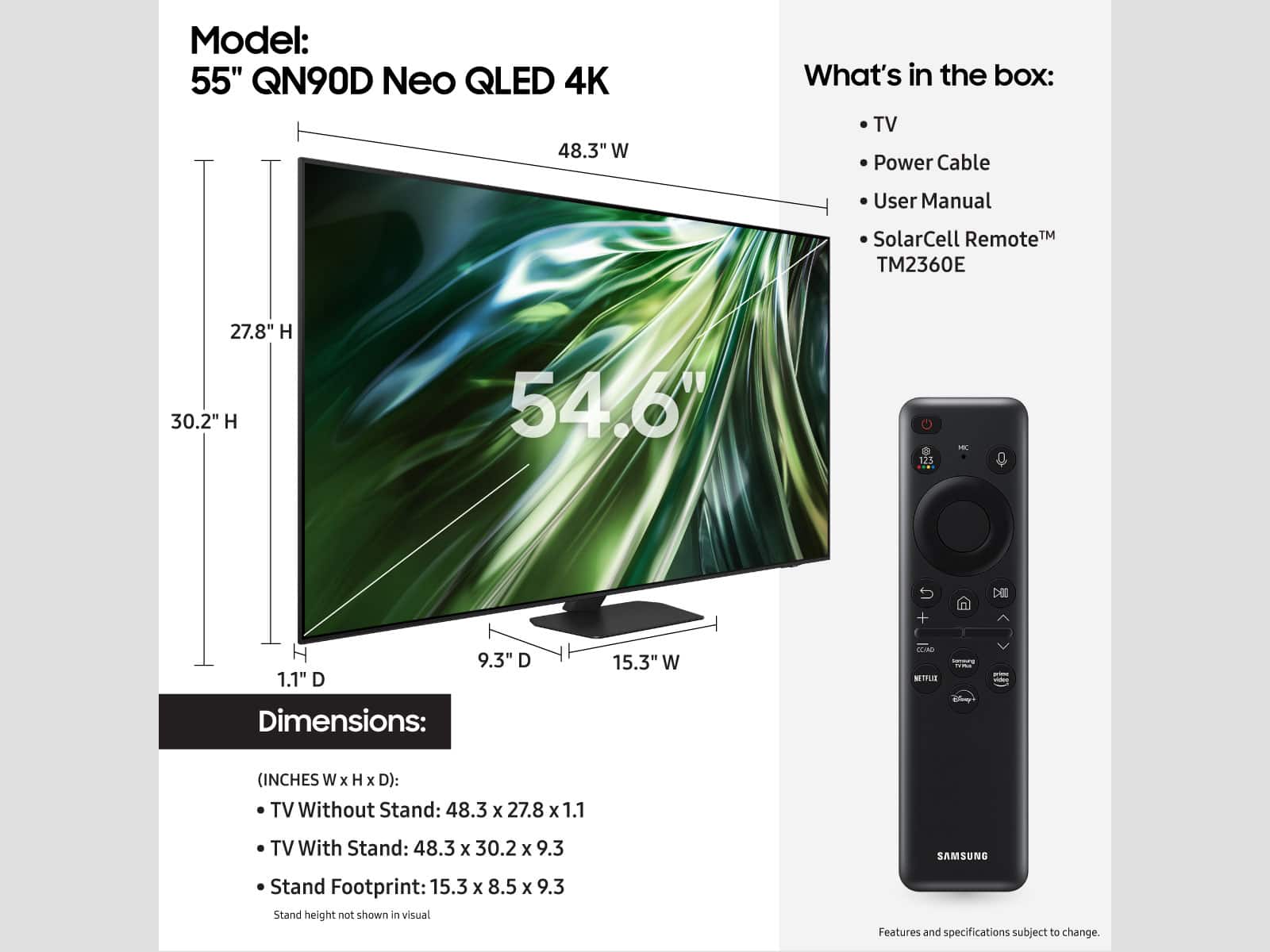
A:AnswerSize - You can find these measurements on this model’s product page – just click Show Full Specs and scroll down to Box Dimension: https://www.bestbuy.com/site/samsung-55-class-qn90d-series-neo-qled-4k-smart-tizen-tv-2024/6576429.p?skuId=6576429
~ Samsung Specialist

A:AnswerHi Todd - The QN90D features an Ex-Link (RS-232C) port. This port allows for remote control of the TV for service technicians.

~ Samsung Specialist