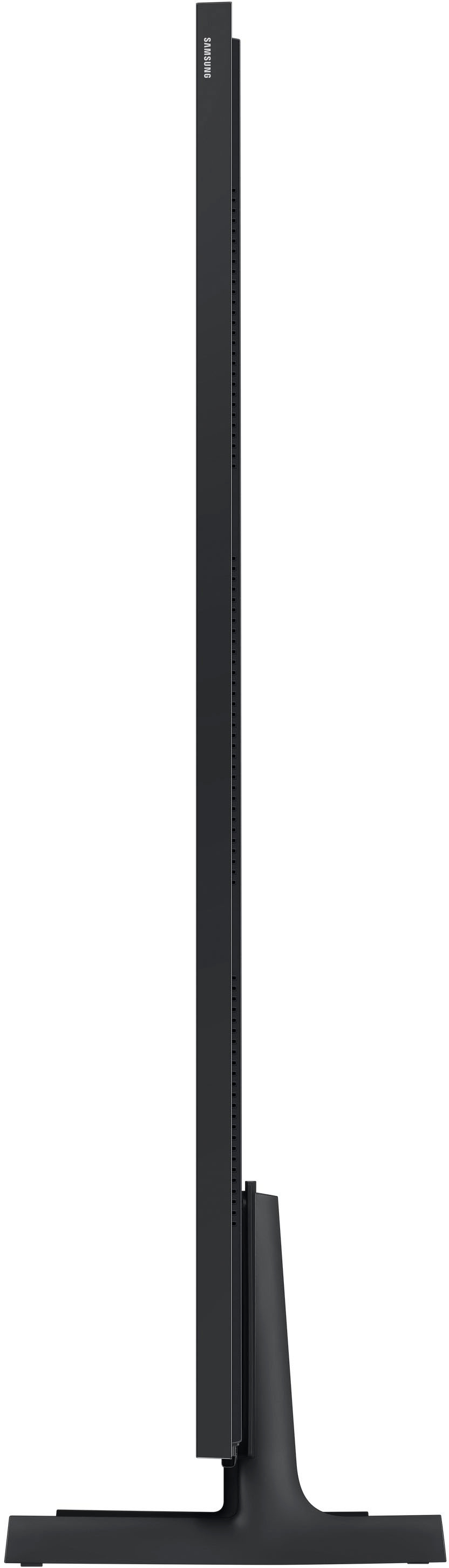
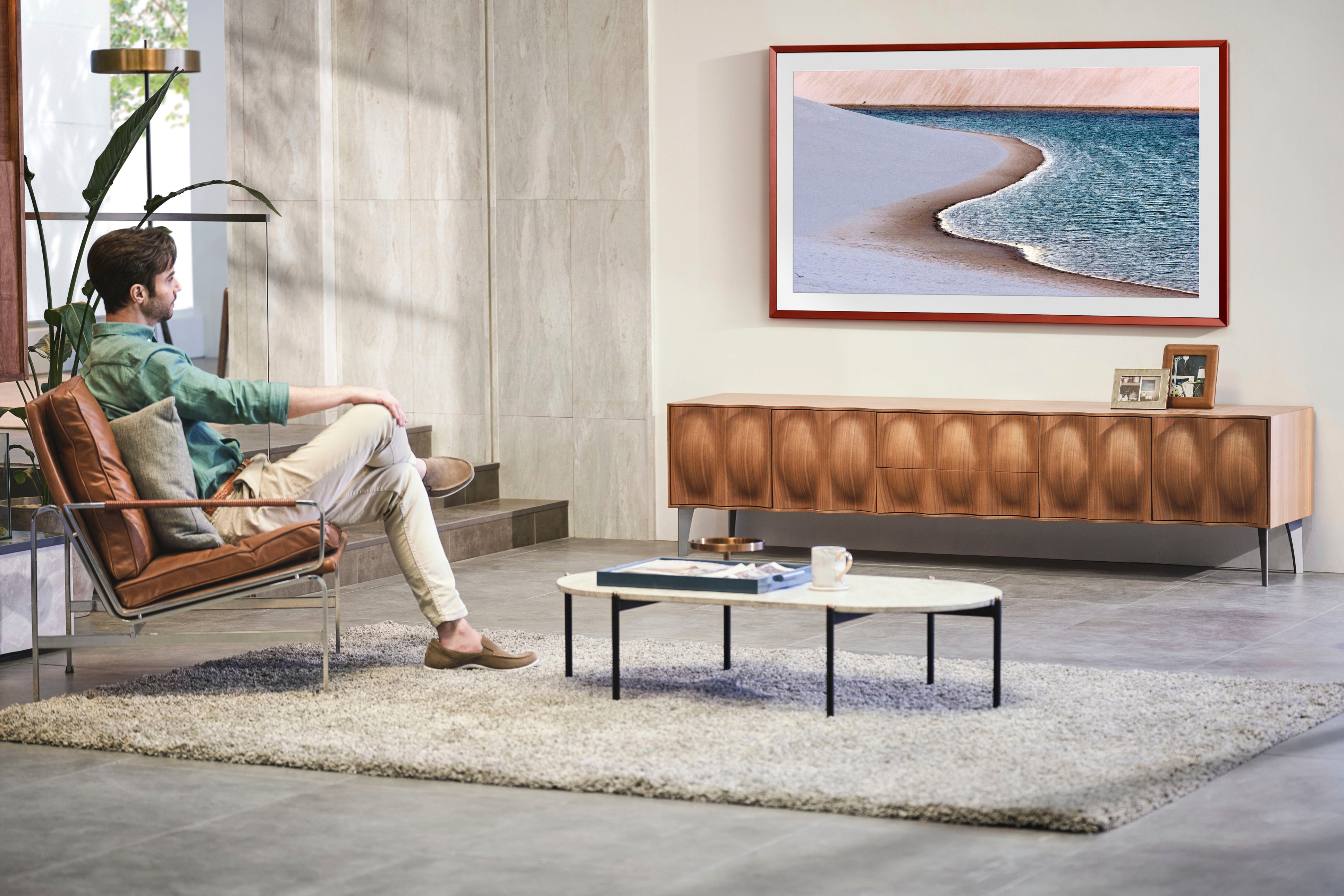
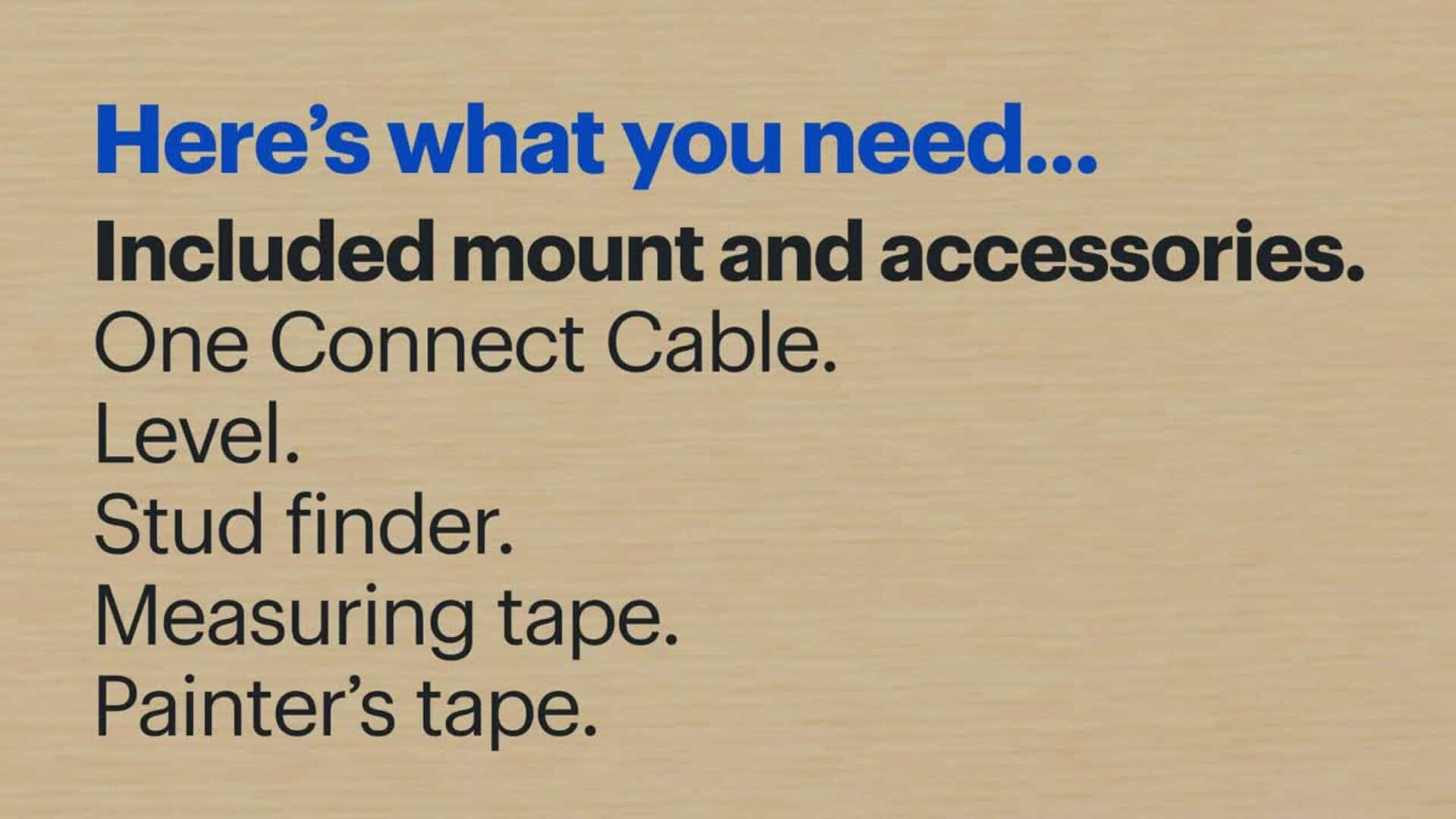
A:AnswerSure! Most will use HMDI cables. The Frame tv itself does not have HDMI or any direct inputs on the tv itself. Instead, there is a separate box that has the power and HDMI inputs on it that you can put away in a nearby area. You’ll want to connect the soundbar to the box, not the tv.
A:AnswerChipmunk - Please give us the opportunity to better assist with this by reaching Samsung Support at: 1-800-SAMSUNG, 8AM - 12AM EST, 7 days a week, or Chat with us on Samsung.com: https://www.samsung.com/us/support/contact/
~ Samsung Specialist
A:AnswerJay - With Multi-output Audio, you can turn on both the TV speaker and Bluetooth headphones at the same time. When this function is active, you can set the volume of the Bluetooth headphone higher than the volume of the TV speaker. Go to: Settings > All Settings > General & Privacy > Accessibility > Multi-output Audio.
~ Samsung Specialist
A:AnswerJackyV - Please give us the opportunity to better assist with this by reaching Samsung Support at: 1-800-SAMSUNG, 8AM - 12AM EST, 7 days a week, or Chat with us on Samsung.com: https://www.samsung.com/us/support/contact/
~ Samsung Specialist
A:AnswerThe only thing that plugs into the wall is the power cord for the control box. You cannot put the tv in front of that or it would stick out too much. The tv itself has a only very slim cord connecting it to the control box.
We just put the tv infront of the outlets (and didn't use them), and plugged the box in to a floor-level outlet.
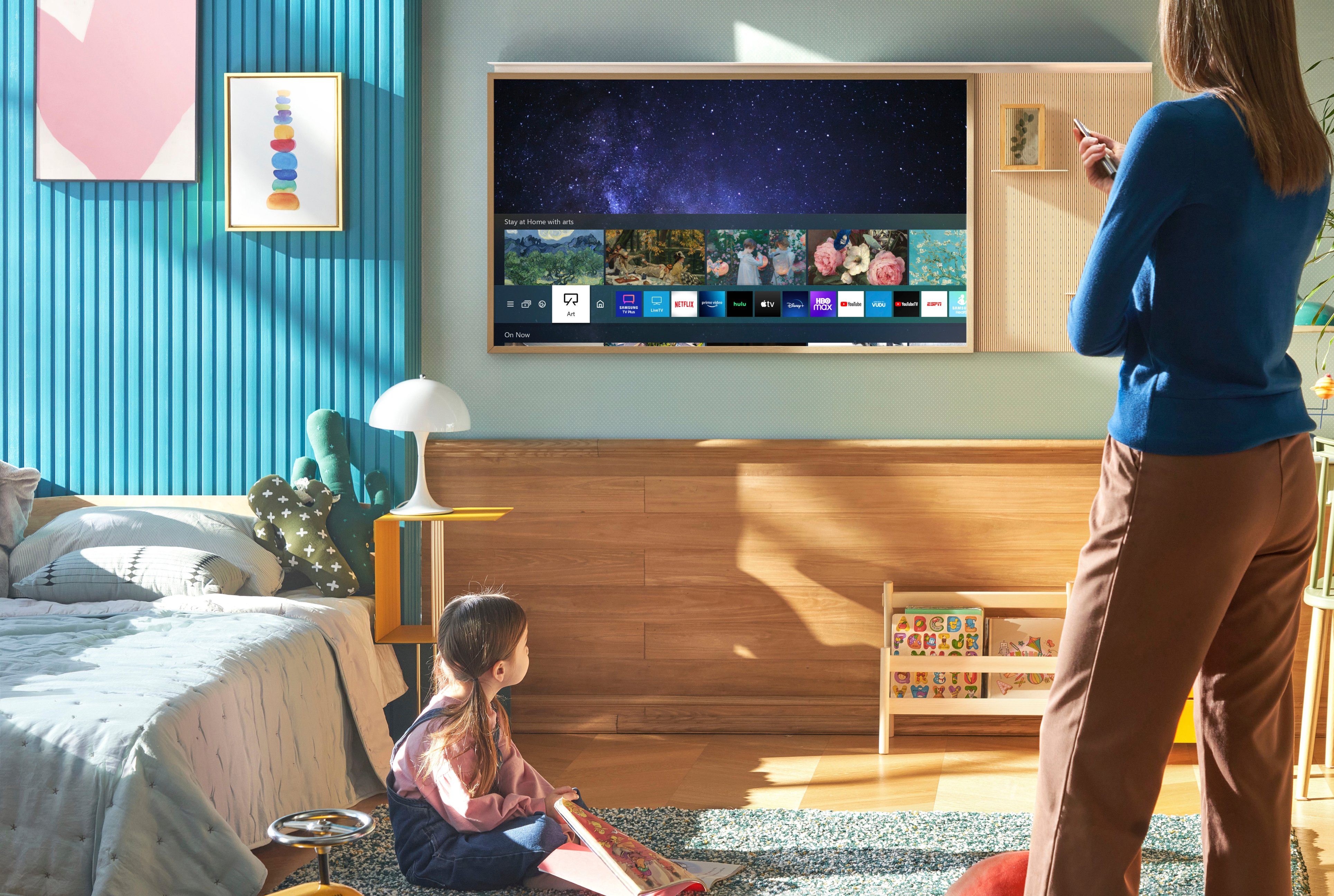
A:AnswerSDH - While a Roku device can be connected via HDMI, you can also take advantage of The Frame TV's built-in App Store which houses hundreds of apps available to download - no streaming device necessary.

~ Samsung Specialist
A:AnswerTwinette22 - Please give us the opportunity to better assist with this by reaching Samsung Support at: 1-800-SAMSUNG, 8AM - 12AM EST, 7 days a week, or Chat with us on Samsung.com: https://www.samsung.com/us/support/contact/
~ Samsung Specialist