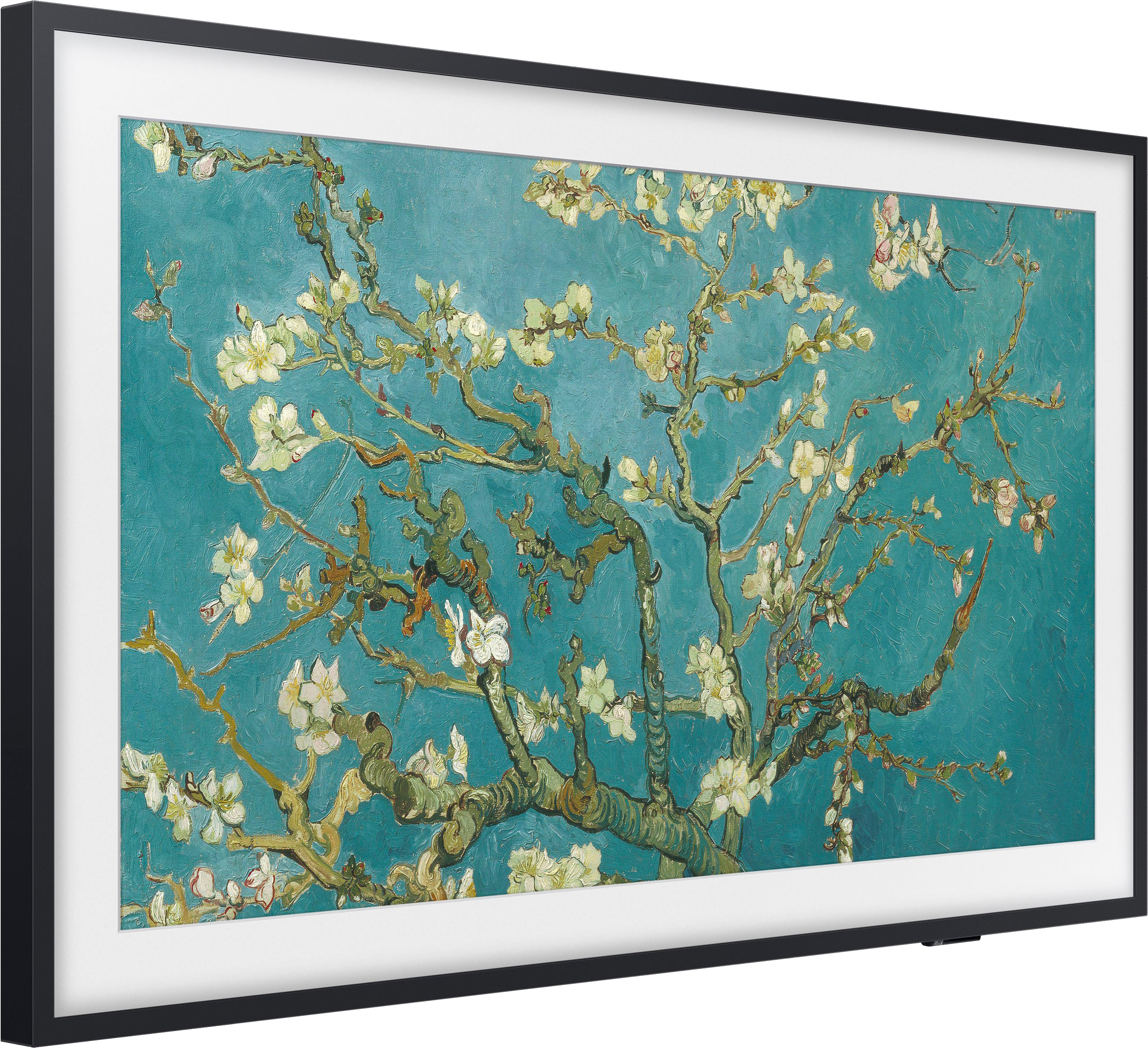
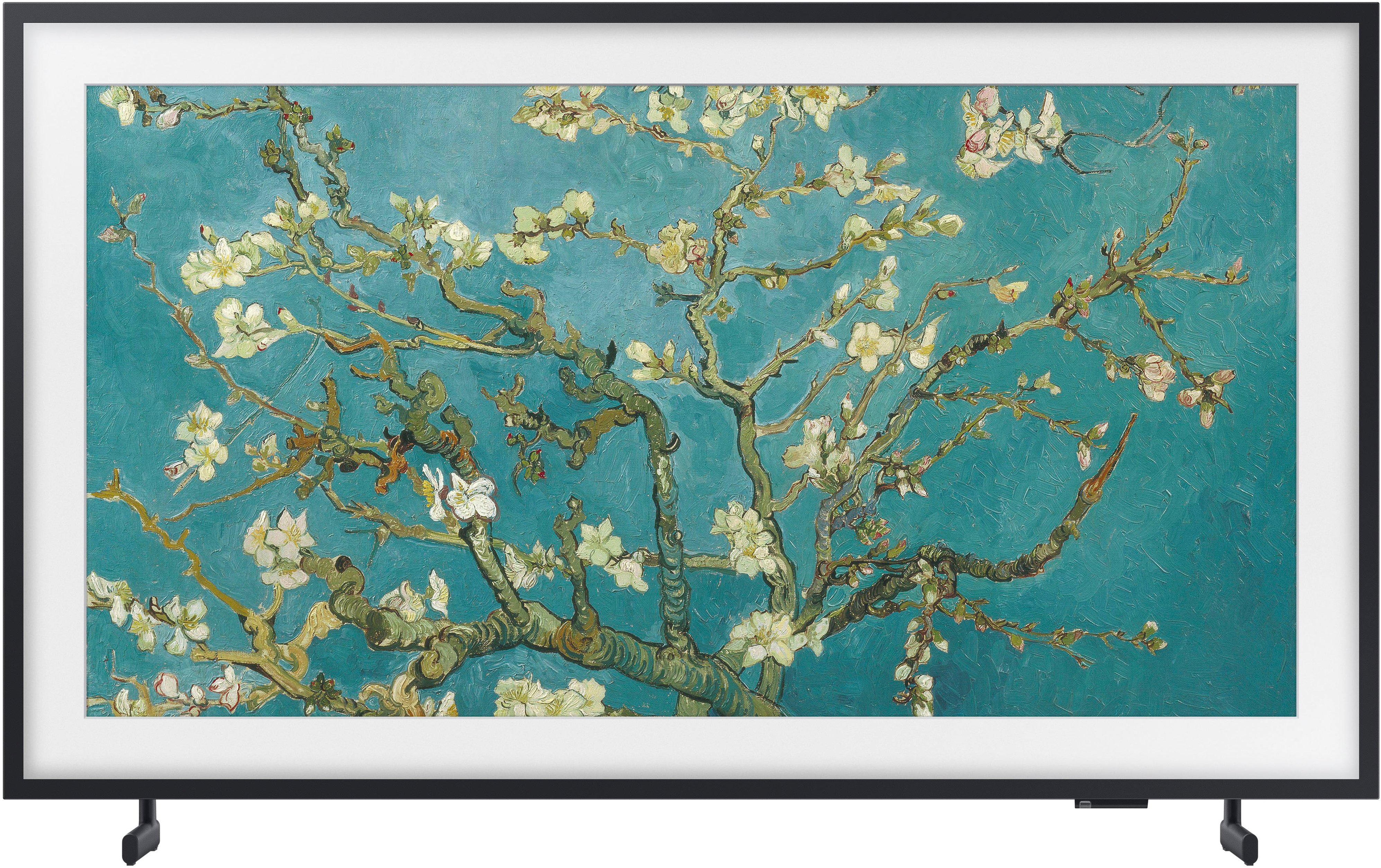
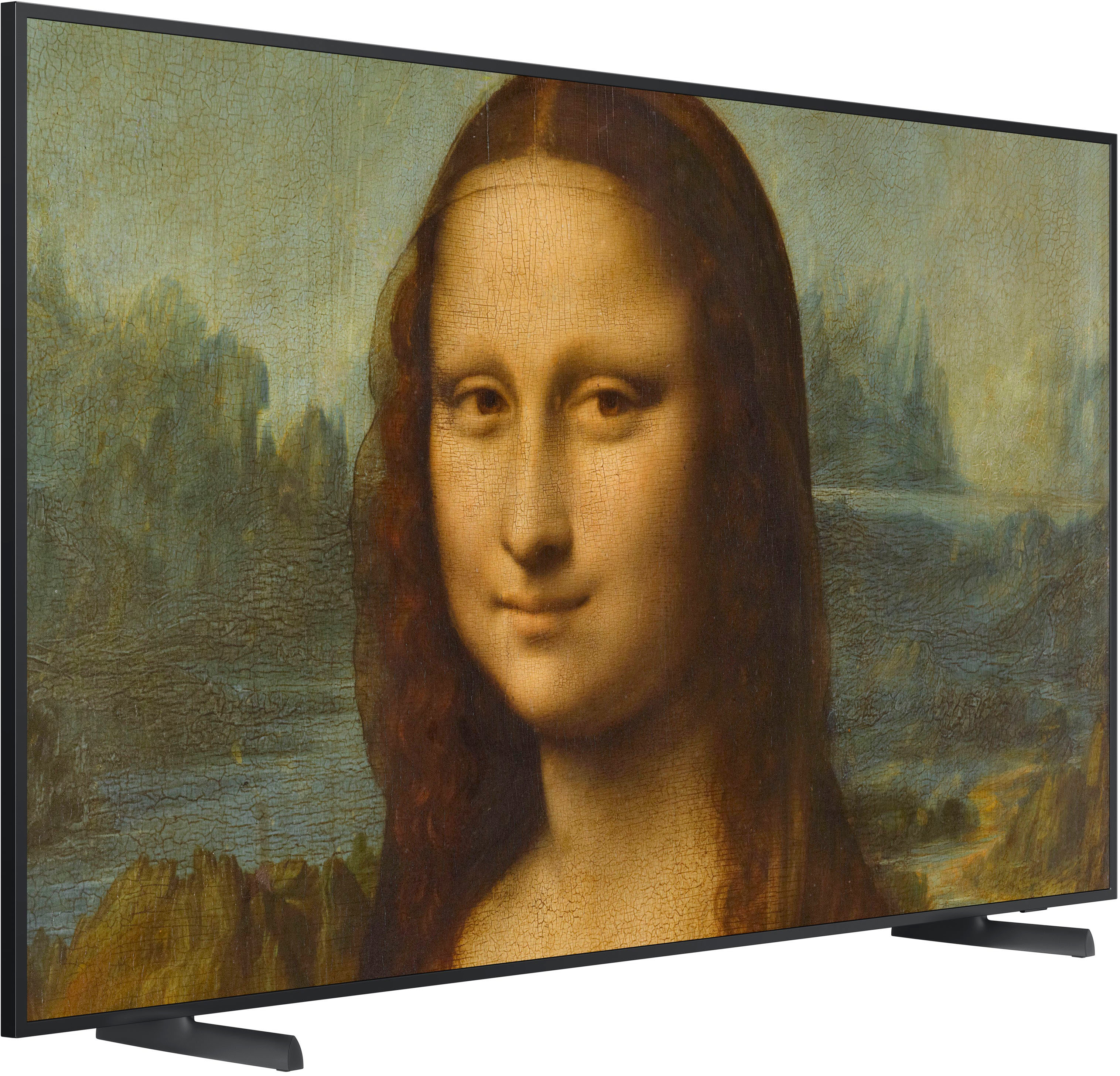
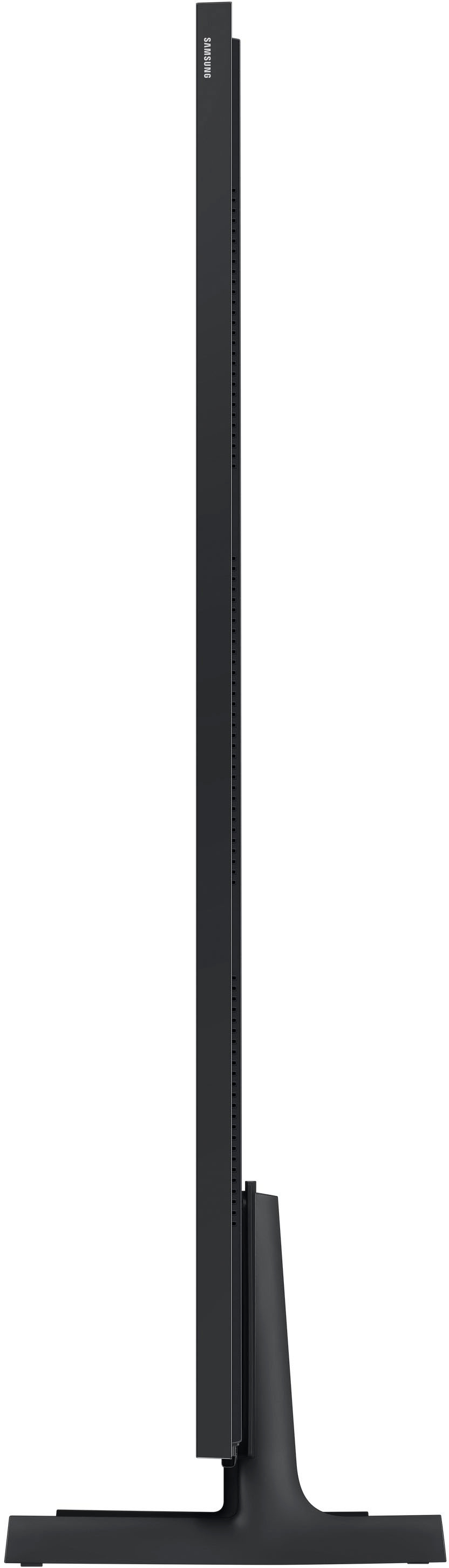
A:AnswerYou can find these measurements on this model's product page - just click Show Full Specs and scroll down to Box Dimension: https://www.bestbuy.com/site/samsung-55-class-the-frame-qled-4k-uhd-smart-tizen-tv/6503088.p?skuId=6503088
~ Samsung Specialist
A:Answer1776Patriot - Please give us the opportunity to better assist with this by reaching Samsung Support at: 1-800-SAMSUNG, 8AM - 12AM EST, 7 days a week, or Chat with us on Samsung.com: https://www.samsung.com/us/support/contact/
~ Samsung Specialist
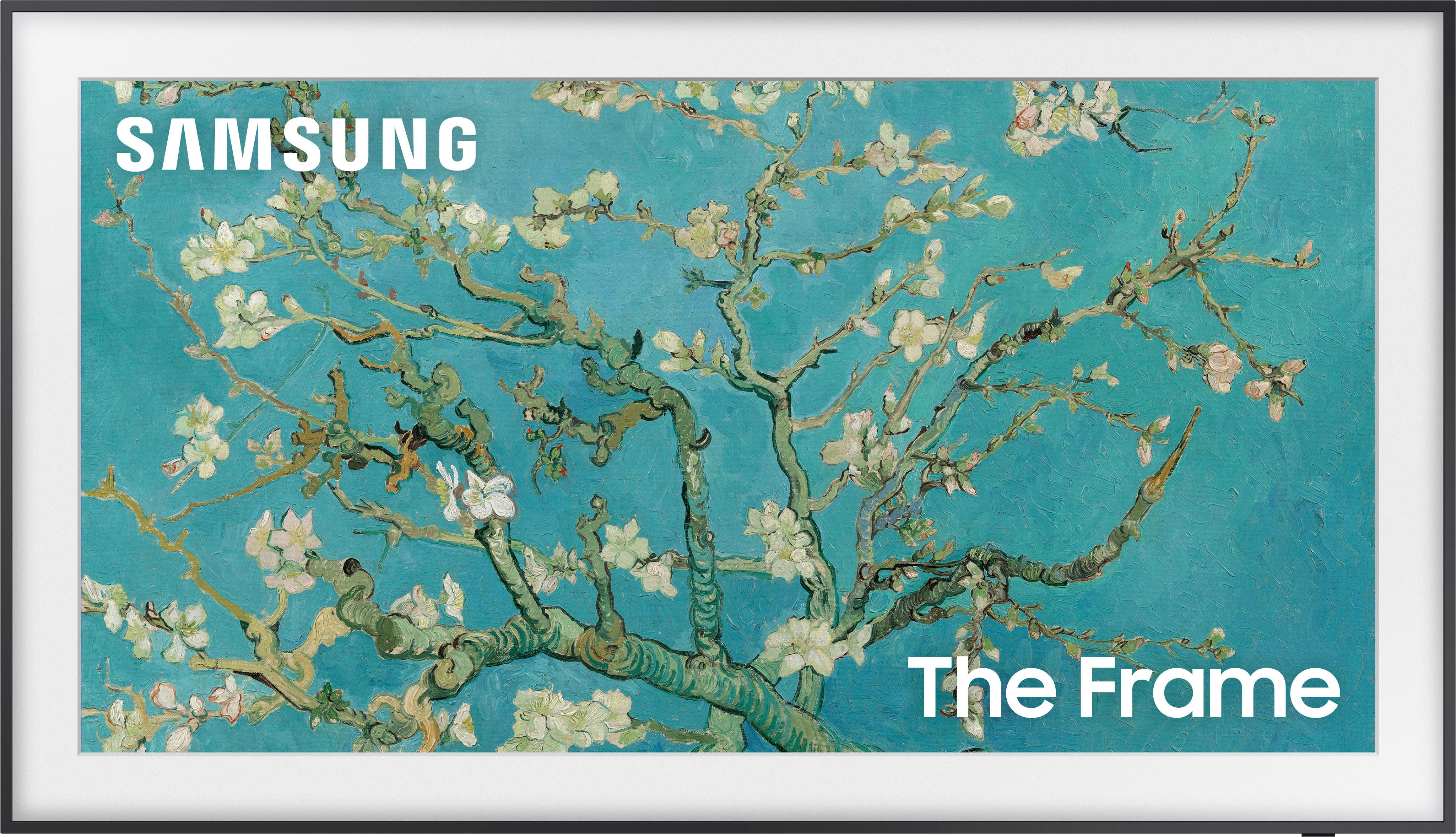
A:AnswerThis tv doesn’t have a regular plug like most tvs. It comes with a box(kind of like a cable box) that goes from the tv to the box to power it on.
A:AnswerYes. The connect box is essential. Everything is provided by that unit through the small connection cable including power.
Connection box is easy to place out of view and cable is about the size of an old phone wire. Cable is long enough for most instillations and, I believe, a longer cable is available. The cable contains some fiber optics. Cable cannot turned too tightly around corners.
Very nice TV.
A:AnswerYou can set the photos on your app and have it display anything you wish to upload. Tv also has a motion sensor and can turn on when you enter room! Great feature
A:AnswerHi Mike - The 55" Frame TV legs are height adjustable for a total height of 29.3" (1.4" of clearance) or 30.3" (2.4" of clearance).
~ Samsung Specialist

A:AnswerMustang thanks for your reply. While I was not able to successfully use the Smart Things app I did activate the Intelligent Mode in setting on the TV. It analyzes the surroundings for lighting and noise and the content you are watching to set the picture and sound accordingly. So do not pick a preset Picture Mode like standard or dynamic. Let the AI in the set adjust this for you. I found it to work very well. Thank you again.