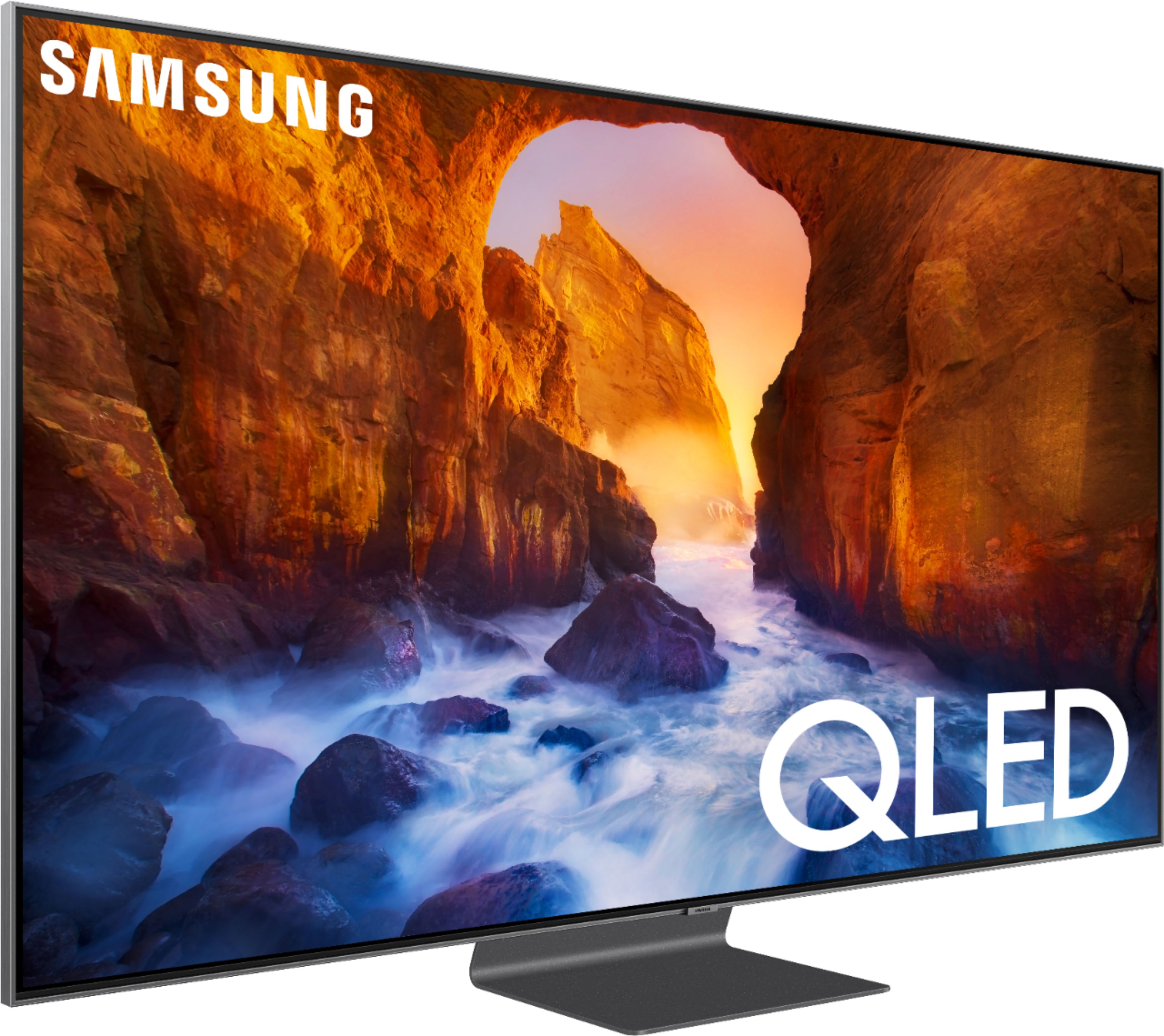
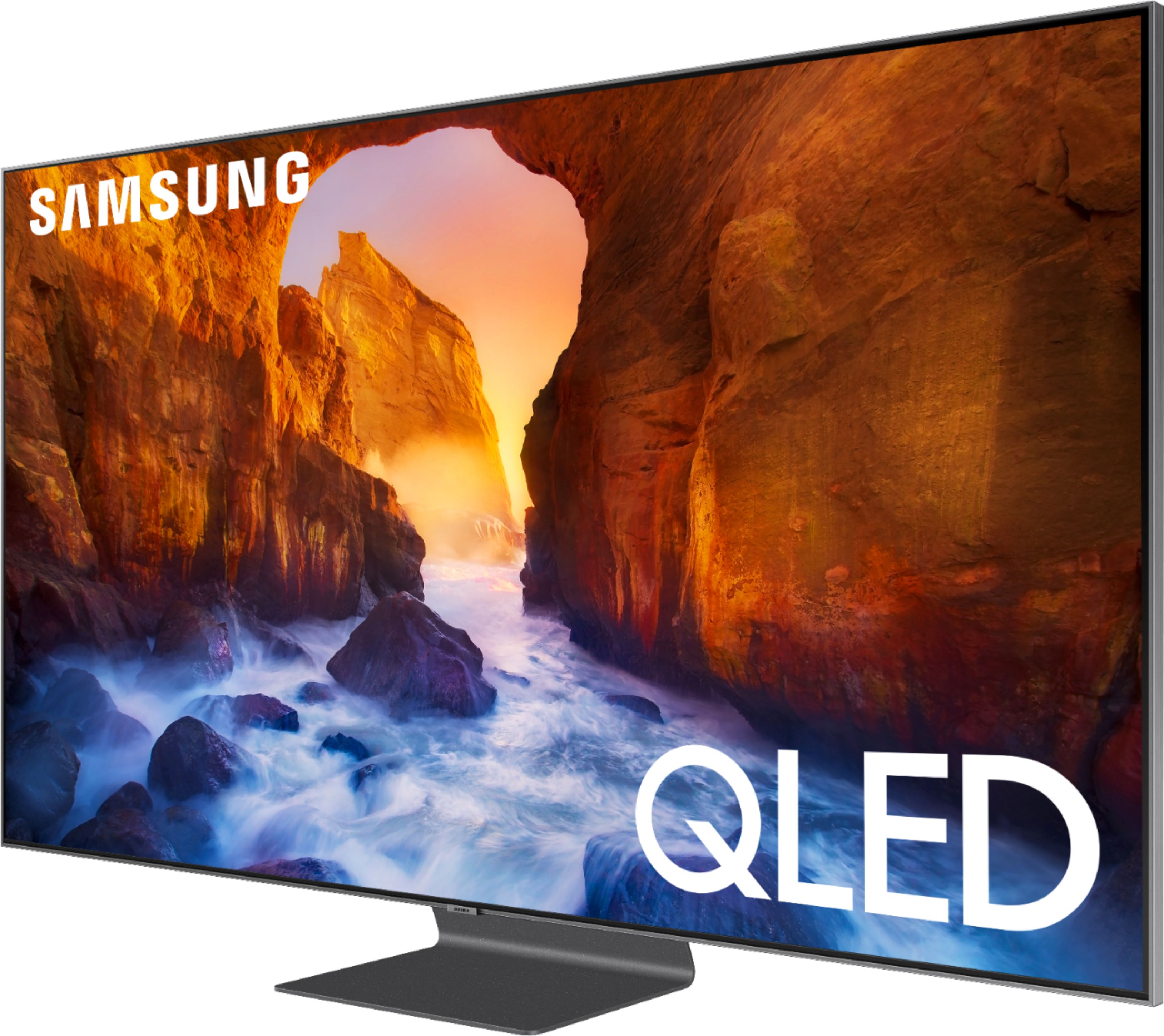
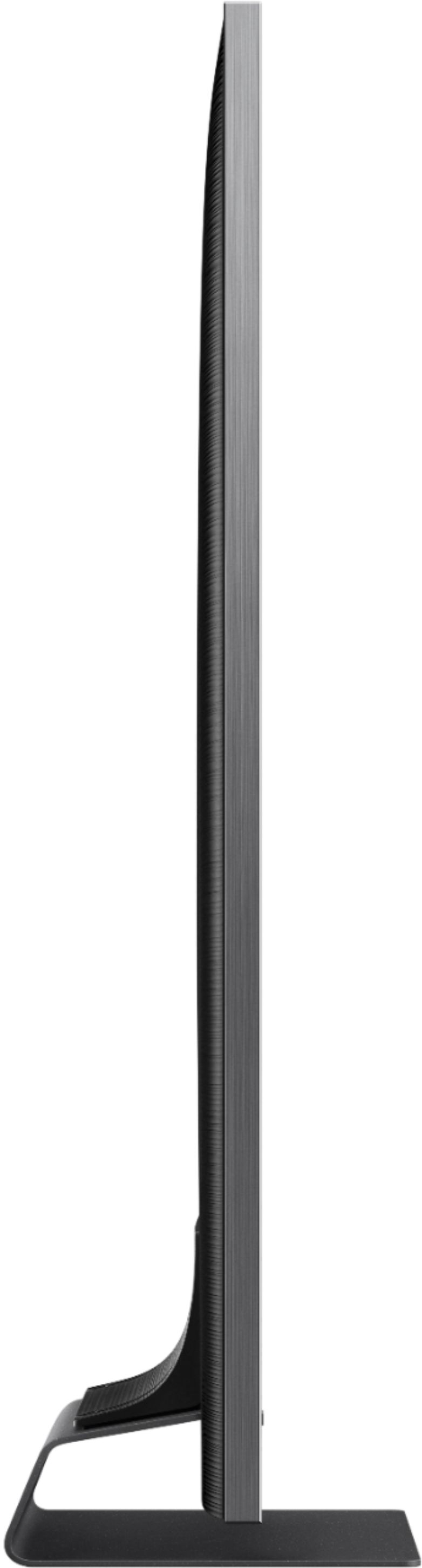
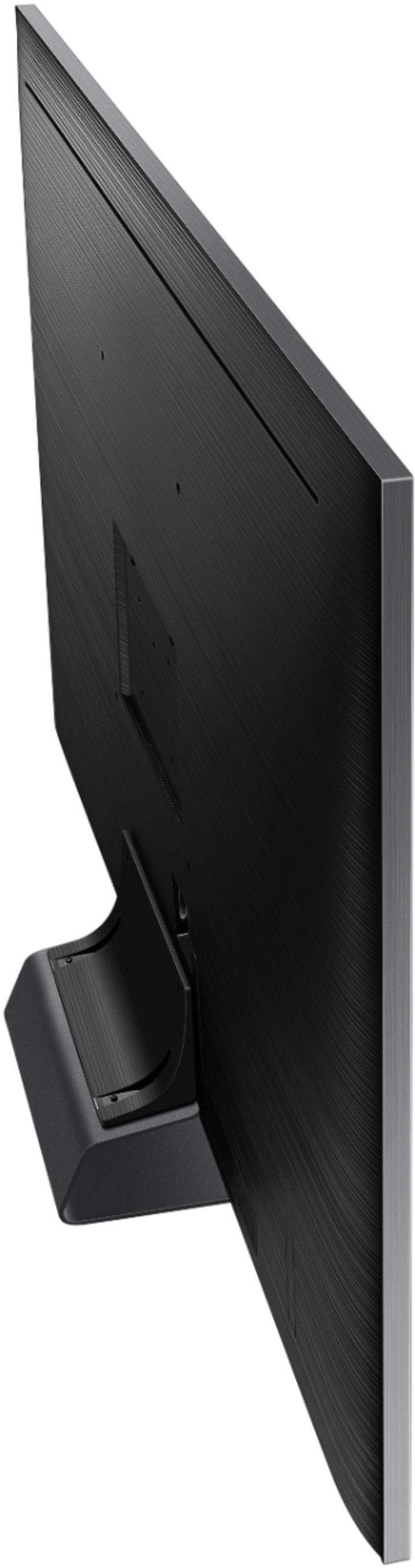
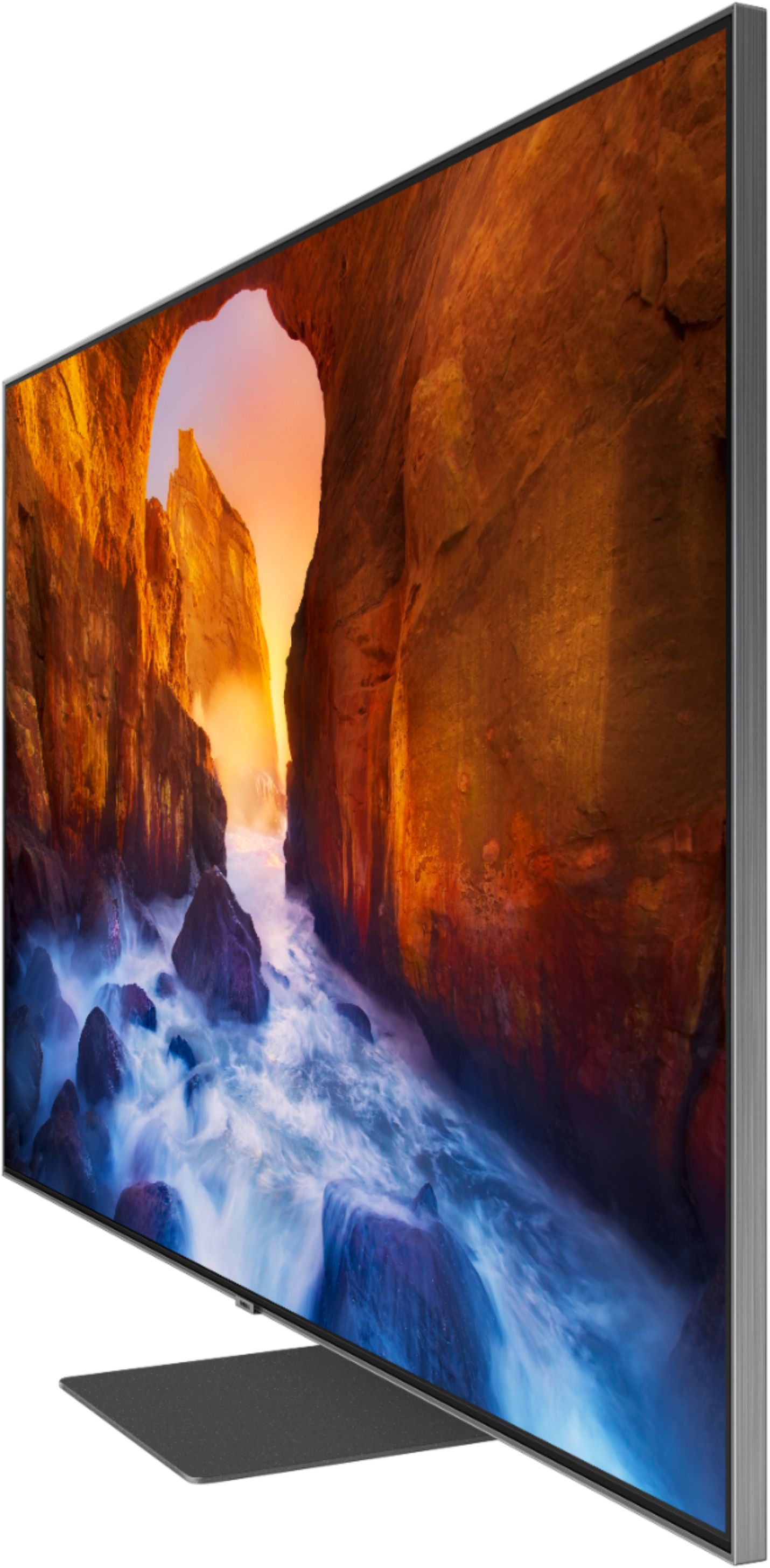
A:AnswerSamsung. Without a doubt. The Q90r has the capability to change brightness based on ambient light. When I watch in the early evening, my front door's windows, while frosted, bring in a lot of light. Use to turn the TV to the side. Now I do nothing because it adapts and has a semi-matte display. Down side? Heavy.
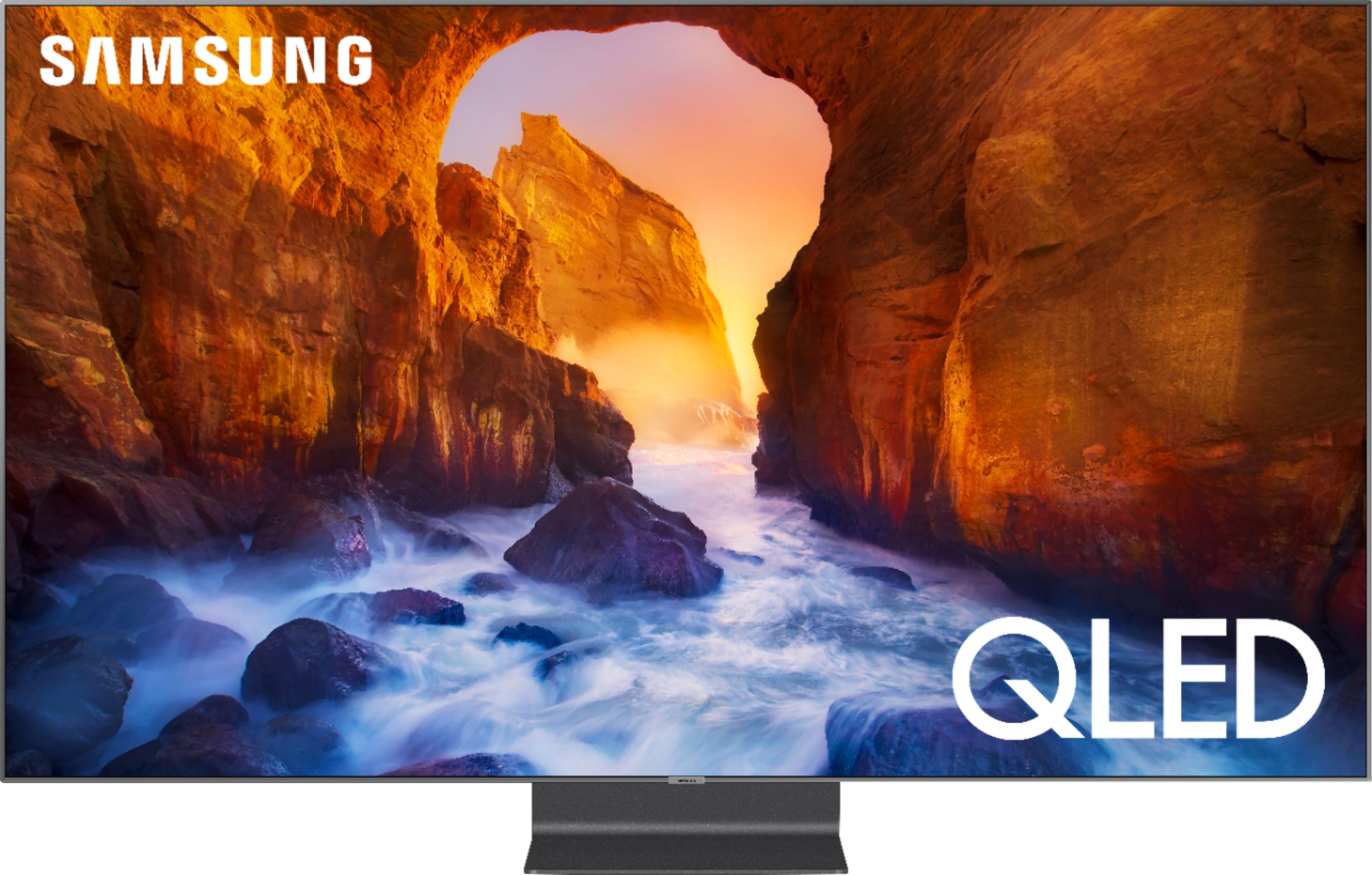
A:AnswerI just purchased the Samsung 65" Q90R and must say it's picture is unbelievable !!! I too only watch movies and they almost look 3D compared to my old TV. One reason I picked this model was because it had the brightest picture, 2000 nits. My last TV was unwatchable during the day but this one has an awesome picture even in the brightest of daylight and no glare. It's remarkable the improvements in technology, you won't regret this Samsung TV if you decide to purchase it.
A:AnswerWell OLED and QLED are totally different. QLED is still backlit LEDs and OLED are individually controlled pixels. As far as2018 vs 2019 in either category I’m not sure but there are many reviews done by professionals that may answer that question.
A:AnswerIn the past I always read a manual if I had any questions or concerns, right now I have a couple of questions setting up the new tv, call me old fashioned but I can’t seem to get any specific answers on line, I would love to get a proper manual for the Q90R 65” Samsung Tv. I would appreciate if I can download one or where I can get one.
Thanks
FernandoT
A:AnswerWhile someone would think the 8k has a better picture, I wouldn't bother with 8k right now. The amount of content available for 4k vs 8k is a no brainer (plus the tech is so new it'll either have bugs and or be mega expensive)
Get a 4k tv. You won't be disappointed.
A:AnswerNo, just download the Google home app. And follow the steps to add the device. I honestly Googled how to set it up and followed the steps and it works flawlessly.