


Skip to contentGo to Product SearchGo to Footer
Main Content

Questions & Answers

Your price for this item is $296.99
Clearance
The comparable value price is $989.99
Page Showing 1-20 of 53 questions
  • QuestionDoes the steam function require a water setup? If so, and I choose not to use it, does the dryer still require it to be hooked up?

    Asked by Blake.

    • Answer It does need a water hook up. Doesn't have to be hooked up to use the dryer though.

      Answered by Kadi85

  • QuestionIs a conversion kit required to vent the dryer to the side instead of the rear, or does it come with everything needed for either configuration?

    Asked by Davidajr.

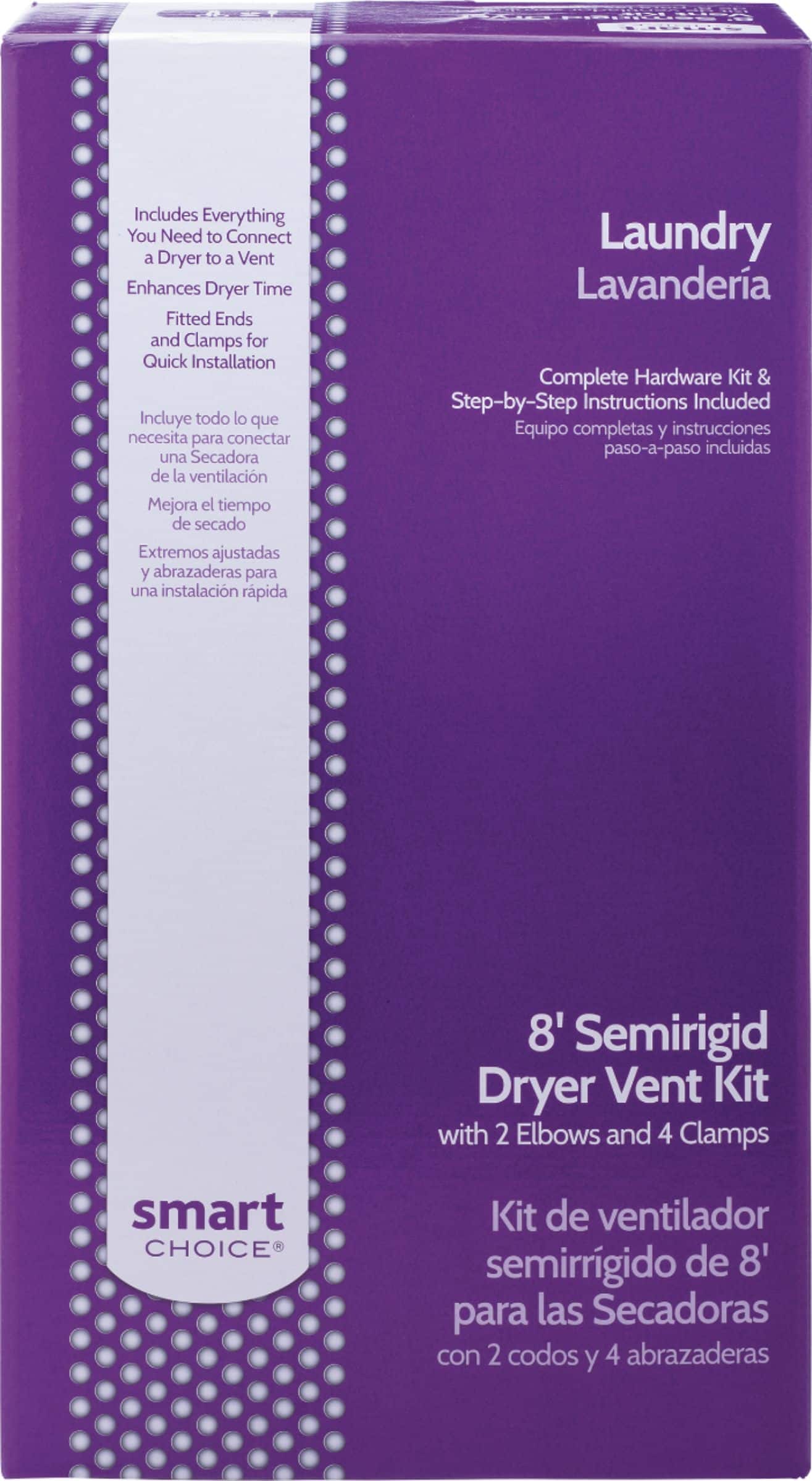
    • Answer You will need to purchase the Smart Choice Dryer Vent Kit that Best Buy sells, or any dryer vent kit. The connection for the dryer vent comes out the bottom of the dryer in the center. The Dryer Vent Kit has two 90 degree elbows included, and they swivel so that you can turn the vent to the left, right, straight up, or any other direction you need it to be. The same applies to the 90 degree elbow that's used to connect to the existing house vent. There is no Vent Kit included with the dryer. Hope this helps.

      I would recommend:

      Answered by Maze

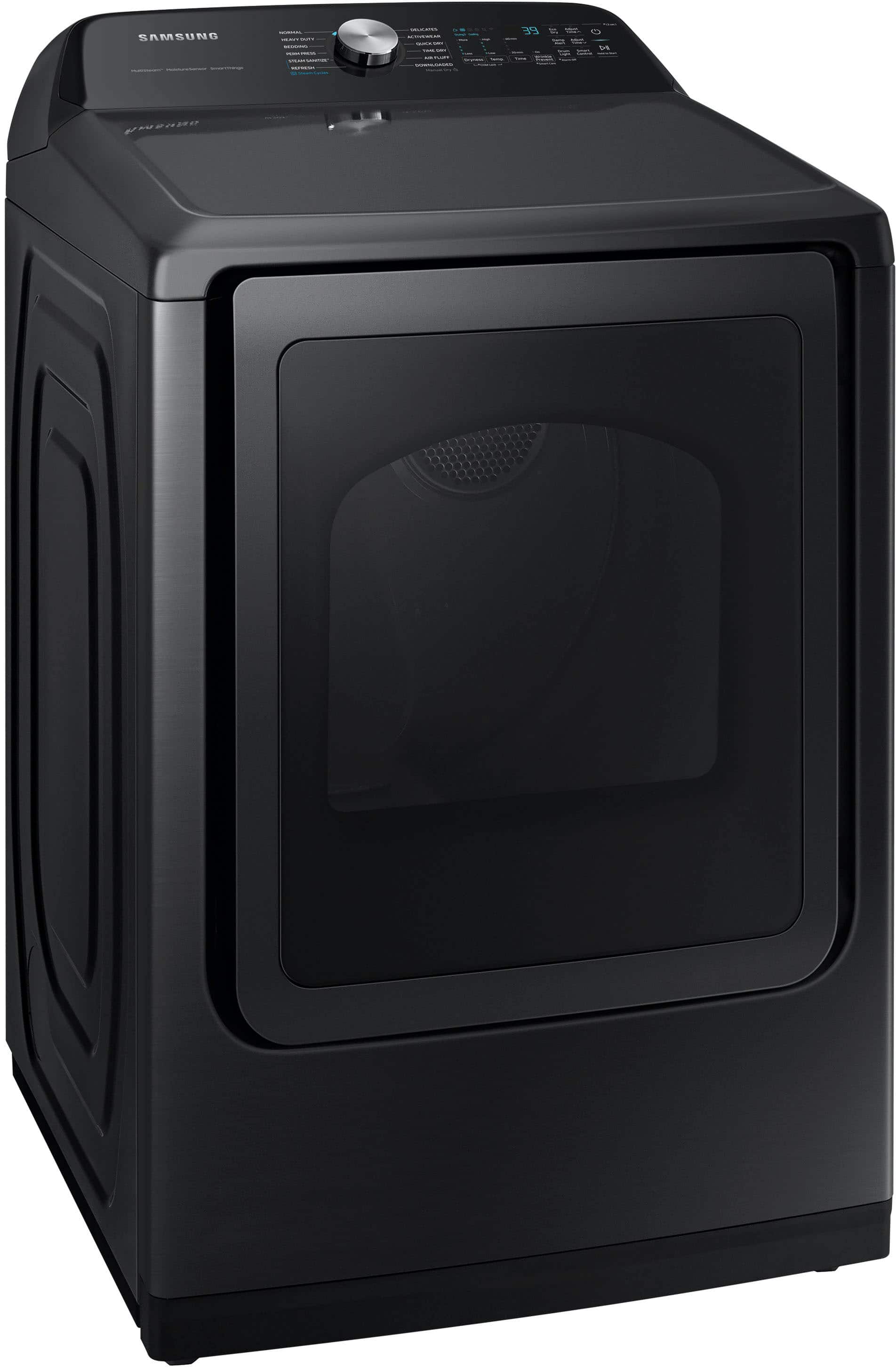
  • QuestionIs the dryer door reversible?

    Asked by Anonymous.

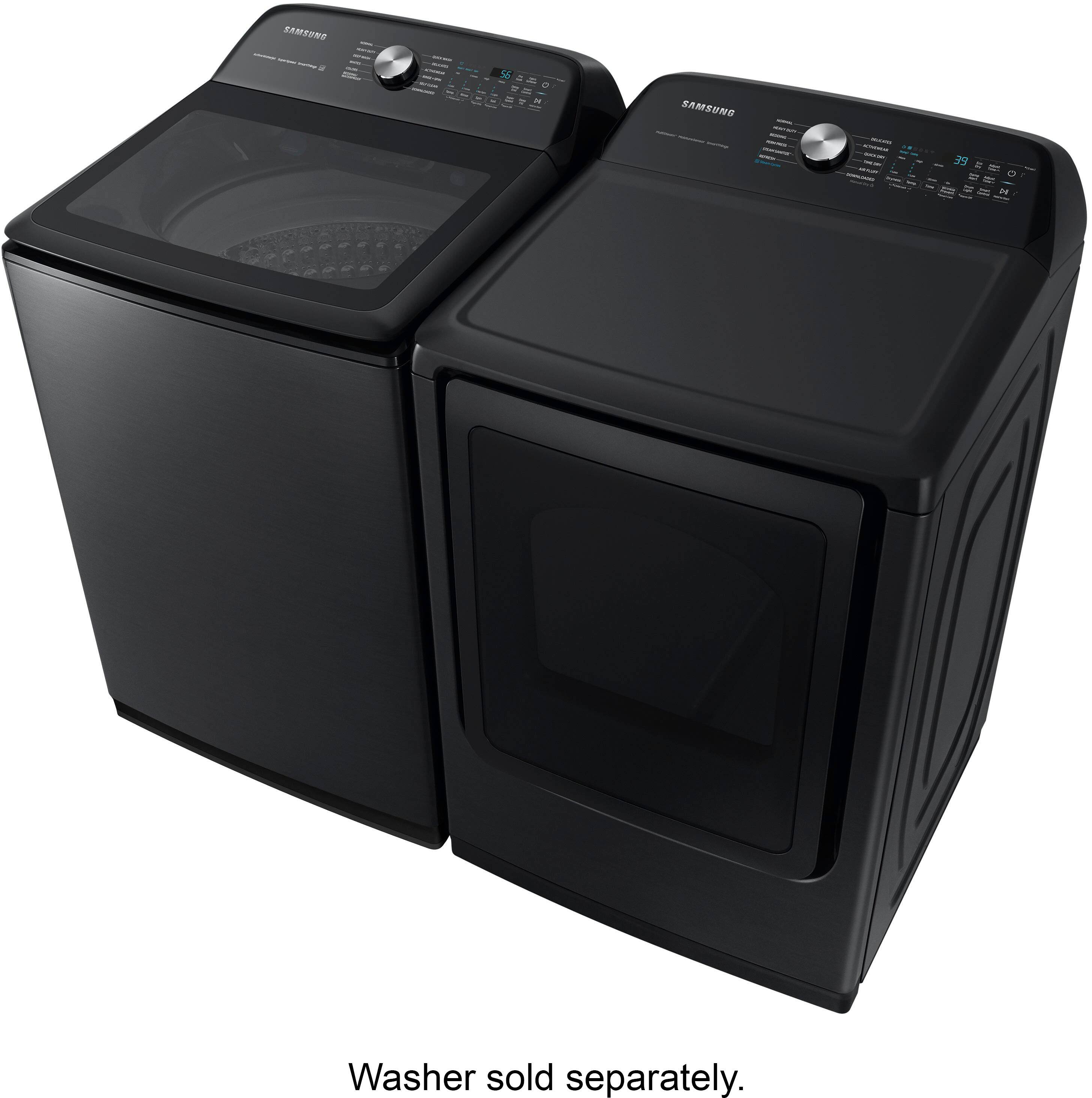
    • Answer Yes it is. It took me about 30mins to do mine

      Answered by Mike

  • QuestionWhat is the major difference between this model and DVE55CG7100W

    Asked by John.

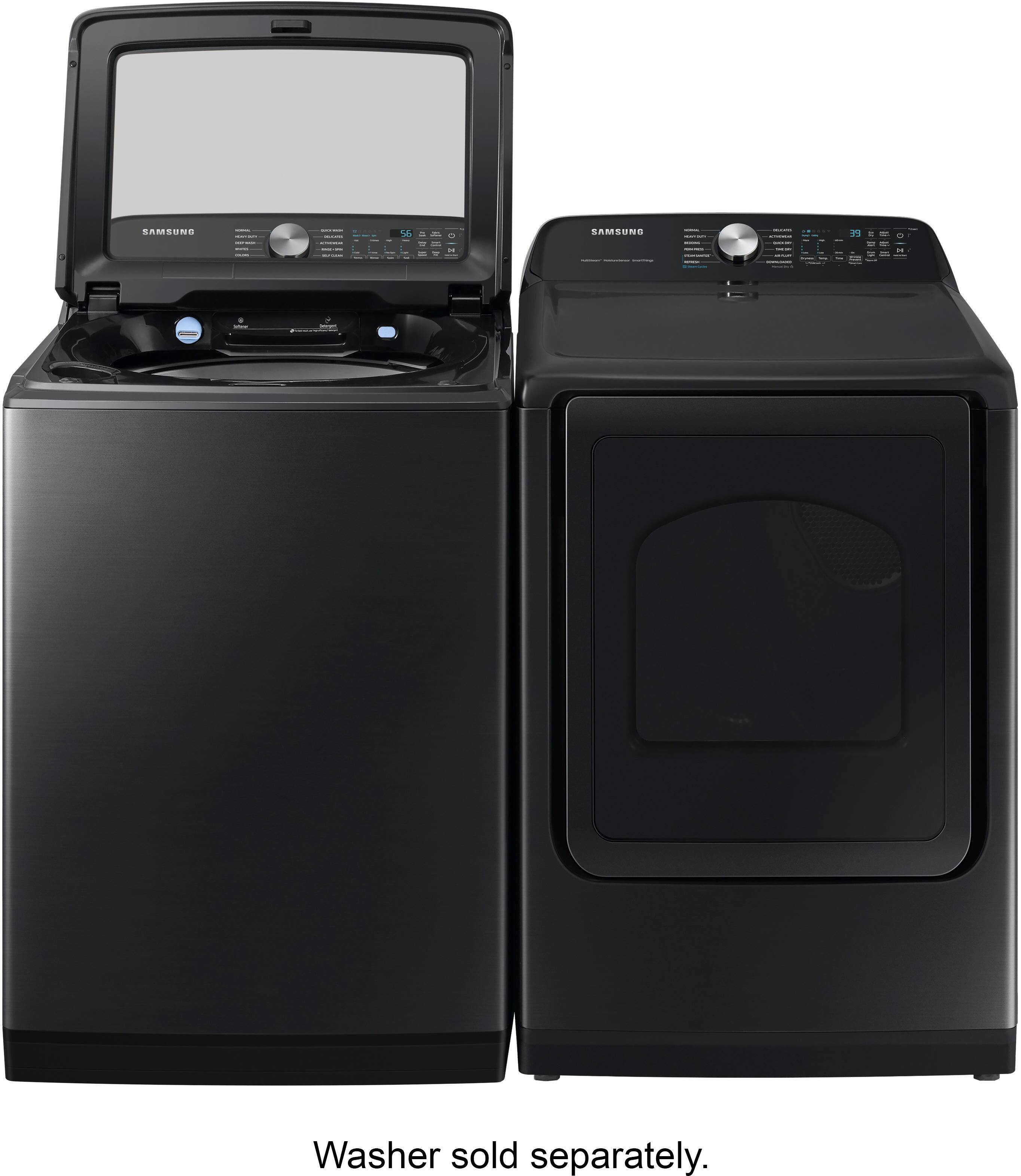
    • Answer Hi John, We are glad to answer your question about the difference between this washing machine model and DVE55CG7100W. I have listed the differences below for your reference. DVE52A5500W: Features • 18 Total Drying Cycles DVE55CG7100W Features • 21 Total Drying Cycles DVE52A5500W: Specifications • 6 Downloadable Drying Cycles: Wrinkle Away, Eco Normal, Towels, Shirts, Denim, Rack Dry DVE55CG7100W Specifications • 9 Downloadable Drying Cycles: Wrinkle Away, Eco Normal, Towels, Wool, Sanitize, Shirts, Denim, Low Temp, Rack Dry Leo

      Answered by Samsung

  • QuestionWhat is the depth with the door open

    Asked by Jenn.

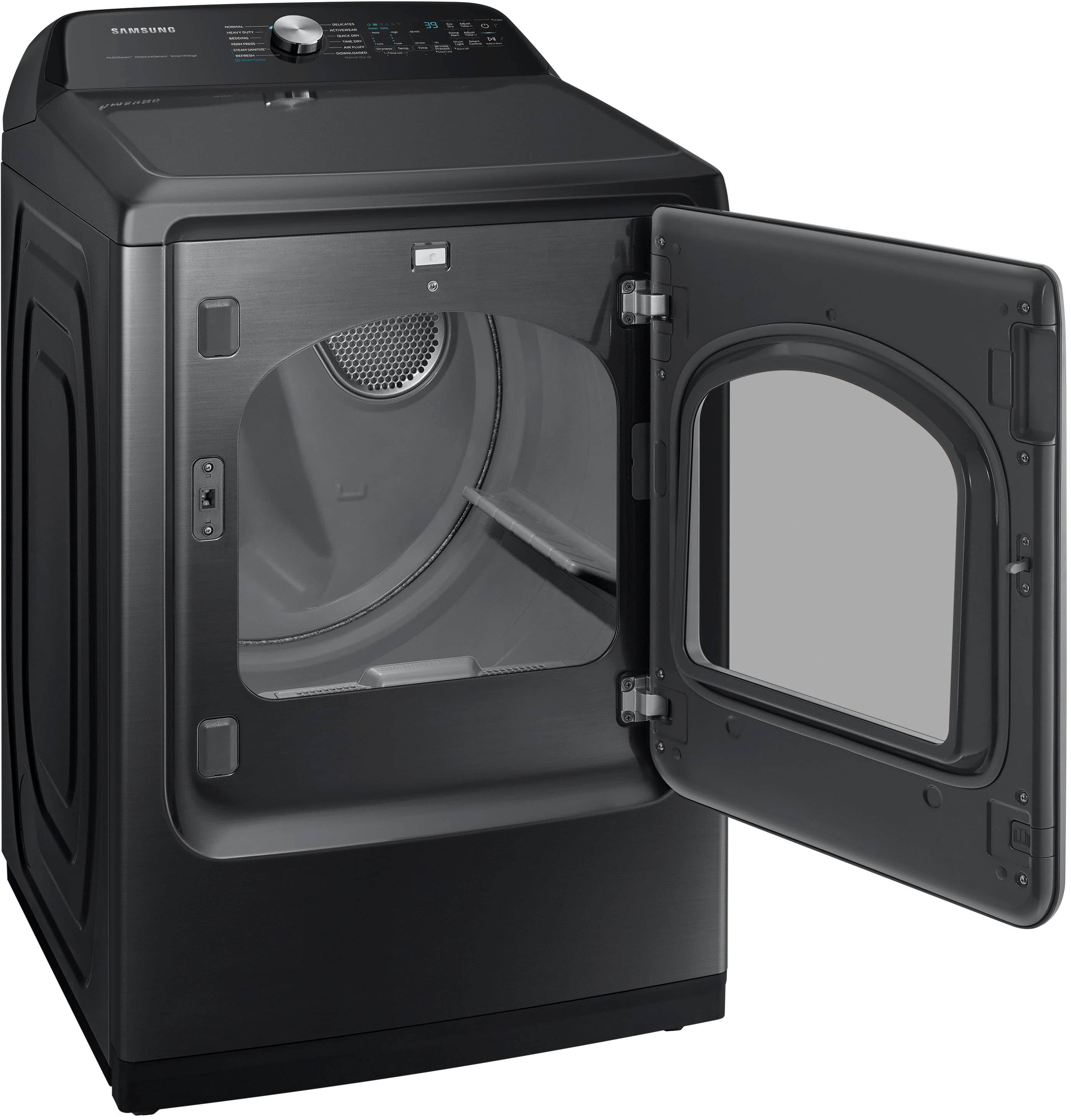
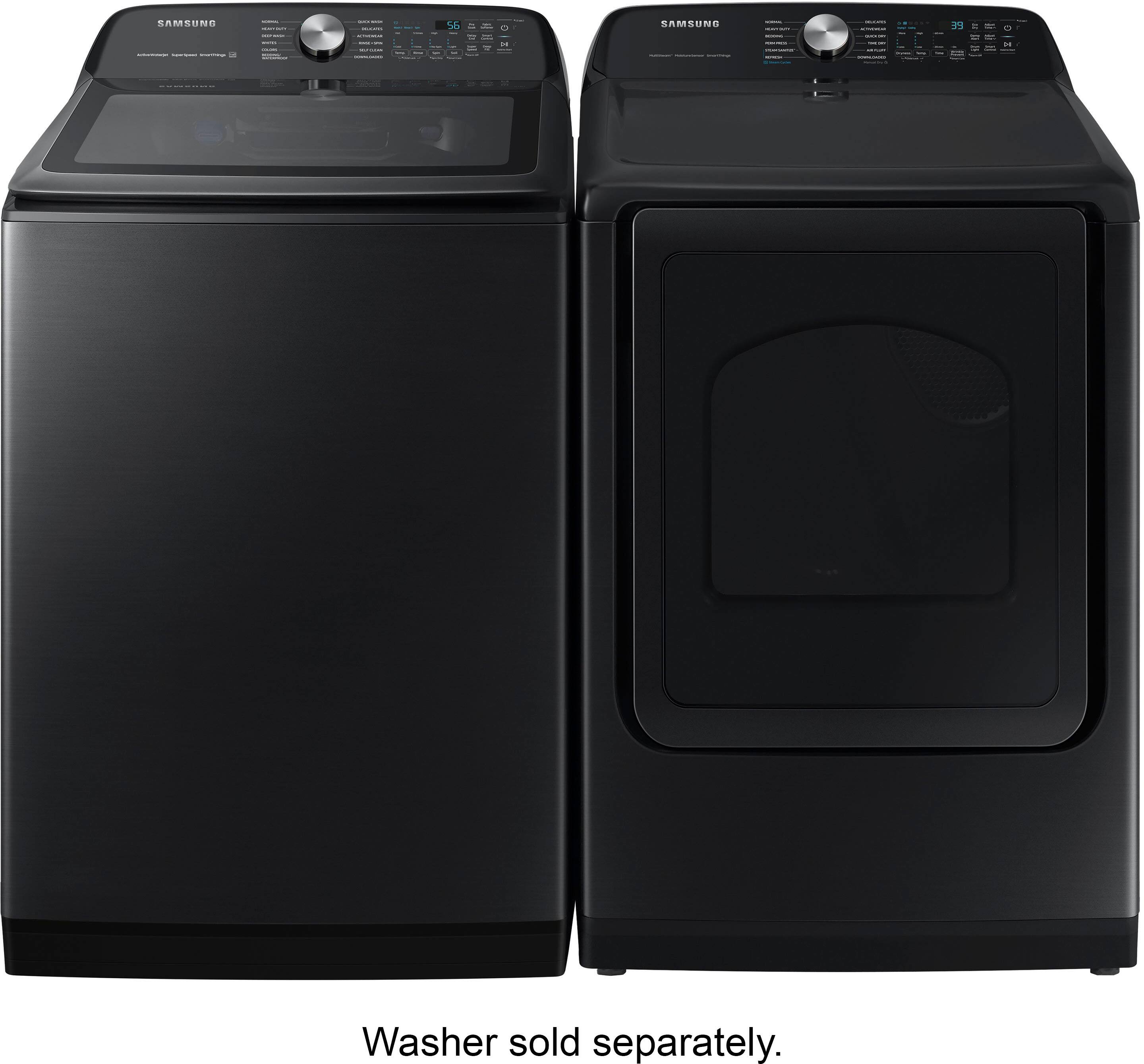
    • Answer The dryer is 30 inches from the back near vent to the door closed. The door open is 21 inches open. So you’re looking at 51 inches deep in total. Plus the dryer door is changeable. You can change the way it opens, open to the left or open to the right. Very easy to do too!

      Answered by MattO

  • QuestionDoes this model come with a drying rack included?

    Asked by Frank.

    • Answer My dryer did NOT come with a drying rack.

      Answered by JB0007

  • QuestionDoes this dryer have a light inside?

    Asked by Anonymous.

    • Answer Thanks so much for asking! Yes, this model is listed as having an interior light. ^Jecca

      Answered by Samsung

  • QuestionCan the door open right to left?

    Asked by Kf.

    • Answer Hello there, Yes, you can open the dryer door from left to right, as the door can be reversed. Please refer to your user manual for more details. Turn to pages 34-36, "Switching the door position."  User Manual https://downloadcenter.samsung.com/content/UM/202512/20251202161854384/DC68-03784S-04_IB_DV7000_EN_251121.pdf Have a great day. ^Camille

      Answered by Samsung

  • QuestionDoes the Samsung 7.4 ft.³ electric dryer have an interior light?? Some reviews say that it does have an interior light, however, the features and specs on the website states that it does not have an interior light.

    Asked by Angela.

    • Answer It does have an interior light. It tends to shut off after a minute or so though, so I just close the door and reopen,

      Answered by Anonymous

  • QuestionHow do I open the lint compartment? Thanks!

    Asked by Simon.

    • Answer Simon, thank you for asking. Let's get the details you need. Please refer to your user manual for more details on how to open your lint filter. Turn to page 37, "Lint filter." User manual https://downloadcenter.samsung.com/content/UM/202512/20251202161854384/DC68-03784S-04_IB_DV7000_EN_251121.pdf I have also shared this video for visual details on how to open the lint filter. Clean the Lint Filter on your Samsung Dryer | Samsung US - YouTub https://www.youtube.com/watch?v=T5En60U_Uao Have a great day. ^Camille

      Answered by Samsung

  • QuestionIs there a manufacturers warranty with this product?

    Asked by Anonymous.

    • Answer Greetings! Yes, this Samsung dryer model is covered by a limited warranty. For full details, please refer to the user manual linked below. The warranty information can be found on pages 60 to 62. Leo

      Answered by Samsung

  • QuestionDoes this have to be "smart" or can you shut that feature off?

    Asked by Anonymous.

    • Answer Greetings! Yes, the Wi-Fi that enables the Smart features on this Samsung dryer model can be turned off. To turn the Wi-Fi off on this dryer model, please visit the user manual link shared below and turn to page 13. https://downloadcenter.samsung.com/content/UM/202410/20241015032053189/DC68-03784S-04_IB_DV7000_EN_MES_240910.pdf Should you have additional questions, please feel free to get back to us via the following options: 1. Facebook Messenger: http://m.me/samsungsupport 2. Twitter: https://twitter.com/messages/compose?recipient_id=18768513 3. Samsung Community: https://us.community.samsung.com/t5/Samsung-Community/ct-p/us When you message us, please provide us with this reference number 1149507180 to help our team pull up your information. Leo

      Answered by Samsung

  • QuestionDoes this dryer work for a longer vent? Is the maximum vent length known for this model?

    Asked by Howdy.

    • Answer Hello there, Yes, the maximum length is 80 ft. (24.4 m) with no 90-degree turn and 47 ft. (14.3 m) with three 90-degree elbow turns. Have a great day. ^Charles

      Answered by Samsung

  • QuestionI am replacing my existing Samsung dryer with Samsung model DEV52A5500W/A3. Can I use my old electric coed?

    Asked by Lake222.

    • Answer Hi there, We are happy to help you with your dryer. We would like to speak to you directly to gather more information and see how we can effectively assist you. Please feel free to get back to us the soonest via the following options: 1. Facebook Messenger: http://m.me/samsungsupport 2. Twitter: https://twitter.com/messages/compose?recipient_id=18768513 3. Samsung Community: https://us.community.samsung.com/t5/Samsung-Community/ct-p/us When you message us, please provide us with this reference number (1147846378), to help our team pull up your information. Have a great day! ^Rodel

      Answered by Samsung

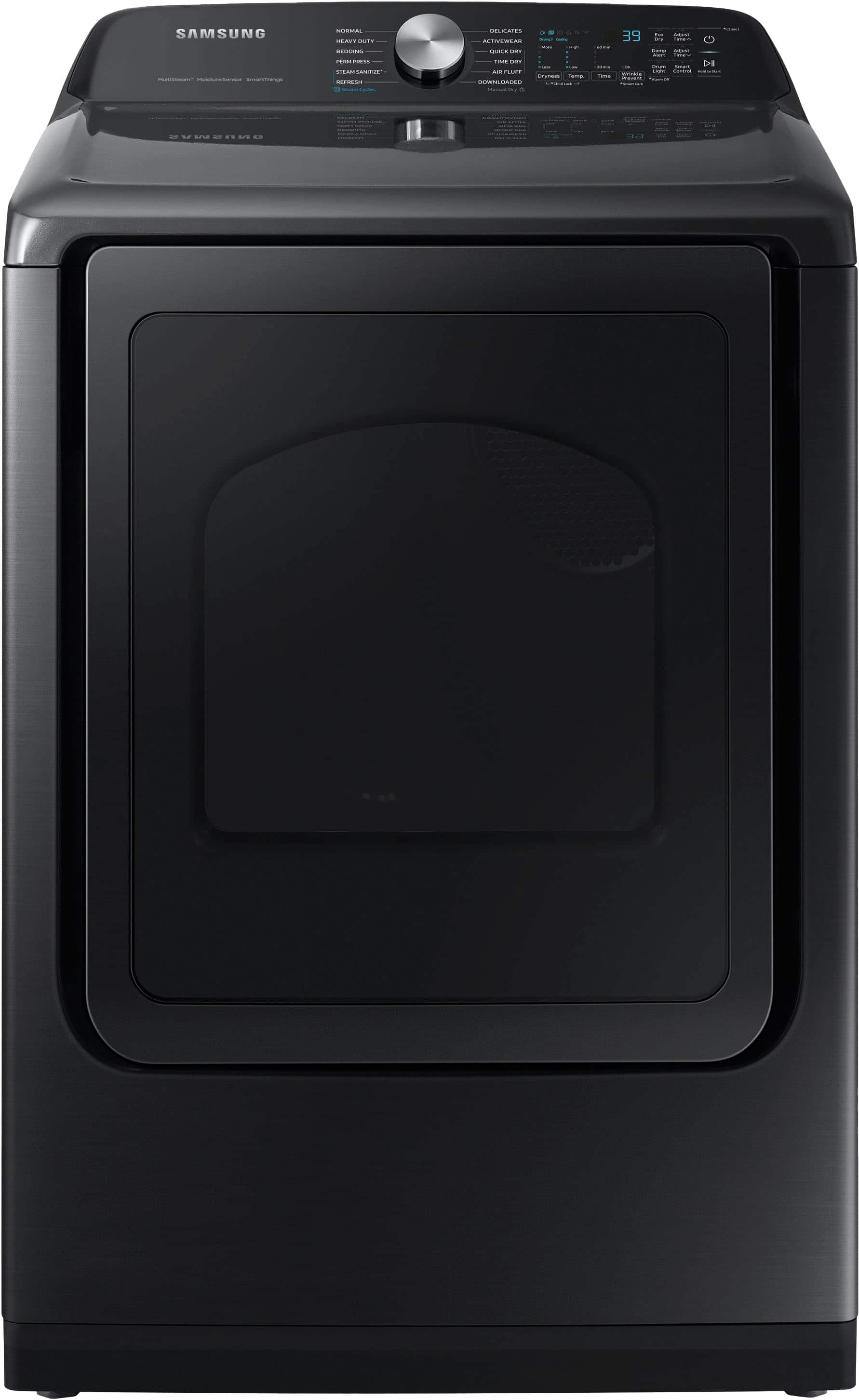
  • QuestionI set the dryer to its normal 39 minute cycle, but after only 1 minute of drying it automatically drops from 38 to 1 minute and turns off. What can I do?

    Asked by OswaldoN.

    • Answer Hi there, Thank you for sharing your experience with the Samsung DVE52A5500W/A3 dryer. I'm here to provide clarity and assist with resolving the concern you described. The behavior you're noticing, where the dryer cycle time drops from 38 minutes to 1 minute and turns off, could be linked to the moisture sensors detecting that the load is already dry. This often happens when the dryer determines that the humidity level is too low for additional drying. To address this, you can try the following steps: Check the Load Size and Material: Ensure the load size isn't too small or made of lightweight fabrics, as these may dry faster than expected. For very small loads, consider adding a few damp items to help the sensors work more accurately. Clean the Moisture Sensors: Residue from fabric softeners or dryer sheets can build up on the sensors and affect their accuracy. Locate the moisture sensors inside the drum (usually near the lint filter) and gently clean them with a soft cloth and mild soap. Use Time Dry Mode: If you prefer manual control, switch to the Time Dry mode to set a specific drying duration instead of relying on automatic sensor adjustments. For detailed guidance on using and maintaining your dryer, please refer to the user manual, starting on page 36 in the section titled "Dryer Cycles and Settings." You can access the manual here: Samsung DVE52A5500W/A3 Manual. https://downloadcenter.samsung.com/content/UM/202410/20241015032053189/DC68-03784S-04_IB_DV7000_EN_MES_240910.pdf To help resolve issues with your washer, please follow the link, hyperlinks, and watch the instructional video. If the problem persists after completing the recommended steps, click on "NO, I NEED MORE HELP" for further assistance. Samsung dryer will not turn off or stop spinning https://www.samsung.com/us/support/troubleshooting/TSG01001990/ Samsung Dryer turns on but will not start or spin. https://www.samsung.com/us/support/troubleshooting/TSG01001987/ Should you need more assistance, please feel free to get back to us via the following options: 1. Facebook Messenger: http://m.me/Samsungsupport 2. Twitter: https://twitter.com/messages/compose?recipient_id=18768513 3. Samsung Community: https://us.community.Samsung.com/t5/Samsung-Community/ct-p/us When you message us, please provide us with this reference number (1147746681) to help our team gather your information. Have a great day. ^Charles

      Answered by Samsung

  • QuestionDo you install this dryer?

    Asked by Mary.

    • Answer Hi Mary, Yes, to better assist you with this matter about the installation offers we have for this dryer model, please contact Best Buy customer service department at P. (888) 237-8289 H. 24 hours a day. They can either answer your question or transfer you to your local store to answer your specific concern. -Kimberly

      Answered by Samsung

  • QuestionDo you have to connect the device to your wifi and use the smart features? Or can you just use it "old school" and do everything manually?

    Asked by Anonymous.

    • Answer Use old school

      Answered by QueenOmenazu

  • QuestionIs there a decibel rating for this dryer? If so, what is it?

    Asked by KB.

    • Answer Hi there, No, there are no decibel ratings for this model of Samsung Dryer. Have a great day, -Ernest-

      Answered by Samsung

  • QuestionWhat is the distance from the center of the vent on the back to the floor?

    Asked by Andrei.

    • Answer Hi Andrei, The distance from the center of the vent on the back to the floor is 3 15/16 without the leveling feet. Please see the "Connection Dimensions" section on page 2 of the spec sheet. Spec Sheet: https://image-us.samsung.com/SamsungUS/090622/2021_DVE52A5500_V9.pdf Have a great day. ^Aloe

      Answered by Samsung