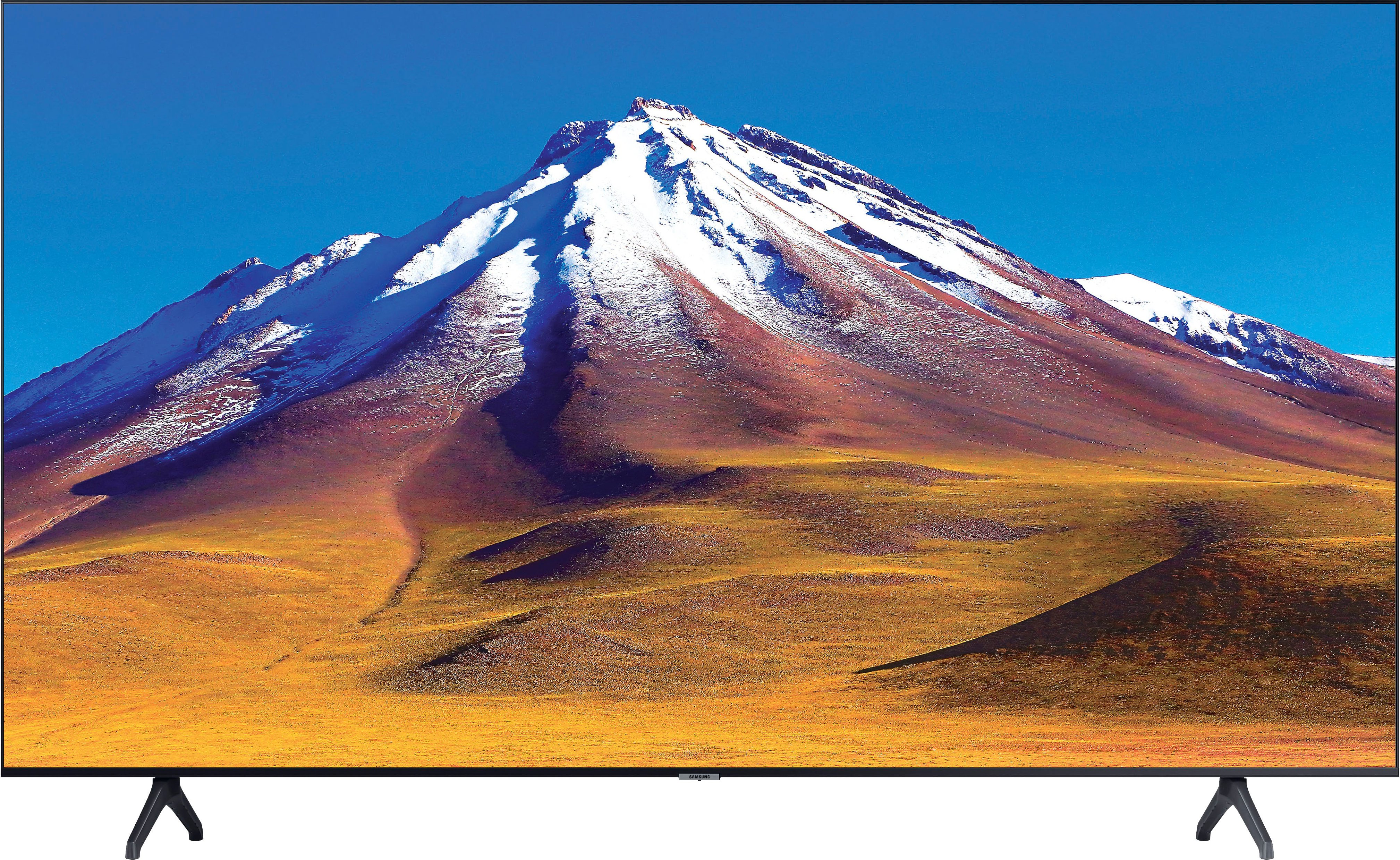
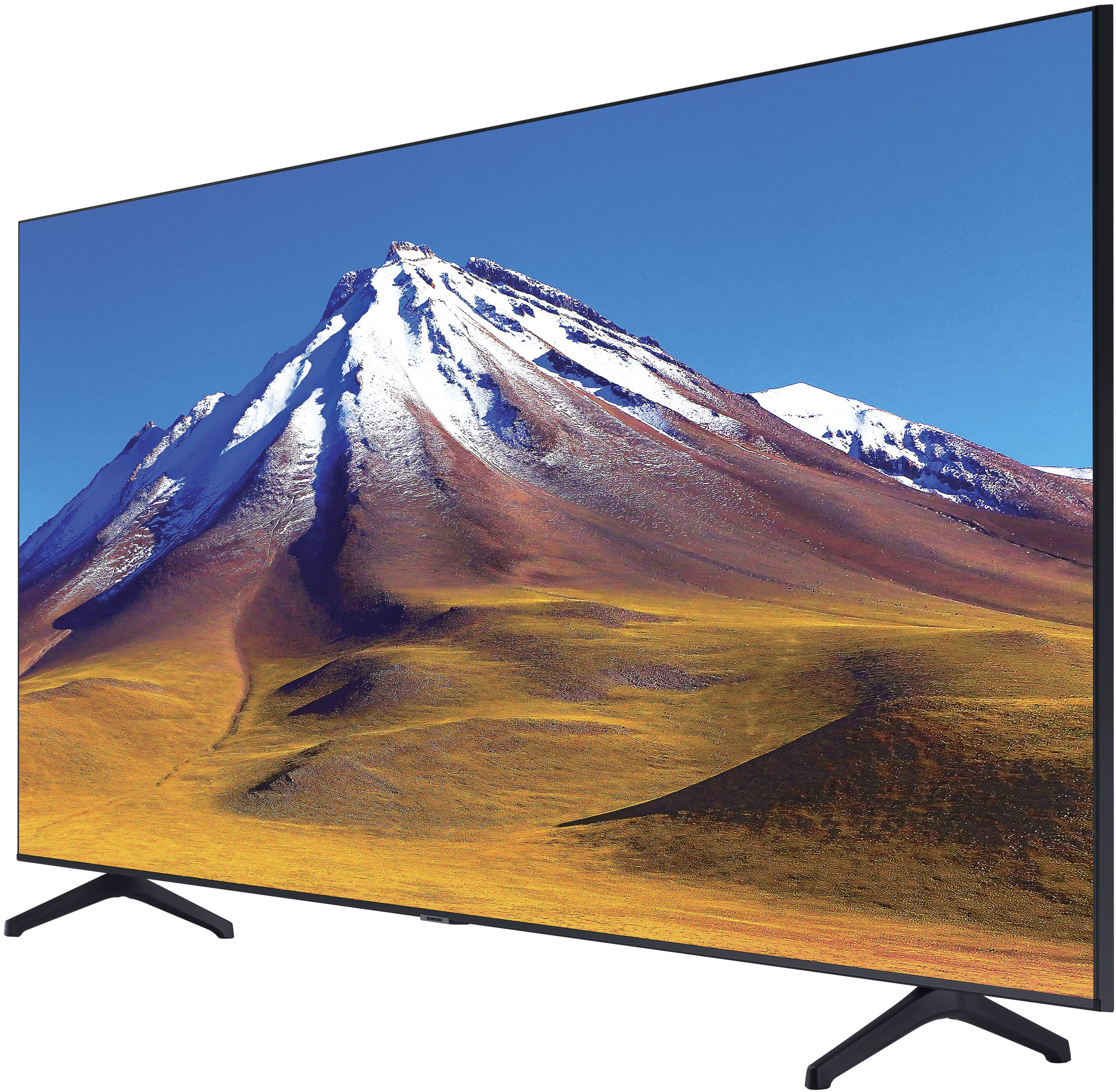
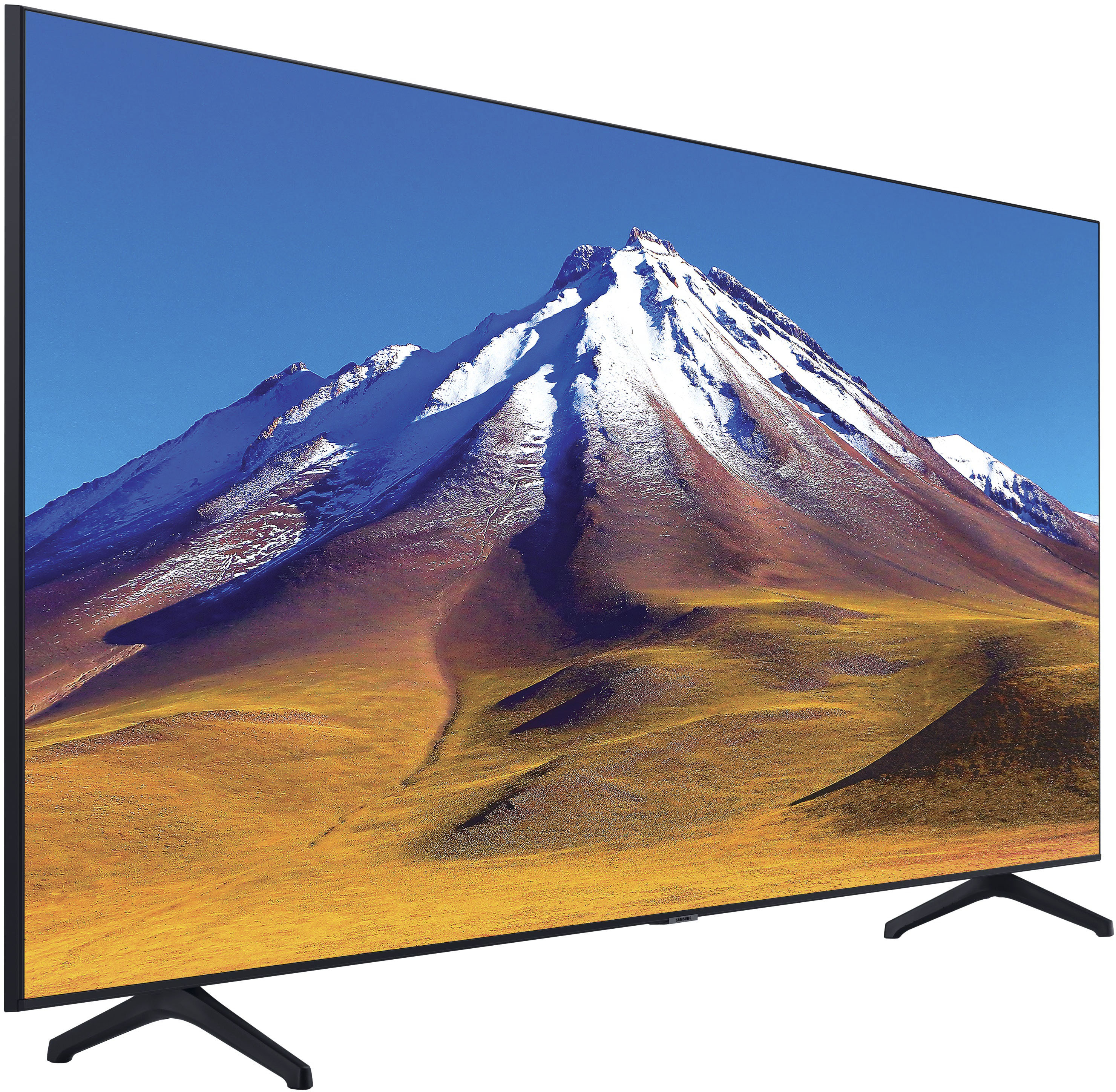
A:AnswerHi - The TU6985 features 2 HDMI inputs. It does not feature composite/component (RCA) inputs; an adapter will be required to connect your VCR. ^Gina
A:AnswerCurious - Both models feature 2 HDMI inputs. The TU6985 is only available in 70", whereas the TU7000 is available in sizes ranging from 43" - 82". For additional comparisons, please see https://www.bestbuy.com/site/compare?skus=6476246,6429416 ^Gina
A:AnswerThe 20-22 length was too short for the socket. The socket measures 25mm and that screw length should be good enough. Personally I used 30mm bolt along with some washers for my mount.
A:AnswerNehal - Samsung Smart TVs are powered by the Tizen Operating System. The App Store is found in the TV's Smart Hub menu, which is called 'APPS'. ^Gina
A:AnswerWalshy - So that we can best assist you with your question, please reach out to Samsung Support at: 1-800-SAMSUNG (ask for TVs), available 8AM - 12AM EST, 7 days a week, or Chat with us on Samsung.com: https://www.samsung.com/us/support/contact/ ^Gina
A:Answertntsoquel - The addition of the HW-A650 Soundbar would be a great addition to the TU6985 TV. With a dedicated built-in center speaker, dialogue is enhanced so you hear every word. Check it out at Best Buy: https://www.bestbuy.com/site/samsung-3-1-channel-soundbar-with-wireless-subwoofer-and-dolby-digital-5-1-dts-virtualx-black/6454640.p?skuId=6454640. ^Gina
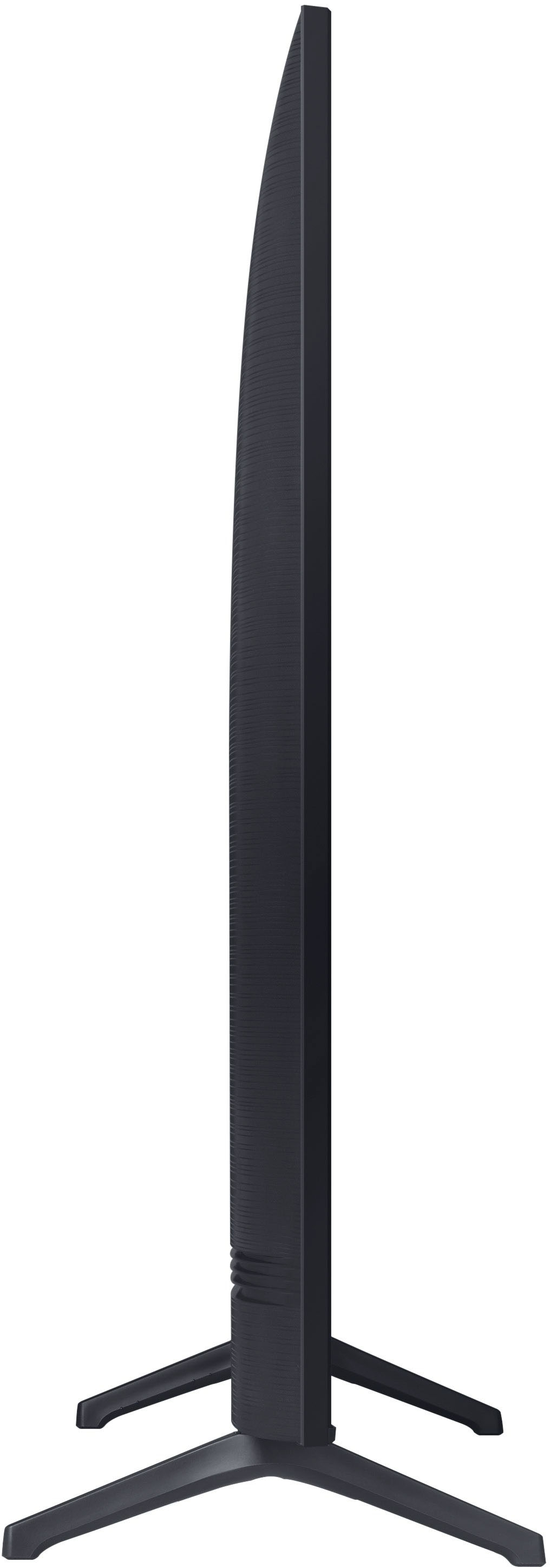
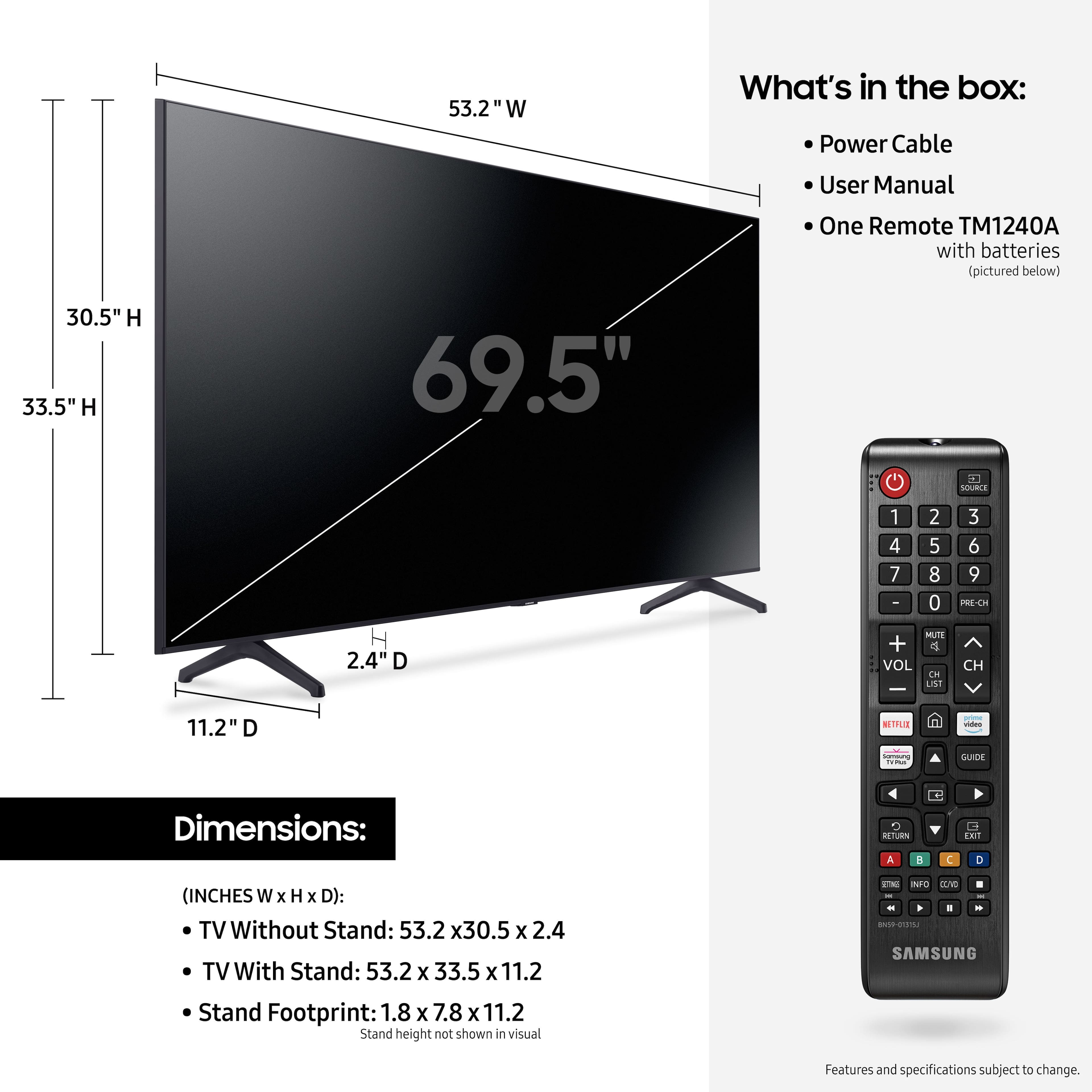
A:AnswerHi - While I am unsure of the table stand you are inquiring about, the TU6985 can be mounted with any universal mount that supports a VESA Pattern of 400mm x 300mm. ^Gina
A:AnswerHi Kevin! Follow the quick start guide included with your TV for instructions on how to properly set up the legs. Ensure that you are place each leg in the designated right or left position, they are not interchangeable. Should you need additional assistance or have further questions, please reach out to Samsung Support at: 1-800-SAMSUNG (ask for TVs), available 8AM - 12AM EST, 7 days a week, or Chat with us on Samsung.com
^Tim