A:AnswerDid some research and one website from Britain said that the TVs are basically the same. If you Google your question you will see the link but I can’t remember the name of the person. The refresh rate is 120 the same as the RU 8000 but again check with the links that come up and see what they say. Hope it helps. Stay safe
A:AnswerPitter, you can use screen mirroring features to project your laptop or mobile device screen to your TV using AirPlay for iOS devices, Multiple Displays on Windows devices, or Smart View on a Samsung mobile device. ^Gina
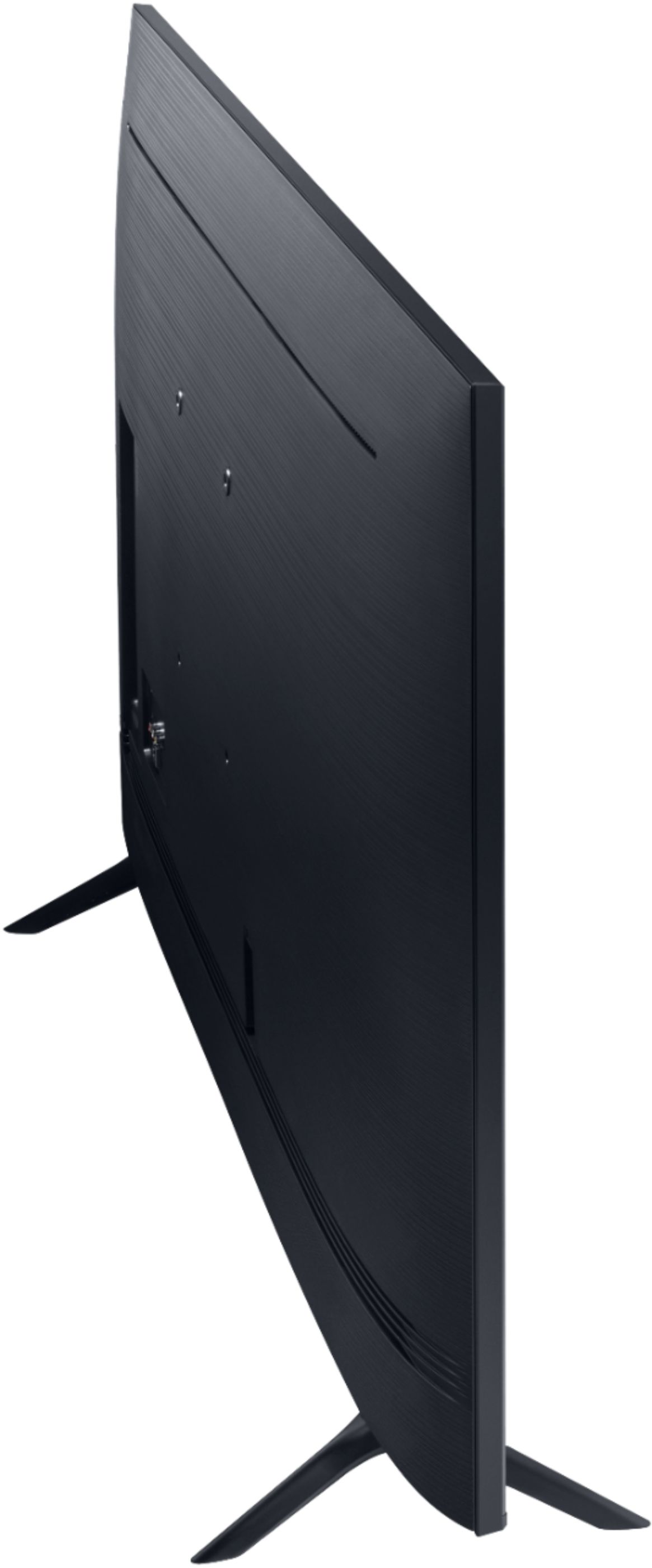
A:AnswerThe width from the mounting holes to the outside of the 75TU8000 is 25.1" on each side. The distance from the top mounting hole to the top of the TV is 9.2". The distance from the bottom mounting hole to the bottom of the TV is 12.8". The distance between the top and bottom mounting holes is 15.7". ^Gina
A:AnswerManny, you absolutely can connect Bluetooth headphones to the TU8000! Refer to your headphone's user manual for how to pair. Once paired to the TV, press HOME on the TU8000 remote. Then go to Settings > Sound > Sound Output > Bluetooth Speaker List. Choose the headphones you wish to use for sound output. ^Celina
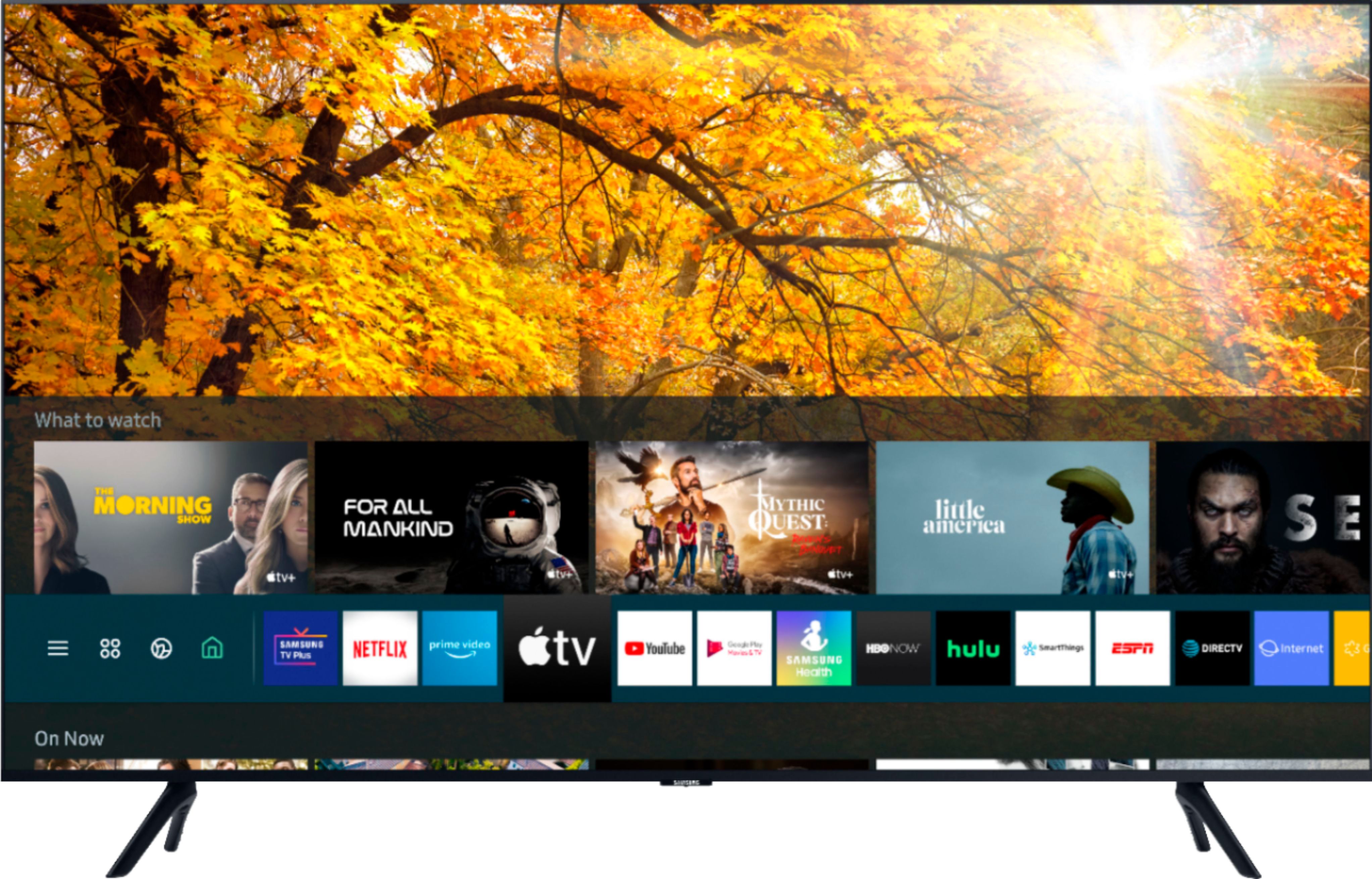
A:AnswerPlancar, Roku is not built into Samsung TVs; however, you can connect a standalone Roku device via HDMI cable, or you can take advantage of our built-in App Store on your TU8000 where you can choose and download from hundreds of apps. ^Gina
A:AnswerThe difference between the Samsung Series 7 and the Series 8 TVs is the reduced contrast ratio in Series 7. The contrast ratio in a Series 7 television is 3,000,000:1, while the Series 8 television has the contrast ratio of 7,000,000:1. This means that a Series 8 television can provide better images than Series 7.
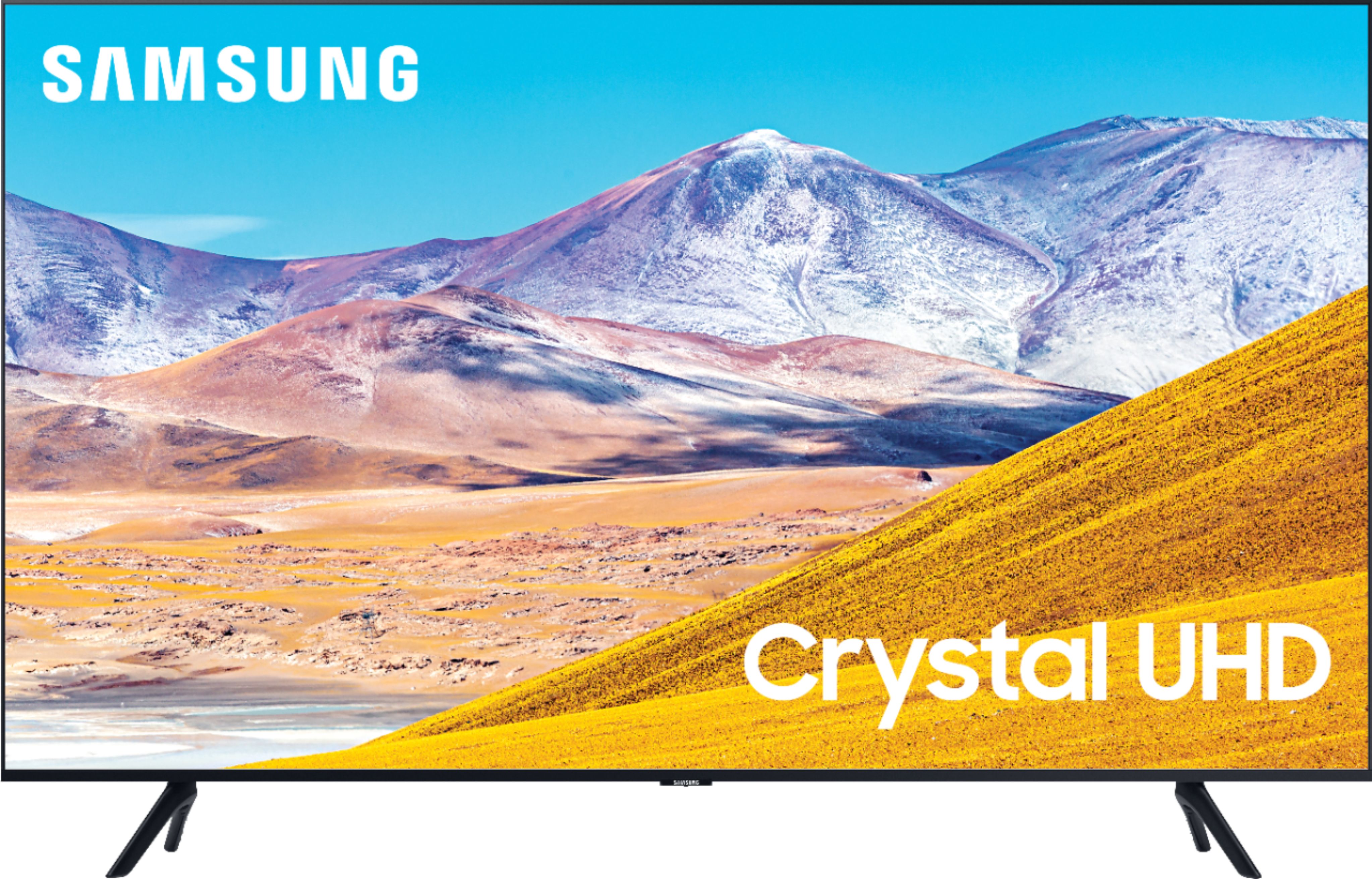
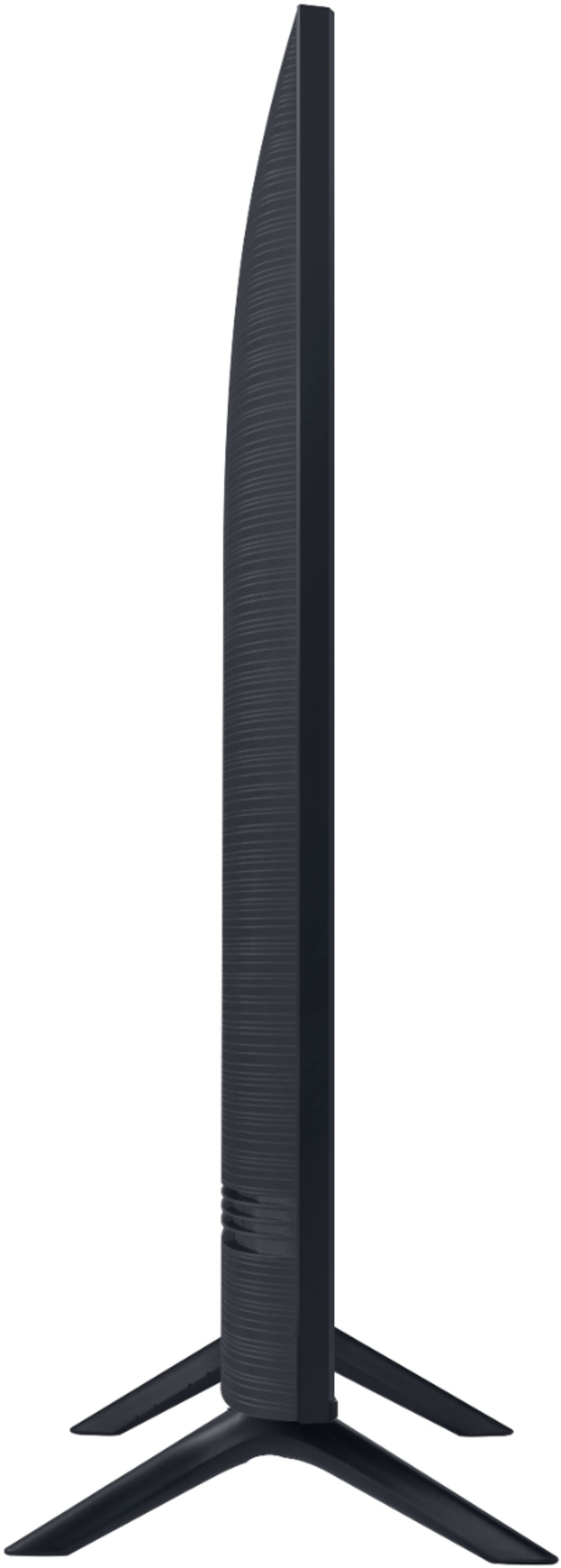
A:AnswerHi Rich! Here are the dimensions of the 75TU8000: (INCHES W x H x D):
• TV WITHOUT STAND: 74.6 x 42.7 x 2.5
• TV WITH STAND: 74.6 x 46.7 x 15.4
^Tim
A:AnswerHi! Samsung smart TVs operate off of our own smart platform called Tizen. This has access to a built in app store to download more content from additional providers. Unfortunately at this time Nest is not supported in the Tizen platform. ^Tim

A:AnswerGteeitup, the TU8000 utilizes a matte finish which will help reduce glare; however, when stepping up to our Q60T you will gain our Dual LED Technology which offers better color temperature, better contrast and better off-angle viewing. For the best viewing angle, we recommend our Q80T model and higher, where our Ultra Viewing Angle and Anti Reflection Technology is introduced. These features will provide you with more accurate color representation allowing more versatility in TV placement and seating without distracting glare. ^Gina
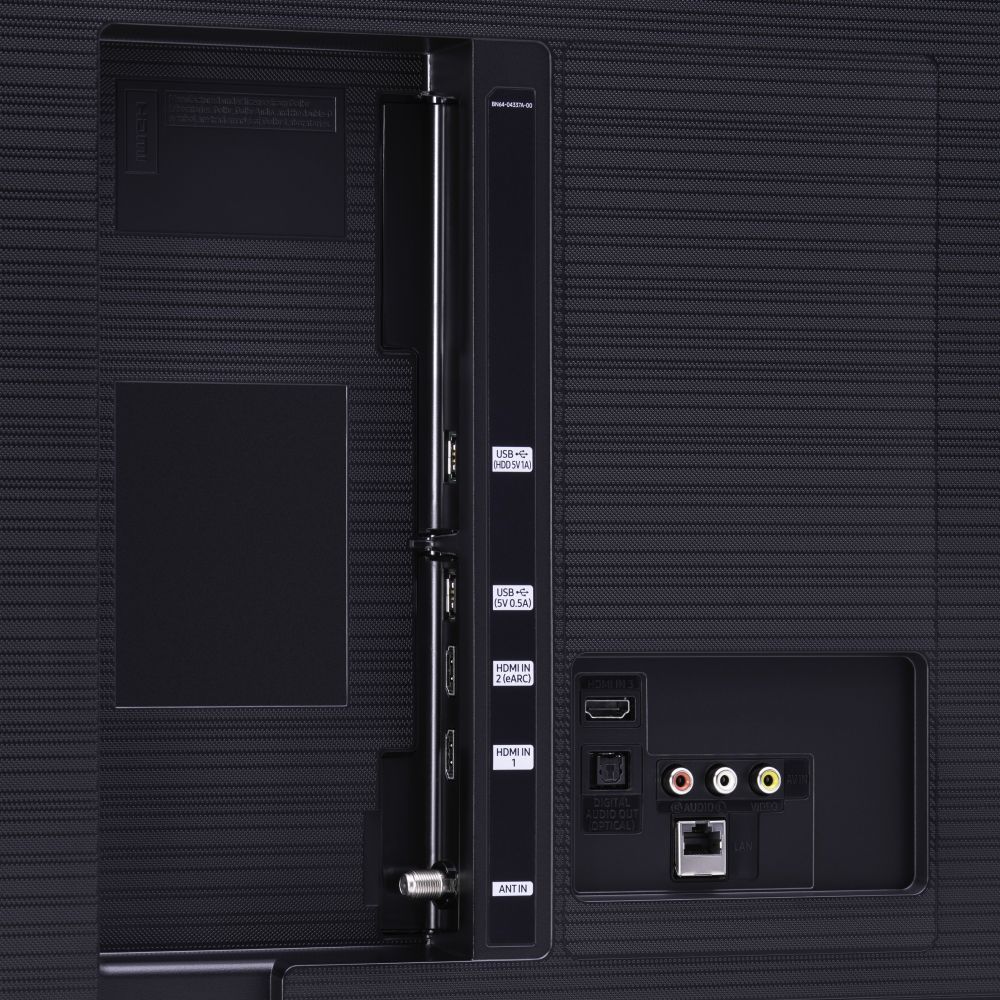
A:AnswerHi HDR - there are 3 HDMI ports on the TU8000. The TU8000 supports HDR (High Dynamic Range) content, allowing you to enjoy everything you already watch in the stunning clarity of 4K resolution. TV shows, sports, movies, video games are all displayed with improved detail for a better viewing experience. ^Gina
A:AnswerHi Z, you can turn your Samsung TV off using the Voice Command feature on your OneRemote. If you have a standalone Voice Assistant Device (Amazon Alexa or Google Assistant) connected to your TV, you can ask your device to turn on and off your TV. ^Gina