A:AnswerHi tima! HDR is High-Dynamic Range, which increases the range of light levels on your TV so you can enjoy an enormous spectrum of colors and all the visual details, in even the darkest scenes. ^Gina
A:AnswerNK, This Tv can be mounted to the wall. Here is a mount that will work with this TV: https://www.bestbuy.com/site/sanus-premium-series-advanced-tilt-tv-wall-mount-for-most-42-90-tvs-extends-5-75-black/5463301.p?skuId=5463301 ^Celina
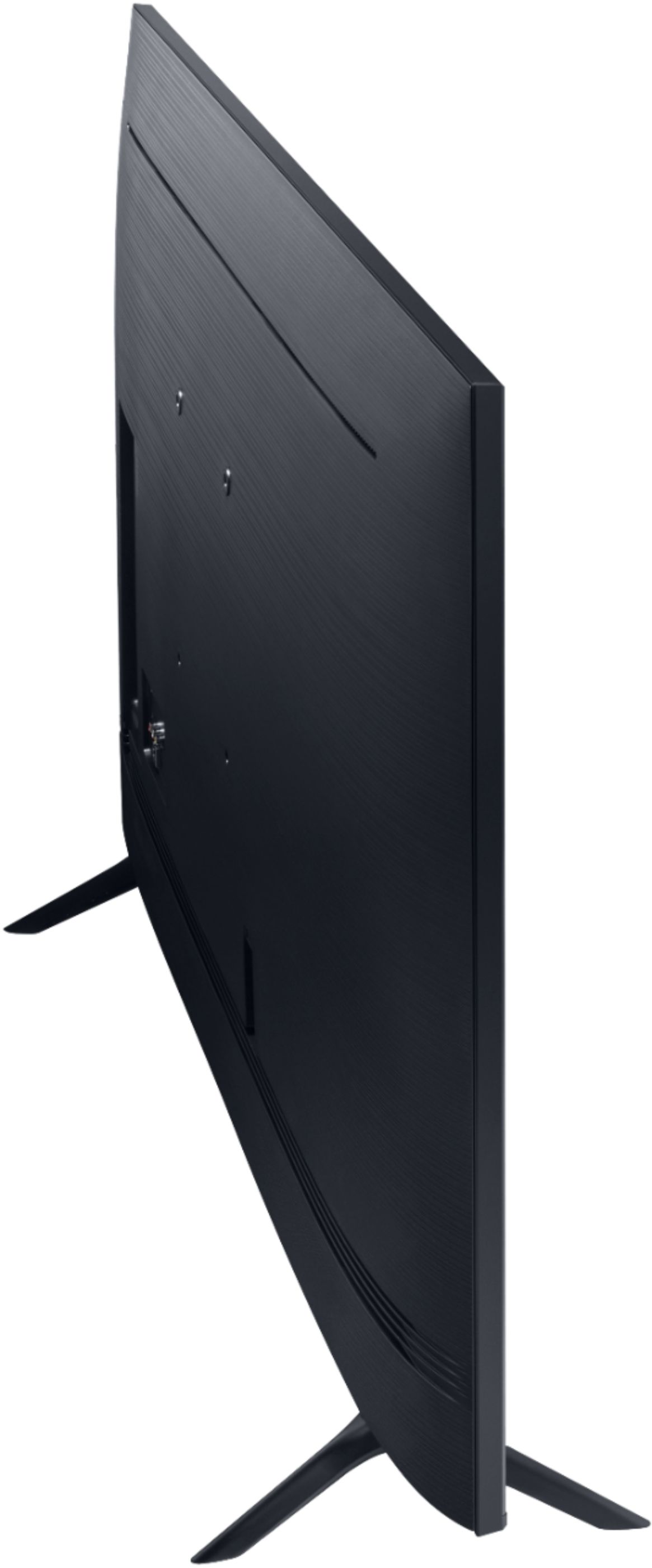
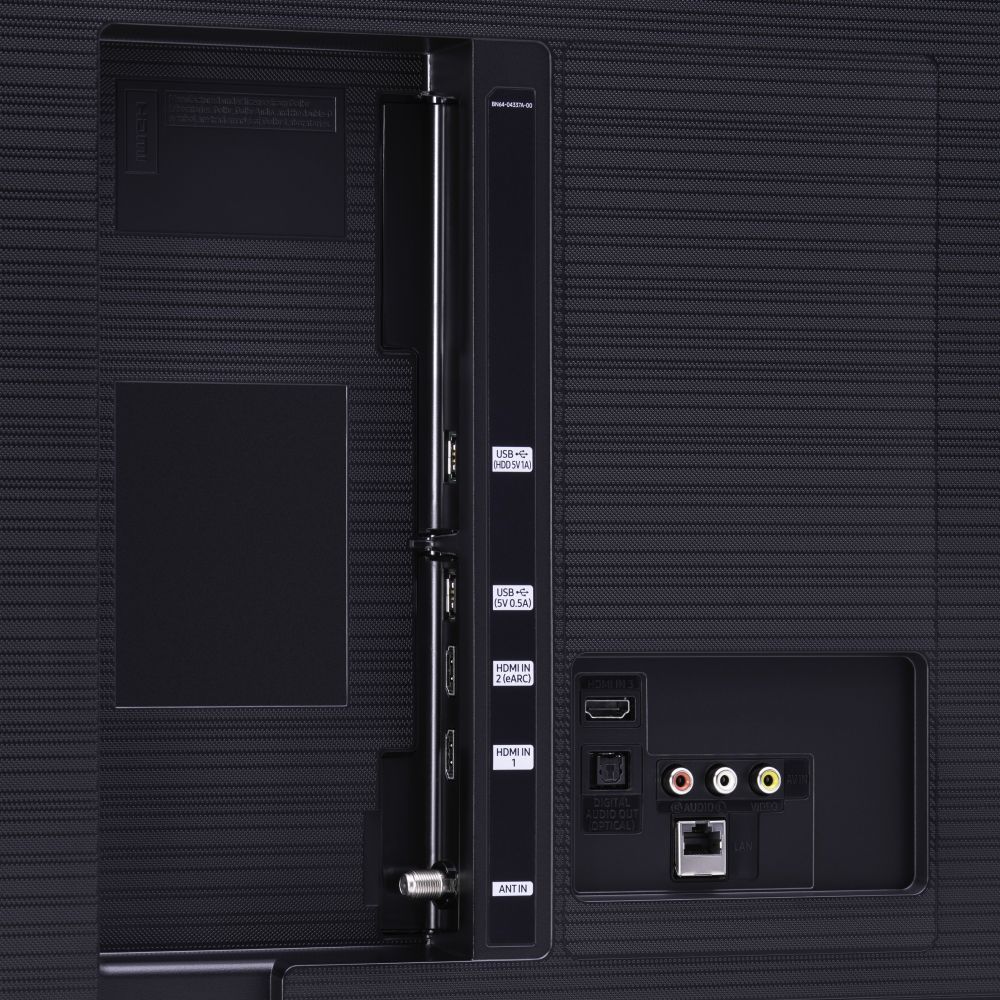
A:AnswerIf you flush mount this TV to the wall and want easy access I suggest you plug in small HDMI extensions. Once this is flush mounted it won't be easy to get to the HDMI jacks. They all point back at the wall, so not easily accessible from the bottom. This is a smart TV so you should be able to transmit to it wirelessly once you complete the setup.
A:AnswerSusan - if there is a film on your TV, you will see a blue tab in the upper left hand corner. Some TVs do come with film protectors, while some may not. ^Cris
A:AnswerMickey, when watching TV on a 75", it is recommended to sit anywhere from 8-12 feet from your TV; however, there is no standard distance to watch your TV, and it will depend on what is most comfortable for the viewer(s)! ^Gina
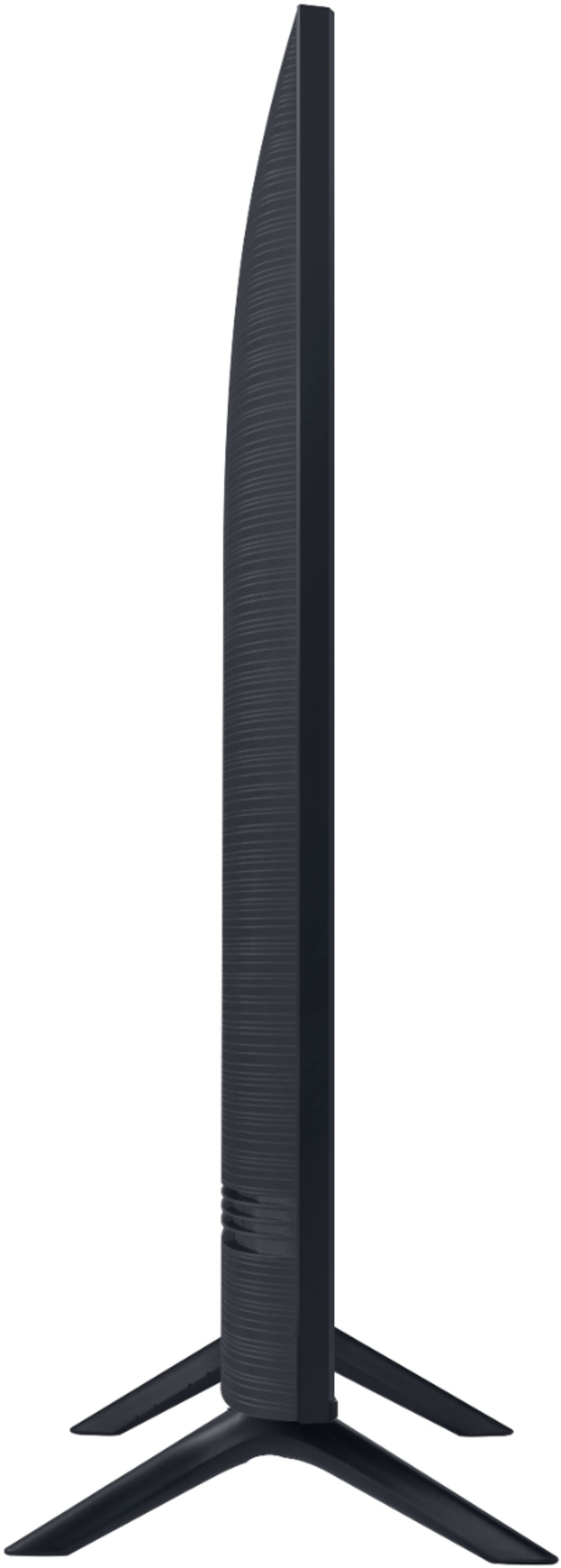
A:AnswerKjh6865 - The 75TU8000 measurements are:
DIMENSIONS (INCHES W x H x D):
• TV WITHOUT STAND: 65.9 x 37.7 x 2.4
• TV WITH STAND: 65.9 x 41.3 x 13.4
• SHIPPING: 72.4 x 44 x 7.8
• STAND FOOTPRINT: 3.1 x 10.9 x 15.4
• SPACE BETWEEN THE FEET/LEGS 65.4 ^Cris
A:AnswerHi Craig - the 75TU8000 has 3 HDMI Connections, eARC is Port 2, 2 USB Connections, LAN Port, 1 Composite Input (AV), 802.11AC built-in Wi-Fi, Bluetooth®, RS232 Control (requires adaptor) 5. and Optical Audio Output Port. Hope this helps. ^Cris
A:AnswerHi TopNotch - the dimensions are
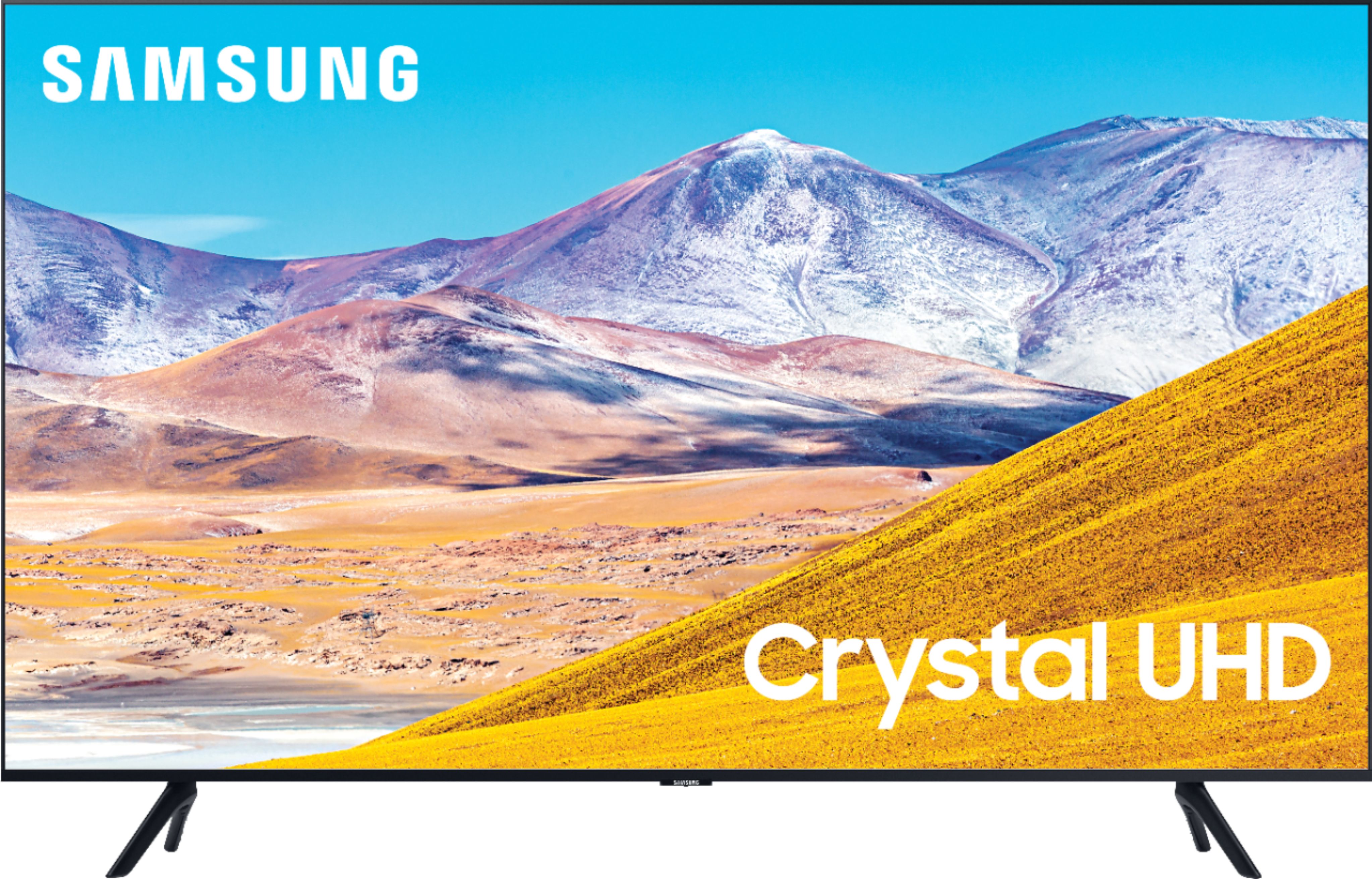
BOX SHIPPING SIZE: 73.3 x 43.9 x 7.8
out of the box:
TV WITHOUT STAND: 65.8 x 37.7 x 1
TV WITH STAND: 65.8 x 41.5 x 12.5
STAND FOOTPRINT: 15.4 x 10.4 x 12.5
enjoy your new TV. ^Cris

A:AnswerHi Sanford, here are the full dimensions of the 75TU8000: DIMENSIONS (INCHES W x H x D):
• TV WITHOUT STAND: 65.9 x 37.7 x 2.4
• TV WITH STAND: 65.9 x 41.3 x 13.4 ^Gina
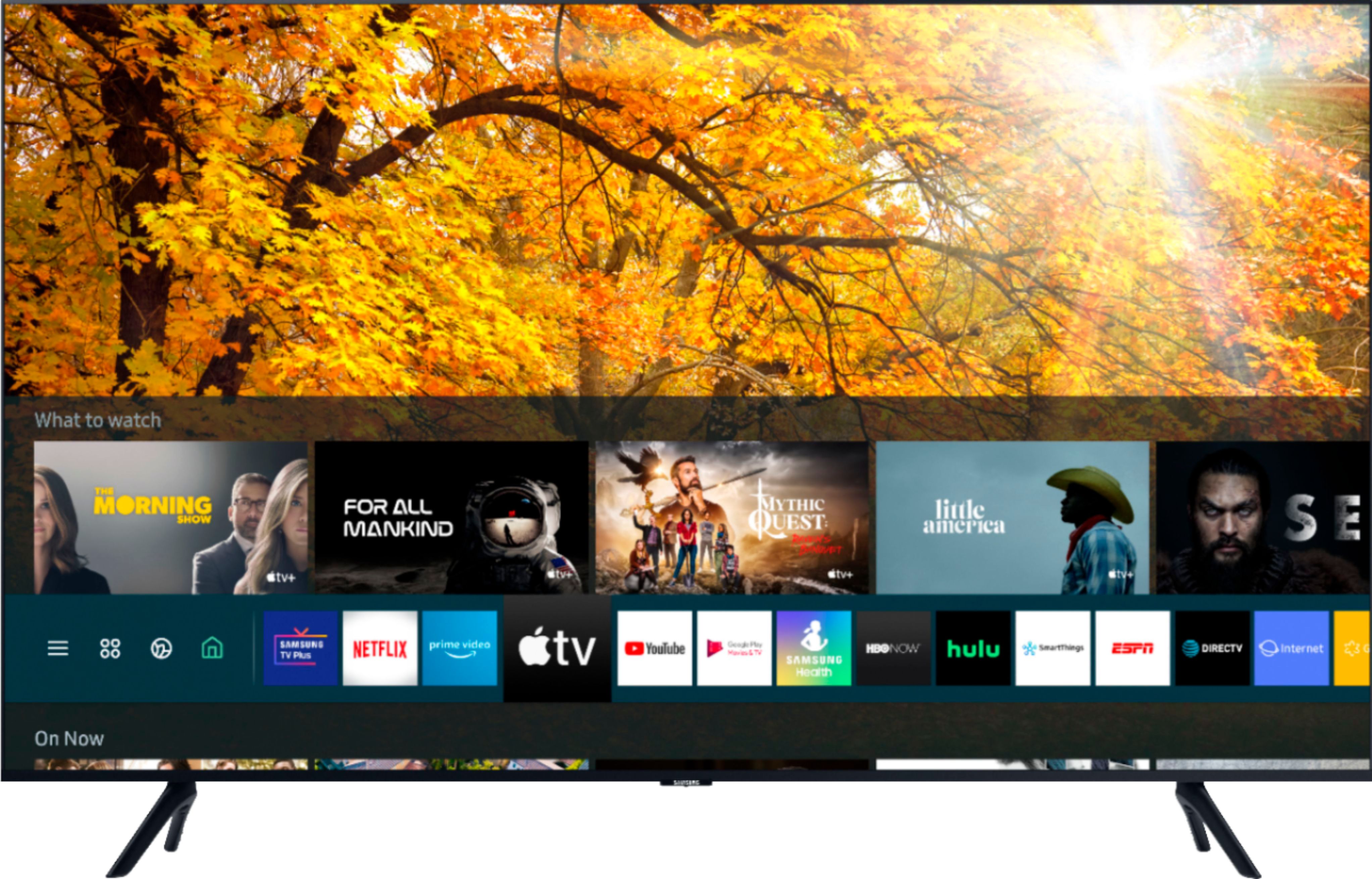
A:AnswerKarissa, when you are activating features on your TV, make sure you are not currently in an app (IE Netflix, etc). Sometimes, functions are disabled when you are in certain apps. Once you have ensured you are not accessing your TV's settings from inside of a running app, press Home on your TU8000 remote. Then go to Settings > Picture > Picture Size Settings. Select which option you would like from there. If you are still having issues, please contact Samsung at 1-800-SAMSUNG. ^Gina