A:AnswerProbably too late for you at this point but just in case, yes. I just changed the one in a similar model. It will actually work in any laptop or desktop that runs windows
A:Answerthe Samsung works just like an old hard drive in your computer , only much faster. The issue with playing games has to do with the speed of the processor in the tablet and speed of the video circuit on the motherboard. Most gaming computers have high powered separate video plug- in cards.
Most tablets can not keep up with the high powered fast frames of the game video scenes Simple games like Mario Bros ,etc. will work.
A:AnswerYes you can - but you will probably sacrifice some speed with the Intel RAID config. The throughput will be faster with only one drive in AHCI mode. I would suggest using a single drive - and just back it up to the second one.
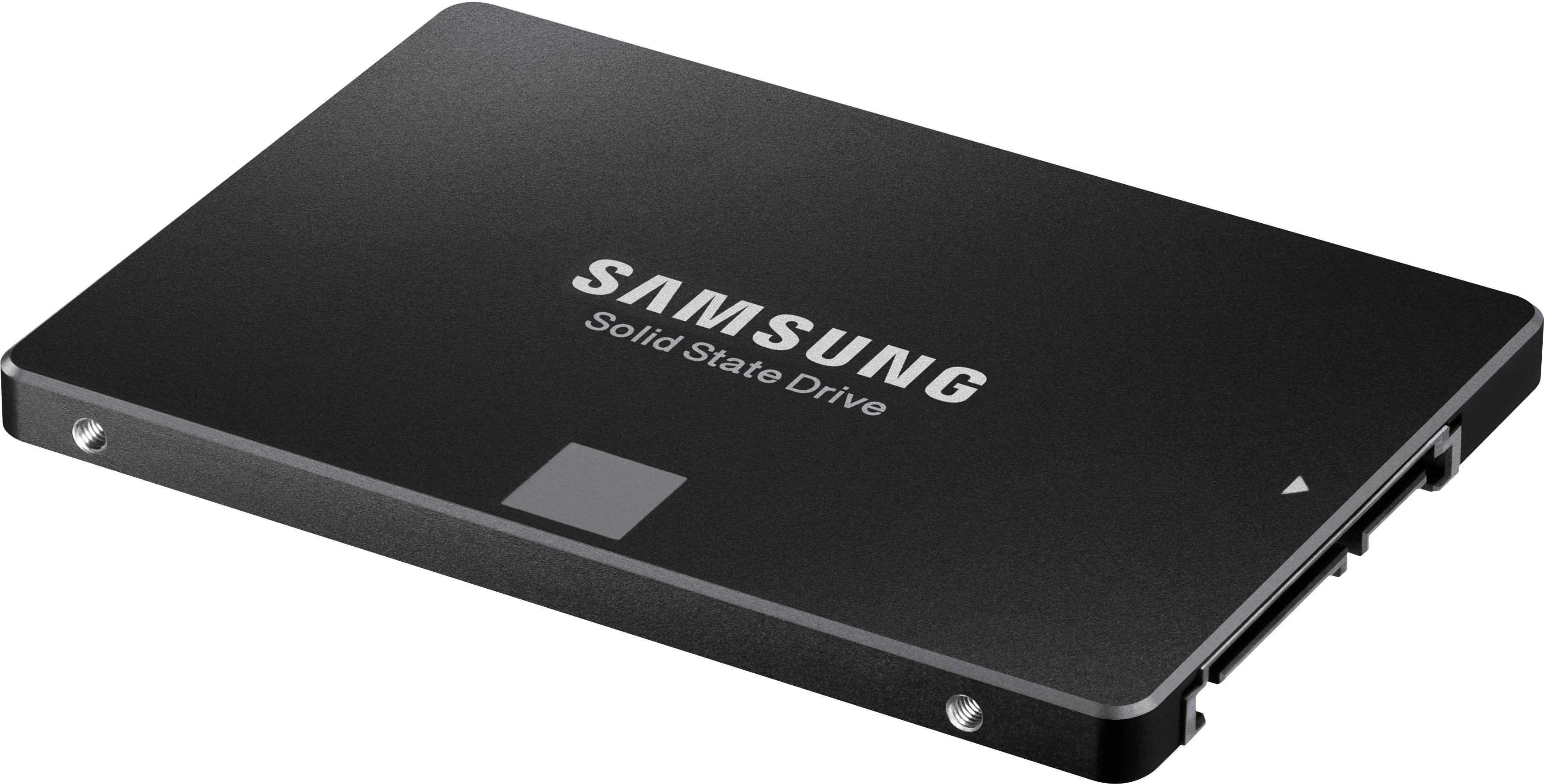
A:AnswerYour power supply cables should already have the power connector to attach. Notice the L notches on the drive connectors, that's how to tell its a SATA connector. You will also need a SATA data cable to connect to motherboard. The L connector is opposite the power connector. There are three speeds of SATA cable, but the latest ones on sell are SATA3 6Gbs.
A:AnswerYou need to check what type of disk your Alienware laptop currently have. Some Alienware laptops have PICe type SSD which means this 2.5 inche SSD won't fit there. You can use this SSD as an external drive by using a "USB to SSD" adapter to connect to any computer.
A:AnswerI recommend that you check the HP web site to see if your model supports a 2.5 inch hard drive. If it does this SSD will fit just fine. I have replaced the hard drive in two HP laptops and not had any issue. The speed difference is truly amazing! I also recommend you search for videos on how to replace the hard drive in your model. These videos will show you how to remove the laptop cover and how to replace the hard drive. Note that when you remove the existing drive you will need to remove the existing mounting hardware and re-use it to mount the new SSD drive.