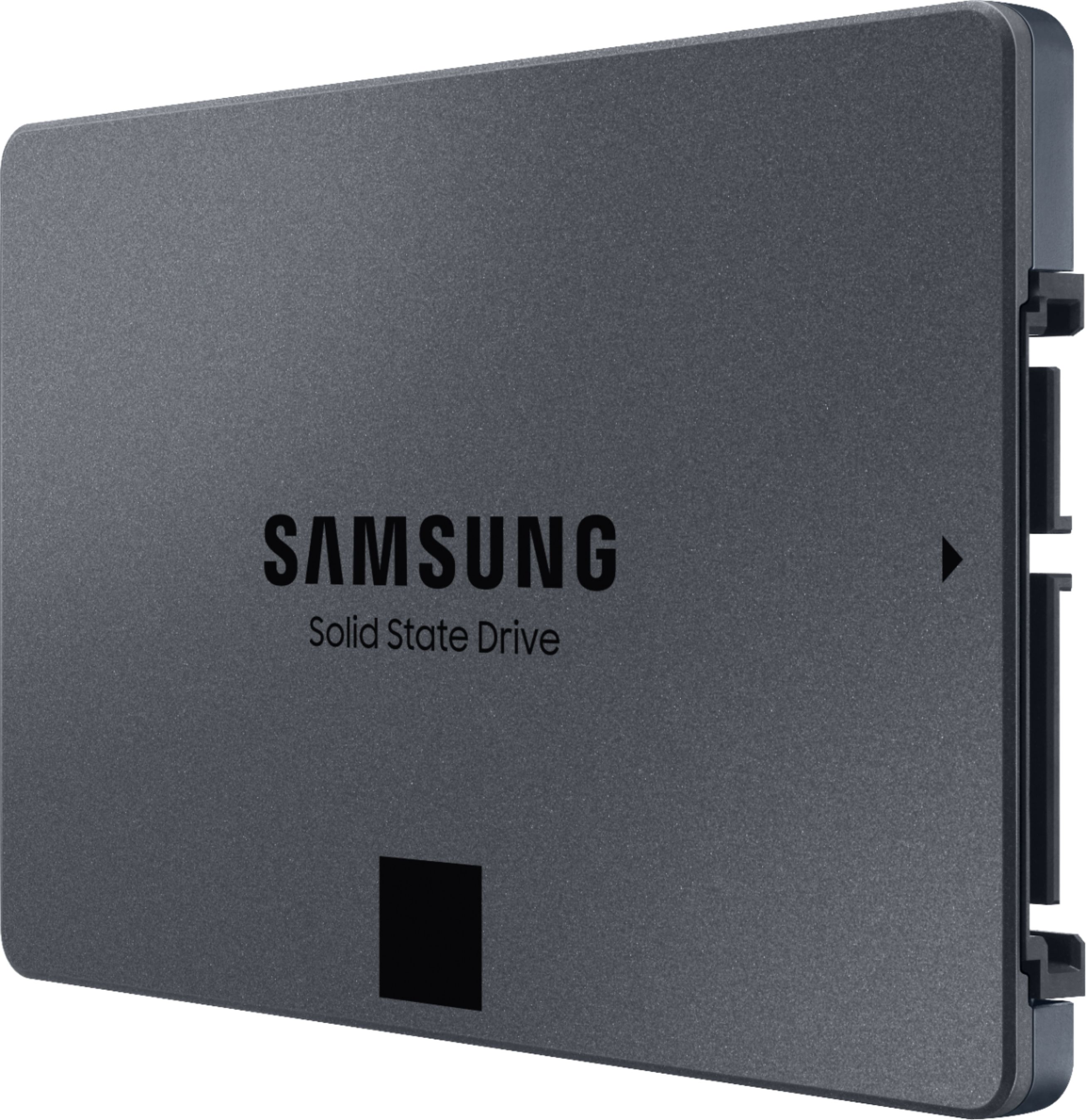
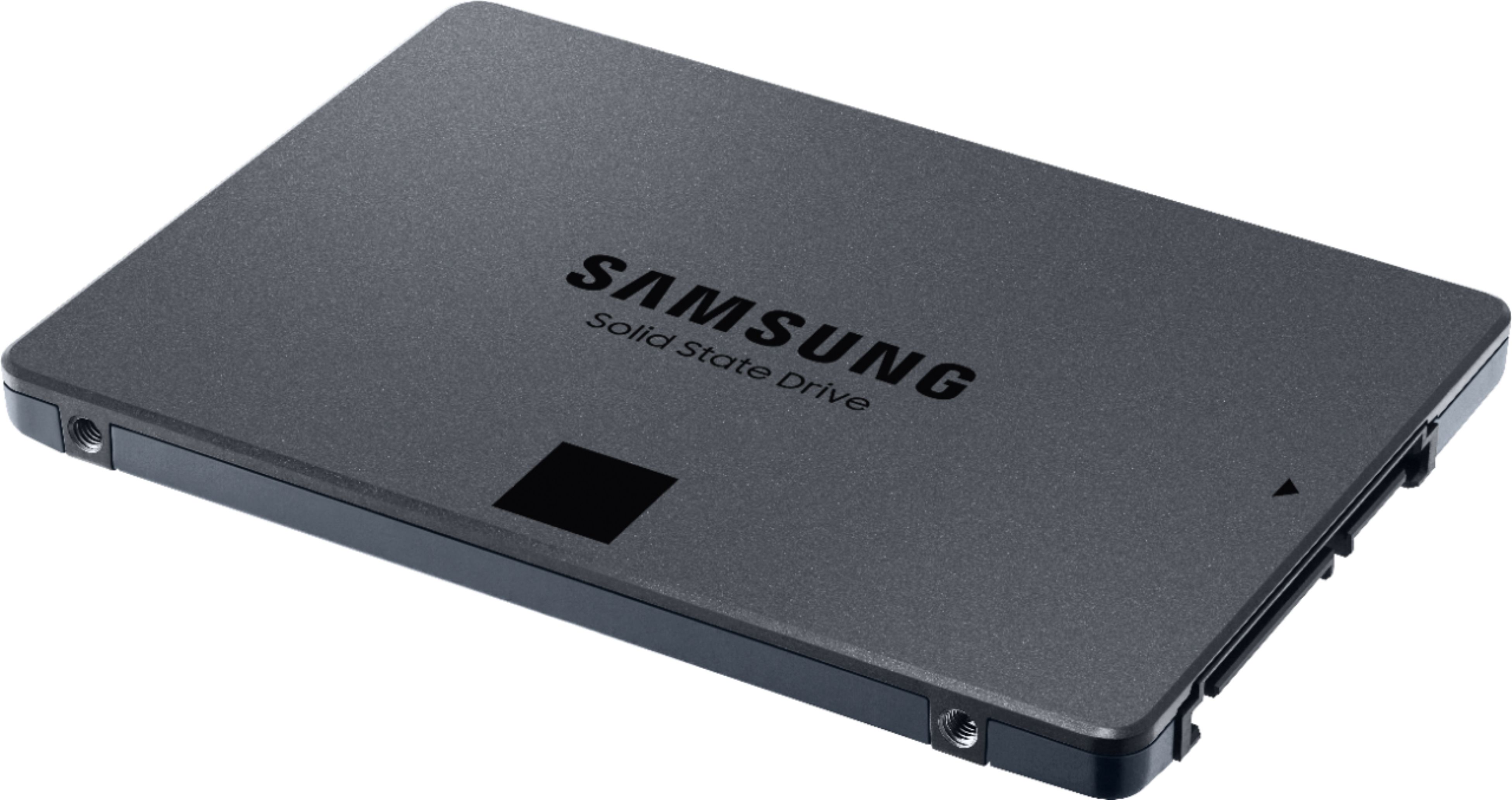
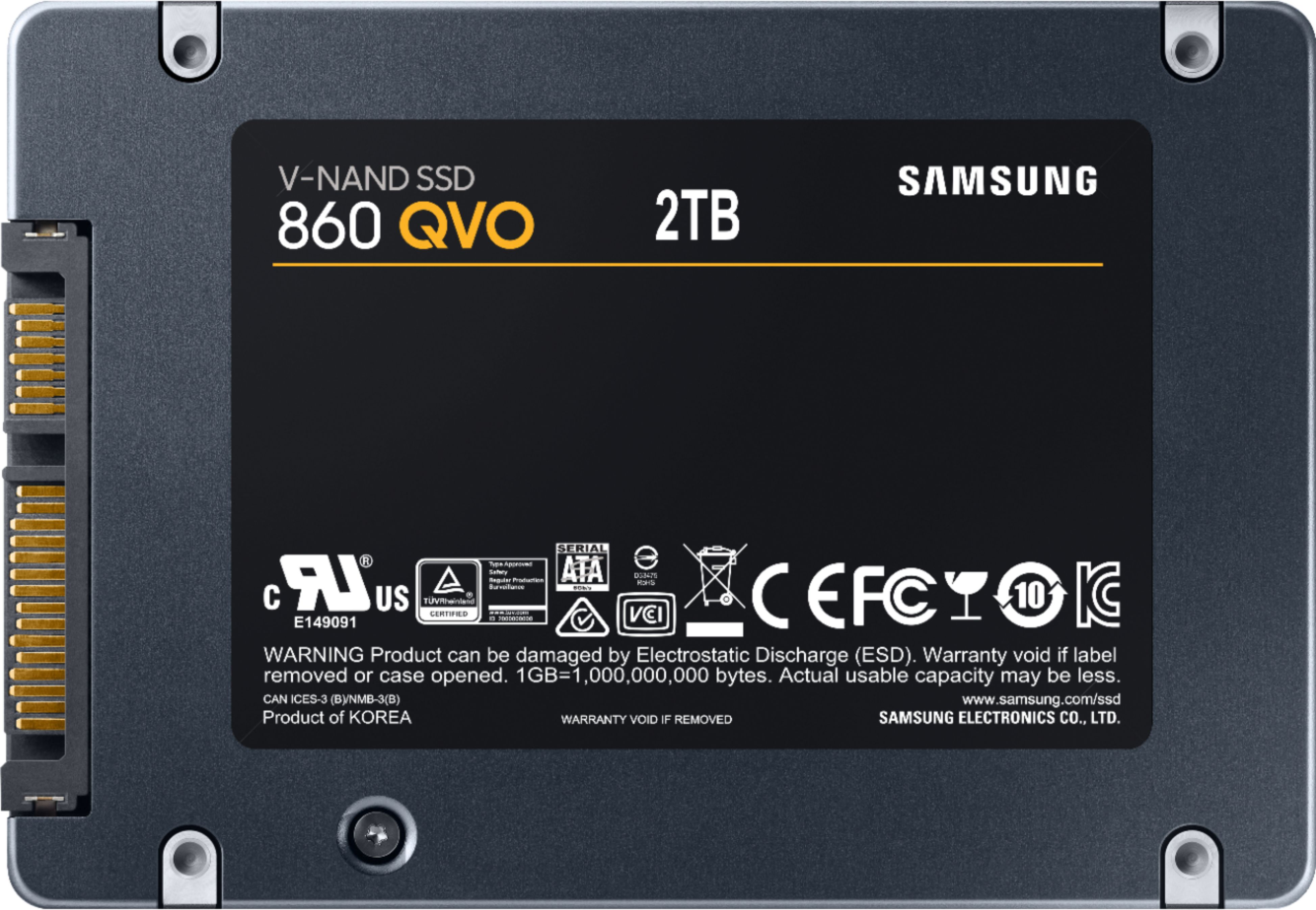
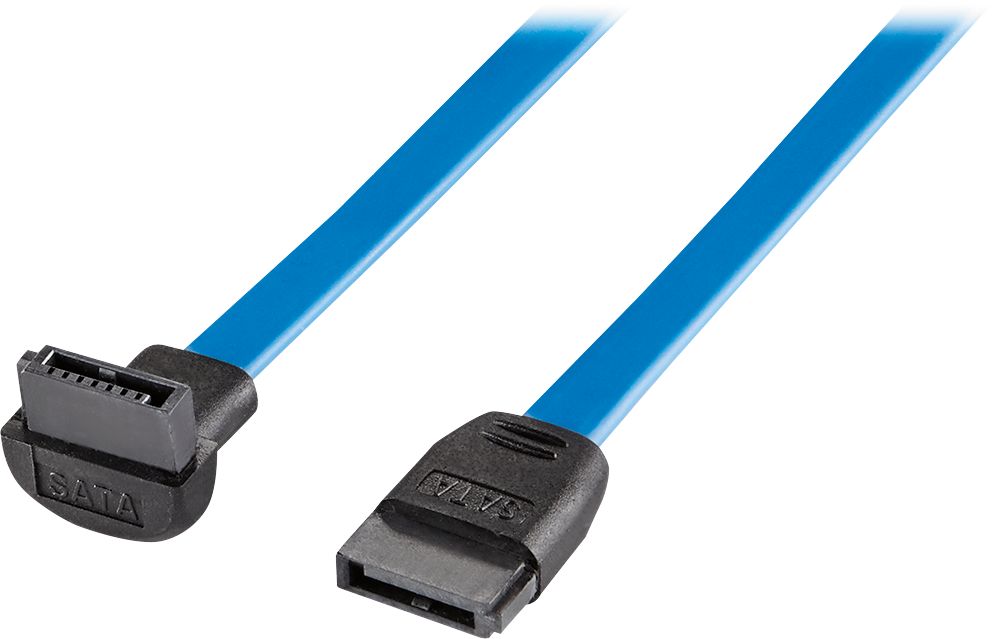
A:AnswerYes! To hook it up to your PC, you need a source of power and a Serial ATA cable. You should have a source of power already if you look at the cable that is connected to your hard drive from your power supply. The Serial ATA cable connects from the SSD to an available port on your motherboard
A:AnswerNot familiar with a Dell G7 but if it has multiple drive bays then they can be mounted directly into the drive bay with 4 small screws and as long as hole line up. Also, the SSD drive can fit into a 3.5" drive bay adapter and mounted that way into a drive bay for a 3.5" drive.
A:AnswerIt should work fine with an old AMD chipset like that but you won't get full read speed out of it. It will be limited in speed by the SATA controller.
A:AnswerDepending on how you want to use it!
If your cloning the Drive yes you can use it or even for new install on a MacBook Pro!
Now if You plan on using it as a Virtual Machine than you will Have to format it under windows as exFAT32 or exFat file system so readable in your Pro!
I currently purchased 2 of these when Amazon had the for 169 BestBuy Price matched them and one I use as VM Mac on my Windows PC and the other i cloned with my Mac Book Pro!
A:AnswerNot sure of your specific system, but SATA is SATA. I just installed it on my HP All-in-One system. It plugged in just fine and is super fast. The drive might be capable of a little faster transfer speed, but your system will determine the transfer speed it uses. It should work just fine as long as you have the proper SATA cable.
A:AnswerYou should be able to use this in your Asus. If your laptop has 2 drive bays you can make the Samsung your main drive and most definitely use the existing hard drive as additional storage. Definitely use the Samsung as your boot drive.