A:AnswerPlease use you Dell "Rapid Spec Code" located on your units service tag at www.dell.com to check SATA compatibility.
This is a great SATA choice if compatible.
Thanks for asking.
A:AnswerYes it will, and will speed up your laptop. There is a video on youtube showing how to replace the drive, and other videos on how to clone the hard drive to the ssd with a usb adapter. https://youtu.be/q4MmcBJy3xc?si=LFL-uwGhfTDOUbum
A:AnswerThis ssd drive uses the same sata connector as a hard drive. You will either need to buy a usb adapter to clone the hard drive to the ssd, or make a windows usb installer drive to install a new program of windows on the ssd drive. Tons of how to videos out there.
A:AnswerThis ssd drive uses the same sata connector as a hard drive. You will either need to buy a usb adapter to clone the hard drive to the ssd, or make a windows usb installer drive to install a new program of windows on the ssd drive. Tons of how to videos out there.
A:AnswerPlease use your Dell's Rapid Spec Code (located on your service tag) to check compatibility.
This is a great SATA drive if that is specified by Dell for your unit.
A:Answerthe days of using cables to install hard drives are long gone. however you may need to buy a PC manufactured in this century in order to use this product.
A:AnswerThis ssd drive uses the same sata connector as a hard drive. You will either need to buy a usb adapter to clone the hard drive to the ssd, or make a windows usb installer drive to install a new program of windows on the ssd drive. Tons of how to videos out there.
A:AnswerInternal SSD's are typically for desktops only as laptops have specialized SSD's made to be smaller. You can find an external SSD and plug that into your laptop
A:Answercujo0638:
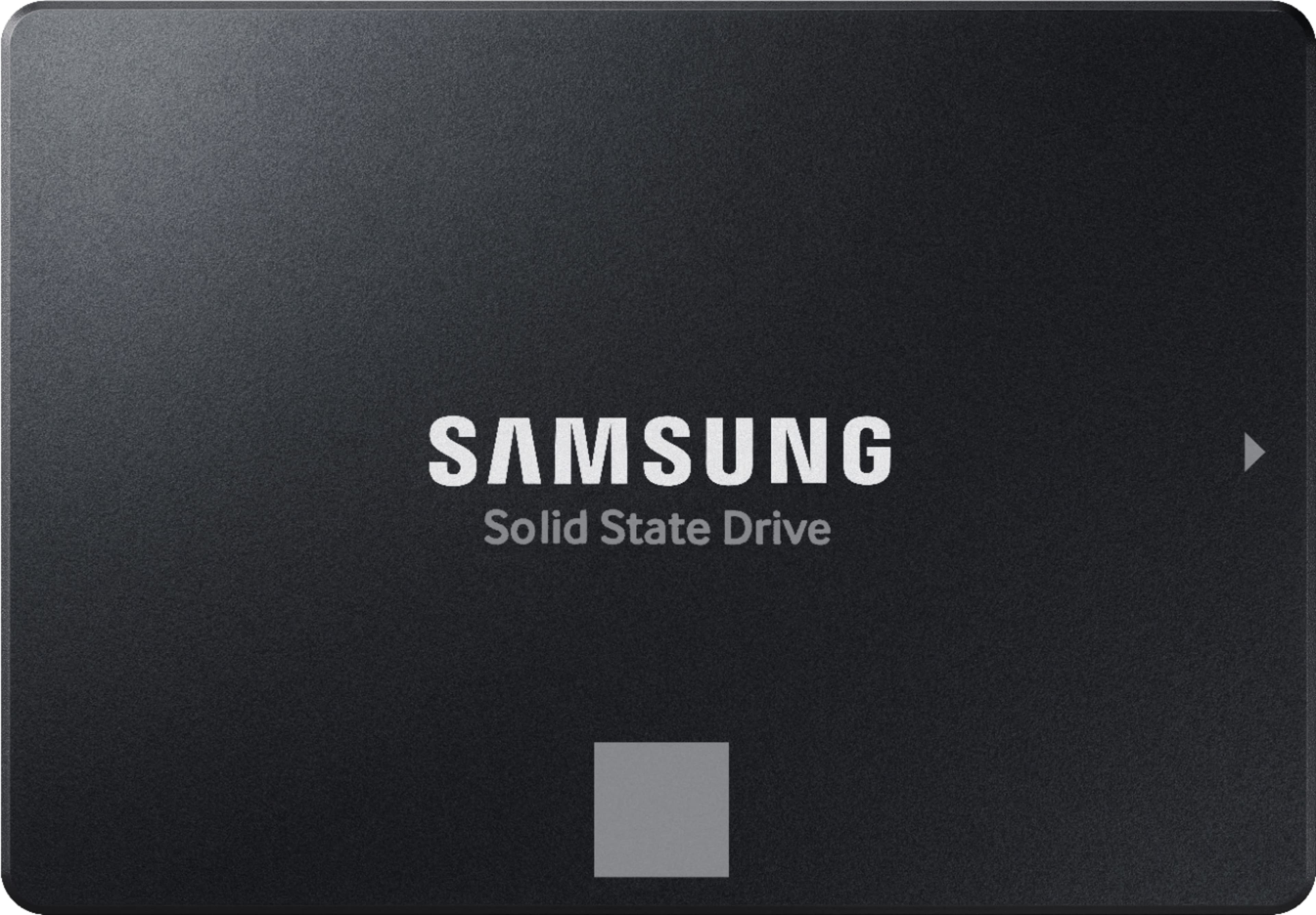
No, an Xbox One S is not compatible with a SATA Drive such as the 870 EVO, however it is compatible with external USB SSDs like the Samsung T7, T7 Touch or T7 Shield.
- Samsung Memory
 Product of KOREA WARRANTY VOID IF REMOVED SAMSUNG ELECTRONICS CO., LTD.](https://pisces.bbystatic.com/image2/BestBuy_US/images/products/6447/6447127cv14d.jpg)