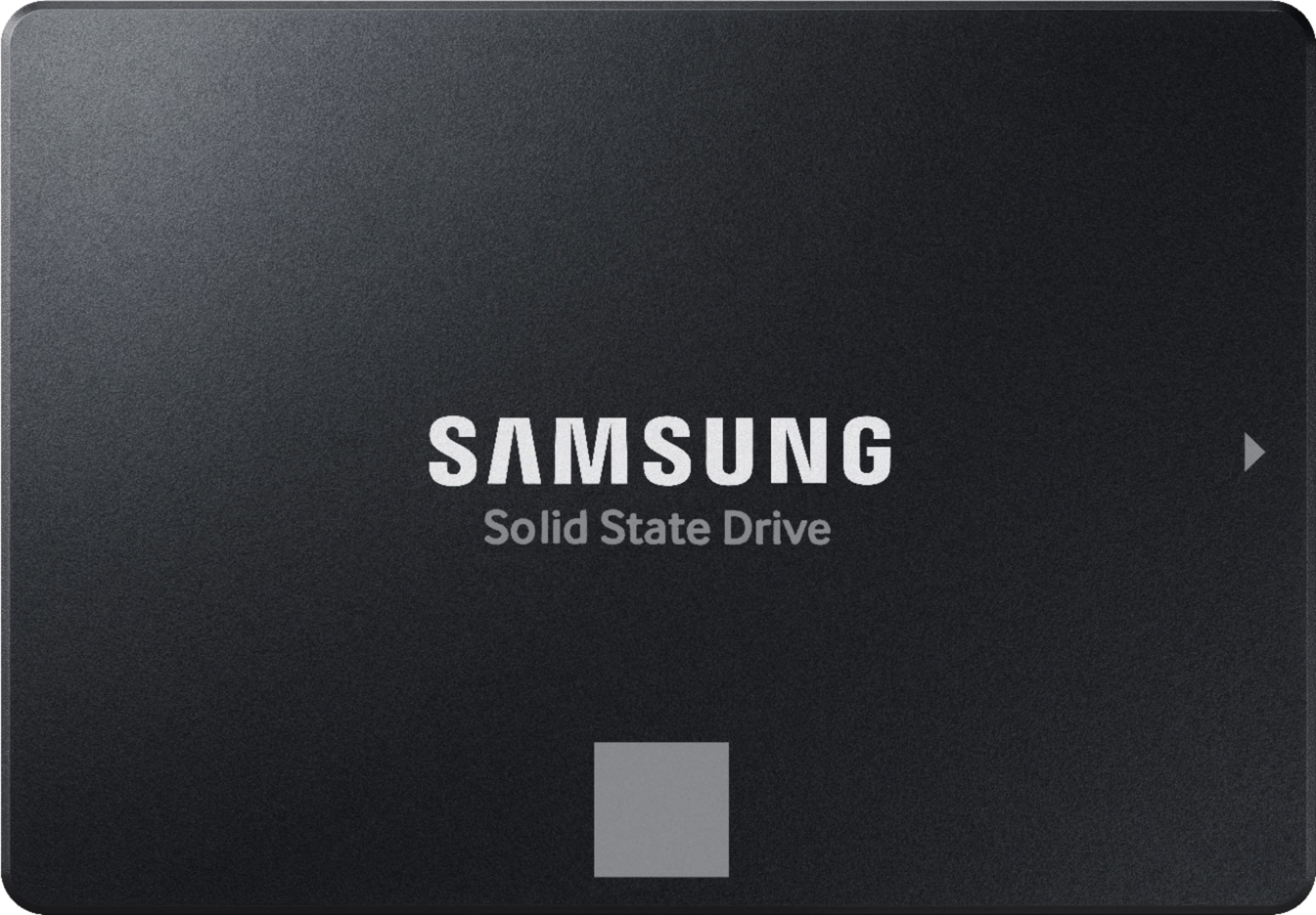
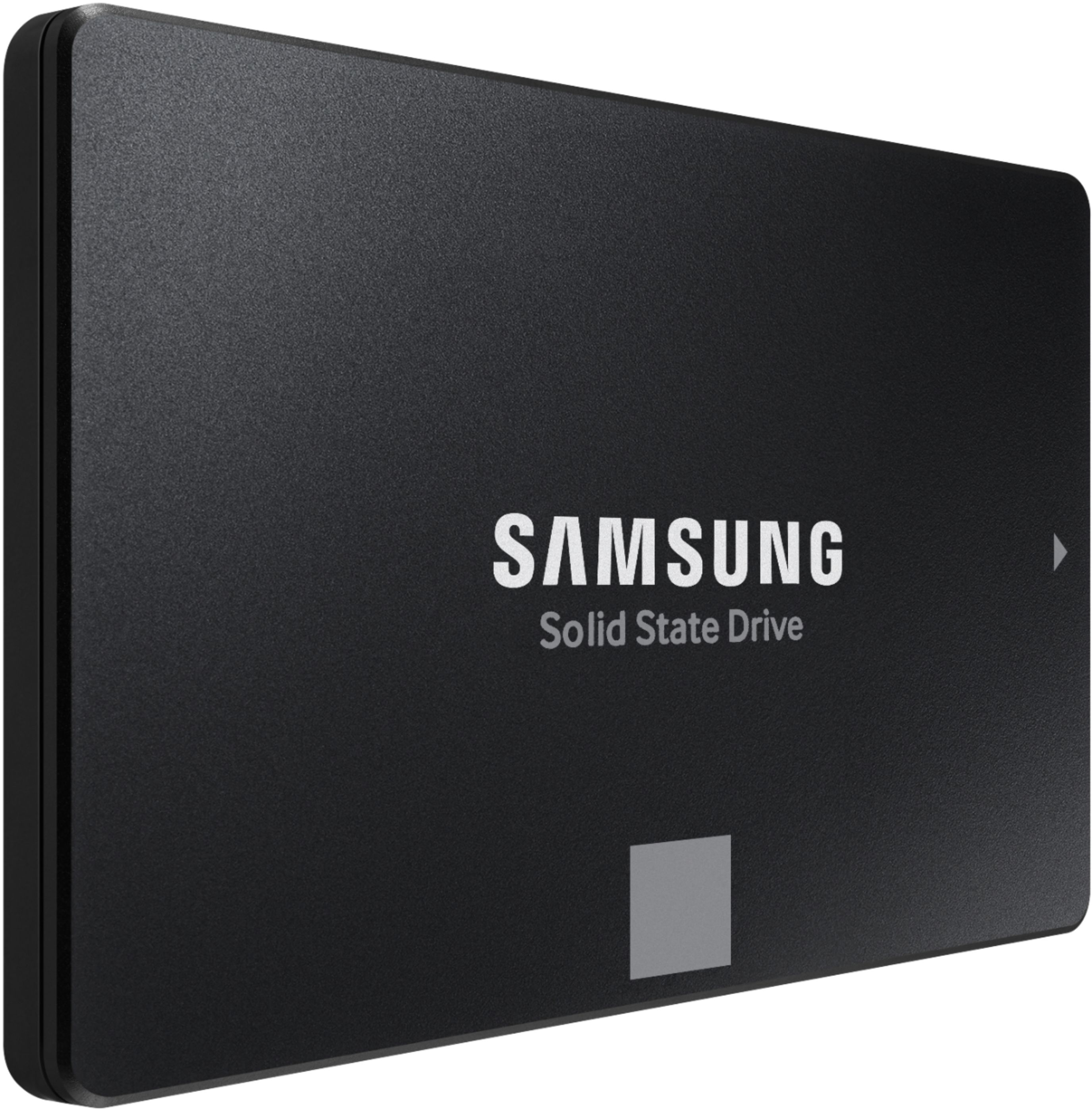
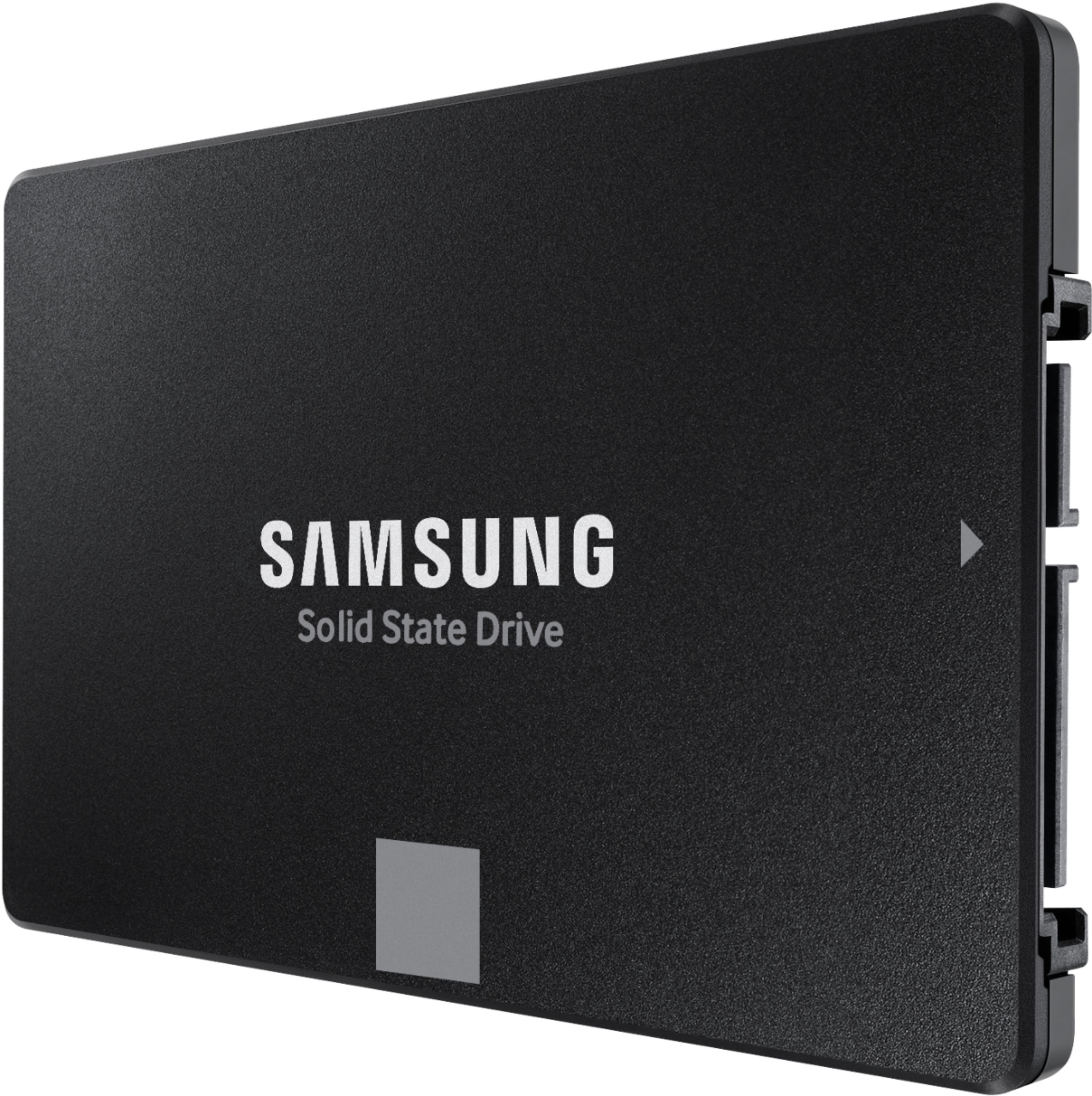
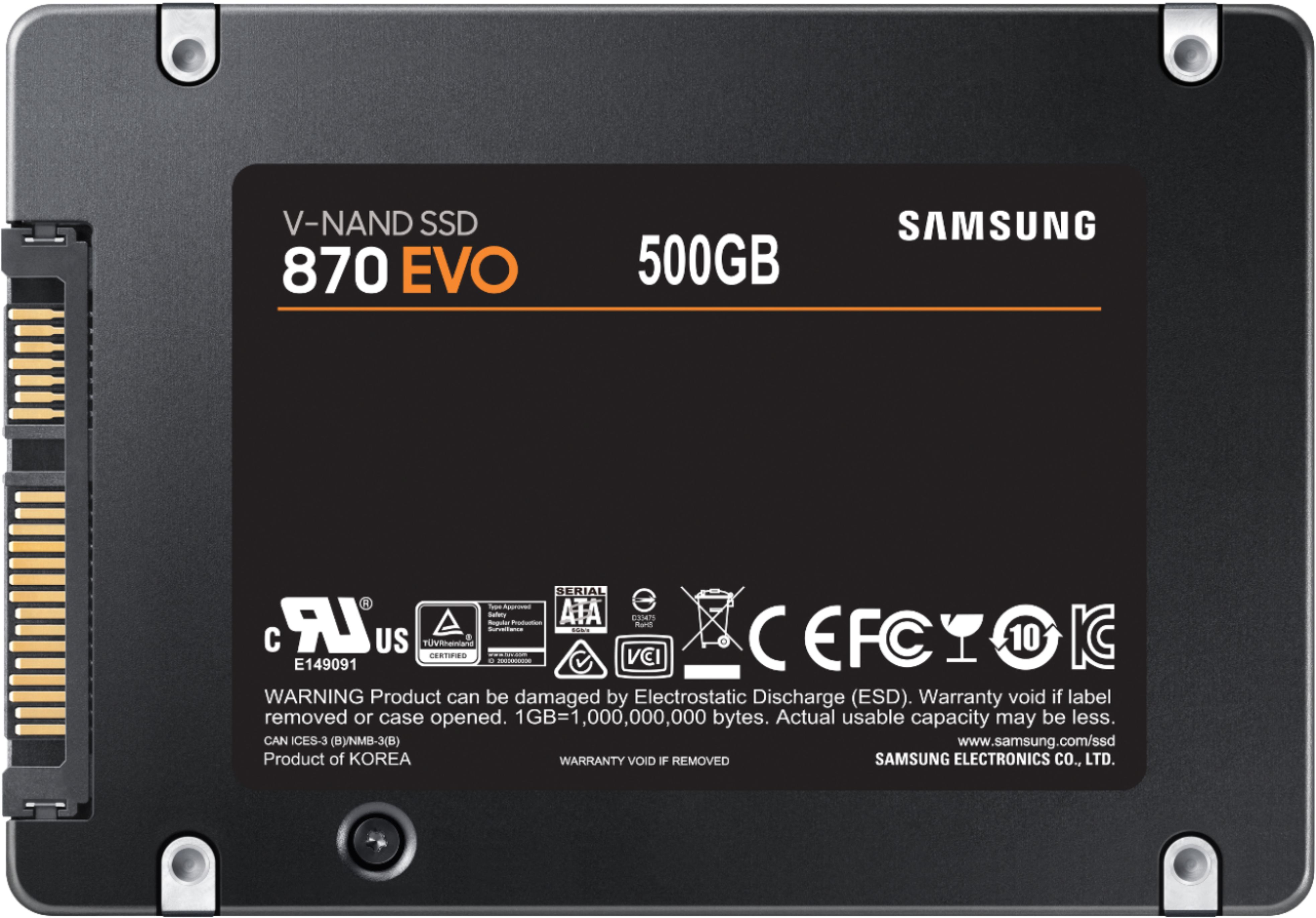
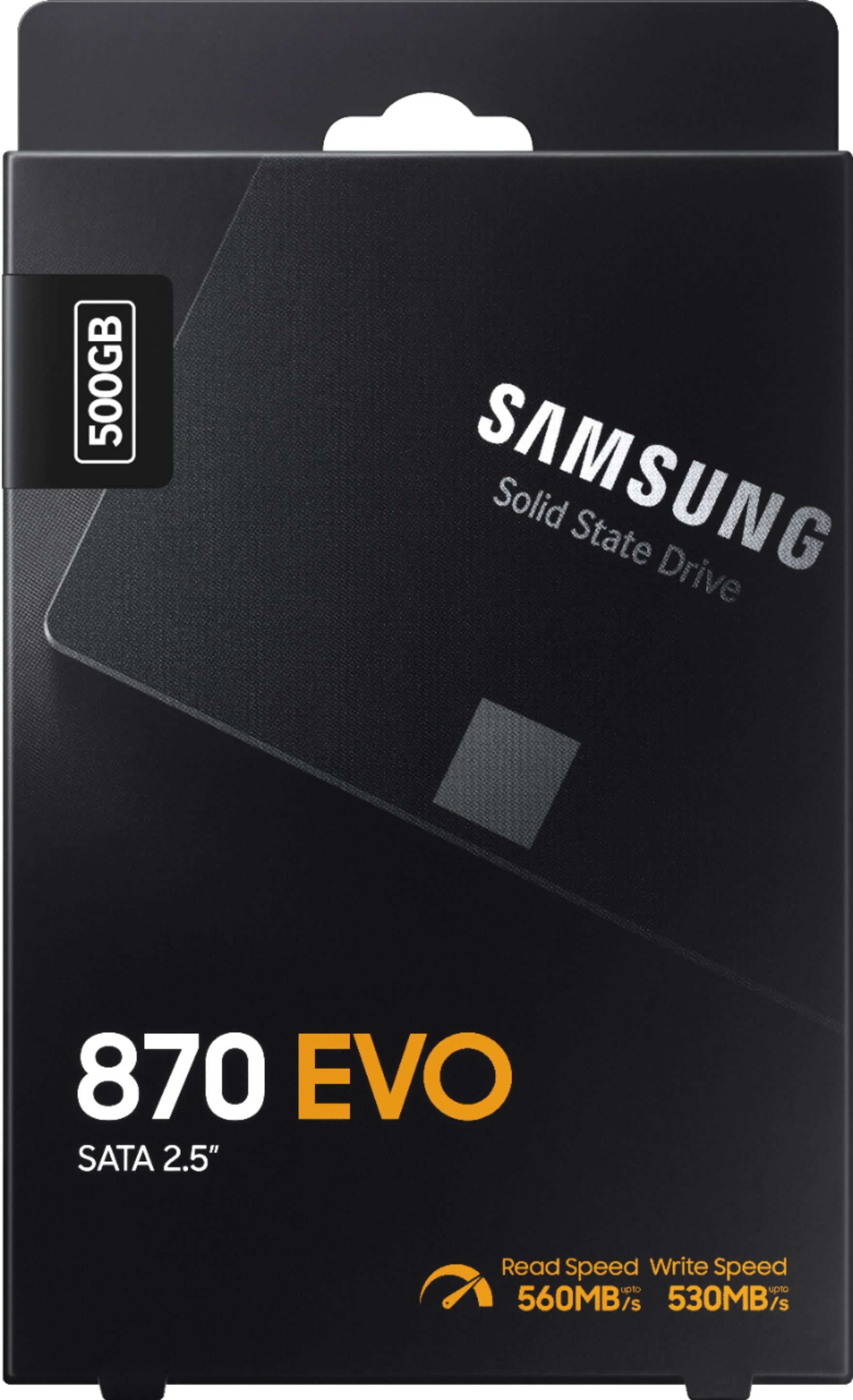
A:AnswerOf course you can put the Samsung SSD in any desktop. Installation is easy. Wouldn't know Geek Squad's charge, but if you simply open your machine, installation is a breeze.
A:AnswerYes. You might need to get a conversion bracket to physically install with. Easy to find and doesn't cost much. Just search for an HDD to SSD conversion mount. Works like a charm.
A:AnswerYes , you can use this drive for your laptop and you dont need any cabe for it , its fit in to the same bay as your orginal mecanical 2.5" hard drive.
This Samsung model is good for your ideapad 320 15IAP
A:AnswerIf your SSD 126GB drive was the standard 2.5" SATA footprint, and not NVMe, this one will drop right in. I've been an IT professional for 20 years, and won't use anything but Samsung SSDs, as I have found them to be very reliable.
A:AnswerAcronis is the software I use to clone when I purchase my PNY SSD hard drive. I have been using it since.
This and maybe all Samsung EVO SSD do not come with cloning software. You will have to look other name brand SSD or purchase one.
The free one came with PNY SSD works with many different system and SSD, I have cloned. I only paid $20 for PNY 120Gb SSD. If you factor out the software. I almost got a free SSD.
The clone software does help you auto shrink from 1Tb to 512Gb. I have done 1Tb to 120Gb and no issue with many different cloning software include free one (clonezilla). The only issue is if you have over 6 partitions and some cloning software may not be able to clone it for you.
If you think 1Tb is to large to shrink down to 500Gb. You can resize in Windows diskmgr first. for example to shrink down to 300Gb and keep other 700Gb as raw no partitioned. It will just clone the 300Gb and make it full 500Gb on samsung SSD. You will not loose any storage.
A:AnswerIt uses Sata connector and your HP should have many Sata connectors. It does not come with sata cable and screws.
Your HP system may have M2 slot. Maybe you should look into that. It offers much fast data transfer speed, than sata SSD.