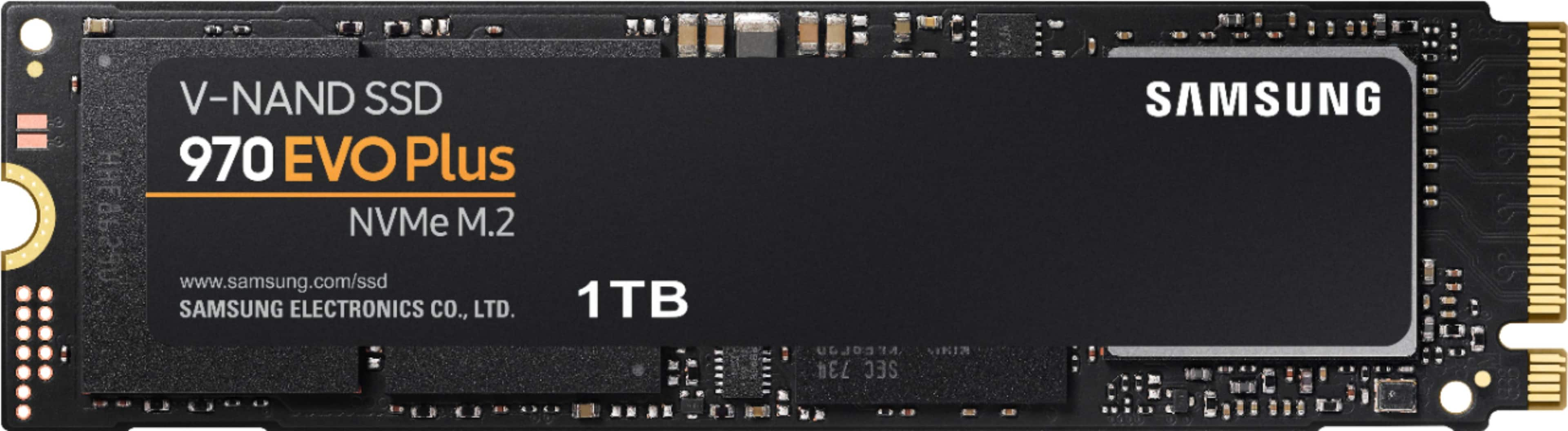
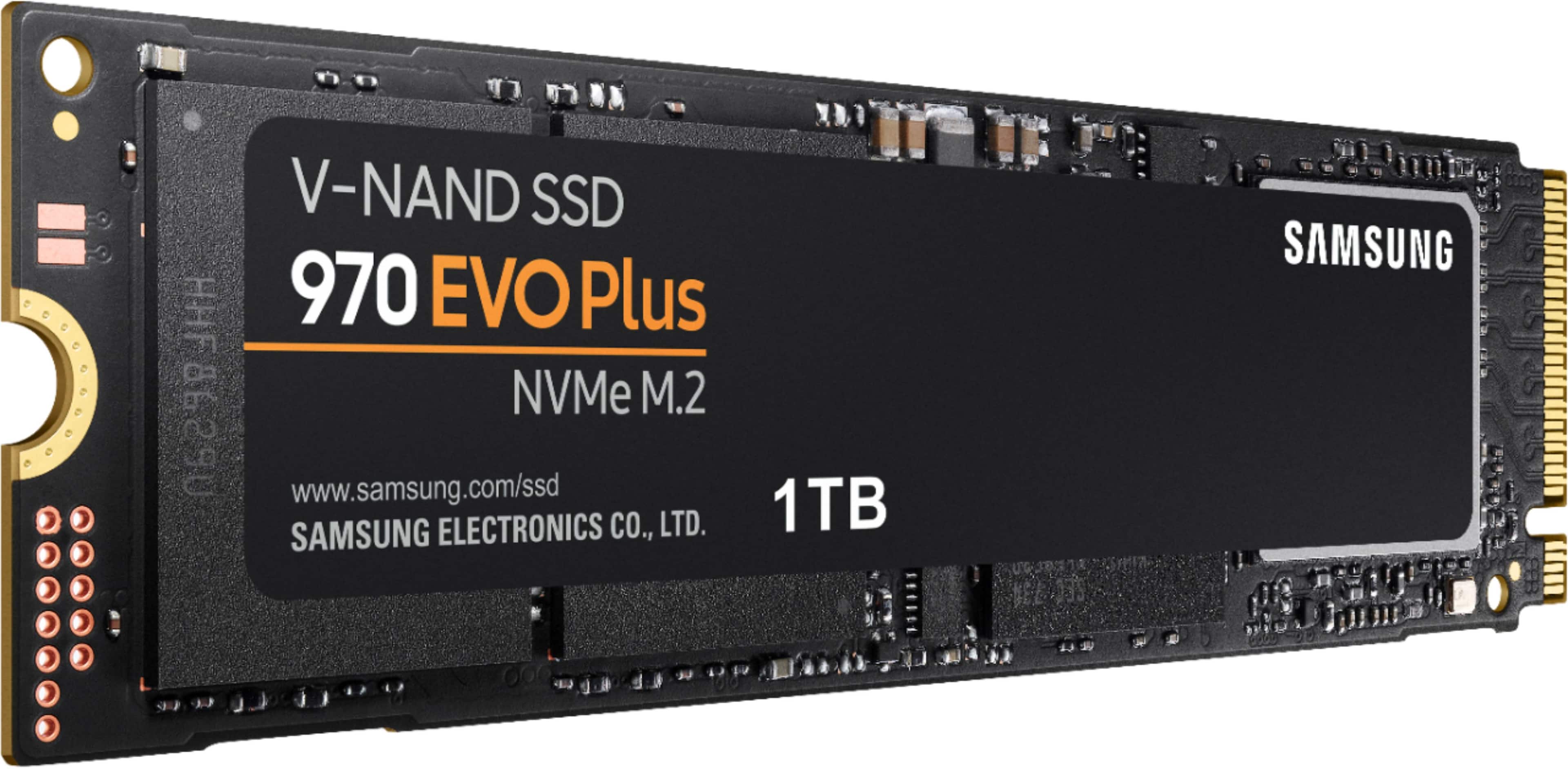
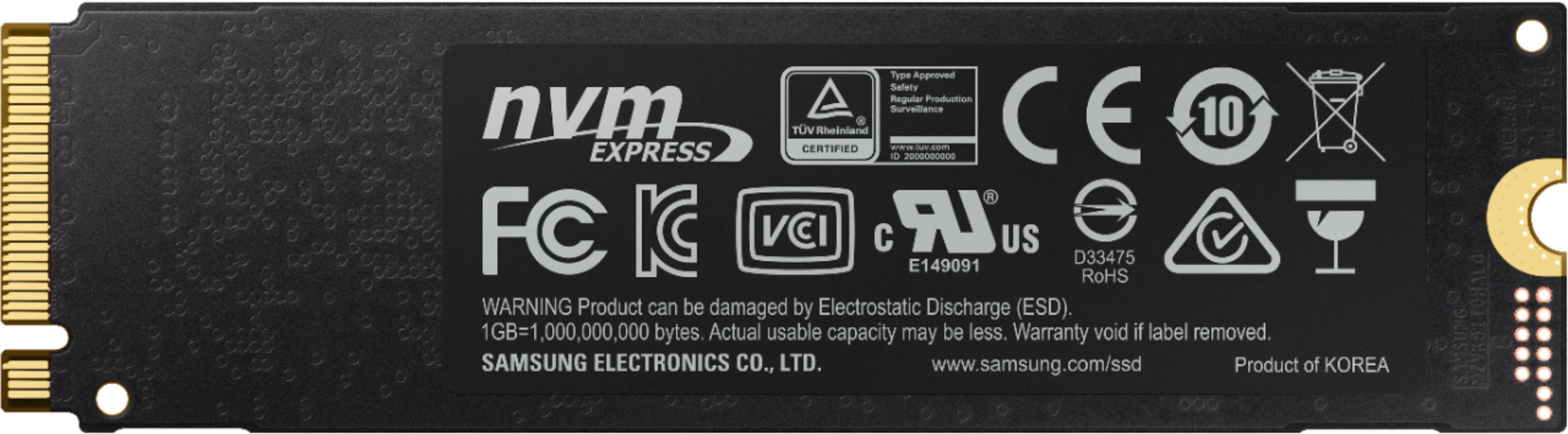
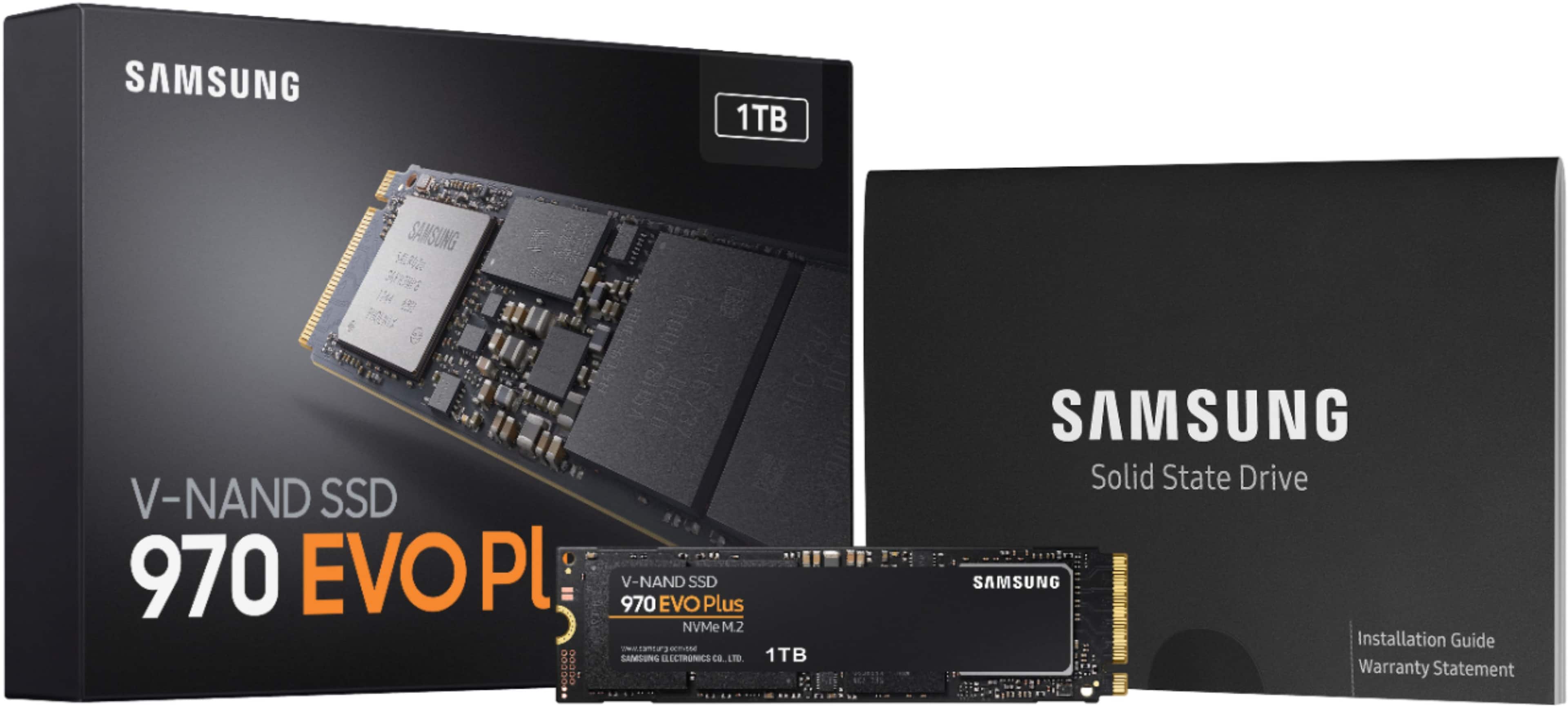
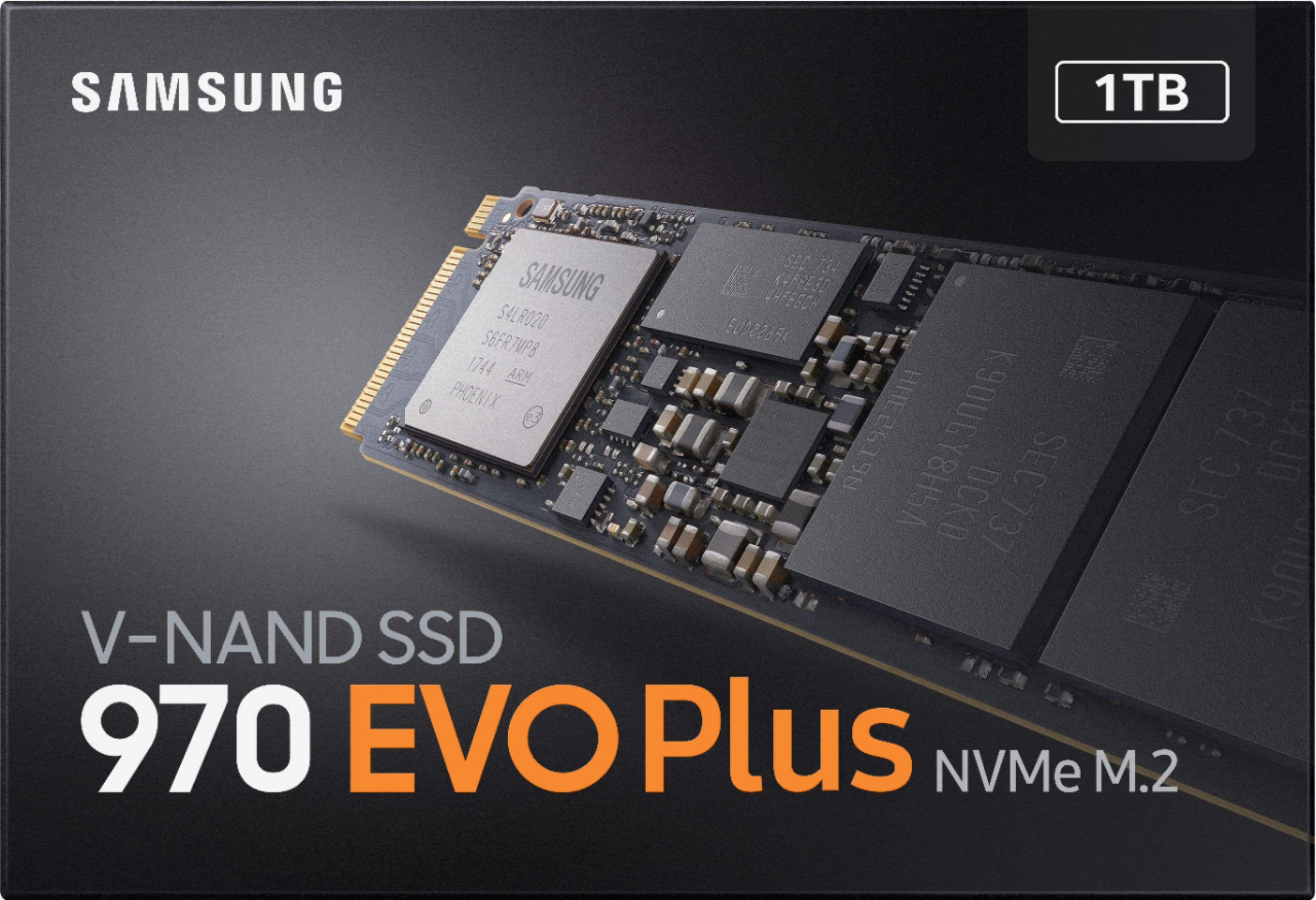
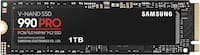
A:Answer Yes, it will. I've got that exact item (the 970 EVO+ 1TB NVMe M.2 SSD) installed as the boot drive in the OMEN 15 (2018) dc-0010nr.
It works, and installation was nearly painless.
Do yourself a favor and buy an external NVMe enclosure with a USB3.1 interface. Drop the 970EVO+ into that, install Macrium Reflect Free on your PC, and clone your existing drive to the new drive while increasing the size of the bootable OS partition to whatever larger size you'll need (I set it to the maximum of 937GB while keeping the other three partitions from the original drive intact on the new one.
Samsung Magician, included with the drive, is a furiously burning dumpster fire. Avoid it. It can't detect the new drive when it's installed in an external USB enclosure, and (of course) there's no second M.2 slot in the laptop to install the new drive, so Samsung Magician can't identify the new drive and can't clone your original drive to the 970EVO+. Macrium Reflect Free, on the other hand, is drive-agnostic. It just sees the storage and works with it regardless of its vendor or source (M.2 NVMe, SATA, USB3.x)
I kept the original drive in the USB3.1 enclosure, so if something goes horribly wrong I can recover the original data.