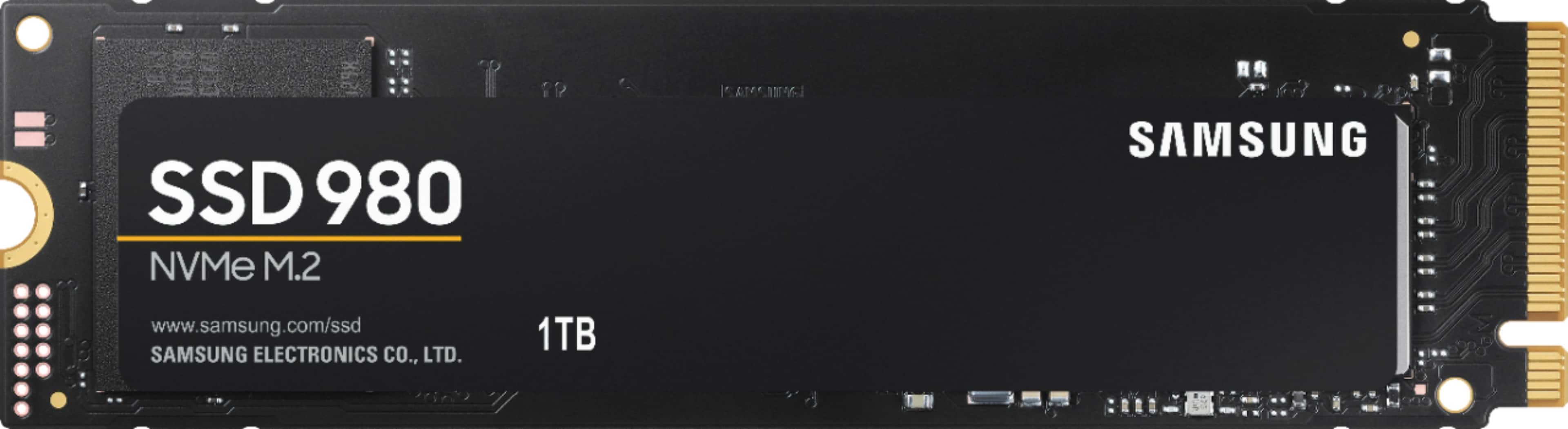
A:AnswerUnfortunately, no screws are included. I don't think any m.2 SSD memories are shipped with screws. Actually, there is only a single screw used to mount them. Your mother board, assuming it has an m.2 connector, may already have one.
A:AnswerIf you are still waiting for an answer, it looks like it should work. It does work in an 8930 and the 8910 appears to have a similar M.2 socket.
A:AnswerYes,
More information
https://www.dell.com/support/manuals/en-us/inspiron-15-3510-laptop/inspiron-3510-service-manual/removing-the-m.2-2230-solid-state-drive?guid=guid-5e719cb1-8eab-476c-8a57-d4ba54001b8e&lang=en-us
A:AnswerNo, based on the specs https://support.hp.com/us-en/document/c07071716.
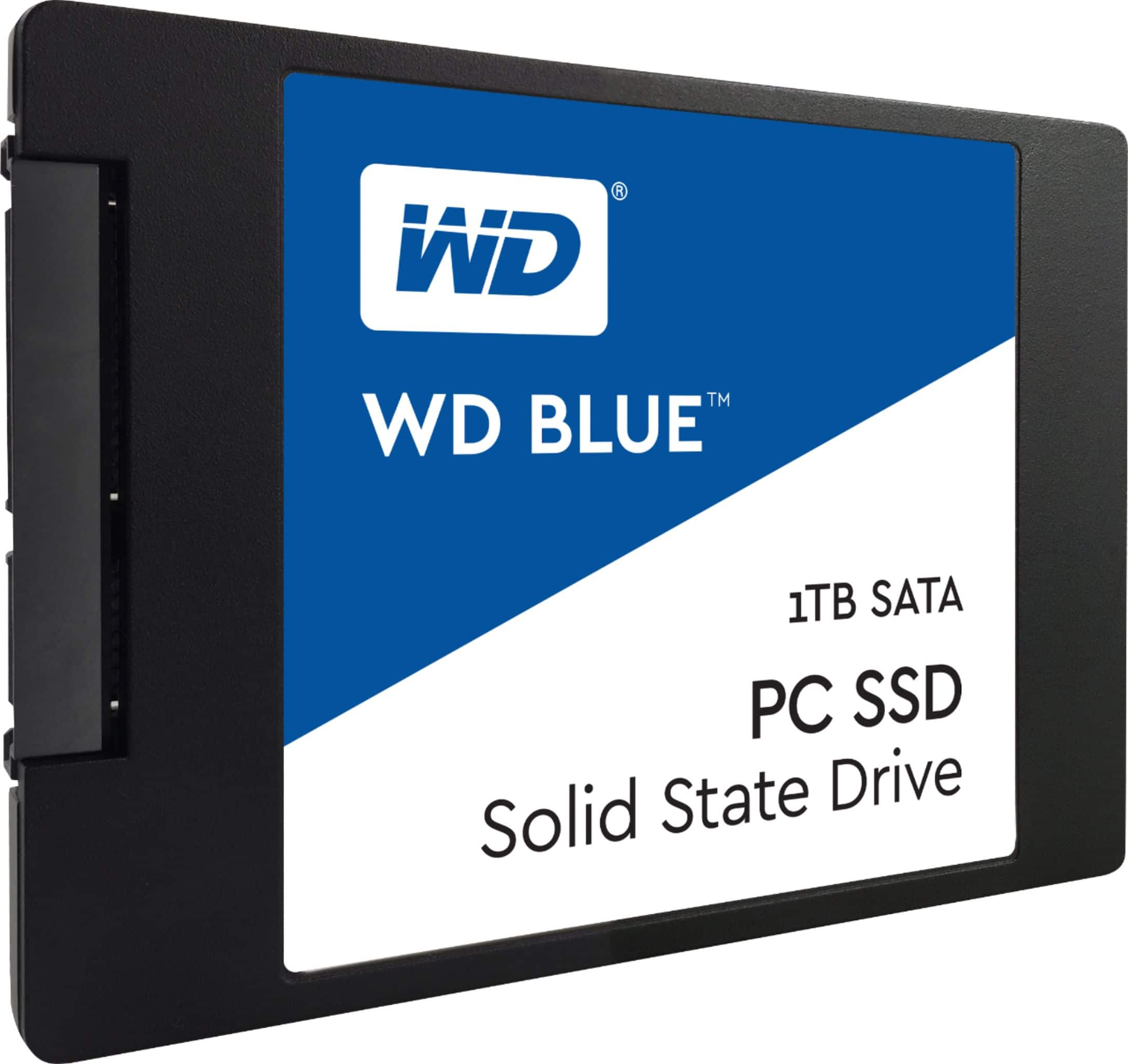
1 TB 5400 rpm SATA HDD.
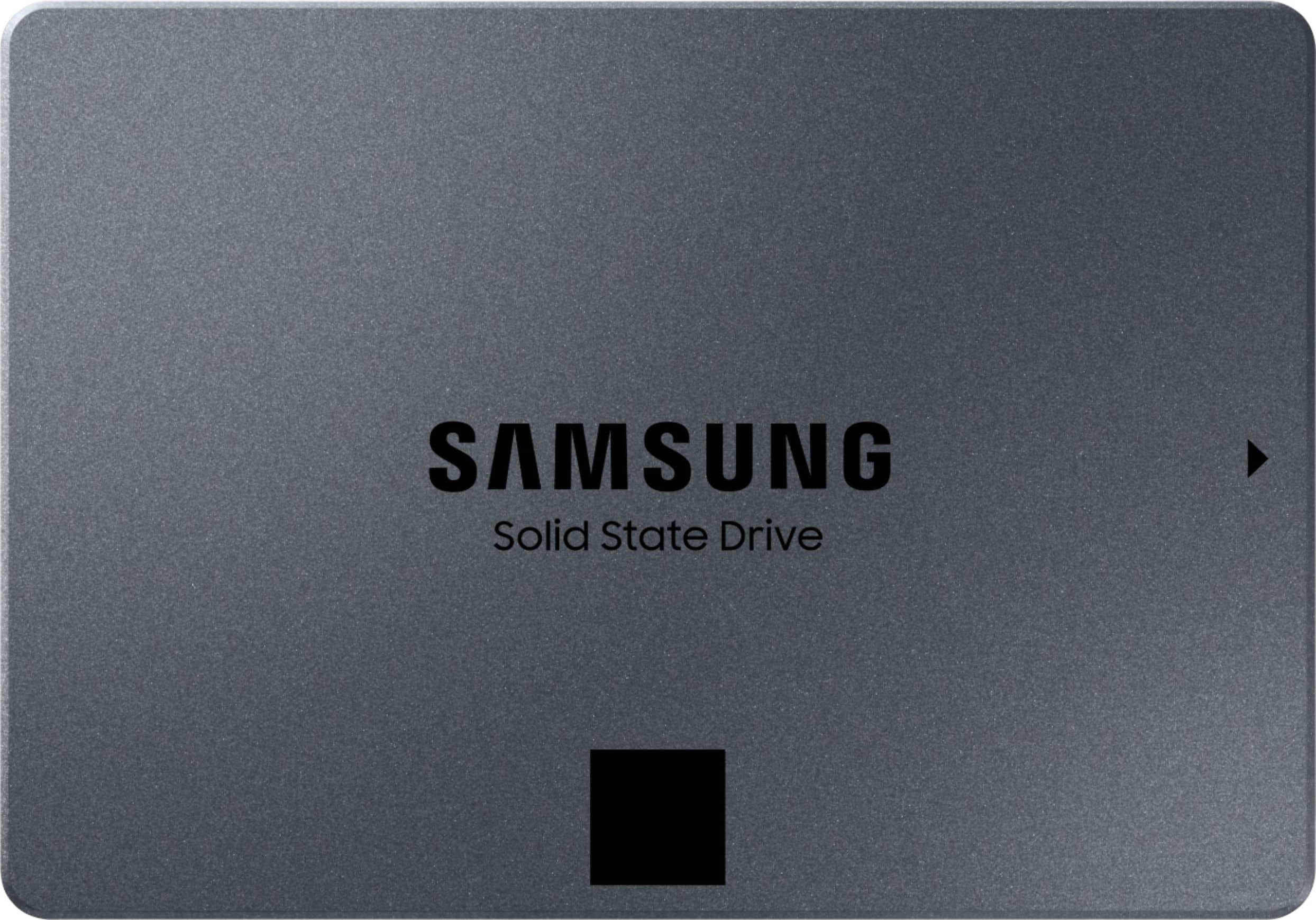
It has to be a 2.5 SSD.
I have recommended few of them searched on BestBuy.
Please check the reviews to find that one that fits your needs.
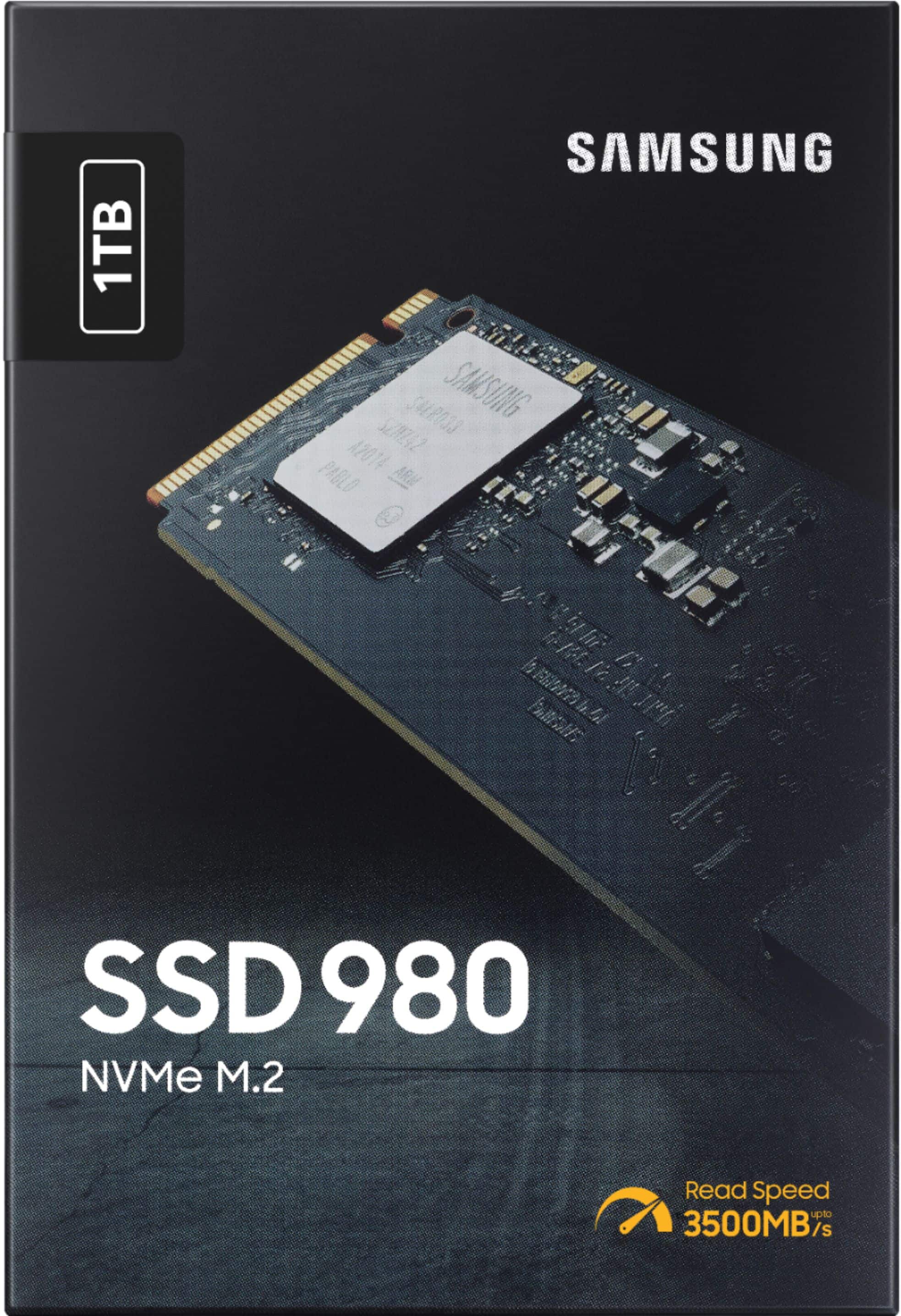
A:AnswerThis is PCIe 3 compatible. Be careful. This model only with PRO in the model name is PCIe 4. Likely not compatible with this rig. But the Samsung 980 regular, THIS stick should be compatible. To be sure check the MSI site and even drop this query into THEIR forums. My last 4 rigs for me have been on MSI mobos. But for others I have always built by request. But currently? I recommend basing a rig on mobos by MSI, ASUS and Gigabyte. And their respective laptops rack equally so I recommend them also.
A:AnswerNah... go to the 980 Pro. An NVMe m.2 PCIe gen4 is required for PS5. I belive the read/write speeds have to be around 5000-5500 mb/s and this one is right there with the gen3 970 Plus at 3500mbs read / 3000mbs write. Also, make sure that whichever drive you choose hase a heatsink for the PS5. Aftermarket or OEM, there needs to be a heatsink to prevent thermal throttling and low enough profile to fit inside of the cavity of the PS5 with the cover plate installed.
A:AnswerI don’t have this laptop but looking at specs I found on ArsTechnica your laptop has an M.2 SSD so yes the Evo 980 will work. I don’t know how many M.2 slots the laptop has so you may have to replace the 256 GB drive instead of just adding the 1 TB, that means you’ll have to reinstall Windows onto the new drive.
A:AnswerNo it will not. Despite Samsung themselves saying it will, i saw they said it would so purchased abd installed. Was met with this error saying it was incompatible and needed to be a Gen 4 SSD or newer.
A:AnswerJeff:
Yes, the 980 is compatible with the PS5. Whether you need a boost for gaming or a seamless workflow for heavy graphics, the 980 is a smart choice for outstanding SSD performance — and it's all backed by an NVMe interface and PCIe 3.0 technology.
- Samsung Memory
A:AnswerThis won’t work , Digital Foundry Tested the 980 Pro in the Ps5 and it performed equally to the built in SSd snd even a few times was a hair faster.
Here is link to there video
https://youtu.be/9Qr4JDYjj-g
Sony requires it be a PCIe 4.0 and have a read speed of 5,500mb/s or faster
But THIS M.2 is only a PCIe 3.0 and only a read speed of 3,300Mb/s so this is too slow but it’s being 3.0 and not a 4.0 idk if this would even be accepted by Ps5 software..
My point is you want the perfect M.2 for your ps5 get the 980 Pro I’m buying just 500 Gig for now seeing it’s expensive but that’s ok to me when I know Digital Foundry tested the same M.2 snd got same results as the ps5 Internal and even faster speeds in some instances..