



Black Friday is hereShop new DoorbustersShop now

Main Content

Questions & Answers

Your price for this item is $199.99
The comparable value price is $269.99
Page Showing 1-20 of 212 questions
  • QuestionDo you need to purchase a micro sd card for the tablet to work as we were not told we need to purchase anything else

    Asked by Marilyn.

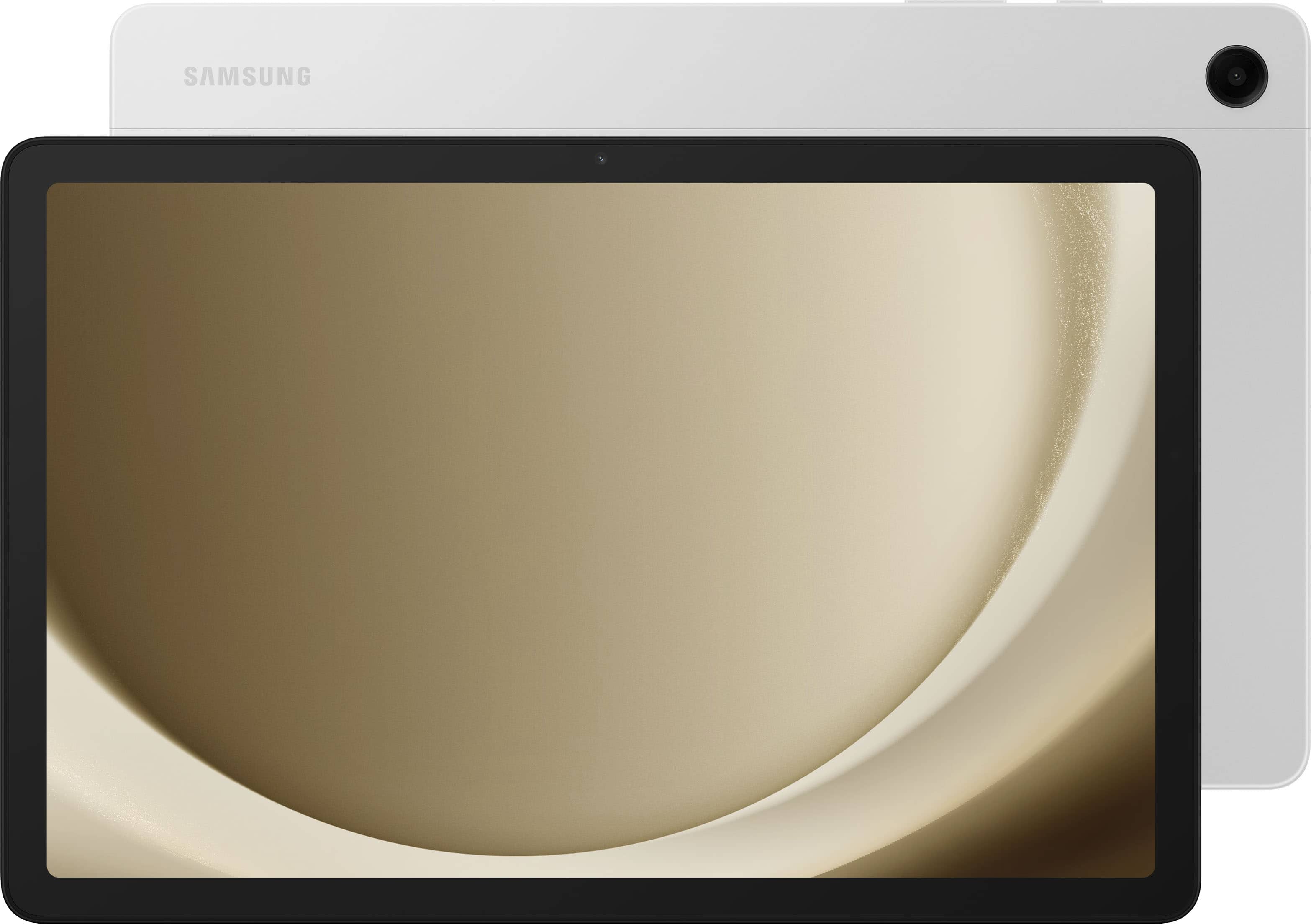
    • Answer Good day Marilyn, thank you for finding the free time out of your busy day to ask us your question about the Samsung Galaxy Tab A9+. No, you do not need to purchase a microSD card to expand out your storage space on your tablet for it to be fully functional. The advertised Galaxy Tab A9+ has 128GB of internal storage with 8GB RAM and up to 1TB more when you add on a microSD card. Hope that helps answer your question! Let us know if you have any other questions for us by reaching out to Samsung Support. Thank you for being an unwavering Samsung customer. - Debra

      Answered by Samsung

  • QuestionDo you have to have a data plan with the a9 tablet? It can it just be hooked up to home internet?

    Asked by Anonymous.

    • Answer Hi, thanks for taking the time out of your hectic day to ask us your question about the Samsung Galaxy Tab A9+. The advertised Galaxy Tab A9+ would not require a cellular plan in order to be fully functional. This version of tablet is a Wi-Fi enabled tablet so if you have Wi-Fi as your home internet, you can easily connect this tablet and it will be fully functional. Let us know if you think of any other questions for us by reaching out to Samsung Support. Thank you for being a cherished Samsung customer. - Debra

      Answered by Samsung

  • QuestionHi are there any keyboards book covers compatible with this tablet? Also is the S pen compatible with this item, or any pen/stylus to use on this tablet?

    Asked by gleepa3334.

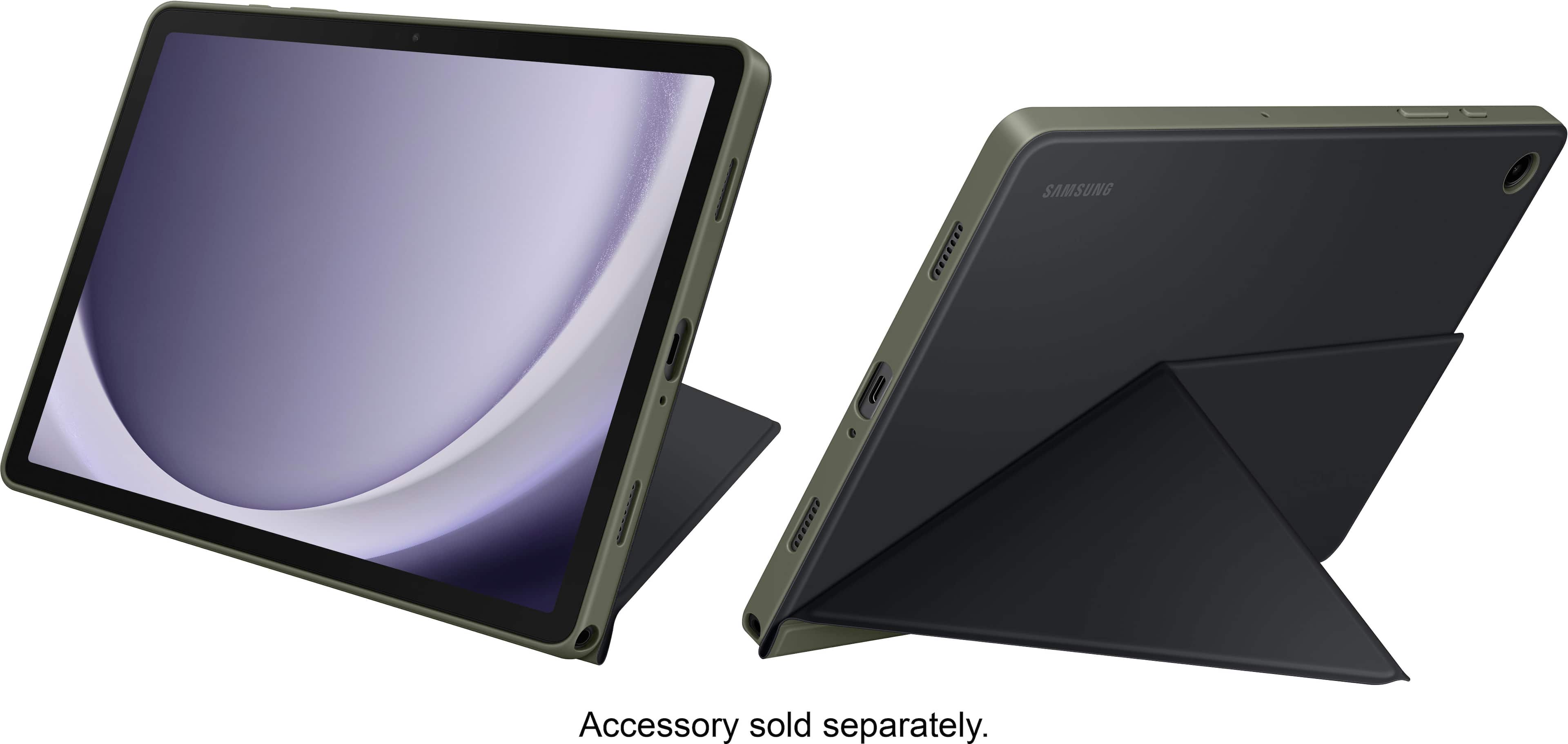
    • Answer Good day Gleepa3334, thank you for finding the free time out of your busy day to ask us your question about the Samsung Galaxy Tab A9+. We currently have Book Covers available for the Galaxy Tab A9+ available but no keyboards are currently showing as being available for this tablet. The Galaxy Tab A9+ is not compatible with S Pens. Let us know if you have any additional questions for us by reaching out to Samsung Support at your leisure. Thank you for being an unwavering Samsung customer. - Debra

      Answered by Samsung

  • QuestionDoes it have a micro SD slot for more storage capability?

    Asked by Kate.

    • Answer Hello Kate, thank you for finding the available time out of your lively day to ask us your question about the Samsung Galaxy Tab A9+. Yes, the Tab A9+ does have expandable storage up to 1TB when you add a microSD card to this tablet. Let us know if you have any other questions for us by contacting Samsung Support at your leisure. Thank you for being a treasured Samsung customer. - Debra

      Answered by Samsung

  • QuestionWill this tablet let me connect to a Samsung android phone and get Facebook, on the tablet with instant massaging

    Asked by Jussayen.

    • Answer You can mirror your phone onto the Tablet using SmartView in the Samsung Flow app. You should then be able to do Instant messaging from the Tablet. (IM requires a phone number, which the tablet does not have, but your phone does have ... )

      Answered by Greygeek

  • QuestionWill Galaxy tab A9 hook to my printer using WiFi?

    Asked by Anonymous.

    • Answer Yes

      Answered by JoeN

  • QuestionDoes the A9+ tablet have a spot for a stylus pen?

    Asked by Deegrip.

    • Answer You think it was considering it's called a Galaxy A9 or A9+.. Makes no sense to me.

      Answered by ChizzBangOG

  • QuestionI plan on this tablet to be used for entertainment in my car while doing road trips with my family. Can the charging ports in my car be used to charge this tablet. Also, can this tablet connect with Android Auto in my car's infotainment Center?

    Asked by Powerfader.

    • Answer Power to the tablet comes from a USB type C connection. USB type A to type C cables will work.

      Answered by Anonymous

  • QuestionIf I add a micro SD card will it be available as internal storage for the tablet? How many updates will this tablet get because Android 13 is already behind.

    Asked by RichJ.

    • Answer If you add a Micro SD Card you will be able to save items onto the SD Card saving space on the device. When you get the device it is recommended that you run a software update. After you perform the update you should see that the tablet is running Android 14 and the One UI Version is 6.0

      Answered by kwcook

  • QuestionDoes this tablet allow you to connect to zoom meetings?

    Asked by joey.

    • Answer Hello Joey, thank you for reaching out to us with your question about the Samsung Galaxy Tab A9+. You can absolutely use this tablet for your Zoom meetings, all you would need to do is download the Zoom app from the Google Play Store. Thank you for being a Samsung customer. -Elizabeth

      Answered by Samsung

  • QuestionAre you able to perform split screen on this device? And if so, does it lag a lot? Thanks in advance.

    Asked by Joanni.

    • Answer Hi there Joanni, thanks for asking us your question about the Samsung Galaxy Tab A9+. Yes, the Galaxy Tab A9+ offers the Multi Window feature. To enable Multi Window on the Galaxy Tab A9+, first open the app you want to use, then access the Recent Apps menu. Tap the app icon and select "Open in split screen view". Choose a second app to use alongside the first. The potential of lagging depends on various factors like app compatibility, resource-intensive applications, available RAM and/or storage, and background apps. If you have additional questions for us, feel free to reach out to Support. Thanks for being a loyal Samsung customer. - Debra

      Answered by Samsung

  • Questiondoes this tablet have cellular connectivity, making it useable even without wifi?

    Asked by bear.

    • Answer Thank you for taking the time to reach out with your question, Bear. We're glad to assist you regarding the Galaxy Tab A9+. This particular model is designed as a Wi-Fi-only tablet, which means that it does not support cellular network capabilities. Therefore, in order to access the internet, you will need to connect to a Wi-Fi network or use a wireless hotspot. Wi-Fi connectivity allows you to browse the internet, stream videos, and download apps, but it's essential to have a stable and strong wireless connection to ensure the best performance. If you have any other questions or concerns, be sure to reach out to us at Support. -Kelvin

      Answered by Samsung

  • QuestionCan this also be used as a phone

    Asked by Mimi.

    • Answer We appreciate your reaching out, Mimi. We value the opportunity to provide assistance to our customers. With the Call & text on other devices feature, you can make and receive calls on your tablet as long as it's signed into the same Samsung account as your phone. You can also send messages. However, the connected phone will need to have active service. If you have any other questions, feel free to contact us at Support. -Kelvin

      Answered by Samsung

  • QuestionCan you connect a USB keyboard/mouse to it?

    Asked by Anonymon.

    • Answer Thanks for reaching out with your question. Since the Galaxy Tab A9+ does not have a USB port, you would only be able to use a wireless mouse or keyboard. If you have any other questions, please be sure to reach out to us at Support. -Kelvin

      Answered by Samsung

  • QuestionCan I connect bluetooth ear buds to this tablet? I use beats ear buds

    Asked by CyndiZ.

    • Answer yes, you have to go into the settings and turn on the Bluetooth. also turning on your Bluetooth earbuds so that they can be discoverable by the tablet

      Answered by Josie

  • QuestionHi, is a data plan required to get wifi in non wifi accessible areas? If yes, does the tablet have to be physically brought to the Carriers retail location

    Asked by Gammie.

    • Answer If wifi is not available in the area you could use your mobile phone as a hot spot and connect to that. Just be aware that you're using your phones data so any browsing or downloading you do will reflect on your mobile phone bill if you go over your data cap.

      Answered by LJHunter

  • QuestionHi, the sistem Memory can be upgrade to 8 Gigab. ?

    Asked by dnt636.

    • Answer You have a choice of a 64gb/4gb version or the 128gb/8gb version. If you buy the 64gb/4gb version, you can not upgrade the system ram to 8gb as the chips are embedded onto the main board. I believe this is what you were asking which Samsung failed to understand.

      Answered by NoNonsense

  • QuestionWill this tablet run Microsoft Office? I want to access a excel spreadsheet.

    Asked by tanager.

    • Answer Aloha Tanager, thank you for asking us your question about the Samsung Galaxy Tab A9+. Yes, the Galaxy Tab A9+ is capable of running Microsoft Office. Please visit the Google Play Store to download your favorite apps. Feel free to contact Support if you have additional questions. Thanks for being a valued Samsung customer. - Debra

      Answered by Samsung

  • QuestionHow many operating system/security updates will this tablet get for its lifetime?

    Asked by Oldergamer44.

    • Answer Hello there GeraltofRivia, thank you for reaching out with your question about the Samsung Galaxy Tab A9+. As of January 2024, we are extending our security update support for Samsung Galaxy devices by up to 7 years, to help our users enjoy the latest Galaxy experiences longer and securely. Feel free to contact Support if you have additional questions. Thanks for choosing Samsung! - Debra

      Answered by Samsung

  • QuestionIs the Samsung Galaxy Tab A9+ compatible to use the Samsung USB-C to HDMI adapter to connect tablet to an HDMI-enabled TV or monitor, for viewing content on a larger screen.

    Asked by Bartacus.

    • Answer Hi there Bartacus, thanks for taking the time to ask us your question about the Samsung Galaxy Tab A9+. Yes, the Tab A9+ allows you to achieve mobile continuity between your device and other connected devices. Here's how: From Settings, tap Connected devices for the following features - Samsung DeX: Connect your device to a PC or TV for an enhanced multitasking experience. Feel free to contact Support if you think of any other questions you may have. Thank you for being a loyal Samsung customer. - Debra

      Answered by Samsung