Questions & Answers
- Model:
- SM-X210NZAAXAR
- |
- SKU:
- 11058711
Q: Questioncan I download all my kindle apps and books to the Samsung A9 11
Asked by dutch43.
- A:Answer Yes, you can download and use the Kindle app on the Samsung Galaxy Tab A9+ 11" to access all your Kindle books and content. Here's how you can do it: Open the Google Play Store on your Samsung Galaxy Tab A9+ 11". In the search bar, type "Kindle" and press Enter. Locate the official "Kindle" app developed by Amazon Mobile LLC and tap on it. Tap the "Install" button to download and install the Kindle app onto your tablet. Once the installation is complete, open the Kindle app. Sign in to your Amazon account using your credentials. After signing in, you will have access to all your purchased Kindle books and content. You can browse, download, and read your Kindle books directly within the Kindle app on your Samsung tablet.
Answered by FUGATI
Q: QuestionCan all my current GalaxyTab S2 Nook transfer to this tablet?
Asked by NOOKUSER.
- A:Answer Hi there Nookuser, thank you for your question about the Samsung Galaxy Tab A9+. When setting up your new device the apps and data should transfer once you have logged in to your Samsung account. However, if this does not occur, you can go in to the Google Play Store and download the Nook App and log in to see all of your purchases. Thank you for being a Samsung customer. -Elizabeth
Answered by Samsung

Q: QuestionHow long will this tablet get security updates?
Asked by Auroran.
This question was asked about the related product: Samsung - Galaxy Tab A9+ 11" 64GB - Wi-Fi - Silver
- A:Answer Good day Auroran, thank you for asking us your question about the Samsung Galaxy Tab A9+. As of January 2024, we are extending our security update support for Samsung Galaxy devices by up to 7 years, to help our users enjoy the latest Galaxy experiences longer and securely. If you have additional questions for us, please do not hesitate to reach out to Support. Thanks for being a loyal Samsung customer. - Debra
Answered by Samsung
Q: Questiondoes this tablet have a IMEI number
Asked by Anonymous.
- A:Answer Yes it does.
Answered by Judes
Q: QuestionBought my tablet in February, now it’s locked up, PIN doesn’t work, I’ve tried factory reset, safe mode, powering off, restarting. Everything, nothing works, very frustrating! What can I do?
Asked by LAR.
This question was asked about the related product: Samsung - Galaxy Tab A9+ 11" 64GB - Wi-Fi - Silver
- A:Answer Hi LAR, thanks for taking the time out of your day to ask us your question about the Samsung Galaxy Tab A9+. If your phone or tablet is not recognizing your PIN, pattern, password, fingerprint, or face unlock, rebooting the device or entering Safe Mode can help solve the problem. Sometimes you may be prompted to try an alternate method, like your password. Check out, "Unable to unlock Galaxy phone or tablet's screen" to help resolve what you've described to be experiencing with your tablet. Feel free to reach out to Support afterward if you would like any further assistance. Thanks for being a faithful Samsung customer. - Debra
Answered by Samsung
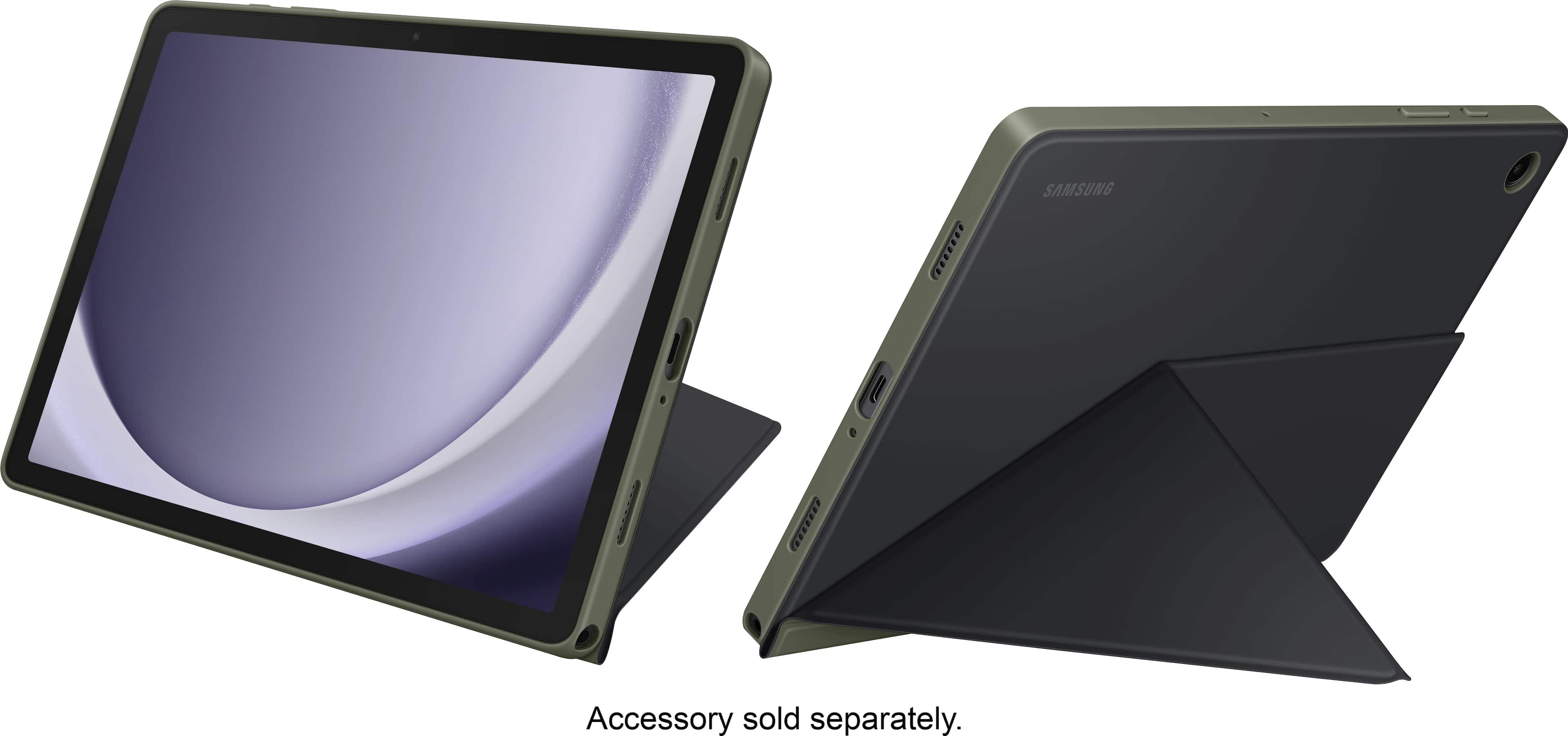
Q: QuestionWhere is the location of the charging port?
Asked by Rockman.
- A:Answer Wall outlet.
Answered by Suzy
Q: QuestionDoes the Galaxy 9 have a headphone port?
Asked by GrayBeard.
- A:Answer No
Answered by YankeeRon
Q: QuestionCan I use a Samsung s pen with this tablet?
Asked by StephanieB.
- A:Answer You don't need a s pen you can draw and write directly on the screen
Answered by Judes
Q: QuestionWhat warranty comes with this tablet?
Asked by Dale.
- A:Answer They offer a warranty
Answered by VincentC
Q: QuestionDoes this support cricuit crafting software app?
Asked by Embryo.
- A:Answer No
Answered by DeborahO
Q: QuestionCan I use a S pen with this device?
Asked by Baptista.
- A:Answer Yes. You have to buy it's separate though. There are cheaper 3rd party pens also available at best buy.
Answered by IsaacD
Q: QuestionWhat is the maximum gigabyte capacity for the expansion slot?
Asked by SDSlot.
- A:Answer The SD card slot accepts a 1TB card
Answered by Anonymous
Q: QuestionCan the display be turned to portrait orientation? None of the pictures show this, which is how I normally use my tablet.
Asked by Frank.
- A:Answer Yes
Answered by user880870
Q: QuestionDoes this support Google play?
Asked by Lola.
This question was asked about the related product: Samsung - Galaxy Tab A9+ 11" 64GB - Wi-Fi - Silver
- A:Answer Salutations Lola, thanks for taking the opportunity to ask us your question about the Samsung Galaxy Tab A9+. Yes, the Tab A9+ does support Google Play services. Feel free to contact us with any other questions you may have. Thank you for being a dedicated Samsung customer. - Debra
Answered by Samsung

Q: QuestionLink to Samsung Phone for calls and text?
Asked by EmilyM.
- A:Answer Very easily done, just follow the links instructions
Answered by WillS
Q: QuestionCan you add an external storage and store apps, music, movies on the external storage to be used and play on this device?
Asked by Powerfader.
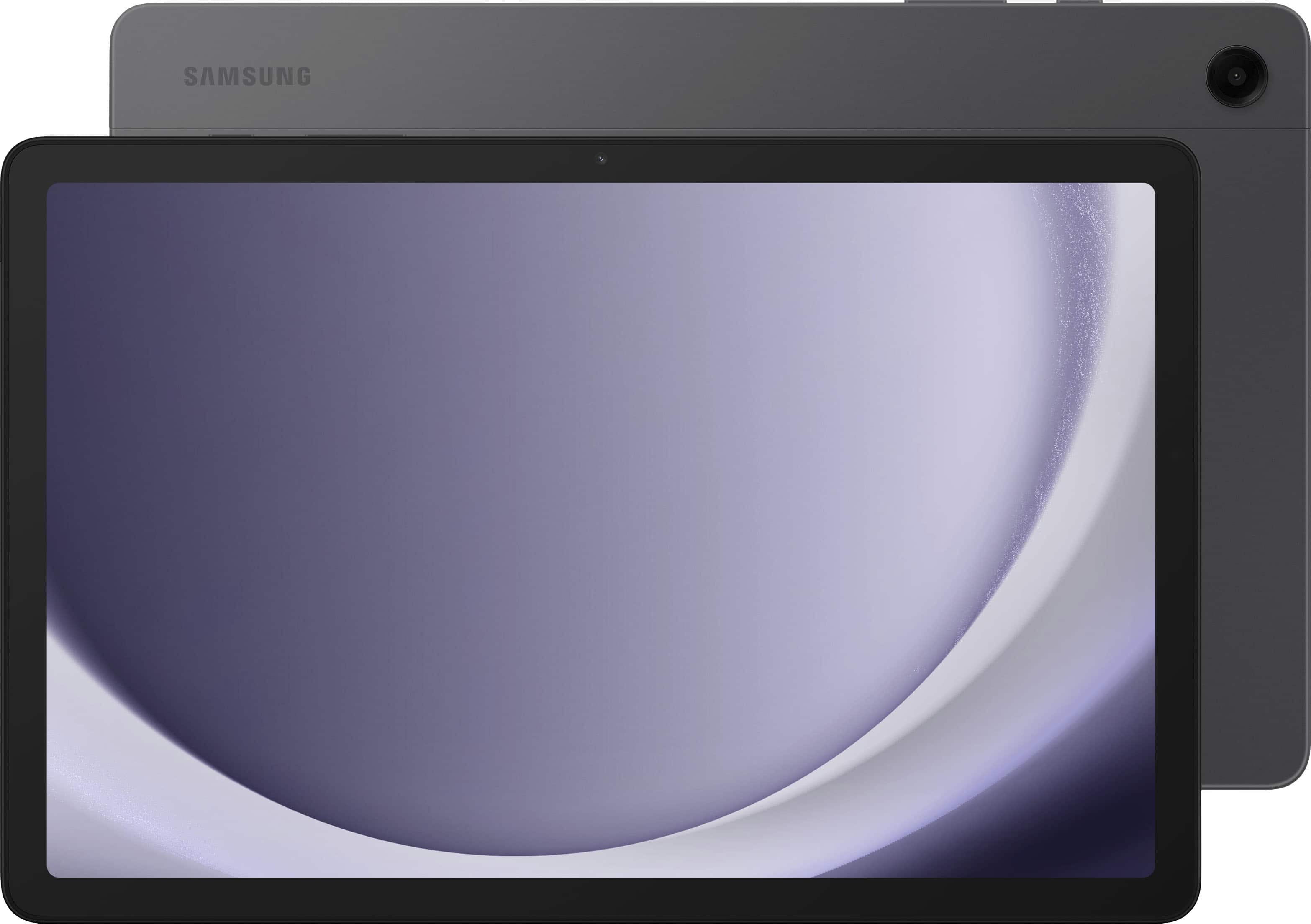
- A:Answer It's great to hear from you! We noticed you reached out to inquire about the Tab A9+. The Galaxy Tab A9 and Tab A9+ are designed to provide a seamless multitasking experience with up to 4GB of RAM memory, ensuring that you can switch between apps and tasks without experiencing lag. The built-in 64GB storage capacity is ideal for storing your high-resolution videos, photos, and files without worrying about running out of space. In addition, the devices offer the flexibility to expand the storage further using a microSD card, with support for up to 1TB of additional storage, giving you ample space to store all your digital content and media files. With the ability to expand storage, you can have peace of mind knowing that there's always room for more content, whether it's your growing media library or important work documents. If you have any further questions, we'd be more than happy to assist you at Support. -Kelvin
Answered by Samsung

Q: QuestionCan we use sim card
Asked by Anonymous.
- A:Answer Hi there, thanks for taking the opportunity to ask us your question about the Samsung Galaxy Tab A9+. No, the advertised Galaxy Tab A9+ is a Wi-Fi enabled tablet that lacks the cellular connectivity needed in order to be added to a carrier's wireless network. You would be looking for an LTE version of tablet if you were wanting to add it to your wireless carrier's network, add a SIM card to the tablet, and/or provide internet to the device in the absence of a steady Wi-Fi connection. If you have any other questions for us, let us know by reaching out to Samsung Support. Thank you for being a loyal Samsung customer. - Debra
Answered by Samsung

Q: Questiondoes this have WIFI????
Asked by rickaroo.
- A:Answer It can connect to WI-FI networks and use WI-FI hot spots
Answered by CoraF
Q: QuestionCan this tablet connect to TV's with a HDMI to USBC cable?
Asked by Matt.
- A:Answer Howdy Matt, thanks for taking the available time out of your busy day to ask us your question about the Samsung Galaxy Tab A9+. No, however, you can still achieve mobile continuity between your device and other connected devices. Samsung DeX allows you to connect your device to a PC or TV for an enhanced multitasking experience. You can also utilize Smart View is you would like to show your device's screen or play videos on a nearby TV. Hope that helps answer your question. If you think of any additional questions for us, let us know by contacting Samsung Support. Thank you for being a valued Samsung customer. - Debra
Answered by Samsung