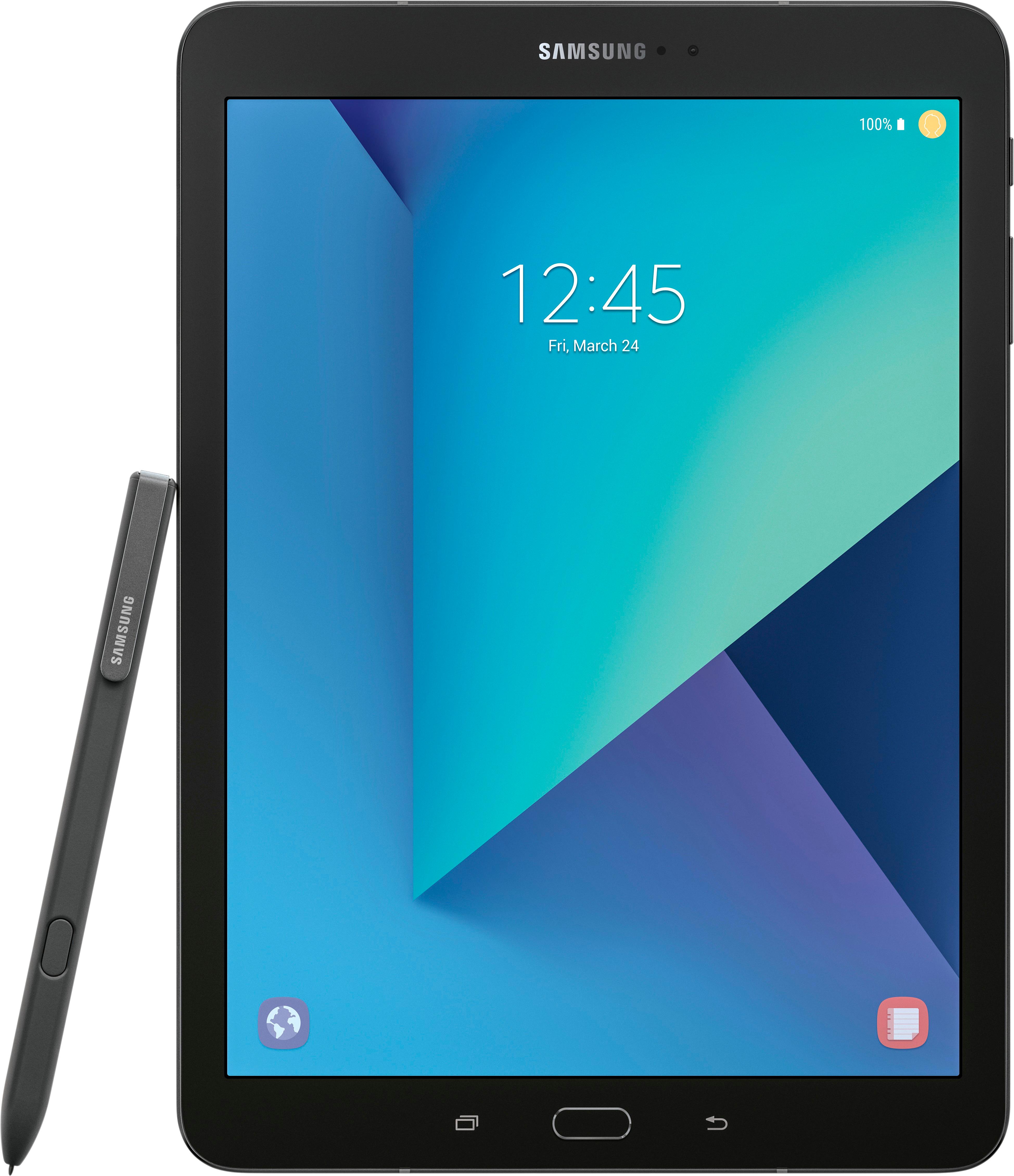
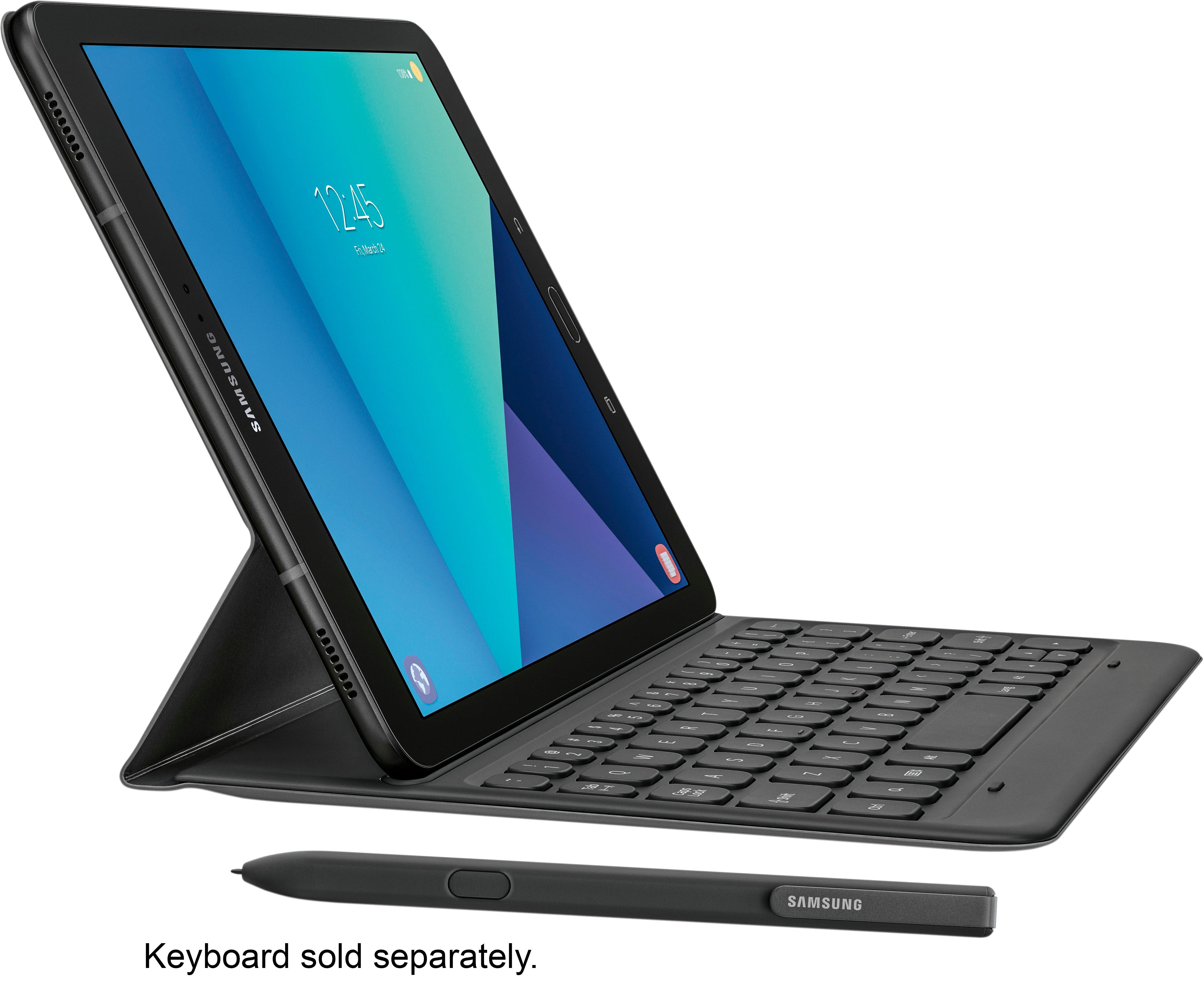
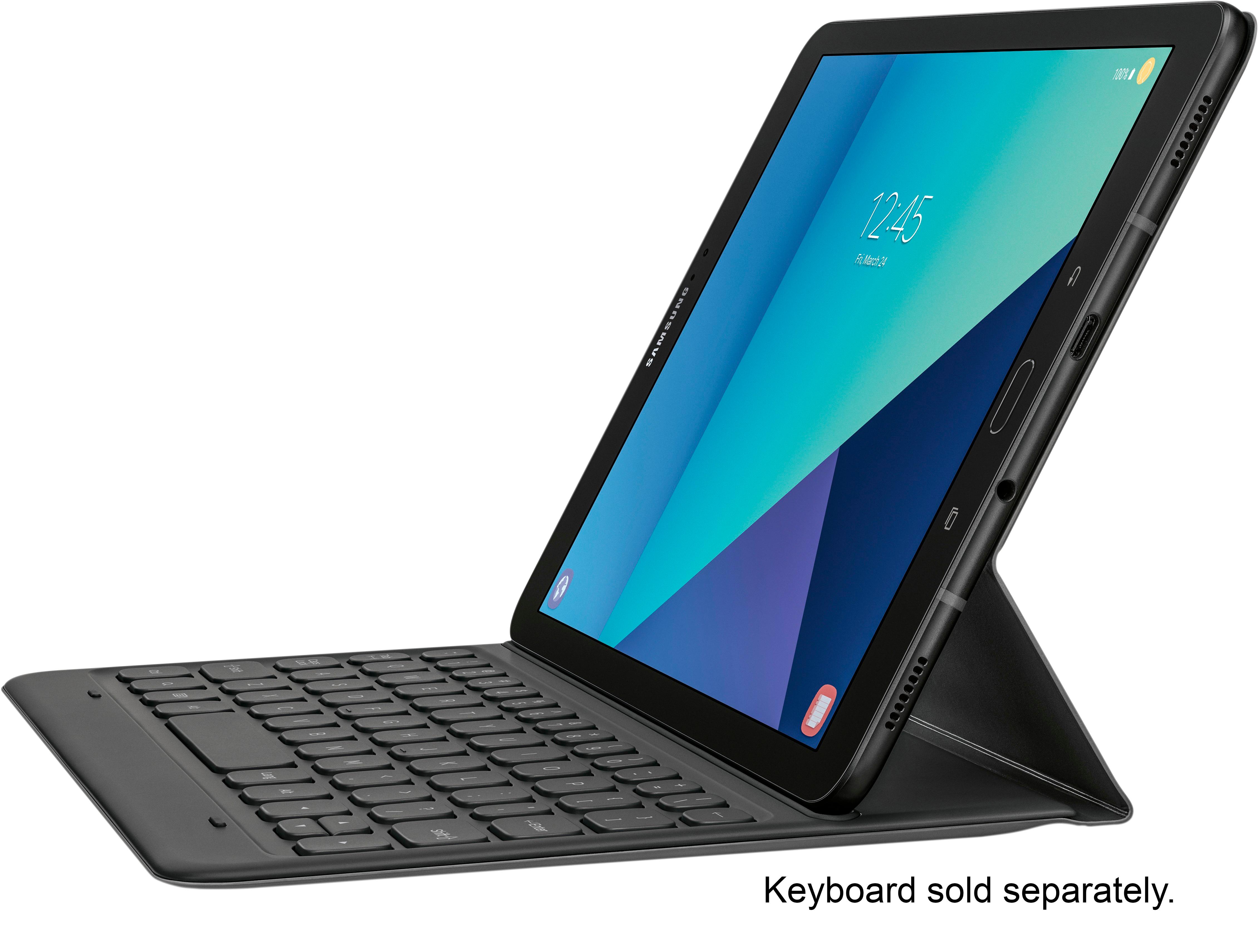
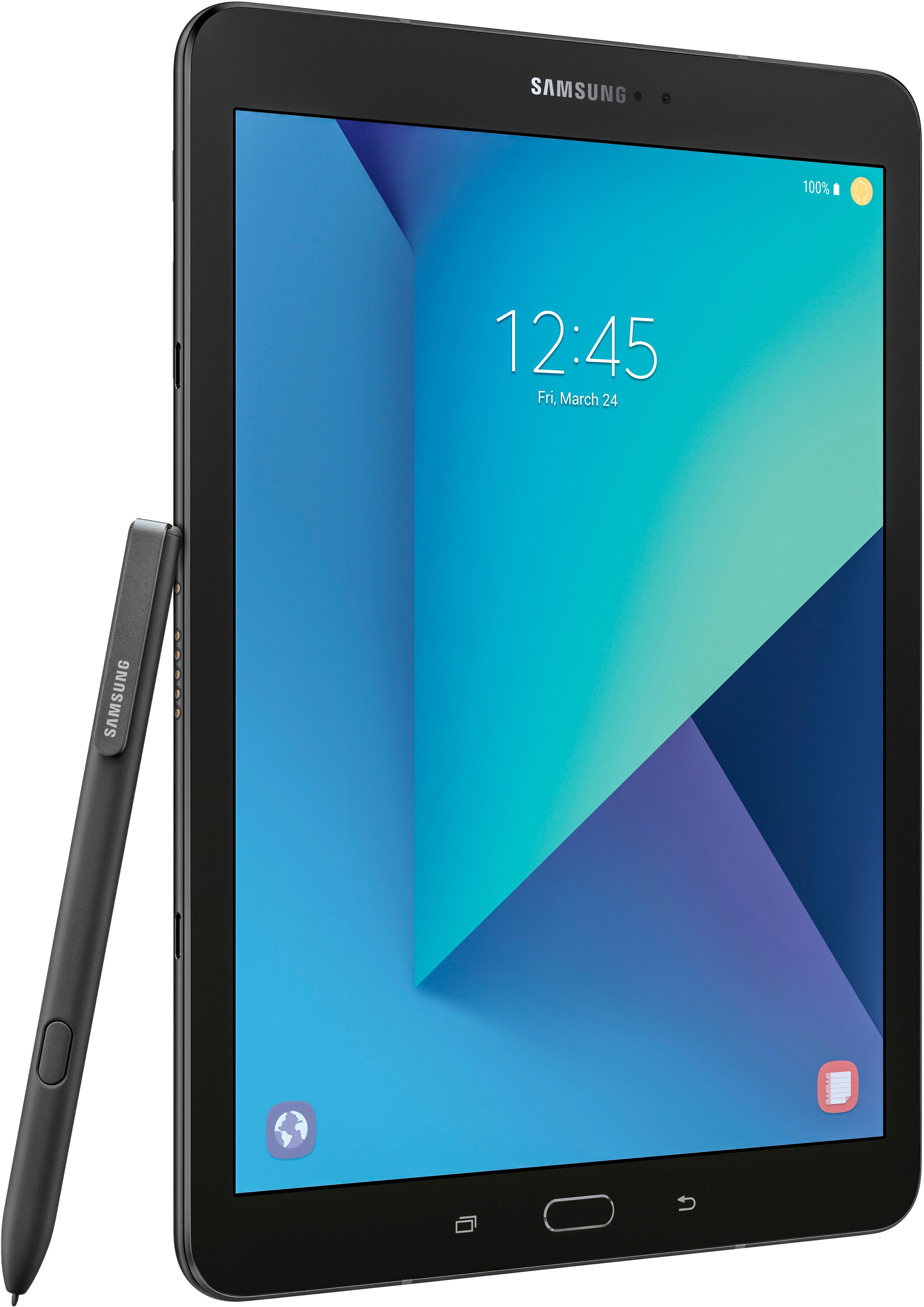
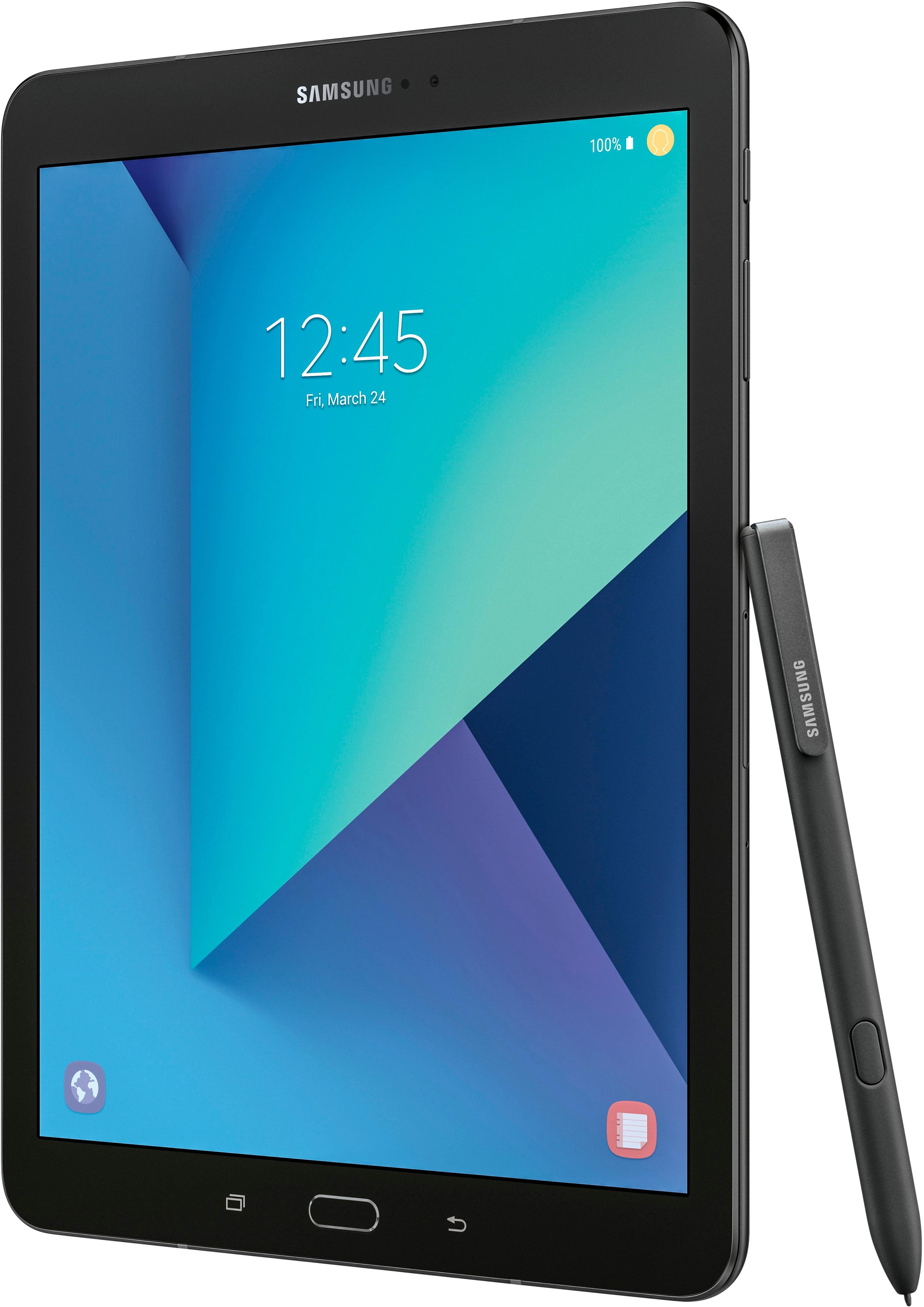
A:AnswerThe little metal tool kind of looks like a miniature pair of tweezers. I have never used it but I have been told it is used for taking the old tip out of your s pen. If something happens to the tip or it wears out, you can replace the tip with one of the extras they have included. You get the same tiny package the Note line phones. I hope this helps to answer your question.
A:AnswerNot sure if this is exclusive to Best Buy but I have this tablet. The internal memory is 128gb and yes you can put a micro SD card to expand the memory, I have a 200gb memory card for mine.
A:AnswerSorry, the short answer is it does not support flash.
there are some workarounds you can try, to get flash to work. Here is one from Adobe:
https://helpx.adobe.com/flash-player/kb/installing-flash-player-android-devices.html
Or here is a browser that should support flash, but who wants to use a different browser just to get flash to work?
https://play.google.com/store/apps/details?id=com.cloudmosa.puffinFree&hl=en
Good explanation as to why it is not supported here:
https://www.lifewire.com/android-and-flash-1616859
A:AnswerYes, this device supports fast charging but does not support wireless charging. This is a definite improvement over the S2 and worth the upgrade!
A:AnswerGalaxy Tab S3 is a 9.7" product only does include an S Pen. With 128 GB it was just under $700.
Galaxy Book is either 10.6" or 12", comes with keyboard and an S pen both versions are Windows 10 boxes. Vary from $630 to $1300
$Galaxy View is 18.4" only $500
A:AnswerThe transfer of information between a PC and a tablet is about the same as transferring information from a tablet or computer to a smart TV. It is a matter of what type of information are you trying to move and how do you want to move it, what protocol to use.
Remember that PCs are running either some version of Windows, the current version is Windows10, but earlier versions might work as well. As long as you have a file type that can be read by the receiving device, you can make a transfer. For example Portable Document Format (PDF) files can usually be read across a variety of systems that have PDF reader software on them or available to put on them. Picture films are usually JPEG or GIF, again formats that other devices like cameras and most devices can run applications that can red similar file types.
Remember that to read anything across platforms, you have to find something that reads the format of the information on the various devices. JPEG readers for example can be read across most devices with a special app or software product, that is compatible with the device's operating system. The folks in the stores can help you figure this out or you can ask friends who are tech savvy.
Corel PDF Fusion runs on Windows machines/ To do the same for an Android tablet, you use a PDF reading app from the Google Play Store or a vendor of the software (Adobe) to see if they have an Android app for your tablet. Not sure about software configuration on smart TVs but I suspect it would have some type of application that would be able to red PDF documents.
Hope that helps.
Richard W. Buro
Temple, TX