Deals Worth GiftingShop now

Main Content

Questions & Answers

Your price for this item is $155.99
Clearance
The comparable value price is $429.99
Page Showing 1-20 of 60 questions
  • QuestionHow much bloatware, Samsung usually has a lot?

    Asked by Scopey.

    • Answer TONS OF CR*PWARE!!! ALL OF IT UNDELETABLE AND UNINSTALLABLE!!!

      Answered by samsungNOTAFAN

  • QuestionIs 4g built in the tablet or do I have to add a data plan?

    Asked by Wifi.

    • Answer This one doesn't have a sim card tray

      Answered by TashiJ

  • QuestionDes this model available a port t plug ear phones?

    Asked by Gianjjj.

    • Answer Yes, it does have a standard earphone jack.

      Answered by bonafide49

  • QuestionFor a college student would this be a better option vs getting a laptop??

    Asked by Madi.

    • Answer A college student will likely be more productive with a laptop, but if someone is familiar and comfortable with Android apps, the S6 Lite is a capable tablet.

      Answered by Aris

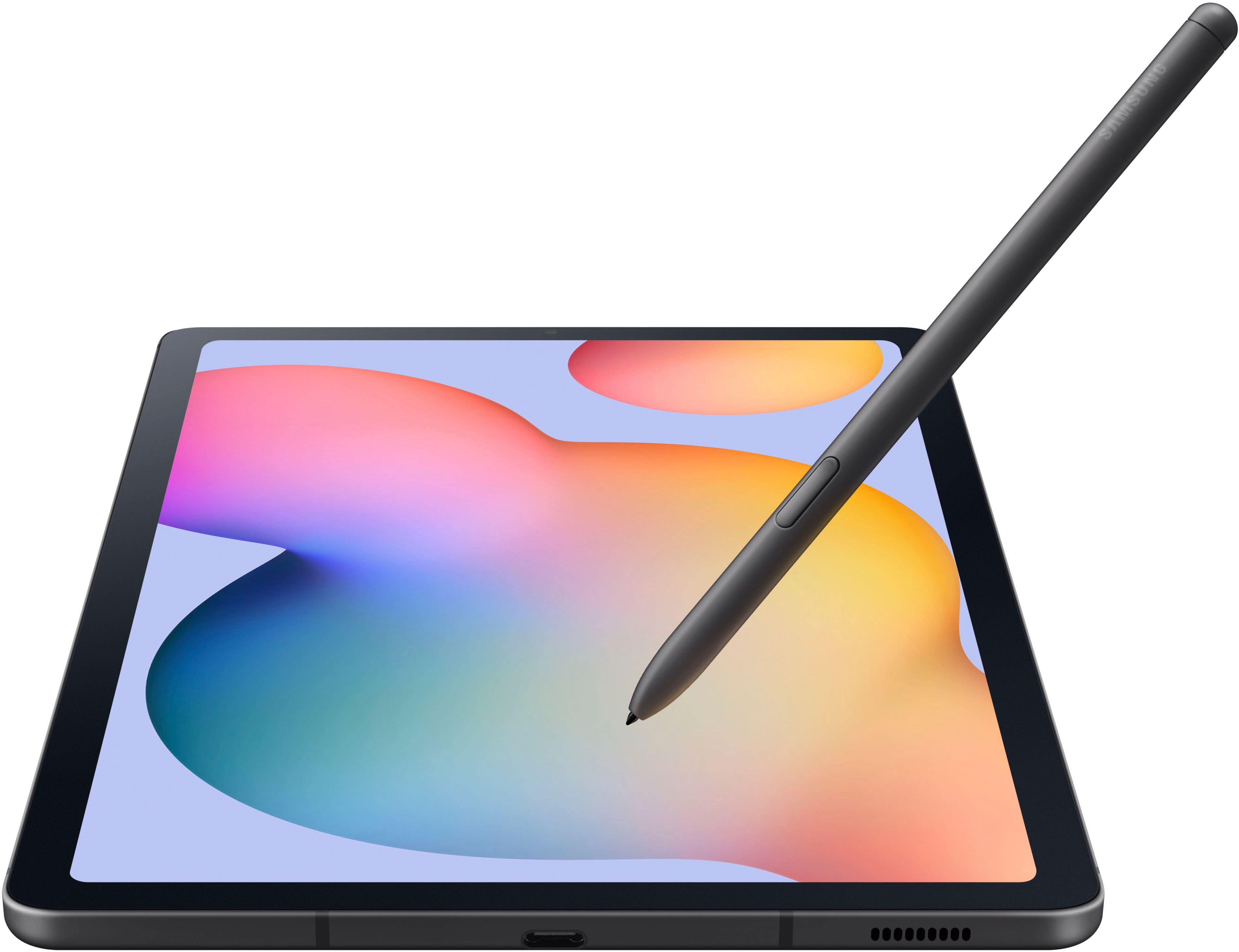
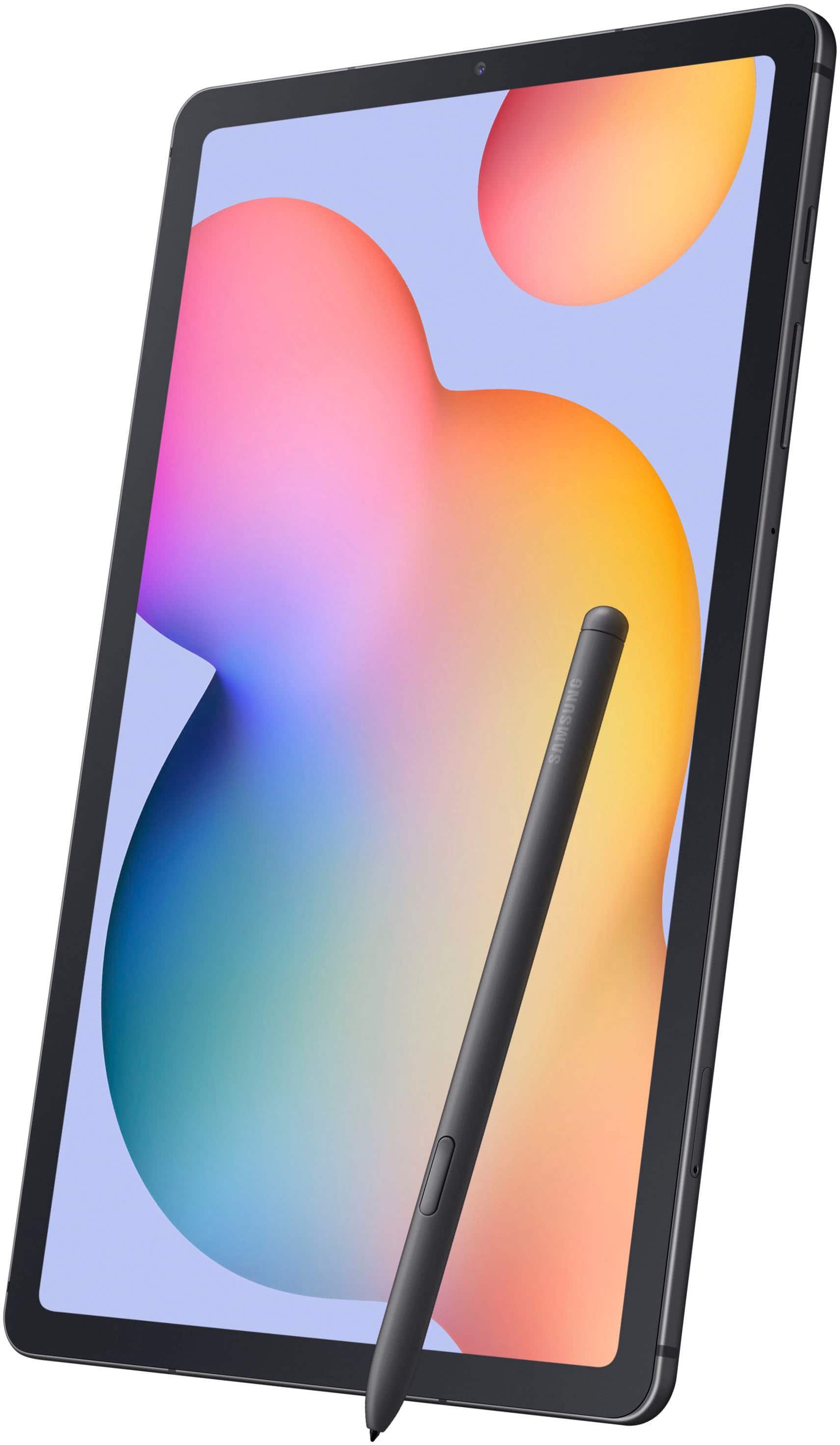
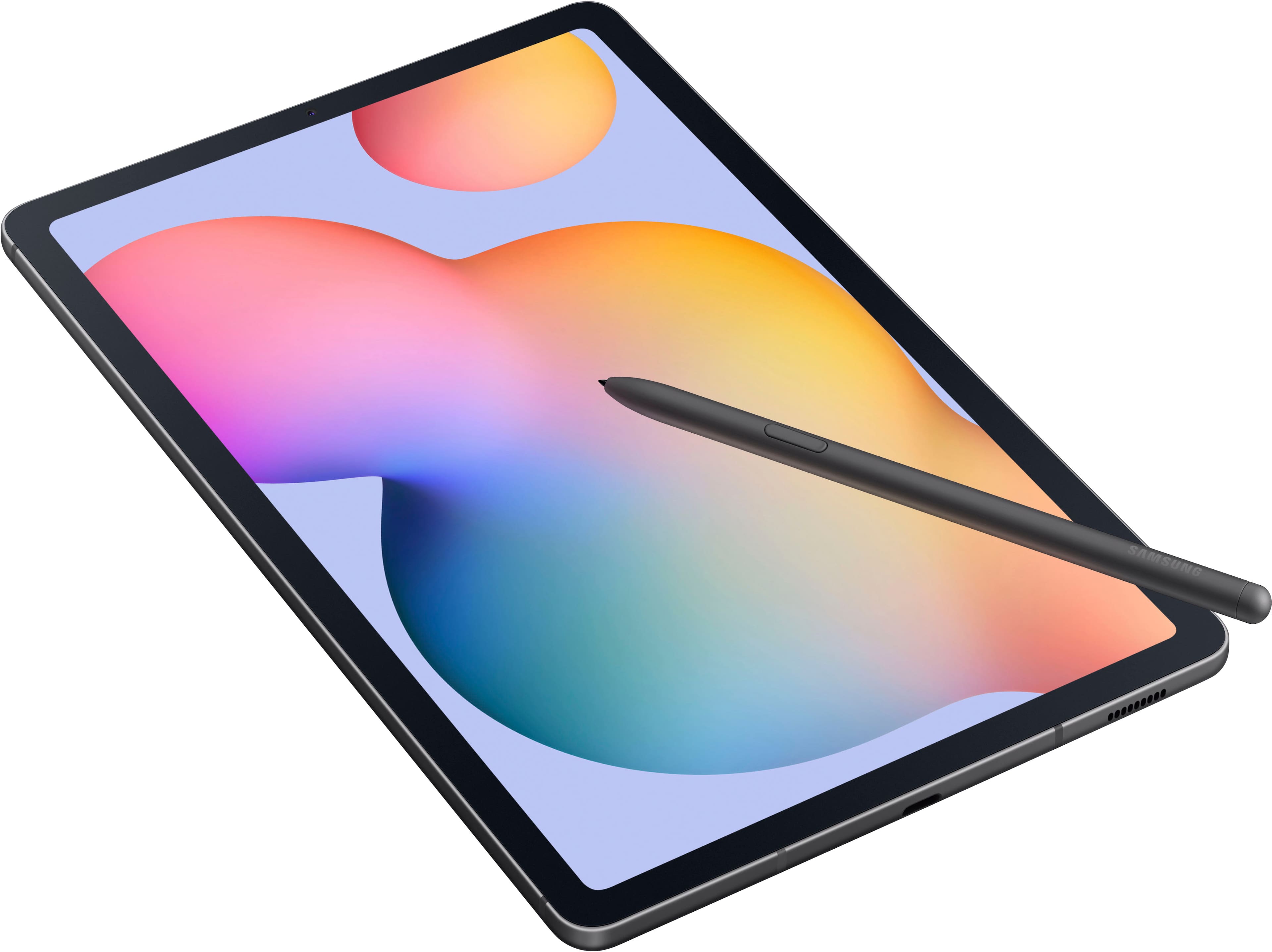
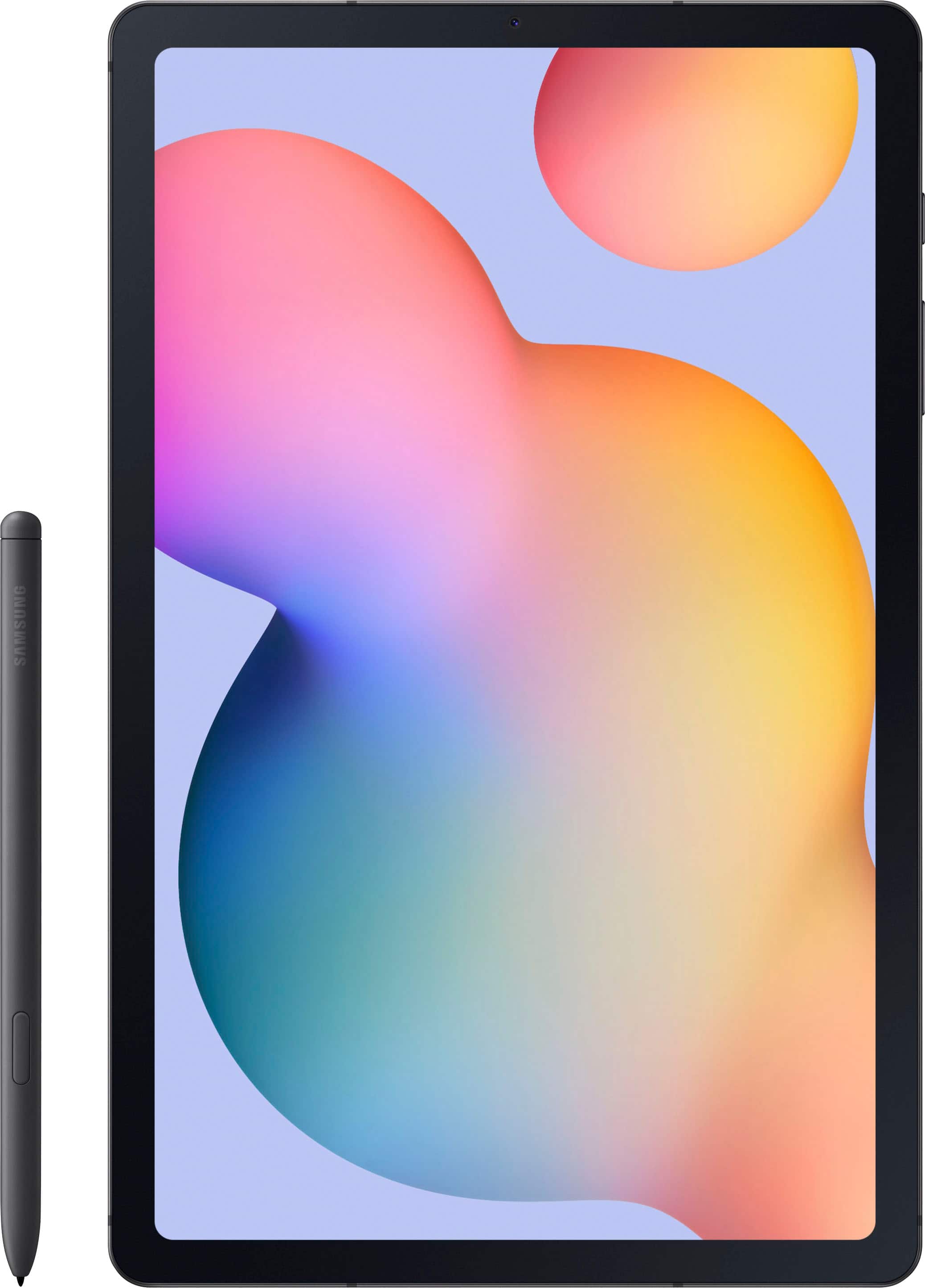
  • QuestionDoes the tablet have a slot to store the stylus?

    Asked by Denise.

    • Answer It stores the stylus magnetically to the side, no slot.

      Answered by TashiJ

  • QuestionWhat size SD card can I use in this device

    Asked by Maja.

    • Answer Micro sd, up to 1 terabyte

      Answered by TashiJ

  • QuestionDo I need my own virus protection?

    Asked by Tex.

    • Answer Comes with 3 months of Norton virus free

      Answered by TashiJ

  • QuestionIf the Galaxy Tab S6 has Android version 12 installed, is it upgradable to Android 13?

    Asked by Randy.

    • Answer It has been upgraded to Android 13-based One UI 5.0 in early 2023.

      Answered by Kahuna

  • QuestionHow do you turn the tablet off? I have tried holding the buttons on the side but that didnt work

    Asked by Sapphiregirl.

    • Answer Press and hold simultaneously the volume down button and the button that is just above the two volume buttons (Samsung calls it the "side" button and it's just above the volume up button). These buttons are on the edge of the tablet on the upper tight side. Or there are two other ways to turn off the tablet depending on the tablet's settings. You can press and hold just the side button and it will take you to the Bixby sign-in screen where you can tell Bixby to turn off the tablet after signing in to Bixby. This seems to be the default setting when using the side button press and hold method. Or you can change the default setting so that the side button will go directly to the power menu where you can either turn off or restart the tablet. To do this go into Settings/Advance features/Side key then select Side Key. Then under Press and Hold select Power Off Menu. This is probably the easiest way to turn off or restart the tablet once this setting change has been made.

      Answered by Anonymous

  • QuestionIs there any warranty?

    Asked by SDMA.

    • Answer Standard company warranty, no additional charge, but you can purchase a Best Buy extended warranty from 1 to 3 years

      Answered by TashiJ

  • Questionwill ZOOM work with this tablet, or do I need a laptop?

    Asked by LindaS.

    • Answer Zoom will work.

      Answered by Anonymous

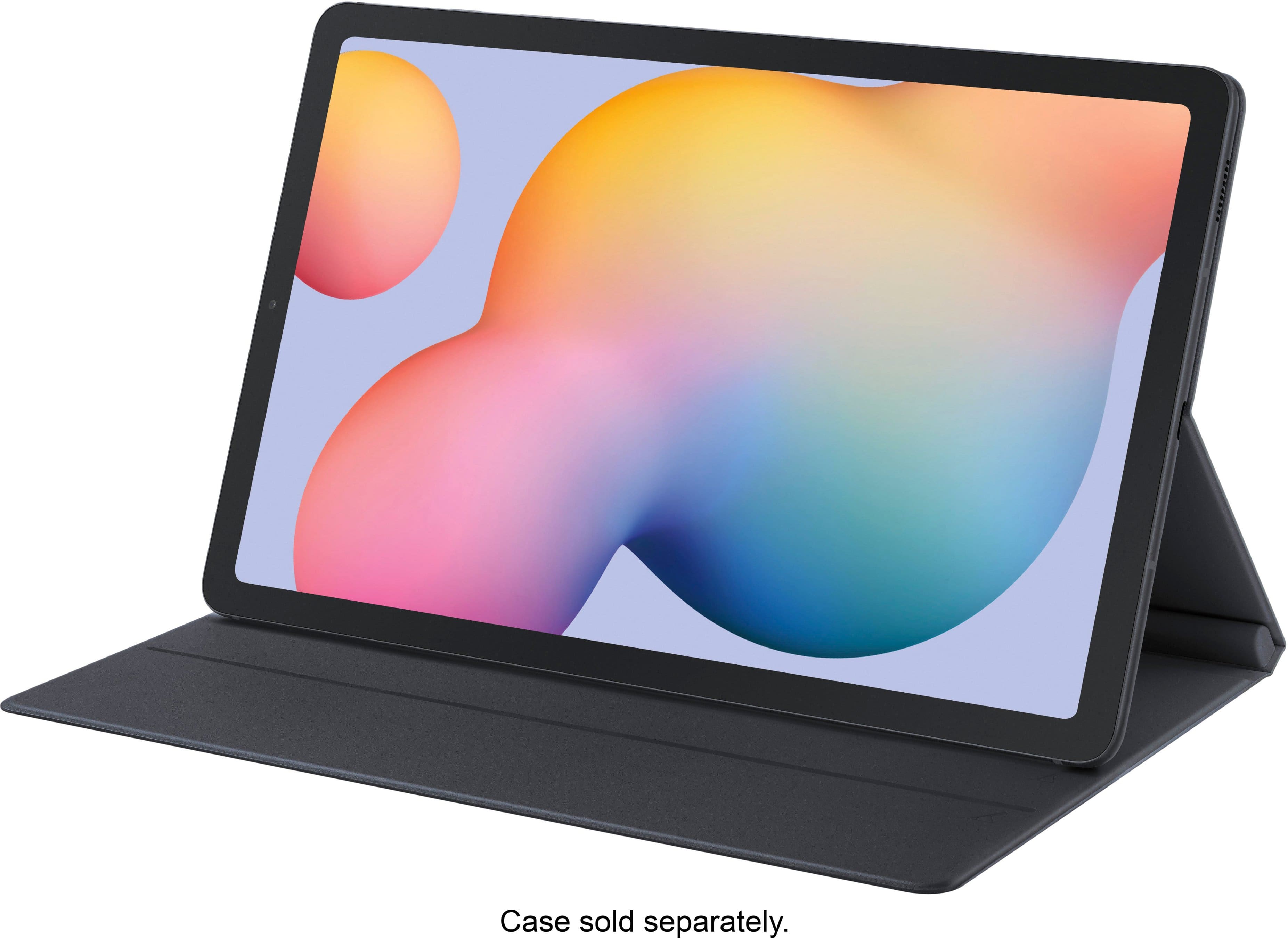
  • QuestionDoes it come with a cover??

    Asked by 1234.

    • Answer Hey there 1234, thank you for asking us your question about the Samsung Galaxy Tab S6 Lite. No, the advertised Galaxy Tab S6 Lite does not include a cover with purchase of this device. Accessories can be easily added to your order to ensure that your new device is protected once it arrives to you. If you have any other questions for us, please feel free to reach out to Support. Thanks for being a devoted Samsung customer. - Debra

      Answered by Samsung

  • Questionwhat voltage dc adapter do I need for this

    Asked by tish.

    • Answer Howdy Tish, thanks for taking the time out of your hectic day to ask us your question about the Samsung Galaxy Tab S6 Lite. Charging isn't the most exciting aspect of a phone or tablet, but it's a vital one. You can charge your Galaxy device using any Samsung travel adapter, but charging speeds may vary depending on the charger. You should only use original Samsung travel adapters and USB cables with your phone or tablet. Take a look at, "Wall chargers and charging your Galaxy phone or tablet" when you have the available time to learn more about what options are available to you when it comes to choosing your charger. If you would like further assistance afterwards, feel free to reach out to Samsung Support. Thank you for being a devoted Samsung customer. - Debra
      Answered by Samsung

  • QuestionCAN I CONNECT MY PHONE LINE TO THE TABLET?

    Asked by ALEX.

    • Answer You cannot connect an actual land line to this. This can connect to your cell phone, computer, laptop, and similar devices. You will only get a popup notice, if you receive a message. Pictures from your phone can be automatically backed up to the tablet as soon as you take a picture.

      Answered by ALURA

  • QuestionCan I sync this with my iPhone?

    Asked by Jenn.

    • Answer Hello Jenn, thank you for your question about the Samsung Galaxy Tab S6 Lite. Through Smart Switch you would be able to take data from your cellular device on to your tablet. However, due to the different operating systems, the data would not be able to refresh and you would not have the ability to see text messages and phone calls on your tablet. Thank you for being a Samsung customer. -Elizabeth

      Answered by Samsung

  • QuestionDoes the tablet come with Widows

    Asked by Denny.

    • Answer Hey Denny, we appreciate your question about the Samsung Galaxy Tab S6 Lite. This device is loaded with the Android operating system. If you are wanting to use specific apps and programs, you can always look through the Google Play Store to see what is available to download to the device. Thank you for being a Samsung customer. -Elizabeth

      Answered by Samsung

  • QuestionWhat comes with the S6? Charging cable, etc.

    Asked by Shelia.

    • Answer It comes with a charger, charging cable, a stylus pen and an sd card key.

      Answered by CynthiaM

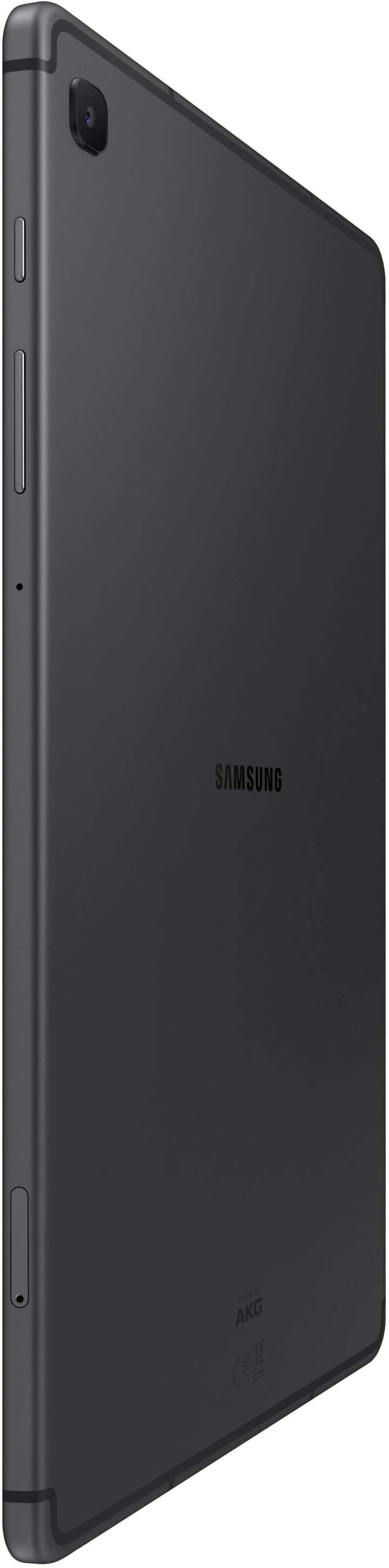
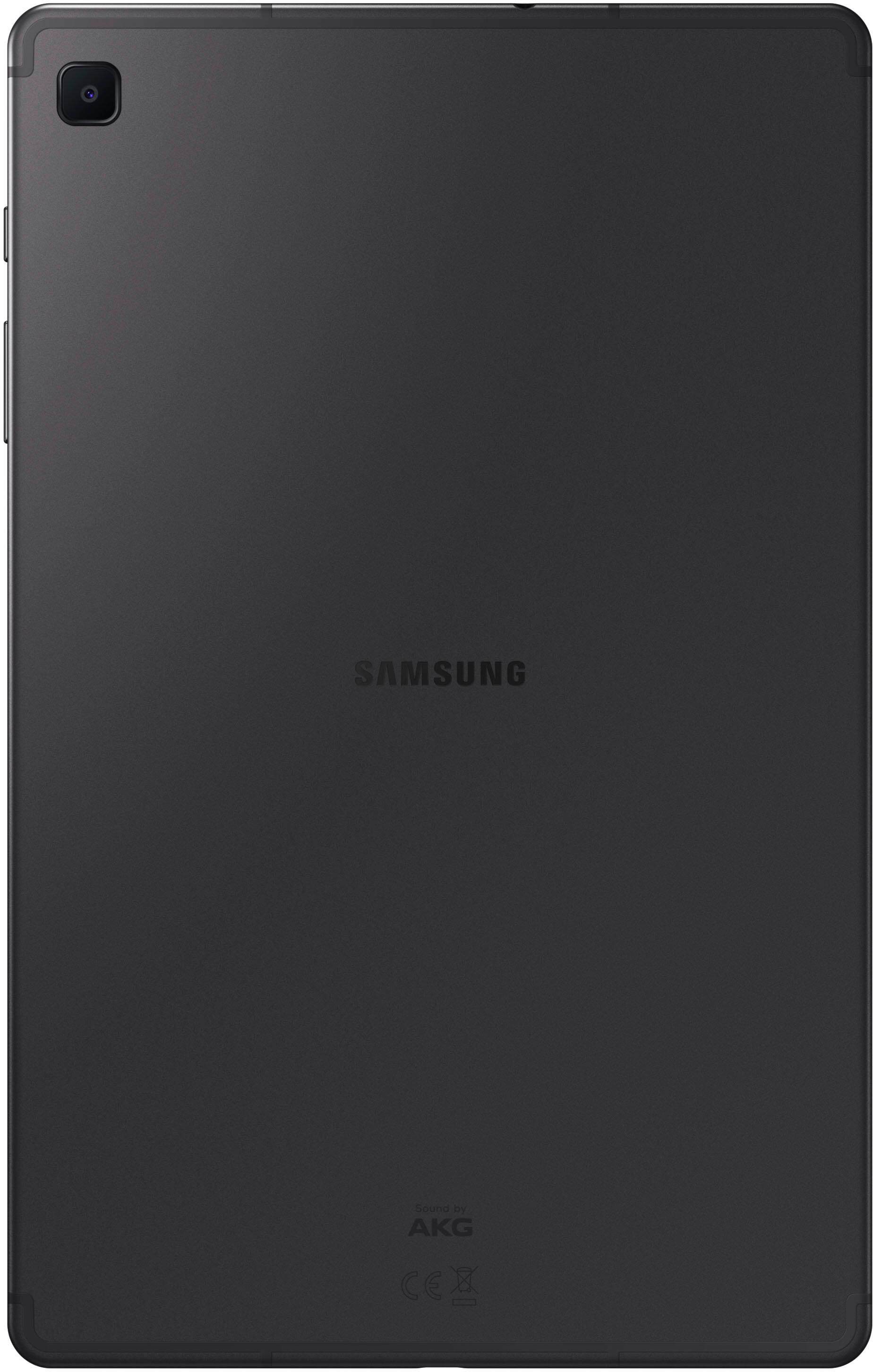
  • QuestionIs the back of the tablet smooth or textured? My s9 is slick and hard to hold

    Asked by Anonymous.

    • Answer Smooth

      Answered by Anonymous

  • QuestionDoes the S6 Lite have built in GPS receiver?

    Asked by rick.

    • Answer Yes. I just verified it sees the GPS satellites.

      Answered by Anonymous