A:AnswerWhat does ip68 mean?
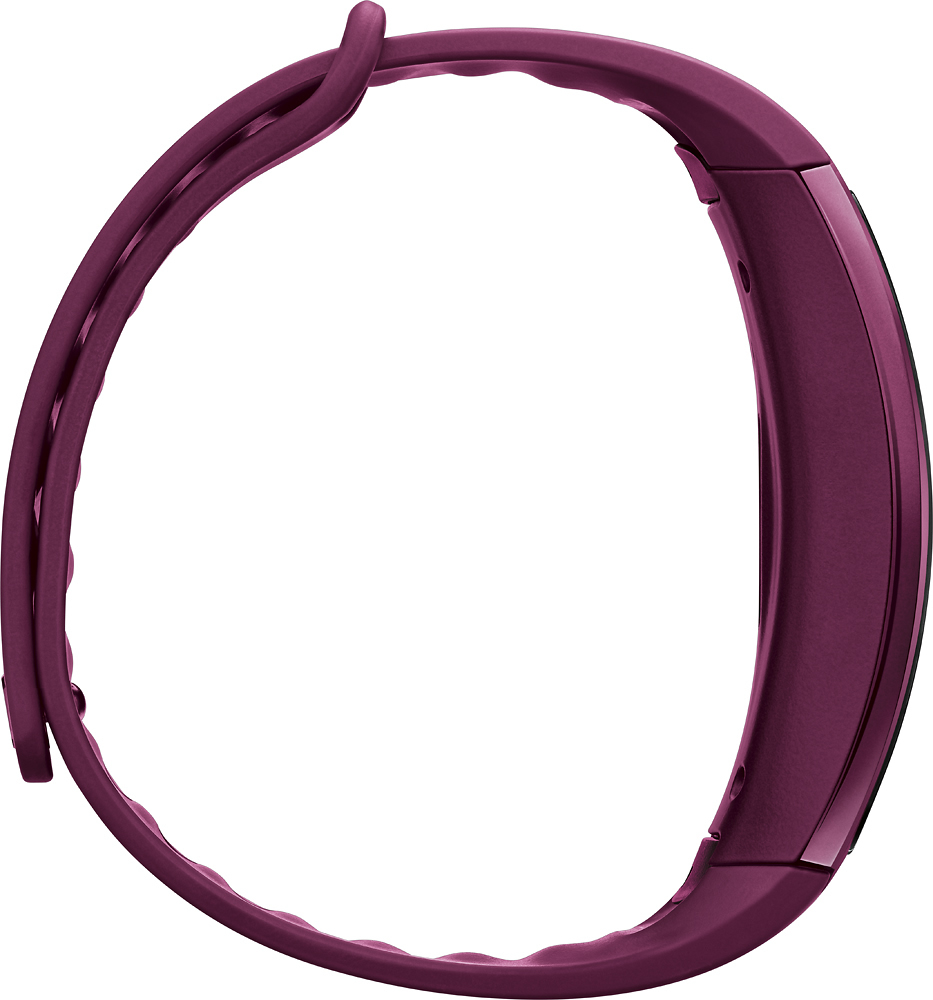
The Samsung Gear S2 /Gear S2 Classic devices have all been certified to an IP68 Rating which means that these devices are protected against water ingress to a maximum depth of 1.5 metres of water for up to 30 minutes, as well as protected against dust ingress.
A:AnswerTwo modes, one were it tracks HR only when you push the button and one were it takes intermittent HRs throughout the day. It won't record continuous all day though like an EKG. As a nurse i can say it might catch moments when your heart rate is elevated but it won't be able to track going in and out of afib if that's what you're hoping for.
A:AnswerYou're kinda in between, so I would get the large just to be on the safe side. If it is too big then exchange it for the small. Better safe than sorry.
A:AnswerFrom Samsung's site "Compatible with select devices using Android 4.4 and later with at least 1.5GB RAM. Supported devices may vary by carrier and device. Some features may not be available. For best results, connect with compatible Samsung Galaxy devices."
The Samsung Galaxy S4 should have 2GB of RAM and at least Android 4.4, if not higher if you kept it updated.
A:AnswerI tried connecting the Nike+ Run App via Bluetooth to my Samsung Galaxy Note 4 (Marshmallow) and the app couldn't find it; the app was able to use my Gear IconX for the heart rate monitor however, so maybe look into those?
A:AnswerWater proof vs water resistant. It's the difference between submerging or splashing. The higher the number the more resilient it is against dust and water.
A:AnswerFitbit is a different product. For this device, you will need to download the Samsung S Health app. There are third party apps that you can download to synchronize the data, but you'll have to use those at your own risk.