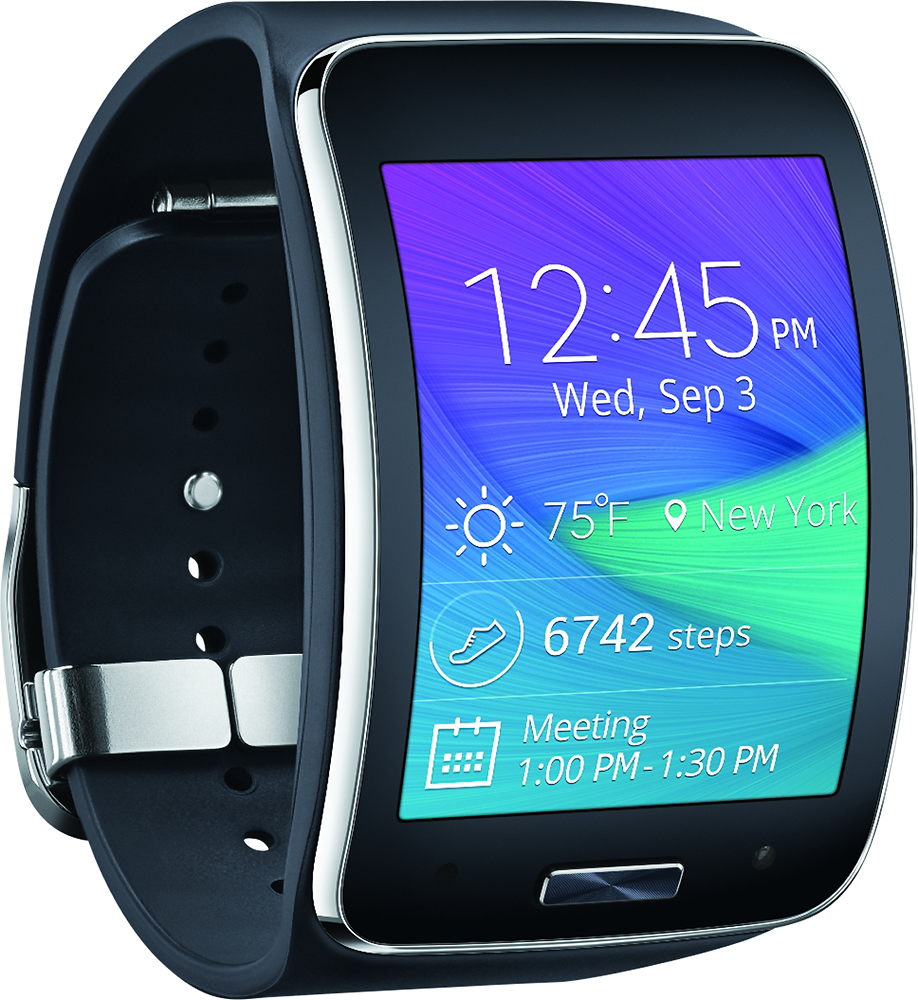
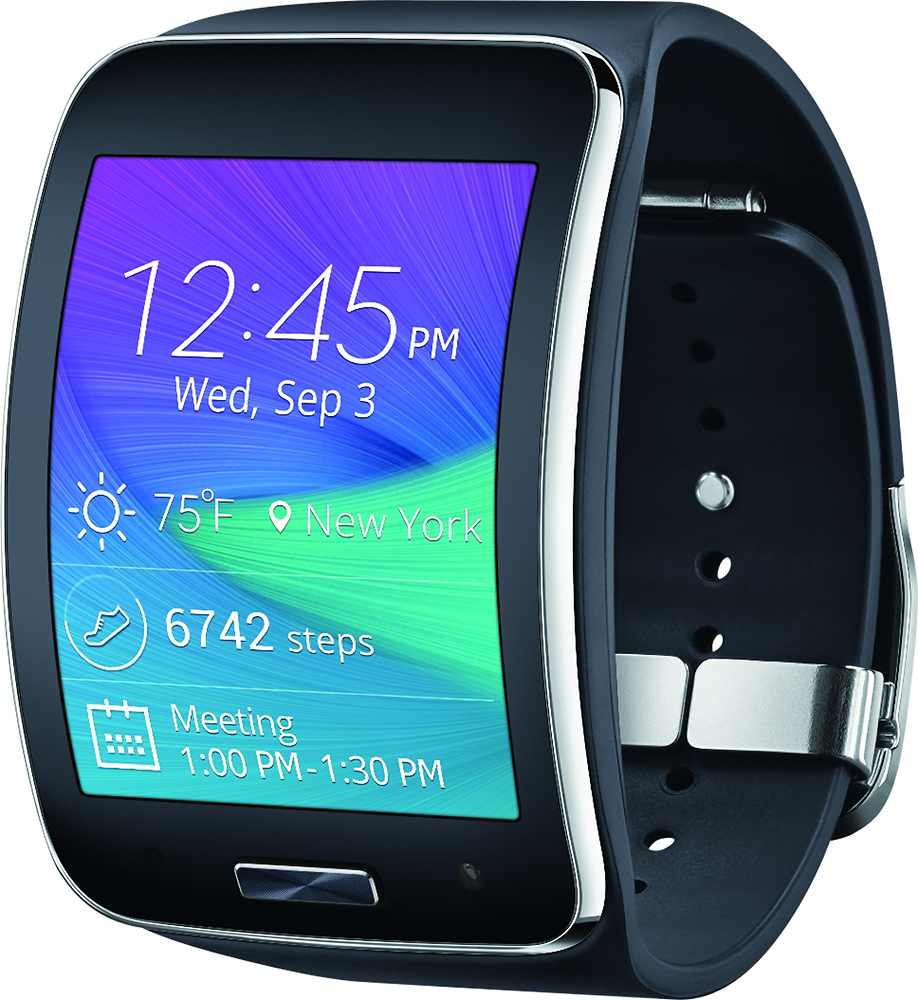
A:AnswerYes. However you need to unlock your phone from AT&T. Once unlocked you can port your number to T-Mobile. You can get a data plan for the Gear S from T-Mobile or just use your phone's connection.
A:AnswerAs long as you are paying for the monthly service on your phone plan for the watch to have its own phone number then you can use call forwarding. Which will allow for incoming calls to be forwarded to your watch without bluetooth connected.
A:AnswerSo far this one. The new s2 does not have a on screen keyboard and the ram and storage are exactly the same seems like Samsung didn't put much effort in making the new model better. The battery life of the gear s better than the s2,
Screen resolution is a lot better than the s2
If you want a watch that looks more like a watch the s2 is for you. But if you want a kick butt watch that looks futuristic get the gear s.
A:AnswerThe watch can be used with the carrier that you want, but if you bought the Verizon version it cannot be used on another network, fortunately if you do happen to change carriers, you can either just use it to communicate with your phone and without having another number for the watch or use its Bluetooth to listen to music , calls, etc without being activated.
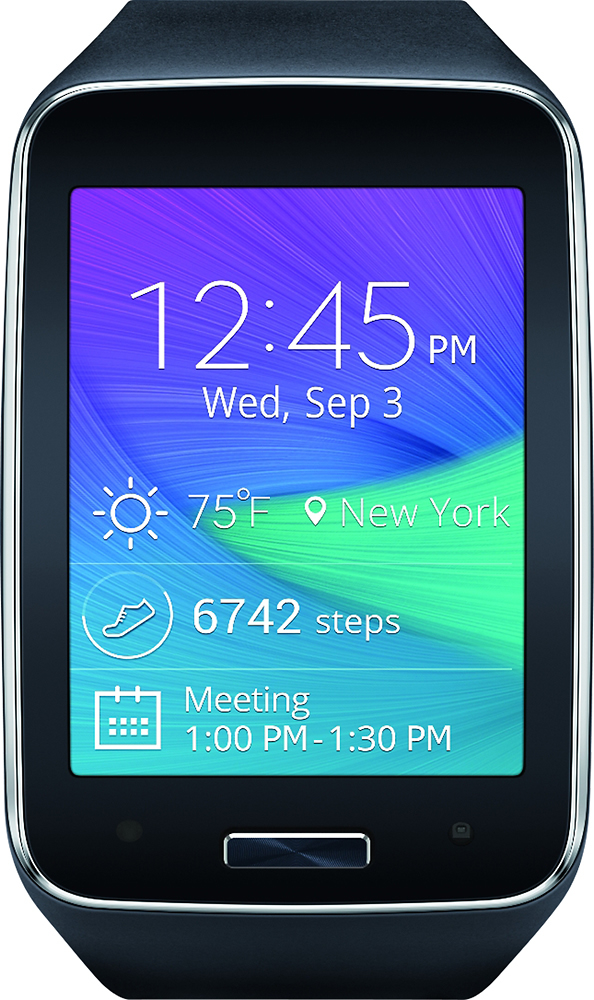
A:AnswerWorks great at tracking Sleep, Steps, Workouts, Heart Rate and other physical aspects. Works even better when synced with Galaxy Phones (personal experience with the 5 and Note4), but I have not found a way to export to my PC (IE Windows 10). I wanted to export my Blood Gluclose readings so I could show my doctor but could not export the data. I hope that helps a little bit.
A:AnswerNo I wouldn't say it re-syncs but when you power it up it will locate the phone and any new data it processes or adds it as if they never separated ( like 3 sec ).