A:Answer Hi Tonypinch,
I'm not sure if we had the same problem you're having, but we did experience a time lag between the TV and the sound bar, even using the HDMI connection. While there is a setting (somewhere) to adjust for that, in the process of trying to solve another problem, the lag was also corrected. We had trouble with the sound bar not turning on with the TV. The Geek Squad guys came back and tried to fix it. The trouble was that all of us accepted that it was fixed when it came on the first time the TV was turned on after they tried several things (unplug the sound bar and plug it back in, plug it into another outlet, etc.). Of course, after they left and we tried to turn it on again, the sound bar did not come on. (We discovered that it would only turn on with the TV once after each time it was reconnected to power.)
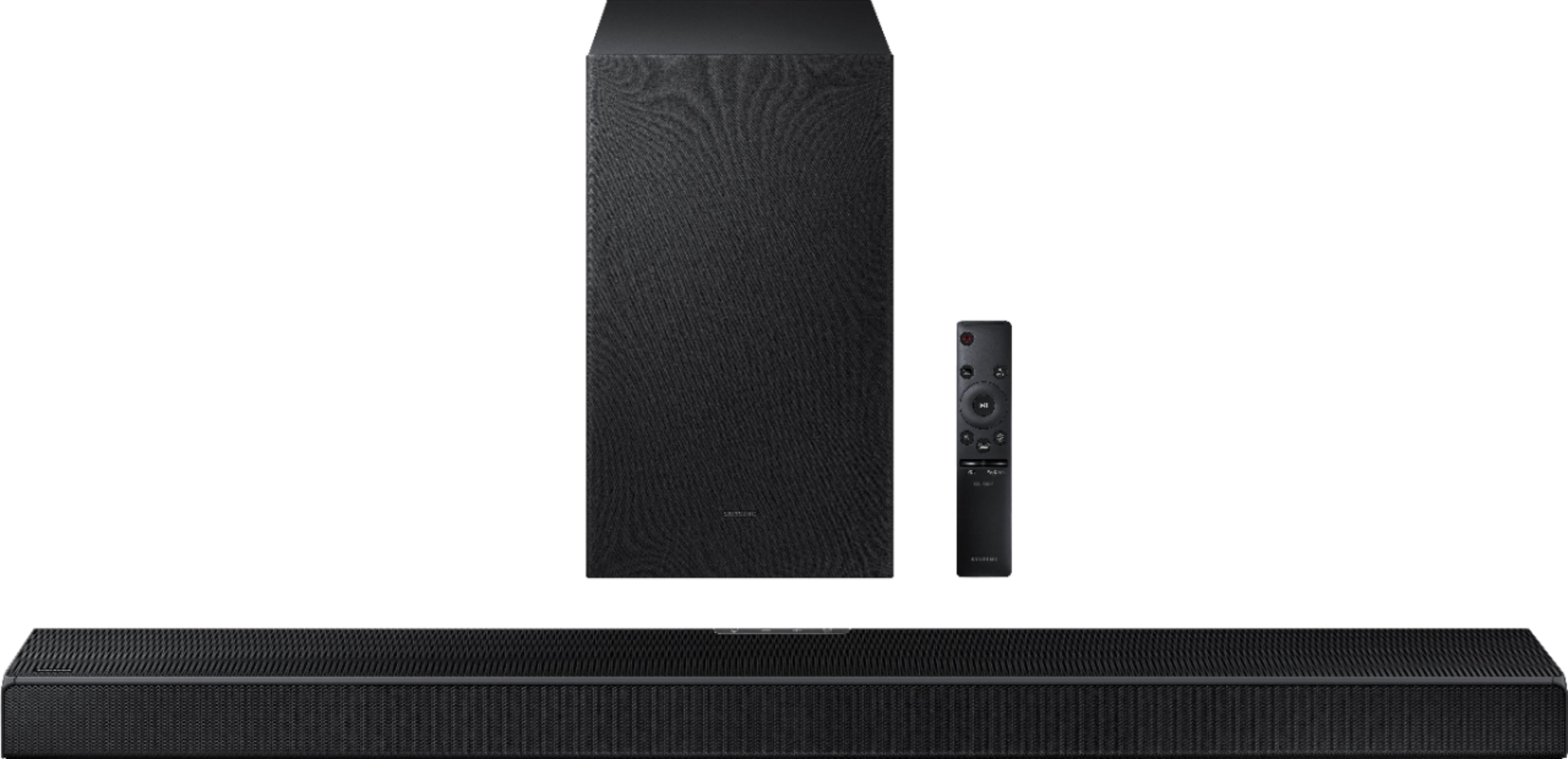
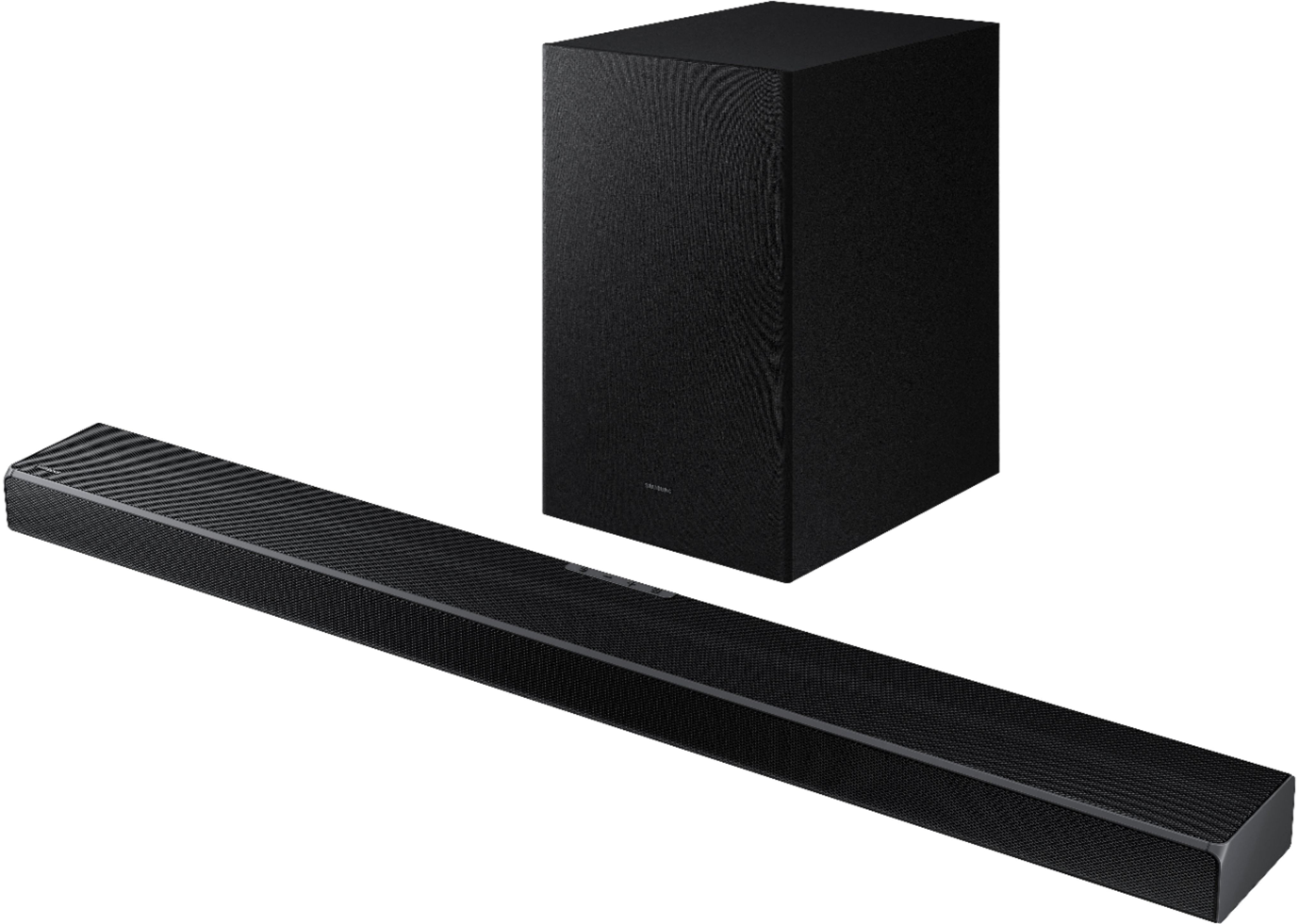
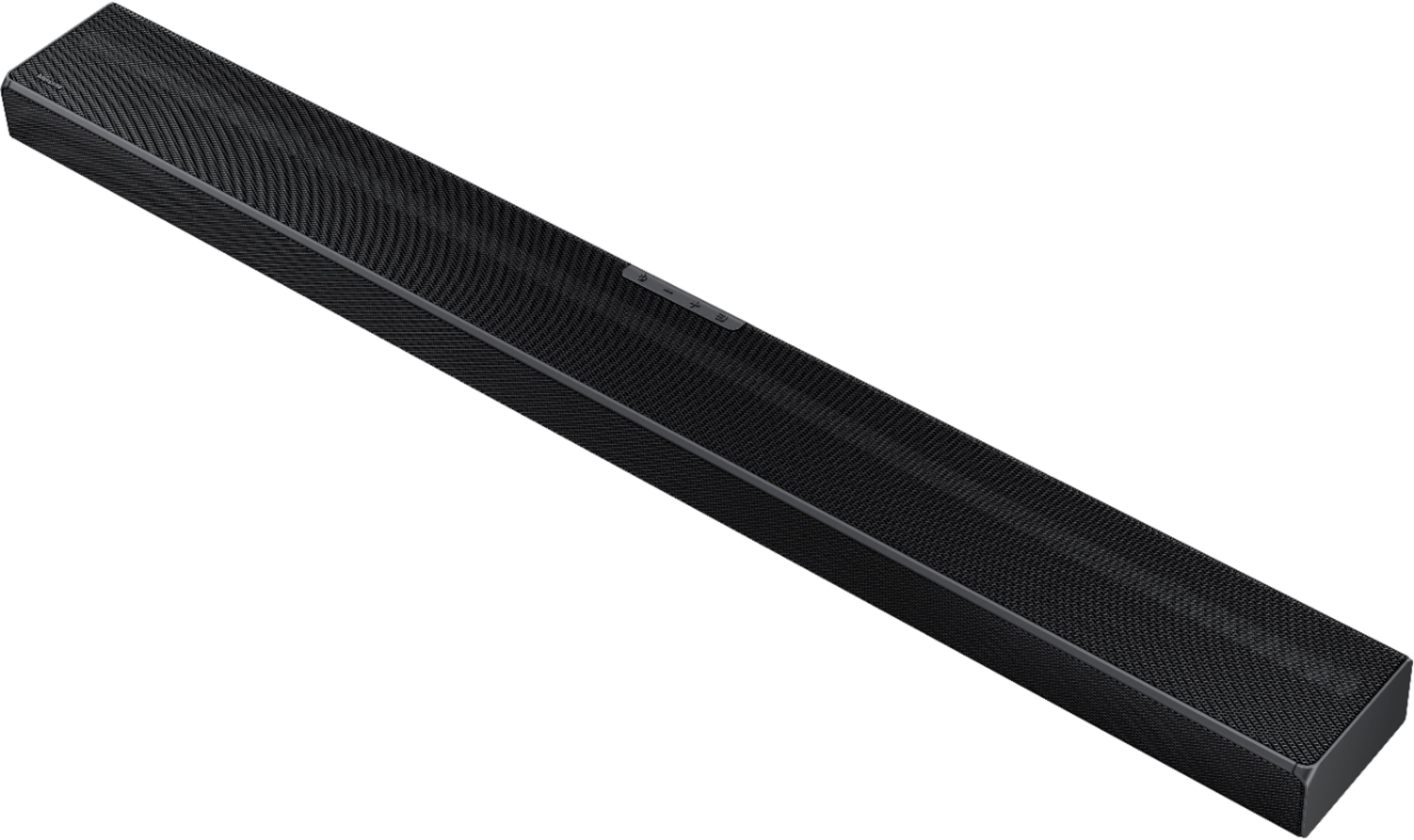
I called Samsung tech support (800-726-7864), and spent about 20 minutes with the representative walking me through the same steps I'd watched the Geek Squad do. Once he was convinced that none of those would work, he had me reset the sound bar by holding down the plus and minus buttons on the sound bar itself until it responded. I'm sorry, but I can't remember if he had me to this while the sound bar was turned on or off. At any rate, once I did that the sound bar turns on when it should and it is in sync with the TV. Apparently, it was a software issue, and resetting the sound bar forced it to download a new copy of the software. Hopefully, that will work for you, too.
~Jennifer