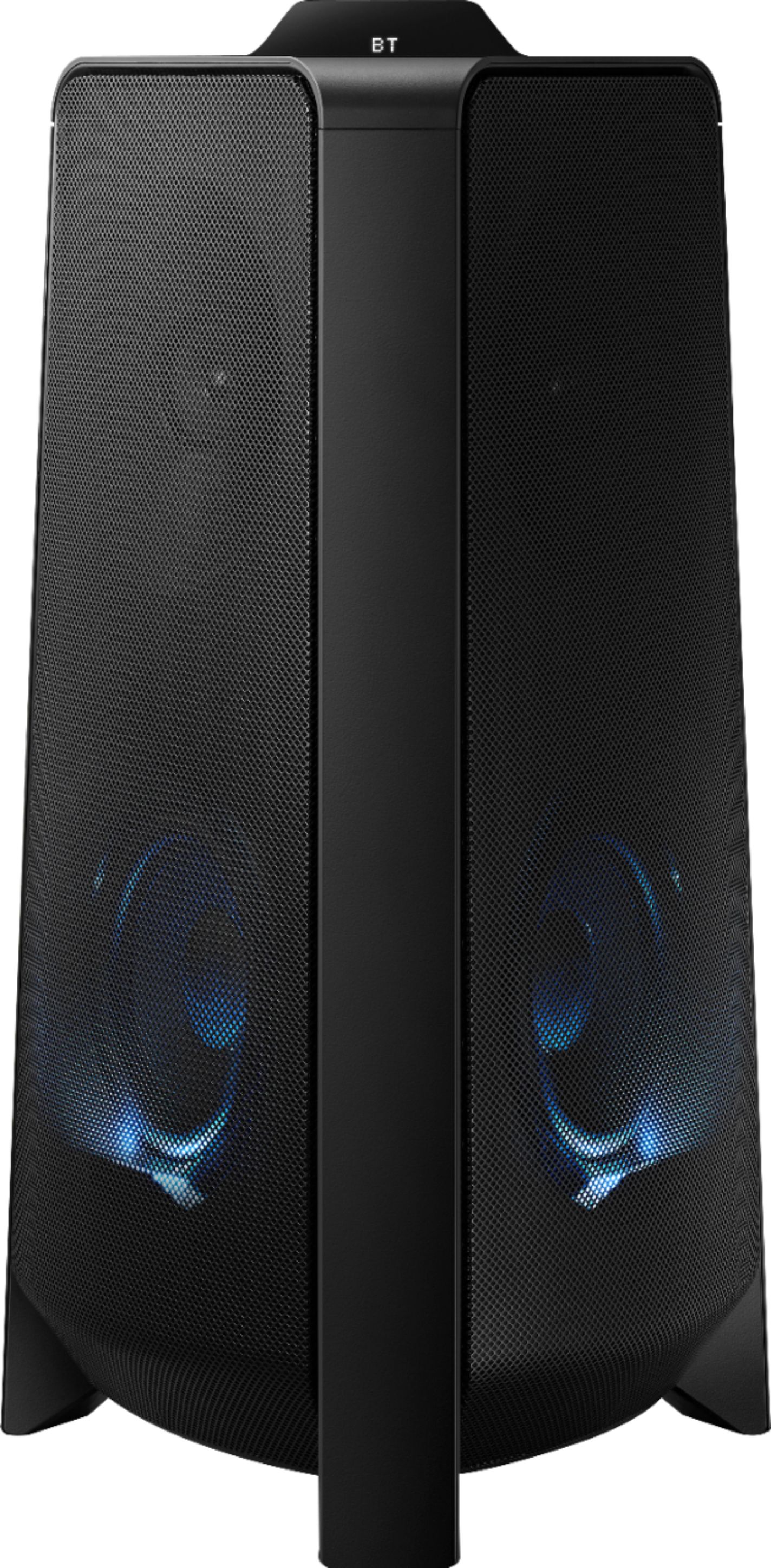
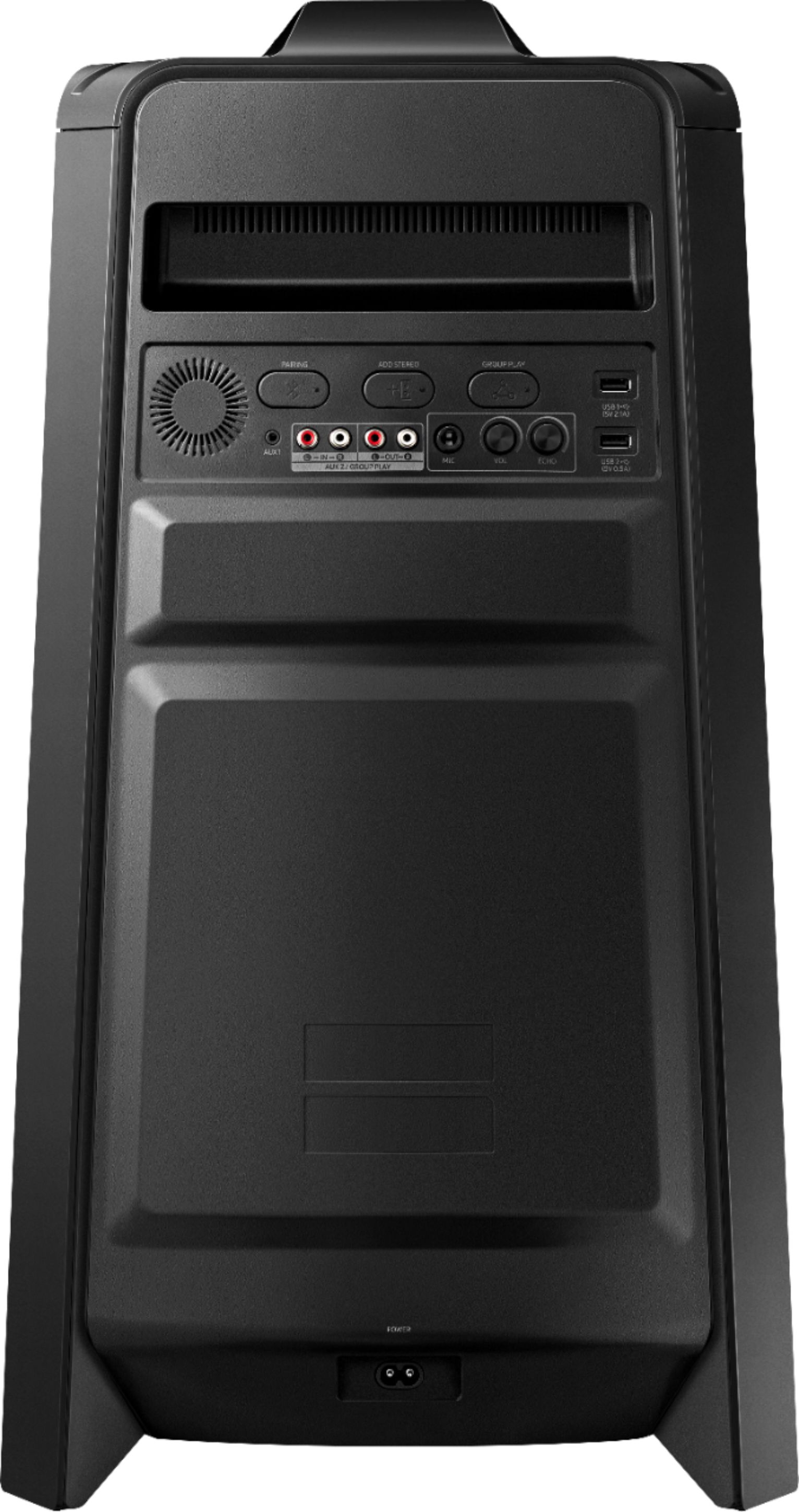
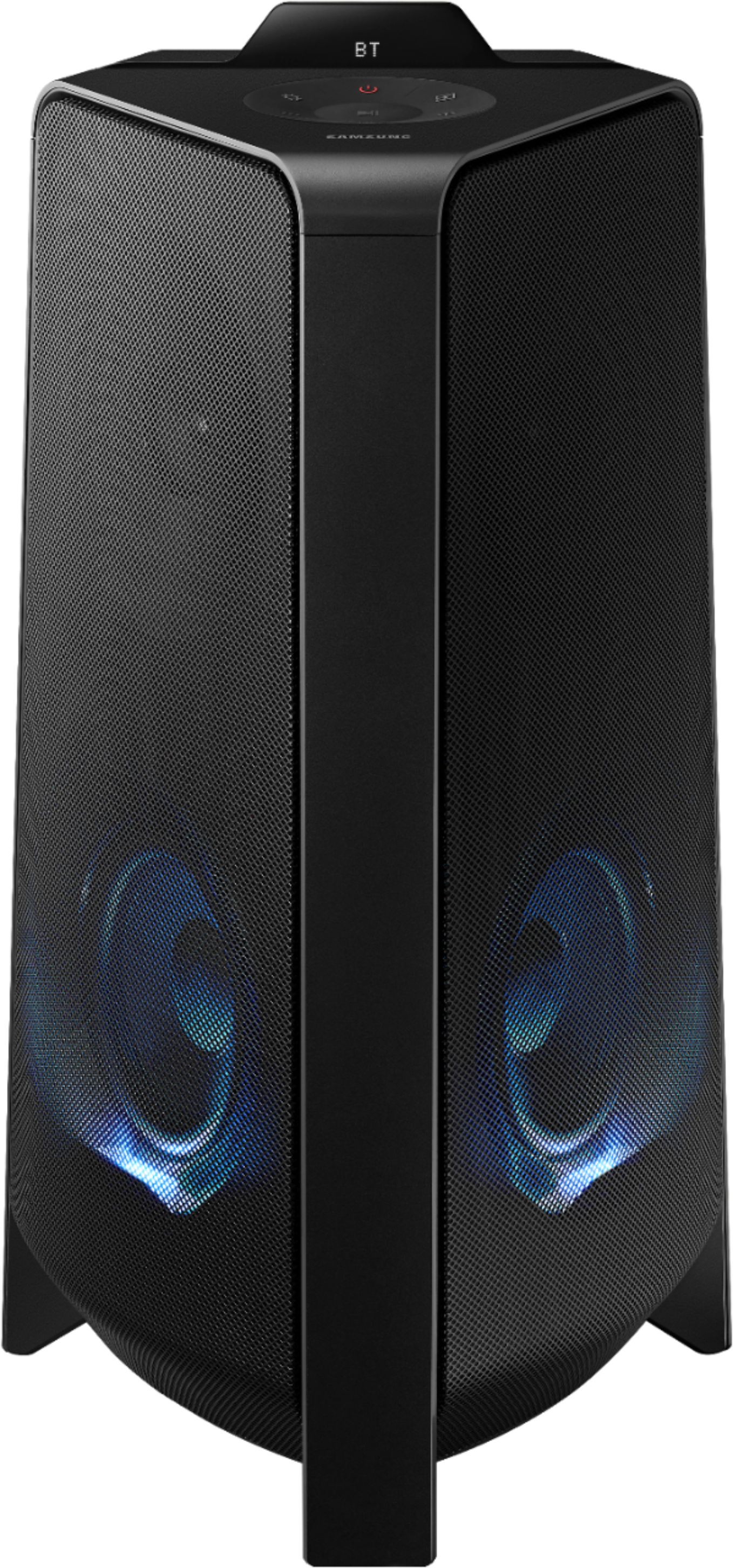
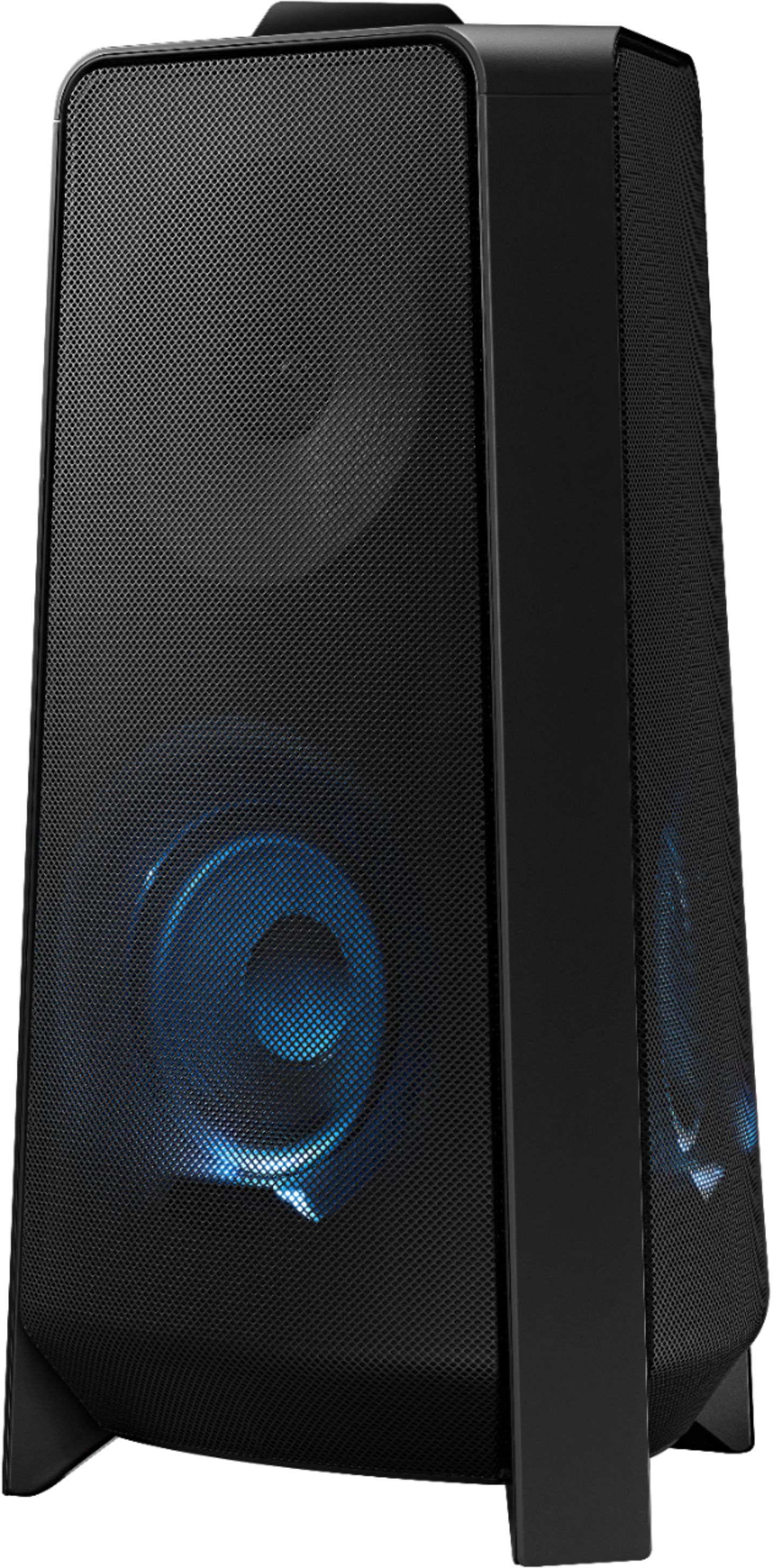
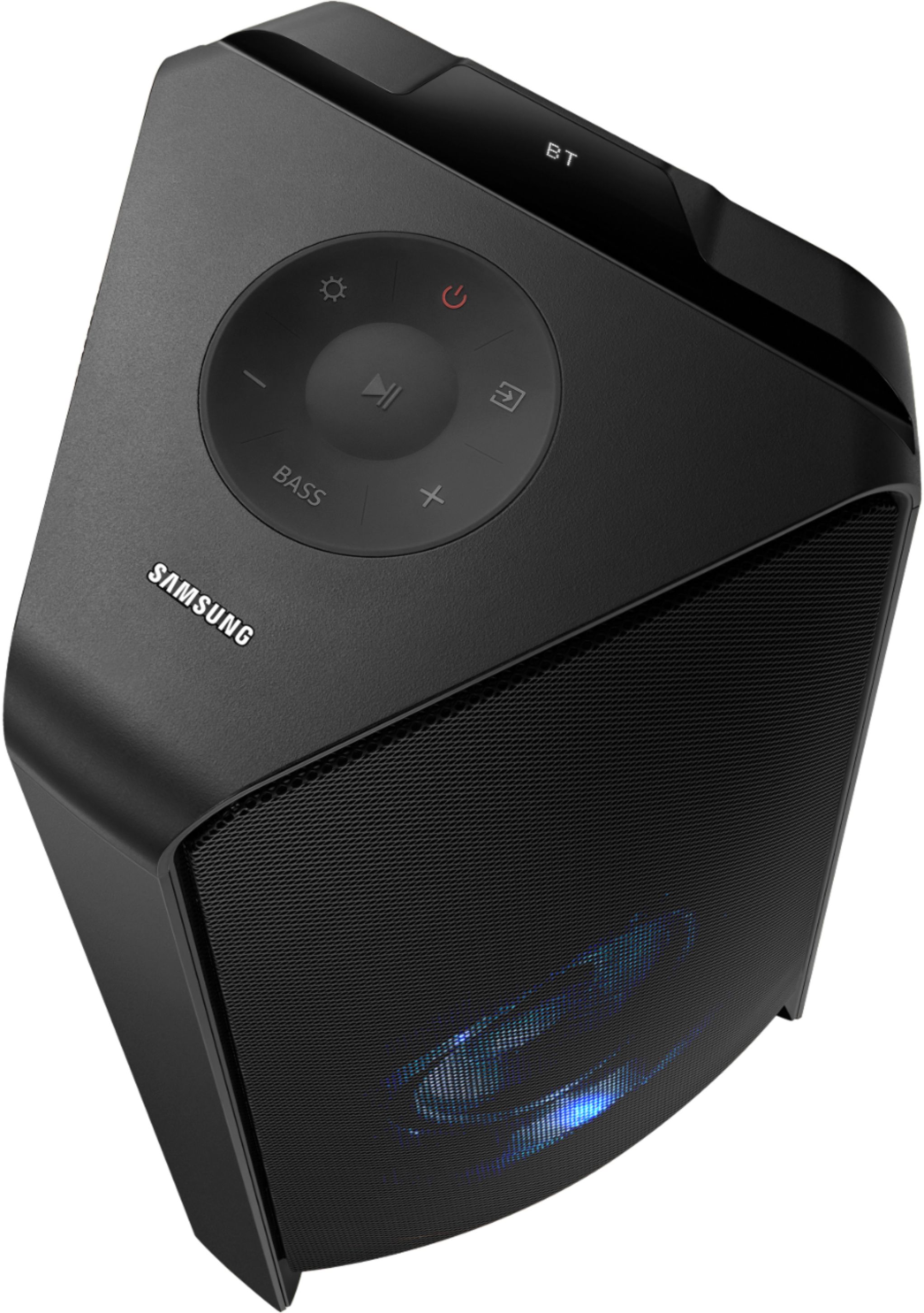
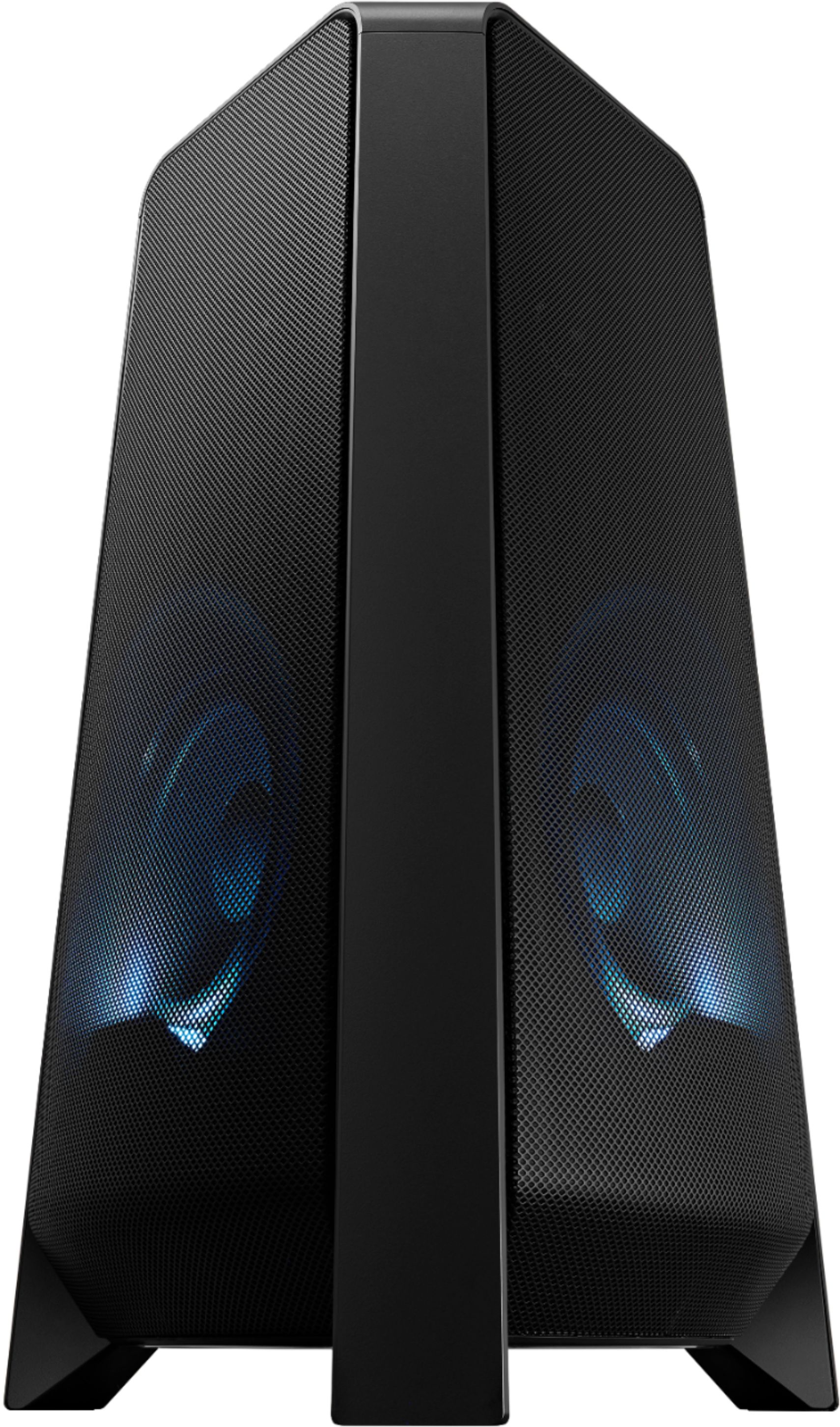
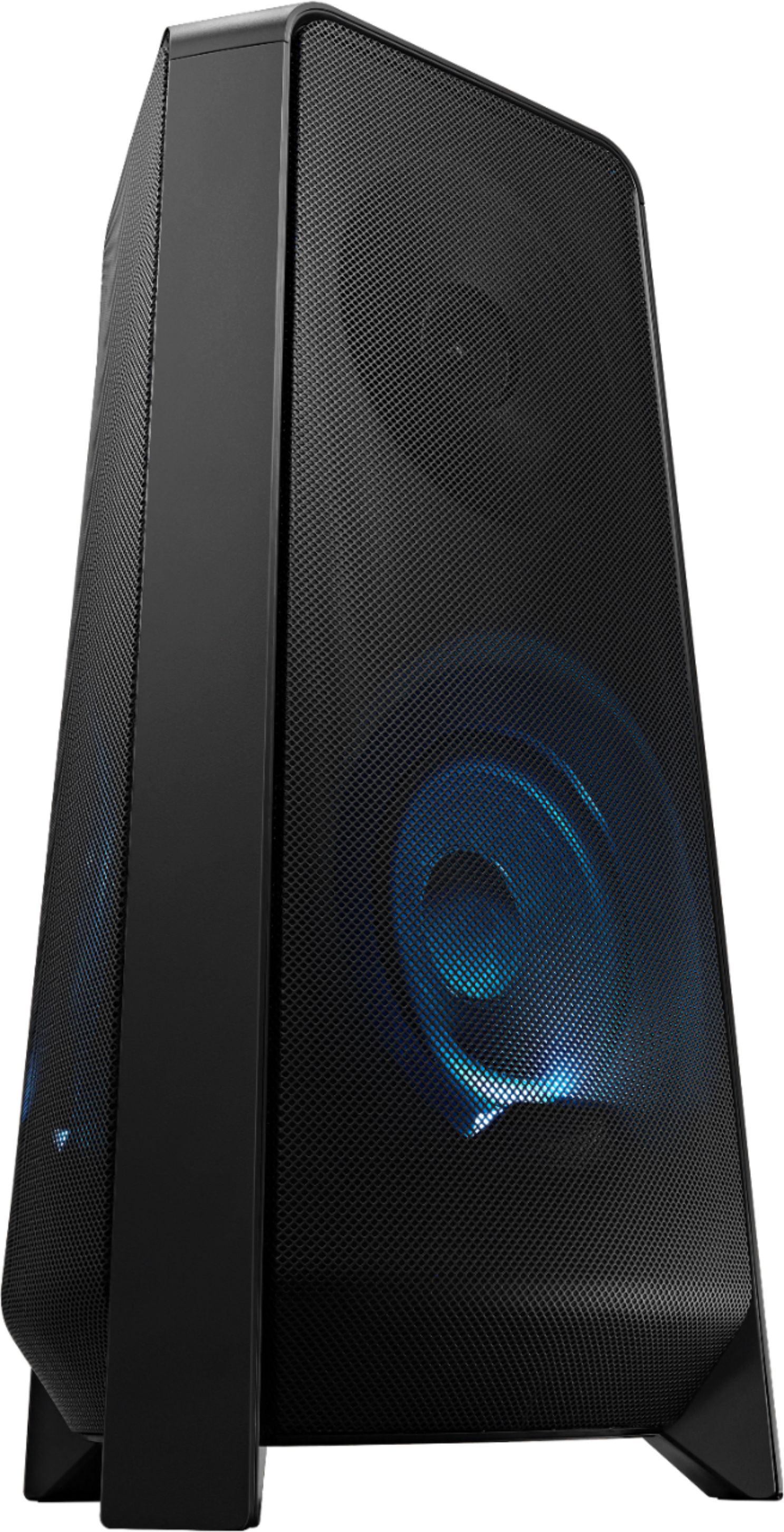
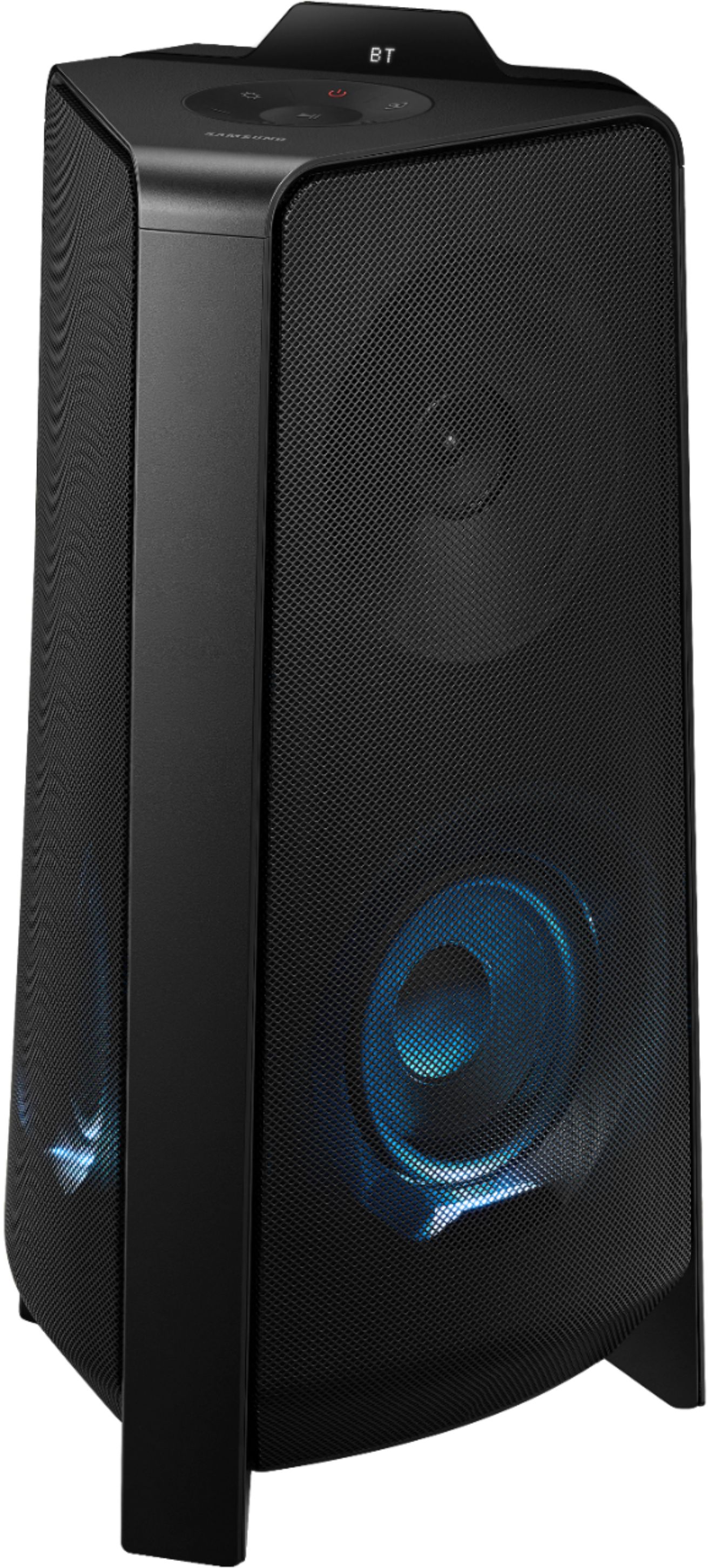
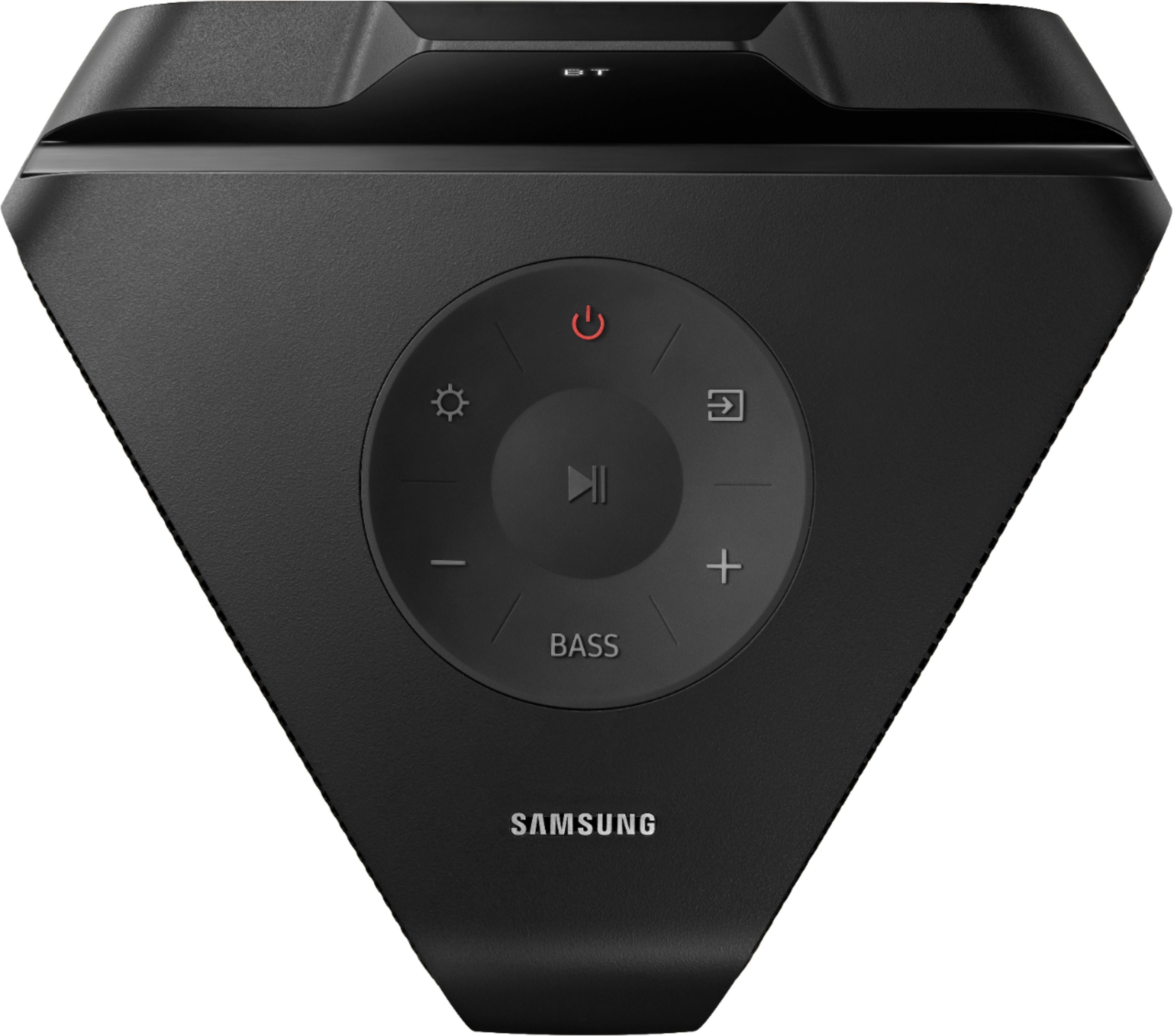
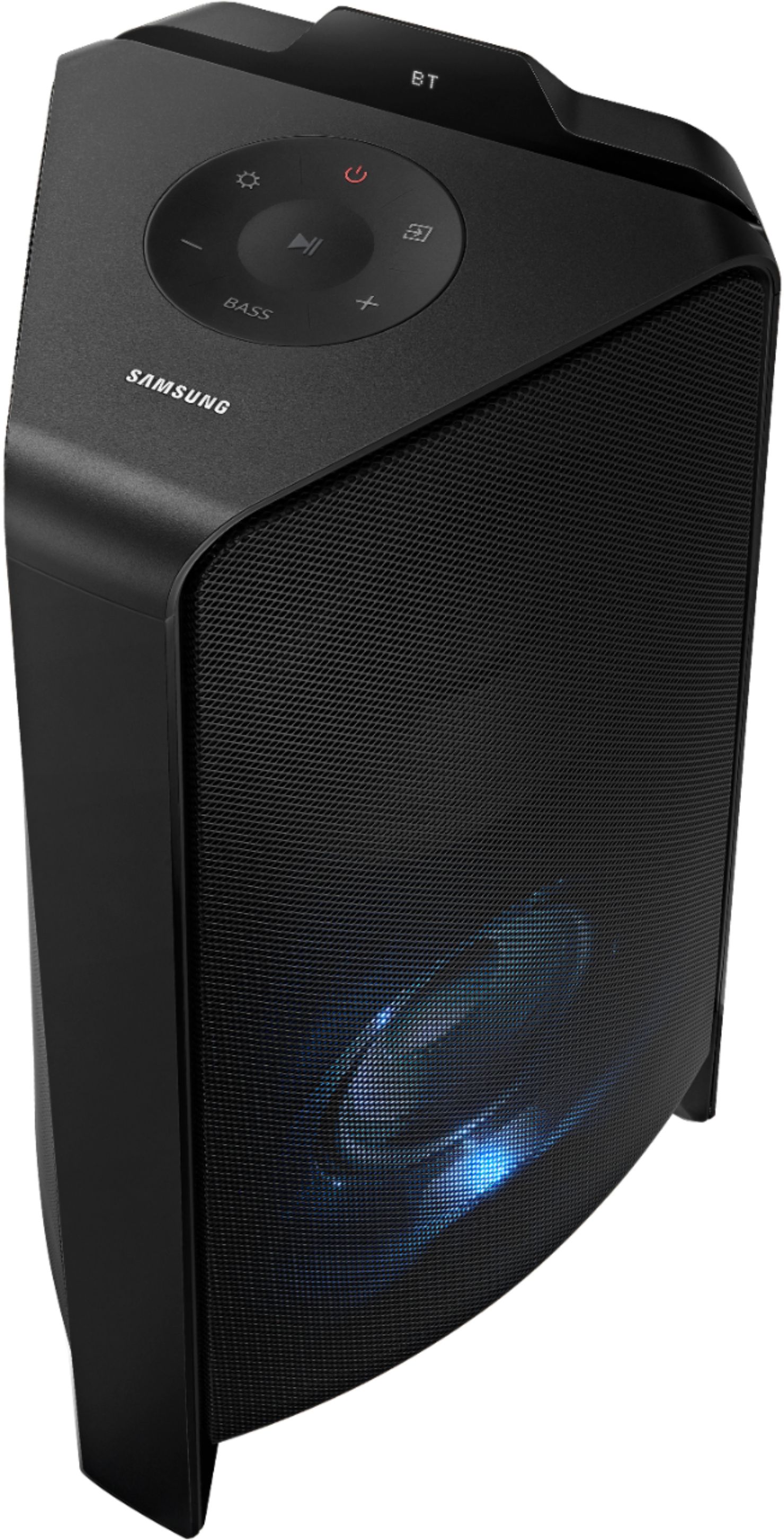
A:Answer Hi Amsolar365! Your Sound Tower has a Searching TV mode for easy connect with Samsung TV.
1. Press and hold the source button on your remote control or the top panel; the Sound Tower will start to search for a Samsung TV and a “SEARCHING TV” message appears on the display.
2. If your Samsung TV supports easy connection, a connection popup will be displayed on the TV. If your Samsung TV has connected with the Sound Tower before, it will connect without the popup.
3. If the Sound Tower can not find a Samsung TV within 5 minutes, the Sound Tower will change to “BT PAIRING” mode. If it finds a Samsung TV, the Sound Tower will request connection.
If this does not resolve your issue, please reach out to Samsung Support at: 1-800-SAMSUNG, available 8AM - 12AM EST, 7 days a week, or Chat with us on Samsung.com: https://www.samsung.com/us/support/contact/ ^Tim