A:Answerlem,
So we can better assist you with your questions, please call us at 1-800-SAMSUNG, 8AM - 12AM EST (Ask for Soundbars), 7 days a week. Our LiveChat agents are also available by clicking on the ‘Support’ link on our website.
~ Samsung Solutions
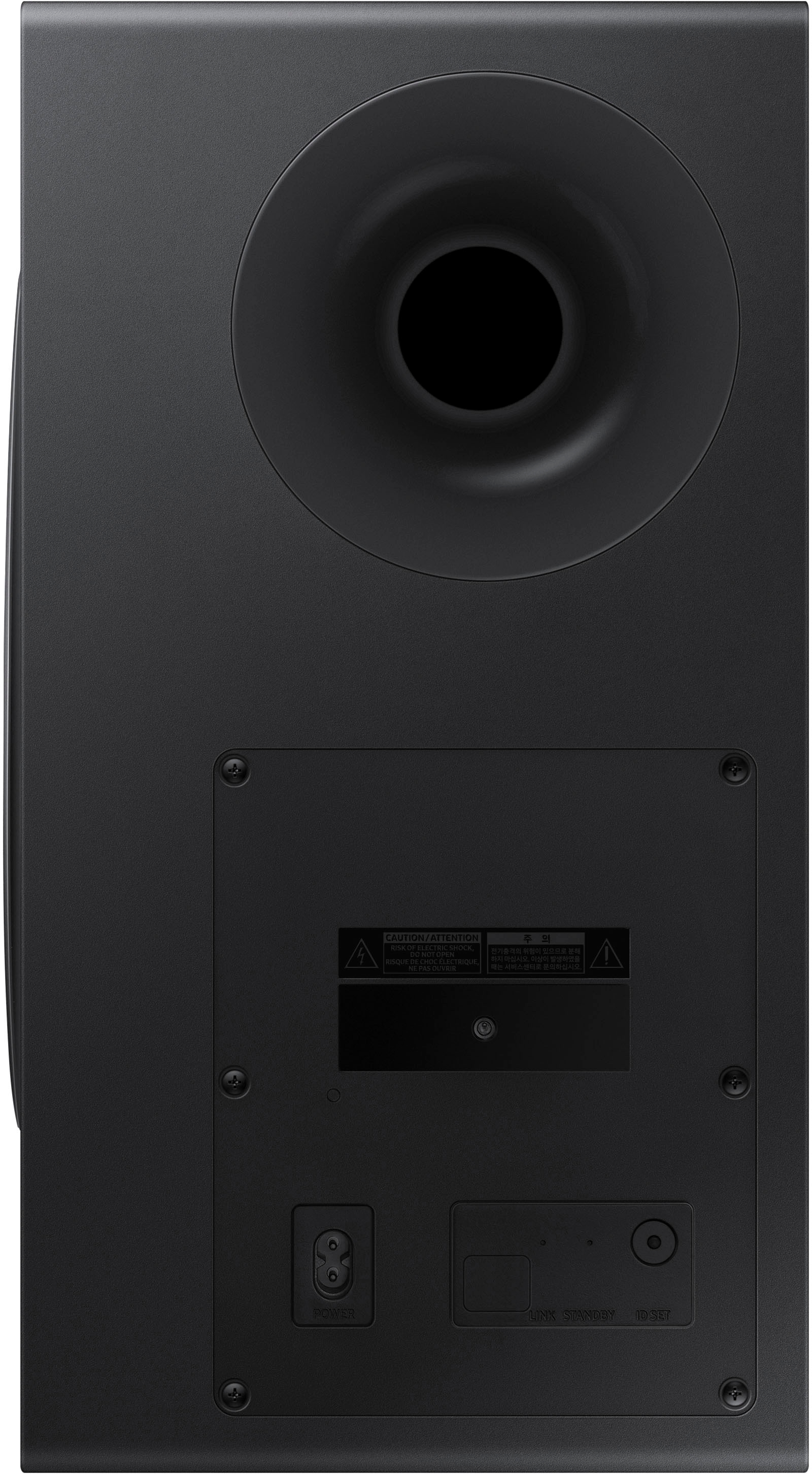
A:AnswerThere's a button in the back that you hold for about 5 seconds. If it's blinking, it's not synced. It has to be solid blue for it to be synced. The same with the surround speakers. This happened to me when I first set it up. None of the speakers were syncing and then I watched a Youtube video and understood it.
A:AnswerI had to buy different speaker stands to support the surround speakers. I went to Amazon.com and purchased the PERLESMITH Universal Speaker Stands that adjusts from 30.7" to 42.5." It doesn't take long to assemble them and it raises your speakers to a good amount of height.
A:AnswerI’ve had this system for one month now, and have not experienced any drop out problems. I’ve only been amazed at how clear the volume is and made it more easier to watch movies without putting on subtitles.
A:AnswerYou’ll find in the adjustments and the sound bar when you feel that you need more power from each individual level - left - right - up or center — you could increase it from 0 to 6 increasing the sound if you feel that your needs aren’t met for the position of the speaker as well as the shape of the room
A:AnswerHi AJ,
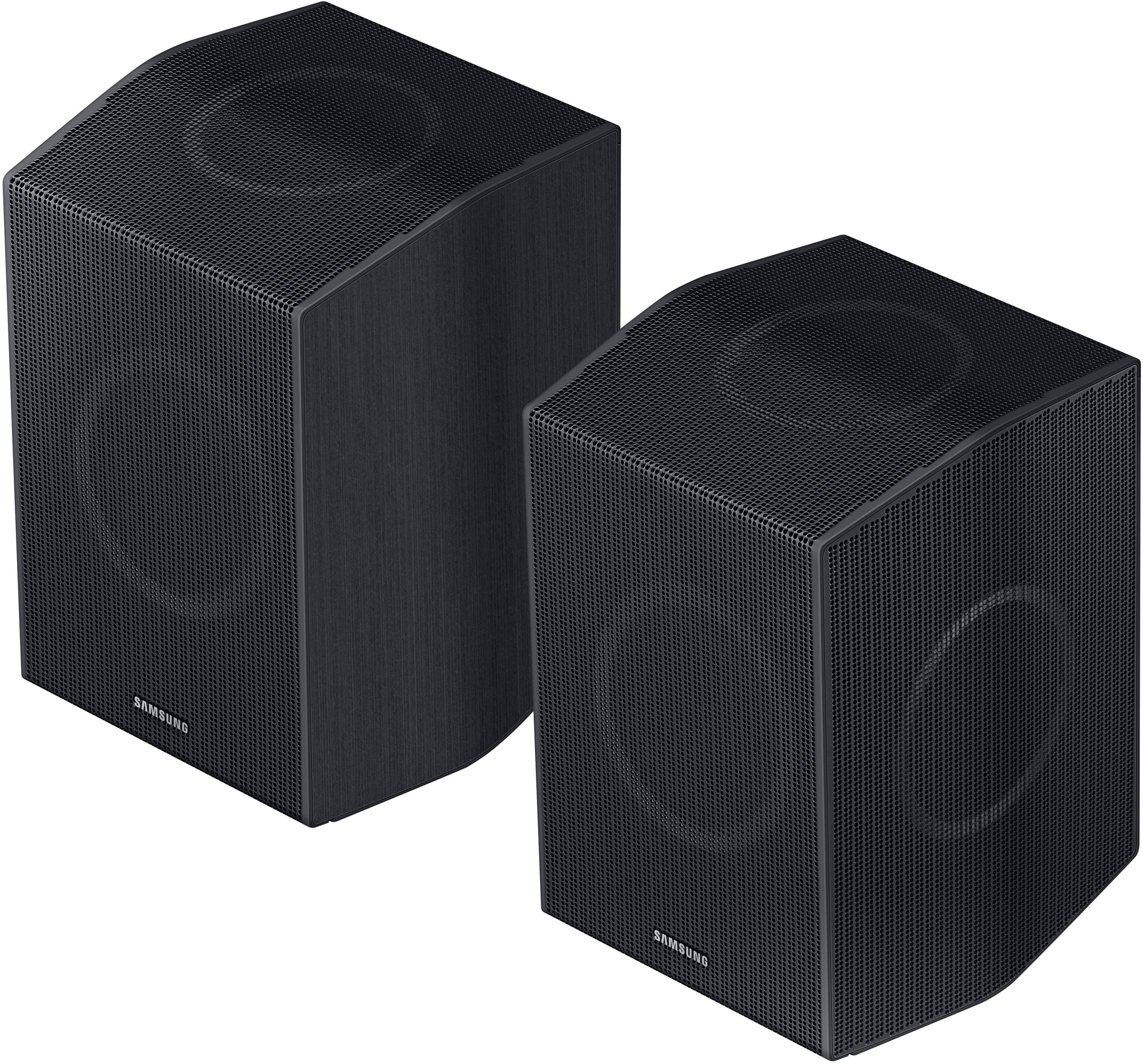
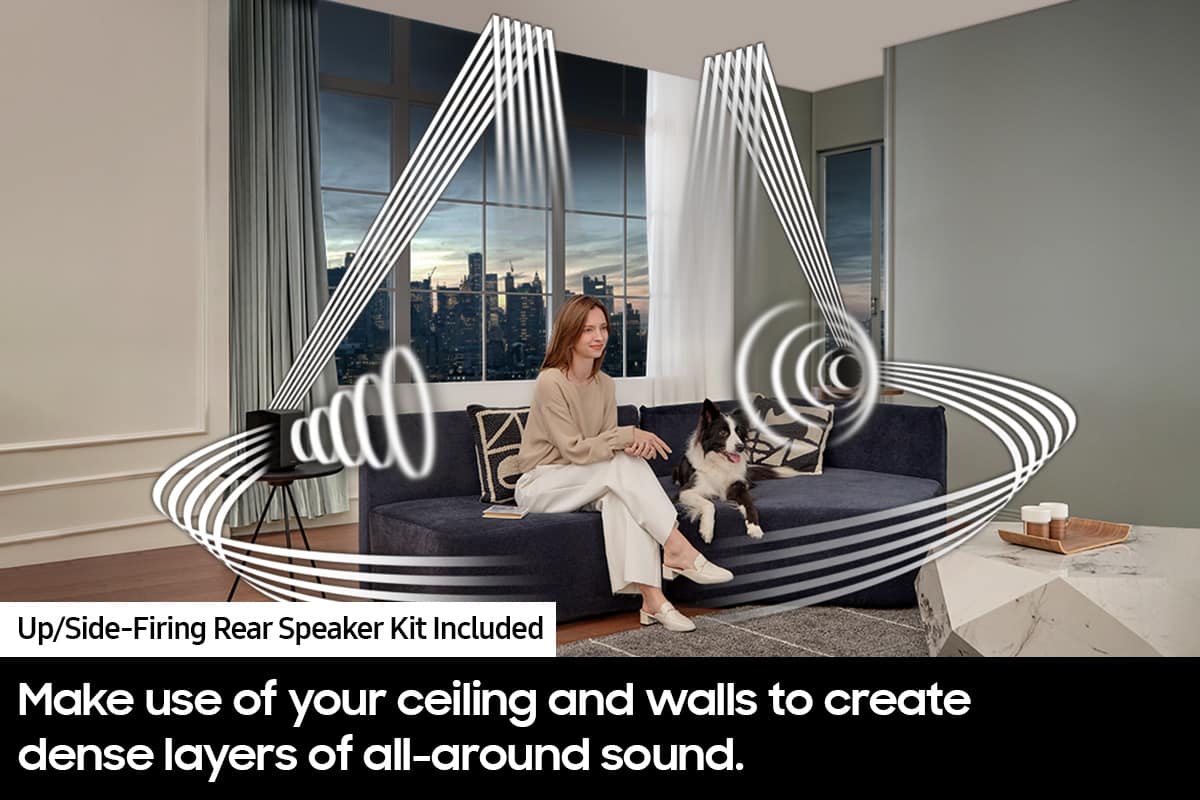
Optimally your rear speakers will be roughly 135 to 150 degree angle from the center of your couch, this graphic can be seen on page 10 of the full user manual available on Samsung's website.
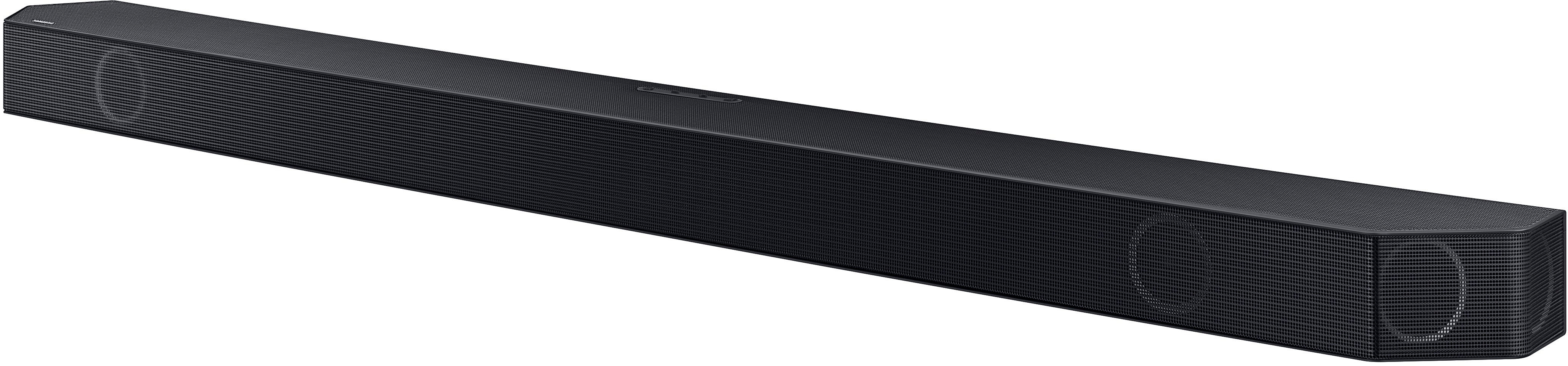
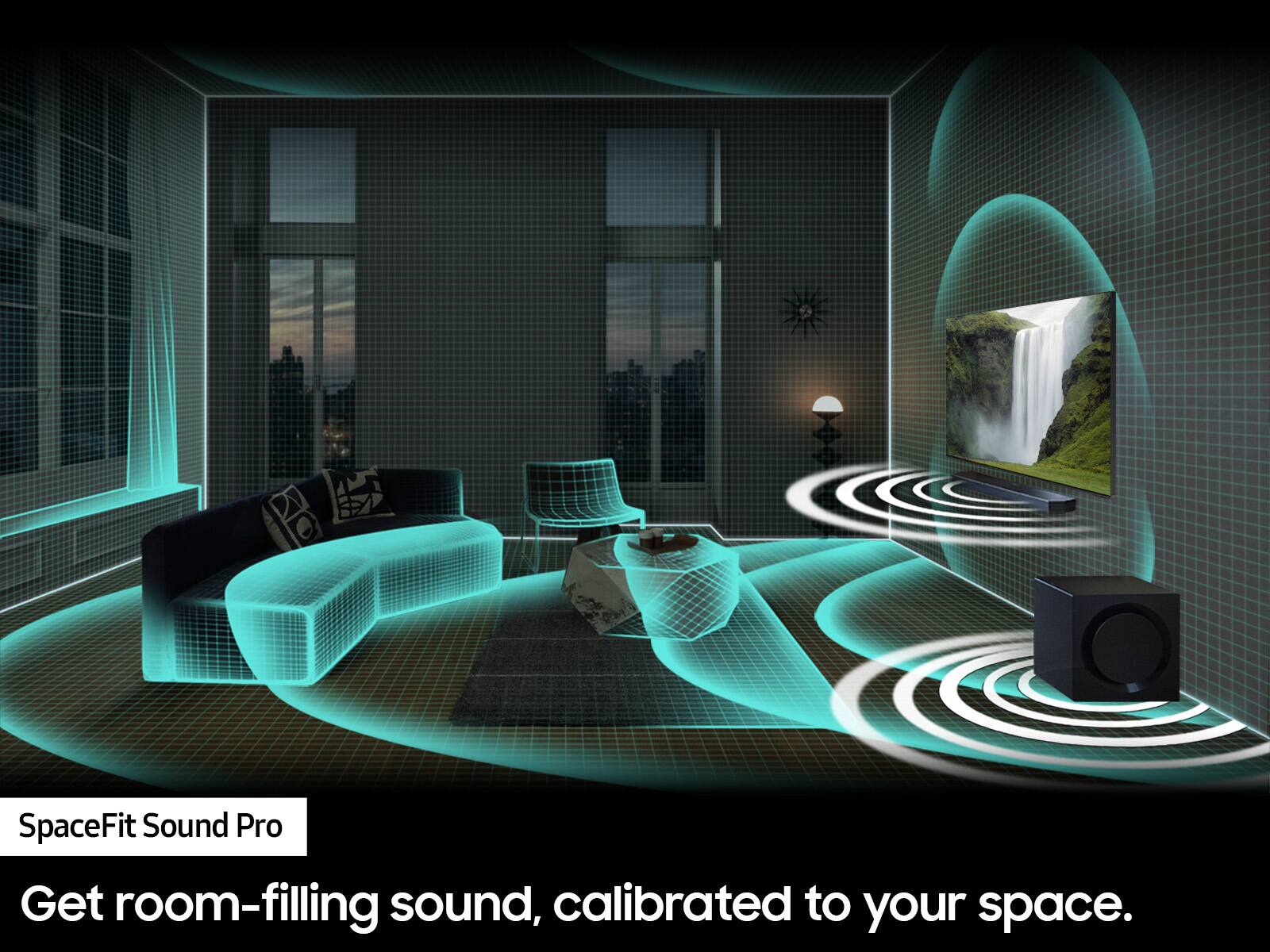
For the Soundbar itself, you will use the feature SpaceFit Sound Pro. This will allow the Soundbar to optimize itself based on the size and shape of your room giving the best audio experience available.
~Samsung Solutions
A:AnswerI had a sticker on my sound bar out of the box but I didn’t think of anything more or less about it - the instruction manual is what you want to focus on, maybe during the assembly or boxing of the product the sticker wasn’t placed on it?
A:AnswerHi John,
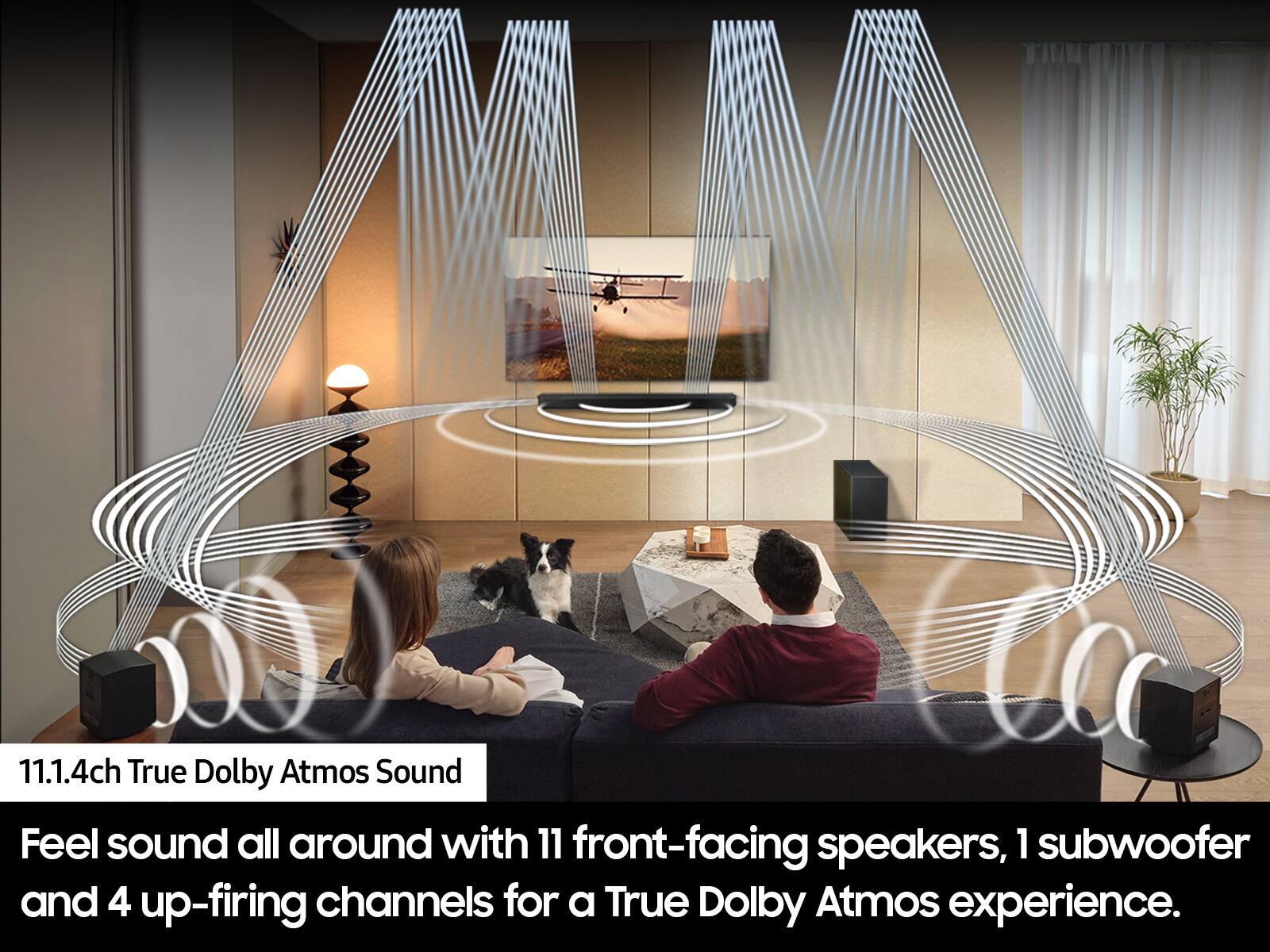
If you are considering placing your rear speakers on either stands or mounting them on the wall, there are a few things to consider. If you do plan on mounting the speakers on the wall, do not place them too close to the ceiling, as this can cause interference with the top-firing speakers when playing Dolby Atmos content.
~Samsung Advisor
A:AnswerHi Craig,
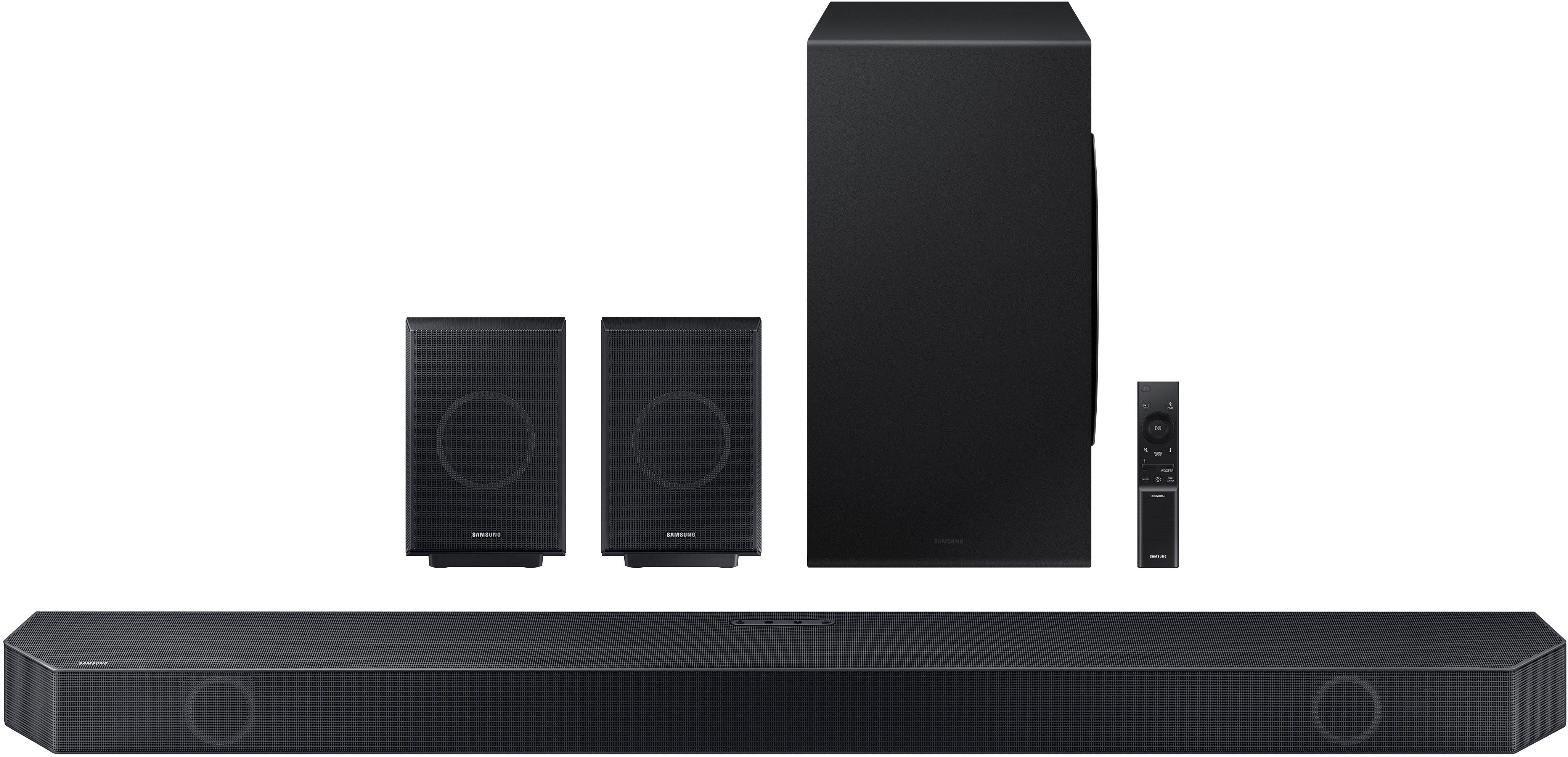
Most definitely! The Soundbar has an eARC port which will connect using with one HDMI cable to any TV with an eARC port delivering you Dolby Atmos to the whole Soundbar System.
~Samsung Solutions
A:AnswerHi Craig,
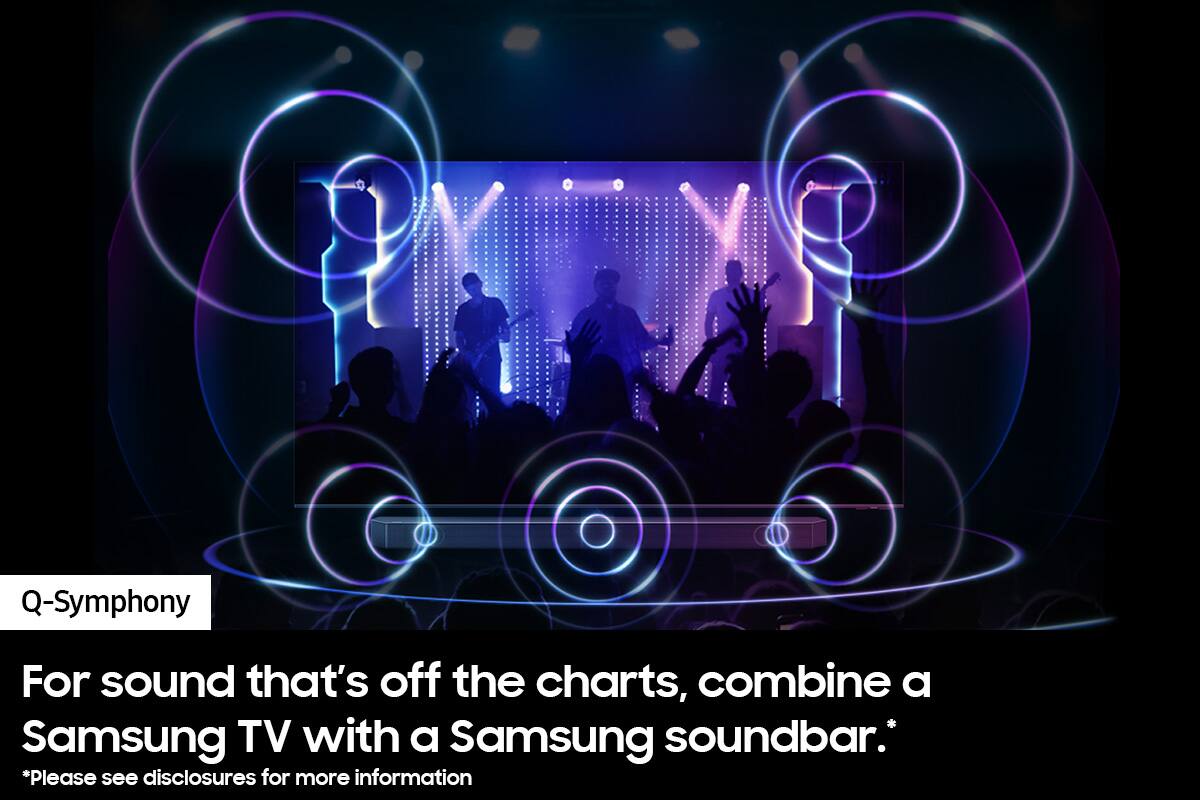
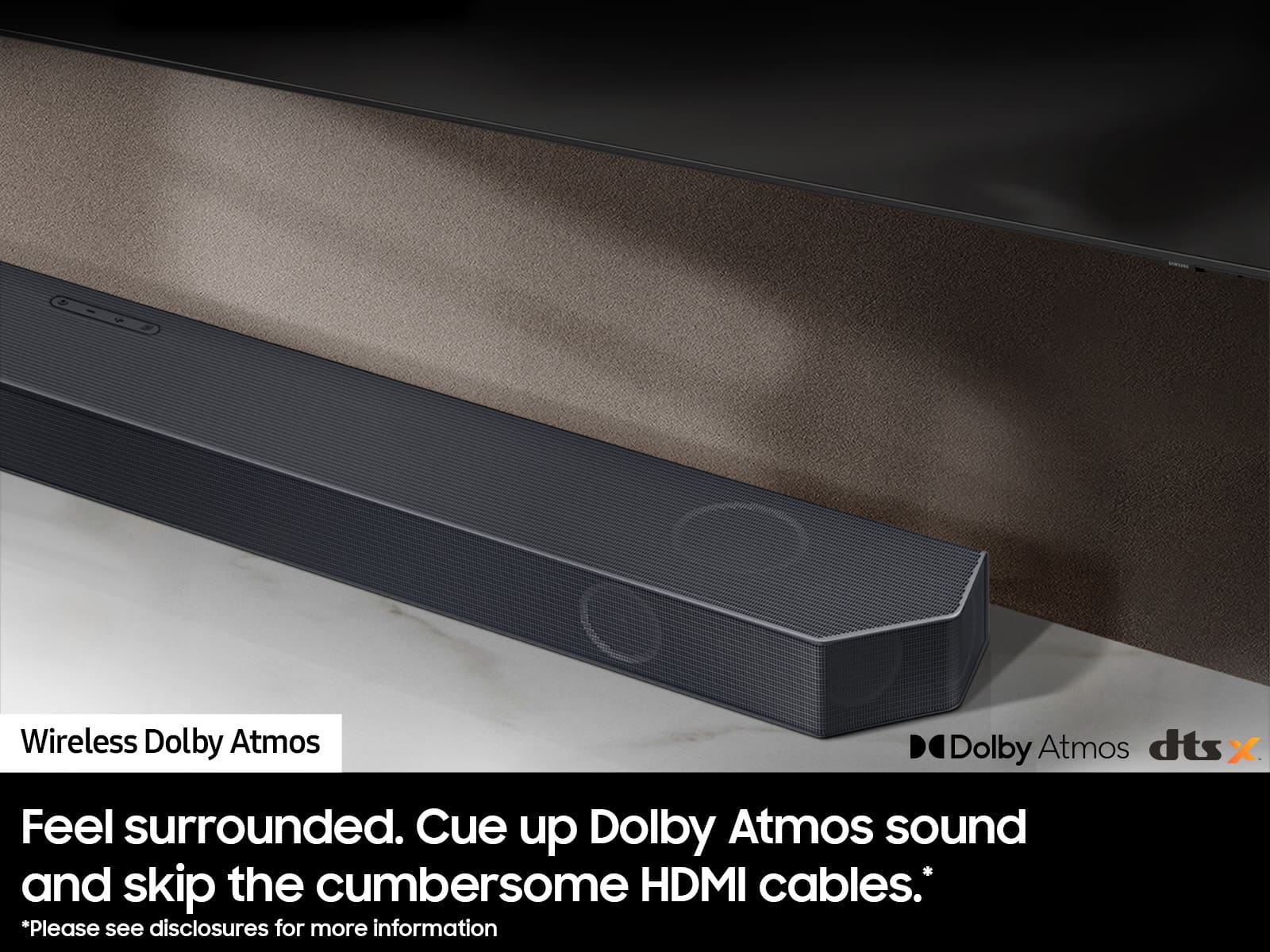
Wireless Dolby Atmos and Q-Symphony are two different features. Your Samsung Q9DA TV and the HW-Q990C Soundbar will be able to use Q-Symphony as a feature together.
Wireless Dolby Atmos is a feature that was introduced in 2022, the Q9DA was released in 2021 so it is not compatible with Wireless Dolby Atmos.
~Samsung Solutions