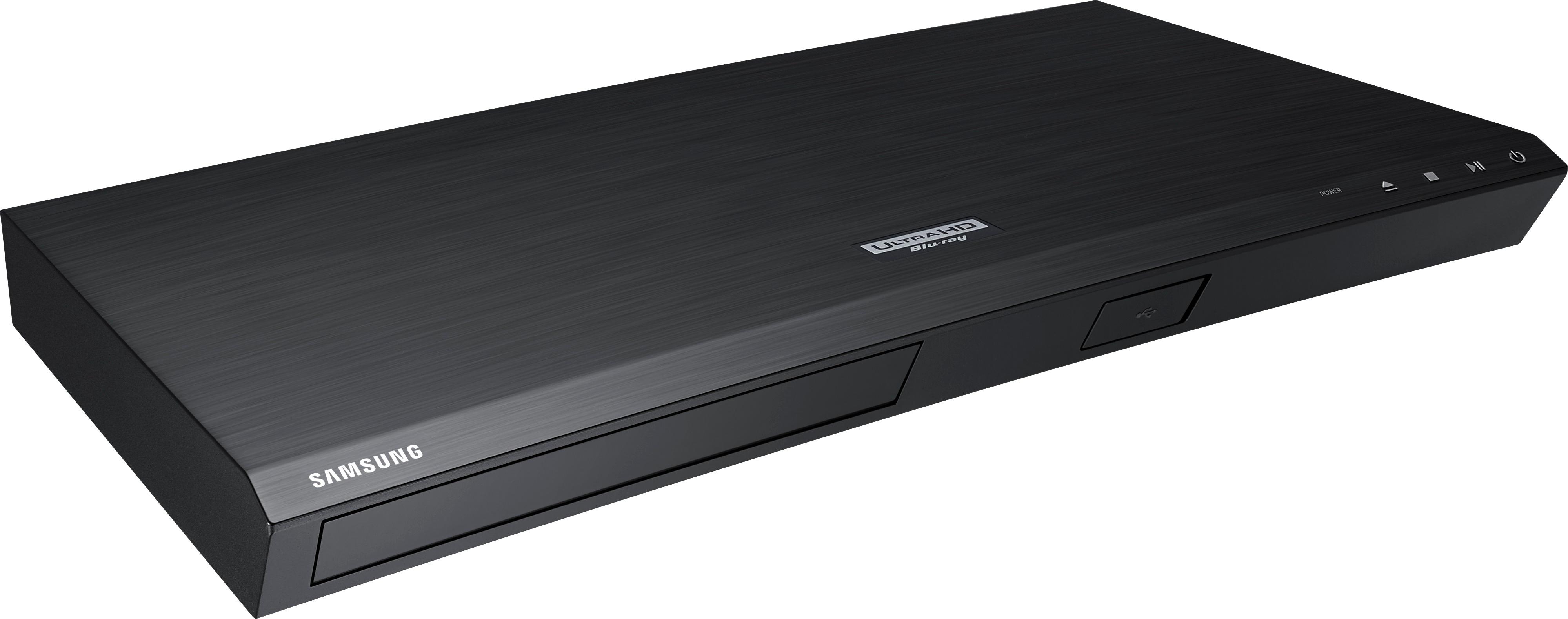
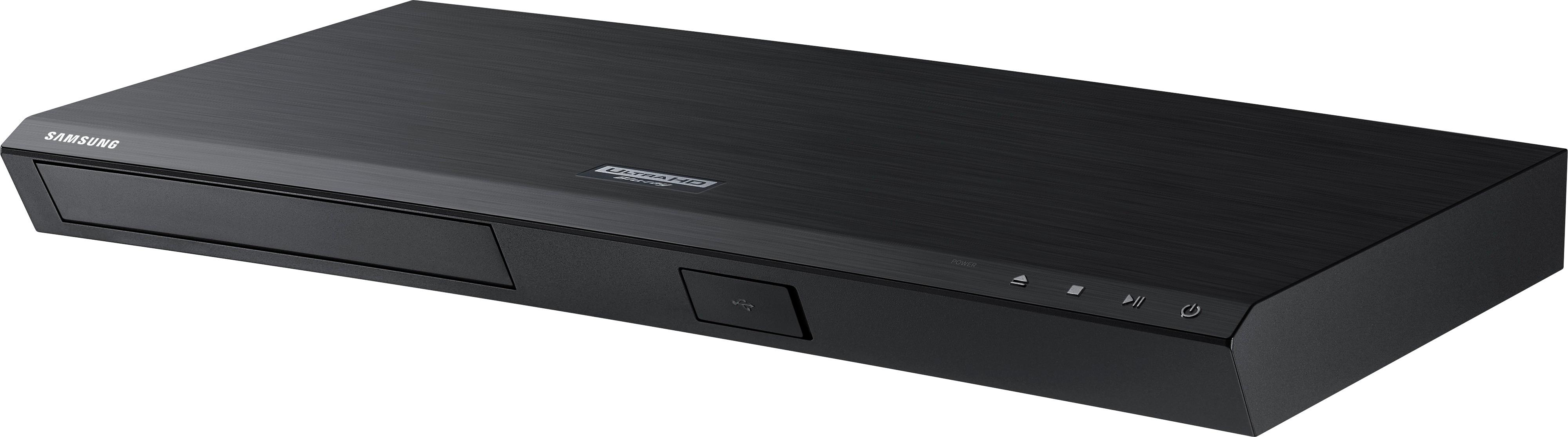
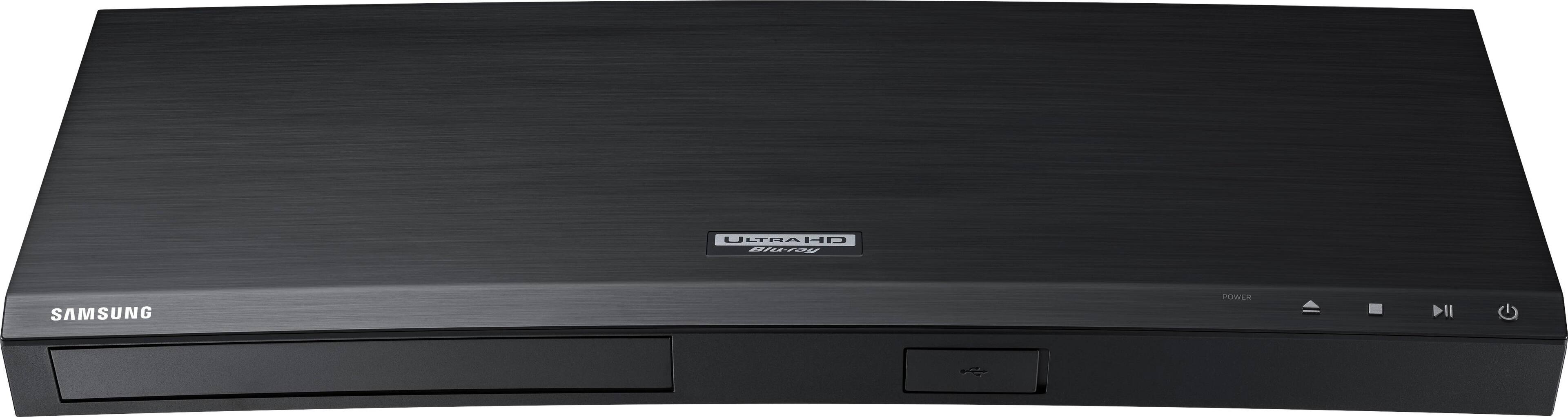
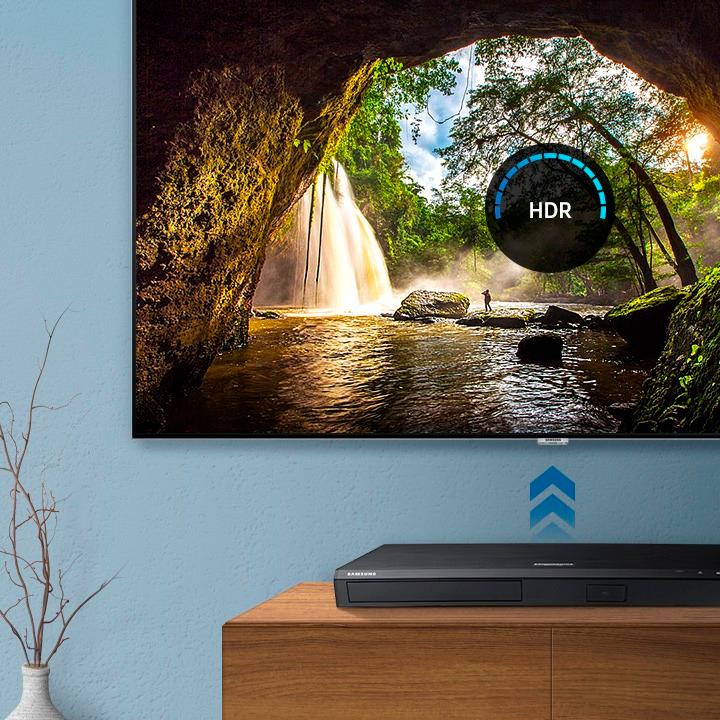
A:AnswerNo, Samsung has it's own HDR standard, HDR10 which tells the player how to display video, map colors and set brightness levels. This doesn't have Dolby Vision, but it should work with Dolby Atmos.
A:AnswerWhen a movie starts to play there is an info banner at the top of the screen. This will show 1080p for regular Blu-rays and 2160p for 4K. Hit the Tools button to see while playing.
A:AnswerThe local storage supported is for a USB memory device. It does not have to be present to use the player. I think what you are seeing is the minimum size for an external storage device. You can put movies, pictures, music etc on a storage device and play them back through the player. I think you can also do firmware updates that way which is good if you are in a location without WiFi access.