Black Friday is hereShop new DoorbustersShop now

Main Content

Questions & Answers

Page Showing 21-30 of 30 questions
  • QuestionHello, Can I use this flash drive to transfer photos from a iPhone to a windows PC?

    Asked by MrKB123.

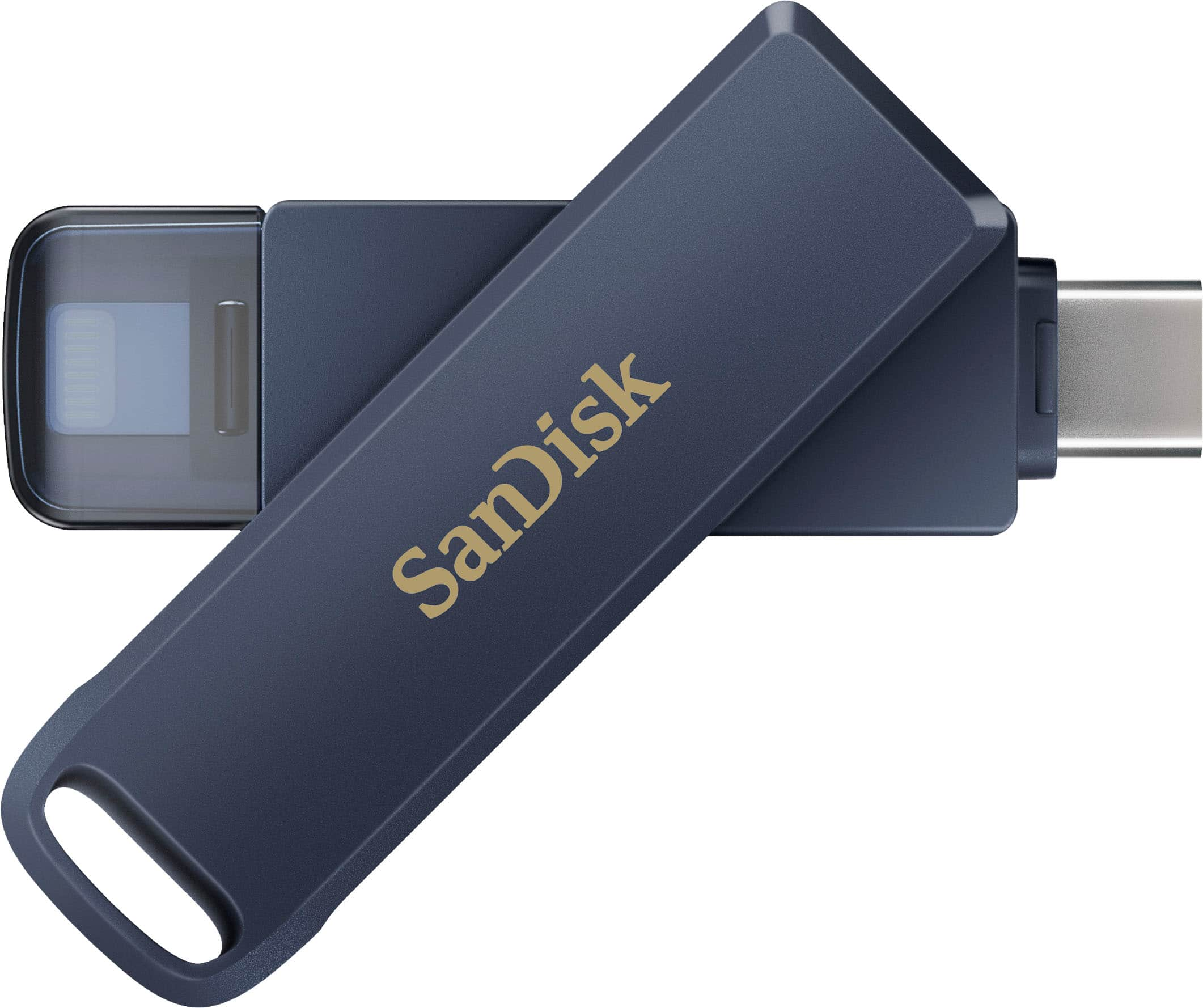
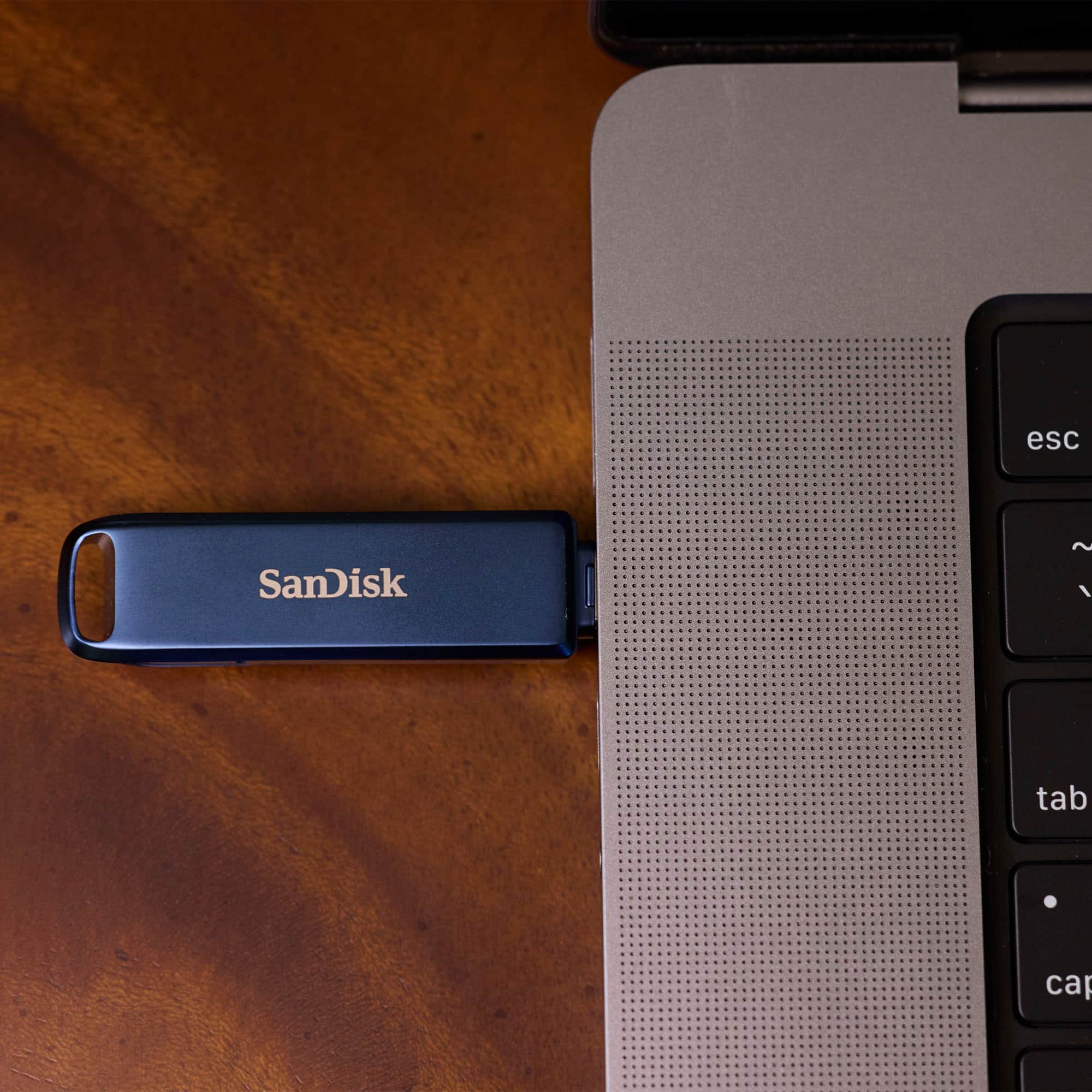
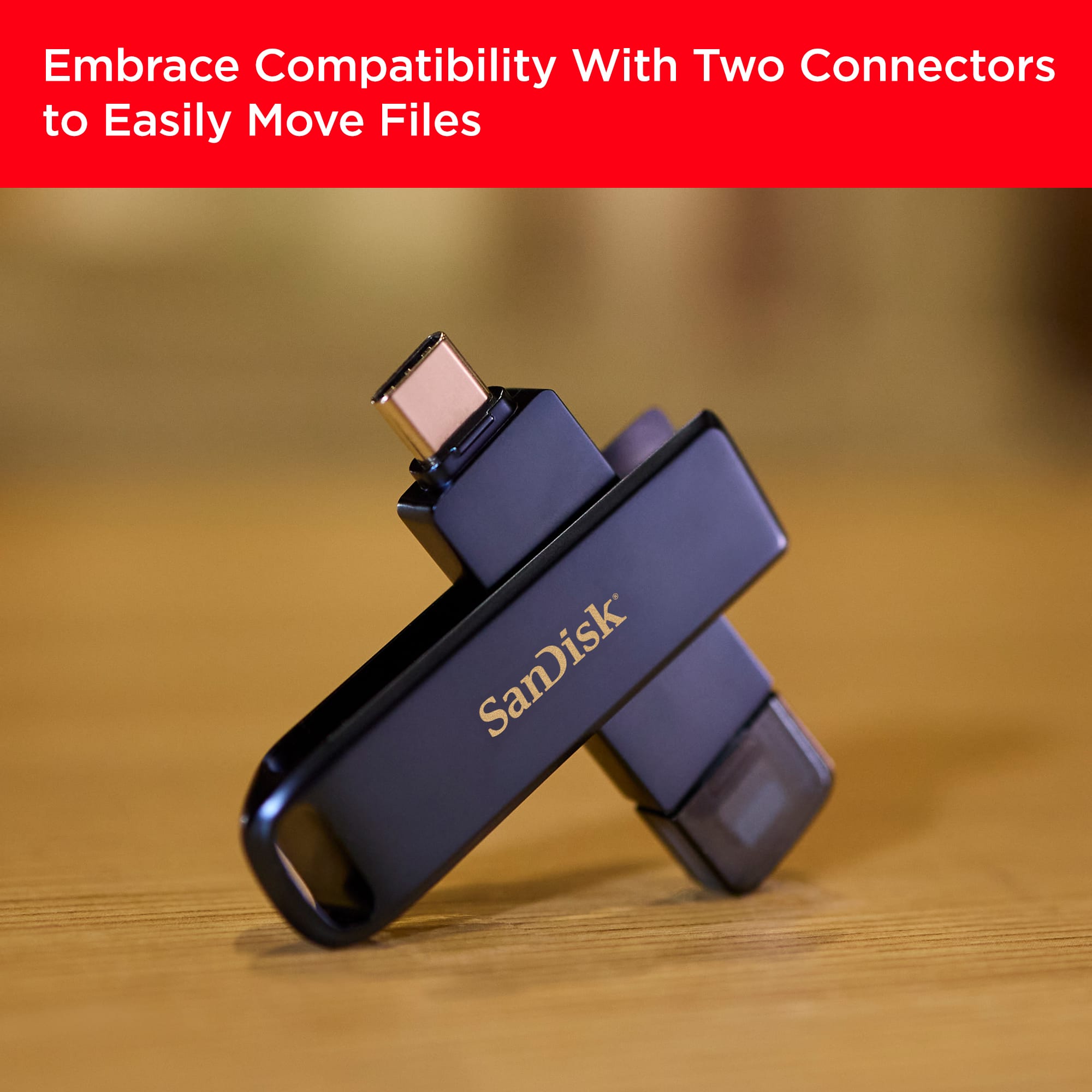
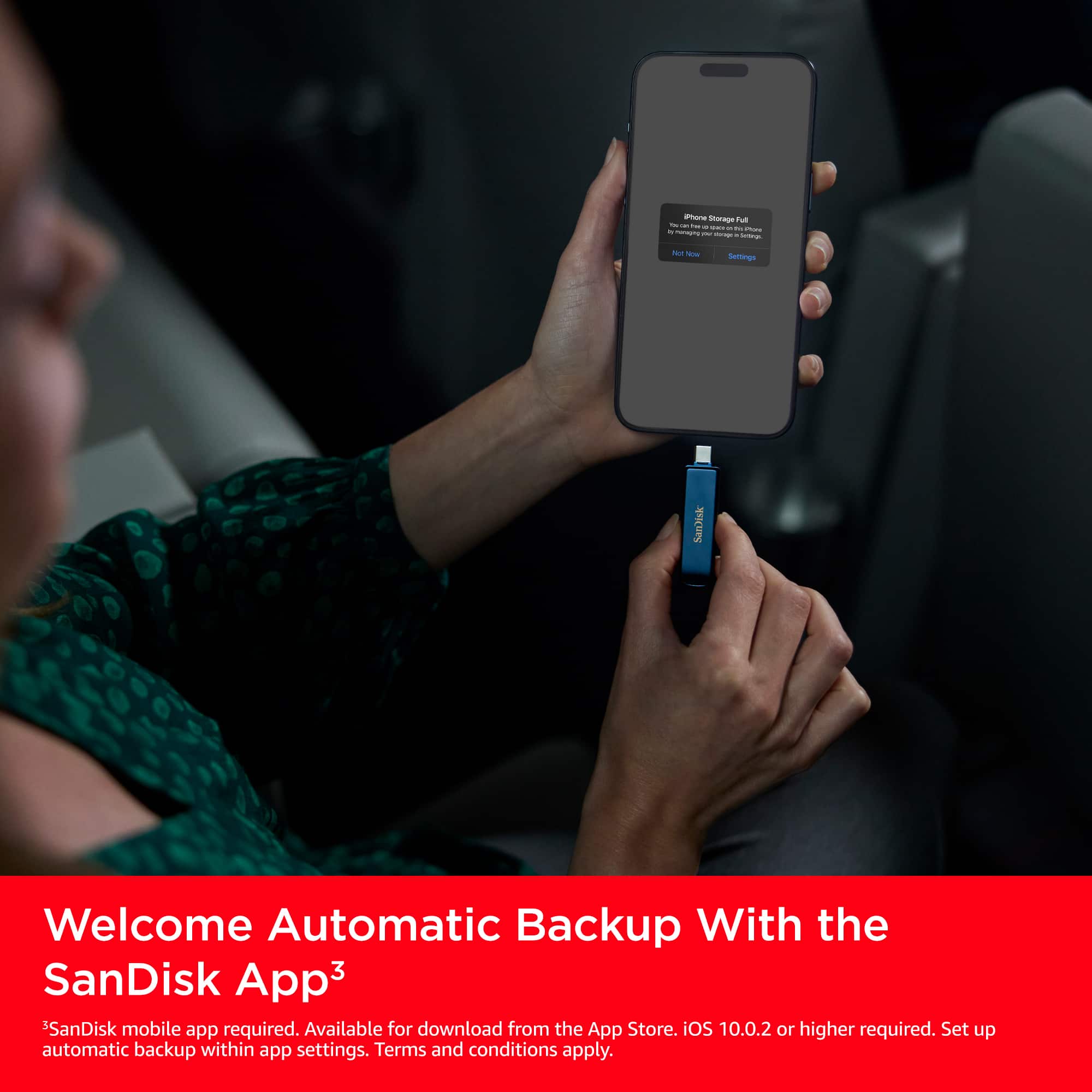
    • Answer Hi, the SanDisk USB flash drive with both Lightning and USB Type-C is designed for exactly this; transferring data between two platforms. You can use the Lightning connector to copy photos from your iPhone using Apple's Files App, and you can also use the SanDisk Memory Zone app for iOS, and then plug the USB Type-C end into your computer/laptop Type-C port to access those files. Just make sure your iPhone is running iOS 10+ and the drive is formatted exFAT for best cross-compatibility.

      Answered by SanDisk Team

  • QuestionI have an iPhone 16 pro with over 16,000 photos stored on iCloud which flash drive would you recommend?

    Asked by Mimi.

    • Answer Hi Mimi, since your iPhone 16 Pro uses a USB-C port and your photos are stored in iCloud, we recommend the SanDisk iXpand Flash Drive Luxe USB-C/Lightning only if you intend to use it with older Lightning-based devices as well. However, for your iPhone 16 Pro, the SanDisk Ultra Dual Drive Go USB-C or SanDisk Ultra Dual Drive Luxe USB-C would be ideal. Just make sure to download your iCloud photos to the device first, as flash drives can only back up files stored locally on your phone using Apple's Files App.

      Answered by SanDisk Team

  • QuestionDoes it transfer the date and time on photos

    Asked by Anonymous.

    • Answer Hi, please know that the SanDisk 256GB USB Flash Drive for iPhone (Lightning and USB Type-C) can transfer photos with their date and time metadata intact, as long as you're using the Apple Files app for transfer. This ensures that your photo details, like date taken, remain preserved during the move.

      Answered by SanDisk Team

  • QuestionCan it save Live Photos and 4k video at 120fps?

    Asked by Delon.

    • Answer Hi, the SanDisk USB Flash Drive for iPhone Lightning and USB Type-C can handle high-quality media like Live Photos and 4K videos. However, whether it can save 4K video at 120fps specifically may also depend on how your iPhone or host device handles file transfers and formatting. Since video capture and transfer behaviors can vary by device model and iOS version, we recommend checking with your device manufacturer’s support to confirm if your device supports exporting that specific video format to external drives.

      Answered by SanDisk Team

  • QuestionWill it connect to a a windows laptop??

    Asked by Nikki.

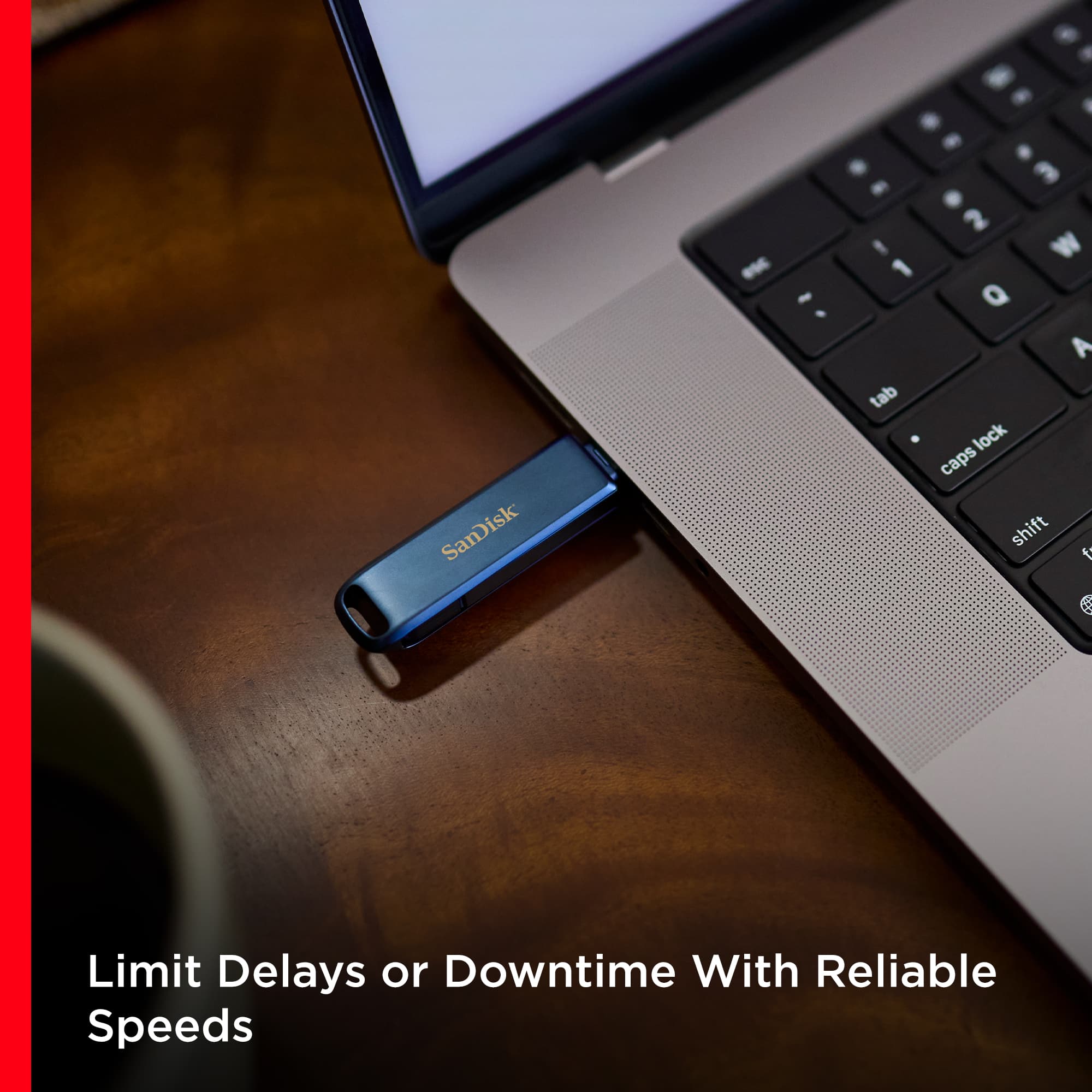
    • Answer Hi Nikki, thank you for contacting us. The SanDisk USB Flash Drive for iPhone Lightning and USB Type-C is compatible with Windows laptops that have a USB Type-C port. This dual-interface drive features both a Lightning connector for iPhones and a USB Type-C connector for modern devices, including Windows PCs. Once plugged into your laptop's USB-C port, it functions like any standard flash drive, allowing you to transfer files easily. If you face any issues, you can open a ticket at (https://support-en.sandisk.com/app/askweb)

      Answered by SanDisk Team

  • Questiondoes this work on iphone 16 pro max ?

    Asked by Anonymous.

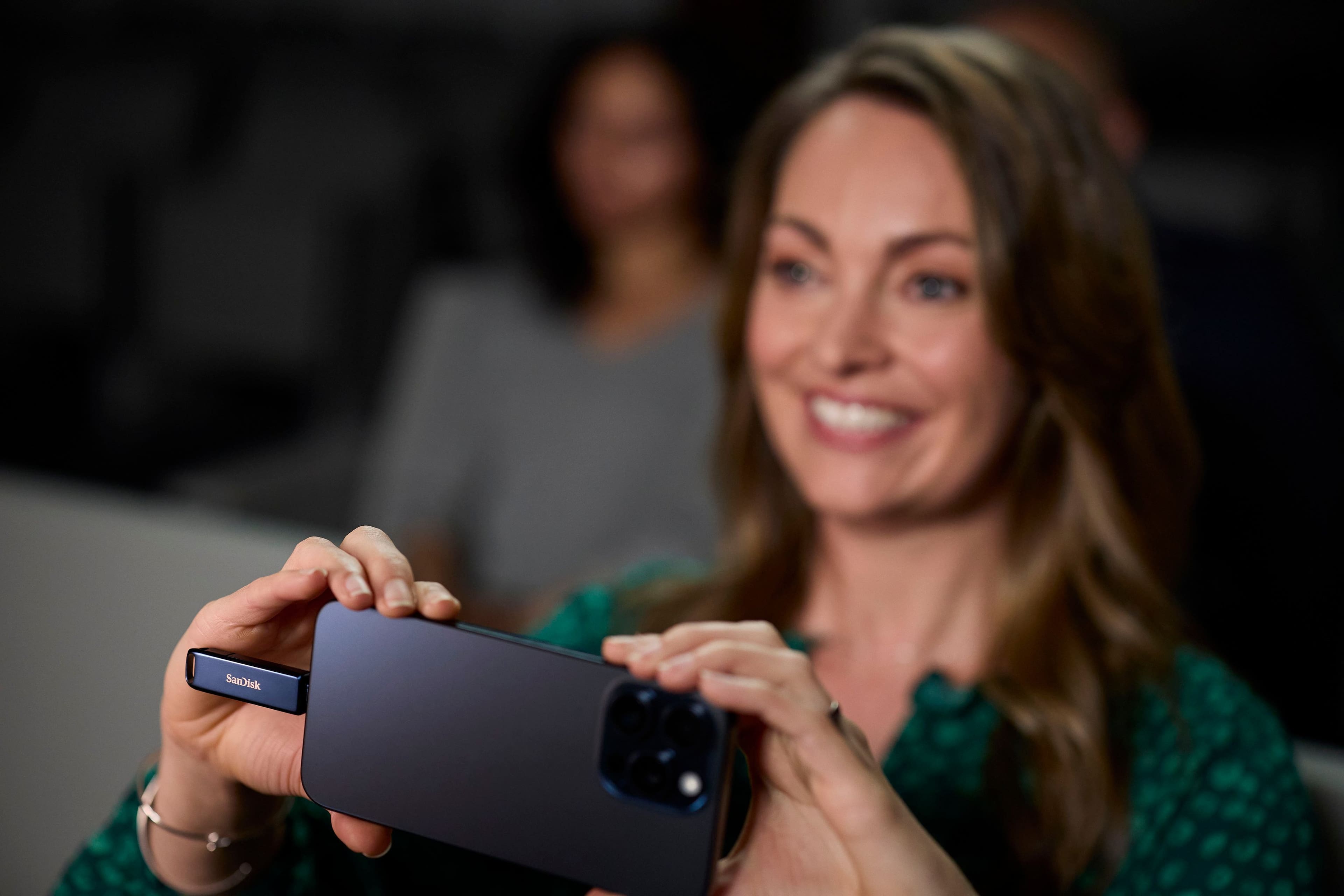
    • Answer ​Hi, The SanDisk USB Flash Drive features both Lightning and USB Type-C connectors and is compatible with the iPhone 16 Pro Max. The drive should be formatted in the exFAT file system to ensure optimal performance, as iOS supports this format for external storage devices. For detailed information on device compatibility and setup instructions, please refer to SanDisk's official support page: https://support-en.sandisk.com/app/answers/detailweb/a_id/51452.​ You need to use the Apple Files app for the drive on your iPhone 16 Pro max.

      Answered by SanDisk Team

  • QuestionIs this compatible with an iPhone 15?

    Asked by Margo.

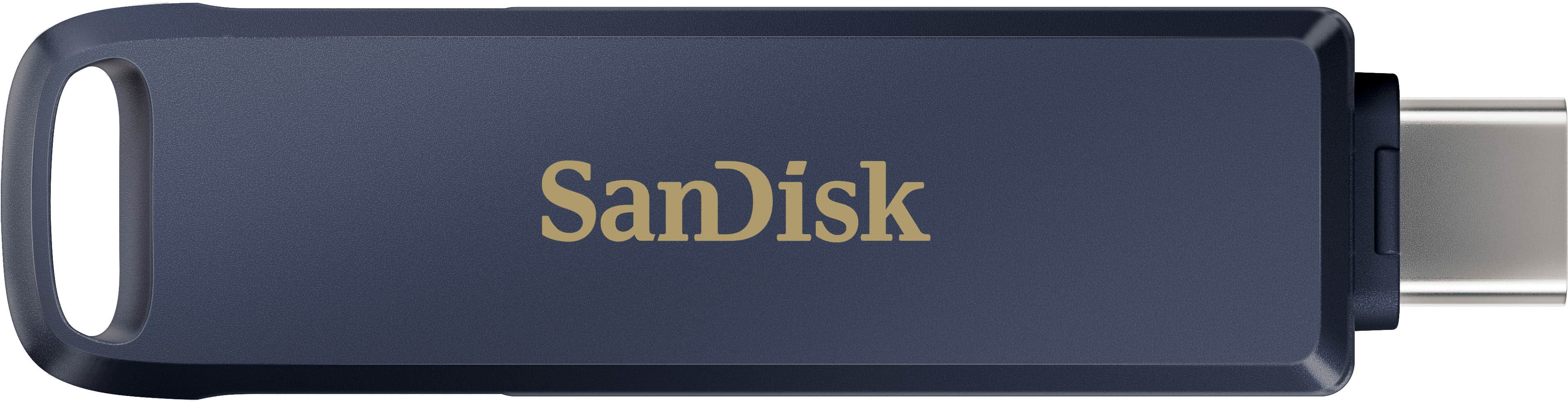
    • Answer Hi Margo, Thank you for reaching out to us. Please be informed that the SanDisk 256GB USB Flash Drive is compatible with the iPhone 15. Since the iPhone 15 does not have a Lightning port, make sure you're using the USB-C side of the drive as the drive comes with both the connectors.

      Answered by SanDisk Team

  • QuestionIs this Flash Drive Compatible with IPhone 12 Pro Max?

    Asked by Amit.

    • Answer Hi, Thank you for reaching out to us. Please know that the SanDisk - USB Flash Drive for iPhone Lightning and USB Type-C is compatible with the mentioned host device as long as the device is running iOS 10.0.2 or later. The drive connects via the Lightning port, allowing you to use it. If you face any issues, you may open a ticket at (https://support-en.sandisk.com/app/askweb)

      Answered by SanDisk Team

  • QuestionDoes it work with a Galaxy A32 5 g?

    Asked by Ladystar.

    • Answer Hi, thank you for contacting us. Please note that the SanDisk 256GB USB Flash Drive for iPhone Lightning and USB-C is designed specifically for use with iPhones and macOS, which feature both Lightning and USB-C connectors for versatile connectivity. The Lightning connector allows for seamless use with compatible iPhone and iPad models, while the USB-C connector enables quick transfers to supported USB-C devices, such as newer Macs and iPhones, allowing for easy backup and file sharing across Apple's entire ecosystem.

      Answered by SanDisk Team

  • QuestionCan I use this flash drive on an Android phone?

    Asked by Anonymous.

    • Answer Hi, please know that you can use the SanDisk USB Flash Drive for iPhone Lightning and USB Type-C on an Android phone as long as it has a USB Type-C port and supports USB OTG (On-The-Go). However, we recommend that you check out SanDisk Ultra Dual Drive Go USB Type-C™ at (https://shop.sandisk.com/products/usb-flash-drives/sandisk-ultra-dual-drive-go-usb-3-1-type-c?sku=SDDDC3-256G-G46). The SanDisk USB Flash Drive for iPhone Lightning and USB Type-C is specifically designed for iPhone older and newer models.

      Answered by SanDisk Team